Page 113 of 432
113
2-1. Driving procedures
2
When driving
■
Normal characteristics afte r turning off the engine
Approximately five hours after the engine is turned off, you may hear sound
coming from under the vehicle for several minutes. This is the sound of a
fuel evaporation leakage check and, it does not indicate a malfunction.
CAUTION
■ When starting the vehicle
Vehicles with an automatic transmission: Always keep your foot on the brake
pedal while stopped with the engine running. This prevents the vehicle from
creeping.
■ When driving the vehicle
●Do not drive if you are unfamiliar with the location of the brake and accel-
erator pedals to avoid depressing the wrong pedal.
• Accidentally depressing the accelerator pedal instead of the brake
pedal will result in sudden acceleration that may lead to an accident
that could result in death or serious injury.
• When backing up, you may twist your body around, leading to a diffi- culty in operating the pedals. Make sure to operate the pedals properly.
• Make sure to keep a correct driving posture even when moving the vehicle only slightly, allowing you to depress the brake and accelerator
pedals properly.
• Depress the brake pedal using your right foot. Depressing the brake pedal using your left foot may delay response in an emergency, result-
ing in an accident.
● Do not drive the vehicle over or st op the vehicle near flammable materials.
The exhaust system and exhaust gases can be extremely hot. This may
cause a fire if there is any flammable material nearby.
● Vehicles with an automatic transmission: Do not let the vehicle roll back-
wards while the shift lever is in a driving position, or roll forward while the
shift lever is in R.
Doing so may cause the engine to stall or lead to poor brake and steering
performance, resulting in an accident or damage to the vehicle.
Page 175 of 432

175
2-5. Driving information
2
When driving
Off-road driving
When driving your vehicle off-road, please observe the following pre-
cautions to ensure your driving enjoyment and to help prevent the
closure of areas to off-road vehicles.
● Drive your vehicle only in areas wh ere off-road vehicles are permit-
ted to travel.
● Respect private property. Get owner’s permission before entering
private property.
● Do not enter areas that are closed. Honor gates, barriers and signs
that restrict travel.
● Stay on established roads. When conditions are wet, driving tech-
niques should be changed or trav el delayed to prevent damage to
roads.
■ Additional information for off-road driving
For owners in U.S. mainland, Hawaii and Puerto Rico:
To obtain additional information pertaining to driving your vehicle off-road,
consult the following organizations.
● State and Local Parks and Recreation Departments
● State Motor Vehicle Bureau
● Recreational Vehicle Clubs
● U.S. Forest Service and Bureau of Land Management
Page 176 of 432
176 2-5. Driving information
CAUTION
■Off-road driving precautions
Always observe the following precautions to minimize the risk of serious per-
sonal injury or damage to your vehicle:
●Drive carefully when off the road. Do not take unnecessary risks by driving
in dangerous places.
● Do not grip the steering wheel spokes when driving off-road. A bad bump
could jerk the wheel and injure your hands. Keep both hands and espe-
cially your thumbs on the outside of the rim.
● Always check your brakes for effectiveness immediately after driving in
sand, mud, water or snow.
● After driving through tall grass, mud, rock, sand, rivers, etc., check that
there is no grass, bush, paper, rags, stone, sand, etc. adhering or trapped
on the underbody. Clear off any such matter from the underbody. If the
vehicle is used with these materials trapped or adhering to the underbody,
a breakdown or fire could occur.
● In a rollover crash, an unbelted person is significantly more likely to die
than a person wearing a seat belt. Therefore, the driver and all passengers
should fasten their seat belts whenever the vehicle is moving.
● When driving off-road or in rugged terrain, do not drive at excessive
speeds, jump, make sharp turns, strike objects, etc. This may cause loss
of control or vehicle rollover causing death or serious injury. You are also
risking expensive damage to your vehicle’s suspension and chassis.
Page 191 of 432
191
2-5. Driving information
2
When driving
Trailer towing tips
Your vehicle will handle differently when towing a trailer. The three
main causes of vehicle-trailer ac cidents are driver error, excessive
speed and improper trailer loading. Keep these in mind when towing.
● Before starting out, check the trailer’s light and the vehicle-trailer
connections. Recheck after driving a short distance.
● Practice turning, stopping and reve rsing with the trailer attached in
an area away from traffic until you become accustomed to the feel
of the vehicle.
● Reversing with a trailer attached is difficult and requires practice.
Grip the bottom of the steering wheel and move your hand to the
left to move the trailer to the left. Move your hand to the right to
move the trailer to the right. (Thi s is generally opposite to reversing
without a trailer attached.) Avoid sharp or prolonged turning. Have
someone guide you when reversing to reduce the risk of an acci-
dent.
● As stopping distance is increased when towing a trailer, vehicle-to-
vehicle distance should be increased. For each 10 mph (16 km/h)
of speed, allow at least o ne vehicle and trailer length.
● Avoid sudden braking as you may skid, resulting in jackknifing and
loss of control. This is especiall y true on wet or slippery surfaces.
● Avoid jerky starts or sudden acceleration. Vehicles with a manual
transmission, prevent excessive cl utch slippage by keeping engine
rpm low and not racing the engine. Always start out in first gear.
● Avoid jerky steering and sharp turns, and slow down before mak-
ing a turn.
Page 206 of 432
206 3-2. Using the audio system
■Welcome function (type B only)
When you turn the engine switch to the ACC or ON position, “FJ CRUISE\
R”
will appear scrolling on the display. A nd then “FJammer” will appear for 6
seconds.
While this function is operating, the display is illuminated with full intensity
and the instrument panel light control dial is disabled. However, you can turn
off the display illumination by pushing the .
■ Using cellular phones
Interference may be heard through the audio system's speakers if a cellular
phone is being used inside or close to the vehicle while the audio syste\
m is
operating.
TitlePage
Using the radioP. 208
Using the CD playerP. 214
Playing back MP3 and WMA discsP. 222
Optimal use of the audio systemP. 231
Operating the sub wooferP. 234
Changing display colorP. 235
Using the AUX adapterP. 236
Using the steering wheel audio switchesP. 238
Page 211 of 432

211
3-2. Using the audio system
3
Interior features
■
When the battery is disconnected
Stations presets are erased.
■ Reception sensitivity
●Cargo loaded on the roof luggage carrier, especially metal objects, may
adversely affect the reception of XM
® Satellite Radio.
● Maintaining perfect radio reception at all times is difficult due to the con-
tinually changing position of the antenna, differences in signal strength
and surrounding objects, such as trains, transmitters, etc.
● The radio antenna is mounted on the right-side front fender. The antenna
can be removed from the base by turning it.
■ XM
® Satellite Radio
An XM
® Satellite Radio is a tuner designed exclusively to receive broadcasts
provided under a separate subscription. Availability is limited to the 48 con-
tiguous U.S. states and 10 Canadian provinces.
● XM
® subscriptions
For detailed information about XM® Satellite Radio or to subscribe:
U.S.A.—
Visit on the web at www.xmradio.com
or call 1-800-967-2346.
Canada—
Visit on the web at www.xmradio.ca
or call 1-877-438-9677.
● Radio ID
You will need the radio ID when activating XM
® service or reporting a
problem. Select “CH000” using , and the receiver's 8-character ID
number will appear.
● Satellite tuner
The tuner supports only Audio Services (Music and Talk) and the accom-
panying Text Information of XM
® Satellite Radio.
Page 277 of 432
277
4-1. Maintenance and care
4
Maintenance and care
■
Seat belts
Clean with mild soap and lukewarm water using a cloth or sponge. Also
check the belts periodically for excessive wear, fraying or cuts.
CAUTION
■Water in the vehicle
●Do not splash or spill liquid in the vehicle.
Doing so may cause the electrical components etc. to malfunction or catch
fire.
● Do not get any of the SRS components or wiring in the vehicle interior wet.
( P. 7 7 )
Electrical malfunction may cause the airbags to deploy or not function
properly, resulting in death or serious injury.
NOTICE
■ Cleaning detergents
Do not use organic substances such as benzene or gasoline, acidic or alka-
line solutions, dye, bleach or other detergent. Doing so may discolor the
vehicle interior or cause streaks or damage to painted surfaces.
■ Preventing damage to leather surfaces
Observe the following precautions to avoid damage to and deterioration o\
f
leather surfaces.
●Remove any dust or dirt on leather surfaces immediately.
● Do not expose the vehicle to direct sunlight for extended periods of time.
Park the vehicle in the shade, especially during summer.
● Do not place items made of vinyl, plastic, or that contain wax on the uphol-
stery, as they may stick to the leather surface if the vehicle interior heats
up significantly.
Page 279 of 432
279
4
Maintenance and care
4-2. Maintenance
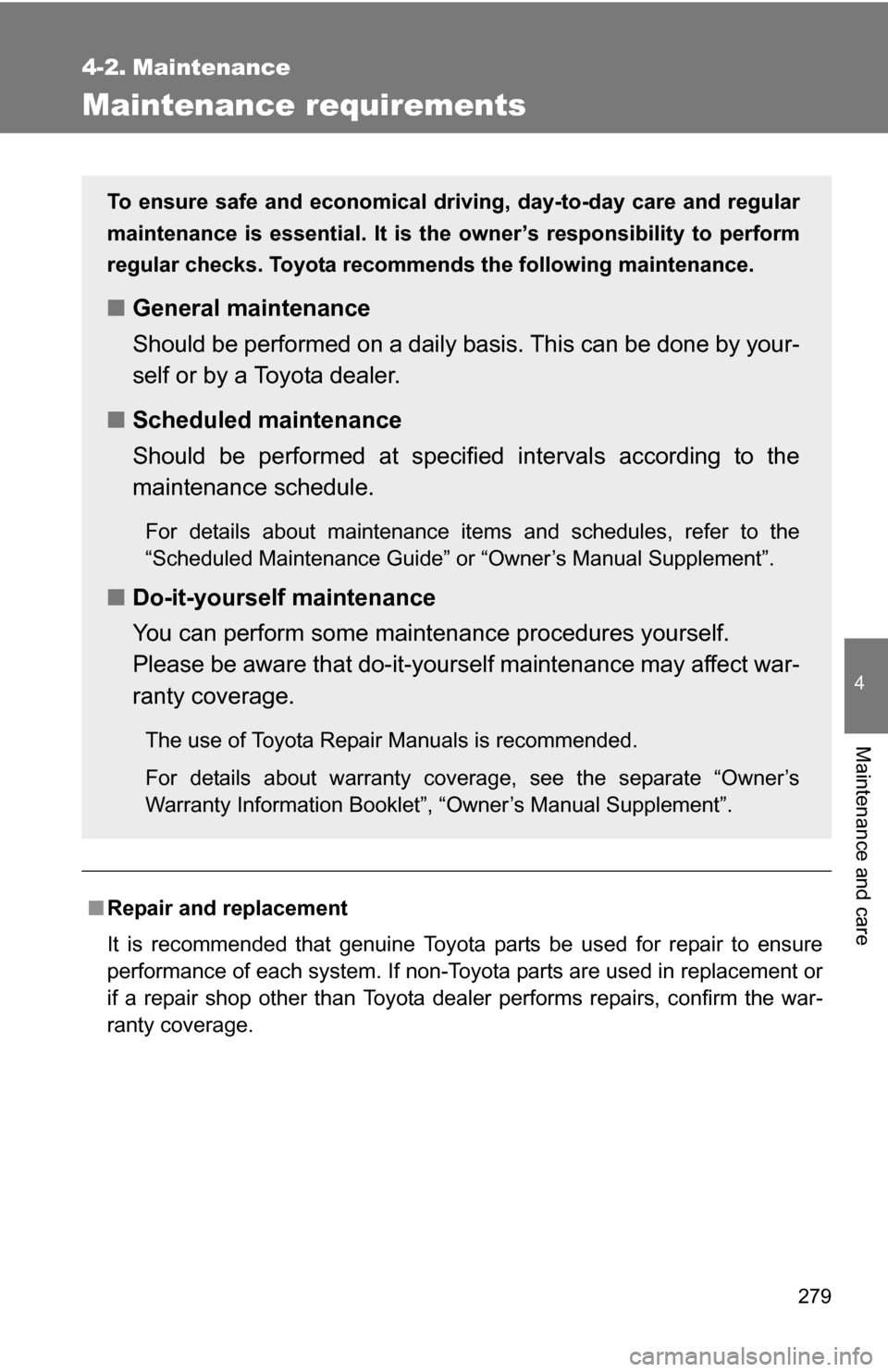
Maintenance requirements
■Repair and replacement
It is recommended that genuine Toyota parts be used for repair to ensure
performance of each system. If non-Toyota parts are used in replacement or
if a repair shop other than Toyota deal er performs repairs, confirm the war-
ranty coverage.
To ensure safe and economical driv ing, day-to-day care and regular
maintenance is essential. It is the owner’s responsibility to perform
regular checks. Toyota recommen ds the following maintenance.
■General maintenance
Should be performed on a daily basis. This can be done by your-
self or by a Toyota dealer.
■ Scheduled maintenance
Should be performed at specified intervals according to the
maintenance schedule.
For details about maintenance items and schedules, refer to the
“Scheduled Maintenance Guide” or “Owner’s Manual Supplement”.
■Do-it-yourself maintenance
You can perform some maintenance procedures yourself.
Please be aware that do-it-yourself maintenance may affect war-
ranty coverage.
The use of Toyota Repair Manuals is recommended.
For details about warranty coverage, see the separate “Owner’s
Warranty Information Booklet”, “Owner’s Manual Supplement”.

When you turn the engine switch to the ACC or ON position, “FJ CRUISE\
R”
will appear scrolling on the display. A nd then “FJamm")