Page 42 of 280
Replacing exterior bulbs
Check the operation of all the bulbs frequently.
Replacing headlamp bulbs
To remove the headlamp bulb:
1. Make sure the headlamp switch is in the off position, then open the
hood.
2. Remove the five retainers and radiator cover.
3. Remove the three bolts for each headlamp.
4. Press the clip next to the vertical aim adjuster, pull the headlamp
assembly forward and disconnect the electrical connector.
5. Remove the five screws and the protective bulb cover from the
headlamp assembly.
Low beam
•Disconnect electrical connector
and remove retainer and
headlamp bulb from headlamp
assembly.
High beam
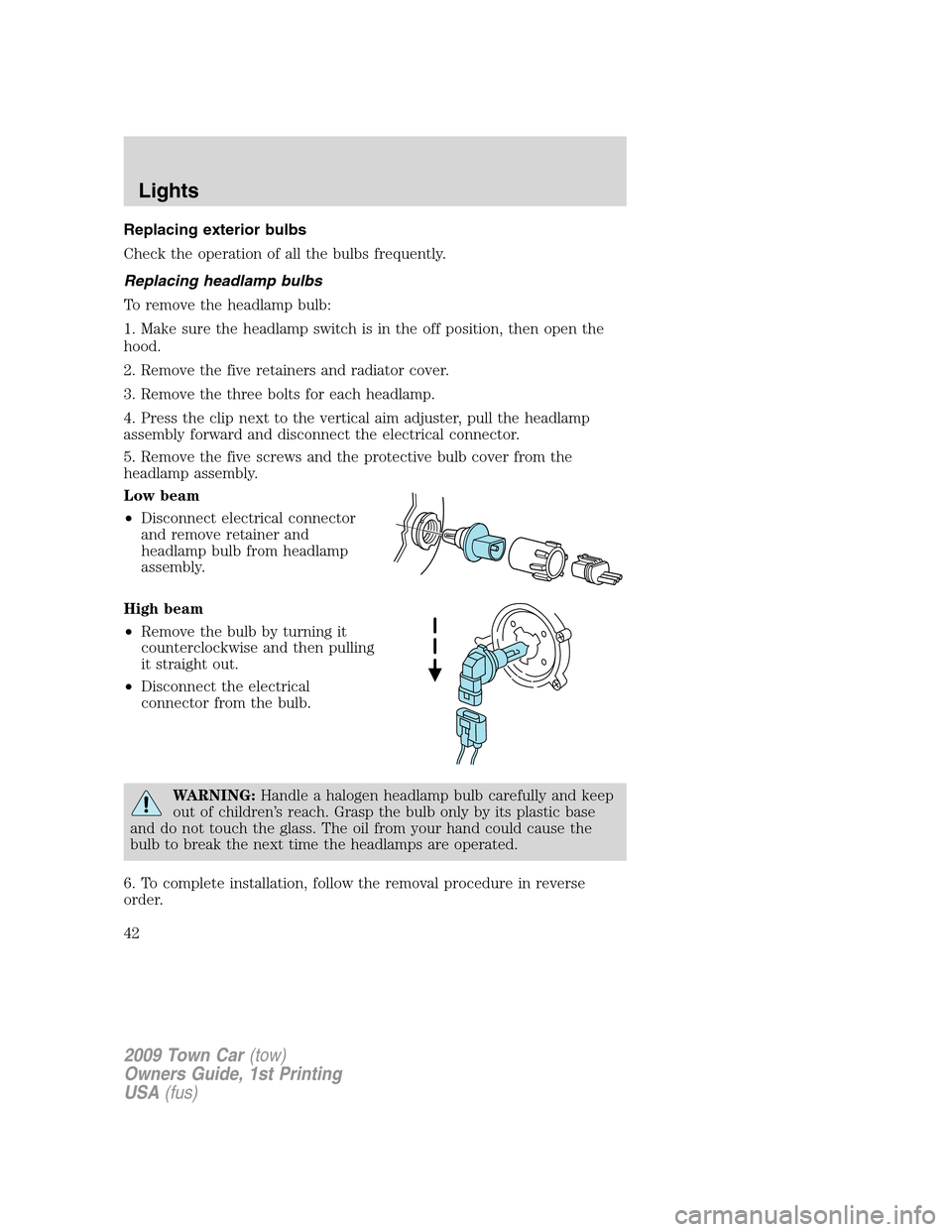
•Remove the bulb by turning it
counterclockwise and then pulling
it straight out.
•Disconnect the electrical
connector from the bulb.
WARNING:Handle a halogen headlamp bulb carefully and keep
out of children’s reach. Grasp the bulb only by its plastic base
and do not touch the glass. The oil from your hand could cause the
bulb to break the next time the headlamps are operated.
6. To complete installation, follow the removal procedure in reverse
order.
2009 Town Car(tow)
Owners Guide, 1st Printing
USA(fus)
Lights
42
Page 43 of 280
Note:To ensure a good seal, attach the bulb cover and partially tighten
the screws. Check to ensure the gasket is fully centered. Finish
tightening the screws in a criss-cross pattern (upper-left, lower right
etc.)
Replacing HID low beam headlamp bulbs (if equipped)
The low beam headlamps on your vehicle use a “high intensity discharge”
source. These lamps operate at a high voltage. When the bulb is burned
out, the bulb and starter capsule assembly must be replaced by your
authorized dealer.
Replacing front parking lamp/turn signal/sidemarker bulbs
The front parking lamp/turn signal/sidemarker bulbs are located in the
headlamp assembly. Follow the same steps to replace either bulb.
1. Make sure the headlamp switch is in the off position, then open the
hood.
2. Remove five retainers and radiator cover.
3. Remove three bolts, pull headlamp assembly forward and disconnect
the electrical connector.
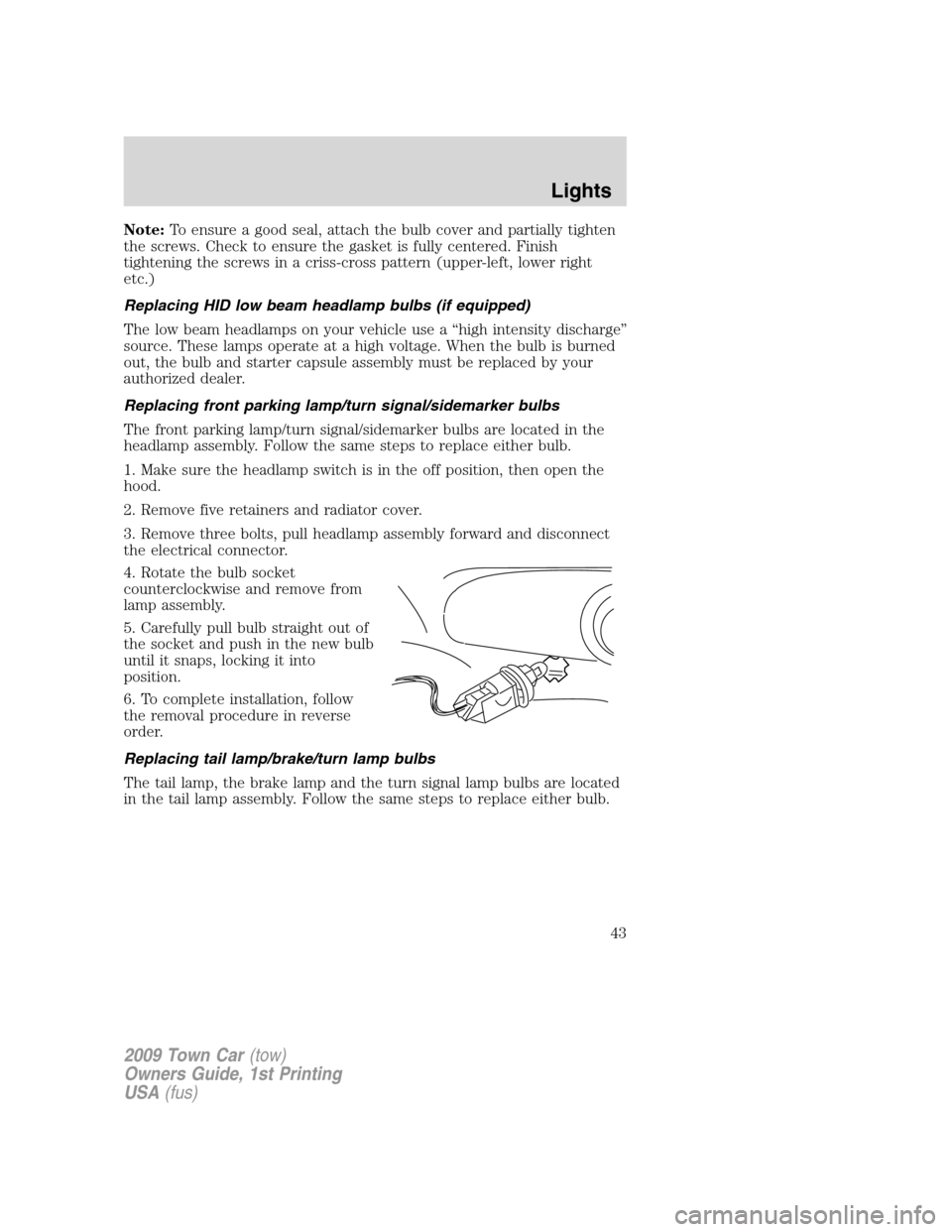
4. Rotate the bulb socket
counterclockwise and remove from
lamp assembly.
5. Carefully pull bulb straight out of
the socket and push in the new bulb
until it snaps, locking it into
position.
6. To complete installation, follow
the removal procedure in reverse
order.
Replacing tail lamp/brake/turn lamp bulbs
The tail lamp, the brake lamp and the turn signal lamp bulbs are located
in the tail lamp assembly. Follow the same steps to replace either bulb.
2009 Town Car(tow)
Owners Guide, 1st Printing
USA(fus)
Lights
43
Page 44 of 280
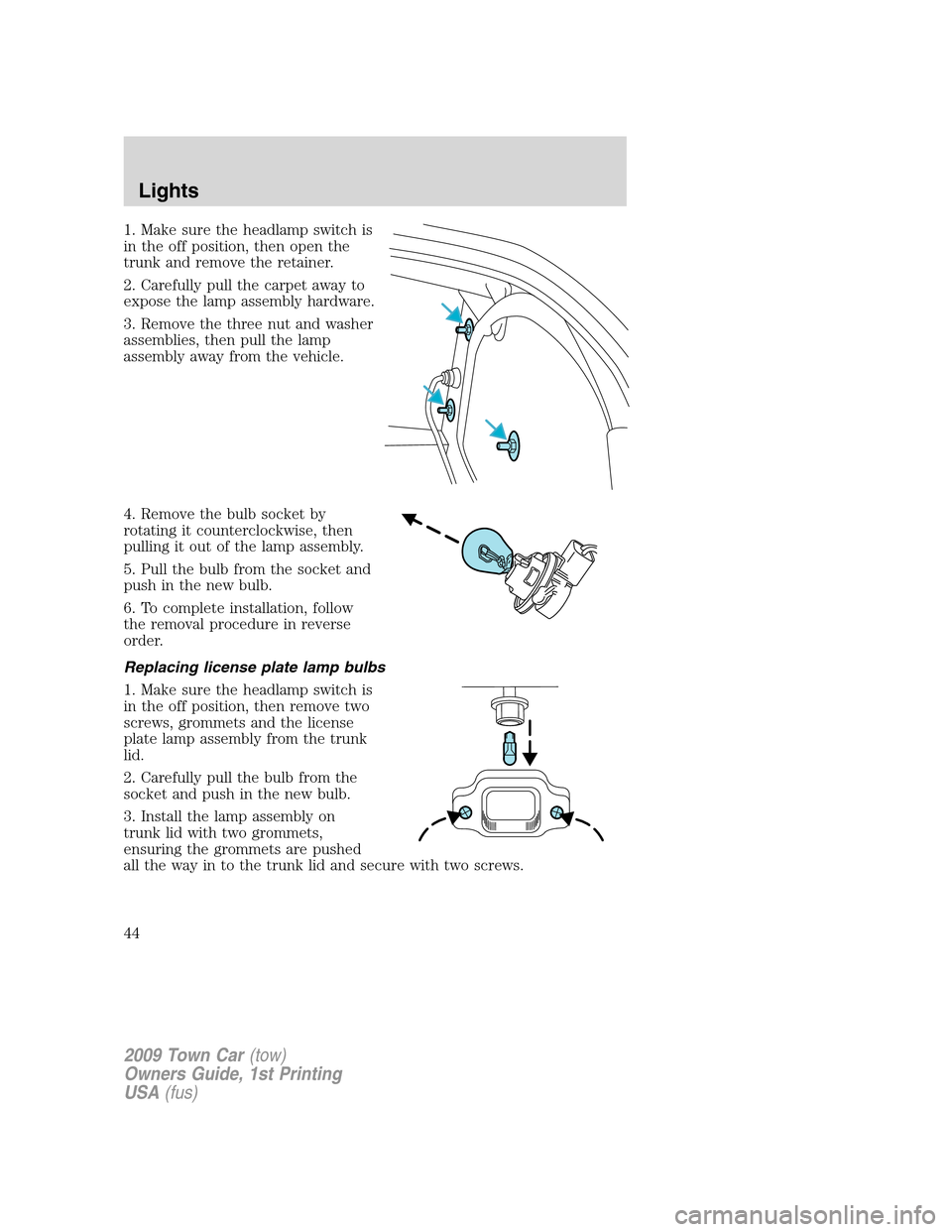
1. Make sure the headlamp switch is
in the off position, then open the
trunk and remove the retainer.
2. Carefully pull the carpet away to
expose the lamp assembly hardware.
3. Remove the three nut and washer
assemblies, then pull the lamp
assembly away from the vehicle.
4. Remove the bulb socket by
rotating it counterclockwise, then
pulling it out of the lamp assembly.
5. Pull the bulb from the socket and
push in the new bulb.
6. To complete installation, follow
the removal procedure in reverse
order.
Replacing license plate lamp bulbs
1. Make sure the headlamp switch is
in the off position, then remove two
screws, grommets and the license
plate lamp assembly from the trunk
lid.
2. Carefully pull the bulb from the
socket and push in the new bulb.
3. Install the lamp assembly on
trunk lid with two grommets,
ensuring the grommets are pushed
all the way in to the trunk lid and secure with two screws.
2009 Town Car(tow)
Owners Guide, 1st Printing
USA(fus)
Lights
44
Page 45 of 280
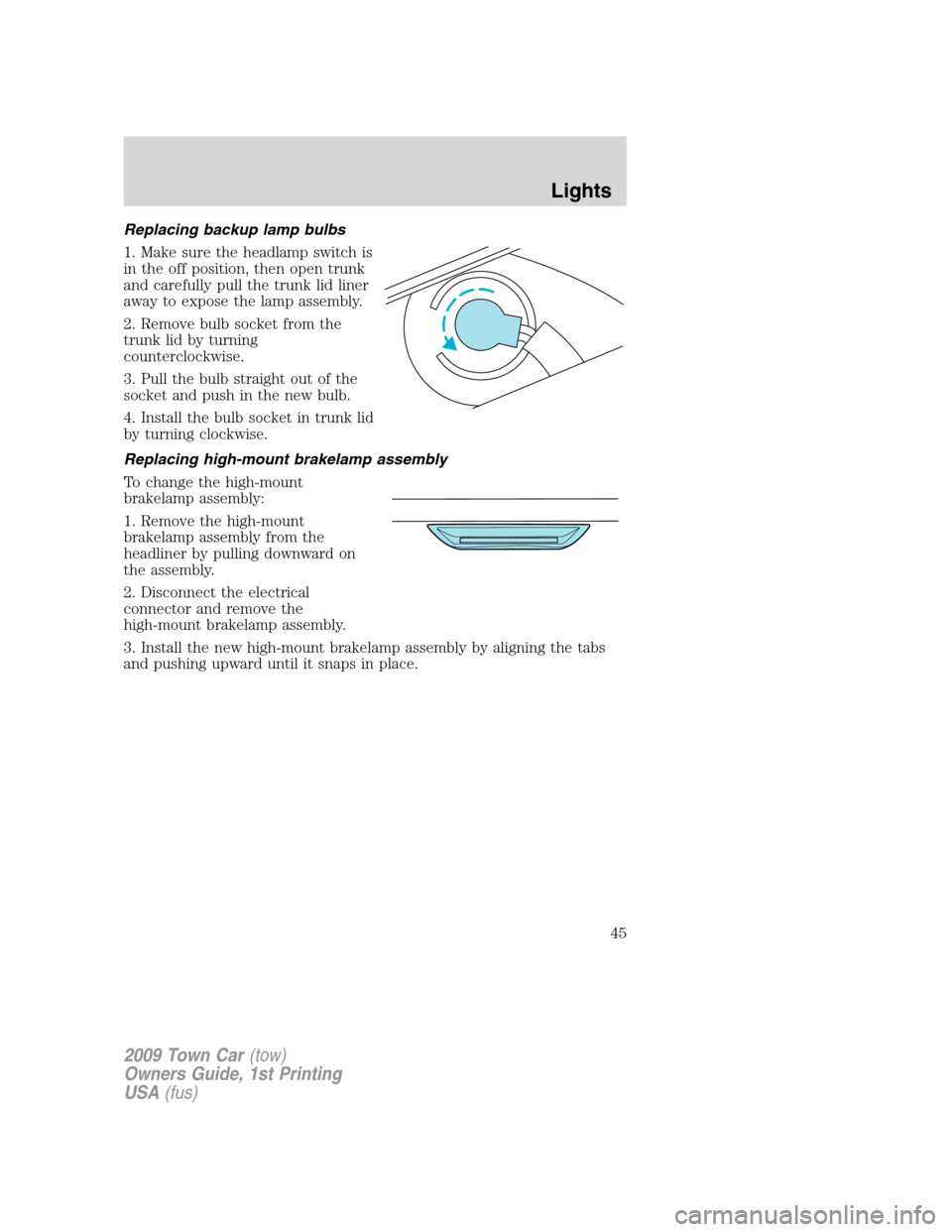
Replacing backup lamp bulbs
1. Make sure the headlamp switch is
in the off position, then open trunk
and carefully pull the trunk lid liner
away to expose the lamp assembly.
2. Remove bulb socket from the
trunk lid by turning
counterclockwise.
3. Pull the bulb straight out of the
socket and push in the new bulb.
4. Install the bulb socket in trunk lid
by turning clockwise.
Replacing high-mount brakelamp assembly
To change the high-mount
brakelamp assembly:
1. Remove the high-mount
brakelamp assembly from the
headliner by pulling downward on
the assembly.
2. Disconnect the electrical
connector and remove the
high-mount brakelamp assembly.
3. Install the new high-mount brakelamp assembly by aligning the tabs
and pushing upward until it snaps in place.
2009 Town Car(tow)
Owners Guide, 1st Printing
USA(fus)
Lights
45
Page 47 of 280
TILT STEERING WHEEL
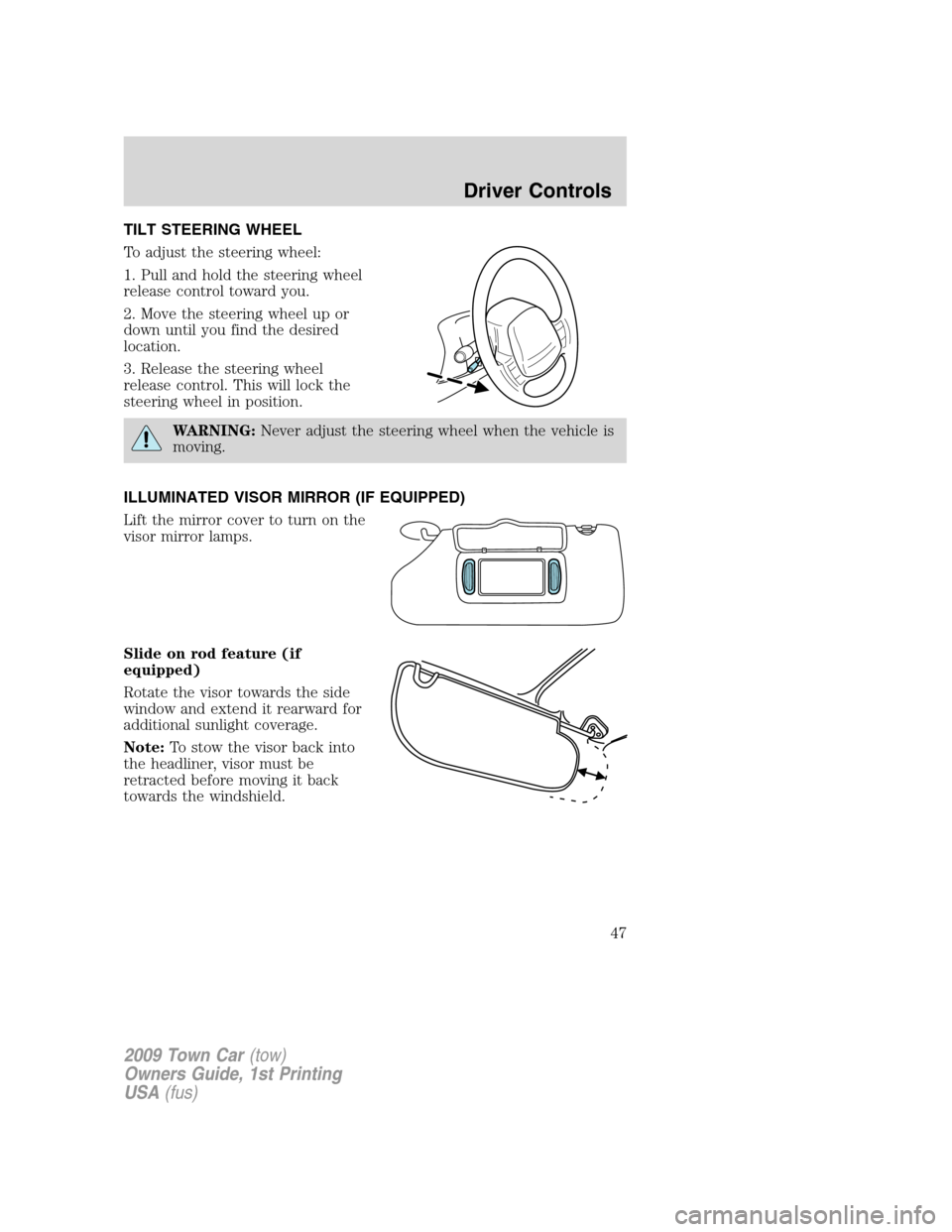
To adjust the steering wheel:
1. Pull and hold the steering wheel
release control toward you.
2. Move the steering wheel up or
down until you find the desired
location.
3. Release the steering wheel
release control. This will lock the
steering wheel in position.
WARNING:Never adjust the steering wheel when the vehicle is
moving.
ILLUMINATED VISOR MIRROR (IF EQUIPPED)
Lift the mirror cover to turn on the
visor mirror lamps.
Slide on rod feature (if
equipped)
Rotate the visor towards the side
window and extend it rearward for
additional sunlight coverage.
Note:To stow the visor back into
the headliner, visor must be
retracted before moving it back
towards the windshield.
2009 Town Car(tow)
Owners Guide, 1st Printing
USA(fus)
Driver Controls
47
Page 48 of 280
CLOCK
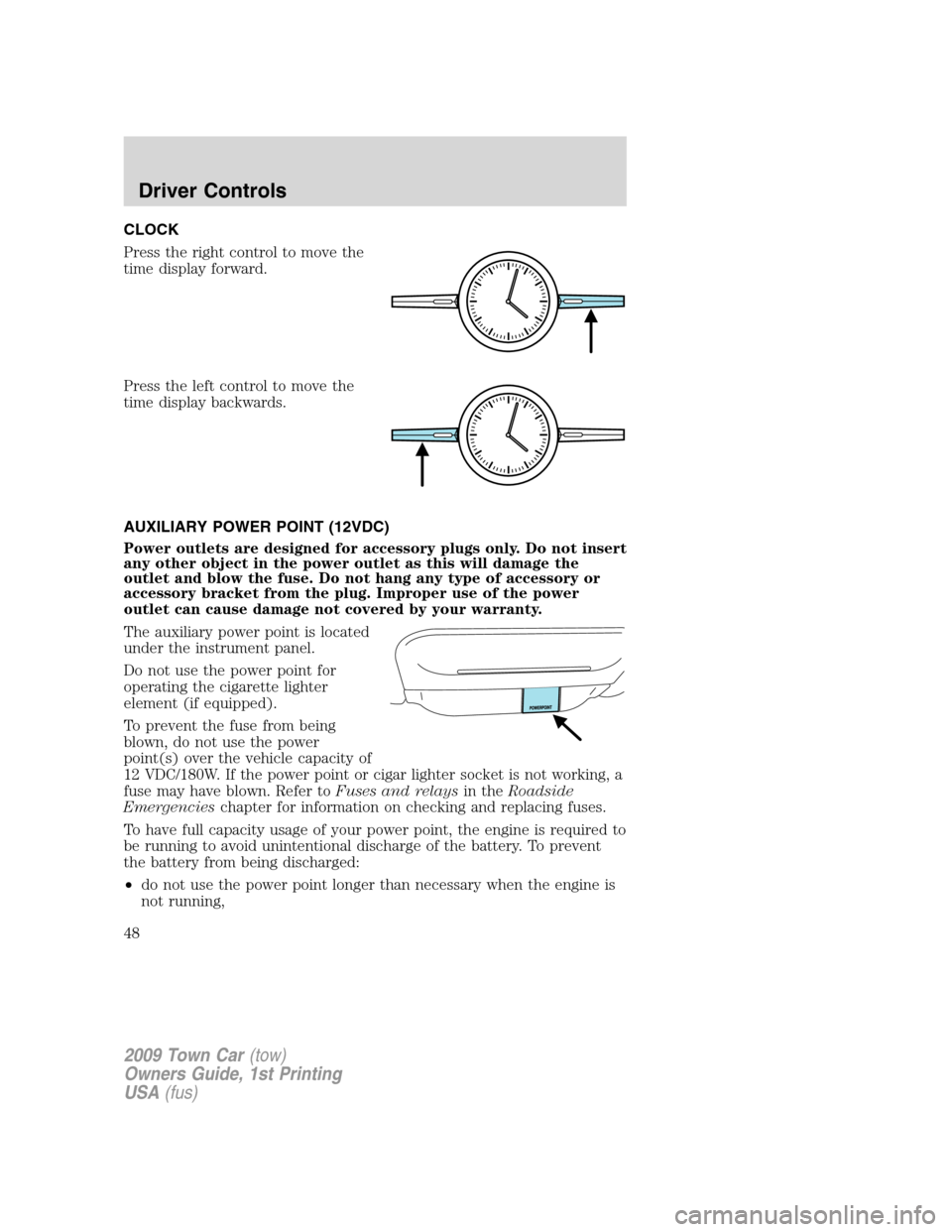
Press the right control to move the
time display forward.
Press the left control to move the
time display backwards.
AUXILIARY POWER POINT (12VDC)
Power outlets are designed for accessory plugs only. Do not insert
any other object in the power outlet as this will damage the
outlet and blow the fuse. Do not hang any type of accessory or
accessory bracket from the plug. Improper use of the power
outlet can cause damage not covered by your warranty.
The auxiliary power point is located
under the instrument panel.
Do not use the power point for
operating the cigarette lighter
element (if equipped).
To prevent the fuse from being
blown, do not use the power
point(s) over the vehicle capacity of
12 VDC/180W. If the power point or cigar lighter socket is not working, a
fuse may have blown. Refer toFuses and relaysin theRoadside
Emergencieschapter for information on checking and replacing fuses.
To have full capacity usage of your power point, the engine is required to
be running to avoid unintentional discharge of the battery. To prevent
the battery from being discharged:
•do not use the power point longer than necessary when the engine is
not running,
2009 Town Car(tow)
Owners Guide, 1st Printing
USA(fus)
Driver Controls
48
Page 50 of 280
Remote seat adjustment lockout
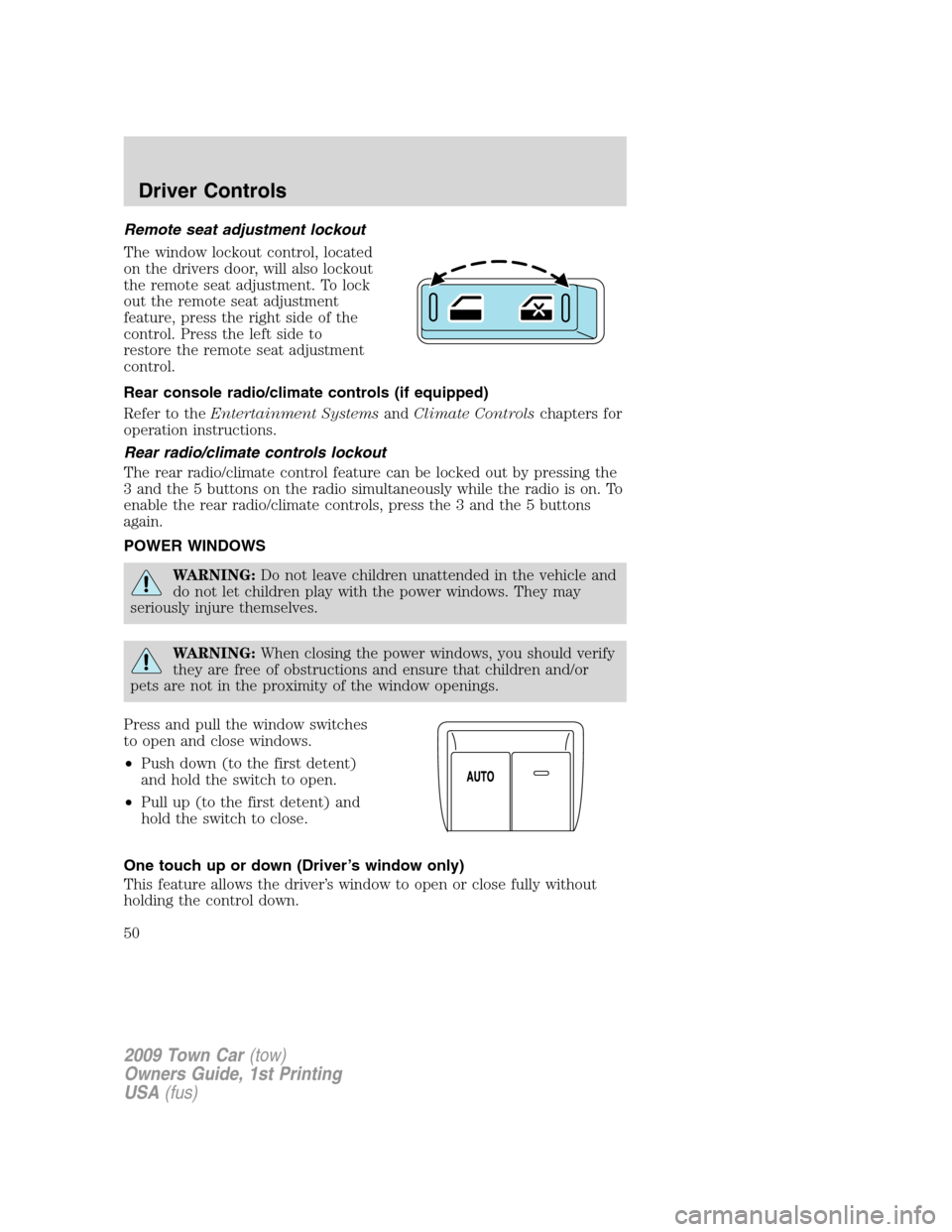
The window lockout control, located
on the drivers door, will also lockout
the remote seat adjustment. To lock
out the remote seat adjustment
feature, press the right side of the
control. Press the left side to
restore the remote seat adjustment
control.
Rear console radio/climate controls (if equipped)
Refer to theEntertainment SystemsandClimate Controlschapters for
operation instructions.
Rear radio/climate controls lockout
The rear radio/climate control feature can be locked out by pressing the
3 and the 5 buttons on the radio simultaneously while the radio is on. To
enable the rear radio/climate controls, press the 3 and the 5 buttons
again.
POWER WINDOWS
WARNING:Do not leave children unattended in the vehicle and
do not let children play with the power windows. They may
seriously injure themselves.
WARNING:When closing the power windows, you should verify
they are free of obstructions and ensure that children and/or
pets are not in the proximity of the window openings.
Press and pull the window switches
to open and close windows.
•Push down (to the first detent)
and hold the switch to open.
•Pull up (to the first detent) and
hold the switch to close.
One touch up or down (Driver’s window only)
This feature allows the driver’s window to open or close fully without
holding the control down.
2009 Town Car(tow)
Owners Guide, 1st Printing
USA(fus)
Driver Controls
50
Page 51 of 280
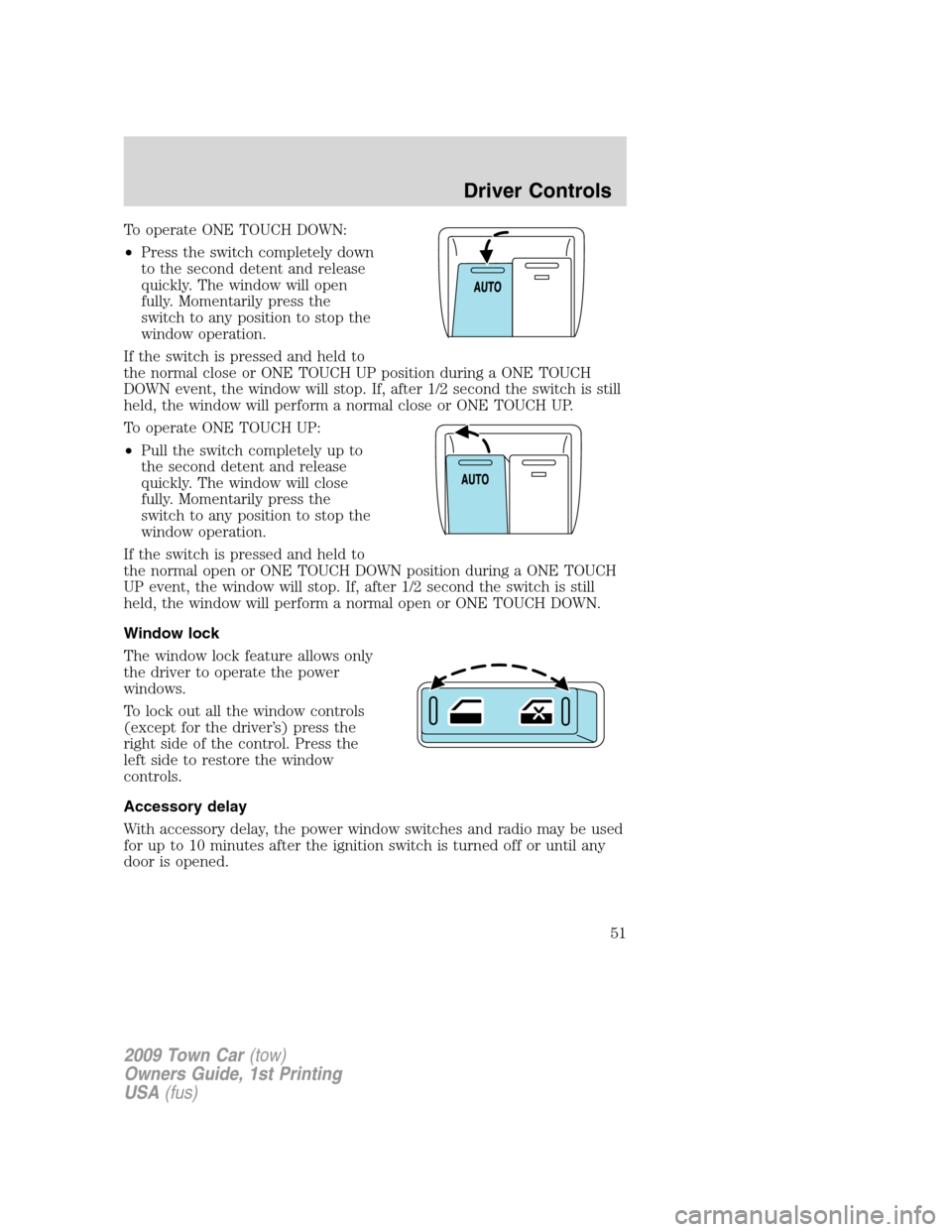
To operate ONE TOUCH DOWN:
•Press the switch completely down
to the second detent and release
quickly. The window will open
fully. Momentarily press the
switch to any position to stop the
window operation.
If the switch is pressed and held to
the normal close or ONE TOUCH UP position during a ONE TOUCH
DOWN event, the window will stop. If, after 1/2 second the switch is still
held, the window will perform a normal close or ONE TOUCH UP.
To operate ONE TOUCH UP:
•Pull the switch completely up to
the second detent and release
quickly. The window will close
fully. Momentarily press the
switch to any position to stop the
window operation.
If the switch is pressed and held to
the normal open or ONE TOUCH DOWN position during a ONE TOUCH
UP event, the window will stop. If, after 1/2 second the switch is still
held, the window will perform a normal open or ONE TOUCH DOWN.
Window lock
The window lock feature allows only
the driver to operate the power
windows.
To lock out all the window controls
(except for the driver’s) press the
right side of the control. Press the
left side to restore the window
controls.
Accessory delay
With accessory delay, the power window switches and radio may be used
for up to 10 minutes after the ignition switch is turned off or until any
door is opened.
2009 Town Car(tow)
Owners Guide, 1st Printing
USA(fus)
Driver Controls
51