Page 25 of 280
2.SEEK:Press to access the
next/previous radio station or CD
track. Press and hold to
advance/reverse in the current CD track.
3.TUNE/CAT:Press to manually go
up or down the radio frequency.
CAT is only available when equipped
with Satellite radio. Your vehicle may be equipped with Satellite ready
capability. The kit to enable Satellite reception is available through your
authorized dealer. Detailed Satellite instructions are included with the
dealer installed kit.Check with your authorized dealer for
availability.
4.MUTE:Press to mute the playing
media. Press again to return to the
playing media or turn the volume
control to adjust the volume.
5.Eject:Press to eject CD(s) when
the ignition is on or off. Numbers
will illuminate in the display
indicating which CD slots are loaded with CDs. To eject a specific CD,
press eject and the corresponding preset number. If no preset is
selected, the system will eject the currently selected CD. Press and hold
to eject all loaded discs.
Note:If the CD is not removed within approximately 15 seconds, the
system will reload the disc and begin play if the system is on.
6.BASS:Press BASS; then
press
SEL-TEXTto
decrease/increase the level of bass
output.
TREB (Treble):Press TREB; then
press
SEL-TEXTto
decrease/increase the level of treble
output.
7.BAL (Balance):Press BAL; then
press
SEL-TEXTto shift
sound to the left/right speakers.
TREBBASSSEL-TEXT+
TREBBASSSEL-TEXT+
FADEBALSEL-TEXT+
2009 Town Car(tow)
Owners Guide, 1st Printing
USA(fus)
Entertainment Systems
25
Page 27 of 280
PressSEL-TEXTagain to disable the feature when COMPRESS
ON is displayed. When activated, the compression icon will illuminate in
the display.
Occupancy mode:(Available on Audiophile audios only): Press MENU
until occupancy mode appears in the display. Press
SEL-TEXTto
select ALL, DRIVER or REAR SEAT occupancy mode.
Autoset:Allows you to set the strongest local radio stations without
losing your original manually set preset stations for AM/FM1/FM2. Press
MENU until AUTOSET appears in the display. Press
SEL-TEXT
to toggle ON/OFF. When the six strongest stations are filled, the station
stored in preset 1 will begin playing. If there are less than six strong
stations, the system will store the last one in the remaining presets.
When activated, AUTOSET will appear in the display when any of the
preset controls are pressed.
Speed sensitive volume:Radio volume changes automatically and
slightly with vehicle speed to compensate for road and wind noise.
Recommended level is 1–3. Level 0 turns the feature off and level 7 is
the maximum setting.
Press MENU to access and use
SEL-TEXTto adjust the volume
setting. The level will appear in the display.
Armrest ON/OFF:Press MENU repeatedly until Armrest ON/OFF
appears. Use
SEL-TEXTto toggle the rear console audio controls
on or off (if equipped).
Setting the clock:Your vehicle is equipped with an in-dash clock. Refer
toClockin theDriver Controlschapter for instructions on how to set
the time.
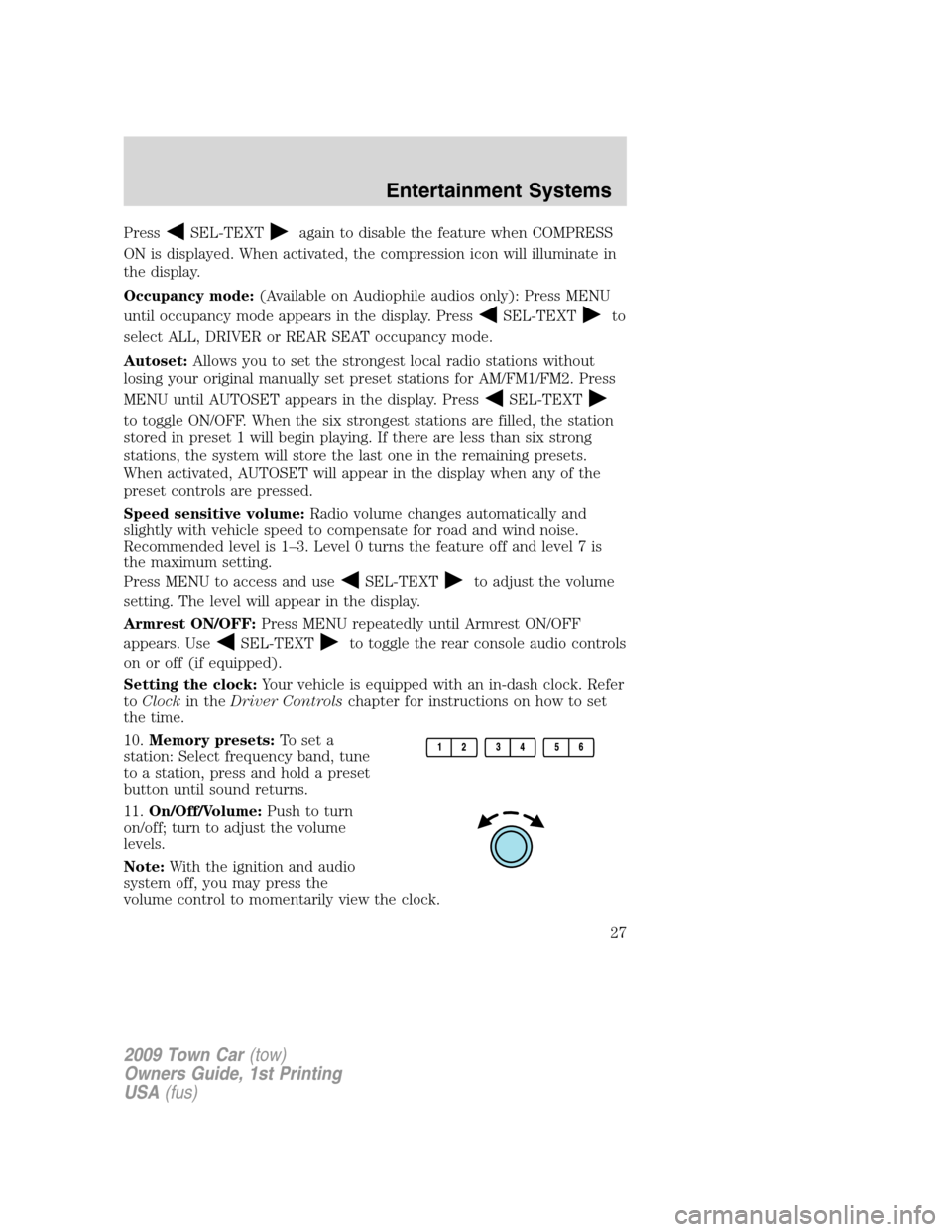
10.Memory presets:To set a
station: Select frequency band, tune
to a station, press and hold a preset
button until sound returns.
11.On/Off/Volume:Push to turn
on/off; turn to adjust the volume
levels.
Note:With the ignition and audio
system off, you may press the
volume control to momentarily view the clock.
2009 Town Car(tow)
Owners Guide, 1st Printing
USA(fus)
Entertainment Systems
27
Page 34 of 280
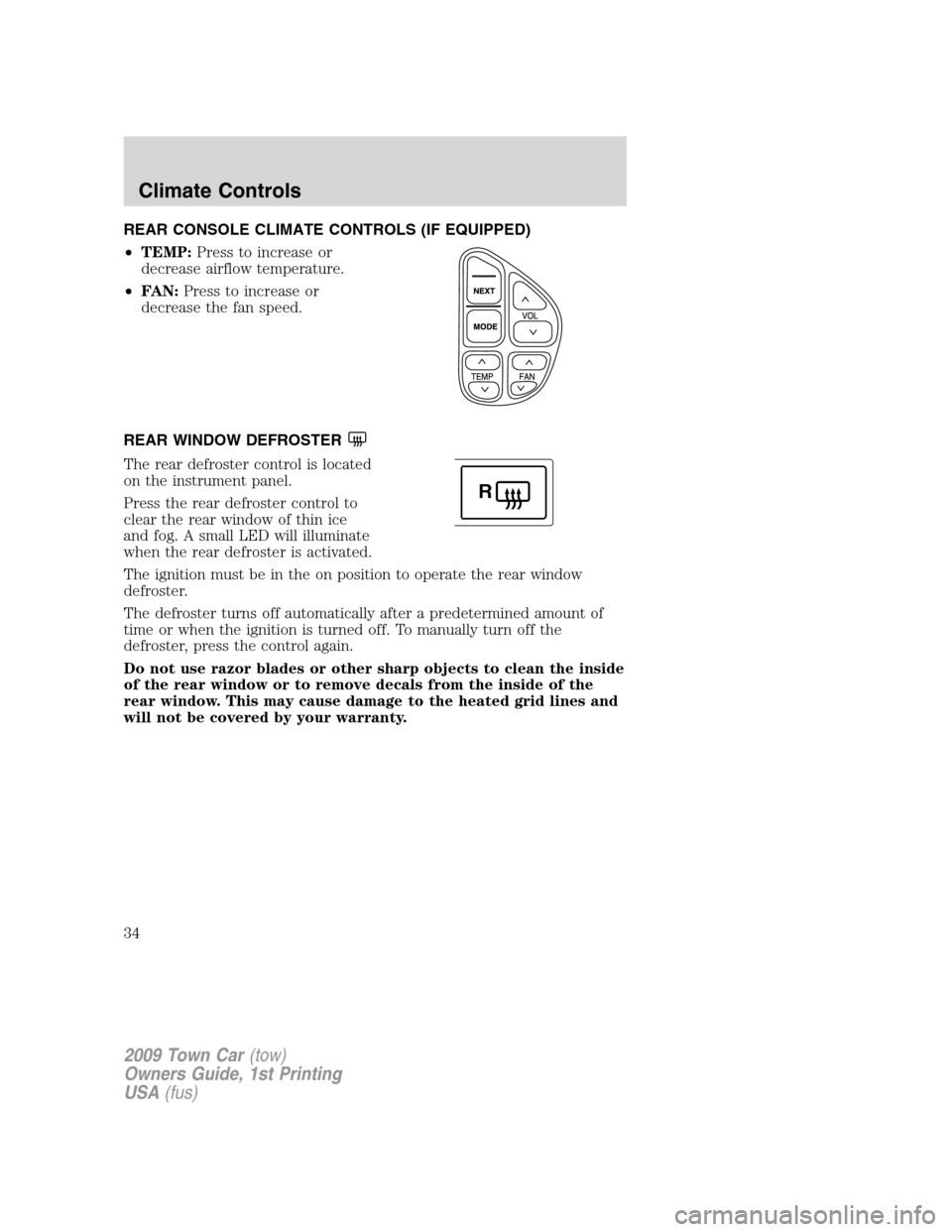
REAR CONSOLE CLIMATE CONTROLS (IF EQUIPPED)
•TEMP:Press to increase or
decrease airflow temperature.
•FAN:Press to increase or
decrease the fan speed.
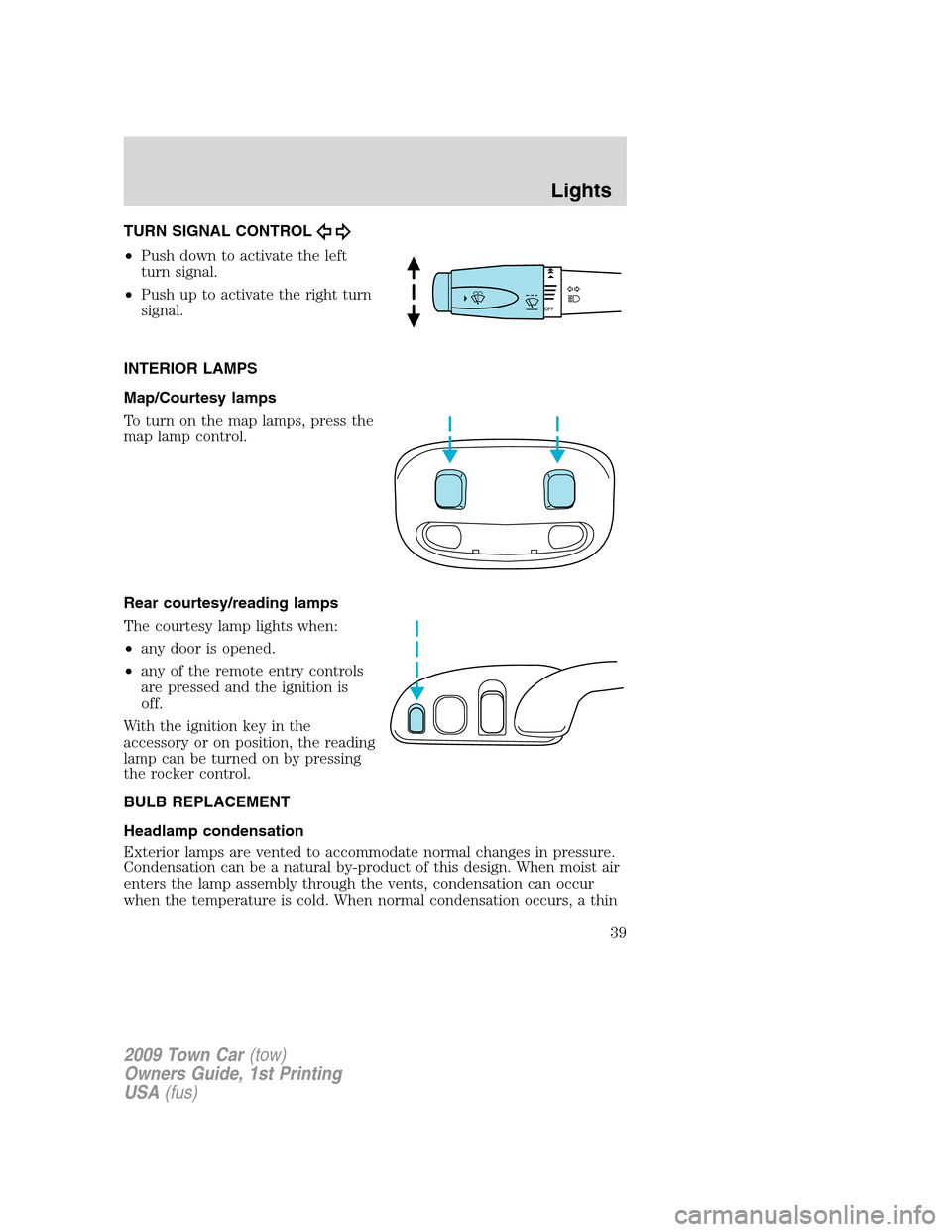
REAR WINDOW DEFROSTER
The rear defroster control is located
on the instrument panel.
Press the rear defroster control to
clear the rear window of thin ice
and fog. A small LED will illuminate
when the rear defroster is activated.
The ignition must be in the on position to operate the rear window
defroster.
The defroster turns off automatically after a predetermined amount of
time or when the ignition is turned off. To manually turn off the
defroster, press the control again.
Do not use razor blades or other sharp objects to clean the inside
of the rear window or to remove decals from the inside of the
rear window. This may cause damage to the heated grid lines and
will not be covered by your warranty.
R
2009 Town Car(tow)
Owners Guide, 1st Printing
USA(fus)
Climate Controls
34
Page 35 of 280
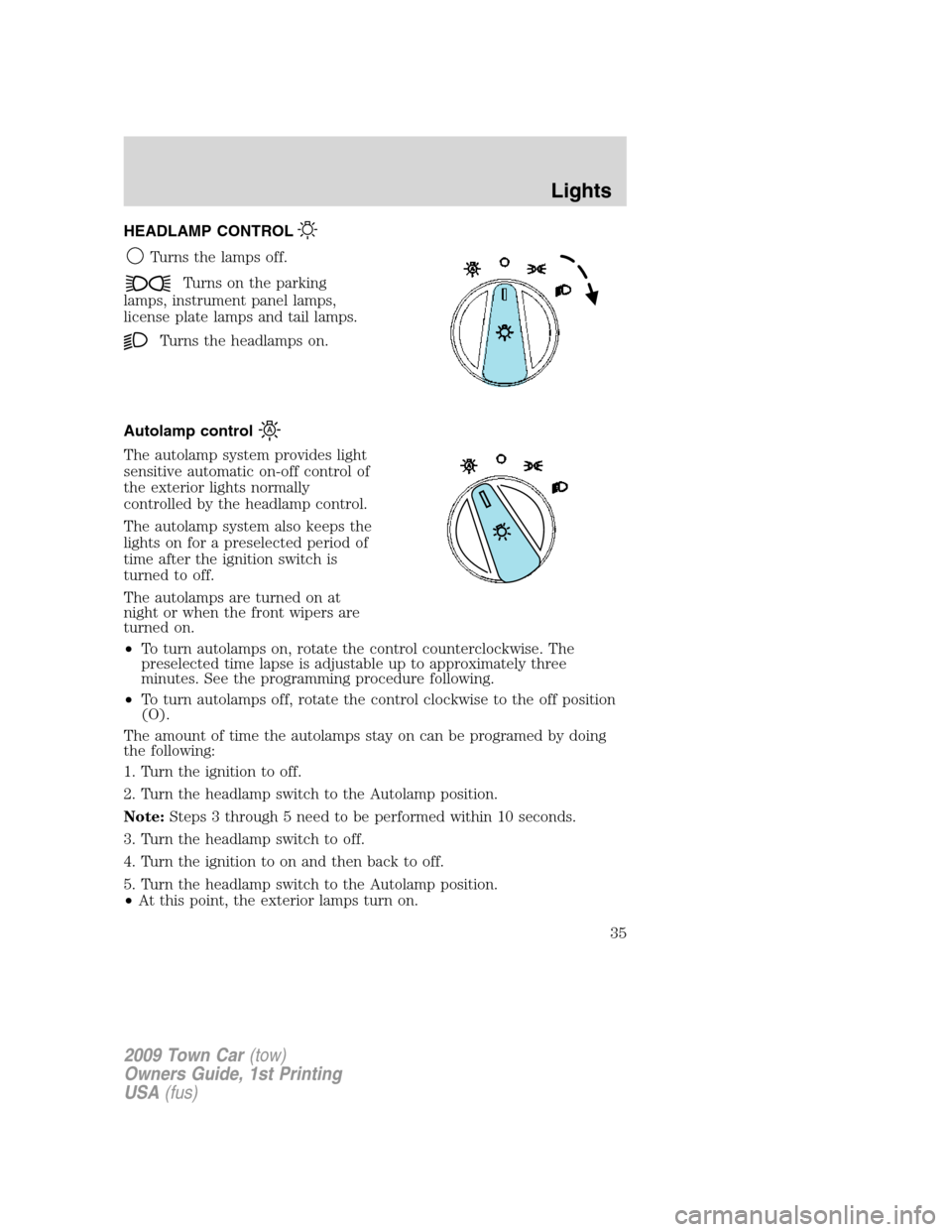
HEADLAMP CONTROL
Turns the lamps off.
Turns on the parking
lamps, instrument panel lamps,
license plate lamps and tail lamps.
Turns the headlamps on.
Autolamp control
The autolamp system provides light
sensitive automatic on-off control of
the exterior lights normally
controlled by the headlamp control.
The autolamp system also keeps the
lights on for a preselected period of
time after the ignition switch is
turned to off.
The autolamps are turned on at
night or when the front wipers are
turned on.
•To turn autolamps on, rotate the control counterclockwise. The
preselected time lapse is adjustable up to approximately three
minutes. See the programming procedure following.
•To turn autolamps off, rotate the control clockwise to the off position
(O).
The amount of time the autolamps stay on can be programed by doing
the following:
1. Turn the ignition to off.
2. Turn the headlamp switch to the Autolamp position.
Note:Steps 3 through 5 need to be performed within 10 seconds.
3. Turn the headlamp switch to off.
4. Turn the ignition to on and then back to off.
5. Turn the headlamp switch to the Autolamp position.
•At this point, the exterior lamps turn on.
2009 Town Car(tow)
Owners Guide, 1st Printing
USA(fus)
Lights
35
Page 36 of 280
6. Wait the desired amount of time for delay, then turn the headlamp
switch to off.
•At this point, the exterior lamps turn off and the time delay is set.
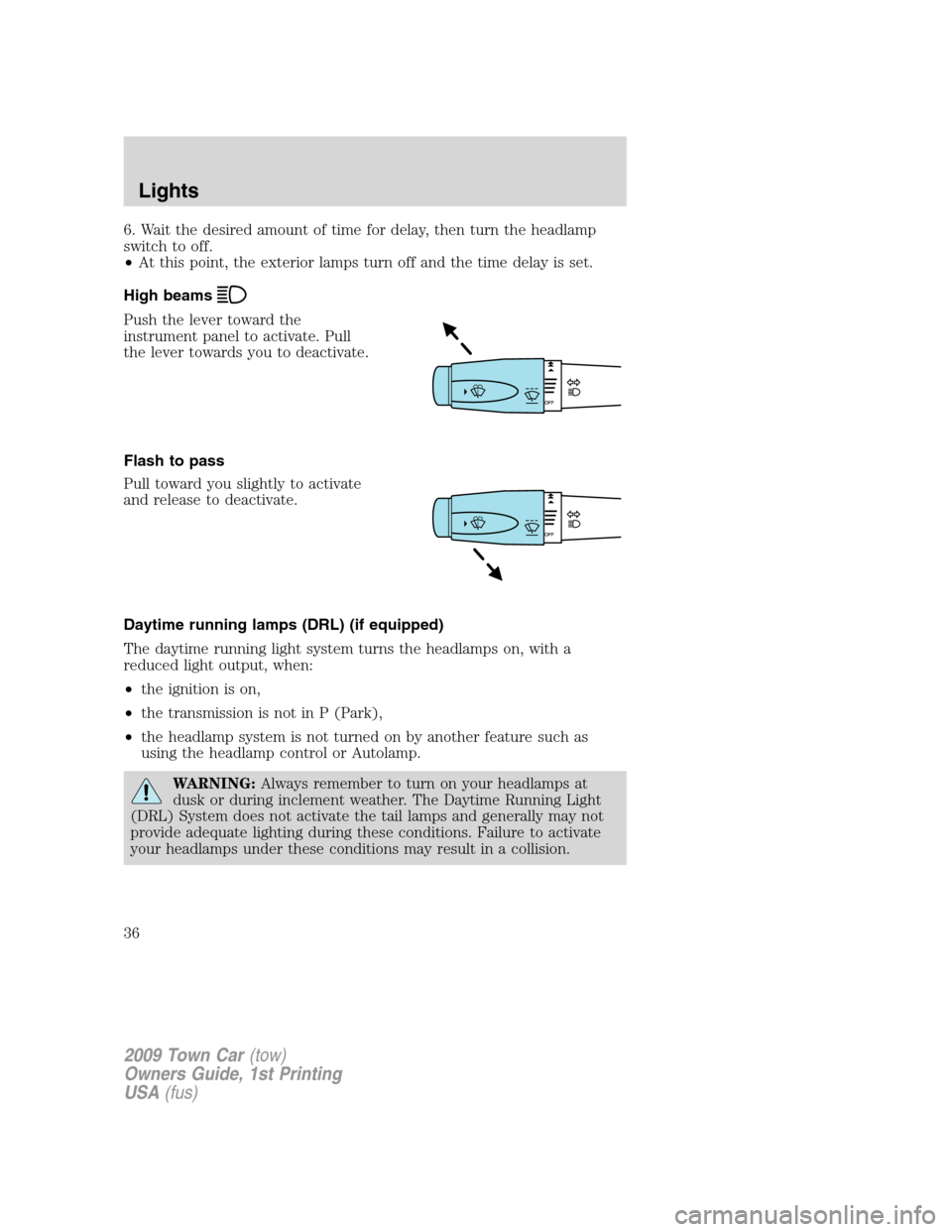
High beams
Push the lever toward the
instrument panel to activate. Pull
the lever towards you to deactivate.
Flash to pass
Pull toward you slightly to activate
and release to deactivate.
Daytime running lamps (DRL) (if equipped)
The daytime running light system turns the headlamps on, with a
reduced light output, when:
•the ignition is on,
•the transmission is not in P (Park),
•the headlamp system is not turned on by another feature such as
using the headlamp control or Autolamp.
WARNING:Always remember to turn on your headlamps at
dusk or during inclement weather. The Daytime Running Light
(DRL) System does not activate the tail lamps and generally may not
provide adequate lighting during these conditions. Failure to activate
your headlamps under these conditions may result in a collision.
2009 Town Car(tow)
Owners Guide, 1st Printing
USA(fus)
Lights
36
Page 39 of 280
TURN SIGNAL CONTROL
•Push down to activate the left
turn signal.
•Push up to activate the right turn
signal.
INTERIOR LAMPS
Map/Courtesy lamps
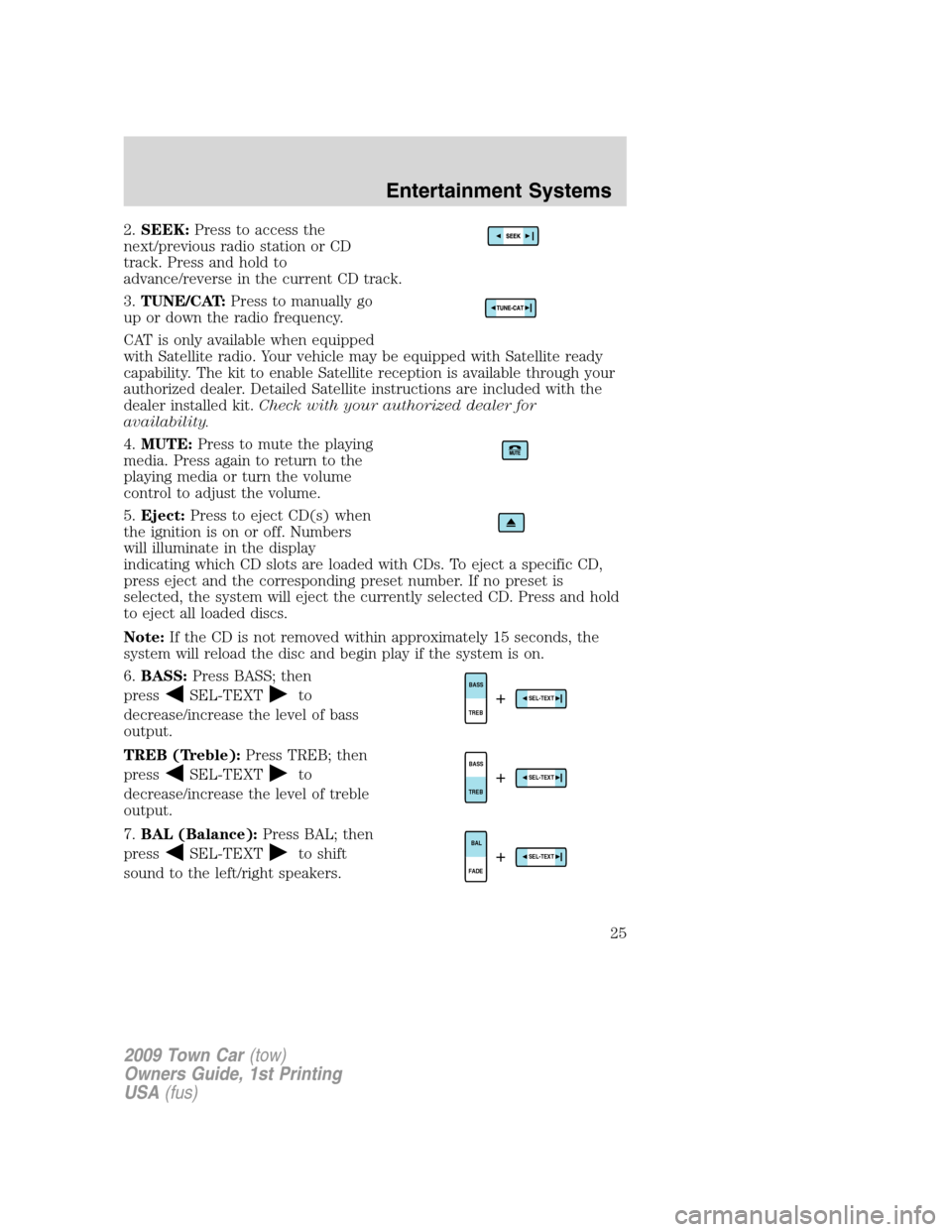
To turn on the map lamps, press the
map lamp control.
Rear courtesy/reading lamps
The courtesy lamp lights when:
•any door is opened.
•any of the remote entry controls
are pressed and the ignition is
off.
With the ignition key in the
accessory or on position, the reading
lamp can be turned on by pressing
the rocker control.
BULB REPLACEMENT
Headlamp condensation
Exterior lamps are vented to accommodate normal changes in pressure.
Condensation can be a natural by-product of this design. When moist air
enters the lamp assembly through the vents, condensation can occur
when the temperature is cold. When normal condensation occurs, a thin
2009 Town Car(tow)
Owners Guide, 1st Printing
USA(fus)
Lights
39
Page 49 of 280
•do not leave battery chargers, video game adapters, computers and
other devices plugged in overnight or when the vehicle is parked for
extended periods.
Always keep the power point caps closed when not being used.
Cigar/Cigarette lighter (if equipped)
Do not plug optional electrical accessories into the cigarette lighter
socket.
Do not hold the lighter in with your hand while it is heating, this will
damage the lighter element and socket. The lighter will be released from
its heating position when it is ready to be used.
Note:Improper use of the lighter can cause damage not covered by your
warranty, and can result in fire or serious injury.
REAR CENTER CONSOLE FEATURES (IF EQUIPPED)
The rear center console incorporates the following features:
•utility compartment
•auxiliary power point (if equipped)
•remote radio/climate controls (if equipped)
•remote seat adjustment (if equipped)
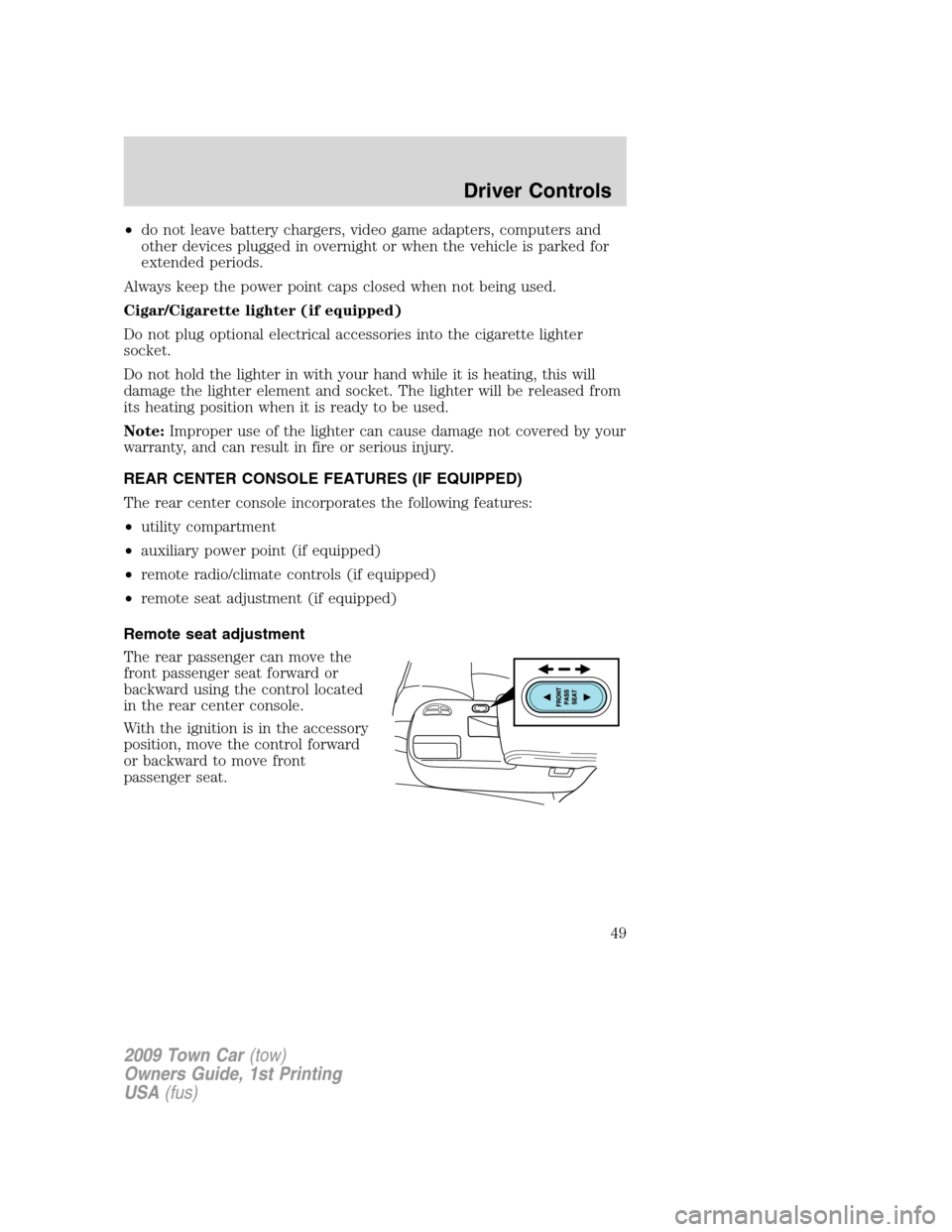
Remote seat adjustment
The rear passenger can move the
front passenger seat forward or
backward using the control located
in the rear center console.
With the ignition is in the accessory
position, move the control forward
or backward to move front
passenger seat.
2009 Town Car(tow)
Owners Guide, 1st Printing
USA(fus)
Driver Controls
49
Page 51 of 280
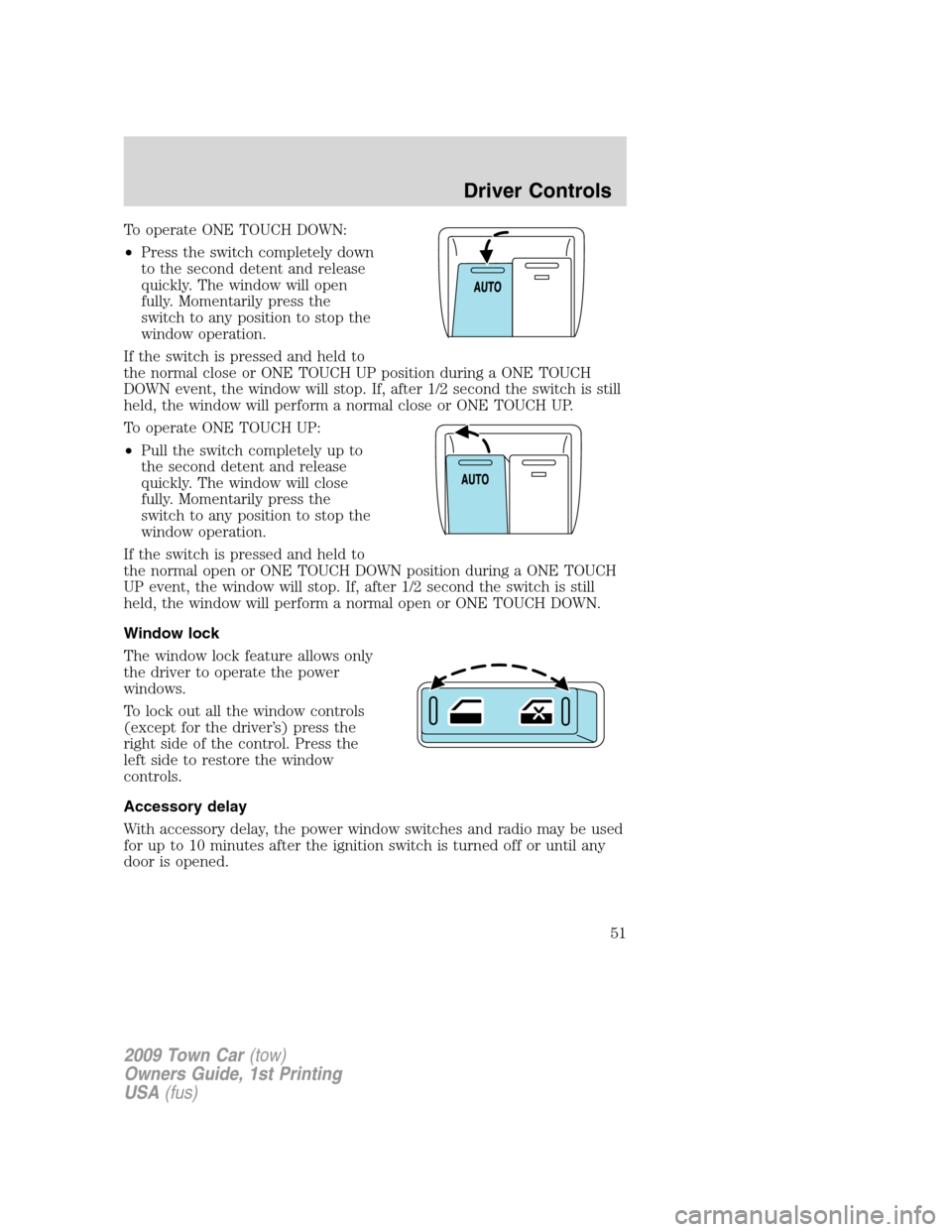
To operate ONE TOUCH DOWN:
•Press the switch completely down
to the second detent and release
quickly. The window will open
fully. Momentarily press the
switch to any position to stop the
window operation.
If the switch is pressed and held to
the normal close or ONE TOUCH UP position during a ONE TOUCH
DOWN event, the window will stop. If, after 1/2 second the switch is still
held, the window will perform a normal close or ONE TOUCH UP.
To operate ONE TOUCH UP:
•Pull the switch completely up to
the second detent and release
quickly. The window will close
fully. Momentarily press the
switch to any position to stop the
window operation.
If the switch is pressed and held to
the normal open or ONE TOUCH DOWN position during a ONE TOUCH
UP event, the window will stop. If, after 1/2 second the switch is still
held, the window will perform a normal open or ONE TOUCH DOWN.
Window lock
The window lock feature allows only
the driver to operate the power
windows.
To lock out all the window controls
(except for the driver’s) press the
right side of the control. Press the
left side to restore the window
controls.
Accessory delay
With accessory delay, the power window switches and radio may be used
for up to 10 minutes after the ignition switch is turned off or until any
door is opened.
2009 Town Car(tow)
Owners Guide, 1st Printing
USA(fus)
Driver Controls
51