Page 235 of 425

Features of your vehicle158
4Rear Remote Control
1. Used to turn the power of the Rear
system on/off.
2. Used to illuminate the remote control when the interior of the vehicle is dark.
3. Switches to the RADIO mode. (FM1
➟FM2
➟AM)
4. Switches to SIRIUS mode.
5. Switches to Auxiliary device (USB
➟
iPod
➟AUX1
➟AUX2) mode.
6. Switches to the CDC/DVDP mode
7. This displays the menu buttons for the mode currently operating on the REAR
system.
8. Used to return to the previous screen. (When moving to the parent menu
from the child menu (menu which is
one level lower), there will be no oper-
ation within the main menu screen or
other screens.)
9. Used to move the select area upwards.
10. Used to move the select area left- wards.
11. Used to move the select area right- wards.
12. Used to move the selected area downwards. 13. Used to select the button within the
selected area.
14. Used to operate the SEEK or TRACK selection function in accordance to
the currently playing AV mode.
15. Used to operate the TUNE or FF/ REW functions for the current AV
mode.
16. Used to make screen settings for the mode currently operating on the Rear
system.
17. Used to pause or replay the current file on the Rear system. (The play/
pause function will not operate in the
REAR system during CDC mode.)
18. Used to mute the REAR speaker. (The rear speakers can be muted when lis-
tening through the rear headsets.
19. Used to set the DVD menu.
20. Used to change the DVD AUDIO lan- guage.
21. Used to change the DVD SUBTITLE.
Page 256 of 425
![KIA Borrego 2009 1.G Owners Manual 4179
Features of your vehicle
USB modeStarting USB mode by use of Rearpanel 1. Press the [MODE] button on the REAR panel to display the MODE selection
screen.
2. If the key on the joystick located at](/manual-img/2/2906/w960_2906-255.png "KIA Borrego 2009 1.G Owners Manual 4179
Features of your vehicle
USB modeStarting USB mode by use of Rearpanel 1. Press the [MODE] button on the REAR panel to display the MODE selection
screen.
2. If the key on the joystick located at")
4179
Features of your vehicle
USB modeStarting USB mode by use of Rearpanel 1. Press the [MODE] button on the REAR panel to display the MODE selection
screen.
2. If the key on the joystick located at the far right-side of the REAR panel is
moved in any direction, the select area
will become displayed on the button of
the most recently operated mode.
3. Select the AUX mode button.
4. Select the MUSIC button on the AUX mode screen.
5. The USB will begin playing.
✽ ✽ NOTICERefer to the MP3 mode section in
Chapter 5 for additional USB related
operational instructions.
iPod
®mode
iPod
®is a trademark of Apple Inc.
Starting iPod mode by use of Rear
panel 1. Press the [MODE] button on the REAR panel to display the MODE selection
screen.
2. If the key on the joystick located at the far right-side of the REAR panel is
moved in any direction, the select area
will become displayed on the button of
the most recently operated mode.
3. Select the AUX mode button.
4. Select the iPod button on the AUX mode screen.
5. The iPod will begin playing.
Page 257 of 425
Features of your vehicle180
4✽
✽
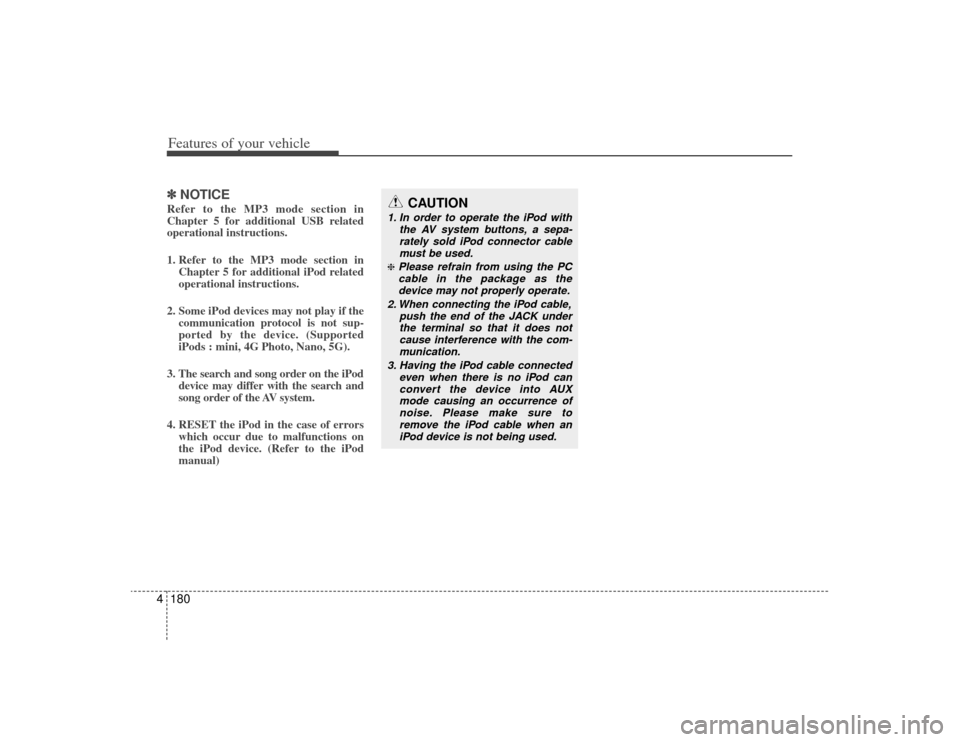
NOTICERefer to the MP3 mode section in
Chapter 5 for additional USB related
operational instructions.
1. Refer to the MP3 mode section in
Chapter 5 for additional iPod related
operational instructions.
2. Some iPod devices may not play if the communication protocol is not sup-
ported by the device. (Supported
iPods : mini, 4G Photo, Nano, 5G).
3. The search and song order on the iPod device may differ with the search and
song order of the AV system.
4. RESET the iPod in the case of errors which occur due to malfunctions on
the iPod device. (Refer to the iPod
manual)
CAUTION
1. In order to operate the iPod with
the AV system buttons, a sepa-rately sold iPod connector cablemust be used.❈Please refrain from using the PC cable in the package as thedevice may not properly operate.
2. When connecting the iPod cable, push the end of the JACK underthe terminal so that it does not cause interference with the com-munication.
3. Having the iPod cable connected even when there is no iPod canconvert the device into AUXmode causing an occurrence of noise. Please make sure toremove the iPod cable when an iPod device is not being used.