Page 152 of 321
Driving your vehicle16
4✽
✽
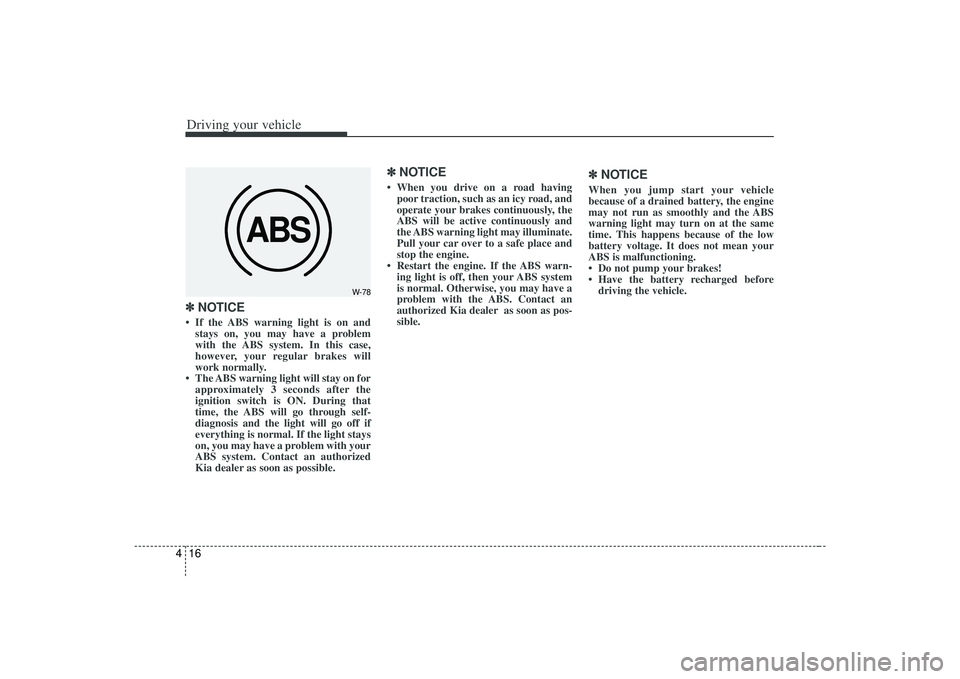
NOTICE• If the ABS warning light is on and
stays on, you may have a problem
with the ABS system. In this case,
however, your regular brakes will
work normally.
• The ABS warning light will stay on for approximately 3 seconds after the
ignition switch is ON. During that
time, the ABS will go through self-
diagnosis and the light will go off if
everything is normal. If the light stays
on, you may have a problem with your
ABS system. Contact an authorized
Kia dealer as soon as possible.
✽ ✽ NOTICE• When you drive on a road having
poor traction, such as an icy road, and
operate your brakes continuously, the
ABS will be active continuously and
the ABS warning light may illuminate.
Pull your car over to a safe place and
stop the engine.
• Restart the engine. If the ABS warn- ing light is off, then your ABS system
is normal. Otherwise, you may have a
problem with the ABS. Contact an
authorized Kia dealer as soon as pos-
sible.
✽ ✽ NOTICEWhen you jump start your vehicle
because of a drained battery, the engine
may not run as smoothly and the ABS
warning light may turn on at the same
time. This happens because of the low
battery voltage. It does not mean your
ABS is malfunctioning.
• Do not pump your brakes!
• Have the battery recharged before
driving the vehicle.
ABS
W-78
Page 154 of 321
Driving your vehicle18
4Tilt steering (if equipped)A tilt steering wheel allows you to adjust
the steering wheel before you drive.You
can also raise it to the highest level to
give your legs more room when you exit
and enter the vehicle.
The steering wheel should be positioned
so that it is comfortable for you to drive,
while permitting you to see the instru-
ment panel warning lights and gauges.
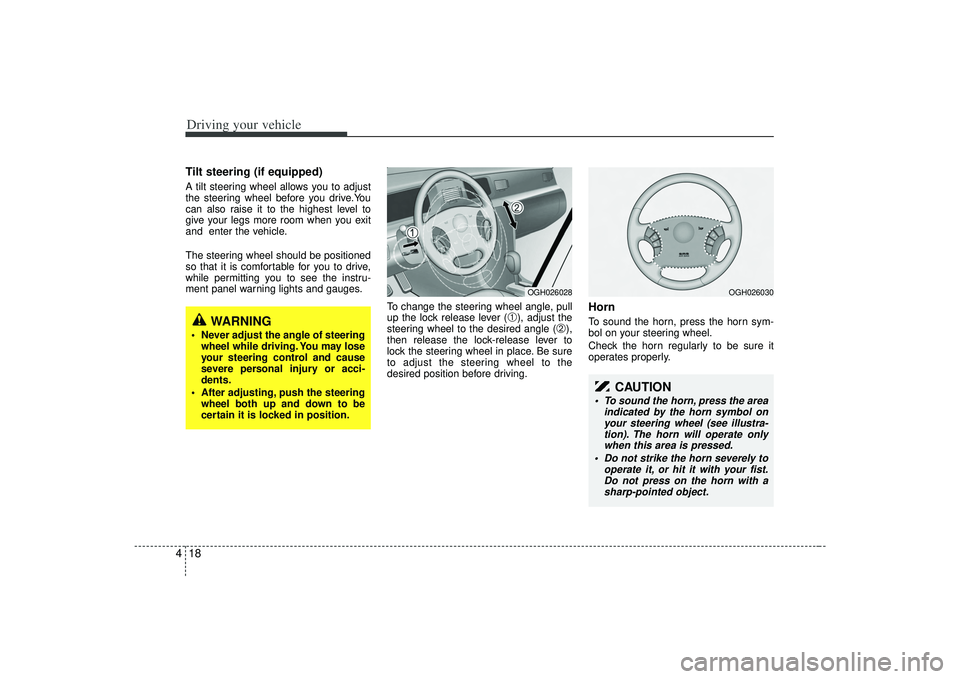
To change the steering wheel angle, pull
up the lock release lever (
➀), adjust the
steering wheel to the desired angle (
➁),
then release the lock-release lever to
lock the steering wheel in place. Be sure
to adjust the steering wheel to the
desired position before driving.
HornTo sound the horn, press the horn sym-
bol on your steering wheel.
Check the horn regularly to be sure it
operates properly.
WARNING
Never adjust the angle of steering wheel while driving. You may lose
your steering control and cause
severe personal injury or acci-
dents.
After adjusting, push the steering wheel both up and down to be
certain it is locked in position.
OGH026028
OGH026030
CAUTION
To sound the horn, press the area indicated by the horn symbol onyour steering wheel (see illustra-tion). The horn will operate onlywhen this area is pressed.
Do not strike the horn severely to operate it, or hit it with your fist.Do not press on the horn with asharp-pointed object.
Page 155 of 321
419
Driving your vehicle
The cruise control system allows you to
program the vehicle to maintain a con-
stant speed without resting your foot on
the accelerator pedal.
With cruise control, you can set and
automatically maintain any speed of
between 24 mph (40 km/h) and
125 mph (200 km/h).
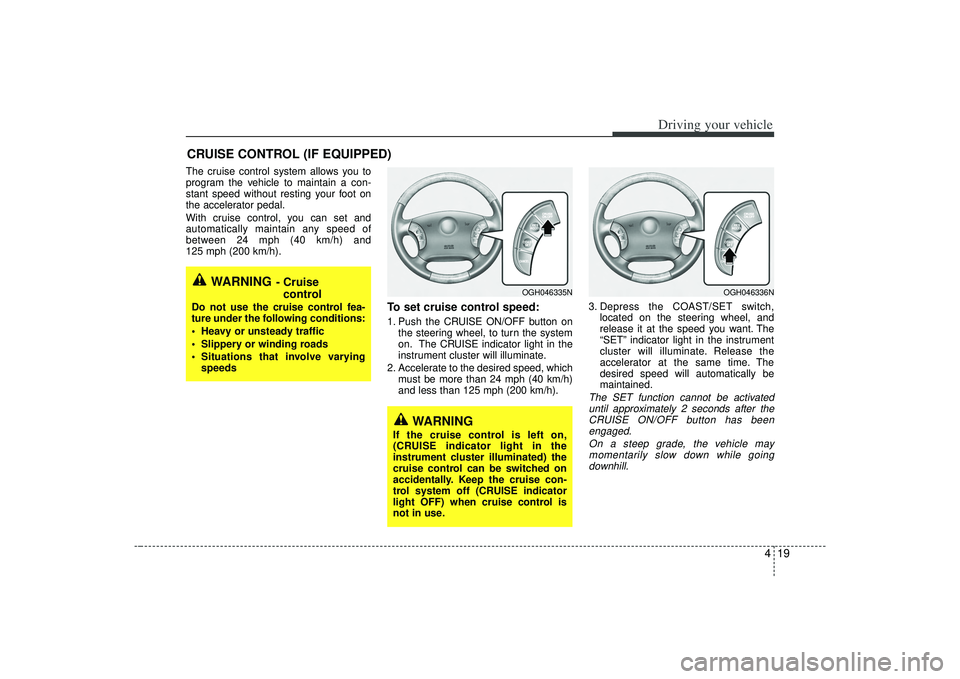
To set cruise control speed:1. Push the CRUISE ON/OFF button onthe steering wheel, to turn the system
on. The CRUISE indicator light in the
instrument cluster will illuminate.
2. Accelerate to the desired speed, which must be more than 24 mph (40 km/h)
and less than 125 mph (200 km/h). 3. Depress the COAST/SET switch,
located on the steering wheel, and
release it at the speed you want. The
“SET” indicator light in the instrument
cluster will illuminate. Release the
accelerator at the same time. The
desired speed will automatically be
maintained.
The SET function cannot be activateduntil approximately 2 seconds after theCRUISE ON/OFF button has been engaged.
On a steep grade, the vehicle maymomentarily slow down while goingdownhill.
CRUISE CONTROL (IF EQUIPPED)
WARNING
- Cruise control
Do not use the cruise control fea-
ture under the following conditions:
Heavy or unsteady traffic
Slippery or winding roads
Situations that involve varying
speeds
WARNING
If the cruise control is left on,
(CRUISE indicator light in the
instrument cluster illuminated) the
cruise control can be switched on
accidentally. Keep the cruise con-
trol system off (CRUISE indicator
light OFF) when cruise control is
not in use.
OGH046335N
OGH046336N
Page 159 of 321
423
Driving your vehicle
ESC operation offESC OFF state
press the ESC OFF button
(ESC OFF indicator light illu-
minates).
to LOCK position when ESC is
off, ESC remains off. Upon
restarting the engine, the ESC
will automatically turn on
again.
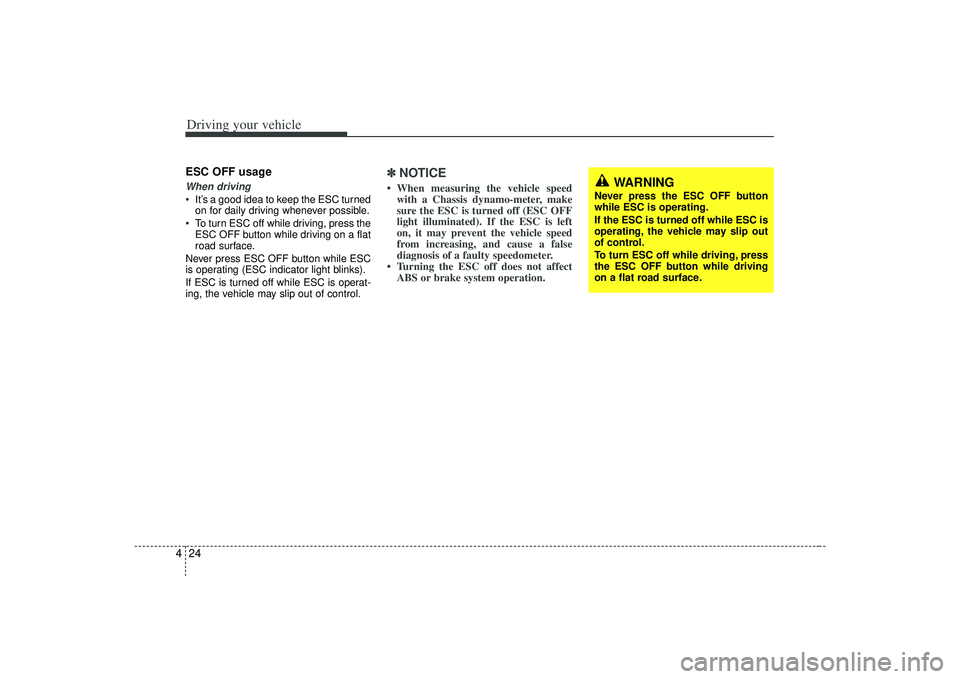
Indicator lightWhen ignition switch is turned to ON, the
indicator light illuminates, then goes off if
ESC system is operating normally.
The ESC indicator light blinks whenever
ESC is operating.
ESC OFF indicator light comes on when
either the ESC is turned off with the but-
ton, or ESC fails to operate when turned
on.
ESCOFF
ESC
ESCOFF
■ ESC indicator light (blinks)
■ ESC OFF indicator light (comes on)
WARNING
The Electronic Stability Control sys-
tem is only a driving aid; use pre-
cautions for safe driving by slowing
down on curved, snowy, or icy
roads. Drive slowly and don’t
attempt to accelerate whenever the
ESC indicator light is blinking, or
when the road surface is slippery.
Page 160 of 321
Driving your vehicle24
4ESC OFF usageWhen driving It’s a good idea to keep the ESC turned
on for daily driving whenever possible.
To turn ESC off while driving, press the ESC OFF button while driving on a flat
road surface.
Never press ESC OFF button while ESC
is operating (ESC indicator light blinks).
If ESC is turned off while ESC is operat-
ing, the vehicle may slip out of control.
✽ ✽ NOTICE• When measuring the vehicle speed
with a Chassis dynamo-meter, make
sure the ESC is turned off (ESC OFF
light illuminated). If the ESC is left
on, it may prevent the vehicle speed
from increasing, and cause a false
diagnosis of a faulty speedometer.
• Turning the ESC off does not affect ABS or brake system operation.
WARNING
Never press the ESC OFF button
while ESC is operating.
If the ESC is turned off while ESC is
operating, the vehicle may slip out
of control.
To turn ESC off while driving, press
the ESC OFF button while driving
on a flat road surface.
Page 161 of 321
425
Driving your vehicle
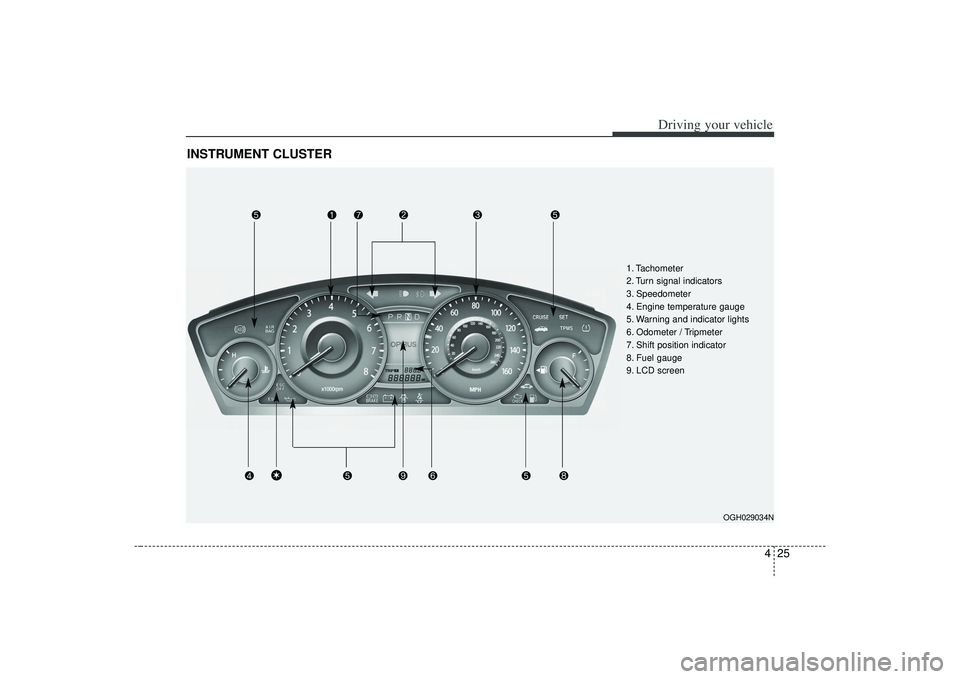
INSTRUMENT CLUSTER
OGH029034N
1. Tachometer
2. Turn signal indicators
3. Speedometer
4. Engine temperature gauge
5. Warning and indicator lights
6. Odometer / Tripmeter
7. Shift position indicator
8. Fuel gauge
9. LCD screen
\b
Page 162 of 321
Driving your vehicle26
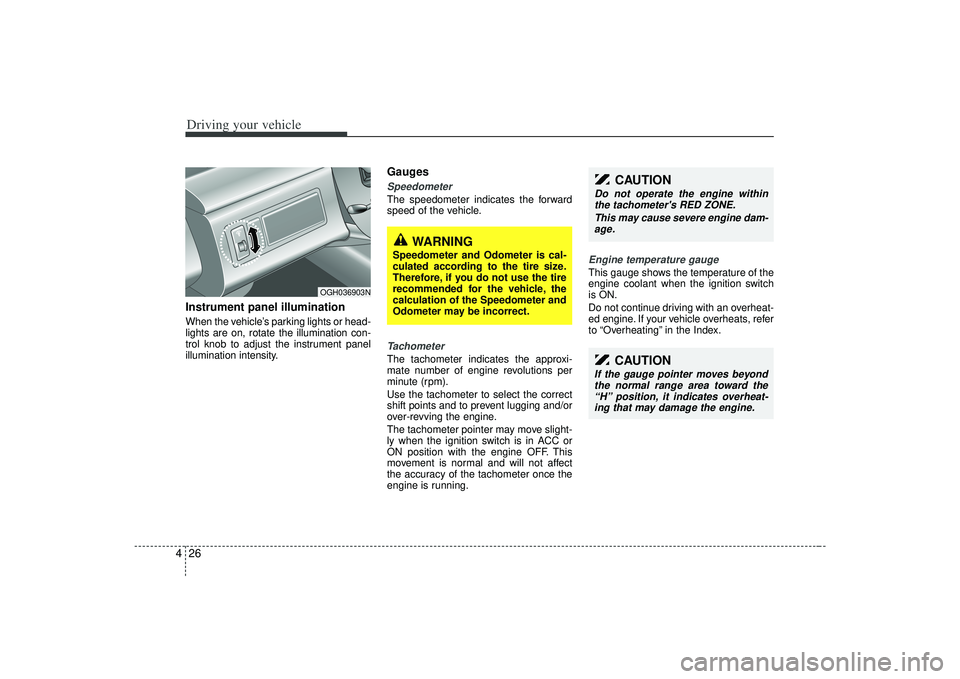
4Instrument panel illuminationWhen the vehicle’s parking lights or head-
lights are on, rotate the illumination con-
trol knob to adjust the instrument panel
illumination intensity.
GaugesSpeedometer The speedometer indicates the forward
speed of the vehicle.Tachometer The tachometer indicates the approxi-
mate number of engine revolutions per
minute (rpm).
Use the tachometer to select the correct
shift points and to prevent lugging and/or
over-revving the engine.
The tachometer pointer may move slight-
ly when the ignition switch is in ACC or
ON position with the engine OFF. This
movement is normal and will not affect
the accuracy of the tachometer once the
engine is running.
Engine temperature gauge This gauge shows the temperature of the
engine coolant when the ignition switch
is ON.
Do not continue driving with an overheat-
ed engine. If your vehicle overheats, refer
to “Overheating” in the Index.
CAUTION
Do not operate the engine within
the tachometer's RED ZONE.
This may cause severe engine dam-age.
CAUTION
If the gauge pointer moves beyond the normal range area toward the“H” position, it indicates overheat- ing that may damage the engine.
OGH036903N
WARNING
Speedometer and Odometer is cal-
culated according to the tire size.
Therefore, if you do not use the tire
recommended for the vehicle, the
calculation of the Speedometer and
Odometer may be incorrect.
Page 163 of 321
427
Driving your vehicle
Fuel gaugeThe fuel gauge indicates the approxi-
mate amount of fuel remaining in the fuel
tank.
Fuel tank capacity - 18.49 US gal. (70
liters).
The fuel gauge is supplemented by a low
fuel warning light, which will illuminate
when the fuel tank is nearly empty.
Trip computerThe trip computer is a microcomputer-
controlled driver information system that
displays information related to driving,
including odometer, tripmeter, driving
time, average speed, average fuel con-
sumption, instant fuel consumption and
distance to empty on the display when
the ignition switch is in the ON position.
All stored driving information (except
odometer) is reset if the battery is dis-
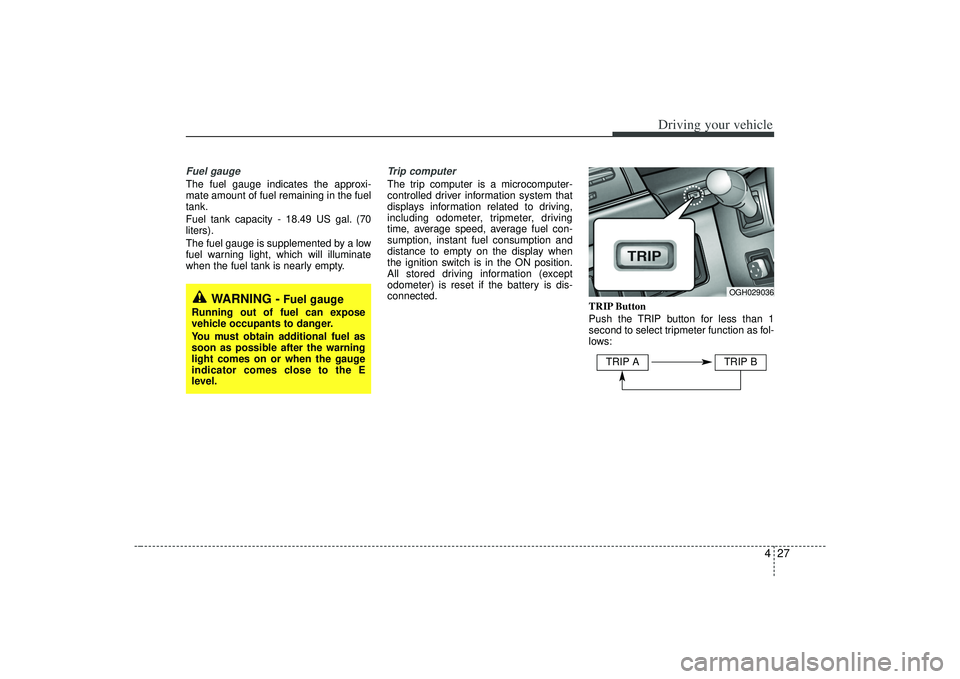
connected.TRIP Button
Push the TRIP button for less than 1
second to select tripmeter function as fol-
lows:
WARNING -
Fuel gauge
Running out of fuel can expose
vehicle occupants to danger.
You must obtain additional fuel as
soon as possible after the warning
light comes on or when the gauge
indicator comes close to the E
level.
OGH029036
TRIP A
TRIP B