2009 FORD RANGER ECU
[x] Cancel search: ECUPage 1 of 280

Introduction 4
Instrument Cluster 12
Warning lights and chimes 12
Gauges 16
Entertainment Systems 19
AM/FM stereo 19
AM/FM Stereo single CD/MP3 system 21
CDX6/MP3 Premium/Audiophile Pioneer system 26
Auxiliary input jack (Line in) 32
Satellite radio information 37
Climate Controls 41
Heater only 41
Manual heating and air conditioning 42
Lights 44
Headlamps 44
Turn signal control 48
Bulb replacement 48
Driver Controls 54
Windshield wiper/washer control 54
Steering wheel adjustment 55
Power windows 56
Mirrors 57
Speed control 58
Locks and Security 63
Keys 63
Locks 63
Anti-theft system 67
Table of Contents
1
2009 Ranger(ran)
Owners Guide, 1st Printing
USA(fus)
Page 8 of 280
Notice to owners of pickup trucks and utility type vehicles
WARNING:Utility vehicles have a significantly higher rollover
rate than other types of vehicles.
Before you drive your vehicle, please read thisOwner’s Guidecarefully.
Your vehicle is not a passenger car. As with other vehicles of this type,
failure to operate this vehicle correctly may result in loss of vehicle
control, vehicle rollover, personal injury or death.
Using your vehicle with a snowplow
Do not use this vehicle for snowplowing.
Your vehicle is not equipped with a snowplowing package.
Using your vehicle as an ambulance
Do not use this vehicle as an ambulance.
Your vehicle is not equipped with the Ford Ambulance Preparation
Package.
Cell phone use
The use of Mobile Communications Equipment has become increasingly
important in the conduct of business and personal affairs. However,
drivers must not compromise their own or others’ safety when using
such equipment. Mobile Communications can enhance personal safety
and security when appropriately used, particularly in emergency
situations. Safety must be paramount when using mobile communications
equipment to avoid negating these benefits.
Mobile Communication Equipment includes, but is not limited to cellular
phones, pagers, portable email devices, in-vehicle communications
systems, telematics devices and portable two-way radios.
WARNING:Driving while distracted can result in loss of vehicle
control, accident and injury. Ford strongly recommends that
drivers use extreme caution when using any device that may take their
focus off the road. The driver’s primary responsibility is the safe
operation of their vehicle. Only use cell phones and other devices not
essential to the driving task when it is safe to do so.
2009 Ranger(ran)
Owners Guide, 1st Printing
USA(fus)
Introduction
8
Page 15 of 280

WARNING:Never remove the coolant reservoir cap while the
engine is running or hot.
Fog lamps:Illuminates when the
fog lamps are turned on. Refer to
Fog lamp controlin theLights
chapter.
Low fuel:Illuminates when the fuel
level in the fuel tank is at or near
empty. Refer toFuel gaugein this
chapter.
Door ajar:Illuminates when the
ignition is in the on position and any
door is open.
Overdrive off (if equipped):
Illuminates when the overdrive
function of the transmission has
been turned off; refer to the
Drivingchapter. If the light flashes steadily or does not illuminate,
contact your authorized dealer as soon as possible.
Four wheel drive low (if
equipped):Illuminates when
four-wheel drive low is engaged.
Four wheel drive high (if
equipped):Illuminates when
four-wheel drive high is engaged. It
may also illuminate when the 4WD LOW is engaged. Refer to the
Drivingchapter for more information.
Anti-theft system:Flashes when
the SecuriLock™ Passive Anti-theft
System has been activated.
O/D
OFF
4x4
LOW
4x4
2009 Ranger(ran)
Owners Guide, 1st Printing
USA(fus)
Instrument Cluster
15
Page 33 of 280

4. Turn the radio on, using either a tuned FM station or a CD loaded into
the system. Adjust the volume to a comfortable listening level.
5. Turn the portable music player on and adjust the volume to 1/2 the
volume.
6. Press AUX on the vehicle radio repeatedly until LINE IN appears in
the display.
You should hear audio from your portable music player although it may
be low.
7. Adjust the sound on your portable music player until it reaches the
level of the FM station or CD by switching back and forth between the
AUX and FM or CD controls.
Troubleshooting:
1. Do not connect the audio input jack to a line level output. Line level
outputs are intended for connection to a home stereo and are not
compatible with the AIJ. The AIJ will only work correctly with devices
that have a headphone output with a volume control.
2. Do not set the portable music player’s volume level higher than is
necessary to match the volume of the CD or FM radio in your audio
system as this will cause distortion and will reduce sound quality. Many
portable music players have different output levels, so not all players
should be set at the same levels. Some players will sound best at full
volume and others will need to be set at a lower volume.
3. If the music sounds distorted at lower listening levels, turn the
portable music player volume down. If the problems persists, replace or
recharge the batteries in the portable music player.
4. The portable music player must be controlled in the same manner
when it is used with headphones as the AIJ does not provide control
(play, pause, etc.) over the attached portable music player.
5. For safety reasons, connecting or adjusting the settings on your
portable music player should not be attempted while the vehicle is
moving. Also, the portable music player should be stored in a secure
location, such as the center console or the glove box, when the vehicle is
in motion. The audio extension cable must be long enough to allow the
portable music player to be safely stored while the vehicle is in motion.
2009 Ranger(ran)
Owners Guide, 1st Printing
USA(fus)
Entertainment Systems
33
Page 61 of 280

BEDRAILS (IF EQUIPPED)
•This bedrail is for appearance use only.
WARNING:To help prevent injury, do not use bedrail to retain
cargo.
•Retain cargo with the pickup tiedown hooks.
BED EXTENDER (IF EQUIPPED)
Your vehicle may be equipped with a bed extender designed to extend
the pickup box for larger loads.
To extend the bed extender:
1. Lower tailgate.
2. Pull the lever on each side of the
bed extender to release it from the
pickup box.
3. Lift the bed extender over onto
the tailgate.
4. Evenly push down on the bed
extender and push the lever in on
each side locking it in place.
To stow the bed extender, follow
steps one through four in reverse
order.
The bed extender may be used to
secure a load of up to 100 lb
(45 kg) on the tailgate.
The bed extender should always
be kept in the stowed position with the tailgate closed when not
in use.
2009 Ranger(ran)
Owners Guide, 1st Printing
USA(fus)
Driver Controls
61
Page 63 of 280
KEYS
The key operates all locks on your vehicle. You should always carry a
second key with you in a safe place in case you require it in an
emergency.
If your vehicle is equipped with the SecuriLock™ Passive Anti-theft
system, your keys are coded to your vehicle; using a non-coded key will
not permit your vehicle to start. If you lose your dealer supplied keys,
replacement keys are available through your authorized dealer.
POWER DOOR LOCKS (IF EQUIPPED)
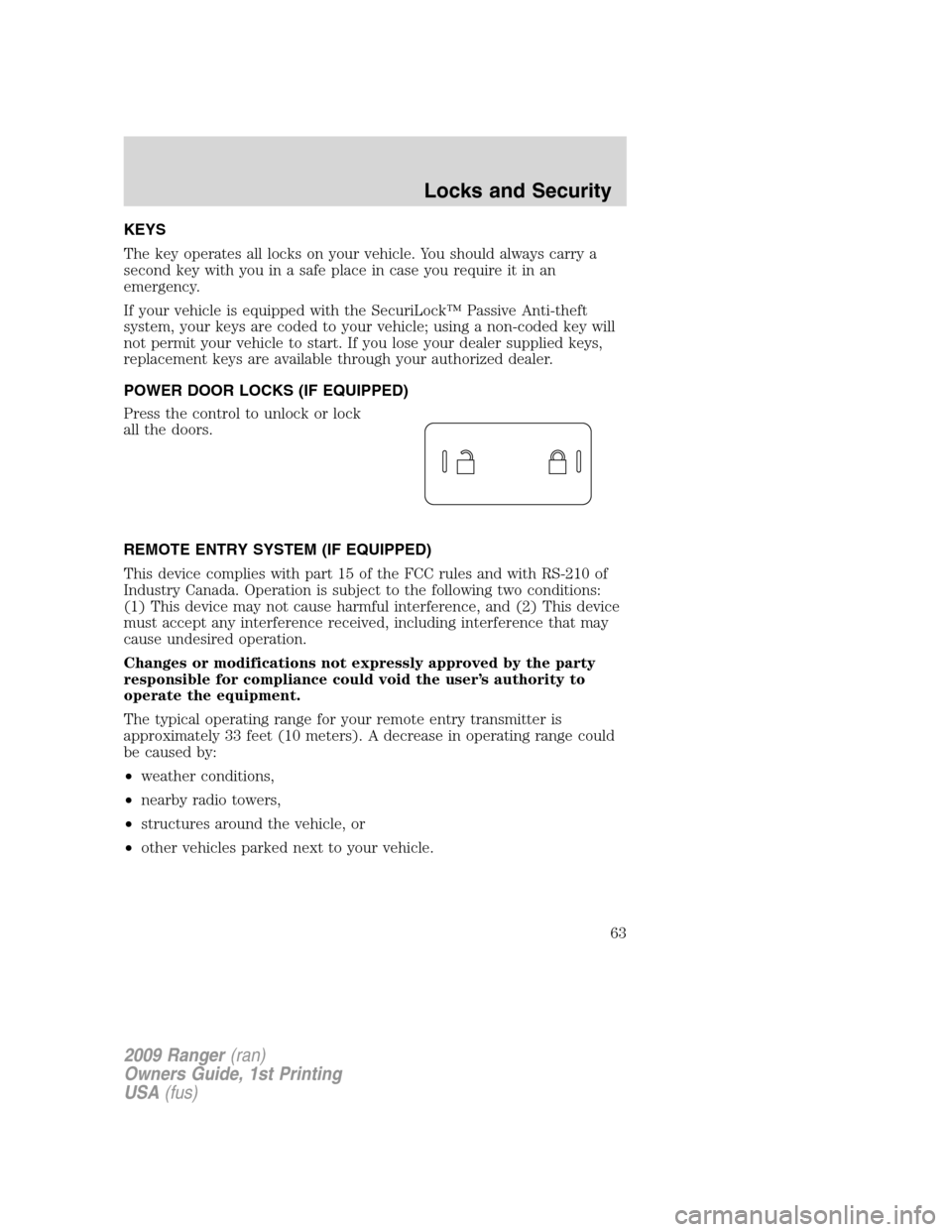
Press the control to unlock or lock
all the doors.
REMOTE ENTRY SYSTEM (IF EQUIPPED)
This device complies with part 15 of the FCC rules and with RS-210 of
Industry Canada. Operation is subject to the following two conditions:
(1) This device may not cause harmful interference, and (2) This device
must accept any interference received, including interference that may
cause undesired operation.
Changes or modifications not expressly approved by the party
responsible for compliance could void the user’s authority to
operate the equipment.
The typical operating range for your remote entry transmitter is
approximately 33 feet (10 meters). A decrease in operating range could
be caused by:
•weather conditions,
•nearby radio towers,
•structures around the vehicle, or
•other vehicles parked next to your vehicle.
2009 Ranger(ran)
Owners Guide, 1st Printing
USA(fus)
Locks and Security
63
Page 64 of 280

Your vehicle is equipped with a remote entry system which allows you to:
•unlock the vehicle doors without
a key.
•lock all the vehicle doors without
a key.
•activate the personal alarm.
If there are problems with the
remote entry system, make sure to
takeALL remote entry
transmitterswith you to your
authorized dealer in order to aid in
troubleshooting the problem.
Unlocking the doors
1. Pressand release to unlock the driver’s door.Note:The interior
lamps will illuminate.
2. Press
and release again within three seconds to unlock all the
doors.
Locking the doors
•Pressand release to lock all the doors. The park lamps will flash
once to confirm lock; if any of the doors are not properly closed, the
lamps will not flash.
•If
is pressed a second time within three seconds, the lamps will
flash again and the horn will chirp to confirm all doors are locked and
closed. If either door is ajar the lamps will not flash and the horn will
chirp twice.
Car finder
Press
twice within three seconds. The horn will chirp and the turn
lamps will flash. It is recommended that this method be used to locate
your vehicle, rather than using the panic alarm.
Sounding a panic alarm
Press
to activate the alarm. The horn will sound and the parklamps
will flash for approximately three minutes. Press again or turn the
ignition to the on position to deactivate, or wait for the alarm to timeout
in three minutes.
2009 Ranger(ran)
Owners Guide, 1st Printing
USA(fus)
Locks and Security
64
Page 65 of 280

Note:The panic alarm will only operate when the ignition is in the off
position.
Replacing the battery
The remote entry transmitter uses one coin type three-volt lithium
battery CR2032 or equivalent.
To replace the battery:
1. Twist a thin coin between the two
halves of the remote entry
transmitter near the key ring. DO
NOT TAKE THE RUBBER COVER
AND CIRCUIT BOARD OFF THE
FRONT HOUSING OF THE
REMOTE ENTRY TRANSMITTER.
2. Do not wipe off any grease on the
battery terminals on the back
surface of the circuit board.
3. Remove the old battery.
Note:Please refer to local
regulations when disposing of
transmitter batteries.
4. Insert the new battery. Refer to
the diagram inside the remote entry
transmitter for the correct
orientation of the battery. Press the battery down to ensure that the
battery is fully seated in the battery housing cavity.
5. Snap the two halves back together.
Note:Replacement of the battery willnotcause the remote transmitter
to become deprogrammed from your vehicle. The remote transmitter
should operate normally after battery replacement.
Replacing lost remote entry transmitters
If you would like to have your remote entry transmitter reprogrammed
because you lost one, or would like to buy additional remote entry
transmitters, you can either reprogram them yourself, or takeall
remote entry transmittersto your authorized dealer for
reprogramming.
2009 Ranger(ran)
Owners Guide, 1st Printing
USA(fus)
Locks and Security
65