Page 29 of 271
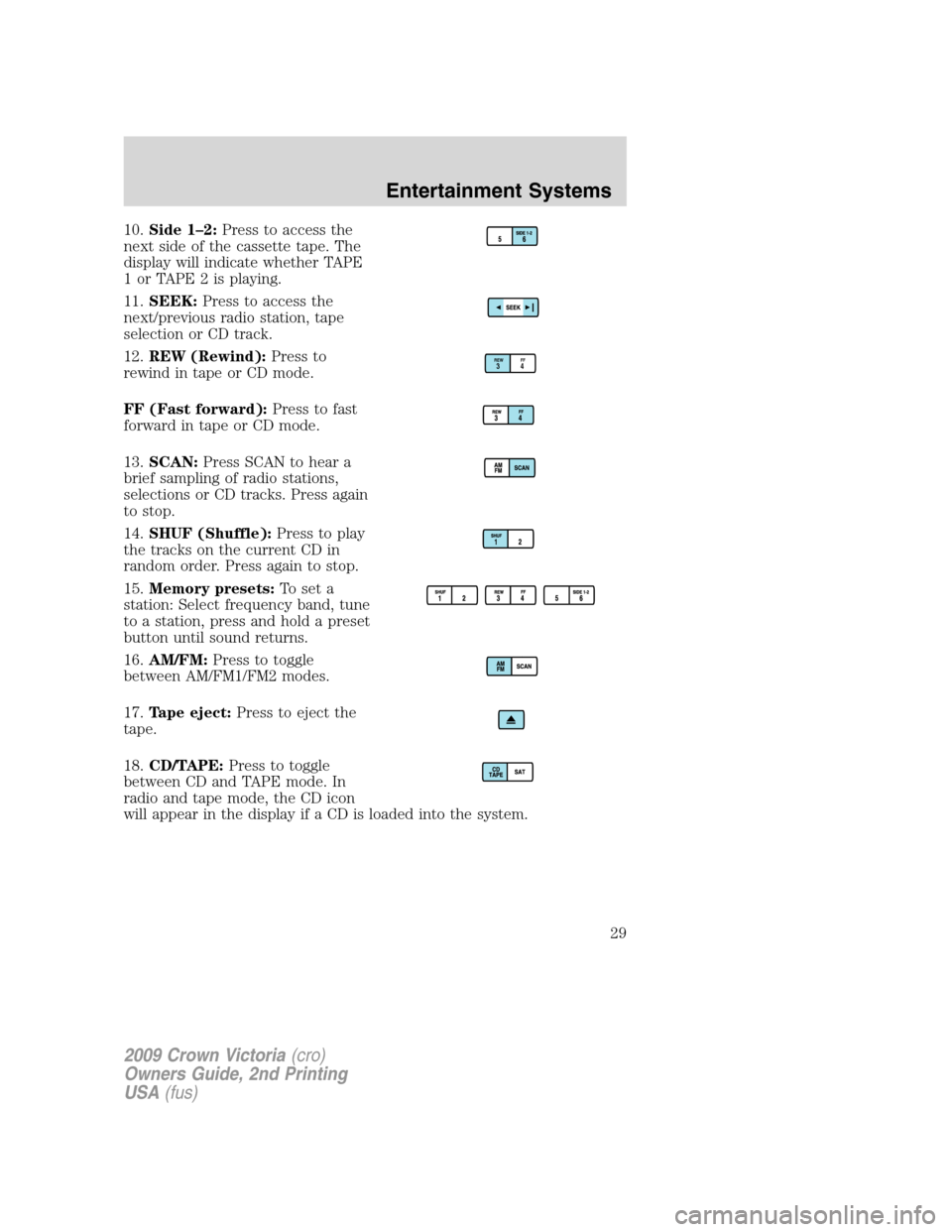
10.Side 1–2:Press to access the
next side of the cassette tape. The
display will indicate whether TAPE
1orTAPE2isplaying.
11.SEEK:Press to access the
next/previous radio station, tape
selection or CD track.
12.REW (Rewind):Press to
rewind in tape or CD mode.
FF (Fast forward):Press to fast
forward in tape or CD mode.
13.SCAN:Press SCAN to hear a
brief sampling of radio stations,
selections or CD tracks. Press again
to stop.
14.SHUF (Shuffle):Press to play
the tracks on the current CD in
random order. Press again to stop.
15.Memory presets:To set a
station: Select frequency band, tune
to a station, press and hold a preset
button until sound returns.
16.AM/FM:Press to toggle
between AM/FM1/FM2 modes.
17.Tape eject:Press to eject the
tape.
18.CD/TAPE:Press to toggle
between CD and TAPE mode. In
radio and tape mode, the CD icon
will appear in the display if a CD is loaded into the system.
REWFF34
2009 Crown Victoria(cro)
Owners Guide, 2nd Printing
USA(fus)
Entertainment Systems
29
Page 31 of 271
WARNING:Driving while distracted can result in loss of vehicle
control, accident and injury. Ford strongly recommends that
drivers use extreme caution when using any device that may take their
focus off the road. The driver’s primary responsibility is the safe
operation of their vehicle. Only use cell phones and other devices not
essential to the driving task when it is safe to do so.
1.CD slot:To insert a CD, press
LOAD. Wait to insert a CD until the
system displays LOAD CD #. When
the system is ready, insert a CD, label side up.
2.SEEK:Press to access the
next/previous radio station or CD
track. Press and hold to
advance/reverse in the current CD track.
3.TUNE/CAT:Press to manually go
up or down the radio frequency.
TEXT is only available when
equipped with Satellite radio. Your system may be equipped with
Satellite ready capability. The kit to enable Satellite reception is available
through your dealer. Detailed Satellite instructions are included with the
dealer installed kit.Check with your authorized dealer for
availability.
4.MUTE:Press to mute the playing
media. Press again to return to the
playing media or turn the volume
control to adjust the volume.
5.Eject:Press to eject CD(s) when
the ignition is on or off. Numbers
will illuminate in the display
indicating which CD slots are loaded with CDs. To eject a specific CD,
press eject and the corresponding preset number. If no preset is
selected, the system will eject the currently selected CD. Press and hold
to eject all loaded discs.
Note:If the CD is not removed within 15 seconds, the system will reload
the disc and begin play if the system is on.
2009 Crown Victoria(cro)
Owners Guide, 2nd Printing
USA(fus)
Entertainment Systems
31
Page 33 of 271
FIND Program type:Allows you to search RDS-equipped stations for a
certain category of music format: Classic, Country, Info, Jazz, Oldies,
R&B, Religious, Rock, Soft, Top 40.
With RDS ON, press MENU until the program type menu is displayed.
One of the various program types will appear. Press
SEL-TEXT
to scroll through music types. Press SEEK or SCAN to search for a
station playing the requested music category.
Show TYPE:Selects between displaying the station’s call letters or
music format when RDS is enabled. Press MENU until SHOW XX appears
in the display. Press to select NAME or TYPE.
Compression:Brings soft and loud CD passages together for a more
consistent listening level when in CD mode. Press MENU until
compression status is displayed. Press
SEL-TEXTto enable the
compression feature when COMPRESS OFF is displayed. Press the SEL
control again to disable the feature when COMPRESS ON is displayed.
When activated, the compression icon will illuminate in the display.
Occupancy mode(Available on Premium Sound audios only): Press
MENU until occupancy mode appears in the display.
Press
SEL-TEXTto select ALL SEATS, DRIVERS SEAT or REAR
SEATS occupancy mode.
Autoset:Allows you to set the strongest local radio stations without
losing your original manually set preset stations for AM/FM1/FM2. Press
MENU until AUTOSET appears in the display. Press
SEL-TEXT
to toggle ON/OFF. When the six strongest stations are filled, the station
stored in preset 1 will begin playing. If there are less than six strong
stations, the system will store the last one in the remaining presets.
When activated, AUTOSET will appear in the display when any of the
preset controls are pressed.
Speed sensitive volume:Radio volume changes automatically and
slightly with vehicle speed to compensate for road and wind noise.
Recommended level is 1–3. Level 0 turns the feature off and level 7 is
the maximum setting.
Press MENU to access and use
SEL-TEXTto adjust the volume
setting. The level will appear in the display.
Setting the clock:Press MENU until SELECT HOUR or SELECT MINS
is displayed. Press
SEL-TEXTto increase/decrease the
hours/minutes. Press MENU again to disengage clock mode.
2009 Crown Victoria(cro)
Owners Guide, 2nd Printing
USA(fus)
Entertainment Systems
33
Page 34 of 271
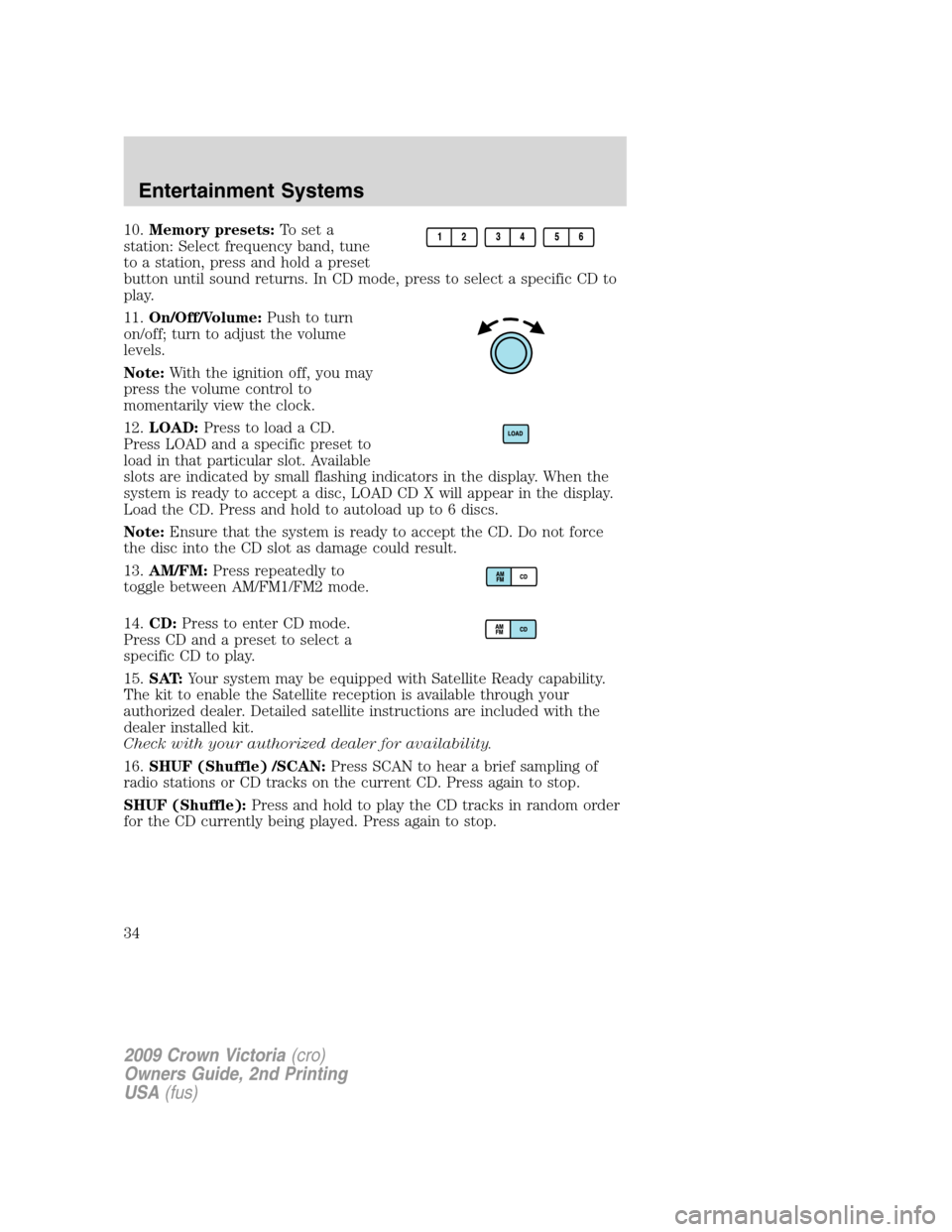
10.Memory presets:To set a
station: Select frequency band, tune
to a station, press and hold a preset
button until sound returns. In CD mode, press to select a specific CD to
play.
11.On/Off/Volume:Push to turn
on/off; turn to adjust the volume
levels.
Note:With the ignition off, you may
press the volume control to
momentarily view the clock.
12.LOAD:Press to load a CD.
Press LOAD and a specific preset to
load in that particular slot. Available
slots are indicated by small flashing indicators in the display. When the
system is ready to accept a disc, LOAD CD X will appear in the display.
Load the CD. Press and hold to autoload up to 6 discs.
Note:Ensure that the system is ready to accept the CD. Do not force
the disc into the CD slot as damage could result.
13.AM/FM:Press repeatedly to
toggle between AM/FM1/FM2 mode.
14.CD:Press to enter CD mode.
Press CD and a preset to select a
specific CD to play.
15.SAT:Your system may be equipped with Satellite Ready capability.
The kit to enable the Satellite reception is available through your
authorized dealer. Detailed satellite instructions are included with the
dealer installed kit.
Check with your authorized dealer for availability.
16.SHUF (Shuffle) /SCAN:Press SCAN to hear a brief sampling of
radio stations or CD tracks on the current CD. Press again to stop.
SHUF (Shuffle):Press and hold to play the CD tracks in random order
for the CD currently being played. Press again to stop.
2009 Crown Victoria(cro)
Owners Guide, 2nd Printing
USA(fus)
Entertainment Systems
34
Page 62 of 271
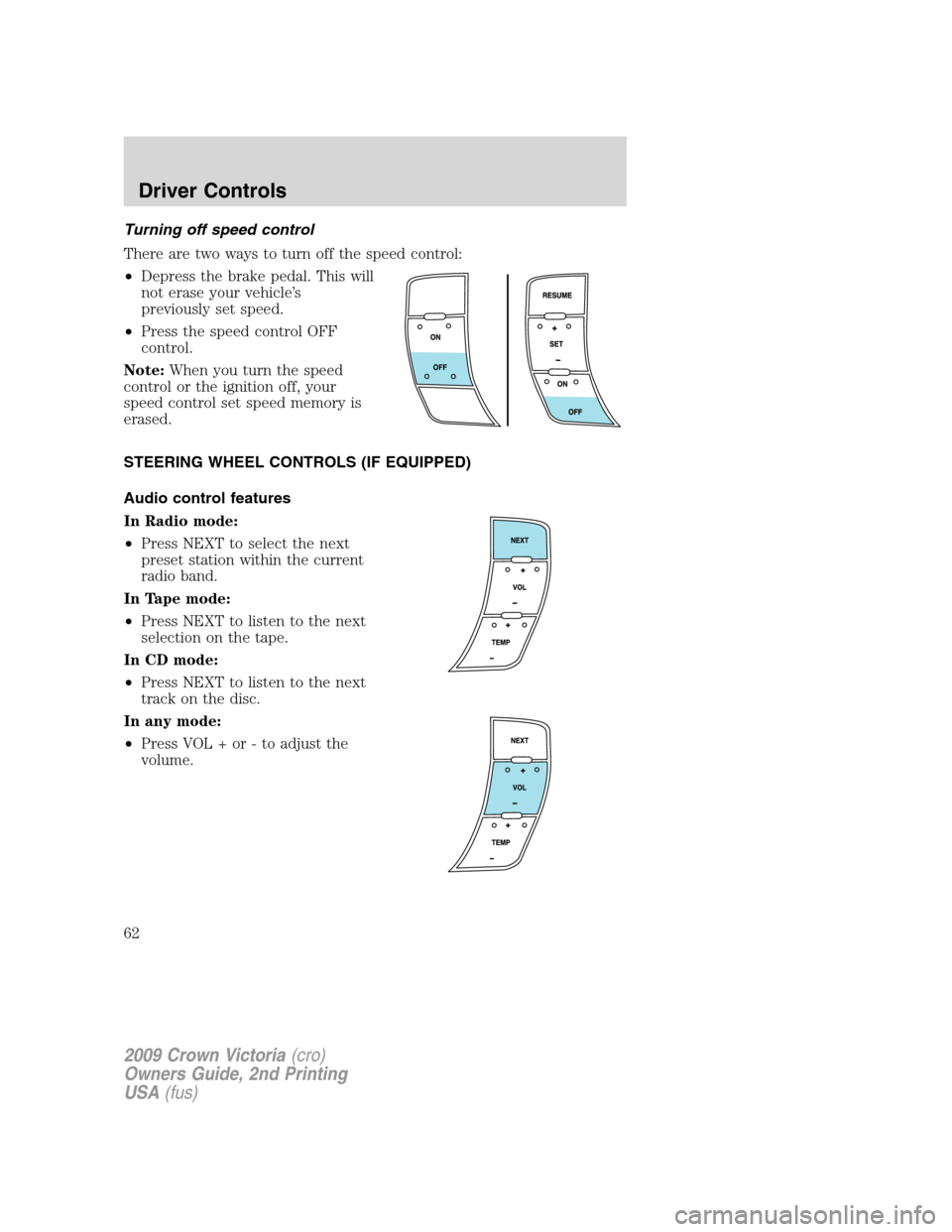
Turning off speed control
There are two ways to turn off the speed control:
•Depress the brake pedal. This will
not erase your vehicle’s
previously set speed.
•Press the speed control OFF
control.
Note:When you turn the speed
control or the ignition off, your
speed control set speed memory is
erased.
STEERING WHEEL CONTROLS (IF EQUIPPED)
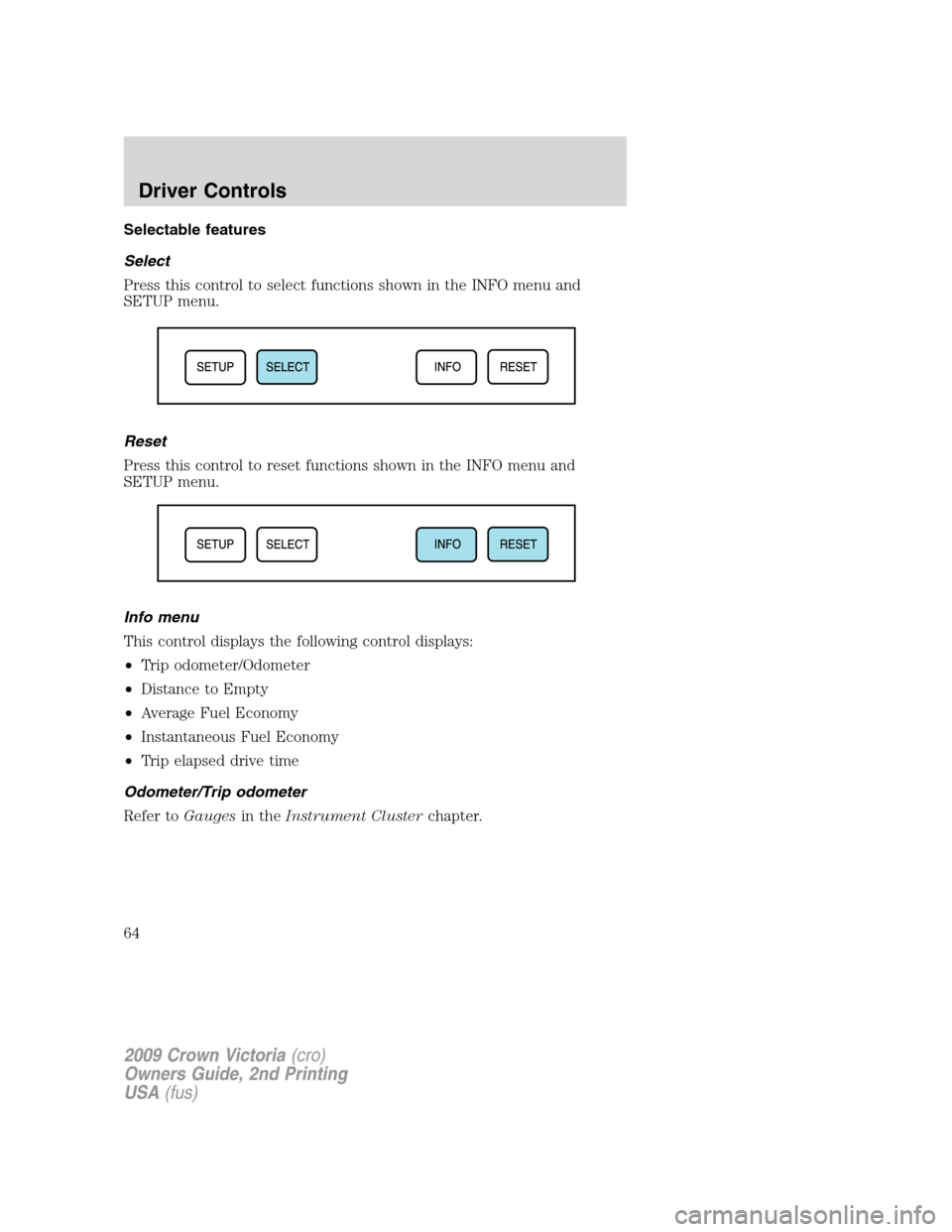
Audio control features
In Radio mode:
•Press NEXT to select the next
preset station within the current
radio band.
In Tape mode:
•Press NEXT to listen to the next
selection on the tape.
In CD mode:
•Press NEXT to listen to the next
track on the disc.
In any mode:
•Press VOL + or - to adjust the
volume.
2009 Crown Victoria(cro)
Owners Guide, 2nd Printing
USA(fus)
Driver Controls
62
Page 64 of 271
Selectable features
Select
Press this control to select functions shown in the INFO menu and
SETUP menu.
Reset
Press this control to reset functions shown in the INFO menu and
SETUP menu.
Info menu
This control displays the following control displays:
•Trip odometer/Odometer
•Distance to Empty
•Average Fuel Economy
•Instantaneous Fuel Economy
•Trip elapsed drive time
Odometer/Trip odometer
Refer toGaugesin theInstrument Clusterchapter.
2009 Crown Victoria(cro)
Owners Guide, 2nd Printing
USA(fus)
Driver Controls
64
Page 65 of 271
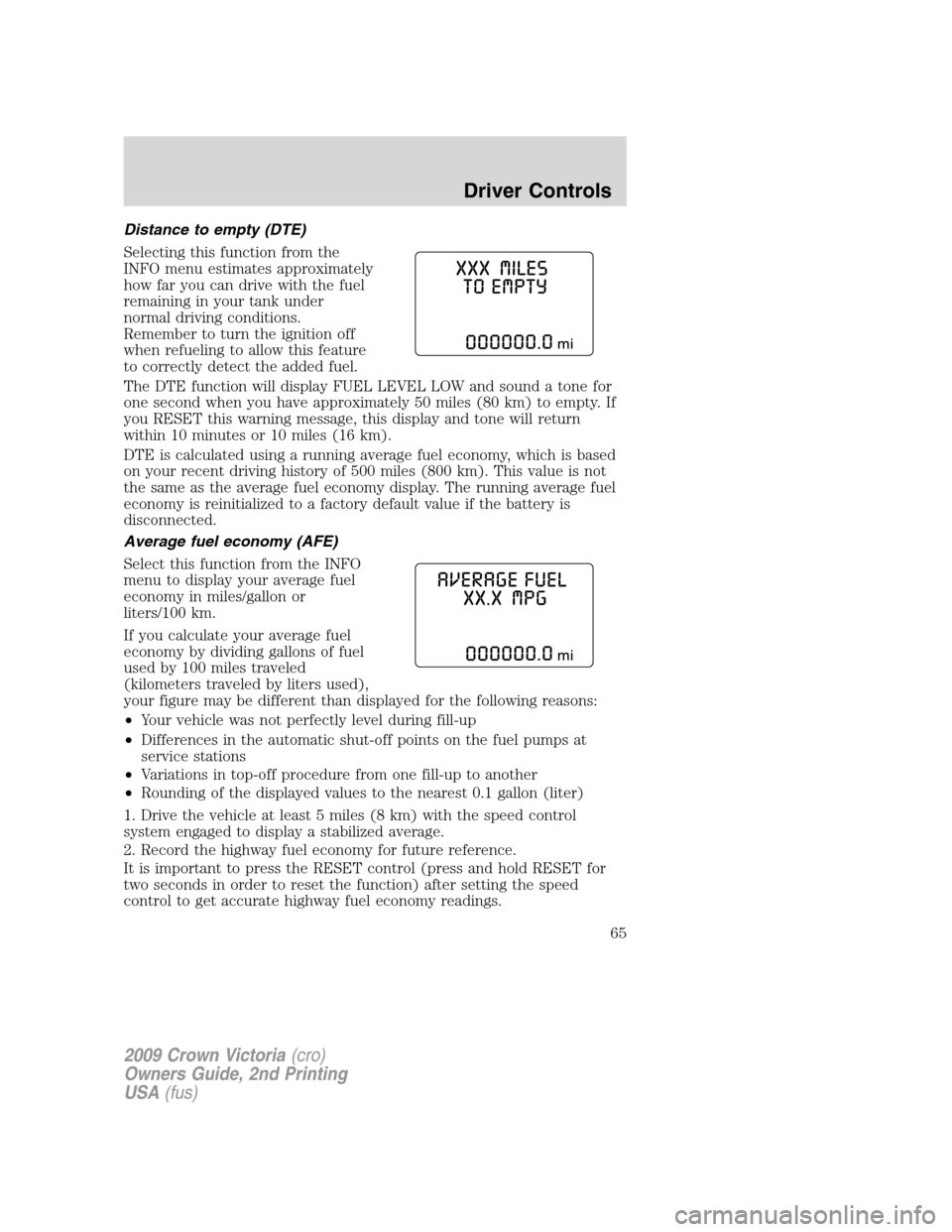
Distance to empty (DTE)
Selecting this function from the
INFO menu estimates approximately
how far you can drive with the fuel
remaining in your tank under
normal driving conditions.
Remember to turn the ignition off
when refueling to allow this feature
to correctly detect the added fuel.
The DTE function will display FUEL LEVEL LOW and sound a tone for
one second when you have approximately 50 miles (80 km) to empty. If
you RESET this warning message, this display and tone will return
within 10 minutes or 10 miles (16 km).
DTE is calculated using a running average fuel economy, which is based
on your recent driving history of 500 miles (800 km). This value is not
the same as the average fuel economy display. The running average fuel
economy is reinitialized to a factory default value if the battery is
disconnected.
Average fuel economy (AFE)
Select this function from the INFO
menu to display your average fuel
economy in miles/gallon or
liters/100 km.
If you calculate your average fuel
economy by dividing gallons of fuel
used by 100 miles traveled
(kilometers traveled by liters used),
your figure may be different than displayed for the following reasons:
•Your vehicle was not perfectly level during fill-up
•Differences in the automatic shut-off points on the fuel pumps at
service stations
•Variations in top-off procedure from one fill-up to another
•Rounding of the displayed values to the nearest 0.1 gallon (liter)
1. Drive the vehicle at least 5 miles (8 km) with the speed control
system engaged to display a stabilized average.
2. Record the highway fuel economy for future reference.
It is important to press the RESET control (press and hold RESET for
two seconds in order to reset the function) after setting the speed
control to get accurate highway fuel economy readings.
2009 Crown Victoria(cro)
Owners Guide, 2nd Printing
USA(fus)
Driver Controls
65
Page 66 of 271
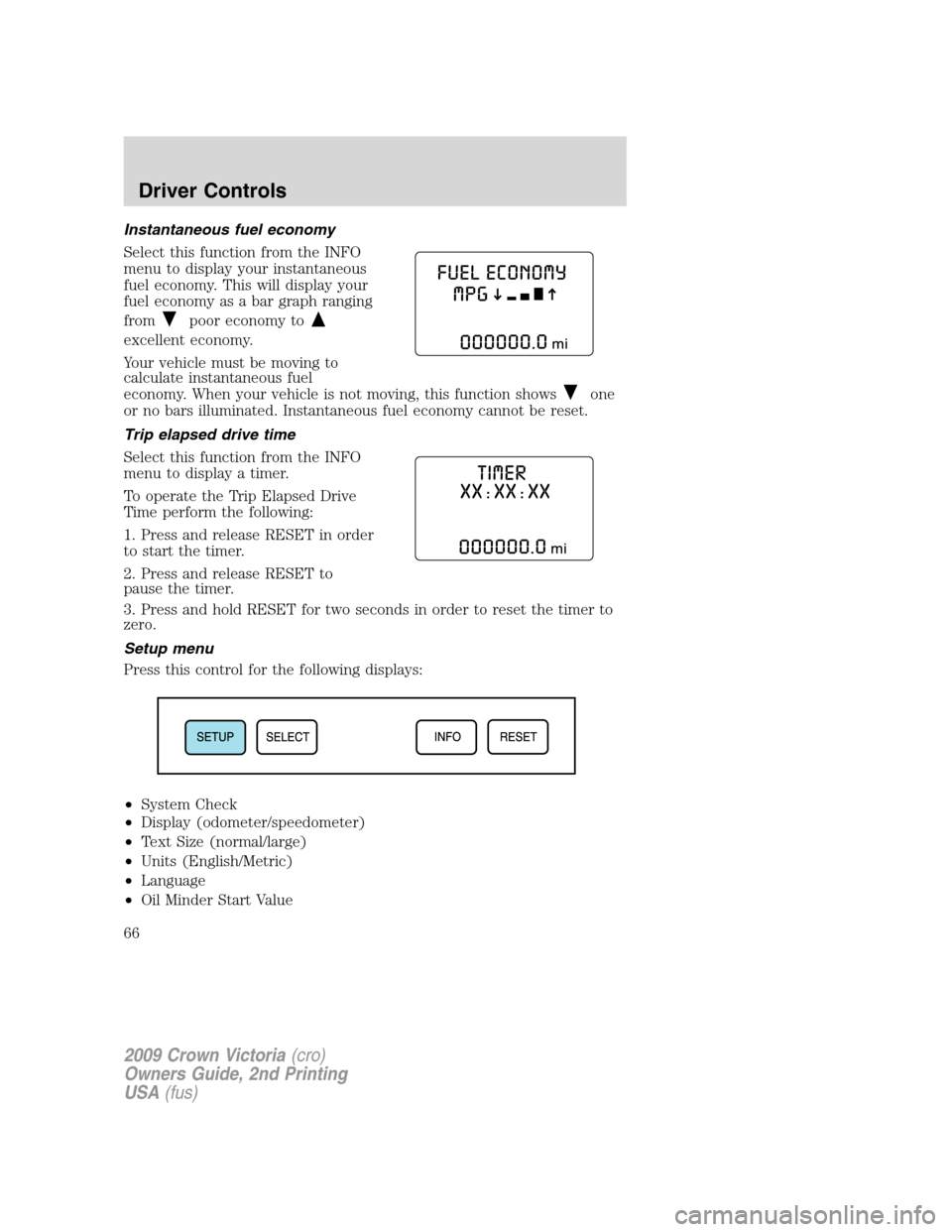
Instantaneous fuel economy
Select this function from the INFO
menu to display your instantaneous
fuel economy. This will display your
fuel economy as a bar graph ranging
from
poor economy to
excellent economy.
Your vehicle must be moving to
calculate instantaneous fuel
economy. When your vehicle is not moving, this function shows
one
or no bars illuminated. Instantaneous fuel economy cannot be reset.
Trip elapsed drive time
Select this function from the INFO
menu to display a timer.
To operate the Trip Elapsed Drive
Time perform the following:
1. Press and release RESET in order
to start the timer.
2. Press and release RESET to
pause the timer.
3. Press and hold RESET for two seconds in order to reset the timer to
zero.
Setup menu
Press this control for the following displays:
•System Check
•Display (odometer/speedometer)
•Text Size (normal/large)
•Units (English/Metric)
•Language
•Oil Minder Start Value
2009 Crown Victoria(cro)
Owners Guide, 2nd Printing
USA(fus)
Driver Controls
66