Page 231 of 459

Phone Button (UConnect�Hands-Free Phone) — If
Equipped
Press this button to operate the Hands-Free Phone
(UConnect�) feature (if equipped). Refer to “Hands-Free
Communication (UConnect�)” in Section 3.
If your vehicle is not equipped with or this feature is not
available on your vehicle, a “Not Equipped With
UConnect” message will display on the radio screen.
TIME Button
Press the TIME button to alternate locations of the time
and frequency display.
Clock Setting Procedure
1. Press and hold the TIME button, until the hours blink.
2. Adjust the hours by turning the right side Tune/Scroll
control knob.3. After adjusting the hours, press the right side Tune/
Scroll control knob to set the minutes. The minutes will
begin to blink.
4. Adjust the minutes using the right side Tune/Scroll
control knob. Press the Tune/Scroll control knob to save
time change.
5. To exit, press any button/knob or wait five seconds.
The clock can also be set by pressing the SETUP button.
For vehicles equipped with satellite radio, press the
SETUP button, use the Tune/Scroll control to select SET
CLOCK, and then follow the above procedure, starting at
Step 2. For vehicles not equipped with satellite radio,
press the SETUP button and then follow the above
procedure, starting at Step 2.
UNDERSTANDING YOUR INSTRUMENT PANEL 229
4
Page 232 of 459

INFO Button
Press the INFO button for an RDS station (one with call
letters displayed). The radio will return a Radio Text
message broadcast from an FM station (FM mode only).
RW/FF
Pressing the RW (Rewind) or FF (Fast Forward) buttons
causes the tuner to search for the next frequency in the
direction of the arrows. This feature operates in either
AM or FM frequencies.
TUNE Control
Turn the rotary Tune/Scroll control knob clockwise to
increase or counterclockwise to decrease the frequency.
Setting the Tone, Balance, and Fade
Push the rotary Tune/Scroll control knob and BASS will
display. Turn the Tune/Scroll control knob to the right or
left to increase or decrease the bass tones.Push the rotary Tune/Scroll control knob a second time
and MID will display. Turn the Tune/Scroll control knob
to the right or left to increase or decrease the mid-range
tones.
Push the rotary Tune/Scroll control knob a third time and
TREBLE will display. Turn the Tune/Scroll control knob
to the right or left to increase or decrease the treble tones.
Push the rotary Tune/Scroll control knob a fourth time
and BALANCE will display. Turn the Tune/Scroll control
knob to the right or left to adjust the sound level from the
right or left side speakers.
Push the rotary Tune/Scroll control knob a fifth time and
FADE will display. Turn the Tune/Scroll control knob to
the left or right to adjust the sound level between the
front and rear speakers.
Push the rotary Tune/Scroll control knob again to exit
setting tone, balance, and fade.
230 UNDERSTANDING YOUR INSTRUMENT PANEL
Page 234 of 459

Program Type16-Digit Character
Display
Sports Sports
Talk Talk
Top 40 Top 40
Weather Weather
By pressing the SEEK button when the Music Type icon
is displayed, the radio will be tuned to the next frequency
station with the same selected Music Type name. The
Music Type function only operates when in the FM
mode.
If a preset button is activated while in the Music Type
(Program Type) mode, the Music Type mode will be
exited and the radio will tune to the preset station.
SETUP Button
Pressing the SETUP button allows you to select between
the following items:
•Set Clock— Pressing the SELECT button will allow
you to set the clock. Turn the Tune/Scroll control knob
to adjust the hours and then press and turn the
Tune/Scroll control knob to adjust the minutes. Press
the Tune/Scroll control knob again to save changes.
AM/FM Button
Press the button to select either AM or FM mode.
SET/RND Button — To Set the Pushbutton
Memory
When you are receiving a station that you wish to
commit to pushbutton memory, press the SET/RND
button. The symbol SET 1 will now show in the display
window. Select the button (1 to 6) you wish to lock onto
this station and press and release that button. If a button
is not selected within five seconds after pressing the
SET/RND button, the station will continue to play but
will not be stored into pushbutton memory.
232 UNDERSTANDING YOUR INSTRUMENT PANEL
Page 245 of 459

INFO Button — Except REU Radio
Pressing the INFO button will cycle the display informa-
tion between Artist, Song Title, and Composer (if avail-
able). Also, pressing and holding the INFO button for an
additional three seconds will make the radio display the
Song Title all of the time (press and hold again to return
to normal display).
INFO Button — REU Radio
Pressing the INFO button will display information about
Artist, Song Title, and Composer (if available). Pressing
the INFO button again will close the INFO screen.
RW/FF
Pressing the RW (Rewind) or FF (Fast Forward) buttons
causes the tuner to search for the next channel in the
direction of the arrows.
TUNE Control (Rotary)
Turn the rotary Tune/Scroll control knob clockwise to
increase or counterclockwise to decrease the channel.
MUSIC TYPE Button — Except REU Radio
Pressing this button once will turn on the Music Type
mode for five seconds. Pressing the MUSIC TYPE button
or turning the Tune/Scroll control knob within five
seconds will allow the program format type to be se-
lected.
Toggle the MUSIC TYPE button again to select the music
type.
By pressing the SEEK button when the Music Type
function is active, the radio will be tuned to the next
channel with the same selected Music Type name.
If a preset button is activated while in the Music Type
(Program Type) mode, the Music Type mode will be
exited and the radio will tune to the preset channel.
UNDERSTANDING YOUR INSTRUMENT PANEL 243
4
Page 453 of 459
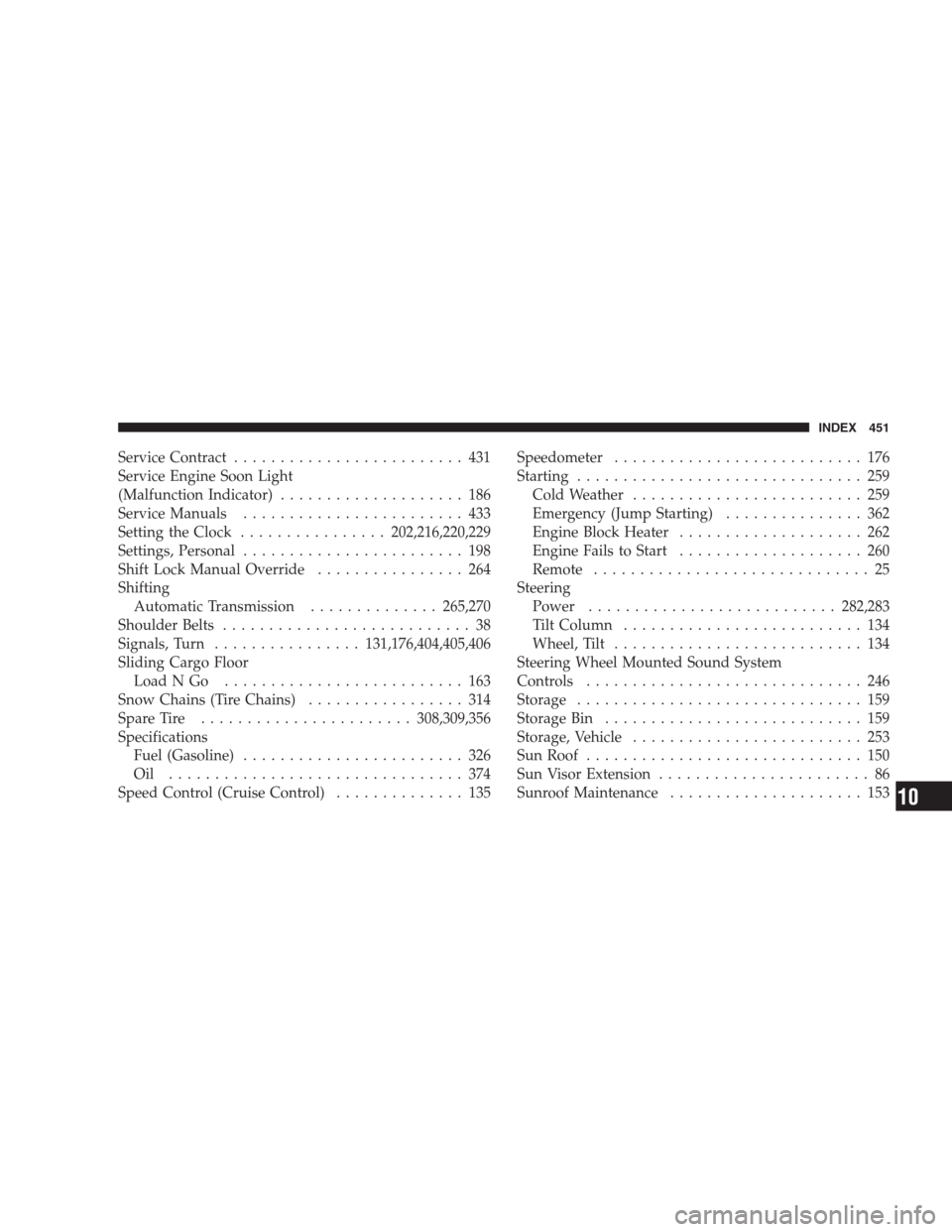
Service Contract......................... 431
Service Engine Soon Light
(Malfunction Indicator).................... 186
Service Manuals........................ 433
Setting the Clock................202,216,220,229
Settings, Personal........................ 198
Shift Lock Manual Override................ 264
Shifting
Automatic Transmission..............265,270
Shoulder Belts........................... 38
Signals, Turn................131,176,404,405,406
Sliding Cargo Floor
LoadNGo .......................... 163
Snow Chains (Tire Chains)................. 314
Spare Tire.......................308,309,356
Specifications
Fuel (Gasoline)........................ 326
Oil ................................ 374
Speed Control (Cruise Control).............. 135Speedometer........................... 176
Starting............................... 259
Cold Weather......................... 259
Emergency (Jump Starting)............... 362
Engine Block Heater.................... 262
Engine Fails to Start.................... 260
Remote.............................. 25
Steering
Power...........................282,283
Tilt Column.......................... 134
Wheel, Tilt........................... 134
Steering Wheel Mounted Sound System
Controls.............................. 246
Storage............................... 159
Storage Bin............................ 159
Storage, Vehicle......................... 253
Sun Roof.............................. 150
Sun Visor Extension....................... 86
Sunroof Maintenance..................... 153
INDEX 451
10