2009 DODGE GRAND CARAVAN reset
[x] Cancel search: resetPage 246 of 535

11. Odometer / Trip Odometer — If Equipped
The odometer shows the total distance the vehicle has
been driven.
U.S. federal regulations require that upon transfer of
vehicle ownership, the seller certify to the purchaser the
correct mileage that the vehicle has been driven. There-
fore, if the odometer reading is changed during repair or
replacement, be sure to keep a record of the reading
before and after the service so that the correct mileage can
be determined.
The trip odometer shows individual trip mileage. To
switch from odometer to trip odometer, press the Trip
Odometer button.
To reset a trip odometer, display the desired trip odom-
eter to be reset then push and hold the button until the
display resets (approximately two seconds).12. Message Display Area
When the appropriate conditions exist, the following
odometer messages will display:
CHAngE OIL
. . . . . . . . . . . . . . . Oil Change Required
HOTOIL . . . . . . . . . . . . . . . Transaxle Oil Temperature
Exceeds Safe Threshold
CRUISE . . . . . . . . . . . . . . . . . . . . . Cruise Control On
door . . . . . . . . . . . . . . . . . . . . . . . . . . . . . Door Ajar
gATE . . . . . . . . . . . . . . . . . . . . . . . . . . Lift Gate Ajar
gASCAP . . . . . . . . . . . . . . . . . . . . . . . Fuel Cap Fault
hood . . . . . . . . . . . . . . . . . . . . . . . . . . . . Hood Ajar
noFUSE . . . . . . . . . . . . . . . . . . . . . . . . . . Fuse Fault
LoCOOL . . . . . . . . . . . . . . . . . . . . . . . . Low Coolant
LoWASH . . . . . . . . . . . . . . . . . . . . Low Washer Fluid
LoW tirE . . . . . . . . . . . . . . . . . . . . . Low Tire Pressure
244 UNDERSTANDING YOUR INSTRUMENT PANEL
Page 248 of 535

means the engine oil change interval may fluctuate
dependent upon your personal driving style.
Unless reset, this message will continue to display each
time you turn the ignition switch to the ON/RUN
position. To turn off the message temporarily, press and
release the Trip Odometer button on the instrument
cluster. To reset the oil change indicator system (after
performing the scheduled maintenance), refer to the
following procedure:
1. Turn the ignition switch to the ON position (Do not
start the engine).
2. Fully depress the accelerator pedal slowly three times
within 10 seconds.
3. Turn the ignition switch to the OFF/LOCK position.
NOTE:If the indicator message illuminates when you
start the vehicle, the oil change indicator system did not
reset. If necessary repeat this procedure. 13. Odometer Display Reset Button
To reset a message display (gATE, gASCAP, noFUSE,
CHAngE OIL, LoCOOL, LoWASH), push and hold the
button until the display resets (approximately two sec-
onds).
14. Electronic Stability Program (ESP) Indicator Light
/ Traction Control System (TCS) Indicator Light
If this indicator light flashes during accelera-
tion, apply as little throttle as possible. While
driving, ease up on the accelerator. Adapt your
speed and driving to the prevailing road con-
ditions, and do not switch off the Electronic Stability
Program (ESP), or Traction Control System (TCS).
15. Malfunction Indicator Light (MIL) The Malfunction Indicator Light (MIL) is part of
an onboard diagnostic system called OBD that
monitors engine and automatic transmission con-
trol systems. The light will illuminate when the key is in 246 UNDERSTANDING YOUR INSTRUMENT PANEL
Page 253 of 535
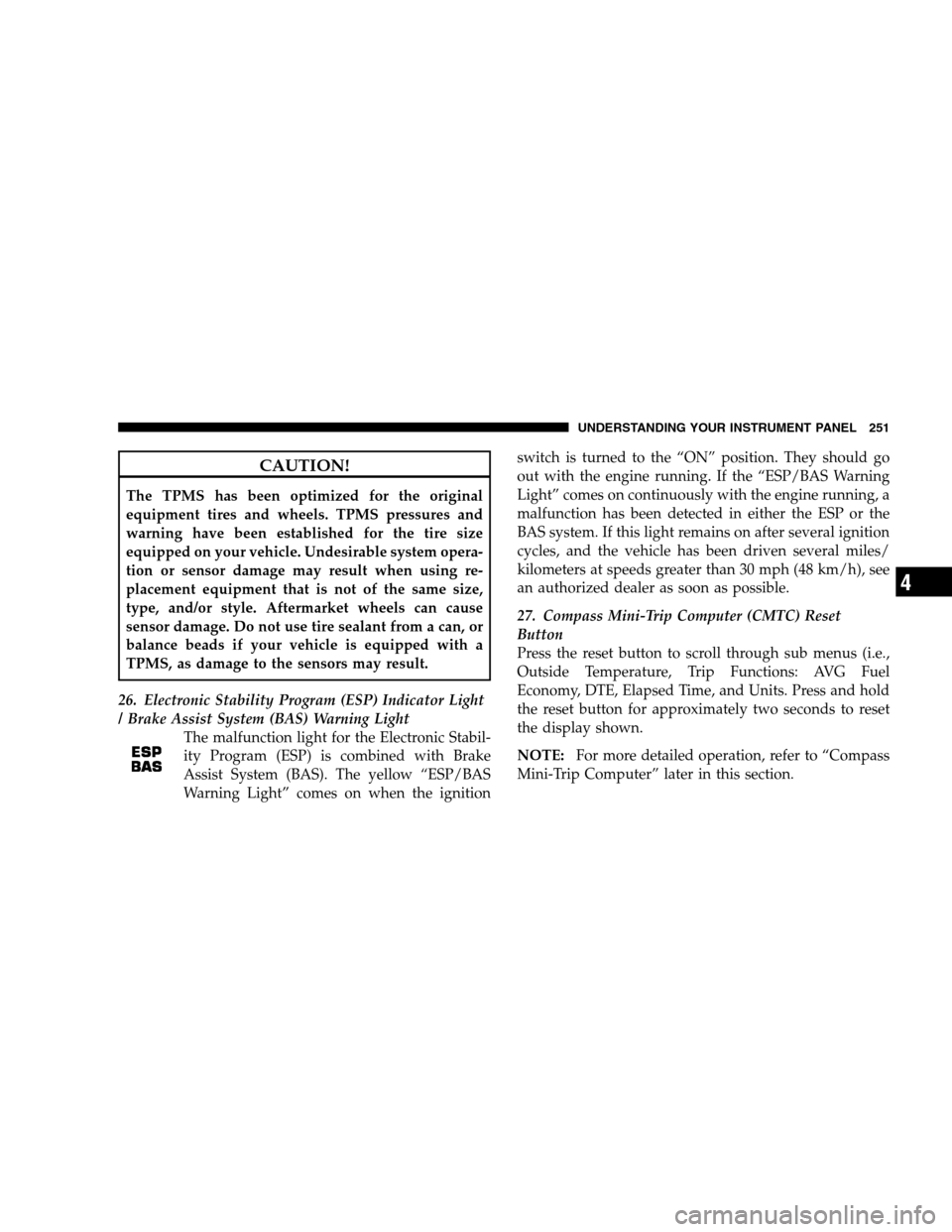
CAUTION!The TPMS has been optimized for the original
equipment tires and wheels. TPMS pressures and
warning have been established for the tire size
equipped on your vehicle. Undesirable system opera-
tion or sensor damage may result when using re-
placement equipment that is not of the same size,
type, and/or style. Aftermarket wheels can cause
sensor damage. Do not use tire sealant from a can, or
balance beads if your vehicle is equipped with a
TPMS, as damage to the sensors may result.
26. Electronic Stability Program (ESP) Indicator Light
/ Brake Assist System (BAS) Warning Light The malfunction light for the Electronic Stabil-
ity Program (ESP) is combined with Brake
Assist System (BAS). The yellow “ESP/BAS
Warning Light” comes on when the ignition switch is turned to the “ON” position. They should go
out with the engine running. If the “ESP/BAS Warning
Light” comes on continuously with the engine running, a
malfunction has been detected in either the ESP or the
BAS system. If this light remains on after several ignition
cycles, and the vehicle has been driven several miles/
kilometers at speeds greater than 30 mph (48 km/h), see
an authorized dealer as soon as possible.
27. Compass Mini-Trip Computer (CMTC) Reset
Button
Press the reset button to scroll through sub menus (i.e.,
Outside Temperature, Trip Functions: AVG Fuel
Economy, DTE, Elapsed Time, and Units. Press and hold
the reset button for approximately two seconds to reset
the display shown.
NOTE:
For more detailed operation, refer to “Compass
Mini-Trip Computer” later in this section. UNDERSTANDING YOUR INSTRUMENT PANEL 251
4
Page 255 of 535

CMTC Reset Buttons
CMTC Reset
Button
Press the left reset button located on the instrument
cluster to scroll through sub menus (i.e., Trip Functions:
AVG Fuel Economy, DTE, Elapsed Time, and Units).
To reset the display shown, turn the ignition switch to the
ON position, then press and hold the reset button for
approximately two seconds.
When the appropriate conditions exist, the following
messages will display:
NE. . . . . . . Eight-point compass headings are displayed
(N, S, E, W, NE, NW, SE, SW)
14°F . . . . . . . . . . . . Temperature (Fahrenheit or Celsius)
AVG . . . . . . . . . Average Fuel Economy (U.S. or Metric)
DTE . . . . . . . . . . . . . . . . . . . . . . . Distance to Empty
ET . . . . . . . . . . . . . . . . . . . . . . . . . . . . Elapsed Time
P . . . . . . . . . . . . . . . . . . . . . . . . . . Park Assist On/Off Should this wrench symbol display with the
letter
Pnext to it, your Park Assist System
needs servicing. Contact an authorized dealer.
CMTC Trip Odometer (ODO)
This display shows the distance traveled since the last
reset. Press and release the right button on the instrument
cluster to switch from odometer, to trip A or trip B. Press
and hold the right button, while the odometer/trip
odometer is displayed, to reset.
Trip A
Shows the total distance traveled for Trip A since the last
reset.
Trip B
Shows the total distance traveled for Trip B since the last
reset. UNDERSTANDING YOUR INSTRUMENT PANEL 253
4
Page 257 of 535

To Set the VarianceStart the engine and leave the transmission gear selector
lever in the PARK position. Press and hold the CMTC
reset button (for approximately ten seconds) until the
current variance zone number is displayed. To change the
zone, press and release the CMTC reset button to increase
the variance one step. Repeat as necessary until the
desired variance is achieved.
NOTE:
The factory default zone is 8. During program-
ming, the zone value will wrap around from zone 15 to
zone 1.
Manual Compass Calibration
If the compass appears erratic or inaccurate, and the
variance has been properly set, you may wish to manu-
ally recalibrate the compass. To manually calibrate the
compass:
1. Start the engine and leave the transmission in the
PARK position. 2. Press and hold the CMTC reset button (for approxi-
mately 10 seconds) until the current variance zone num-
ber is displayed.
3. Release the CMTC reset button, then press and hold
again for approximately 10 seconds, until the direction is
displayed, with the CAL indicator on continuously in the
display.
4. To complete the compass calibration, drive the vehicle
in one or more complete 360–degree circles, under 5 mph
(8 km/h) in an area free from power lines and large
metallic objects, until the CAL indicator turns off. The
compass will now function normally.
UNDERSTANDING YOUR INSTRUMENT PANEL 255 4
Page 259 of 535

EVIC Menu / Step Control Button, as
it appears on the left side of the steer-
ing column.
Press and release the MENU button, and the
mode displayed will change between
Compass/Temperature, Trip, System Status,
and Personal Settings.
Press the STEP button to scroll through sub
menus (i.e., Trip Functions, Avg. Fuel Economy,
DTE, Elapsed Time, and Units). Steering Wheel EVIC Compass/Temp
Control Button, as it appears on the
right side of the steering column.
Press and release the Compass/Temperature
button to for instant access to the Compass/
Temperature screens.
Press this button to RESET Trip Functions and
change Personal Settings. UNDERSTANDING YOUR INSTRUMENT PANEL 257
4
Page 261 of 535

rear view icons will be illuminated. If electronic inter-
ference is present, the BSM system will illuminate the
icon only on the side of interference as long as
interference is present.
Service Blind Spot System — This message is dis-
played to indicate the Blind Spot Monitor (BSM)
system is permanently unavailable. The driver will
receive an EVIC message and the BSM display warn-
ing in both mirrors will be permanently illuminated. If
this message is present see an authorized dealer.
Oil Change Required
Your vehicle is equipped with an engine oil change
indicator system. TheOil Change Required message will
flash in the EVIC display for approximately 10 seconds,
after a single chime has sounded, to indicate the next
scheduled oil change interval. The engine oil change indicator system is duty-cycle based, which means the
engine oil change interval may fluctuate dependent upon
your personal driving style.
Unless reset, this message will continue to display each
time you turn the ignition switch to the ON/RUN
position. To turn off the message temporarily, press and
release the Menu button. To reset the oil change indicator
system (after performing the scheduled maintenance)
perform the following steps.
1. Turn the ignition switch to the ON position (do not
start the engine).
2. Fully depress the accelerator pedal, slowly, three times
within 10 seconds.
3. Turn the ignition switch to the OFF/LOCK position.
NOTE:
If the indicator message illuminates when you
start the engine, the oil change indicator system did not
reset. If necessary, repeat these steps.
UNDERSTANDING YOUR INSTRUMENT PANEL 259 4
Page 262 of 535

Trip FunctionsPress and release the MENU button until one of the
following Trip Functions displays in the EVIC.
Press the STEP button to scroll through all the Trip
Computer functions.
The Trip Functions mode displays the following informa-
tion.
Average Fuel Economy
Shows the average fuel economy since the last reset.
When the fuel economy is reset, the display will read
“RESET” or show dashes for two seconds. Then, the
history information will be erased, and the averaging will
continue from the last fuel average reading before the
reset.
Distance To Empty (DTE)
Shows the estimated distance that can be traveled with
the fuel remaining in the tank. This estimated distance is
determined by a weighted average of the instantaneous
and average fuel economy, according to the current fuel
tank level.
NOTE:
Significant changes in driving style or vehicle
loading will greatly affect the actual drivable distance of
the vehicle, regardless of the DTE displayed value.
When the DTE value is less than 30 miles (48 km)
estimated driving distance, the DTE display will change
to a text display of 9LOW FUEL.9This display will
continue until the vehicle runs out of fuel. Adding a
significant amount of fuel to the vehicle will turn off the
9LOW FUEL9 text and a new DTE value will display.
Elapsed Time
Shows the total elapsed time of travel since the last reset
when the ignition switch is in the ACC position. Elapsed
time will increment when the ignition switch is in the ON
or START position.
260 UNDERSTANDING YOUR INSTRUMENT PANEL