Page 165 of 431
UNDERSTANDING YOUR INSTRUMENT PANEL
CONTENTS
�Instrument Panel Features ............... 166
� Instrument Cluster – Base ............... 167
� Instrument Cluster – Premium ............ 168
� Instrument Cluster Descriptions ........... 169
� Electronic Vehicle Information Center (EVIC) —
If Equipped .......................... 180
▫ Oil Change Required .................. 182
▫ EVIC Functions ..................... 183
▫ Compass/Temperature/Audio ........... 184▫
Average Fuel Economy ................ 184
▫ Distance To Empty (DTE) .............. 184
▫ Elapsed Time ....................... 185
▫ Tire Pressure Monitor (TPM) ............ 185
▫ Personal Settings (Customer-Programmable
Features) .......................... 185
� Sales Code REQ — AM/FM Stereo Radio And
6–Disc CD/DVD Changer (MP3/WMA AUX
Jack) ............................... 190
▫ Operating Instructions - Radio Mode ...... 1914
Page 166 of 431
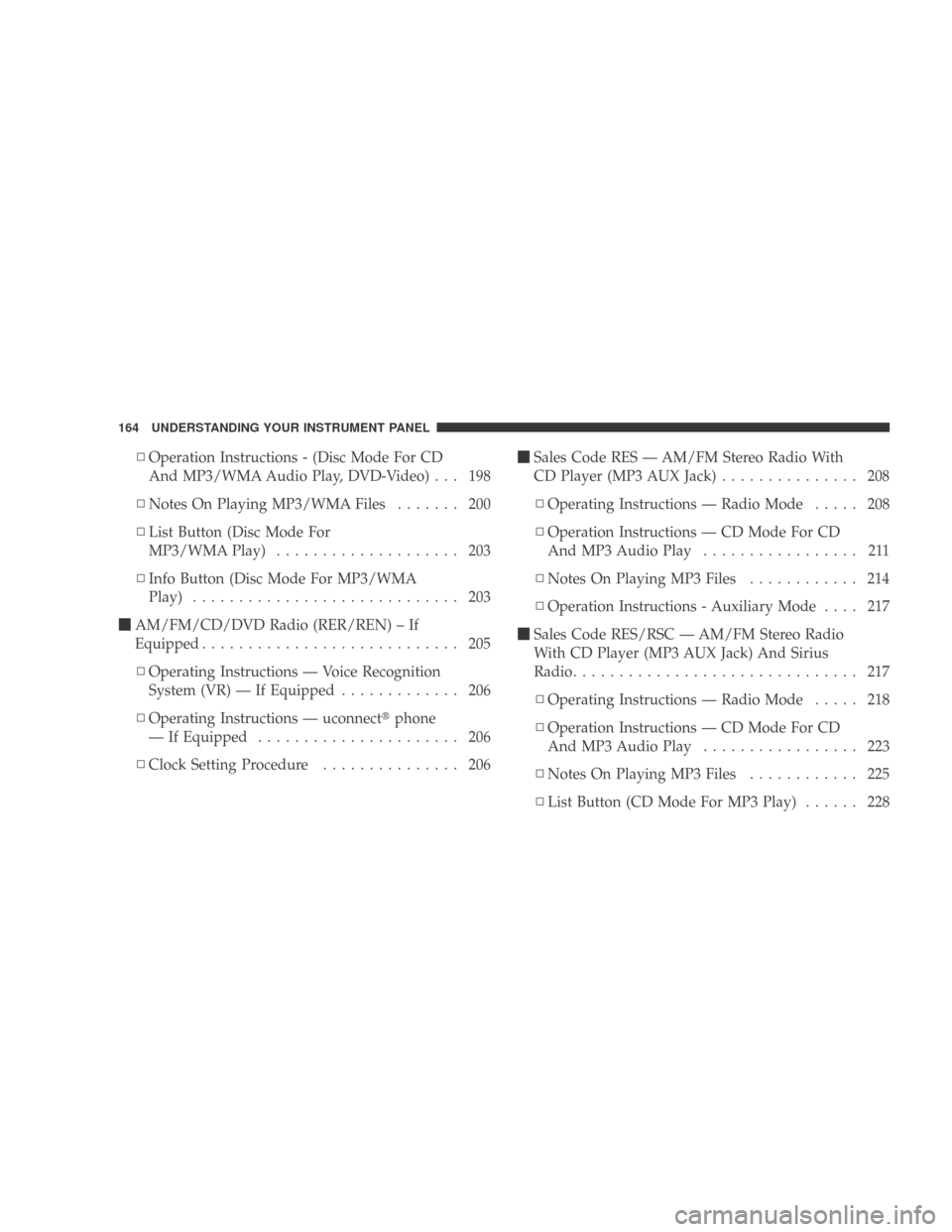
▫Operation Instructions - (Disc Mode For CD
And MP3/WMA Audio Play, DVD-Video) . . . 198
▫ Notes On Playing MP3/WMA Files ....... 200
▫ List Button (Disc Mode For
MP3/WMAPlay) .................... 203
▫ Info Button (Disc Mode For MP3/WMA
Play) ............................. 203
� AM/FM/CD/DVD Radio (RER/REN) – If
Equipped ............................ 205
▫ Operating Instructions — Voice Recognition
System (VR) — If Equipped ............. 206
▫ Operating Instructions — uconnect �phone
— If Equipped ...................... 206
▫ Clock Setting Procedure ............... 206 �
Sales Code RES — AM/FM Stereo Radio With
CD Player (MP3 AUX Jack) ............... 208
▫ Operating Instructions — Radio Mode ..... 208
▫ Operation Instructions — CD Mode For CD
And MP3 Audio Play ................. 211
▫ NotesOnPlayingMP3Files ............ 214
▫ Operation Instructions - Auxiliary Mode .... 217
� Sales Code RES/RSC — AM/FM Stereo Radio
With CD Player (MP3 AUX Jack) And Sirius
Radio ............................... 217
▫ Operating Instructions — Radio Mode ..... 218
▫ Operation Instructions — CD Mode For CD
And MP3 Audio Play ................. 223
▫ NotesOnPlayingMP3Files ............ 225
▫ List Button (CD Mode For MP3 Play) ...... 228
164 UNDERSTANDING YOUR INSTRUMENT PANEL
Page 192 of 431
calibration mode. The CAL indicator will come on con-
tinuously in the EVIC display to indicate that the com-
pass is now in the calibration mode, and that the vehicle
can now be driven to calibrate.
5. To complete the compass calibration, drive the vehicle
in one or more complete 360–degree circle under 5 mph
(8 km/h) in an area free from power lines and large
metallic objects, until the “CAL” indicator turns off. The
compass will now function normally.
NOTE:A short EVIC button press from the �Calibrate
Compass (Yes)� screen will exit the EVIC Customer-
Programmable Features, and return it to its normal
operating mode.
SALES CODE REQ — AM/FM STEREO RADIO
AND 6–DISC CD/DVD CHANGER (MP3/WMA AUX
JACK)
NOTE: The radio sales code is located on the lower right
side of the radio faceplate.
REQ Radio
190 UNDERSTANDING YOUR INSTRUMENT PANEL
Page 205 of 431

•Number of files and folders - Loading times will
increase with more files and folders
To increase the speed of disc loading, it is recommended
to use CD-R media and single-session discs. To create a
single-session disc, enable the “Disc at Once” option
before writing to the disc.
LIST Button (DISC Mode for MP3/WMA Play)
Pressing the LIST button will bring up a list of all folders
on the disc. Scrolling up or down the list is done by
turning the TUNE/SCROLL control knob. Selecting a
folder by pressing the TUNE/SCROLL control knob will
begin playing the files contained in that folder (or the
next folder in sequence if the selection does not contain
playable files).
The folder list will time out after five seconds.
INFO Button (DISC Mode for MP3/WMA Play)
Pressing the INFO button repeatedly will scroll through
the following TAG information: Song Title, Artist, File
Name, and Folder Name (if available).
Press the INFO button once more to return to �elapsed
time� priority mode.
Press and hold the INFO button for three seconds or
more and radio will display song titles for each file.
Press and hold the INFO button again for three seconds
to return to �elapsed time� display.
Operation Instructions - Auxiliary Mode
The auxiliary (AUX) jack is an audio input jack which
allows the user to plug in a portable device such as an
MP3/WMA player, cassette player, or microphone and
utilize the vehicle’s audio system to amplify the source
and play through the vehicle speakers.
UNDERSTANDING YOUR INSTRUMENT PANEL 203
4
Page 206 of 431

Pressing the AUX button will change the mode to auxil-
iary device if the AUX jack is connected.
NOTE:The AUX device must be turned on and the
device’s volume set to the proper level. If the AUX audio
is not loud enough, turn the device’s volume up. If the
AUX audio sounds distorted, turn the device’s volume
down.
SEEK Button (Auxiliary Mode)
No function.
SCAN Button (Auxiliary Mode)
No function.
EJECT Button (Auxiliary Mode)
No function.
TIME Button (Auxiliary Mode)
Press the TIME button to change the display from
elapsed playing time to time of day. The time of day will
display for five seconds.
RW/FF (Auxiliary Mode)
No function.
SET Button (Auxiliary Mode)
No function.
Operating Instructions — Voice Recognition
System (VR) (If Equipped)
For the radio, refer to “Voice Recognition System (VR)” in
Section 3.
For uconnect� “Voice Recognition System (VR),” refer to
“uconnect� phone” in Section 3.
Operating Instructions - uconnect �phone (If
Equipped)
Refer to “uconnect� phone” in Section 3.
204 UNDERSTANDING YOUR INSTRUMENT PANEL
Page 210 of 431
Changing the Time Zone
1. Turn on the radio.
2. Touch the screen where the time is displayed. The
clock setting menu will appear on the screen.
3. Touch the screen where the words “Set Time Zone” are
displayed. The time zone selection menu will appear on
the screen.
4. Select a time zone by touching the screen where your
selection appears. If you do not see a time zone that you
want to select, touch the screen where the word “Page” is
displayed to view additional time zones in the menu.
5. Touch the screen where the word “Save” is displayed.SALES CODE RES — AM/FM STEREO RADIO
WITH CD PLAYER (MP3 AUX JACK)
NOTE:The radio sales code is located on the lower right
side of the radio faceplate.
Operating Instructions — Radio Mode
NOTE: The ignition switch must be in the ON or ACC
position to operate the radio.
RES Radio
208 UNDERSTANDING YOUR INSTRUMENT PANEL
Page 219 of 431
Operation Instructions - Auxiliary Mode
The auxiliary (AUX) jack is an audio input jack, which
allows the user to plug in a portable device, such as an
MP3 player, or cassette player, and utilize the vehicle’s
audio system to amplify the source and play through the
vehicle speakers.
Pressing the DISC/AUX button will change the mode to
auxiliary device if the AUX jack is connected.
NOTE:The AUX device must be turned on and the
device’s volume set to proper level. If the AUX audio is
not loud enough, turn the device’s volume up. If the AUX
audio sounds distorted, turn the device’s volume down.
TIME Button (Auxiliary Mode)
Press this button to change the display to time of day. The
time of day will display for five seconds (when ignition is
OFF).
SALES CODE RES/RSC — AM/FM STEREO
RADIO WITH CD PLAYER (MP3 AUX JACK) AND
SIRIUS RADIO
NOTE: The radio sales code is located on the lower right
side of the radio faceplate.
RES/RSC Radio
UNDERSTANDING YOUR INSTRUMENT PANEL 217
4
Page 225 of 431

and 12 FM stations to be stored into pushbutton memory.
The stations stored in SET 2 memory can be selected by
pressing the pushbutton twice.
Every time a preset button is used, a corresponding
button number will display.
Buttons1-6
These buttons tune the radio to the stations that you
commit to pushbutton memory (12 AM and 12 FM
stations).
DISC/AUX Button
Pressing the DISC/AUX button will allow you to switch
from AM/FM modes to DISC/AUX mode.
Operation Instructions — CD MODE for CD and
MP3 Audio Play
NOTE:
•The ignition switch must be in the ON or ACC
position to operate the radio.
•This radio is capable of playing compact discs (CD),
recordable compact discs (CD-R), rewritable compact
discs (CD-RW), compact discs with MP3 tracks and
multisession compact discs with CD and MP3 tracks.
Inserting Compact Disc(s)
Gently insert one CD into the CD player with the CD
label facing up. The CD will automatically be pulled into
the CD player and the CD icon will illuminate on the
radio display. If a CD does not go into the slot more than
1.0 in (2.5 cm), a disc may already be loaded and must be
ejected before a new disc can be loaded.
If you insert a disc with the ignition ON and the radio
ON, the unit will switch from radio to CD mode and
begin to play when you insert the disc. The display will
show the track number, and index time in minutes and
seconds. Play will begin at the start of track 1.
UNDERSTANDING YOUR INSTRUMENT PANEL 223
4


