Page 67 of 431

Standards. We also recommend that you make sure
that you can install the child restraint in the vehicle
where you will use it before you buy it.
•The restraint must be appropriate for your child’s
weight and height. Check the label on the restraint for
weight and height limits.
•Carefully follow the instructions that come with the
restraint. If you install the restraint improperly, it may
not work when you need it.
The passenger seat belts are equipped with either
cinching latch plates or seat belt retractors that can be
switched to an automatic locking mode, which are
designed to keep the lap portion tight around the child
restraint so that it is not necessary to use a locking clip.
If the seat belt has a cinching latch plate, pulling up on
the shoulder portion of the lap/shoulder belt will
tighten the belt. The cinching latch plate will keep the belt tight; however, any seat belt system will loosen
with time, so check the belt occasionally and pull it
tight if necessary.
If the seat belt has a switchable retractor, it will have a
distinctive label. To operate the switchable retractor,
please refer to Automatic Locking Retractor (ALR) in this
section.
•In the rear seat, you may have trouble tightening the
lap/shoulder belt on the child restraint because the
buckle or latch plate is too close to the belt path
opening on the restraint. Disconnect the latch plate
from the buckle and twist the short buckle end of the
belt several times to shorten it. Insert the latch plate
into the buckle with the release button facing out.
•If the belt still can’t be tightened, or if by pulling and
pushing on the restraint loosens the belt, disconnect
the latch plate from the buckle, turn the latch plate
THINGS TO KNOW BEFORE STARTING YOUR VEHICLE 65
2
Page 68 of 431

around, and insert the latch plate into the buckle
again. If you still can’t make the child restraint secure,
try a different seating position.
•Buckle the child into the seat according to the child
restraint manufacturer’s directions.
•When your child restraint is not in use, secure it in the
vehicle with the seat belt or remove it from the vehicle.
Don’t leave it loose in the vehicle. In a sudden stop or
collision, it could strike the occupants or seat backs
and cause serious personal injury.
Automatic Locking Retractor (ALR)
To operate the switchable retractor, pull the belt from the
retractor until there is enough to allow you to pass
through the child restraint and slide the latch plate into
the buckle. Then pull on the belt until it is completely
extended from the retractor. Allow the belt to return into the retractor, pulling on the excess webbing to tighten the
lap portion about the child restraint. Follow the instruc-
tions of the child restraint manufacture.
NOTE:
To reset this feature, you must let all of the belt
webbing return into the retractor. You will not be able to
pull out more webbing until all of the webbing has been
returned back into the retractor.
LATCH — Child Seat Anchorage System (Lower
Anchors and Tether for CHildren)
WARNING!
Child restraint anchorages are designed to withstand
only those loads imposed by correctly fitted child
restraints. Under no circumstances are they to be
used for adult seat belts, harnesses, or for attaching
other items or equipment to the vehicle.
66 THINGS TO KNOW BEFORE STARTING YOUR VEHICLE
Page 76 of 431
Lights
Have someone observe the operation of exterior lights
while you work the controls. Check turn signal and high
beam indicator lights on the instrument panel.
Door Latches
Check for positive closing, latching, and locking.
Fluid Leaks
Check area under vehicle after overnight parking for fuel,
engine coolant, oil, or other fluid leaks. Also, if gasoline
fumes are detected or if fuel, power steering fluid, or
brake fluid leaks are suspected, the cause should be
located and corrected immediately.
74 THINGS TO KNOW BEFORE STARTING YOUR VEHICLE
Page 128 of 431

CAUTION!
To prevent possible damage, do not slam the hood to
close it. Lower the hood until it is open approxi-
mately 8 in (20 cm) and then drop it. This should
secure both latches. Never drive your vehicle unless
the hood is fully closed, with both latches engaged.
WARNING!
If the hood is not fully latched it could fly up when
the vehicle is moving and block your forward vision.
You could have a collision. Be sure all hood latches
are fully latched before driving.
LIGHTS
Multifunction Lever
The multifunction lever controls the operation of the
headlights, parking lights, turn signals, headlight beam
selection, instrument panel light dimming, interior lights,
the passing lights, and fog lights. The multifunction lever
is located on the left side of the steering column.
Headlights, Parking Lights and Instrument Panel
Lights
Turn the end of the multifunction lever to the first detent
for parking light operation. Turn the multifunction lever
to the second detent for headlight operation.
126 UNDERSTANDING THE FEATURES OF YOUR VEHICLE
Page 134 of 431
Intermittent Wiper System
Use the intermittent wiper when weather conditions
make a single wiping cycle, with a variable pause be-
tween cycles, desirable. Select the delay interval by
turning the end of the lever. Rotate the knob upward
(clockwise) to decrease the delay time and downward
(counterclockwise) to increase the delay time. The delay
can be regulated from a maximum of approximately
18 seconds between cycles, to a cycle every second.
Windshield Washers
To use the washer, pull the control lever toward you and
hold while spray is desired. If the lever is pulled while in
the delay range, the wiper will operate in low speed for
two wipe cycles after the lever is released, and then
resume the intermittent interval previously selected.
If the lever is pulled while in the off position, the wipers
will operate for two wipe cycles, then turn off.
Washer Control
132 UNDERSTANDING THE FEATURES OF YOUR VEHICLE
Page 136 of 431
TILT STEERING COLUMN
To tilt the steering column, push down on the lever below
the multifunction lever. With one hand firmly on the
wheel, move the steering column up or down as desired.
Push the lever back up to lock the column firmly in place.WARNING!
Tilting the steering column while the vehicle is
moving is dangerous. Without a stable steering col-
umn, you could lose control of the vehicle and have
an accident. Adjust the column only while the ve-
hicle is stopped. Be sure it is locked before driving.
ELECTRONIC SPEED CONTROL — IF EQUIPPED
When engaged, Electronic Speed Control takes over the
accelerator operation at speeds greater than 25 mph
(40 km/h). The Electronic Speed Control lever is located
on the right side of the steering wheel.
Tilt Steering Control
134 UNDERSTANDING THE FEATURES OF YOUR VEHICLE
Page 144 of 431

Gate Operator/Canadian Programming
Canadian radio-frequency laws require transmitter sig-
nals to “time-out” (or quit) after several seconds of
transmission – which may not be long enough for
HomeLink�to pick up the signal during programming.
Similar to this Canadian law, some U.S. gate operators are
designed to “time-out” in the same manner.
It may be helpful to unplug the device during the cycling
process to prevent possible overheating of the garage
door or gate motor.
If you are having difficulties programming a garage door
opener or a gate operator, replace “Programming
HomeLink�” Step 3 with the following:
3. Continue to press and hold the HomeLink� button
while you press and release - every two seconds
(“cycle”) your hand-held transmitter until HomeLink �has successfully accepted the frequency signal. The
indicator light will flash slowly and then rapidly when
fully trained.
If you unplugged the device for training, plug it back in
at this time.
Then proceed with Step 4 under “Programming
HomeLink�” earlier in this section.
Using HomeLink�
To operate, simply press and release the programmed
HomeLink�
button. Activation will now occur for the
trained device (i.e., garage door opener, gate operator,
Security system, entry door lock, home/office lighting,
etc. The hand-held transmitter of the device may also be
used at any time.
142 UNDERSTANDING THE FEATURES OF YOUR VEHICLE
Page 166 of 431
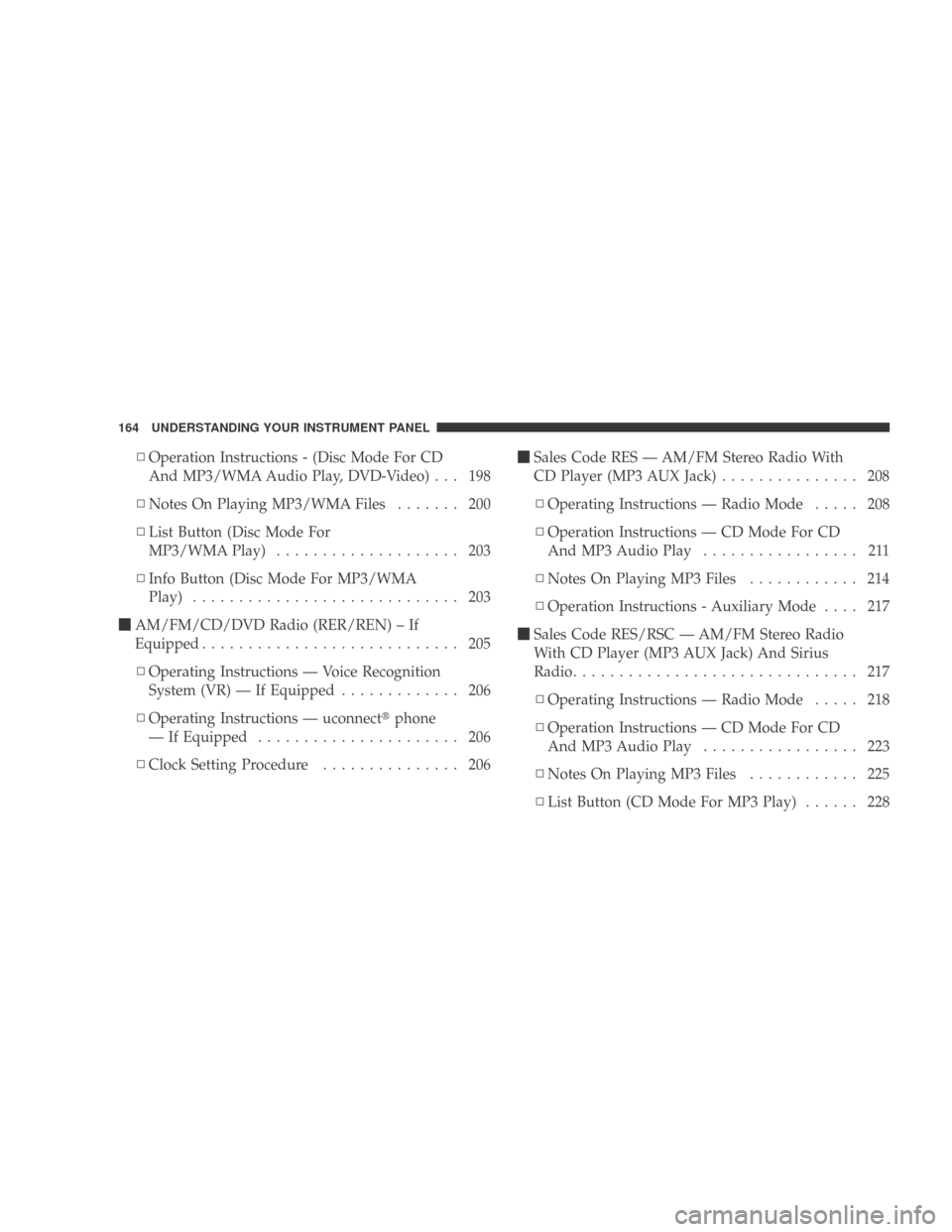
▫Operation Instructions - (Disc Mode For CD
And MP3/WMA Audio Play, DVD-Video) . . . 198
▫ Notes On Playing MP3/WMA Files ....... 200
▫ List Button (Disc Mode For
MP3/WMAPlay) .................... 203
▫ Info Button (Disc Mode For MP3/WMA
Play) ............................. 203
� AM/FM/CD/DVD Radio (RER/REN) – If
Equipped ............................ 205
▫ Operating Instructions — Voice Recognition
System (VR) — If Equipped ............. 206
▫ Operating Instructions — uconnect �phone
— If Equipped ...................... 206
▫ Clock Setting Procedure ............... 206 �
Sales Code RES — AM/FM Stereo Radio With
CD Player (MP3 AUX Jack) ............... 208
▫ Operating Instructions — Radio Mode ..... 208
▫ Operation Instructions — CD Mode For CD
And MP3 Audio Play ................. 211
▫ NotesOnPlayingMP3Files ............ 214
▫ Operation Instructions - Auxiliary Mode .... 217
� Sales Code RES/RSC — AM/FM Stereo Radio
With CD Player (MP3 AUX Jack) And Sirius
Radio ............................... 217
▫ Operating Instructions — Radio Mode ..... 218
▫ Operation Instructions — CD Mode For CD
And MP3 Audio Play ................. 223
▫ NotesOnPlayingMP3Files ............ 225
▫ List Button (CD Mode For MP3 Play) ...... 228
164 UNDERSTANDING YOUR INSTRUMENT PANEL


