Page 77 of 410
UNDERSTANDING THE FEATURES OF YOUR VEHICLE
CONTENTS
�Mirrors .............................. 79
▫ Inside Day/Night Mirror ................ 79
▫ Outside Mirror — Driver Side ............ 79
▫ Outside Mirror — Passenger Side .......... 80
▫ Power Mirrors — If Equipped ............ 80
▫ Illuminated Vanity Mirrors — If Equipped . . . 81
▫ Sun Visor Sliding Feature ............... 81
� uconnect� phone — If Equipped ............ 82
▫ Operation .......................... 84 ▫
Phone Call Features ................... 91
▫ uconnect� phone Features ............... 94
▫ Advanced Phone Connectivity ............ 99
▫ Things You Should Know About Your
uconnect� phone..................... 101
▫ General Information .................. 110
� Seats .............................. 110
▫ Front Seat Adjustment — If Equipped ...... 110
▫ Six-Way Power Seat With Manual Recliner —
If Equipped .........................111
3
Page 81 of 410
MIRRORS
Inside Day/Night Mirror
A two-point pivot system allows for horizontal and
vertical mirror adjustment. Adjust the mirror to center on
the view through the rear window.
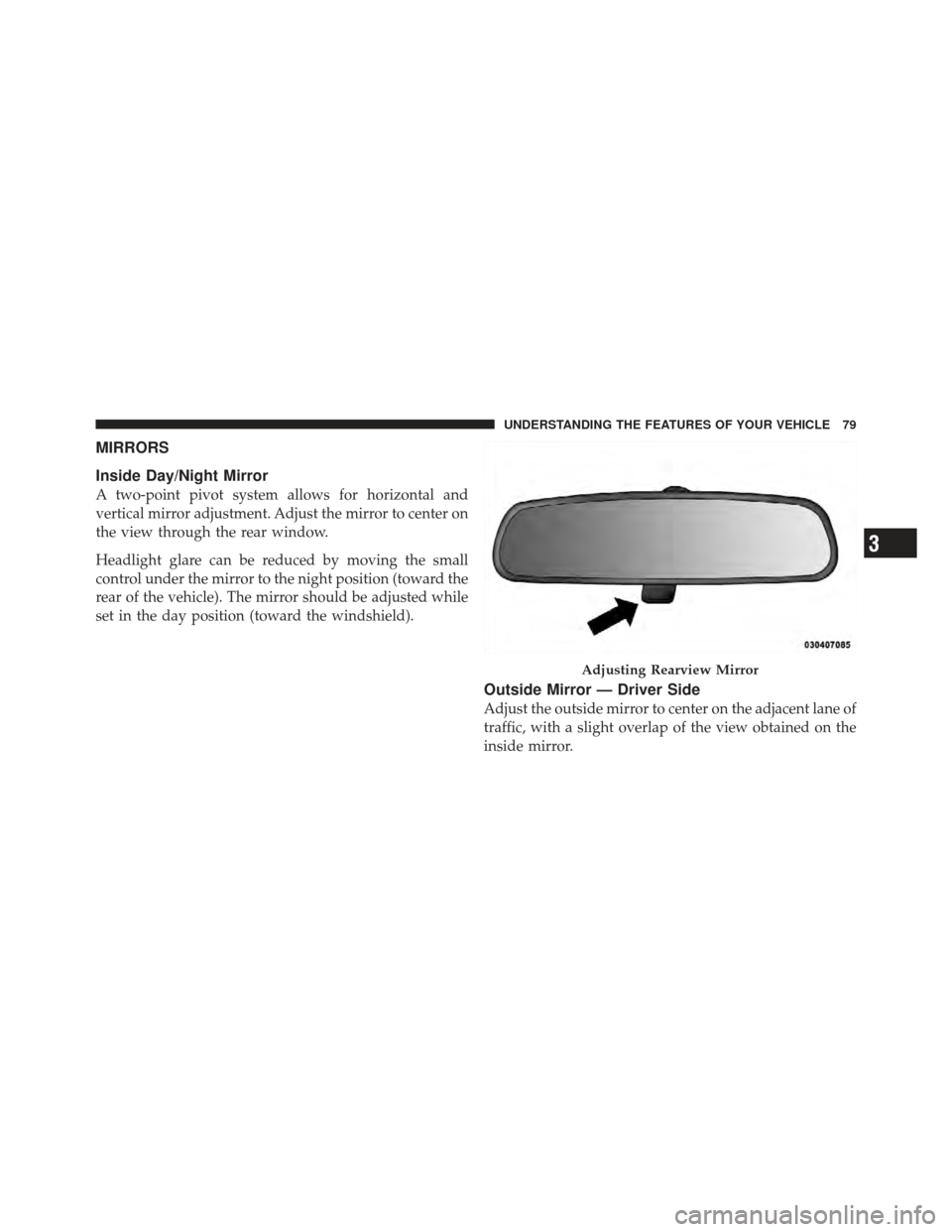
Headlight glare can be reduced by moving the small
control under the mirror to the night position (toward the
rear of the vehicle). The mirror should be adjusted while
set in the day position (toward the windshield).
Outside Mirror — Driver Side
Adjust the outside mirror to center on the adjacent lane of
traffic, with a slight overlap of the view obtained on the
inside mirror.
Adjusting Rearview Mirror
3
UNDERSTANDING THE FEATURES OF YOUR VEHICLE 79
Page 82 of 410
Outside Mirror — Passenger Side
Adjust the convex outside mirror so you can just see the
side of your vehicle in the part of the mirror closest to the
vehicle.
WARNING!
Vehicles and other objects seen in the passenger side
convex mirror will look smaller and farther away
than they really are. Relying too much on your
passenger side mirror could cause you to collide with
another vehicle or other object. Use your inside
mirror when judging the size or distance of a vehicle
seen in this convex mirror.
Power Mirrors — If Equipped
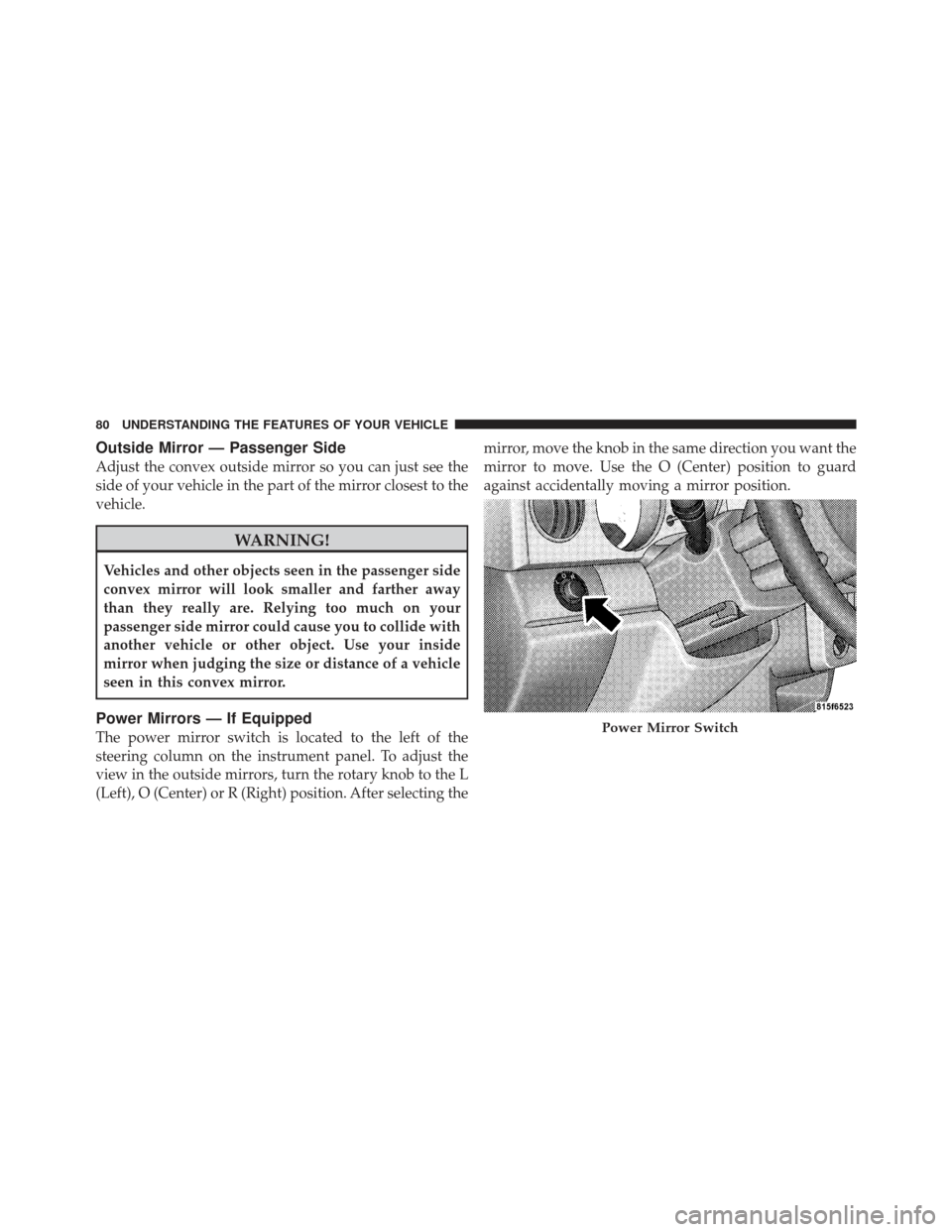
The power mirror switch is located to the left of the
steering column on the instrument panel. To adjust the
view in the outside mirrors, turn the rotary knob to the L
(Left), O (Center) or R (Right) position. After selecting themirror, move the knob in the same direction you want the
mirror to move. Use the O (Center) position to guard
against accidentally moving a mirror position.Power Mirror Switch
80 UNDERSTANDING THE FEATURES OF YOUR VEHICLE
Page 83 of 410
Illuminated Vanity Mirrors — If Equipped
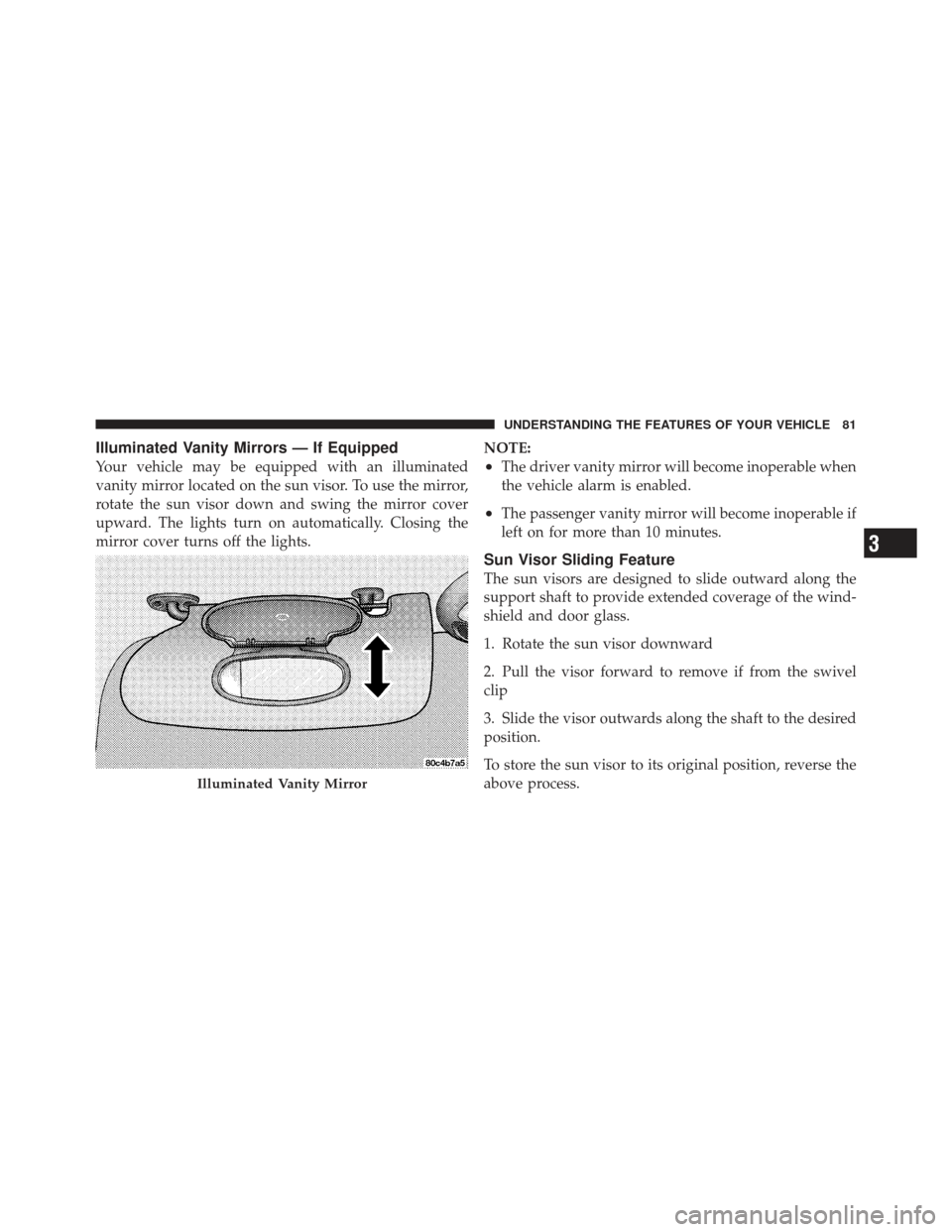
Your vehicle may be equipped with an illuminated
vanity mirror located on the sun visor. To use the mirror,
rotate the sun visor down and swing the mirror cover
upward. The lights turn on automatically. Closing the
mirror cover turns off the lights.NOTE:•The driver vanity mirror will become inoperable when
the vehicle alarm is enabled.
•The passenger vanity mirror will become inoperable if
left on for more than 10 minutes.
Sun Visor Sliding Feature
The sun visors are designed to slide outward along the
support shaft to provide extended coverage of the wind-
shield and door glass.
1. Rotate the sun visor downward
2. Pull the visor forward to remove if from the swivel
clip
3. Slide the visor outwards along the shaft to the desired
position.
To store the sun visor to its original position, reverse the
above process.
Illuminated Vanity Mirror
3
UNDERSTANDING THE FEATURES OF YOUR VEHICLE 81
Page 85 of 410
it your purse, pocket, or briefcase), as long as your phone
is turned on and has been paired to the vehicle’s
uconnect�phone. The uconnect� phone allows up to
seven cellular phones to be linked to the system. Only
one linked (or paired) cellular phone can be used with the
system at a time. The system is available in English,
Spanish, or French languages.
Phone Button The rearview mirror contains the microphone
for the system (depending on the type of
mirror and radio equipped), and either the
radio or the mirror has the two control buttons
(PHONE Button and VOICE RECOGNITION button)
that will enable you to access the system.
Voice Recognition Button Actual button location may vary with the ra-
dio. The individual buttons are described in the
“Operation” section. The uconnect�
phone can be used with any Hands-Free
Profile certified Bluetooth� cellular phone. See the
uconnect� website for supported phones. If your cellular
phone supports a different profile (e.g., Headset Profile)
you may not be able to use any uconnect� phone
features. Refer to your cellular service provider or the
phone manufacturer for details.
The uconnect� phone is fully integrated with the vehi-
cle’s audio system. The volume of the uconnect� phone
can be adjusted either from the radio volume control
knob or from the steering wheel radio control (right
switch), if so equipped.
The radio display will be used for visual prompts from
the uconnect� phone such as �CELL�or caller ID on
certain radios.
3
UNDERSTANDING THE FEATURES OF YOUR VEHICLE 83
Page 104 of 410
This procedure may be repeated with a new user. The
system will adapt to the last trained voice only.
To restore the Voice Recognition system to factory default
settings, enter the Voice Training session via the above
procedure and follow the prompts.
Voice Recognition (VR)
•
For best performance, adjust the rearview mirror to
provide at least12in (1 cm) gap between the overhead
console (if equipped) and the mirror.
•Always wait for the beep before speaking.
•Speak normally, without pausing, just as you would
speak to a person sitting a few feet/meters away from
you.
•Make sure that no one other than you is speaking
during a voice recognition period.
•Performance is maximized under:
•low-to-medium blower setting,
•low-to-medium vehicle speed,
•low road noise,
•smooth road surface,
•fully closed windows,
•dry weather condition.
•Even though the system is designed for users speaking
in North American English, French, and Spanish ac-
cents, the system may not always work for some.
•When navigating through an automated system such
as voice mail, or when sending a page, at the end of
speaking the digit string, make sure to say �Send.�
•Storing names in the phonebook when the vehicle is
not in motion is recommended.
102 UNDERSTANDING THE FEATURES OF YOUR VEHICLE
Page 127 of 410
CAUTION!
To prevent possible damage, do not slam the hood to
close it. Lower the hood until it is open approxi-
mately 8 in (20 cm) and then drop it. This should
secure both latches. Never drive your vehicle unless
the hood is fully closed, with both latches engaged.
WARNING!
If the hood is not fully latched it could fly up when
the vehicle is moving and block your forward vision.
You could have a collision. Be sure all hood latches
are fully latched before driving.
LIGHTS
Map/Reading Lights
These lights are mounted between the sun visors above
the rearview mirror. Each light is turned on by pressingthe button. Press the button a second time to turn the
light off. The lights also come on when a door is opened
or the dimmer control is turned fully upward, past the
second detent.
Map Reading Lights
3
UNDERSTANDING THE FEATURES OF YOUR VEHICLE 125
Page 156 of 410

REAR WINDOW FEATURES
Rear Window Defroster
The rear window defroster button is located on the
center of the instrument panel, below the radio.
Press this button to turn on the rear window defroster
and the heated outside mirrors (if equipped). An indica-
tor in the button will illuminate when the rear window
defroster is on. The rear window defroster automatically
turns off after approximately 10 minutes. For an addi-
tional five minutes of operation, press the button a
second time.
NOTE: To prevent excessive battery drain, use the rear
window defroster only when the engine is operating.
CAUTION!
Failure to follow these cautions can cause damage to
the heating elements:
•Use care when washing the inside of the rear
window. Do not use abrasive window cleaners on
the interior surface of the window. Use a soft cloth
and a mild washing solution, wiping parallel to
the heating elements. Labels can be peeled off
after soaking with warm water.
•Do not use scrapers, sharp instruments, or abra-
sive window cleaners on the interior surface of the
window.
•Keep all objects a safe distance from the window.
154 UNDERSTANDING THE FEATURES OF YOUR VEHICLE