Page 158 of 493
•When pushing the RESUME/ACCEL switch without a
previously set speed in memory.
To Activate
Push and release the ON/OFF/MODE button located on
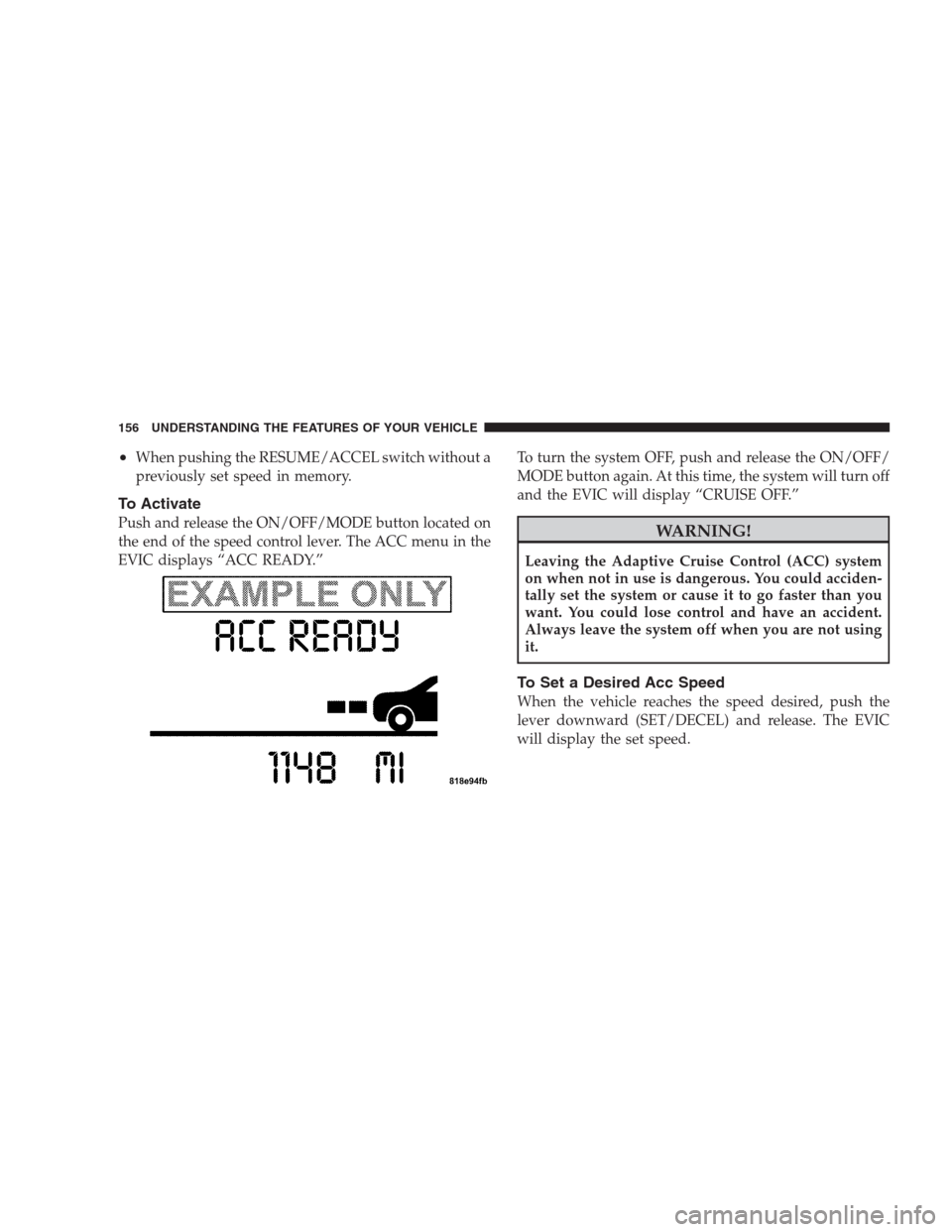
the end of the speed control lever. The ACC menu in the
EVIC displays “ACC READY.”To turn the system OFF, push and release the ON/OFF/
MODE button again. At this time, the system will turn off
and the EVIC will display “CRUISE OFF.”WARNING!
Leaving the Adaptive Cruise Control (ACC) system
on when not in use is dangerous. You could acciden-
tally set the system or cause it to go faster than you
want. You could lose control and have an accident.
Always leave the system off when you are not using
it.
To Set a Desired Acc Speed
When the vehicle reaches the speed desired, push the
lever downward (SET/DECEL) and release. The EVIC
will display the set speed.
156 UNDERSTANDING THE FEATURES OF YOUR VEHICLE
Page 165 of 493
Adaptive Cruise Control (ACC) Menu
The EVIC displays the current ACC system settings. The
EVIC is located in the upper part of the instrument
cluster between the speedometer and the tachometer. The
information it displays depends on ACC system status.
Press the MENU button (located on the steer-
ing wheel) repeatedly until one of the follow-
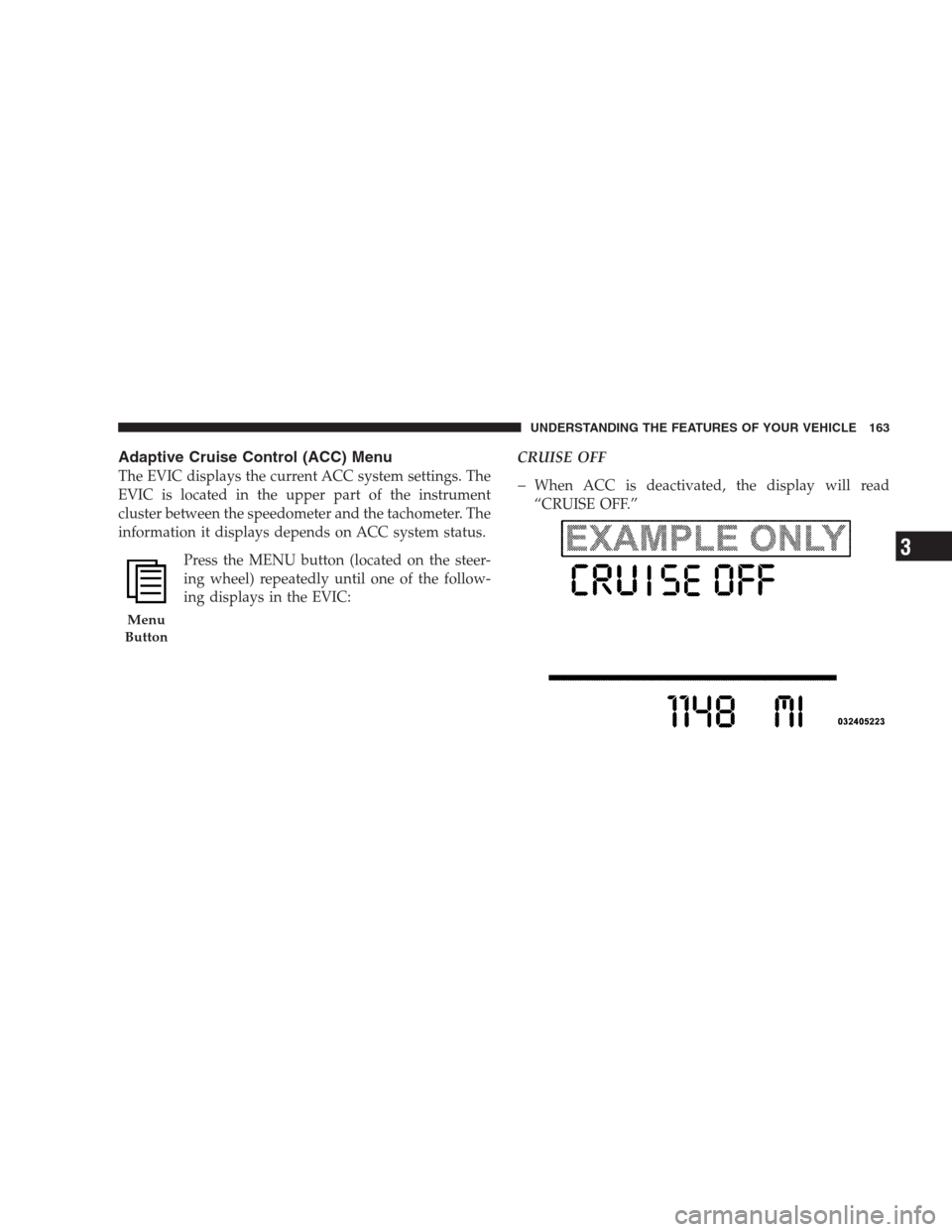
ing displays in the EVIC:CRUISE OFFWhen ACC is deactivated, the display will read
“CRUISE OFF.”
Menu
Button
UNDERSTANDING THE FEATURES OF YOUR VEHICLE 163
3
Page 168 of 493
Display Warnings and Maintenance
ACC Blinded Warning
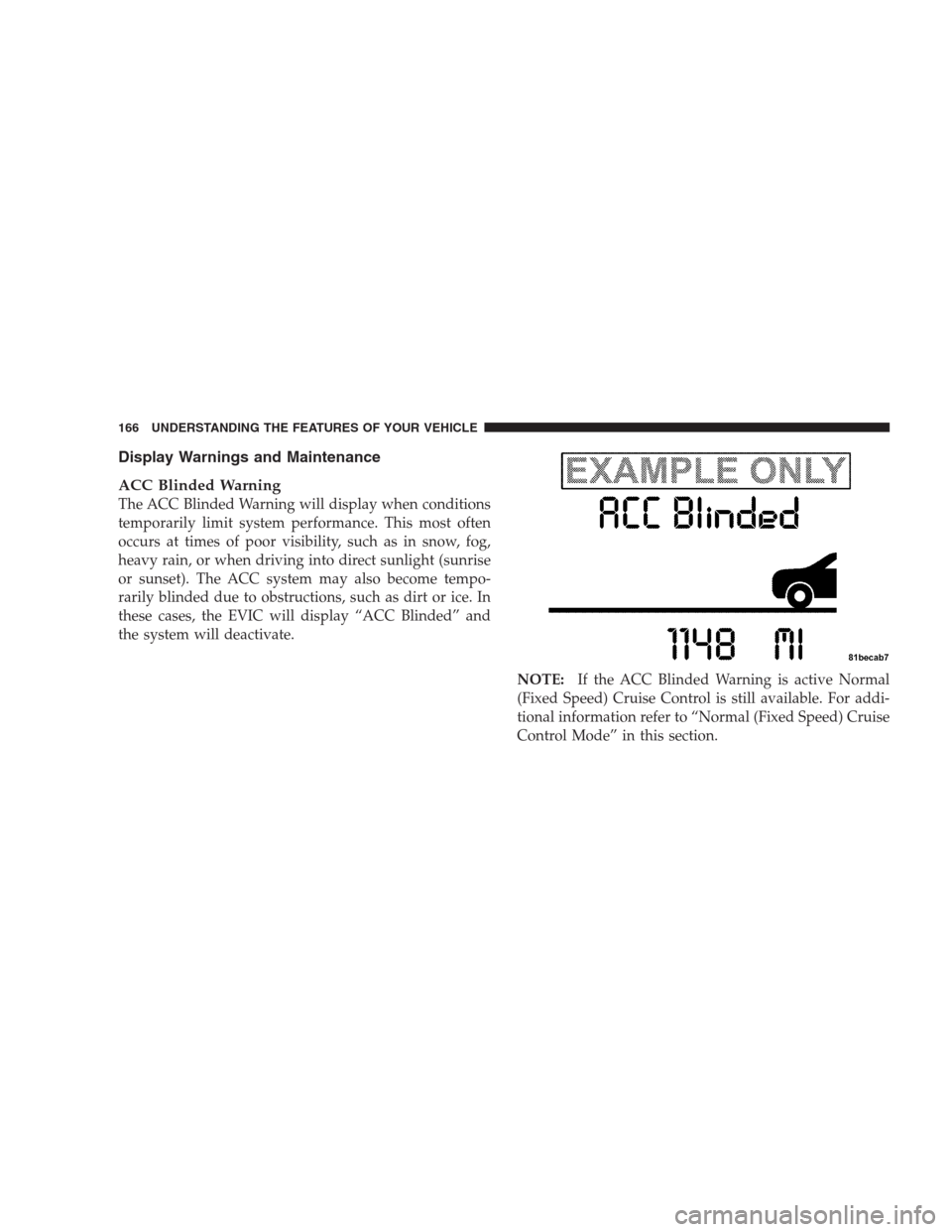
The ACC Blinded Warning will display when conditions
temporarily limit system performance. This most often
occurs at times of poor visibility, such as in snow, fog,
heavy rain, or when driving into direct sunlight (sunrise
or sunset). The ACC system may also become tempo-
rarily blinded due to obstructions, such as dirt or ice. In
these cases, the EVIC will display “ACC Blinded” and
the system will deactivate.
NOTE:If the ACC Blinded Warning is active Normal
(Fixed Speed) Cruise Control is still available. For addi-
tional information refer to “Normal (Fixed Speed) Cruise
Control Mode” in this section.
166 UNDERSTANDING THE FEATURES OF YOUR VEHICLE
Page 175 of 493
General Information
CLASS 1 LASER PRODUCT
Classification Specifications:
21 C.F.R part 1040.10 & 1040.11
DIN EN 60825-1:2003
IEC 60825-1:2001
Normal (Fixed Speed) Cruise Control Mode
In addition to adaptive cruise control mode, a normal
(fixed speed) cruise control mode is available for cruising
at fixed speeds. The Normal cruise control mode is
designed to maintain a set cruising speed without requir-
ing the driver to operate the accelerator. Cruise control
can only be operated if the vehicle speed is above 25 mph
(40 km/h).To change modes, press and hold the�ON/OFF/MODE�
button for at least one second in either the OFF state or
the READY state.�Normal Cruise Ready�will be dis-
played once the mode becomes available. To switch back
to ACC, press and hold the “ON/OFF/MODE” button
again for at least one second.
WARNING!
In the normal cruise control mode, the system will
not react to vehicles ahead. In addition, the proximity
warning does not activate and no alarm will sound
even if you are too close to the vehicle ahead since
the presence of the vehicle ahead nor the vehicle-to-
vehicle distance is detected. Be sure to maintain a
safe distance between your vehicle and the vehicle
ahead. Always be aware which mode is selected.
UNDERSTANDING THE FEATURES OF YOUR VEHICLE 173
3
Page 176 of 493
To set a Desired Speed
When the vehicle reaches the speed desired, tap the lever
down and release (“SET/DECEL”). The EVIC will dis-
play the set speed.
NOTE:You must observe the display when setting or
changing speed, not the speedometer.
To Vary the Speed Setting
There are two ways to change the set speed:
•Use the accelerator pedal to adjust the vehicle to the
desired speed and push the lever down (“SET/
DECEL”).
•Tap the stalk up (“ACCEL”) or down (“DECEL”) to
increase or decrease the set speed in 1 mph (1 km/h)
increments respectively. Hold for 5 mph (10 km/h)
increments.
To Cancel
The system will disable Normal cruise control without
erasing the memory if:
•You softly tap or depress the brake pedal.
•You pull the speed control lever toward you (“CAN-
CEL”).
•The Electronic Stability Program/Traction Control
System (ESP/TCS) activates.
To Resume
Push the lever up and release (“RESUME/ACCEL”) and
then remove your foot from the accelerator pedal. The
EVIC will display the last set speed.
174 UNDERSTANDING THE FEATURES OF YOUR VEHICLE
Page 177 of 493
To Turn Off
The system will turn off and erase the set speed in
memory if:
•You push and release the “ON/OFF/MODE” button.
•You turn off the ignition.
•You switch off ESP.
If the cruise control system is turned off and reactivated,
the system will return to the Vehicle-to-vehicle (adaptive)
distance control mode.
REAR PARK ASSIST SYSTEM
The Rear Park Assist system is a driver aid that senses for
obstacles behind the vehicle. Refer to the Warnings,
Cautions, and Notes in this section for system limitations
and usage recommendations.
The Rear Park Assist system is active when the driver
shifts the transmission into the REVERSE position, and
the parking brake is not applied, and the vehicle speed is
less than 10 mph (16 km/h).
The system can be turned on or off through the Electronic
Vehicle Information Center (EVIC) when the vehicle is in
PARK. Refer to “Personal Settings (Customer-
Programmable Features)” under “Electronic Vehicle In-
formation Center (EVIC)” in Section 4.
UNDERSTANDING THE FEATURES OF YOUR VEHICLE 175
3
Page 207 of 493
INSTRUMENT CLUSTER DESCRIPTIONS
1. Electronic Speed Control / Adaptive Cruise Control
(ACC) Indicator Light — If Equipped
This light will turn on when the electronic
speed control or Adaptive Cruise Control
(ACC) is ON.
2. Low Fuel Indicator Light
This light will turn on and a single chime will
sound when the fuel level drops to 1/8 tank.
3. Front Fog Light Indicator
This light will turn on when the front fog lights are
ON.
4. Turn Signal Indicators
The arrow will flash with the exterior turn signal
when the turn signal lever is operated.NOTE:•A continuous chime will sound if the vehicle is driven
more than 1 mile (1.6 km) with either turn signal on.
•Check for an inoperative outside light bulb if either
indicator flashes at a rapid rate.
5. Speedometer
Indicates vehicle speed.
6. Electronic Vehicle Information Center (EVIC)
Display
This display shows the Electronic Vehicle Information
Center (EVIC) messages when the appropriate conditions
exist.
Loose Fuel Filler Cap Message
If the vehicle diagnostic system determines that the fuel
filler cap is loose, improperly installed, or damaged, a
“Check Gascap” message will display in the EVIC.
Tighten the fuel filler cap properly and press the TRIP
UNDERSTANDING YOUR INSTRUMENT PANEL 205
4
Page 219 of 493
•Right Front Turn Signal Light Out (with a single
chime)
•Right Rear Turn Signal Light Out (with a single chime)
•Key FOB Battery Low (with a single chime)
•Memory #1/#2 Profile Set
•Memory #1/#2 Profile Recall
•Memory System Disabled – Vehicle Not In PARK (with
a single chime)
•Memory System Disabled – Seat Belt Buckled (with a
single chime)
•Personal Settings Not Available – Vehicle Not in PARK
•Left/Right Front Door Ajar (one or more, with a single
chime if speed is above 1 mph [1.6 km/h])
•Left/Right Rear Door Ajar (one or more, with a single
chime if speed is above 1 mph [1.6 km/h])
•Door(s) Ajar (with a single chime if vehicle is in
motion)
•Trunk Ajar (with a single chime)
•Low Washer Fluid (with a single chime)
•Oil Pressure
•ACC Off — When the Adaptive Cruise Control (ACC)
system is turned off. Refer to “Adaptive Cruise Con-
trol (ACC)” in Section 3 (if equipped).
•ACC Ready — When the Adaptive Cruise Control
(ACC) system is activated. Refer to “Adaptive Cruise
Control (ACC)” in Section 3 (if equipped).
•ACC Set — After setting the desired speed in the
Adaptive Cruise Control (ACC) system. Refer to
“Adaptive Cruise Control (ACC)” in Section 3 (if
equipped).
UNDERSTANDING YOUR INSTRUMENT PANEL 217
4