Page 112 of 493
Bluetooth�Communication Link
Cellular phones have been found to lose connection to
the UConnect�system. When this happens, the connec-
tion can generally be re-established by switching the
phone off/on. Your cellular phone is recommended to
remain in Bluetooth�ON mode.
Power-Up
After switching the ignition key from OFF to either the
ON or ACC position, or after a language change, you
must wait at least five seconds prior to using the system.
110 UNDERSTANDING THE FEATURES OF YOUR VEHICLE
Page 120 of 493
Commands
The Voice Recognition system understands two types of
commands. Universal commands are available at all
times. Local commands are available if the supported
radio mode is active.
Changing the Volume
1. Start a dialogue by pressing the VR hard-key.
2. Say a command (e.g., “Help”).
3. Use the ON/OFF VOLUME rotary knob to adjust the
volume to a comfortable level while the Voice Recogni-
tion system is speaking. Please note the volume setting
for VR is different then the audio system.
Main Menu
Start a dialogue by pressing the VR hard-key. You may
say “Main Menu” to switch to the main menu.In this mode, you can say the following commands:
•“Radio” (to switch to the radio mode)
•“Disc” (to switch to the disc mode)
•“Memo” (to switch to the memo recorder)
•“System Setup” (to switch to system setup)
Radio AM (or Radio Long Wave or Radio Medium
Wave — If Equipped)
To switch to the AM band say “AM” or “Radio AM”. In
this mode, you may say the following commands:
•“Frequency” (to change the frequency)
•“Next Station” (to select the next station)
•“Previous Station” (to select the previous station)
•“Radio Menu” (to switch to the radio menu)
•“Main Menu” (to switch to the main menu)
118 UNDERSTANDING THE FEATURES OF YOUR VEHICLE
Page 122 of 493
Disc
To switch to the disc mode say “Disc”. In this mode, you
may say the following commands:
•“Track” (#) (to change the track)
•“Next Track” (to play the next track)
•“Previous Track” (to play the previous track)
•“Main Menu” (to switch to the main menu)
Memo
To switch to the voice recorder mode say “Memo”. In this
mode, you may say the following commands:
•“New Memo” (to record a new memo) — During the
recording you may press the VR hard-key to stop
recording. You proceed by saying one of the following
commands:
“Save” (to save the memo)
“Continue” (to continue recording)
“Delete” (to delete the recording)
•“Play Memos” (to play previously recorded memos)
— During the playback you may press the VR hard-
key to stop playing memos. You proceed by saying one
of the following commands:
“Repeat” (to repeat a memo)
“Next” (to play the next memo)
“Previous” (to play the previous memo)
“Delete” (to delete a memo)
•“Delete All” (to delete all memos)
120 UNDERSTANDING THE FEATURES OF YOUR VEHICLE
Page 123 of 493
System Setup
To switch to system setup say “Setup”. In this mode, you
may say the following commands:
•“Language English”
•“Language French”
•“Language Spanish”
•“Tutorial”
•“Voice Training”
NOTE:Keep in mind that you have to press the VR
hard-key first and wait for the beep before speaking the
“Barge In” commands.
Voice Training
For users experiencing difficulty with the system recog-
nizing their voice commands or numbers, the UConnect�
system Voice Training feature may be used.
1. Press the VR hard-key, say “System Setup” and once
you are in that menu then say “Voice Training.” This will
train your own voice to the system and will improve
recognition.
2. Repeat the words and phrases when prompted by the
UConnect�System. For best results, the Voice Training
session should be completed when the vehicle is parked,
engine running, all windows closed, and the blower fan
switched off. This procedure may be repeated with a new
user. The system will adapt to the last trained voice only.
UNDERSTANDING THE FEATURES OF YOUR VEHICLE 121
3
Page 137 of 493

Rotate the headlight switch clockwise to the first detent
for parking light and instrument panel light operation.
Turn it to the second detent for headlight, parking light,
and instrument panel light operation.
Automatic Headlights
This system automatically turns the headlights on or off
according to ambient light levels. To turn the system on,
rotate the headlight switch counterclockwise to the
AUTO (A) position. When the system is on, the headlight
time delay feature is also on. This means the headlights
will stay on for up to 90 seconds after you turn the
ignition switch OFF. To turn the automatic system off,
move the headlight switch out of the AUTO (A) position.
NOTE:The engine must be running before the head-
lights will come on in the automatic mode.
Headlights On with Wipers
When this feature is active, the headlights will turn on
approximately 10 seconds after the wipers are turned on
if the headlight switch is placed in the AUTO position. In
addition, the headlights will turn off when the wipers are
turned off if they were turned on by this feature.
The Headlights On with Wipers feature can be enabled or
disabled. Refer to ”Headlights On with Wipers,” under
“Personal Settings (Customer-Programmable Features)”
under “Electronic Vehicle Information Center (EVIC)” in
Section 4.
SmartBeams — If Equipped
The SmartBeam system provides increased forward light-
ing at night by automating high beam control through
the use of a digital camera mounted on the inside
rearview mirror. This camera detects vehicle specific light
and automatically switches from high beams to low
beams until the approaching vehicle is out of view.
UNDERSTANDING THE FEATURES OF YOUR VEHICLE 135
3
Page 143 of 493

because a door is open. This includes the glove box light,
but not the trunk light. To restore interior light operation,
either turn the ignition switch ON or cycle the light
switch.
Dimmer Control
The dimmer control is part of the
headlight switch and is located on the
left side of the instrument panel. With
the parking lights or headlights on,
rotating the dimmer control upward
will increase the brightness of the in-
strument panel lights and, if so
equipped, the lighting in the door map pockets and
cupholders.
Dome Light Position
Rotate the dimmer control completely upward to the
second detent to turn on the interior lights. The interior
lights will remain on when the dimmer control is in this
position.
Interior Light Defeat (OFF)
Rotate the dimmer control to the extreme bottom off
position. The interior lights will remain off when the
doors are open.
Parade Mode (Daytime Brightness Feature)
Rotate the dimmer control upward to the first detent.
This feature brightens all text displays such as the
odometer, EVIC, and radio when the parking lights or
headlights are on.
UNDERSTANDING THE FEATURES OF YOUR VEHICLE 141
3
Page 168 of 493
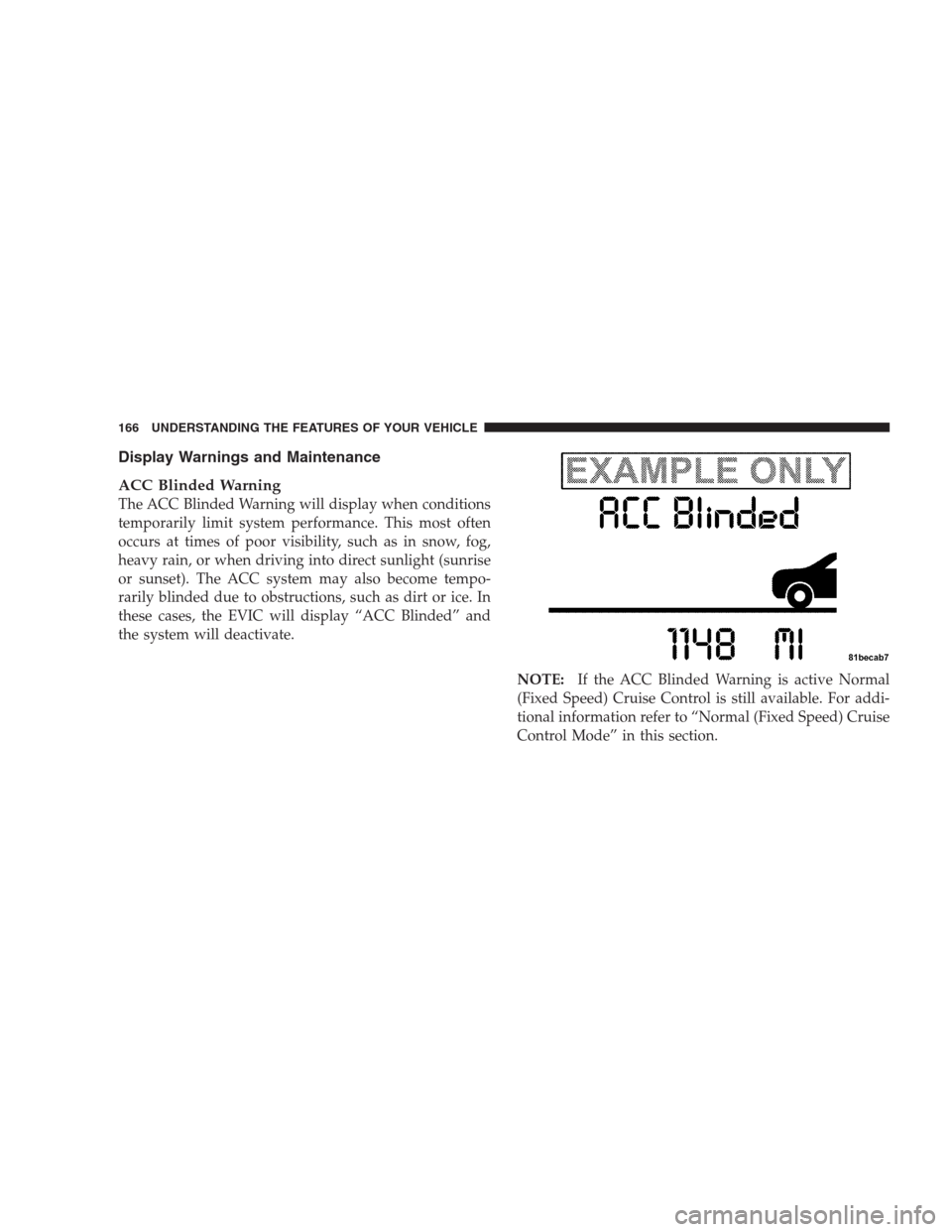
Display Warnings and Maintenance
ACC Blinded Warning
The ACC Blinded Warning will display when conditions
temporarily limit system performance. This most often
occurs at times of poor visibility, such as in snow, fog,
heavy rain, or when driving into direct sunlight (sunrise
or sunset). The ACC system may also become tempo-
rarily blinded due to obstructions, such as dirt or ice. In
these cases, the EVIC will display “ACC Blinded” and
the system will deactivate.
NOTE:If the ACC Blinded Warning is active Normal
(Fixed Speed) Cruise Control is still available. For addi-
tional information refer to “Normal (Fixed Speed) Cruise
Control Mode” in this section.
166 UNDERSTANDING THE FEATURES OF YOUR VEHICLE
Page 175 of 493
General Information
CLASS 1 LASER PRODUCT
Classification Specifications:
21 C.F.R part 1040.10 & 1040.11
DIN EN 60825-1:2003
IEC 60825-1:2001
Normal (Fixed Speed) Cruise Control Mode
In addition to adaptive cruise control mode, a normal
(fixed speed) cruise control mode is available for cruising
at fixed speeds. The Normal cruise control mode is
designed to maintain a set cruising speed without requir-
ing the driver to operate the accelerator. Cruise control
can only be operated if the vehicle speed is above 25 mph
(40 km/h).To change modes, press and hold the�ON/OFF/MODE�
button for at least one second in either the OFF state or
the READY state.�Normal Cruise Ready�will be dis-
played once the mode becomes available. To switch back
to ACC, press and hold the “ON/OFF/MODE” button
again for at least one second.
WARNING!
In the normal cruise control mode, the system will
not react to vehicles ahead. In addition, the proximity
warning does not activate and no alarm will sound
even if you are too close to the vehicle ahead since
the presence of the vehicle ahead nor the vehicle-to-
vehicle distance is detected. Be sure to maintain a
safe distance between your vehicle and the vehicle
ahead. Always be aware which mode is selected.
UNDERSTANDING THE FEATURES OF YOUR VEHICLE 173
3