2009 CHEVROLET UPLANDER key
[x] Cancel search: keyPage 133 of 464
Automatic Transmission Operation
Maximum engine speed is limited when you are in
PARK (P) or NEUTRAL (N), to protect driveline
components from improper operation.
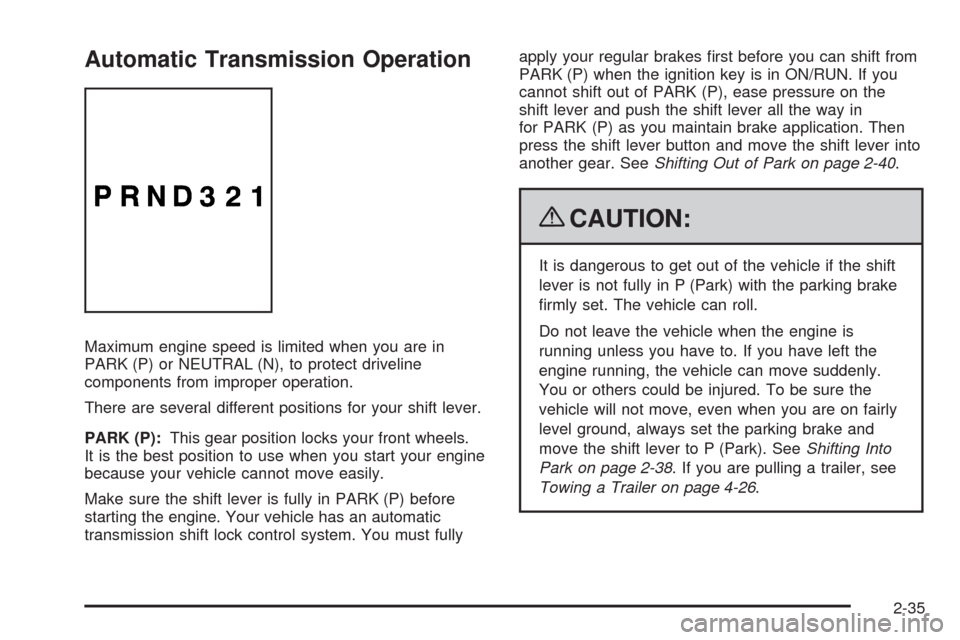
There are several different positions for your shift lever.
PARK (P):This gear position locks your front wheels.
It is the best position to use when you start your engine
because your vehicle cannot move easily.
Make sure the shift lever is fully in PARK (P) before
starting the engine. Your vehicle has an automatic
transmission shift lock control system. You must fullyapply your regular brakes rst before you can shift from
PARK (P) when the ignition key is in ON/RUN. If you
cannot shift out of PARK (P), ease pressure on the
shift lever and push the shift lever all the way in
for PARK (P) as you maintain brake application. Then
press the shift lever button and move the shift lever into
another gear. SeeShifting Out of Park on page 2-40.
{CAUTION:
It is dangerous to get out of the vehicle if the shift
lever is not fully in P (Park) with the parking brake
rmly set. The vehicle can roll.
Do not leave the vehicle when the engine is
running unless you have to. If you have left the
engine running, the vehicle can move suddenly.
You or others could be injured. To be sure the
vehicle will not move, even when you are on fairly
level ground, always set the parking brake and
move the shift lever to P (Park). SeeShifting Into
Park on page 2-38. If you are pulling a trailer, see
Towing a Trailer on page 4-26.
2-35
Page 137 of 464

2. Move the shift lever into PARK (P) by pulling the
shift lever toward you and moving it up as far as it
will go.
3. Turn the ignition key to LOCK/OFF.
4. Remove the key and take it with you. If you can
leave your vehicle with the ignition key in your
hand, your vehicle is in PARK (P).
Leaving Your Vehicle With the Engine
Running
{CAUTION:
It can be dangerous to leave the vehicle with the
engine running. The vehicle could move suddenly
if the shift lever is not fully in P (Park) with the
parking brake rmly set. And, if you leave the
vehicle with the engine running, it could overheat
and even catch re. You or others could be
injured. Do not leave the vehicle with the engine
running.If you have to leave your vehicle with the engine
running, be sure your vehicle is in PARK (P) and the
parking brake is rmly set before you leave it. After you
move the shift lever into PARK (P), hold the regular
brake pedal down. Then, see if you can move the shift
lever away from PARK (P) without rst pulling it
toward you. If you can, it means that the shift lever was
not fully locked into PARK (P).
Torque Lock
If you are parking on a hill and you do not shift your
vehicle into PARK (P) properly, the weight of the vehicle
may put too much force on the parking pawl in the
transmission. You may nd it difficult to pull the shift
lever out of PARK (P). This is called torque lock.
To prevent torque lock, set the parking brake and then
shift into PARK (P) properly before you leave the
driver’s seat. To nd out how, seeShifting Into Park on
page 2-38.
When you are ready to drive, move the shift lever out of
PARK (P) before you release the parking brake.
If torque lock does occur, you may need to have another
vehicle push yours a little uphill to take some of the
pressure from the parking pawl in the transmission, so
you can pull the shift lever out of PARK (P).
2-39
Page 138 of 464
Shifting Out of Park
This vehicle is equipped with an electronic shift lock
release system. The shift lock release is designed to:
Prevent ignition key removal unless the shift
lever is in PARK (P) with the shift lever button
fully released, and
Prevent movement of the shift lever out of
PARK (P), unless the ignition is in ON/RUN or
ACC/ACCESSORY and the regular brake pedal
is applied.
The shift lock release is always functional except in
the case of an uncharged or low voltage (less than
9 volt) battery.
If your vehicle has an uncharged battery or a battery
with low voltage, try charging or jump starting the
battery. SeeJump Starting on page 5-37for more
information.
To shift out of PARK (P) use the following:
1. Apply the brake pedal.
2. Move the shift lever to the desired position.If you still are unable to shift out of PARK (P):
1. Ease the pressure on the shift lever.
2. While holding down the brake pedal, press the shift
lever all the way into PARK (P).
3. Move the shift lever to the desired position.
If you are still having a problem shifting, then have your
vehicle serviced soon.
Parking Over Things That Burn
{CAUTION:
Things that can burn could touch hot exhaust
parts under the vehicle and ignite. Do not park
over papers, leaves, dry grass, or other things that
can burn.
2-40
Page 145 of 464
OnStar®System
OnStar uses several innovative technologies and live
advisors to provide a wide range of safety, security,
information, and convenience services. If the airbags
deploy, the system is designed to make an automatic
call to OnStar Emergency advisors who can request
emergency services be sent to your location. If the
keys are locked in the vehicle, call OnStar at
1-888-4-ONSTAR to have a signal sent to unlock the
doors. OnStar Hands-Free Calling, including 30 trial
minutes good for 60 days, is available on most vehicles.
OnStar Turn-by-Turn Navigation service, with one trial
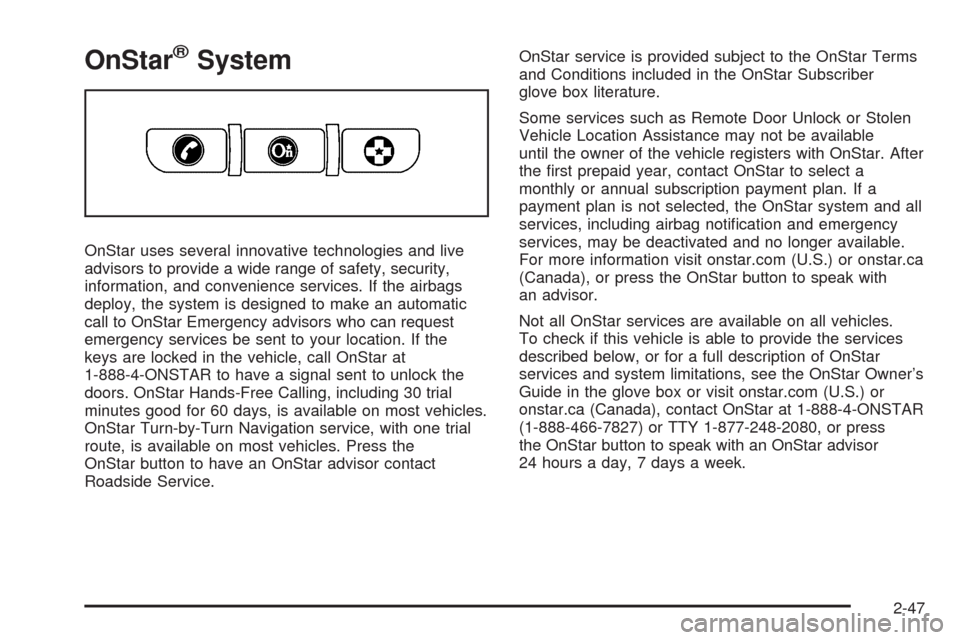
route, is available on most vehicles. Press the
OnStar button to have an OnStar advisor contact
Roadside Service.OnStar service is provided subject to the OnStar Terms
and Conditions included in the OnStar Subscriber
glove box literature.
Some services such as Remote Door Unlock or Stolen
Vehicle Location Assistance may not be available
until the owner of the vehicle registers with OnStar. After
the rst prepaid year, contact OnStar to select a
monthly or annual subscription payment plan. If a
payment plan is not selected, the OnStar system and all
services, including airbag notication and emergency
services, may be deactivated and no longer available.
For more information visit onstar.com (U.S.) or onstar.ca
(Canada), or press the OnStar button to speak with
an advisor.
Not all OnStar services are available on all vehicles.
To check if this vehicle is able to provide the services
described below, or for a full description of OnStar
services and system limitations, see the OnStar Owner’s
Guide in the glove box or visit onstar.com (U.S.) or
onstar.ca (Canada), contact OnStar at 1-888-4-ONSTAR
(1-888-466-7827) or TTY 1-877-248-2080, or press
the OnStar button to speak with an OnStar advisor
24 hours a day, 7 days a week.
2-47
Page 153 of 464
Reprogramming a Single Universal
Home Remote Button
To reprogram any of the three Universal Home Remote
buttons, repeat the programming instructions earlier
in this section, beginning with Step 2.
For help or information on the Universal Home Remote
System, call the customer assistance phone number
underCustomer Assistance Offices on page 7-6.
Storage Areas
Your vehicle’s large carrying capacity can store many
items. If the vehicle has an extended wheelbase, it can
carry even larger items. The oor pins that are used
to attach the seats, can be used to secure larger loads.
Glove Box
Lift the glovebox handle up to open it. Use the key to
lock and unlock the glovebox.
Cupholders
There are cupholders located below the center
instrument panel switchbank. The cupholders have a
rubber liner that can be removed, so that larger cups can
t into the cupholders. You can also remove the liner
to clean it.
To use the cupholders, pull the tray out. Push the tray
back when not in use.
Your vehicle may be equipped with cupholders in the
second row.
Overhead Console (Without Rail)
If your vehicle has an overhead console without the rail
system, it has two reading lights, a courtesy light,
and a switchbank. SeeOverhead Console Switchbank
on page 3-19for more information.
2-55
Page 175 of 464

To idle the vehicle with the DRL and automatic
headlamps off, toggle the exterior lamp control
to off after starting the vehicle.
The regular headlamp system should be turned on
when needed.
Instrument Panel Brightness
The instrument panel brightness knob is located in the
center of the interior lamp controls.
Turn the knob clockwise or counterclockwise to brighten
or dim the lights.
Interior Lamps Control
The interior lamp control is located on the instrument
panel to the left of the steering column.
Turn the outer knob to control the interior lamps.
R(Interior Lamp Override):The interior lamps
remain off while any door is open.
1(Door):Turns the interior lamps on while any door
is open and when the ignition key is removed from
the ignition.
+(Interior Lamps):Turns the interior lamps on.
The inner knob adjusts the instrument panel brightness,
described earlier in this section.
3-15
Page 176 of 464
Dome Lamp
The dome lamp is located in the headliner and has two
buttons to manually turn it on or off. The dome lamp
comes on each time a door is opened, unless the interior
lamps override feature is turned on. SeeInterior
Lamps Control on page 3-15.
Entry Lighting
The interior lights come on if the door is unlocked using
the key or remote keyless entry transmitter and the
ignition is in LOCK/OFF. The lights remain on for about
20 seconds and then goes out, except under the
following conditions:
All the doors are locked using the key.
The lock is pressed on the power door lock switch.
The lock is pressed on the remote keyless entry
transmitter.
The interior lights stay on while any door or the liftgate
is open, and go out when all doors and the liftgate
are closed. The entry lighting is cancelled when any
door is opened.The lights may stay on for up to 25 seconds after all
doors have been closed if they have not been locked.
SeeDelayed Lighting on page 3-16.
To turn the entry lighting feature off or on, seeDIC
Vehicle Personalization (Uplevel Only) on page 3-68.
Delayed Lighting
The delayed lighting feature lights the interior for
20 seconds after all doors have been closed. Delayed
lighting will not occur while the ignition is in ON/RUN or
ACC/ACCESSORY. The interior lights remain on for
about 20 seconds and then goes out, except under the
following conditions:
The ignition is turned to ON/RUN or
ACC/ACCESSORY.
All doors are locked using the remote keyless entry
transmitter.
All doors are locked using the power door lock
switch or the key.
To turn the delayed lighting feature off or on, seeDIC
Vehicle Personalization (Uplevel Only) on page 3-68.
3-16
Page 177 of 464
Exit Lighting
The interior lights come on for about 25 seconds
whenever the key is removed from the ignition. If the
ignition key is turned to ON/RUN or ACC/ACCESSORY,
the lights fade out. The lights also fade out if the doors
are locked with the power door lock switch or the remote
keyless entry transmitter.
Exit lighting is cancelled when any door is opened.
The interior lights stay on while any door or the liftgate
is open, and go out when all doors and the liftgate
are closed.
The interior lights may stay on for up to 20 seconds
after all doors have been closed if they have not been
locked. SeeDelayed Lighting on page 3-16.
To turn the exit lighting feature off or on, seeDIC
Vehicle Personalization (Uplevel Only) on page 3-68.
Front Reading Lamps
There are two reading lamps and one courtesy lamp in
the overhead console. Press either lamp to turn each
on or off. The courtesy lamp comes on each time a door
is opened, unless the interior lamps override feature
is turned on. SeeInterior Lamps Control on page 3-15.
Rear Reading Lamps
There are two reading lamps in the third row headliner.
Press either lamp to turn each on or off.
There may also be a reading lamp in the second row,
integrated with the dome lamp. Press the button next to
the lamp lens to turn the second row reading lamp
on or off.
Cargo Lamp
The cargo lamp is located in the rear of the vehicle,
above the liftgate opening, and does not have a switch.
The cargo lamp comes on each time a door is
opened, unless the interior lamps override is turned on.
SeeInterior Lamps Control on page 3-15.
3-17