2009 CHEVROLET MALIBU change wheel
[x] Cancel search: change wheelPage 209 of 420
Voice Recognition
The Bluetooth system uses voice recognition to interpret
voice commands to dial phone numbers and name tags.
Noise:Keep interior noise levels to a minimum. The
system may not recognize voice commands if there is
too much background noise.
When to Speak:A short tone sounds after the system
responds indicating when it is waiting for a voice
command. Wait until the tone and then speak.
How to Speak:Speak clearly in a calm and natural
voice.
Audio System
When using the in-vehicle Bluetooth system, sound
comes through the vehicle’s front audio system speakers
and overrides the audio system. Use the audio system
volume knob, during a call, to change the volume level.
The adjusted volume level remains in memory for later
calls. To prevent missed calls, a minimum volume level is
used if the volume is turned down too low.
Bluetooth Controls
Use the buttons located on the steering wheel to operate
the in-vehicle Bluetooth system. SeeAudio Steering
Wheel Controls on page 3-89for more information.
bg(Push To Talk):Press to answer incoming calls,
to conrm system information, and to start speech
recognition.
cx(Phone On Hook):Press to end a call, reject a
call, or to cancel an operation.
Pairing
A Bluetooth enabled cell phone must be paired to
the in-vehicle Bluetooth system rst and then connected
to the vehicle before it can be used. See the cell phone
manufacturers user guide for Bluetooth functions
before pairing the cell phone. If a Bluetooth phone is not
connected, calls will be made using OnStar
®Hands-Free
Calling, if available. Refer to the OnStar owner’s guide for
more information.
3-79
Page 219 of 420
This device complies with Part 15 of the FCC Rules.
Operation is subject to the following two conditions:
1. This device may not cause harmful interference.
2. This device must accept any interference received,
including interference that may cause undesired
operation.
This device complies with RSS-210 of Industry Canada.
Operation is subject to the following two conditions:
1. This device may not cause interference.
2. This device must accept any interference received,
including interference that may cause undesired
operation of the device.
Changes or modications to this system by other than
an authorized service facility could void authorization to
use this equipment.
Theft-Deterrent Feature
THEFTLOCK®is designed to discourage theft of the
vehicle’s radio by learning a portion of the Vehicle
Identication Number (VIN). The radio does not operate
if it is stolen or moved to a different vehicle.
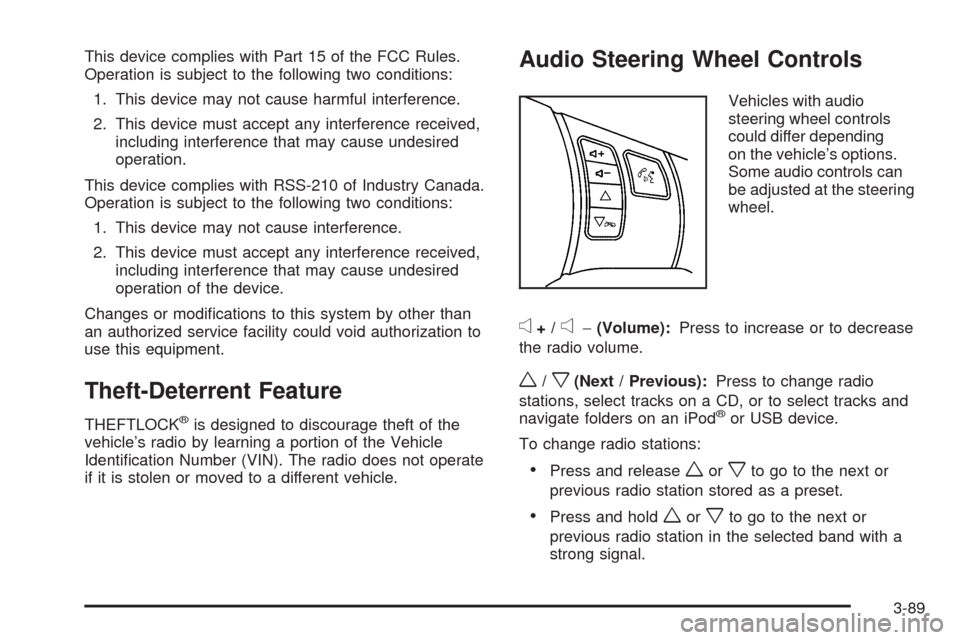
Audio Steering Wheel Controls
Vehicles with audio
steering wheel controls
could differ depending
on the vehicle’s options.
Some audio controls can
be adjusted at the steering
wheel.
e+/e−(Volume):Press to increase or to decrease
the radio volume.
w/x(Next / Previous):Press to change radio
stations, select tracks on a CD, or to select tracks and
navigate folders on an iPod
®or USB device.
To change radio stations:
Press and releaseworxto go to the next or
previous radio station stored as a preset.
Press and holdworxto go to the next or
previous radio station in the selected band with a
strong signal.
3-89
Page 227 of 420
Antilock Brake System (ABS)
This vehicle has the Antilock Brake System (ABS), an
advanced electronic braking system that helps prevent a
braking skid.
When the engine is started and the vehicle begins to
drive away, ABS checks itself. A momentary motor
or clicking noise might be heard while this test is going
on, and it might even be noticed that the brake pedal
moves a little. This is normal.
If there is a problem with
ABS, this warning light
stays on. SeeAntilock
Brake System (ABS)
Warning Light on
page 3-35.
Let us say the road is wet and you are driving safely.
Suddenly, an animal jumps out in front of you. You slam
on the brakes and continue braking. Here is what
happens with ABS:
A computer senses that the wheels are slowing down.
If one of the wheels is about to stop rolling, the computer
will separately work the brakes at each wheel.ABS can change the brake pressure to each wheel, as
required, faster than any driver could. This can help
the driver steer around the obstacle while braking hard.
As the brakes are applied, the computer keeps
receiving updates on wheel speed and controls braking
pressure accordingly.
Remember: ABS does not change the time needed to
get a foot up to the brake pedal or always decrease
stopping distance. If you get too close to the vehicle in
front of you, there will not be enough time to apply
the brakes if that vehicle suddenly slows or stops.
Always leave enough room up ahead to stop, even
with ABS.
Using ABS
Do not pump the brakes. Just hold the brake pedal
down rmly and let antilock work. The antilock pump or
motor might be heard operating and the brake pedal
might be felt to pulsate, but this is normal.
4-5
Page 242 of 420
Rocking Your Vehicle to Get It Out
Turn the steering wheel left and right to clear the
area around the front wheels. Turn off any traction
or stability system. Shift back and forth between
R (Reverse) and a forward gear, spinning the wheels as
little as possible. To prevent transmission wear, wait
until the wheels stop spinning before shifting gears.
Release the accelerator pedal while shifting, and press
lightly on the accelerator pedal when the transmission
is in gear. Slowly spinning the wheels in the forward and
reverse directions causes a rocking motion that could
free the vehicle. If that does not get the vehicle out
after a few tries, it might need to be towed out. If the
vehicle does need to be towed out, seeTowing
Your Vehicle on page 4-26.
Loading the Vehicle
It is very important to know how much weight
your vehicle can carry. This weight is called the
vehicle capacity weight and includes the weight of
all occupants, cargo, and all nonfactory-installed
options. Two labels on the vehicle show how much
weight it may properly carry, the Tire and Loading
Information label and the Vehicle Certication label.
{CAUTION:
Do not load the vehicle any heavier than the
Gross Vehicle Weight Rating (GVWR), or
either the maximum front or rear Gross Axle
Weight Rating (GAWR). If you do, parts on
the vehicle can break, and it can change
the way your vehicle handles. These could
cause you to lose control and crash.
Also, overloading can shorten the life of
the vehicle.
4-20
Page 251 of 420
Towing a Trailer
{CAUTION:
The driver can lose control when pulling a trailer if
the correct equipment is not used or the vehicle is
not driven properly. For example, if the trailer is
too heavy, the brakes may not work well — or
even at all. The driver and passengers could be
seriously injured. The vehicle may also be
damaged; the resulting repairs would not be
covered by the vehicle warranty. Pull a trailer only
if all the steps in this section have been followed.
Ask your dealer/retailer for advice and information
about towing a trailer with the vehicle.
Notice:Pulling a trailer improperly can damage the
vehicle and result in costly repairs not covered
by the vehicle warranty. To pull a trailer correctly,
follow the advice in this section and see your
dealer/retailer for important information about
towing a trailer with the vehicle.The vehicle can tow a trailer if it is equipped with
the proper trailer towing equipment. To identify the
trailering capacity of the vehicle, read the information in
“Weight of the Trailer” that appears later in this section.
Trailering is different than just driving the vehicle
by itself. Trailering means changes in handling,
acceleration, braking, durability and fuel economy.
Successful, safe trailering takes correct equipment,
and it has to be used properly.
The following information has many time-tested,
important trailering tips and safety rules. Many of
these are important for the safety of the driver and
the passengers. So please read this section carefully
before pulling a trailer.
Load-pulling components such as the engine,
transmission, axles, wheel assemblies and tires are
forced to work harder against the drag of the added
weight. The engine is required to operate at relatively
higher speeds and under greater loads, generating
extra heat. The trailer also adds considerably to wind
resistance, increasing the pulling requirements.
4-29
Page 256 of 420
Turn Signals When Towing a Trailer
The arrows on the instrument panel ash whenever
signaling a turn or lane change. Properly hooked up, the
trailer lamps also ash, telling other drivers the vehicle
is turning, changing lanes or stopping.
When towing a trailer, the arrows on the instrument
panel ash for turns even if the bulbs on the trailer are
burned out. For this reason you may think other
drivers are seeing the signal when they are not. It is
important to check occasionally to be sure the trailer
bulbs are still working.
Driving on Grades
Notice:Do not tow on steep continuous grades
exceeding 6 miles (9.6 km). Extended, higher
than normal engine and transmission temperatures
may result and damage the vehicle. Frequent
stops are very important to allow the engine and
transmission to cool.
Reduce speed and shift to a lower gearbeforestarting
down a long or steep downgrade. If the transmission
is not shifted down, the brakes might have to be used so
much that they would get hot and no longer work well.
On a long uphill grade, shift down and reduce the
vehicle’s speed to around 45 mph (70 km/h) to reduce
the possibility of the engine and the transmission
overheating. If the engine does overheat, seeEngine
Overheating on page 5-34.
Parking on Hills
{CAUTION:
Parking the vehicle on a hill with the trailer
attached can be dangerous. If something goes
wrong, the rig could start to move. People can be
injured, and both the vehicle and the trailer can be
damaged. When possible, always park the rig on a
at surface.
If parking the rig on a hill:
1. Press the brake pedal, but do not shift into P (Park)
yet. Turn the wheels into the curb if facing downhill
or into traffic if facing uphill.
2. Have someone place chocks under the trailer wheels.
3. When the wheel chocks are in place, release the
brake pedal until the chocks absorb the load.
4. Reapply the brake pedal. Then apply the parking
brake and shift the transmission into P (Park).
5. Release the brake pedal.
4-34
Page 310 of 420
Low-Prole Performance Tire
If your vehicle has P225/50R18 or P225/50R17
size tires, they are classied as low-prole
performance tires. These tires are designed for
very responsive driving on wet or dry pavement.
You may also notice more road noise with
low-prole performance tires and that they
tend to wear faster.
Notice:If the vehicle has low-prole tires,
they are more susceptible to damage from road
hazards or curb impact than standard prole
tires. Tire and/or wheel assembly damage can
occur when coming into contact with road
hazards like, potholes, or sharp edged objects,
or when sliding into a curb. The vehicle
warranty does not cover this type of damage.
Keep tires set to the correct ination pressure
and, when possible avoid contact with curbs,
potholes, and other road hazards.
Winter Tires
If you expect to drive on snow or ice covered roads
often, you may want to get winter tires for your vehicle.
All season tires provide good overall performance
on most surfaces but they may not offer the traction
you would like or the same level of performance
as winter tires on snow or ice covered roads.
Winter tires, in general, are designed for increased
traction on snow and ice covered roads. With winter tires,
there may be decreased dry road traction, increased road
noise, and shorter tread life. After switching to winter
tires, be alert for changes in vehicle handling and braking.
See your dealer/retailer for details regarding winter tire
availability and proper tire selection. Also, seeBuying
New Tires on page 5-68.
If you choose to use winter tires:
Use tires of the same brand and tread type on all
four wheel positions.
Use only radial ply tires of the same size, load
range, and speed rating as the original equipment
tires.
Winter tires with the same speed rating as your original
equipment tires may not be available for H, V, W, Y,
and ZR speed rated tires. If you choose winter tires with
a lower speed rating, never exceed the tire’s maximum
speed capability.
5-52
Page 320 of 420
Federal Communications
Commission (FCC) and Industry
and Science Canada
The Tire Pressure Monitor System (TPMS) operates
on a radio frequency and complies with Part 15 of the
FCC Rules. Operation is subject to the following two
conditions:
1. This device may not cause harmful interference.
2. This device must accept any interference received,
including interference that may cause undesired
operation.
Vehicles with TPMS operate on a radio frequency and
comply with RSS-210 of Industry and Science Canada.
Operation is subject to the following two conditions:
1. This device may not cause interference.
2. This device must accept any interference received,
including interference that may cause undesired
operation of the device.
Changes or modications to this system by other than
an authorized service facility could void authorization to
use this equipment.
Tire Pressure Monitor Operation
This vehicle may have a Tire Pressure Monitor
System (TPMS). The TPMS is designed to warn
the driver when a low tire pressure condition exists.
TPMS sensors are mounted onto each tire and wheel
assembly, excluding the spare tire and wheel assembly.
The TPMS sensors monitor the air pressure in the
vehicle’s tires and transmits the tire pressure readings
to a receiver located in the vehicle.
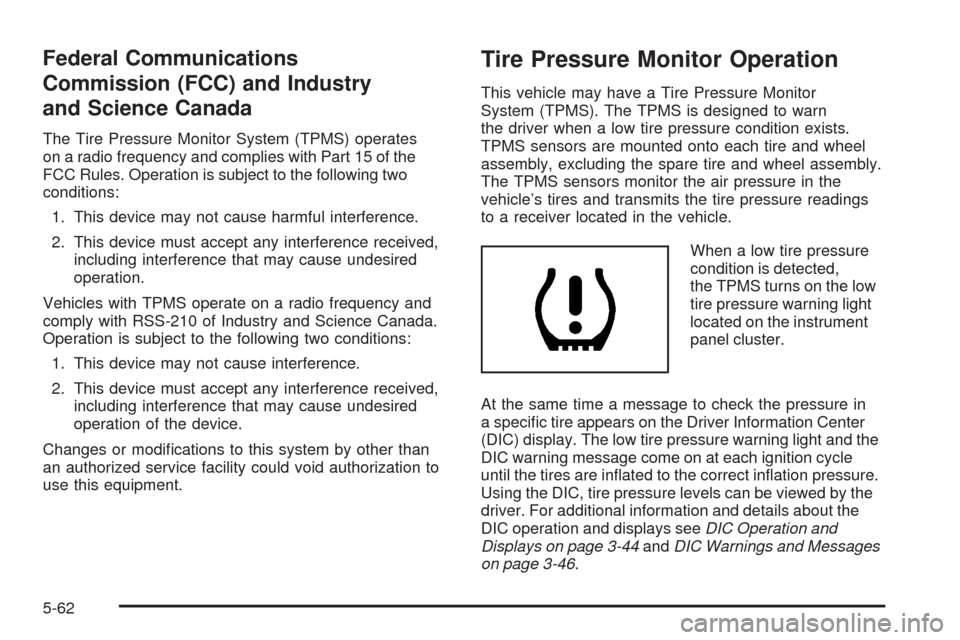
When a low tire pressure
condition is detected,
the TPMS turns on the low
tire pressure warning light
located on the instrument
panel cluster.
At the same time a message to check the pressure in
a specic tire appears on the Driver Information Center
(DIC) display. The low tire pressure warning light and the
DIC warning message come on at each ignition cycle
until the tires are inated to the correct ination pressure.
Using the DIC, tire pressure levels can be viewed by the
driver. For additional information and details about the
DIC operation and displays seeDIC Operation and
Displays on page 3-44andDIC Warnings and Messages
on page 3-46.
5-62