2009 CHEVROLET HHR audio
[x] Cancel search: audioPage 231 of 450
Three-Way Calling
Three-Way Calling must be supported on the Bluetooth
phone and enabled by the wireless service carrier
to work.
1. While on a call press
bg. The system responds
with “Ready” followed by a tone.
2. Say “Three-way call”. The system responds with
“Three-way call, please say dial or call”.
3. Use the dial or call command to dial the number of
the third party to be called.
4. Once the call is connected, press
bgto link all
the callers together.
Ending a Call
Presscxto end a call.
Muting a Call
During a call, all sounds from inside the vehicle can be
muted so that the person on the other end of the call
cannot hear them.
To Mute a call
1. Pressbg. The system responds with “Ready”
followed by a tone.
2. Say “Mute Call”. The system responds with “Call
muted”.
To Cancel Mute
1. Pressbg. The system responds with “Ready”
followed by a tone.
2. After the tone, say “Mute Call”. The system
responds with “Resuming call”.
Transferring a Call
Audio can be transferred between the in-vehicle
Bluetooth system and the cell phone.
To Transfer Audio to the Cell Phone
During a call with the audio in the vehicle:
1. Press
bg. The system responds with “Ready”
followed by a tone.
2. Say “Transfer Call.” The system responds with
“Transferring call” and the audio will switch from
the vehicle to the cell phone.
3-91
Page 232 of 450
To Transfer Audio to the In-Vehicle
Bluetooth System
The cellular phone must be paired and connected with
the Bluetooth system before a call can be transferred.
The connection process can take up to two minutes after
the key is turned to the ON/RUN or ACC/ACCESSORY
position.
During a call with the audio on the cell phone,
press
bgfor more than two seconds. The audio
switches from the cell phone to the vehicle.
Voice Pass-Thru
Voice Pass-Thru allows access to the voice recognition
commands on the cell phone. See the cell phone
manufacturers user guide to see if the cell phone
supports this feature. This feature can be used to
verbally access contacts stored in the cell phone.
1. Press and hold
bgfor two seconds. The system
responds with “Ready” followed by a tone.
2. Say “Bluetooth”. The system responds with
“Bluetooth ready” followed by a tone.
3. Say “Voice”. The system responds with
“OK, accessing
The cell phone’s normal prompt messages will
go through its cycle according to the phone’s
operating instructions.
Dual Tone Multi-Frequency (DTMF)
Tones
The in-vehicle Bluetooth system can send numbers and
numbers stored as name tags during a call. This is
used when calling a menu driven phone system.
Account numbers can be programmed into the
phonebook for retrieval during menu driven calls.
Sending a Number During a Call
1. Pressbg. The system responds with “Ready”
followed by a tone.
2. Say “Dial”. The system responds with “Say a
number to send tones” followed by a tone.
3. Say the number to send.
If the system clearly recognizes the number it
responds with “OK, Sending Number” and the
dial tones are sent and the call continues.
If the system is not sure it recognized the
number properly, it responds “Dial Number,
Please say yes or no?” followed by a tone.
If the number is correct, say “Yes”. The system
responds with “OK, Sending Number” and
the dial tones are sent and the call continues.
3-92
Page 234 of 450
Theft-Deterrent Feature
THEFTLOCK®is designed to discourage theft of the
vehicle’s radio by learning a portion of the Vehicle
Identication Number (VIN). The radio does not operate
if it is stolen or moved to a different vehicle.
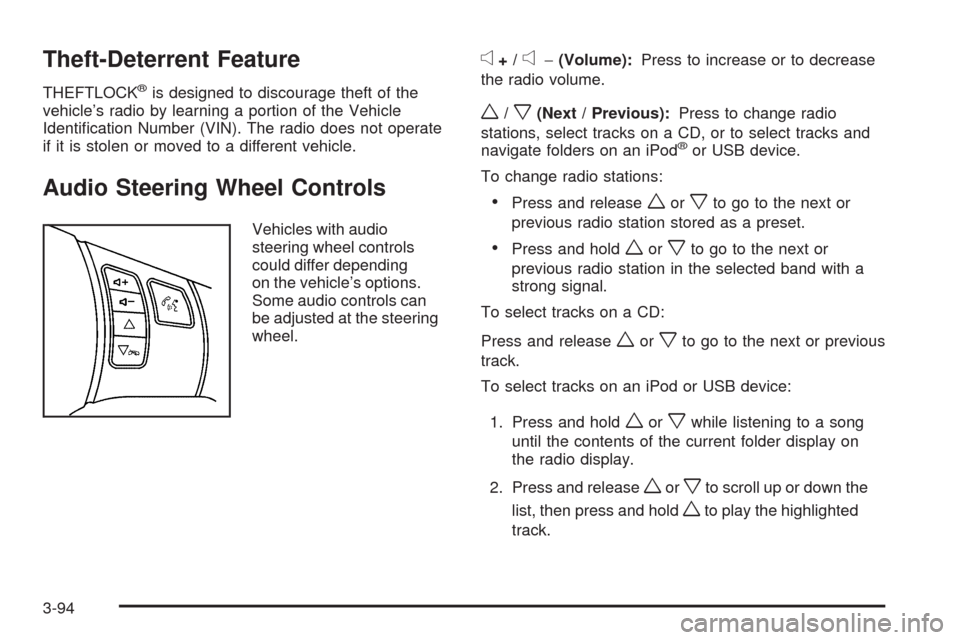
Audio Steering Wheel Controls
Vehicles with audio
steering wheel controls
could differ depending
on the vehicle’s options.
Some audio controls can
be adjusted at the steering
wheel.
e+/e−(Volume):Press to increase or to decrease
the radio volume.
w/x(Next / Previous):Press to change radio
stations, select tracks on a CD, or to select tracks and
navigate folders on an iPod
®or USB device.
To change radio stations:
Press and releaseworxto go to the next or
previous radio station stored as a preset.
Press and holdworxto go to the next or
previous radio station in the selected band with a
strong signal.
To select tracks on a CD:
Press and release
worxto go to the next or previous
track.
To select tracks on an iPod or USB device:
1. Press and hold
worxwhile listening to a song
until the contents of the current folder display on
the radio display.
2. Press and release
worxto scroll up or down the
list, then press and hold
wto play the highlighted
track.
3-94
Page 388 of 450
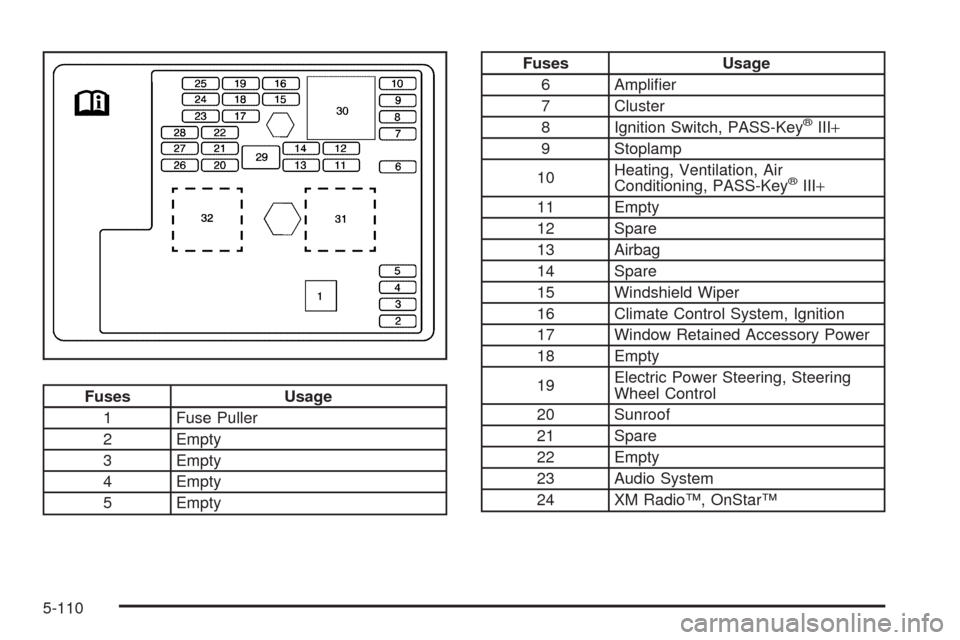
Fuses Usage
1 Fuse Puller
2 Empty
3 Empty
4 Empty
5 Empty
Fuses Usage
6 Amplier
7 Cluster
8 Ignition Switch, PASS-Key
®III+
9 Stoplamp
10Heating, Ventilation, Air
Conditioning, PASS-Key
®III+
11 Empty
12 Spare
13 Airbag
14 Spare
15 Windshield Wiper
16 Climate Control System, Ignition
17 Window Retained Accessory Power
18 Empty
19Electric Power Steering, Steering
Wheel Control
20 Sunroof
21 Spare
22 Empty
23 Audio System
24 XM Radio™, OnStar™
5-110
Page 436 of 450
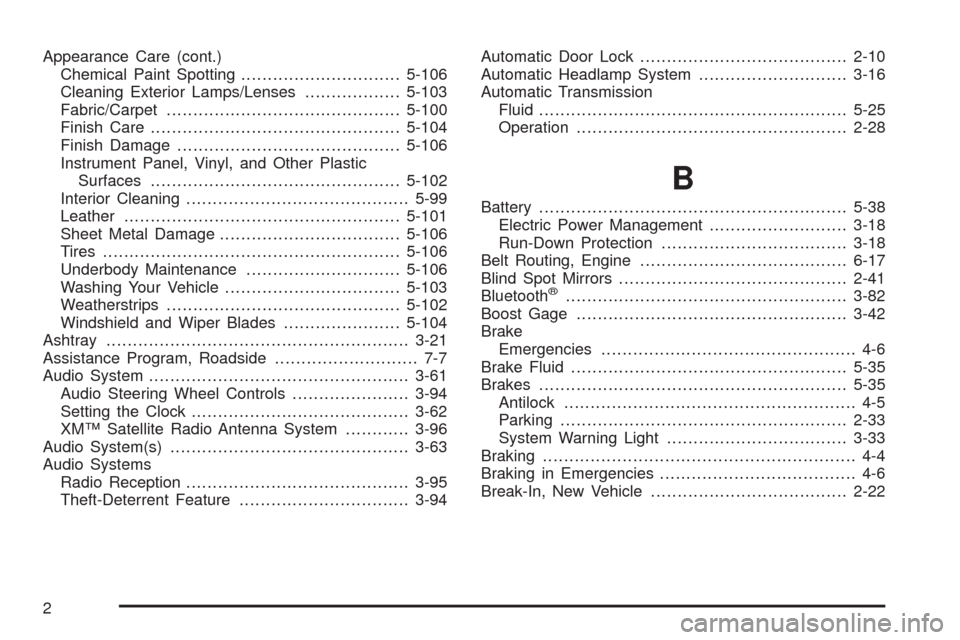
Appearance Care (cont.)
Chemical Paint Spotting..............................5-106
Cleaning Exterior Lamps/Lenses..................5-103
Fabric/Carpet............................................5-100
Finish Care...............................................5-104
Finish Damage..........................................5-106
Instrument Panel, Vinyl, and Other Plastic
Surfaces...............................................5-102
Interior Cleaning..........................................5-99
Leather....................................................5-101
Sheet Metal Damage..................................5-106
Tires........................................................5-106
Underbody Maintenance.............................5-106
Washing Your Vehicle.................................5-103
Weatherstrips............................................5-102
Windshield and Wiper Blades......................5-104
Ashtray.........................................................3-21
Assistance Program, Roadside........................... 7-7
Audio System.................................................3-61
Audio Steering Wheel Controls......................3-94
Setting the Clock.........................................3-62
XM™ Satellite Radio Antenna System............3-96
Audio System(s).............................................3-63
Audio Systems
Radio Reception..........................................3-95
Theft-Deterrent Feature................................3-94Automatic Door Lock.......................................2-10
Automatic Headlamp System............................3-16
Automatic Transmission
Fluid..........................................................5-25
Operation...................................................2-28
B
Battery..........................................................5-38
Electric Power Management..........................3-18
Run-Down Protection...................................3-18
Belt Routing, Engine.......................................6-17
Blind Spot Mirrors...........................................2-41
Bluetooth
®.....................................................3-82
Boost Gage...................................................3-42
Brake
Emergencies................................................ 4-6
Brake Fluid....................................................5-35
Brakes..........................................................5-35
Antilock....................................................... 4-5
Parking......................................................2-33
System Warning Light..................................3-33
Braking........................................................... 4-4
Braking in Emergencies..................................... 4-6
Break-In, New Vehicle.....................................2-22
2
Page 447 of 450
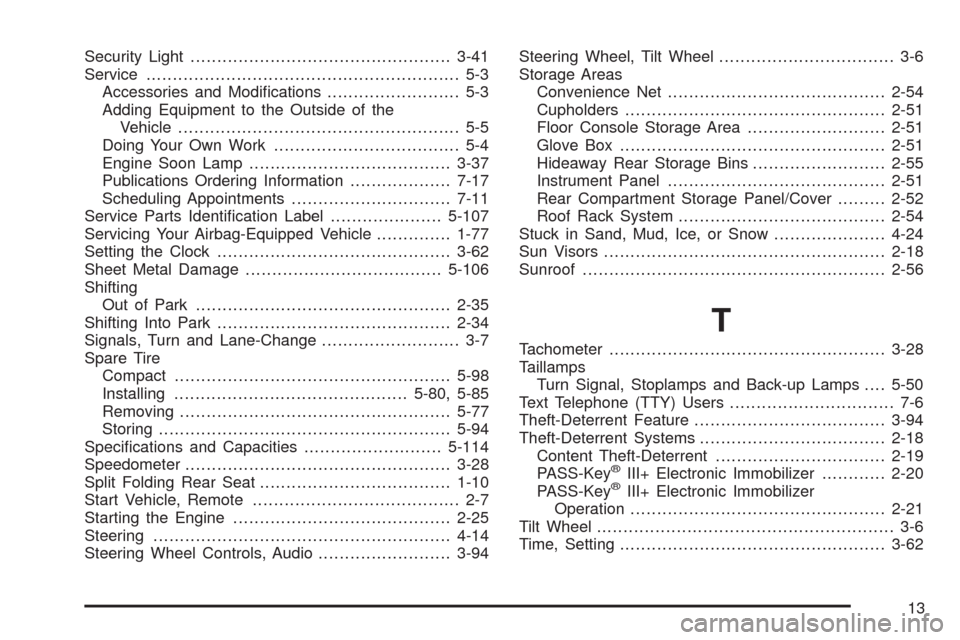
Security Light.................................................3-41
Service........................................................... 5-3
Accessories and Modications......................... 5-3
Adding Equipment to the Outside of the
Vehicle..................................................... 5-5
Doing Your Own Work................................... 5-4
Engine Soon Lamp......................................3-37
Publications Ordering Information...................7-17
Scheduling Appointments..............................7-11
Service Parts Identication Label.....................5-107
Servicing Your Airbag-Equipped Vehicle..............1-77
Setting the Clock............................................3-62
Sheet Metal Damage.....................................5-106
Shifting
Out of Park................................................2-35
Shifting Into Park............................................2-34
Signals, Turn and Lane-Change.......................... 3-7
Spare Tire
Compact....................................................5-98
Installing............................................5-80, 5-85
Removing...................................................5-77
Storing.......................................................5-94
Specications and Capacities..........................5-114
Speedometer..................................................3-28
Split Folding Rear Seat....................................1-10
Start Vehicle, Remote....................................... 2-7
Starting the Engine.........................................2-25
Steering........................................................4-14
Steering Wheel Controls, Audio.........................3-94Steering Wheel, Tilt Wheel................................. 3-6
Storage Areas
Convenience Net.........................................2-54
Cupholders.................................................2-51
Floor Console Storage Area..........................2-51
Glove Box..................................................2-51
Hideaway Rear Storage Bins.........................2-55
Instrument Panel.........................................2-51
Rear Compartment Storage Panel/Cover.........2-52
Roof Rack System.......................................
2-54
Stuck in Sand, Mud, Ice, or Snow.....................4-24
Sun Visors.....................................................2-18
Sunroof.........................................................2-56
T
Tachometer....................................................3-28
Taillamps
Turn Signal, Stoplamps and Back-up Lamps....5-50
Text Telephone (TTY) Users............................... 7-6
Theft-Deterrent Feature....................................3-94
Theft-Deterrent Systems...................................2-18
Content Theft-Deterrent................................2-19
PASS-Key
®III+ Electronic Immobilizer............2-20
PASS-Key®III+ Electronic Immobilizer
Operation................................................2-21
Tilt Wheel........................................................ 3-6
Time, Setting..................................................3-62
13