2009 BMW Z4 SDRIVE30I ROADSTER CD player
[x] Cancel search: CD playerPage 155 of 248
Navigation
Entertainment
Driving tips
153Reference
At a glance
Controls
Communications
Mobility
Music collection
Storing music
The music tracks from CDs/DVDs and USB
devices can be stored in the music collection in
the vehicle and played from there.
> Audio CD: tracks are converted into a com-
pressed audio format when they are stored.
If available, information on the album, such
as the artist, is stored as well.
> CD/DVD or USB device with compressed
audio files: The entire content of the CD/
DVD or the USB device is stored in the vehi-
cle as an album. After storing, the tracks and
directories can be dele ted individually. Files
are only stored in the WMA, MP3, and AAC
formats.
Tracks with DRM copy protection can be
stored in the vehicle but cannot be
played back.
Regularly back up the music data; other-
wise, it could be lost if there is a fault on
the hard disk. <
Music recognition technology and
related data ar e provided by
Gracenote®. Gracenote® is the industry stan-
dard in music recogn ition technology and
related content delivery. For more information,
please visit www.gracenote.com.
CD and music-related data from Gracenote,
Inc., copyright © 2000-2008 Gracenote.
Gracenote Software, copyright 2000-2008
Gracenote. This product and service may prac-
tice one or more of the following U.S. Patents:
#5,987,525; #6,061,680; #6,154,773,
#6,161,132, #6,230,192, #6,230,207,
#6,240,459, #6,330,593, and other patents
issued or pending. So me services supplied
under license from Open Globe, Inc. for U.S.
Patent: 6.304.523.
Storing from a CD/DVD
CDs/DVDs can only be stored from the CD/DVD
player.
1. Insert a CD/DVD into the CD/DVD player.
2. "CD/Multimedia"
3. "CD/DVD"
4. Select the symbol for the CD/DVD
player.
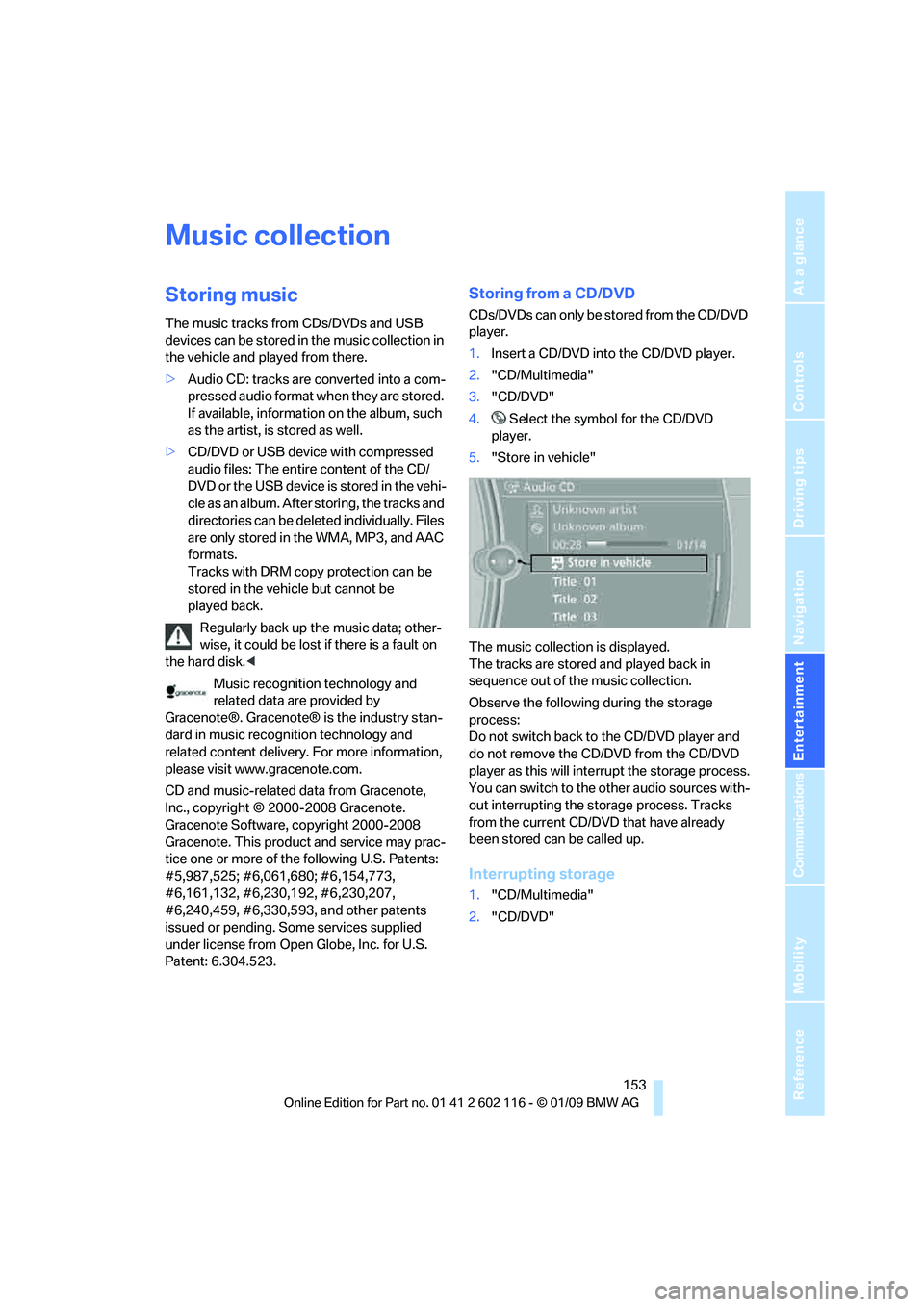
5. "Store in vehicle"
The music collection is displayed.
The tracks are stored and played back in
sequence out of the music collection.
Observe the following during the storage
process:
Do not switch back to the CD/DVD player and
do not remove the CD/DVD from the CD/DVD
player as this will inte rrupt the storage process.
You can switch to the other audio sources with-
out interrupting the storage process. Tracks
from the current CD/DVD that have already
been stored can be called up.
Interrupting storage
1. "CD/Multimedia"
2. "CD/DVD"
Page 156 of 248
Music collection
154
3.
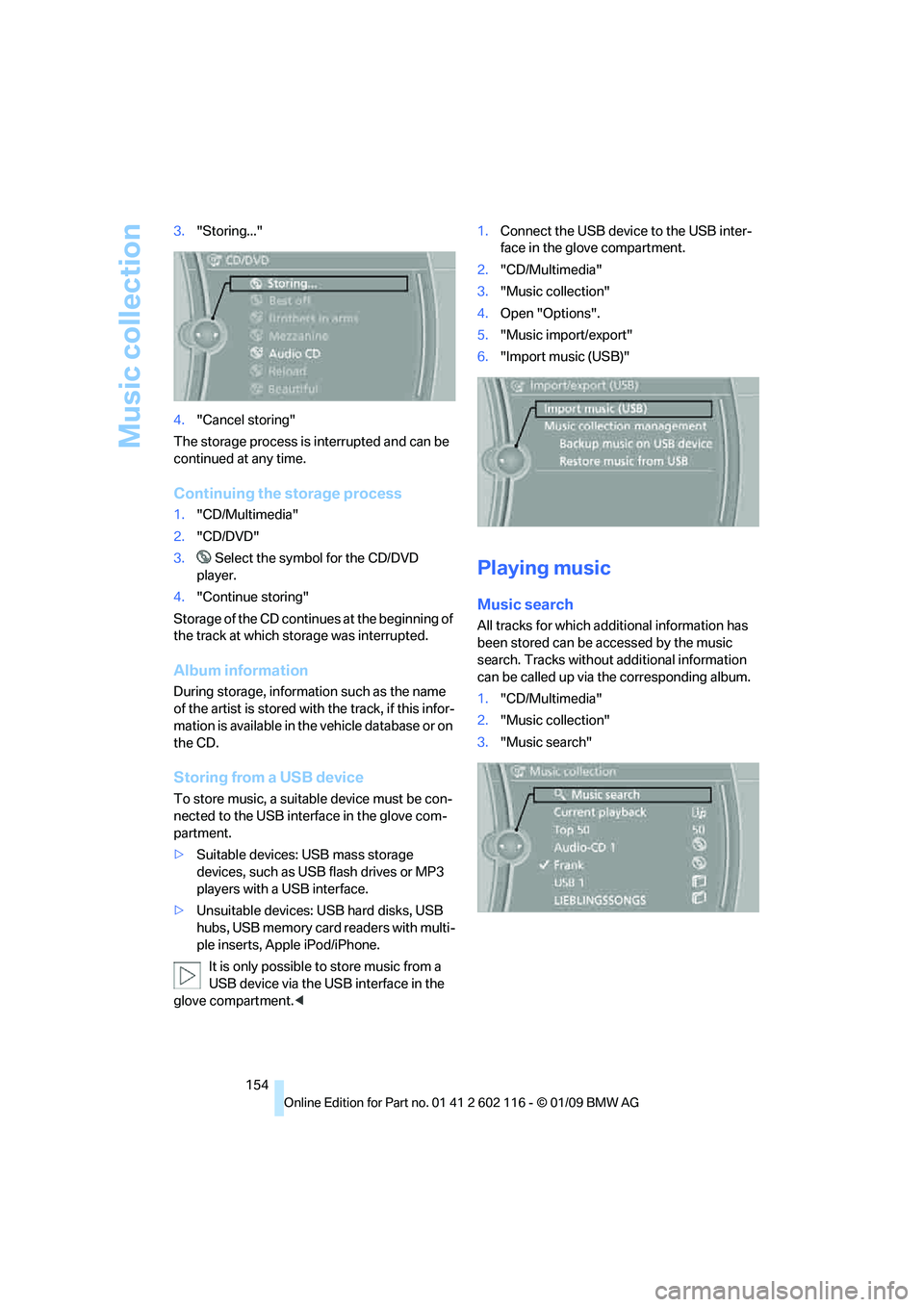
"Storing..."
4. "Cancel storing"
The storage process is interrupted and can be
continued at any time.
Continuing the storage process
1. "CD/Multimedia"
2. "CD/DVD"
3. Select the symbol for the CD/DVD
player.
4. "Continue storing"
Storage of the CD continues at the beginning of
the track at which storage was interrupted.
Album information
During storage, information such as the name
of the artist is stored with the track, if this infor-
mation is available in th e vehicle database or on
the CD.
Storing from a USB device
To store music, a suitable device must be con-
nected to the USB interface in the glove com-
partment.
> Suitable devices: USB mass storage
devices, such as USB flash drives or MP3
players with a USB interface.
> Unsuitable devices: USB hard disks, USB
hubs, USB memory card readers with multi-
ple inserts, Apple iPod/iPhone.
It is only possible to store music from a
USB device via the USB interface in the
glove compartment. < 1.
Connect the USB device to the USB inter-
face in the glove compartment.
2. "CD/Multimedia"
3. "Music collection"
4. Open "Options".
5. "Music import/export"
6. "Import music (USB)"
Playing music
Music search
All tracks for which additional information has
been stored can be accessed by the music
search. Tracks without additional information
can be called up via th e corresponding album.
1. "CD/Multimedia"
2. "Music collection"
3. "Music search"
Page 160 of 248
External devices
158
External devices
AUX-IN port
You can connect an external audio device, for
instance an MP3 player, and play audio tracks
over the car's loudspeaker system. You can
adjust the tone using iDrive.
Connecting
Lift up the center armrest.
Connection for audio playback:
TRS connector 1/8 in/3.5 mm
To play audio tracks over the car's loudspeaker
system, connect the headset or line-out port of
the external device to the AUX-IN port.
Starting audio playback
Connect the audio device, switch it on and
select a track. Operate the system on the audio
device.
Via iDrive
iDrive, for operating pr inciple refer to page16.
1. "CD/Multimedia"
2. "AUX (front)"
Adjusting volume
The volume of the sound output depends on
the audio device. If this volume differs markedly
from the volume of the other audio sources, it is
advisable to adjust the volumes.
1. "CD/Multimedia"
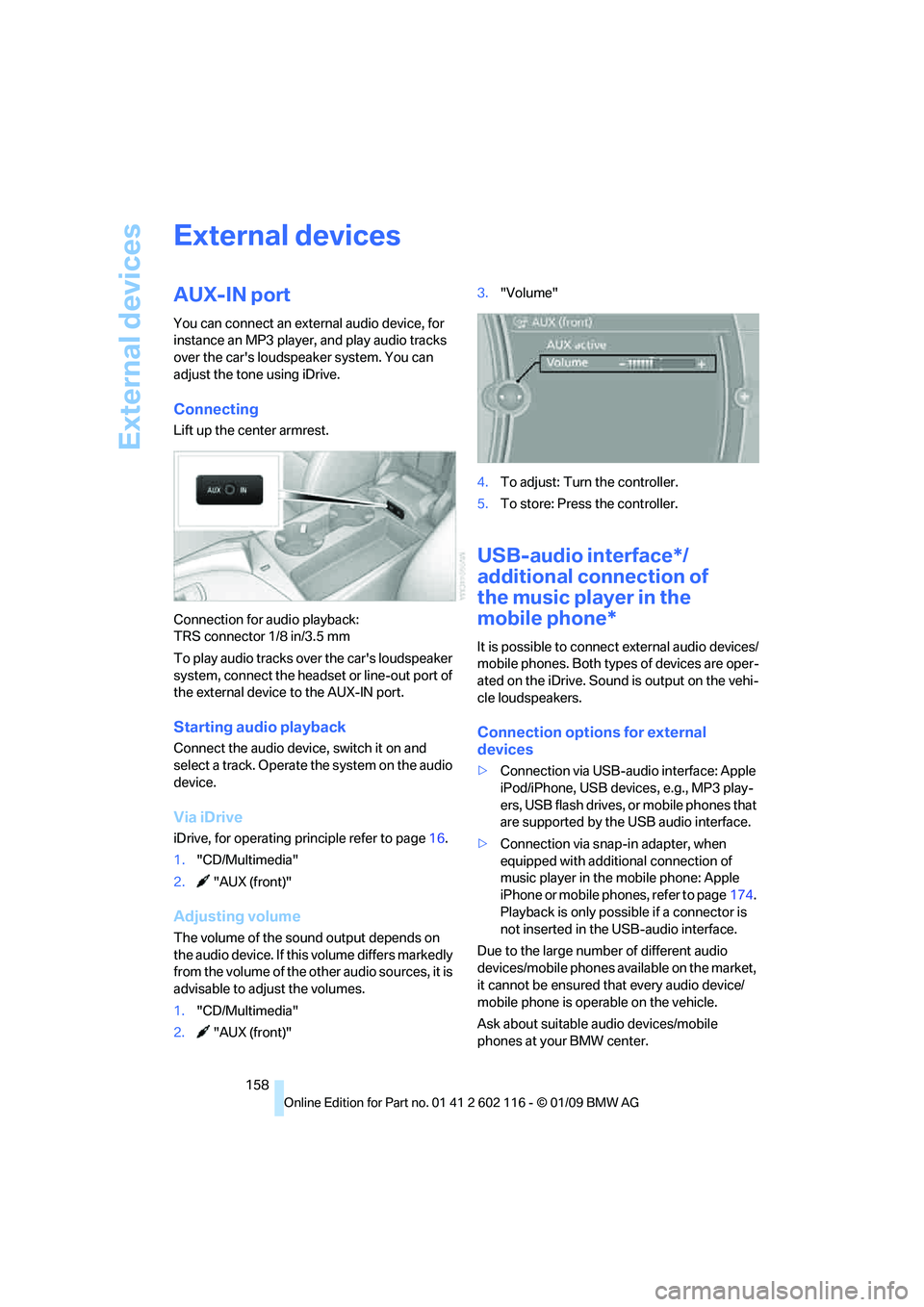
2. "AUX (front)" 3.
"Volume"
4. To adjust: Turn the controller.
5. To store: Press the controller.
USB-audio interface*/
additional connection of
the music player in the
mobile phone*
It is possible to connec t external audio devices/
mobile phones. Both types of devices are oper-
ated on the iDrive. Sound is output on the vehi-
cle loudspeakers.
Connection options for external
devices
> Connection via USB-audio interface: Apple
iPod/iPhone, USB devices, e.g., MP3 play-
ers, USB flash drives, or mobile phones that
are supported by the USB audio interface.
> Connection via snap-in adapter, when
equipped with additional connection of
music player in the mobile phone: Apple
iPhone or mobile phones, refer to page 174.
Playback is only possib le if a connector is
not inserted in the USB-audio interface.
Due to the large number of different audio
devices/mobile phones av ailable on the market,
it cannot be ensured that every audio device/
mobile phone is operable on the vehicle.
Ask about suitable audio devices/mobile
phones at your BMW center.
Page 232 of 248
Everything from A to Z
230
Everything from A to Z
Index
"..." Identifies Control Display texts used to select
individual functions and
refers you to the page where
these texts can be found.
A
ABS Antilock Brake System 78
Acceleration assistant, refer to Launch Control 58
Accident, refer to Sending an Emergency Request 213
Activated-charcoal filter for
automatic climate
control 97
Adaptive Head Light 89
Additional connection of the music player in the mobile
phone 158
Additives
– coolant 200
Address for navigation,
entering 119
Adjusting temperature inside the car, refer to Air
conditioner 93
Adjusting temperature inside the car, refer to Automatic
climate control 95
Adjusting the thigh support 42
Adjusting the tone during audio operation, refer to
Tone control 138
Airbags 85
– indicator/warning lamp 87
– sitting safely 41
Air conditioner 92 Air conditioning mode
– air conditioner
93
– automatic climate control 95
– ventilation 94,97
Air distribution
– automatic 96
– individual 93
– manual 93
Air flow rate 93,96
Airing, refer to Ventilation 94
Airing, refer to Ventilation 94,97
Air outlets, refer to Air vents 92
Air pressure, refer to Tire
inflation pressure 190
Air recirculation, refer to Recirculated-air
mode 93,97
Air supply
– air conditioner 93
– automatic climate control 95
– ventilation 94,97
Air vents 92
AKI, refer to Fuel specifications 189
Alarm system 33
– avoiding unintentional alarms 34
–
interior motion sensor 34
– switching off an alarm 34
– tilt alarm sensor 34
Albums of music
collection 155
All-season tires, refer to Winter tires 196
AM, waveband 141
Ambient air, refer to Recirculated-air
mode 93,97
Antenna for mobile phone 164Antifreeze
– coolant
200
– washer fluid 61
Antilock Brake System ABS 78
Anti-theft alarm system, refer
to Alarm system 33
Anti-theft system 29
– for lug bolts, refer to Lug bolt
lock 211
Approved axle loads, refer to Weights 222
Approved gross vehicle weight, refer to Weights 222
Armrest, refer to Center
armrest 102
Arrival time, refer to Computer 66
Ashtray
– front 104
Assistance systems, refer to
Driving stability control
systems 78
AUC automatic recirculated-
air control 97
Audio 138
– controls 138
– switching on/off 138
– tone control 138
– volume 138
Audio device, external 102
Automatic
– air distribution 96
– air flow rate 96
– cruise control 61
– headlamp control 88
Automatic car washes 204
Automatic climate control 92
– automatic air distribution 96
Automatic curb monitor 46
Automatic recirculated-air control AUC 97
Page 234 of 248
Everything from A to Z
232
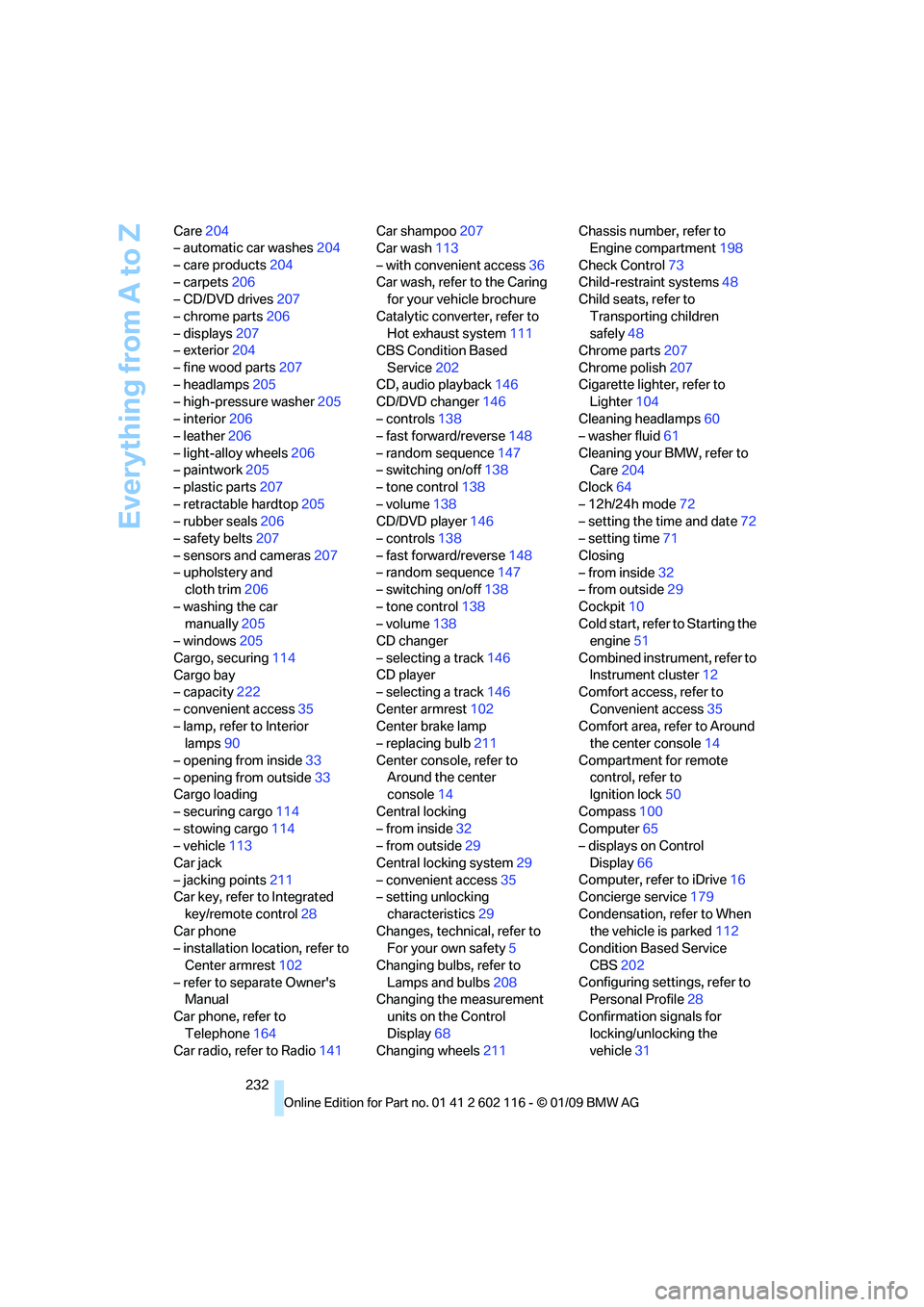
Care
204
– automatic car washes 204
– care products 204
– carpets 206
– CD/DVD drives 207
– chrome parts 206
– displays 207
– exterior 204
– fine wood parts 207
– headlamps 205
– high-pressure washer 205
– interior 206
– leather 206
– light-alloy wheels 206
– paintwork 205
– plastic parts 207
– retractable hardtop 205
– rubber seals 206
– safety belts 207
– sensors and cameras 207
– upholstery and cloth trim 206
– washing the car manually 205
– windows 205
Cargo, securing 114
Cargo bay
– capacity 222
– convenient access 35
– lamp, refer to Interior lamps 90
– opening from inside 33
– opening from outside 33
Cargo loading
– securing cargo 114
– stowing cargo 114
– vehicle 113
Car jack
– jacking points 211
Car key, refer to Integrated
key/remote control 28
Car phone
– installation location, refer to
Center armrest 102
– refer to separate Owner's Manual
Car phone, refer to Telephone 164
Car radio, refer to Radio 141Car shampoo
207
Car wash 113
– with convenient access 36
Car wash, refer to the Caring for your vehicle brochure
Catalytic converter, refer to Hot exhaust system 111
CBS Condition Based
Service 202
CD, audio playback 146
CD/DVD changer 14
6
– controls 138
– fast forward/reverse 148
– random sequence 147
– switching on/off 138
– tone control 138
– volume 138
CD/DVD player 146
– controls 138
– fast forward/reverse 148
– random sequence 147
– switching on/off 138
– tone control 138
– volume 138
CD changer
– selecting a track 146
CD player
– selecting a track 146
Center armrest 102
Center brake lamp
– replacing bulb 211
Center console, refer to Around the center
console 14
Central locking
– from inside 32
– from outside 29
Central locking system 29
– convenient access 35
– setting unlocking
characteristics 29
Changes, technical, refer to For your own safety 5
Changing bulbs, refer to Lamps and bulbs 208
Changing the measurement
units on the Control
Display 68
Changing wheels 211Chassis number, refer to
Engine compartment 198
Check Control 73
Child-restraint systems 48
Child seats, refer to
Transporting children
safely 48
Chrome parts 207
Chrome polish 207
Cigarette lighter, refer to Lighter 104
Cleaning headlamps 60
– washer fluid 61
Cleaning your BMW, refer to Care 204
Clock 64
– 12h/24h mode 72
– setting the time and date 72
– setting time 71
Closing
– from inside 32
– from outside 29
Cockpit 10
Cold start, refer to Starting
the
engine 51
Combined instrument, refer to Instrument cluster 12
Comfort access, refer to
Convenient access 35
Comfort area, refer to Around the center console 14
Compartment for remote control, refer to
Ignition lock 50
Compass 100
Computer 65
– displays on Control
Display 66
Computer, refer to iDrive 16
Concierge service 179
Condensation, refer to When the vehicle is parked 112
Condition Based Service
CBS 202
Configuring settings, refer to Personal Profile 28
Confirmation signals for locking/unlocking the
vehicle 31
Page 236 of 248
Everything from A to Z
234
Distance warning, refer to
Park Distance Control
PDC 77
Door key, refer to Remote control with integrated
key 28
Door lock 31
Doors, emergency
operation 32
DOT Quality Grades 193
Draft-free ventilation 94,97
Drinks holders, refer to Cup holders 103
Drive mode 57
Drive-off assistance, refer to Dynamic Stability Control
DSC 78
Drive-off assistant 80
Driving lamps, refer to Parking
lamps/low beams 88
Driving notes 110
Driving off on hills, refer to
Drive-off assistant 80
Driving position, engaging, refer to Transmission
positions 56
Driving stability control systems 78,79
Driving through water 112
Driving tips, refer to Driving notes 110
DSC Dynamic Stability Control 78
Dual clutch transmission 55
– kick-down 57
DVD
– country codes 148
– settings 149
– video playback 148
DVD changer
– malfunctions 151
DVD menu 149
DVD video 148
Dynamic Brake Control DBC 78
Dynamic Driving Control 79
E
Eject button, refer to Buttons
on the CD/DVD player 138
Electrical malfunction
– door lock 32
– driver's door 32
– fuel filler door 188
– M dual clutch transmission with Drivelogic 58
Electric seat adjustment 42
Electric steering wheel lock
– with convenient access 35
Electronic brake-force distribution EBV 78
Electronic oil level check 198
Electronic Stability Program ESP, refer to Dynamic
Stability Control DSC 78
Emergency actuation, automatic transmission,
refer to Overriding selector
lever lock 55
Emergency operation
– fuel filler door, manual
release 188
Emergency operation, refer to Manual operation
– door lock 32
Emergency release
– luggage compartment lid
from inside 33
Emergency Request 213
Emergency services, refer to
Roadside Assistance 213
Energy, saving
– saving fuel 110
Engine
– breaking in 110
– data 220
– overheated, refer to Coolant temperature 65
– speed 220
– starting 51
– starting, convenient access 35
– switching off 52
Engine compartment 198Engine coolant, refer to
Coolant 200
Engine oil
– adding 200
– BMW Maintenance
System 202
– capacity 222
– checking level 198
– intervals between changes, refer to Service
requirements 69
Engine output, refer to Engine data 220
Engine speed, refer to Engine data 220
Engine starting, refer to
Starting the engine 51
Entering the address 119
Entry lamps, refer to Interior
lamps 90
Entry map for destination 124
Equalizer, tone setting 139
Error messages, refer to Check C
ontrol73
Exhaust system, refer to Hot
exhaust system 111
Exterior mirrors 45
– adjusting 45
– automatic dimming feature 46
– automatic heating 46
– folding in and out 45
External audio device 102
Eyes
– for tow-starting and towing away 215
– for tying down loads 114
F
Failure messages, refer to
Check Control 73
Failure of an electrical
consumer 212
False alarm
– avoiding unintentional
alarm 34
– switching off an alarm 34
Page 237 of 248
Reference 235
At a glance
Controls
Driving tips
Communications
Navigation
Entertainment
Mobility
Fastening safety belts, refer to Safety belts 44
Fastest route for navigation 128
Fault
– parking brake 53
Filter
– refer to Microfilter/activated-
charcoal filter for automatic
climate control 97
– refer to Microfilter for air
conditioner 94
First aid pouch 214
Fixture for remote control, refer to Ignition lock 50
Flash when locking/
unlocking 31
Flat tire
– Run-Flat Tires 195
– Tire Pressure Monitor TPM 82
Flat Tire Monitor FTM 81
– indicating a flat tire 81
– indicator/warning lamp 81
– initializing the system 81
– snow chains 81,196
– system limits 81
Flat tires, refer to Tire
condition 194
Fluid reservoir, refer to Washer fluid reservoir 61
FM, waveband 141
Folding in the mirrors, before driving into a car wash 45
Footbrake, refer to Braking safely 112
Footwell lamps, refer to
Interior lamps 90
Forward
– CD/DVD changer 148
– CD/DVD player 148
Forward gear, engaging, refer to Transmission
positions 56
For your own safety 5
Free memory capacity, music
collection 156
Front airbags 85 FTM, refer to Flat Tire
Monitor 81
Fuel 189
– average consumption 66
– gauge 65
– high-quality brands 189
– quality 189
– specifications 189
– tank contents, refer to Capacities 222
Fuel clock, refer to Fuel
gauge 65
Fuel display, refer to Fuel
gauge 65
Fuel filler door 188
– releasing in the event of
electrical malfunction 18
8
Fuses 212
G
Garage door opener, refer to
Integrated universal remote
control 98
Gasoline
– refer to Average consumption 66
Gasoline, refer to Required
fuel 189
Gasoline display, refer to Fuel gauge 65
Gear display, refer to Displays in the instrument cluster 56
Gear indicator, automatic
transmission with
Steptronic 53
Gears, changing 57
Gearshift lever
– automatic transmission with Steptronic 54
– manual transmission 53
Gearshifts
– automatic transmission with
Steptronic 54
– manual transmission 53
General driving notes 111
Glove compartment 101GPS navigation, refer to
Navigation system 118
Grills, refer to Air vents 92
Gross vehicle weight, refer to Weights 222
H
Handbrake, refer to Parking
brake 52
Hands-free system 14
Hazard warning flashers 14
HD radio, refer to High
Definition Radio 142
Head airbags 85
Headlamp control,
automatic 88
Headlamp flasher 59
– indicator lamp 11,13
Heated
– mirrors 46
– rear window 94,97
– seats 43
Heating 92
– mirrors 46
– rear window 94,97
– seats 43
Heating and ventilation, refer
to Climate 92
Heavy loads, refer to Stowing cargo 114
Height, refer to Dimensions 221
Height adjustment
– seats 42
– steering wheel 46
High beams 90
– headlamp flasher 90
– indicator lamp 13
High Definition Radio 142
High-pressure washer 204,205
High-pressure
washer 204,205
High water, refer to Driving through water 112
Highways, refer to Route criteria 128
Page 240 of 248
Everything from A to Z
238
Mobile phone, refer to the
separate Owner's Manual
Modifications, te chnical, refer
to For your own safety 5
Monitor, refer to iDrive
controls 16
Monitoring system for tire pressures, refer to Flat Tire
Monitor 81
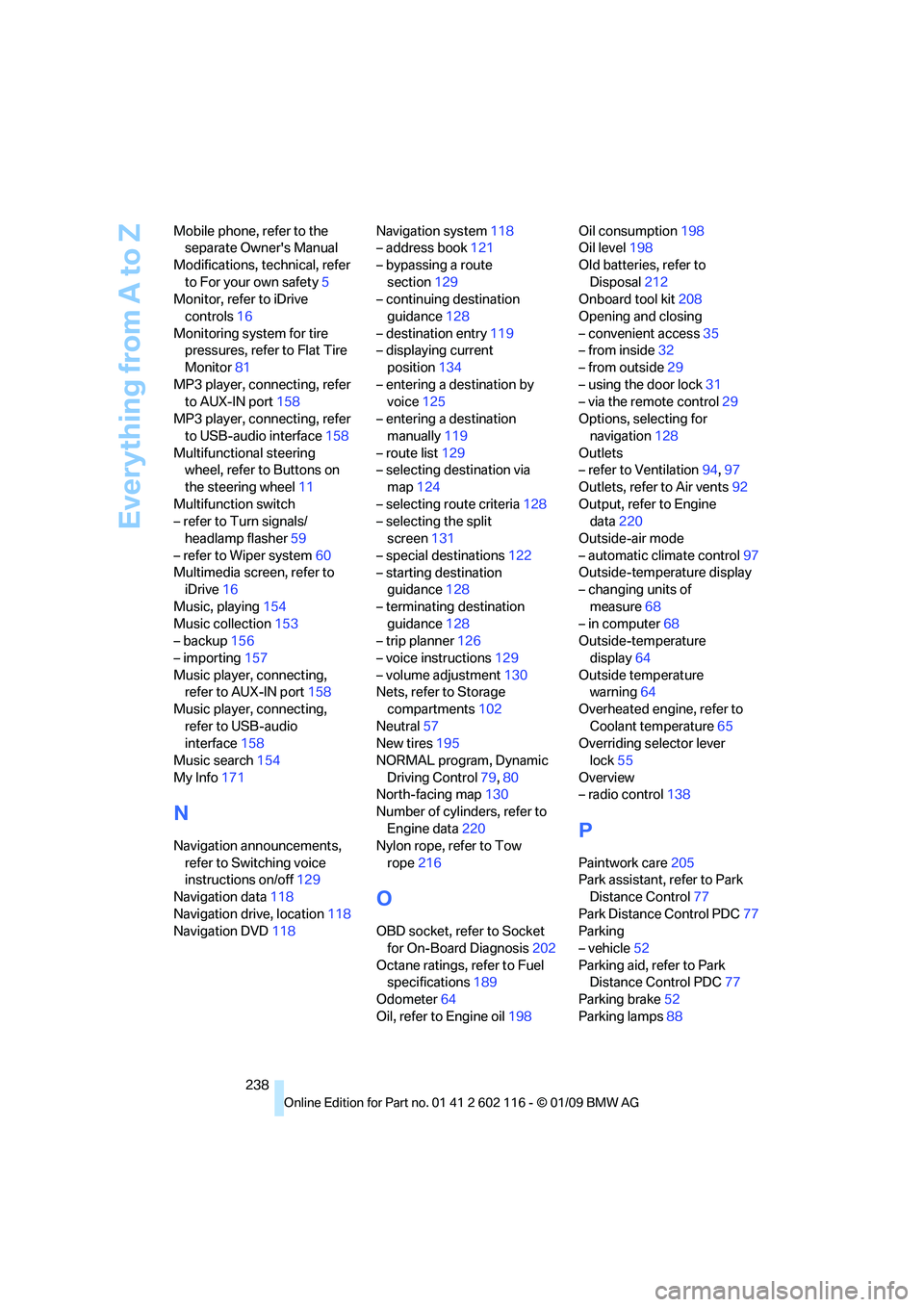
MP3 player, connecting, refer to AUX-IN port 158
MP3 player, connecting, refer to USB-audio interface 158
Multifunctional steering wheel, refer to Buttons on
the steering wheel 11
Multifunction switch
– refer to Turn signals/ headlamp flasher 59
– refer to Wiper system 60
Multimedia screen, refer to iDrive 16
Music, playing 154
Music collection 153
– backup 156
– importing 157
Music player, connecting, refer to AUX-IN port 158
Music player, connecting, refer to USB-audio
interface 158
Music search 154
My Info 171
N
Navigation announcements,
refer to Switching voice
instructions on/off 129
Navigation data 118
Navigation drive, location 118
Navigation DVD 118 Navigation system
118
– address book 121
– bypassing a route section 129
– continuing destination
guidance 128
– destination entry 119
– displaying current
position 134
– entering a destination by voice 125
– entering a destination manually 119
– route list 129
– selecting destination via map 124
– selecting route criteria 128
– selecting the split screen 131
– special destinations 122
– starting destination guidance 128
– terminating destination guidance 128
– trip planner 126
– voice instructions 129
– volume adjustment 130
Nets, refer to Storage
compartments 102
Neutral 57
New tires 195
NORMAL program, Dynamic Driving Control 79,80
North-facing map 130
Number of cylinders, refer to Engine data 220
Nylon rope, refer to Tow
rope 216
O
OBD socket, refer to Socket
for On-Board Diagnosis 202
Octane ratings, refer to Fuel specifications 189
Odometer 64
Oil, refer to Engine oil 198Oil consumption
198
Oil level 198
Old batteries, refer to Disposal 212
Onboard tool kit 208
Opening and closing
– convenient access 35
– from inside 32
– from outside 29
– using the door lock 31
– via the remote control 29
Options, selecting for navigation 128
Outlets
– refer to Ventilation 94,97
Outlets, refer to Air vents 92
Output, refer to Engine data 220
Outside-air mode
– automatic climate control 97
Outside-temperature display
– changing units of
measure 68
– in computer 68
Outside-temperature
display 64
Outside temperature warning 64
Overheated engine, refer to Coolant temperature 65
Overriding selector lever
lock 55
Overview
– radio control 138
P
Paintwork care 205
Park assistant, refer to Park Distance Control 77
Park Distance Control PDC 77
Parking
– vehicle 52
Parking aid, refer to Park Distance Control PDC 77
Parking brake 52
Parking lamps 88