2008 SKODA OCTAVIA instrument cluster
[x] Cancel search: instrument clusterPage 139 of 304

Automatic gearbox
138
Dynamic shift programme
The automatic gearbox of your vehicle is controlled electronically. Shifting up and
down through the gears is performed auto matically on the basis of pre-defined
driving programmes.
Adopting a moderate style of driving will cause the gearbox to select the most
economical driving programme. Shifting up into a higher gear as soon as possible
and shifting down as late as possible will have a favourable effect on your fuel
consumption.
Adopting a sporty style of driving with rapid movements of the accelerator pedal
combined with sharp acceleration and frequent changes in speed, exploiting the
top speed of the car or depressing the a ccelerator pedal (kickdown function), will
cause the gearbox to switch over to this style of driving and shift down earlier with
frequent changes in gears in comparison to the moderate style of driving.
Selecting the most appropriate driving programme for the particular style of driving
is a continuous process. Irrespective of this it is, however, possible to switch or shift
down into a dynamic shift programme by depressing the accelerator rapidly. The
gearbox shifts down into a lower gear matc hing the speed of the car and this allows
you to accelerate rapidly (e.g. when ov ertaking) without having to depress the
accelerator pedal fully into the kickdown range. The original programme will be
reactivated to match your part icular style of driving once the gearbox has shifted up
again.
When driving in hilly regions, the gears are selected to match uphill and downhill
sections. This avoids the gearbox frequently shifting up and down when negotiating
an uphill stretch. When driving downhill, it is possible to shift down into the
Tiptronic position, in order to exploit the engine brake torque.
Tiptronic
The Tiptronic allows the driver to also shift gears manually.
The selector lever position you have engaged is indicated in the informa-
tion display of the instrument cluster together with the engaged gear
⇒fig. 156 .
Switching over to manual shifting
– Push the selector lever to the right out of position D. After switching
over, the current engaged gear is indicated in the display.
Fig. 155 Selector lever:
Manual shifting of gears
Fig. 156 Information
display: Manual shifting of
gears
20A5Facelift.book Page 138 Saturday, September 6, 2008 2:13 PM
Page 175 of 304

Airbag system
174
Airbag system
Description of the airbag system
General information on the airbag system
The front airbag system is complementary to the three-point seat belts and offers
additional protection for the head and chest area of the driver and passenger in the
event of a frontal collision.
In the case of a violent side crash, the si de* and head* airbags reduce the risk of
injuries to the occupants on the part of the body facing the side of the accident
⇒ .
The airbag system is only functional after the ignition has been switched on.
The operational readiness of the airbag system is monitored electronically. The
airbag warning light comes on for a few seconds each time the ignition is switched
on.
The airbag system (according to vehicl e equipment) essentially consists of:
•an electronic control unit,
•front airbag for the driver and the front seat passenger*,
•Side airbags*,
•head airbags*,
•an airbag warning light in the instrument cluster,
•a front passenger airbag switch* ⇒page 182,
•an indicator light for a switched off fron t seat passenger airbag* in the middle
of the dash panel ⇒page 182.
A fault in the airbag system exists if:
•the airbag indicator light does not light up when the ignition is switched on,
•the warning light does not go out after about 4 seconds after the ignition is
switched on,
•the airbag indicator light goes out and comes on again after the ignition is
switched on,
•the airbag indicator light comes on or flickers when driving,
•an airbag indicator light showing a swit ched-off front passenger airbag* in the
middle of the dash panel flashes.
WARNING
•To enable the occupants of a car to be protected with the greatest
possible effect when the airbag is deployed, the front seats must be
⇒ page 164, “Correct seated position” co rrectly adjusted to match the body
size of the occupant.
•If you do not fasten the seat belts when driving, lean too far forward or
adopt an incorrect seated position, you are exposing yourself to increased
risk of injury in the event of an accident.
•Have the airbag system checked imme diately by a specialist garage if a
fault exists. Otherwise, there is a risk of the airbag not being activated in the
event of an accident.
•No modifications of any kind may be made to parts of the airbag system.
•It is prohibited to manipulate individual parts of the airbag system as this
might result in the airbag being deployed.
•The protective function of the airbag system is sufficient for only one
accident. The airbag system must then be replaced if the airbag has been
deployed.
•The airbag system needs no maintenance during its working life.
•If you sell your car, please hand over the complete vehicle documenta-
tion to the new owener. Please note that the documents relating to the
possibility of deactivating the front passenger airbag are also part of the
vehicle documents!
•If the vehicle or individual parts of the airbag system are scrapped, it is
essential to observe the relevant safety precautions. Škoda Service Partners
are familiar with these regulations.
•When disposing of vehicle or parts of the airbag system, it is important
to comply with the national legal requirements.
20A5Facelift.book Page 174 Saturday, September 6, 2008 2:13 PM
Page 183 of 304

Airbag system
182
Deactivation of airbags is envisaged only for particular instances, such as if:
•you must in exceptional cases use a child seat on the front passenger seat
where the child has its back to the directio n of travel of the vehicle (in some coun-
tries this must be in the direction of trav el due to other legal regulations applying)
⇒ page 184, “Important safety information regarding the use of child safety seats”
•you are not able to maintain the distance of at least 25 cm between middle of
steering wheel and chest, despite the driver seat being correctly adjusted,
•special attachments are required in the area of the steering wheel because of a
physical disability,
•you have installed other seats (e.g. orthopaedic seats without side airbags).
Monitoring the airbag system
The functionality of the airbag system is also monitored electronically, when one
airbag has been switched off
If the airbag was switched off using diagnostic equipment:
•The warning light for the airbag system lights up for 4 seconds after switching
on the ignition and then flashes for 12 seconds afterwards in 2 second intervals.
Front passenger airbags sw itched off using the switch for front passenger
airbags* in stowage compartmen t on the front passenger side:
•The airbag warning light comes on in the instrument cluster for about 4 seconds
each time the igniti on is switched on.
•Switching off airbags is indicated in the middle of the dash panel by the lighting
up of the indicator light ⇒ fig. 186 .
Note
Your Škoda Service Partner will be able to advise you whether national legislation in
your country allows airbags in your vehicle to be deactivated, and which ones.
Switch for the front passenger airbag*
The front passenger airbag is deactivated with the switch.
Deactivating an airbag
– Switch off the ignition.
– Turn the slot of the airbag switch using the key in the position ( OFF)
⇒ fig. 185 .
– Check whether the airbag indicator light
in the middle of
the dash panel lights up ⇒fig. 186 when the ignition is turned on.
Fig. 185 Storage compart-
ment: Switch for the front
passenger airbag
Fig. 186 Indicator light for
the front passenger airbag
A2
20A5Facelift.book Page 182 Saturday, September 6, 2008 2:13 PM
Page 194 of 304
Intelligent Technology193
Using the systemSafetyDriving TipsGeneral MaintenanceBreakdown assistanceTechnical Data
Driving Tips
Intelligent Technology
Electronic stability programme (ESP)*
General
General
The ESP aids you maintain control of your vehicle in situations in borderline driving
situations such as when negotiating a curve too fast. The risk of skidding is reduced
and your car thus offers greater driving stability depending on the conditions of the
road surface. This occurs at all speeds.
The following systems are integrated into the electronic stability programme:
•Electronic Differential Lock (EDL),
•Traction control system (TCS),
•Driver-steering recommendation,
•Antilock brake system (ABS),
•Brake Assist,
•Uphill-Start off-Assist. Operating principle
The ESP switches on automatically when the engine is started and then conducts a
self-test. The ESP control unit processes data from the individual systems. It also
processes additional measurement data which are supplied by highly sensitive
sensors: the rotational velocity of the vehi
cle about its vertical axis, the lateral accel-
eration of the vehicle, the brakin g pressure and the steering angle.
The direction which the driver wishes to ta ke is determined based on the steering
angle and the speed of the vehicle and is constantly compared with the actual
behaviour of the vehicle. If differences exis t, such as the car beginning to skid, the
ESP will automatically brake the appropriate wheel.
The car is stabilised again by the forces which take effect when the wheel is braked.
Intervention into the brake system takes place primarily on the outer front wheel of
a vehicle which tends to oversteer (tendency for the rear of the vehicle to break
away) while occurs this is on the inner re ar wheel of a vehicle which tends to under-
steer (tendency to shift out of the curve). This braking control cycle is accompanied
by noises.
The ESP operates in combination with the ABS ⇒page 197, “Antilock brake system
(ABS)”. If there is a fault in the ABS system, the ESP also does not operate.
The ESP warning light lights up in the instru ment cluster when there is a fault on the
ESP
⇒ page 38.
Switching off
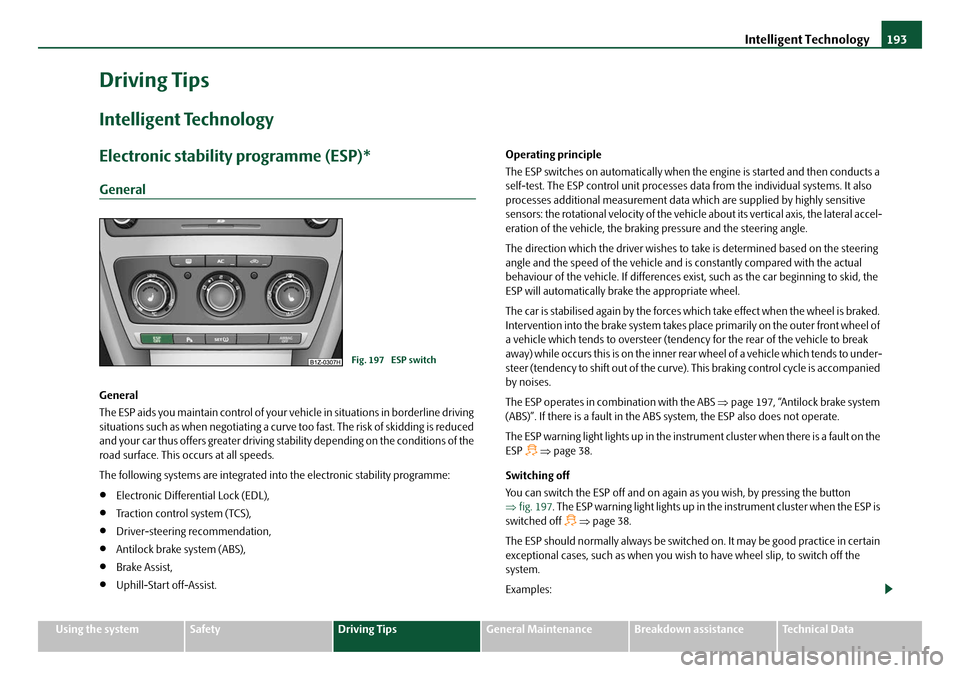
You can switch the ESP off and on again as you wish, by pressing the button
⇒ fig. 197 . The ESP warning light lights up in th e instrument cluster when the ESP is
switched off
⇒ page 38.
The ESP should normally always be switched on. It may be good practice in certain
exceptional cases, such as when you wish to have wheel slip, to switch off the
system.
Examples:
Fig. 197 ESP switch
20A5Facelift.book Page 193 Saturday, September 6, 2008 2:13 PM
Page 196 of 304
Intelligent Technology195
Using the systemSafetyDriving TipsGeneral MaintenanceBreakdown assistanceTechnical Data
Traction control system (TCS)
The traction control system prevents the driven wheels from spinning
when accelerating.
General
The TCS makes it much easier, and sometimes at all possible, to start off, accelerate
and climb a steep hill when the conditio ns of the road surface are unfavourable.
Operating principle
The TCS switches on automatically when th e engine is started and then conducts a
self-test. The system monitors the speeds of the driven wheels with the aid of the
ABS sensors. If the wheels are spinning, the force transmitted to the road surface is
automatically adapted by redu cing the engine speed. This occurs at all speeds.
The TCS operates in combination with the ABS ⇒page 197, “Antilock brake system
(ABS)”. The TCS will not function if a fault exists in the ABS system.
The TCS warning light lights up in the instrument cluster when there is a fault on the
TCS
⇒ page 37.
Switching off
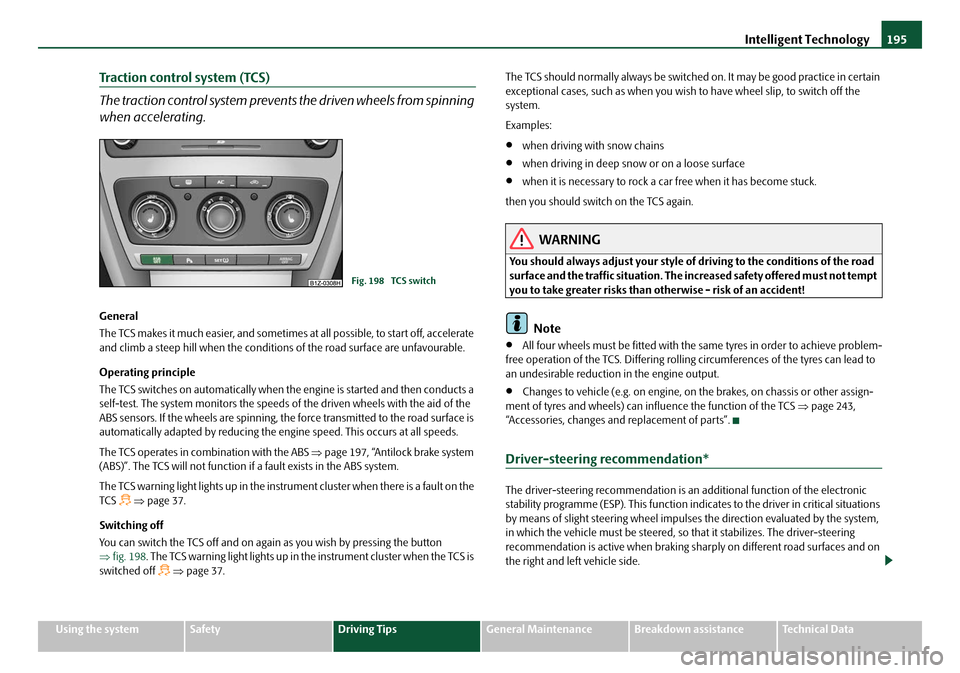
You can switch the TCS off and on again as you wish by pressing the button
⇒ fig. 198 . The TCS warning light lights up in the instrument cluster when the TCS is
switched off
⇒ page 37. The TCS should normally always be switched on. It may be good practice in certain
exceptional cases, such as when you wish
to have wheel slip, to switch off the
system.
Examples:
•when driving with snow chains
•when driving in deep snow or on a loose surface
•when it is necessary to rock a car free when it has become stuck.
then you should switch on the TCS again.
WARNING
You should always adjust your style of driving to the conditions of the road
surface and the traffic situation. The increased safety offered must not tempt
you to take greater risks than otherwise - risk of an accident!
Note
•All four wheels must be fitted with the same tyres in order to achieve problem-
free operation of the TCS. Differing rolling circumferences of the tyres can lead to
an undesirable reduction in the engine output.
•Changes to vehicle (e.g. on engine, on the brakes, on chassis or other assign-
ment of tyres and wheels) can in fluence the function of the TCS ⇒page 243,
“Accessories, changes and replacement of parts”.
Driver-steering recommendation*
The driver-steering recommendation is an additional function of the electronic
stability programme (ESP). This function indicates to the driver in critical situations
by means of slight steering wheel impulses the direction evaluated by the system,
in which the vehicle must be steered, so that it stabilizes. The driver-steering
recommendation is active when braking shar ply on different road surfaces and on
the right and left vehicle side.
Fig. 198 TCS switch
20A5Facelift.book Page 195 Saturday, September 6, 2008 2:13 PM
Page 199 of 304

Intelligent Technology
198
The majority of drivers do apply the brakes in good time in dangerous situations,
but do not depress the brake pedal with su fficient pressure. Consequently, it is not
possible for the car to achieve its maxi mum deceleration and the car covers a
greater distance than necessary.
The Brake Assist is activated by the very quick operation of the brake pedal. In such
cases, a much greater braking pressure ex ists than during a normal brake applica-
tion. This makes it possible, even with a relatively low resistance of the brake pedal,
to produce an adequate pressure in the brake system in the shortest possible time,
which is required for maximum deceleration of the car. You must apply the brake
pedal firmly and hold it in this position in order to achieve the shortest possible
braking distance.
The Brake Assist is able to help you achieve a shorter braking distance in emergency
situations by rapidly producing the pressure required in the brake system. It fully
exploits the attributes of the ABS. After you release the brake pedal, the function of
the Brake Assist is automatically switched off and the brakes operate in the normal
way.
The Brake Assist is part of the ESP system. If a fault occurs in the ESP, the Brake Assist
function is also not available. Further information on the ESP ⇒page 193.
WARNING
•The Brake Assist is also not able to overcome the physical limits of your
car in terms of the braking distance required.
•Adapt your speed to the conditions of the road surface and to the traffic
situation.
•The increased safety offered by the Brake Assist must not tempt you to
take a greater safety risk than otherwise.
Uphill-Start off-Assist*
The uphill-start off-assist makes it much easier to start off on steep hills. The system
assists a start off by holding the brake pr essure produced by the brake pedal actu-
ation for approx. 2 seconds after releasing the brake pedal. The driver can therefore
move his foot from the brake pedal to the accelerator pedal and start off on the slope, without having to actuate the hand
brake. The brake pressure drops gradually
the more you operate the accelerator pedal. If the vehicle does not start off within
2 seconds, it starts to roll back.
The uphill-start off-assist is active in the ev ent of a 5% slope, if the vehicle door is
closed. It is alwa ys active on slopes when in forward or reverse start off. When
driving downhill, it is inactive.
Electromechanical power steering
The power steering enables you to steer the vehicle with less physical force.
With the electromechanical power steering, the steering assist is automatically
adapted to the speed and to the steering angle.
It is still possible to fully steer the vehicle if the power steering fails or if the engine
is not running (vehicle being towed in). The only difference is that greater physical
effort is required.
If there is a fault in the power steering, the warning light
or lights up in the
instrument cluster ⇒page 35.
WARNING
Contact your specialist garage if the power steering is defective.
20A5Facelift.book Page 198 Saturday, September 6, 2008 2:13 PM
Page 228 of 304

Inspecting and replenishing227
Using the systemSafetyDriving TipsGeneral MaintenanceBreakdown assistanceTechnical Data
Engine oil
Check engine oil level
The dipstick indicates the level of oil in the engine.
Checking the oil level
– Park the vehicle on a horizontal surface.
– Switch the engine off.
– Open the bonnet ⇒ in “Working in the engine compartment” on
page 225.
– Wait a few minutes and pull out the oil dipstick.
– Wipe off the dipstick with a clea n cloth and insert it again fully.
– Then withdraw the dipstick ag ain and read off the oil level.
Oil level within range
– You must not top up the oil. Oil level within range
–You
may top up the oil. It is possible that the oil level may then be
within range after doing this.
Oil level within range
–You must top up the oil ⇒page 228. It is sufficient, once this is done,
to keep the oil level within range .
It is normal for the engine to consume oi l. The oil consumption may be as much as
0.5 ltr./1 000 km depending on your style of driving and the conditions under which
you operate your vehicle. The oil consumpt ion may be slightly higher than this
during the first 5 000 kilometres.
One should therefore check the oil level at regular intervals, preferably every time
after the fuel tank is filled or after driving for long stretches.
We recommend maintaining the oil level within the range - but not above this,
if the engine has been operating at hi gh loads, for example during a lengthy
motorway trip during the summer months, towing a trailer or negotiating a high
mountain pass.
The warning light in the instrument cluster* will indicate ⇒page 36, “Engine oil
pressure ” whether the oil level is too low. In this case, check the oil level as soon
as possible. Top up with an appropriate quantity of oil.
Caution
•The oil level must on no account ex tend beyond the range . Danger of
damaging the catalytic converter.
•Do not continue your journey if for some reason it is not possible under the
conditions prev ailing to top up with oil. Switch of the engine and contact and
obtain professional assistance from a specialist garage.
Note
Engine oil specifications ⇒page 269, “Technical Data”.
Fig. 212 Dipstick
AA
AB
AA
AC
AC
AA
AA
20A5Facelift.book Page 227 Saturday, September 6, 2008 2:13 PM
Page 230 of 304

Inspecting and replenishing229
Using the systemSafetyDriving TipsGeneral MaintenanceBreakdown assistanceTechnical Data
also protects the cooling and heating system from corrosion. It also prevents the
formation of scale and significantly increases the boiling point of the coolant.
You must therefore not reduce the concentr
ation of antifreeze agent in the coolant
by adding water, also not during the summ er months or in countries with a warm
climate. The concentration of coolant additive in the coolant must be at least
40%.
You can increase the amount of antifreeze in the coolant if a higher concentration
of antifreeze is necessary for climatic reasons but only up to 60% (antifreeze
protection down to approx. -40°C). The an tifreeze protection tails off above that
concentration.
Vehicles exported to countries with a co ld climate (e.g. Sweden, Norway, Finland)
are already factory-filled with a coolant wh ich offers antifreeze protection down to
about -35°C. In these countries the concentr ation of coolant additive should be at
least 50 %.
Coolant
The cooling system is factory-filled with co olant (purple in colour), which complies
with the specification TL-VW 774 G.
We recommend that you use the same c oolant additive - G12 PLUS-PLUS (purple
in colour) for toppi ng up the system.
Please contact your Škoda Service Partner if you have any questions regarding the
coolant or if you wish to fill up with a different coolant.
Your Škoda Service Partner can also suppl y you with the correct coolant additives.
Caution
•Other coolant additives may cause operational problems which, in partic-
ular, involves significantly redu cing the anticorrosion effect.
•Any faults or problems resulting from corrosion may cause a loss of
coolant and, as a consequence of th is, result in major engine damage.
Inspecting the coolant level
The coolant expansion bottle is located in the engine compartment on
the right.
– Switch the engine off.
– Open the bonnet ⇒page 224.
– Check the level of coolant in the coolant expansion bottle ⇒fig. 213.
The coolant level when the engine is cold must lie between the
(MIN) and (MAX) markings. The level may also rise slightly above
the (MAX) marking when the engine is warm.
If the coolant level in the reservoir is too low, this is indicated by the warning light
in the instrument cluster ⇒page 37, “Coolant temperature/ Coolant quantity ”.
We nevertheless recommend in specting the coolant level directly at the reservoir
from time to time.
Loss of coolant
A loss of coolant is first and foremost an indication of a leak in the system. You
should not merely top up the coolant in the reservoir. It is also important to have
the cooling system inspected without delay by a specialist garage.
Fig. 213 Engine compart-
ment: Coolant expansion
bottle
Ab
Aa
Aa
20A5Facelift.book Page 229 Saturday, September 6, 2008 2:13 PM