2008 PONTIAC G8 lock
[x] Cancel search: lockPage 107 of 334

The following items are part of the
main customization menu.
Exit
Reset settings
Security
Lighting
Trip Computer
Language
Remote key
See the information following for
detailed descriptions of the
items available under each menu
item. There are also help screens
available to explain the features.
When selecting a menu item,
wait for a few seconds and a help
screen pops up with an explanation
of the selected feature.
Exit
To exit the customization menu
scroll to Exit and press
8.
You can also exit the customization
menu by:
Press3at any time to return
to the trip/fuel menu.
Drive the vehicle at more than
6 mph (10 km/h).
Turn the ignition off.
Reset settings
This item will reset all the
customization options to the factory
defaults.
Security
This item will allow you to
customize:
Auto unlock
Auto lock
Flash remote lck (lock)
Beep remote lck (lock)
Flash rem (remote) unlock
2 Stage unlock
Remote Start
Some of these work with your
Remote Keyless Entry (RKE)
transmitter. SeeRemote Keyless
Entry (RKE) System Operation
on page 2-4for more information.
Auto unlock
If you select Auto unlock you will be
able to choose when you want
the doors to unlock automatically.
Off:No automatic unlock of
any doors.
Driver door key out:The driver
door will unlock when the key
is removed.
Driver door in park:The driver
door will unlock when you put
the shift lever into PARK (P).
All doors at key out:All doors will
unlock when the key is removed.
Instruments and Controls 4-33
2008 - Pontiac G8 Owner Manual
Page 108 of 334

All doors in park:All doors will
unlock when you put the shift lever
into PARK (P).
Auto lock
If you select Auto lock you will be
able to choose when you want
the doors to lock automatically.
At vehicle speed:The doors will
lock when the vehicle speed is at or
above 8 mph (13 km/h).
Out of Park:The doors will lock
when you move the shift lever out of
PARK (P).
Flash remote lock
If you select Flash remote lock you
will be able to choose if the
parking lamps will ash when you
lock the doors with the RKE
transmitter.
Beep remote lock
If you select Beep remote lock you
will be able to choose if the horn
will sound when you lock the doors
with the RKE transmitter.Flash remote unlock
If you select Flash remote unlock
you will be able to choose if
the parking lamps will ash when
you unlock the doors with the
RKE transmitter.
2 Stage unlock
If you select 2 stage unlock you will
be able to choose if you want
only the driver door to unlock with
the rst press of the unlock
button on the RKE transmitter.
Remote Start
If you select Remote start you will
be able to enable or disable
the remote start feature. See
Remote Vehicle Start on page 2-6
for more information.Lighting
This item will allow you to
customize:
Approach lighting
Egress lighting timer
Approach lighting
If you select Approach lighting you
will be able to choose if you
want the exterior lamps to turn on
when you unlock the doors with the
RKE transmitter.
Egress lighting timer
If you select Egress lighting timer you
will be able to choose if, and for how
long, the exterior lamps should stay
on when you lock the doors.
Trip Computer
This item will allow you to
customize:
Underspeed Chime
Distance to go
Distance to go Default
4-34 Instruments and Controls
2008 - Pontiac G8 Owner Manual
Page 110 of 334
OnStar®System
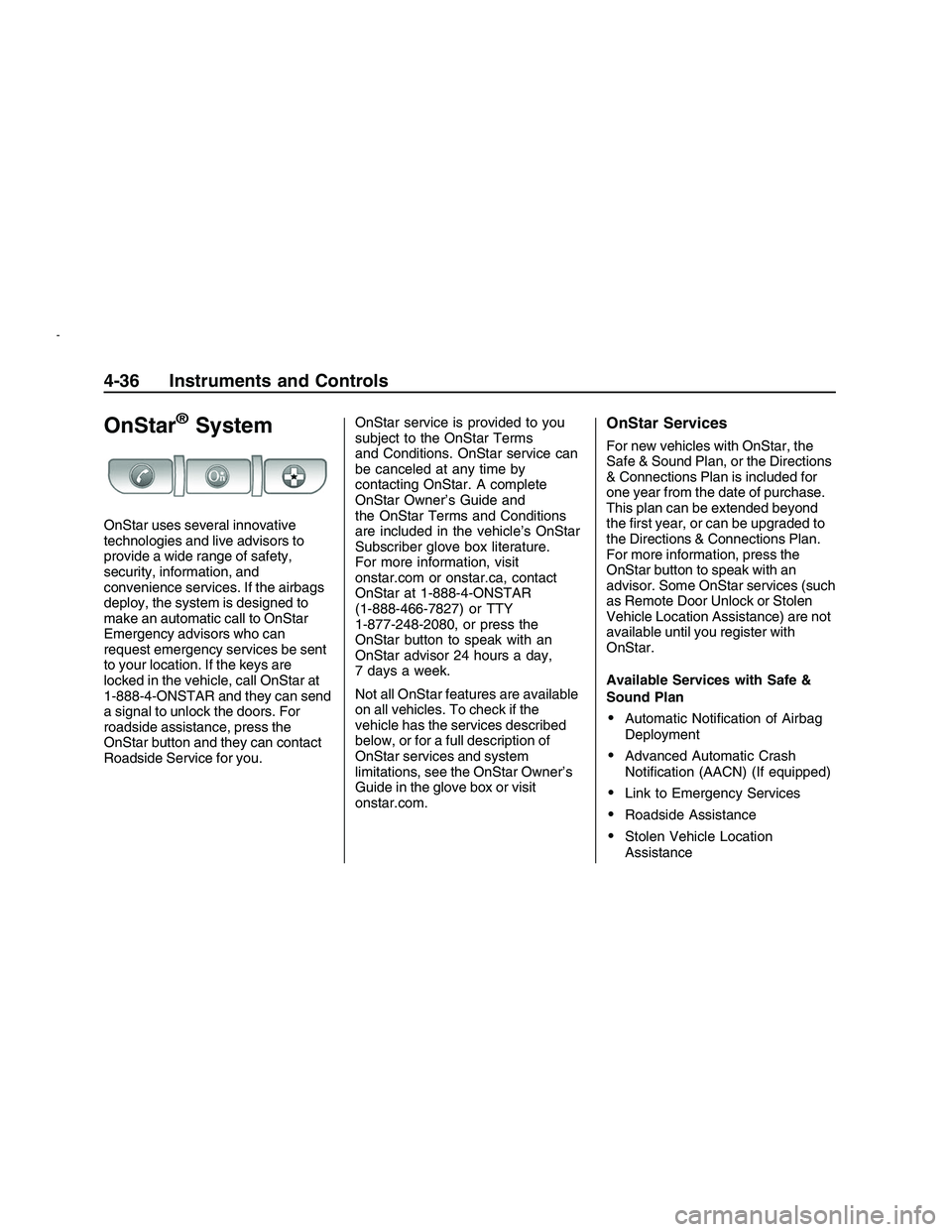
OnStar uses several innovative
technologies and live advisors to
provide a wide range of safety,
security, information, and
convenience services. If the airbags
deploy, the system is designed to
make an automatic call to OnStar
Emergency advisors who can
request emergency services be sent
to your location. If the keys are
locked in the vehicle, call OnStar at
1-888-4-ONSTAR and they can send
a signal to unlock the doors. For
roadside assistance, press the
OnStar button and they can contact
Roadside Service for you.OnStar service is provided to you
subject to the OnStar Terms
and Conditions. OnStar service can
be canceled at any time by
contacting OnStar. A complete
OnStar Owner’s Guide and
the OnStar Terms and Conditions
are included in the vehicle’s OnStar
Subscriber glove box literature.
For more information, visit
onstar.com or onstar.ca, contact
OnStar at 1-888-4-ONSTAR
(1-888-466-7827) or TTY
1-877-248-2080, or press the
OnStar button to speak with an
OnStar advisor 24 hours a day,
7 days a week.
Not all OnStar features are available
on all vehicles. To check if the
vehicle has the services described
below, or for a full description of
OnStar services and system
limitations, see the OnStar Owner’s
Guide in the glove box or visit
onstar.com.
OnStar Services
For new vehicles with OnStar, the
Safe & Sound Plan, or the Directions
& Connections Plan is included for
one year from the date of purchase.
This plan can be extended beyond
the rst year, or can be upgraded to
the Directions & Connections Plan.
For more information, press the
OnStar button to speak with an
advisor. Some OnStar services (such
as Remote Door Unlock or Stolen
Vehicle Location Assistance) are not
available until you register with
OnStar.
Available Services with Safe &
Sound Plan
Automatic Notication of Airbag
Deployment
Advanced Automatic Crash
Notication (AACN) (If equipped)
Link to Emergency Services
Roadside Assistance
Stolen Vehicle Location
Assistance
4-36 Instruments and Controls
2008 - Pontiac G8 Owner Manual
Page 111 of 334
AccidentAssist
Remote Door Unlock/Vehicle
Alert
OnStar Vehicle Diagnostics
GM Goodwrench On Demand
Diagnostics
OnStar Hands-Free Calling with
30 complimentary minutes
OnStar Virtual Advisor
(U.S. Only)
Available Services included with
Directions & Connections Plan
All Safe and Sound Plan Services
Driving Directions - Advisor
delivered or OnStar Turn-by-Turn
Navigation (If equipped)
RideAssist
Information and Convenience
Services
OnStar Hands-Free Calling
OnStar Hands-Free Calling allows
eligible OnStar subscribers to
make and receive calls using voice
commands. Hands-Free Calling
is fully integrated into the vehicle,
and can be used with OnStar
Pre-Paid Minute Packages.
Hands-Free Calling can also be
linked to a Verizon Wireless service
plan in the U.S. or a Bell Mobility
service plan in Canada, depending
on eligibility. To nd out more,
refer to the OnStar Owner’s Guide
in the vehicle’s glove box, visit
www.onstar.com or www.onstar.ca,
or speak with an OnStar advisor
by pressing the OnStar button
or calling 1-888-4-ONSTAR
(1-888-466-7827).
OnStar Virtual Advisor
OnStar Virtual Advisor is a feature
of OnStar Hands-Free Calling
that uses minutes to access
location-based weather, local traffic
reports, and stock quotes. Press
the phone button and give afew simple voice commands to
browse through the various topics.
See the OnStar Owner’s Guide
for more information (only available
in the continental U.S.).
OnStar Steering Wheel
Controls
The vehicle may have a Talk/Mute
button that can be used to interact
with OnStar Hands-Free Calling.
On some vehicles, you may have to
hold the button for a few seconds
and give the command “ONSTAR” in
order to activate the OnStar
Hands-Free Calling feature.
On some vehicles, the mute button
can be used to dial numbers into
voicemail systems, or to dial phone
extensions. See the OnStar Owner’s
Guide for more information.
Instruments and Controls 4-37
2008 - Pontiac G8 Owner Manual
Page 114 of 334

;(Parking Lamps):Turns on the
parking lamps together with the
following:
Taillamps
License Plate Lamps
Instrument Panel Lights
Sidemarker Lamps
2(Headlamps):Turns on the
headlamps together with the
following:
Parking Lamps
Taillamps
License Plate Lamps
Instrument Panel Lights
Sidemarker Lamps
A warning chime sounds if the
driver side door is opened while
the ignition switch is off and
the headlamps are on.
Daytime Running
Lamps (DRL)
Daytime Running Lamps (DRL) can
make it easier for others to see
the front of your vehicle during the
day. Fully functional daytime
running lamps are required on all
vehicles rst sold in Canada.
The DRL system makes the
headlamps come on at a reduced
brightness when the following
conditions are met:
The ignition is on.
The exterior lamps control is
in AUTO.
The light sensor determines
it is daytime.
When the DRL are on, the taillamps,
sidemarker, instrument panel and
other lamps will not be on.
The headlamps automatically switch
from DRL to the regular headlamps
depending on the darkness of
the surroundings. See “Automatic
headlamp system” following.To turn off the DRL lamps, turn the
exterior lamps control to
9and
then release. For vehicles rst sold
in Canada, the DRL lamps cannot
be turned off.
Automatic Headlamp
System
When it is dark enough outside and
the exterior lamps control is in
the automatic position, the
headlamps and parking lamps will
turn on and off automatically.
SeeExterior Lamps Controls on
page 5-1.
If the headlamps or parking lamps
are left on and the ignition is
turned to LOCK/OFF, the lamps
automatically turn off after
10 minutes. The lamps remain off
until the ignition is switched on
or the lamps are turned on again
using the exterior lamps control.
5-2 Lighting
2008 - Pontiac G8 Owner Manual
Page 116 of 334
Dome Lamp(s)
+
(On/Off):Press to turn the lamp
on or off.
&(Door):Press this button in and
the lamps automatically turn on
when a door is opened, the vehicle
is unlocked, or the key is removed
from the ignition.
The lamps dim to off after all the
doors are closed. They turn off
immediately if the ignition is turned
on and all the doors are closed.
The dome lamps turn on
automatically only when it is dark.
Perimeter Lighting
Press the unlock button on the
Remote Keyless Entry (RKE)
transmitter to turn the headlamps
and back-up lamps on for
60 seconds if it is dark enough
outside.
The lamps only turn on if the
exterior lamp control is left in the
AUTO position.
Reading Lamps
Front Reading Lamps
()(On/Off):Press to turn
the lamps on or off.
Battery Run-Down
Protection
This vehicle has a feature to help
prevent the battery from being
drained. The trunk lamp and
reading lamps automatically turn off
10 minutes after the key is turned
to LOCK/OFF.
The lamps are reactivated if any of
the following occur:
The ignition is turned on.
The vehicle is unlocked.
The trunk is opened.
The reading lamps are turned on.
5-4 Lighting
2008 - Pontiac G8 Owner Manual
Page 117 of 334

Infotainment
Audio System(s)
Audio System(s).................6-1
Setting the Clock................6-2
Radio(s).............................6-3
Using an MP3...................6-19
Theft-Deterrent Feature.....6-23
Audio Steering Wheel
Controls..........................6-23
Radio Reception...............6-24
Fixed Mast Antenna..........6-24
Audio System(s)
Determine which radio the vehicle
has and become familiar with
its features.
{CAUTION
This system provides you with
far greater access to audio
stations and song listings.
Giving extended attention to
entertainment tasks while
driving can cause a crash and
you or others can be injured or
killed. Always keep your eyes
on the road and your mind on
the drive — avoid engaging in
extended searching while
driving.Keeping your mind on the drive
is important for safe driving.
SeeDefensive Driving on
page 8-13.
Here are some ways in which you
can help avoid distraction while
driving.Familiarize yourself with all of
its controls
Familiarize yourself with its
operation.
Set up your audio system by
presetting your favorite radio
stations, setting the tone,
and adjusting the speakers.
Then, when driving conditions
permit, you can tune to your
favorite radio stations using the
presets and steering wheel
controls if the vehicle has them.
Infotainment 6-1
2008 - Pontiac G8 Owner Manual
Page 118 of 334

Notice:Before adding any sound
equipment to your vehicle, such
as an audio system, CD player,
CB radio, mobile telephone, or
two-way radio, make sure that it
can be added by checking with
your dealer/retailer. Also, check
federal rules covering mobile
radio and telephone units.
If sound equipment can be added,
it is very important to do it
properly. Added sound equipment
may interfere with the operation of
your vehicle’s engine, radio, or
other systems, and even damage
them. Your vehicle’s systems
may interfere with the operation
of sound equipment that has been
added.
The vehicle has Retained Accessory
Power (RAP), and the audio system
can be played after the ignition is
turned off. SeeRetained Accessory
Power (RAP) on page 8-3for more
information.Setting the Clock
Radio with Single CD Player
The time and date can be adjusted
when the radio is either on or
off, press
Gto display the date.
To adjust the time and date:
1. Press and hold
Guntil the
display shows the Set Clock
screen and the hour display
ashes.
2. Turn the volume knob to adjust
the hour.
3. Press the volume knob and the
minute display will ash to
adjust the minutes.
4. Turn the volume knob to adjust
the minutes.
5. Repeat these steps to adjust the
month, date, and year.
6. Press
Gto save the settings.
If no adjustments are made
for eight seconds, the radio will
automatically save the settings.
Radio with Six-Disc CD Player
The time and date can be adjusted
when the radio is either on or
off, press
Gto display the date.
To adjust the time and date:
1. Press and hold
Gfor more than
two seconds to display the
Options menu.
2. Turn the MENU knob to highlight:
Hour, Minute, Date, Month,
and Year.
3. Highlight Hour and Press the
MENU knob.
4. Turn the MENU knob to adjust
the hours.
5. Press the MENU knob to return
to the Options menu.
6. Repeat steps 2 through 5 to
adjust the minutes, date,
month, and year.
7. Press
Gto save the settings.
If no adjustments are made for
eight seconds, the radio will
automatically save the settings.
6-2 Infotainment
2008 - Pontiac G8 Owner Manual