FRONT WIPER AND WASHER SYSTEM
WW-13
< SERVICE INFORMATION >
C
D
E
F
G
H
I
J
L
MA
B
WW
N
O
P
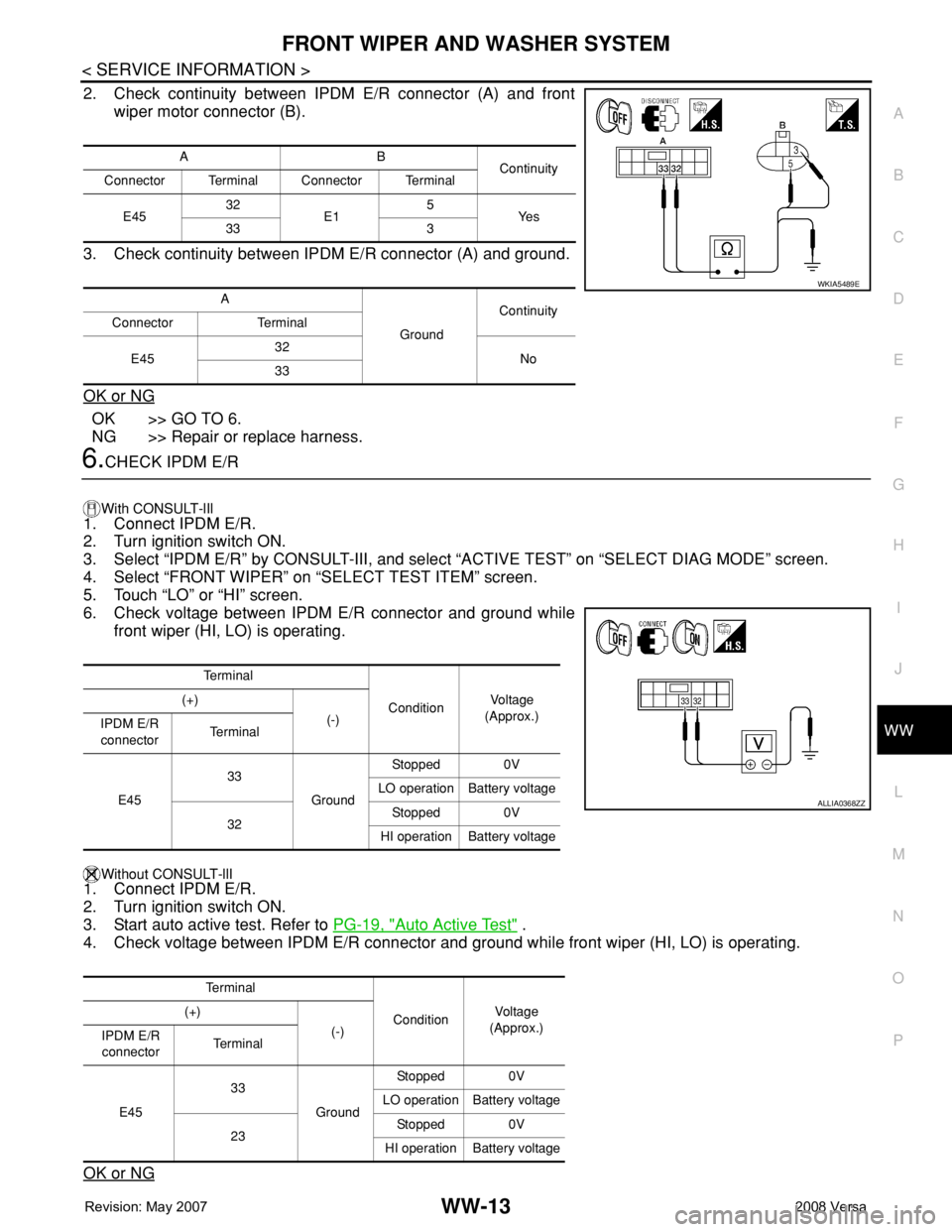
2. Check continuity between IPDM E/R connector (A) and front
wiper motor connector (B).
3. Check continuity between IPDM E/R connector (A) and ground.
OK or NG
OK >> GO TO 6.
NG >> Repair or replace harness.
6.CHECK IPDM E/R
With CONSULT-lIl
1. Connect IPDM E/R.
2. Turn ignition switch ON.
3. Select “IPDM E/R” by CONSULT-III, and select “ACTIVE TEST” on “SELECT DIAG MODE” screen.
4. Select “FRONT WIPER” on “SELECT TEST ITEM” screen.
5. Touch “LO” or “HI” screen.
6. Check voltage between IPDM E/R connector and ground while
front wiper (HI, LO) is operating.
Without CONSULT-llI1. Connect IPDM E/R.
2. Turn ignition switch ON.
3. Start auto active test. Refer to PG-19, "
Auto Active Test" .
4. Check voltage between IPDM E/R connector and ground while front wiper (HI, LO) is operating.
OK or NG
AB
Continuity
Connector Terminal Connector Terminal
E4532
E15
Ye s
33 3
A
GroundContinuity
Connector Terminal
E4532
No
33
WKIA5489E
Te r m i n a l
ConditionVo l ta g e
(Approx.) (+)
(-)
IPDM E/R
connectorTe r m i n a l
E4533
GroundStopped 0V
LO operation Battery voltage
32Stopped 0V
HI operation Battery voltage
Te r m i n a l
ConditionVol tag e
(Approx.) (+)
(-)
IPDM E/R
connectorTe r m i n a l
E4533
GroundStopped 0V
LO operation Battery voltage
23Stopped 0V
HI operation Battery voltage
ALLIA0368ZZ
REAR WIPER AND WASHER SYSTEM
WW-29
< SERVICE INFORMATION >
C
D
E
F
G
H
I
J
L
MA
B
WW
N
O
P
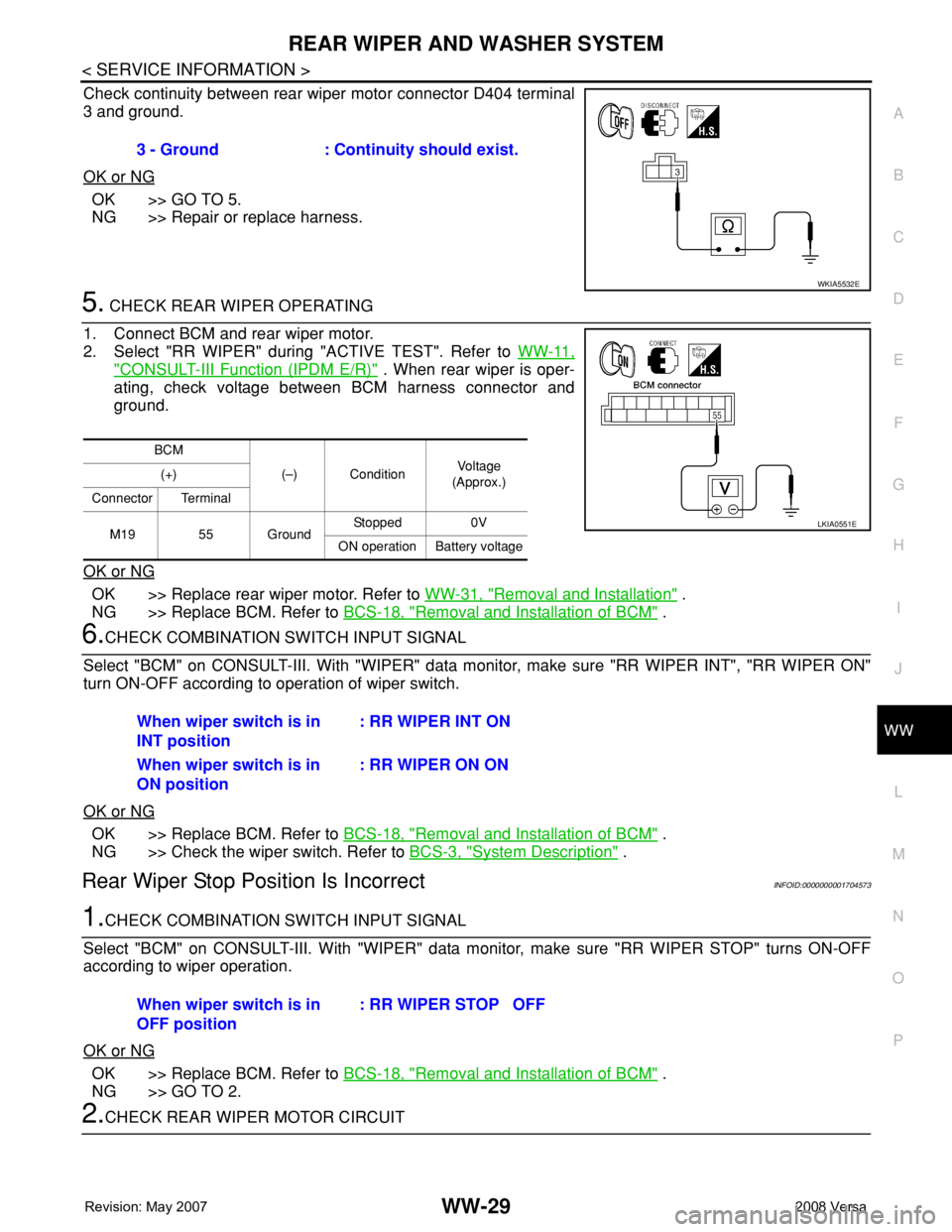
Check continuity between rear wiper motor connector D404 terminal
3 and ground.
OK or NG
OK >> GO TO 5.
NG >> Repair or replace harness.
5. CHECK REAR WIPER OPERATING
1. Connect BCM and rear wiper motor.
2. Select "RR WIPER" during "ACTIVE TEST". Refer to WW-11,
"CONSULT-III Function (IPDM E/R)" . When rear wiper is oper-
ating, check voltage between BCM harness connector and
ground.
OK or NG
OK >> Replace rear wiper motor. Refer to WW-31, "Removal and Installation" .
NG >> Replace BCM. Refer to BCS-18, "
Removal and Installation of BCM" .
6.CHECK COMBINATION SWITCH INPUT SIGNAL
Select "BCM" on CONSULT-III. With "WIPER" data monitor, make sure "RR WIPER INT", "RR WIPER ON"
turn ON-OFF according to operation of wiper switch.
OK or NG
OK >> Replace BCM. Refer to BCS-18, "Removal and Installation of BCM" .
NG >> Check the wiper switch. Refer to BCS-3, "
System Description" .
Rear Wiper Stop Position Is IncorrectINFOID:0000000001704573
1.CHECK COMBINATION SWITCH INPUT SIGNAL
Select "BCM" on CONSULT-III. With "WIPER" data monitor, make sure "RR WIPER STOP" turns ON-OFF
according to wiper operation.
OK or NG
OK >> Replace BCM. Refer to BCS-18, "Removal and Installation of BCM" .
NG >> GO TO 2.
2.CHECK REAR WIPER MOTOR CIRCUIT3 - Ground : Continuity should exist.
WKIA5532E
BCM
(–) ConditionVo l ta g e
(Approx.) (+)
Connector Terminal
M19 55 GroundStopped 0V
ON operation Battery voltage
LKIA0551E
When wiper switch is in
INT position: RR WIPER INT ON
When wiper switch is in
ON position: RR WIPER ON ON
When wiper switch is in
OFF position: RR WIPER STOP OFF