2008 MAZDA MODEL 3 5-DOOR air condition
[x] Cancel search: air conditionPage 194 of 412

Black plate (194,1)
Air intake selector
Outside or recirculated air positions can
be selected. Press the switch to select
outside/recirculated air positions.
Recirculated air position (indicator
light illuminated)
Use this position when going through
tunnels, driving in congested traffic (high
engine exhaust areas) or when quick
cooling is desired.
Outside air position (indicator light
turned off)
Use this position for normal conditions
and defogging.
WARNING
Do not use theposition in cold or
rainy weather:
Using the
position in cold or
rainy weather is dangerous as it will
cause the windows to fog up. Your
vision will be hampered, which could
lead to a serious accident.
AMB (Ambient Temperature) switch
Press the AMB switch to display the
ambient temperature.
NOTE
lThe displayed ambient temperature may
vary from the actual ambient temperature
depending on the surrounding area and
vehicle conditions.
lPress the AMB switch again to switch the
display from ambient temperature to the
temperature set for the air conditioner.
Windshield defroster switch
Press the switch to defrost the windshield
and front door windows.
q Operation of Automatic Air
Conditioning
1. Press the AUTO switch. Selection of
the airflow mode, air intake selector
and amount of airflow will be
automatically controlled.
6-12
Interior Comfort
Climate Control System
Mazda3_8Y64-EA-08A_Edition1 Page194
Tuesday, November 27 2007 9:1 AM
Form No.8Y64-EA-08A
Page 195 of 412

Black plate (195,1)
2. Use the temperature control dial toselect a desired temperature.
Cold Hot
To turn off the system, press the OFF
switch.
NOTE
lSetting the temperature to maximum high
or low will not provide the desired
temperature at a faster rate.
lWhen selecting heat, the system will restrict
airflow until it has warmed to prevent cold
air from blowing out of the vents.
qWindshield Defrosting and Defogging
Press the windshield defroster switch.
In this position, the
position is
automatically selected, and the air
conditioner automatically turns on. The
air conditioner will directly dehumidify
the air to the front windshield and side
windows (page 6-4). Airflow amount will
be increased.
WARNING
Set the temperature control to the hot
or warm position when defogging (
position): Using the
position with the
temperature control set to the cold
position is dangerous as it will cause
the outside of the windshield to fog
up. Your vision will be hampered,
which could lead to a serious
accident.
NOTE
Use the temperature control dial to increase
the air flow temperature and defog the
windshield more quickly.
q Sunlight/Temperature Sensor
The fully automatic air conditioner
function measures inside and outside
temperatures, and sunlight. It then sets
temperatures inside the passenger
compartment accordingly.
CAUTION
Do not obstruct either sensor,
otherwise the automatic air
conditioner will not operate properly.
Sunlight sensor
Interior Comfort
Climate Control System
6-13
Mazda3_8Y64-EA-08A_Edition1 Page195
Tuesday, November 27 2007 9:1 AM
Form No.8Y64-EA-08A
Page 219 of 412

Black plate (219,1)
lProduct serial numberlVehicle Identification Number (VIN)
When you are ready to receive the on-air
activation signals you will be instructed
(for activation via phone) to turn on your
tuner, have the antenna pointed skyward,
and to set the channel to channel 184.
Once the signal is sent from the national
studio it may take up to 10 minutes to be
received by your unit.
*ESN: Electronic Serial Number
NOTE
lOn-air activation is completed after the
procedure, in most cases from 10 seconds
to 10 minutes.
lThe VIN/SIRIUS ID (ESN*)/SERIAL No. is
printed on the back cover label of the
manual.
Sirius operation
All operations of the satellite radio are
conducted by means of the audio unit.
Sirius radio mode selection
When the satellite button is pressed during
ACC ON, it will play the last SIRIUS
channel in use before the mode was
switched over to another mode or the
power was turned off.
When the satellite button is pressed in a
mode other than the SIRIUS mode, the
last channel in use will be received. Every time the satellite button is pressed,
the bank changes in the order shown
below.
SR2
SR1
SR3
NOTE
SR1, SR2 and SR3:6 stations can be stored in
each bank for convenient access to your
favorite stations.
Operation in the initial state
It may take some time to start up the
equipment when it is in the initial state,
when there is a change in the user's
subscription condition, or when the
SIRIUS channel map is changed.
“UPDATING xx% ”is displayed when the
SIRIUS channel map is changed. If the
unit is initialized or the user contract
content is changed, “UPDATING ”is
displayed. Updating could take as long as
3 minutes depending on the geographical
area. When the unit is in an initialized
state, channel 184 is displayed after the
display indicates “UPDATING 100% ”.If
the SIRIUS channel map or the user
contract content is changed, the channel
prior to the change is displayed after
“ UPDATING ”is displayed. After the
initialization display, it may take as long
as 12 seconds to receive channel 184.
Interior Comfort
Audio System
6-37
Mazda3_8Y64-EA-08A_Edition1 Page219
Tuesday, November 27 2007 9:1 AM
Form No.8Y64-EA-08A
Page 245 of 412

Black plate (245,1)
Safety Certification
This CD player is made and tested to meet exacting safety standards. It meets FCC
requirements and complies with safety performance standards of the U.S. Department of
Health and Human Services.
CAUTION
ØThis CD player should not be adjusted or repaired by anyone except qualified
service personnel.
If servicing is required, contact an Authorized Mazda Dealer.
Ø Use of controls or adjustments or performance of procedures other than those
specified herein may result in hazardous laser exposure. Never operate the CD
player with the top case of the unit removed.
Ø Changes or modifications not expressly approved by the party responsible for
compliance could void the user's authority to operate this equipment.
NOTE
For CD player section:
This device complies with part 15 of the FCC Rules. Operation is subject to the following two
conditions: (1) This device may not cause harmful interference, and (2) this device must accept any
interference received, including interference that may cause undesired operation.
NOTE
This equipment has been tested and found to comply with the limits for a Class B digital device,
pursuant to part 15 of the FCC Rules. These limits are designed to provide reasonable protection
against harmful interference in a residential installation. This equipment generates, uses, and can
radiate radio frequency energy and, if not installed and used in accordance with the instructions,
may cause harmful interference to radio communications. However, there is no guarantee that
interference will not occur in a particular installation.
Interior Comfort
Audio System
6-63
Mazda3_8Y64-EA-08A_Edition1 Page245
Tuesday, November 27 2007 9:1 AM
Form No.8Y64-EA-08A
Page 250 of 412
Black plate (250,1)
qClock
NOTE
When the trip computer is displayed, press the
CLOCK button to change the display to the
time.
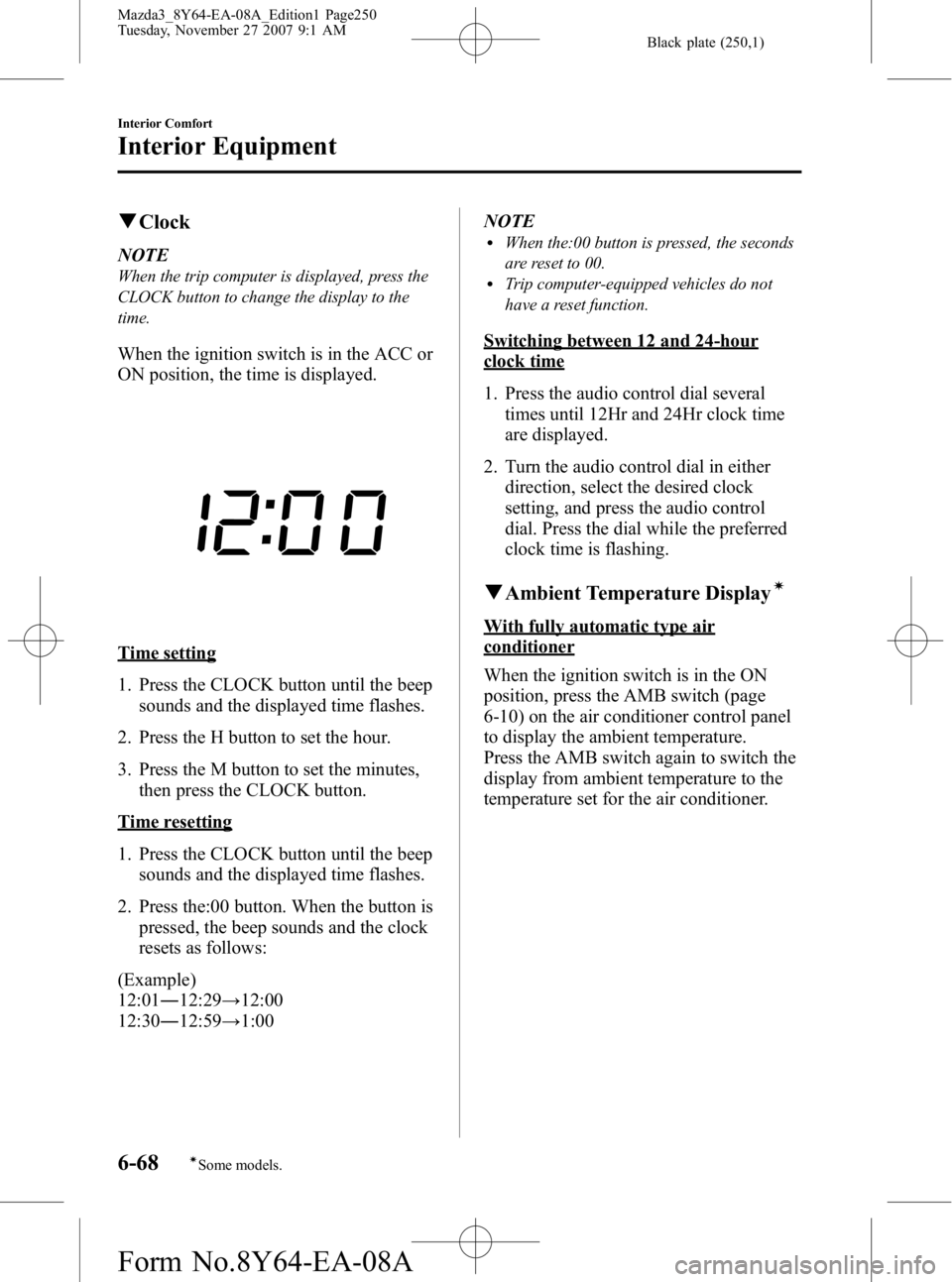
When the ignition switch is in the ACC or
ON position, the time is displayed.
Time setting
1. Press the CLOCK button until the beep
sounds and the displayed time flashes.
2. Press the H button to set the hour.
3. Press the M button to set the minutes, then press the CLOCK button.
Time resetting
1. Press the CLOCK button until the beepsounds and the displayed time flashes.
2. Press the:00 button. When the button is pressed, the beep sounds and the clock
resets as follows:
(Example)
12:01 ―12:29 →12:00
12:30 ―12:59 →1:00 NOTE
lWhen the:00 button is pressed, the seconds
are reset to 00.
lTrip computer-equipped vehicles do not
have a reset function.
Switching between 12 and 24-hour
clock time
1. Press the audio control dial several
times until 12Hr and 24Hr clock time
are displayed.
2. Turn the audio control dial in either direction, select the desired clock
setting, and press the audio control
dial. Press the dial while the preferred
clock time is flashing.
qAmbient Temperature Displayí
With fully automatic type air
conditioner
When the ignition switch is in the ON
position, press the AMB switch (page
6-10) on the air conditioner control panel
to display the ambient temperature.
Press the AMB switch again to switch the
display from ambient temperature to the
temperature set for the air conditioner.
6-68
Interior Comfort
íSome models.
Interior Equipment
Mazda3_8Y64-EA-08A_Edition1 Page250
Tuesday, November 27 2007 9:1 AM
Form No.8Y64-EA-08A
Page 251 of 412

Black plate (251,1)
Without fully automatic type air
conditioner
When the ignition switch is in the ON
position, the ambient temperature is
displayed.
NOTElUnder the following conditions, the ambient
temperature display may differ from the
actual ambient temperature depending on
the surroundings and vehicle conditions:
lSignificantly cold or hot temperatures.lSudden changes in ambient temperature.lThe vehicle is parked.lThe vehicle is driven at low speeds.lPress the Power/volume switch and MEDIA
button (page 6-26) simultaneously for 5
seconds or more to switch the display from
Fahrenheit to Centigrade or vice versa.
qClimate Control Display (Fully
Automatic Type)
The climate control system status is
displayed. To operate the climate control
system, refer to “Climate Control System ”
(page 6-2).
q Audio Display
The audio system status is displayed. To
operate the audio system, refer to
“Audio System ”(page 6-15).
q Trip Computerí
The trip computer can display the
following:
lThe current fuel economy.lThe average fuel economy.lThe approximate distance you can
travel on the available fuel.
lThe average vehicle speed.
The ignition switch must be in the ON
position.
Press the INFO switch to change the
display mode.
NOTE
When the time is being displayed, press the
INFO switch to change the display to the trip
computer.
If you have any problems with your trip
computer, consult an Authorized Mazda
Dealer.
Current fuel economy mode
This mode displays the current fuel
economy by calculating the amount of
fuel consumption and the distance
traveled.
Current fuel economy will be calculated
and displayed every 2 seconds.
When this mode is selected, CONSUM
CUR will be displayed.
Interior Comfort
Interior Equipment
6-69íSome models.
Mazda3_8Y64-EA-08A_Edition1 Page251
Tuesday, November 27 2007 9:1 AM
Form No.8Y64-EA-08A
Page 276 of 412

Black plate (276,1)
Overheating
If the temperature gauge indicates
overheating, the vehicle loses power, or
you hear a loud knocking or pinging
noise, the engine is probably too hot.
WARNING
Turn off the ignition switch and
make sure the fan is not running before
attempting to work near the cooling
fan: Working near the cooling fan when it
is running is dangerous. The fan
could continue running indefinitely
even if the engine has stopped and
the engine compartment temperature
is high. You could be hit by the fan
and seriously injured.
Do not remove the cooling
system cap when the engine and
radiator are hot: When the engine and radiator are
hot, scalding coolant and steam may
shoot out under pressure and cause
serious injury.
Open the hood ONLY after steam is no
longer escaping from the engine: Steam from an overheated engine is
dangerous. The escaping steam could
seriously burn you.
If the temperature gauge indicates
overheating:
1. Drive safely to the side of the road and park off the right-of-way. 2. Put a vehicle with an automatic
transaxle in park (P), a manual
transaxle in neutral.
3. Apply the parking brake.
4. Turn off the air conditioner.
5. Check whether coolant or steam is escaping from under the hood or from
the engine compartment.
If steam is coming from the engine
compartment:
Don't go near the front of the vehicle.
Stop the engine.
Wait until the steam dissipates, then
open the hood and start the engine.
If neither coolant nor steam is
escaping:
Open the hood and idle the engine until
it cools.
CAUTION
If the cooling fan does not operate
while the engine is running, the
engine temperature will increase.
Stop the engine and call an
Authorized Mazda Dealer.
6. Make sure the cooling fan is operating, then turn off the engine after the
temperature has decreased.
7. When cool, check the coolant level. If it's low, look for coolant leaks from
the radiator and hoses.
7-14
In Case of an Emergency
Overheating
Mazda3_8Y64-EA-08A_Edition1 Page276
Tuesday, November 27 2007 9:1 AM
Form No.8Y64-EA-08A
Page 291 of 412

Black plate (291,1)
Maintenance IntervalNumber of months or kilometers (miles), whichever comes first
Months 6 12 18 24 30 36 42 48
×1000 km 12 24 36 48 60 72 84 96
×1000 miles 7.5 15 22.5 30 37.5 45 52.5 60
AIR CONDITIONER SYSTEM
Cabin air filter Replace every 40,000 km (25,000 miles) or 2 years
Chart symbols:
I: Inspect: Inspect and clean, repair, adjust, or replace if necessary.
R: Replace
L: Lubricate
T: Tighten
Remarks:
*1 Use FL22 type coolant in vehicles with the inscription “FL22 ”on the radiator cap itself or the surrounding
area. Use FL22 when replacing the coolant.
*2 According to state/provincial and federal regulations, failure to perform maintenance on these items will not
void your emissions warranties. However, Mazda recommends that all maintenance services be performed at
the recommended time or mileage/kilometer period to ensure long-term reliability.
Maintenance and Care
Scheduled Maintenance
8-5
Mazda3_8Y64-EA-08A_Edition1 Page291
Tuesday, November 27 2007 9:1 AM
Form No.8Y64-EA-08A