Page 312 of 352
4. To attach the new wiper to the
wiper arm, align the cross pin and
keyway (denoted with the arrows)
and firmly press the wiper blade
into the wiper arm until an audible
snap is heard.
ENGINE OIL
Checking the engine oil
Refer to thescheduled maintenance informationfor the appropriate
intervals for checking the engine oil.
1. Make sure the vehicle is on level ground.
2. Turn the engine off and wait a few minutes for the oil to drain into the
oil pan.
3. Set the parking brake and ensure the gearshift is securely latched in P
(Park).
4. Open the hood. Protect yourself from engine heat.
5. Locate and carefully remove the
engine oil level dipstick.
6. Wipe the dipstick clean. Insert the dipstick fully, then remove it again.
•If the oil level iswithin this
range,the oil level is acceptable.
DO NOT ADD OIL.
2008 Navigator(nav)
Owners Guide (post-2002-fmt)
USA(fus)
Maintenance and Specifications
312
Page 333 of 352

1. The vehicle has run out of fuel—the engine may misfire or run poorly.
2. Poor fuel quality or water in the fuel—the engine may misfire or run
poorly.
3. The fuel cap may not have been securely tightened. SeeFuel filler
capin this chapter.
4. Driving through deep water—the electrical system may be wet.
These temporary malfunctions can be corrected by filling the fuel tank
with good quality fuel, properly tightening the fuel cap or letting the
electrical system dry out. After three driving cycles without these or any
other temporary malfunctions present, the
indicator should stay off
the next time the engine is started. A driving cycle consists of a cold
engine startup followed by mixed city/highway driving. No additional
vehicle service is required.
If the
indicator remains on, have your vehicle serviced at the first
available opportunity. Although some malfunctions detected by the
OBD-II may not have symptoms that are apparent, continued driving
with the
indicator on can result in increased emissions, lower fuel
economy, reduced engine and transmission smoothness, and lead to more
costly repairs.
Readiness for Inspection/Maintenance (I/M) testing
Some state/provincial and local governments may have
Inspection/Maintenance (I/M) programs to inspect the emission control
equipment on your vehicle. Failure to pass this inspection could prevent
you from getting a vehicle registration. Your vehicle may not pass the I/M
test if the
indicator is on or not working properly (bulb is burned
out), or if the OBD-II system has determined that some of the emission
control systems have not been properly checked. In this case, the vehicle
is considered not ready for I/M testing.
If the
indicator is on or the bulb does not work, the vehicle may
need to be serviced. Refer to the On board diagnostics (OBD-II)
description in this chapter.
If the vehicle’s engine or transmission has just been serviced, or the
battery has recently run down or been replaced, the OBD-II system may
indicate that the vehicle is not ready for I/M testing. To determine if the
vehicle is ready for I/M testing, turn the ignition key to the ON position
for 15 seconds without cranking the engine. If the
indicator blinks
eight times, it means that the vehicle is not ready for I/M testing; if
the
indicator stays on solid, it means that the vehicle is ready for
I/M testing.
2008 Navigator(nav)
Owners Guide (post-2002-fmt)
USA(fus)
Maintenance and Specifications
333
Page 337 of 352
5. Release the three clamps that
secure the cover to the air filter
housing. Push the air filter cover
toward the center of the vehicle and
up slightly to release it.
6. Remove the air filter element
from the air filter housing.
7. Install a new air filter element.
8. Replace the air filter housing
cover and secure the clamps. Be
careful not to crimp the filter
element edges between the air filter
housing and cover and ensure that
the tabs on the edge are properly
aligned into the slots.
9. Slip the air tube onto the air filter
housing and tighten the air-tube
clamp bolt snugly, but do not
overtighten it.
2008 Navigator(nav)
Owners Guide (post-2002-fmt)
USA(fus)
Maintenance and Specifications
337
Page 346 of 352

Peace of mind
Mobile-Ease™ hands-free communication system
Remote start
Vehicle security systems
Wheel locks
For maximum vehicle performance, keep the following information in
mind when adding accessories or equipment to your vehicle:
•When adding accessories, equipment, passengers and luggage to your
vehicle, do not exceed the total weight capacity of the vehicle or of
the front or rear axle (GVWR or GAWR as indicated on the Safety
Compliance Certification label). Consult your authorized dealer for
specific weight information.
•The Federal Communications Commission (FCC) and Canadian Radio
Telecommunications Commission (CRTC) regulate the use of mobile
communications systems — such as two-way radios, telephones and
theft alarms - that are equipped with radio transmitters. Any such
equipment installed in your vehicle should comply with FCC or CRTC
regulations and should be installed only by a qualified service
technician.
•Mobile communications systems may harm the operation of your
vehicle, particularly if they are not properly designed for automotive
use.
•To avoid interference with other vehicle functions, such as anti-lock
braking systems, amateur radio users who install radios and antennas
onto their vehicle should not locate the Amateur Radio Antennas in
the area of the driver’s side hood.
•Electrical or electronic accessories or components that are added to
the vehicle by the authorized dealer or the owner may adversely affect
battery performance and durability.
2008 Navigator(nav)
Owners Guide (post-2002-fmt)
USA(fus)
Accessories
346
Page 351 of 352
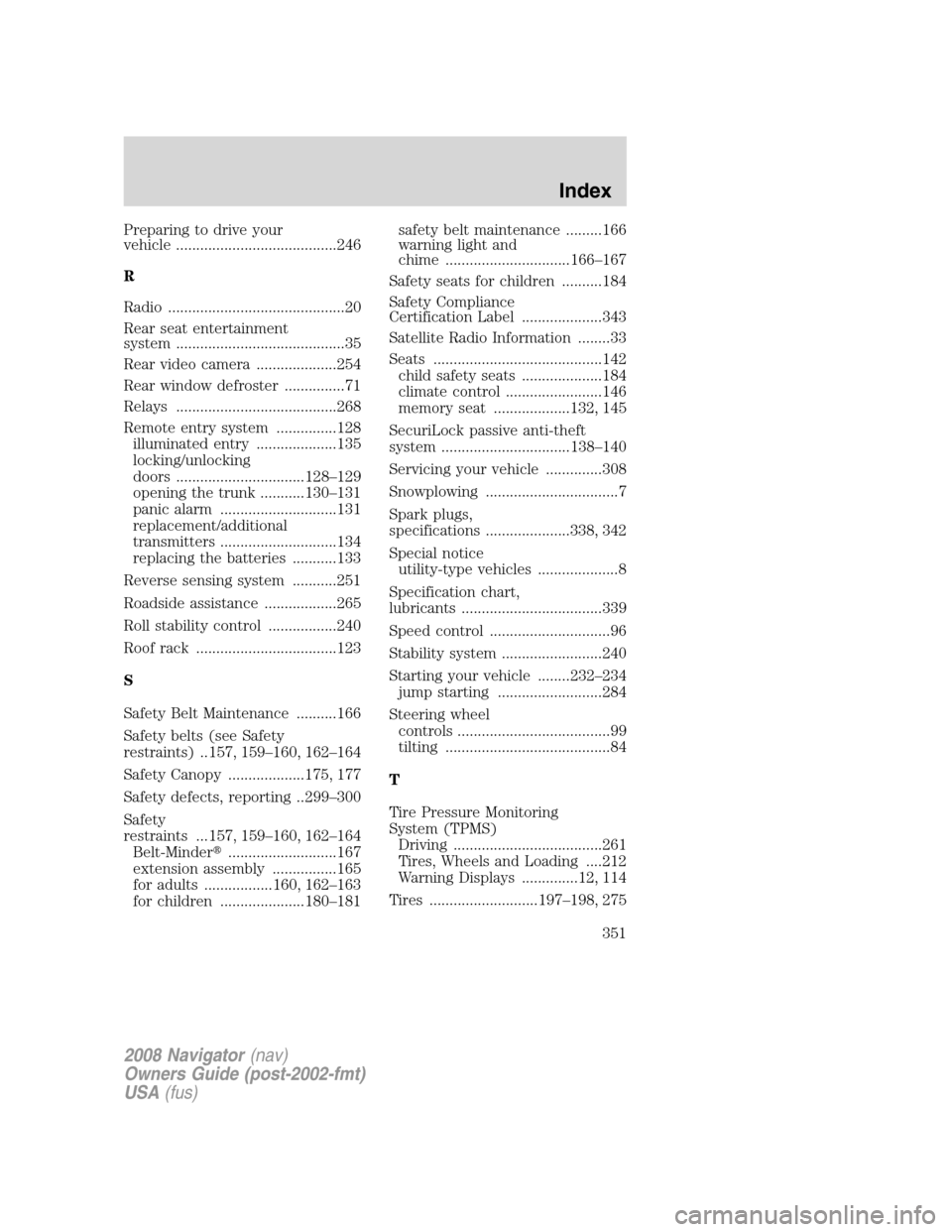
Preparing to drive your
vehicle ........................................246
R
Radio ............................................20
Rear seat entertainment
system ..........................................35
Rear video camera ....................254
Rear window defroster ...............71
Relays ........................................268
Remote entry system ...............128
illuminated entry ....................135
locking/unlocking
doors ................................128–129
opening the trunk ...........130–131
panic alarm .............................131
replacement/additional
transmitters .............................134
replacing the batteries ...........133
Reverse sensing system ...........251
Roadside assistance ..................265
Roll stability control .................240
Roof rack ...................................123
S
Safety Belt Maintenance ..........166
Safety belts (see Safety
restraints) ..157, 159–160, 162–164
Safety Canopy ...................175, 177
Safety defects, reporting ..299–300
Safety
restraints ...157, 159–160, 162–164
Belt-Minder�...........................167
extension assembly ................165
for adults .................160, 162–163
for children .....................180–181safety belt maintenance .........166
warning light and
chime ...............................166–167
Safety seats for children ..........184
Safety Compliance
Certification Label ....................343
Satellite Radio Information ........33
Seats ..........................................142
child safety seats ....................184
climate control ........................146
memory seat ...................132, 145
SecuriLock passive anti-theft
system ................................138–140
Servicing your vehicle ..............308
Snowplowing .................................7
Spark plugs,
specifications .....................338, 342
Special notice
utility-type vehicles ....................8
Specification chart,
lubricants ...................................339
Speed control ..............................96
Stability system .........................240
Starting your vehicle ........232–234
jump starting ..........................284
Steering wheel
controls ......................................99
tilting .........................................84
T
Tire Pressure Monitoring
System (TPMS)
Driving .....................................261
Tires, Wheels and Loading ....212
Warning Displays ..............12, 114
Tires ...........................197–198, 275
2008 Navigator(nav)
Owners Guide (post-2002-fmt)
USA(fus)
Index
351

