Page 31 of 399

NOTE:For emergency exit with the system engaged,
move the lock plunger up (unlocked position), roll down
window and open the door with the outside door handle.
POWER WINDOWSÐ IF EQUIPPED
Power Window Switches
The control on the left front door has up-down switches
that give you finger tip control of all four power win-
dows. There is a single opening and closing switch on the
passenger doors for passenger window control. The
windows will operate only when the ignition switch is
turned to the ON position, ACC position, and for up to 10
minutes after the ignition is turned OFF or the driver's
door is opened. Refer to ªDelay Power Off to Accessories
Until Exitº under the ªUnderstanding your Instrument
Panelº section.
Auto Down
The driver's window switch has an Auto Down feature.
Push the window switch past the first detent, release, and
the window will go down automatically. To cancel the
Auto Down movement, operate the switch in either the
up or down direction and release the switch.
Power Window Switch Location
THINGS TO KNOW BEFORE STARTING YOUR VEHICLE 31
2
Page 32 of 399
Window Lockout Switch
The window lockout switch on the driver's door allows
you to disable the window control on the other doors. To
disable the window controls on the other doors, press the
window lock button. To enable the window controls,
press the window control button again.
LIFTGATE
NOTE:The key that is used to start the vehicle is also
used to lock or unlock the doors and open the liftgate.
To unlock the liftgate, insert the key into the lock and
turn to the right (manual lock models only). The liftgate
can also be unlocked using the remote keyless entry or by
activating the power door lock switches located on the
front doors. The central locking/unlocking feature (if
equipped) can also be activated from the liftgate key
cylinder.
Once unlocked, the liftgate can be opened or closed
without using the key. To open the liftgate, squeeze the
liftgate release and pull the liftgate open with one fluid
motion.
Lock Out Switch
32 THINGS TO KNOW BEFORE STARTING YOUR VEHICLE
Page 53 of 399
However, if you haven't healed significantly within a
few days, or if you have any blistering, see your doctor
immediately.
²As the airbags deflate, you may see some smoke-like
particles. The particles are a normal by-product of the
process that generates the nontoxic gas used for airbag
inflation. These airborne particles may irritate the skin,
eyes, nose, or throat. If you have skin or eye irritation,
rinse the area with cool water. For nose or throat
irritation, move to fresh air. If the irritation continues,
see your doctor. If these particles settle on your
clothing, follow the garment manufacturer's instruc-
tions for cleaning.
²It is not advisable to drive your vehicle after the
airbags have been deployed. If you are involved in
another collision, the airbags will not be in place to
protect you.
WARNING!
Deployed airbags can't protect you in another colli-
sion. Have the airbags replaced by an authorized
dealer as soon as possible.
Enhanced Accident Response System
In the event of an impact that causes airbag deployment,
with the vehicle stopped, and the vehicle communication
network intact, and the power intact, the Enhanced
Accident Response System performs the following func-
tions:
²Cuts off fuel to the engine.
²Flashes hazard lights.
²Turns on the interior lamps which remain on as long as
the battery has power or until the ignition key is
removed.
²Unlocks the doors automatically
THINGS TO KNOW BEFORE STARTING YOUR VEHICLE 53
2
Page 71 of 399

NIntermittent Wiper System...............122
NAdding Washer Fluid..................122
mTilt Steering Column....................122
mElectronic Speed Control Ð If Equipped......123
NTo Activate..........................123
NTo Set At A Desired Speed...............124
NTo Deactivate........................124
NTo Resume Speed.....................124
NTo Vary The Speed Setting...............124
NManual Transaxle.....................125
NTo Accelerate For Passing...............125
mAnti-Lock Brake System (ABS) ± If Equipped . . . 126mElectronic Brake Control System ±
ABS/TCS/BAS/ERM/ESP................127
NAnti-Lock Brake System ± (ABS)...........127
NTraction Control System (TCS)............127
NBrake Assist System (BAS)...............128
NElectronic Roll Mitigation (ERM)..........129
NESP (Electronic Stability Program).........130
mGarage Door Opener Ð If Equipped.........134
NProgramming HomeLinkt...............135
NGate Operator/Canadian Programming.....138
NUsing HomeLinkt.....................139
NReprogramming a Single HomeLinktButton . . 139
NSecurity............................139
UNDERSTANDING THE FEATURES OF YOUR VEHICLE 71
3
Page 113 of 399
To prevent possible damage, do not slam the hood to
close it. Lower the hood until it is open approximately 20
cm (8 inches) and then drop it. This should secure both
latches. Never drive your vehicle unless the hood is fully
closed, with both latches engaged.
WARNING!
If the hood is not fully latched it could fly up when
the vehicle is moving and block your forward vision.
You could have a collision. Be sure all hood latches
are fully latched before driving.
LIGHTS
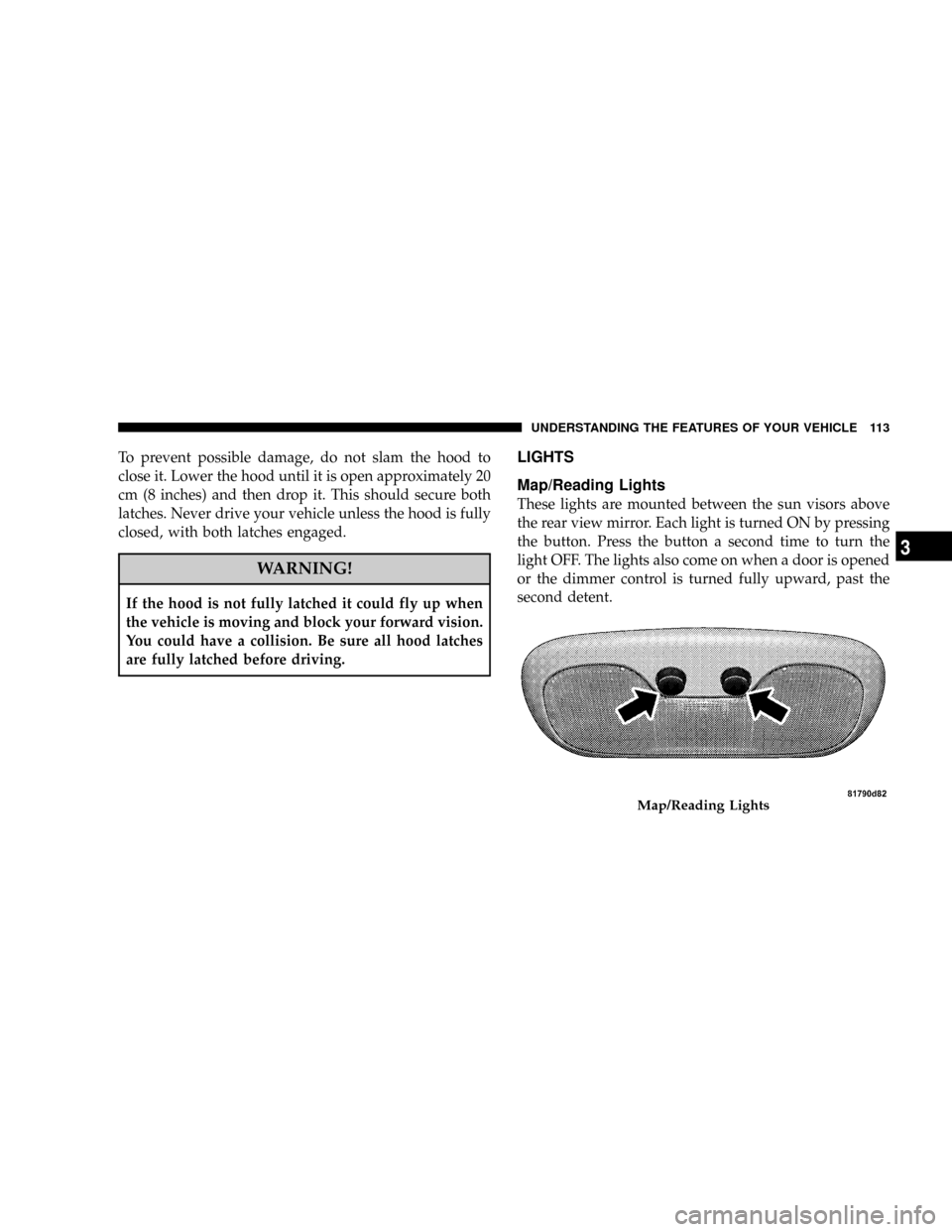
Map/Reading Lights
These lights are mounted between the sun visors above
the rear view mirror. Each light is turned ON by pressing
the button. Press the button a second time to turn the
light OFF. The lights also come on when a door is opened
or the dimmer control is turned fully upward, past the
second detent.
Map/Reading Lights
UNDERSTANDING THE FEATURES OF YOUR VEHICLE 113
3
Page 139 of 399

Using HomeLinkT
To operate, simply press and release the programmed
HomeLinktbutton. Activation will now occur for the
trained device (i.e. garage door opener, gate operator,
security system, entry door lock, home/office lighting,
etc. The hand-held transmitter of the device may also be
used at any time.
Reprogramming a Single HomeLinkTButton
To re-program a channel that has been previously
trained, follow these steps:
1. Turn the ignition switch to the ON/RUN position.
2. Press and hold the desired HomeLinktbutton until
the indicator light begins to flash after 20 seconds.Do not
release the button.
3.Without releasing the button,proceed with PRO-
GRAMMING HOMELINK Step #2 and follow all remain-
ing steps.
Security
It is advised to erase all channels before you sell or turn
in your vehicle.
To do this, press and hold the two outside buttons for 20
seconds until the red indicator flashes. Note that all
channels will be erased. Individual channels cannot be
erased.
The HomeLinktUniversal Transceiver is disabled when
the Vehicle Theft Alarm is active.
UNDERSTANDING THE FEATURES OF YOUR VEHICLE 139
3
Page 176 of 399

Language
When in this display you may select different languages
for all display nomenclature, including the trip functions.
Pressing the EVIC button while in this display selects
English, Espanol, Deutsch, Italiano, or Francais depend-
ing on availability. As you continue the displayed infor-
mation will be shown in the selected language.
NOTE:UConnectŸ language will not change using the
EVIC. Please refer to ªLanguage Selectionº in the
HANDS±FREE COMMUNICATION (UConnectŸ) Ð IF
EQUIPPED section of this manual for details.
Lock Doors Automatically at 15 mph (24 km/h)
When ON is selected all doors lock automatically when
the speed of the vehicle reaches 15 mph (24 km/h). Press
and hold the EVIC button when in this display until
ªONº or ªOFFº appears to make your selection.
Auto Unlock On Exit
When ON is selected all the vehicle's doors will unlock
when the driver's door is opened if the vehicle is stopped
(manual transmissions) or the vehicle is stopped and the
transmission is in P (Park) or N (Neutral) position
(automatic transmissions). Press and hold the EVIC but-
ton when in this display until ªONº or ªOFFº appears to
make your selection.
Remote Unlock Driver's Door 1st
WhenDRIVER'S DOOR 1STis selected only the driv-
er's door will unlock on the first press of the remote
keyless entry unlock button and require a second press to
unlock the remaining locked doors. WhenREMOTE
UNLOCK ALL DOORSis selected all of the doors will
unlock at the first press of the remote keyless entry
unlock button. Press and hold the EVIC button when in
this display until ªDRIVER'S DOOR 1STº or ªALL
DOORSº appears to make your selection.
176 UNDERSTANDING YOUR INSTRUMENT PANEL
Page 177 of 399

Sound Horn with Remote Key Lock
When ON is selected a short horn sound will occur when
the remote keyless entry ªLockº button is pressed. This
feature may be selected with or without the flash lights
on lock/unlock feature. Press and hold the EVIC button
when in this display until ªONº or ªOFFº appears to
make your selection.
Flash Lights with Remote Key Lock
When ON is selected, the front and rear turn signals will
flash when the doors are locked or unlocked using the
remote keyless entry transmitter. This feature may be
selected with or without the sound horn on lock feature
selected. Press and hold the EVIC button when in this
display until ªONº or ªOFFº appears to make your
selection.
Delay Turning Headlamps Off
When this feature is selected the driver can choose to
have the headlamps remain on for 0, 30, 60, or 90 secondswhen exiting the vehicle. Press and hold the EVIC button
when in this display until 0, 30, 60, or 90 appears to make
your selection.
Headlamps On With Wipers (Available with Auto
Headlights Only)
When ON is selected and the headlight switch is in the
AUTO position, the headlights will turn on approxi-
mately 10 seconds after the wipers are turned on. The
headlights will also turn off when the wipers are turned
off if they were turned on by this feature. Press and hold
the EVIC button when in this display until ªONº or
ªOFFº appears to make your selection.
NOTE:Turning the headlights on during the daytime
causes the instrument panel lights to dim. To increase the
brightness, refer to ªLightsº in this section.
Delay Power Off to Accessories Until Exit
When this feature is selected, the power window
switches, radio, hands±free system, power sunroof, and
UNDERSTANDING YOUR INSTRUMENT PANEL 177
4