Page 164 of 524
To open, pull the inside or outside
door handle, and slide the door back.
It will latch in the f ully open position.
When opening f rom the inside, the
childproof door lock must be
unlocked.
To close, pull either handle, and slide
the door closed. Make sure the door
is closed and latched securely bef ore
driving, and all passengers are clear
of the sliding doors bef ore closing
them.The doors are electrically powered
and can be operated with the remote
transmitter, the door handles, or the
dashboard switches. To operate the
doors:
When opening a sliding door, it stops
about halfway if the window is open
morethan3in(8cm).If thevehicle
is f acing downhill, the sliding door
will slam shut when you release the
door handle. Always close the
window f ully bef ore opening the
sliding door. The shift lever must be in Park or
neutral. To operate the doors with
the shift lever in neutral, the
ignition switch must be in the ON
(II) position with the brake pedal
pressed or the parking brake
applied.
TheMAINswitchmustbeinthe
ON position.
The doors must be unlocked.
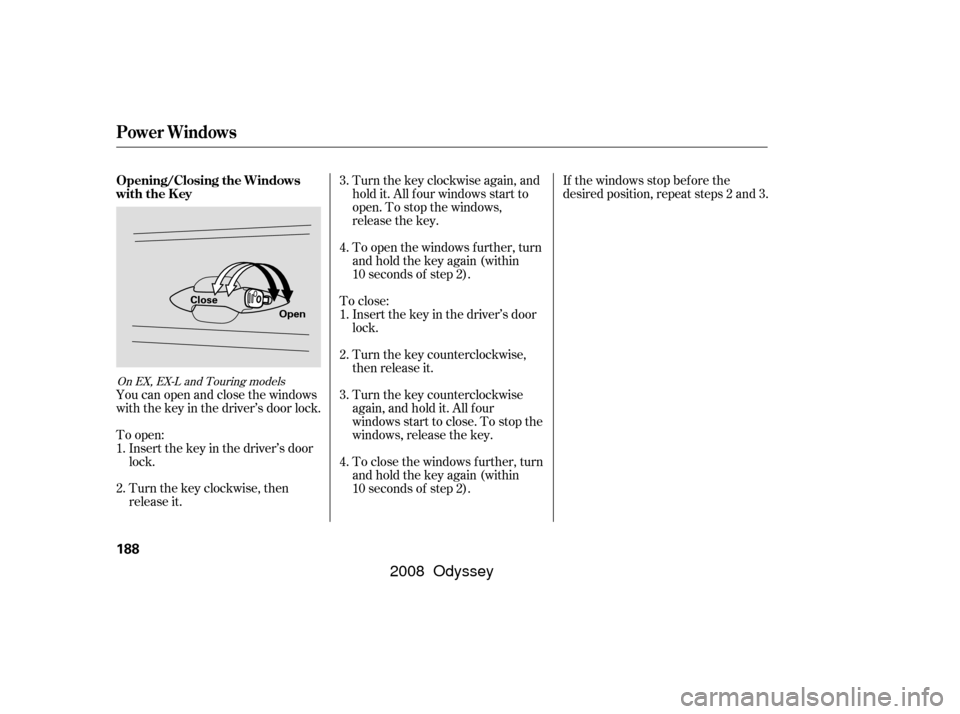
Usethekeytounlockthetailgateas
shown, then pull the outer handle to
open the tailgate.
If you need to unlock the tailgate
manually, it means there is a
problem with the tailgate. Have the
vehicle checked by your dealer.
CONT INUED
On EX, EX-L and Touring models
On LX, EX, EX-L and Canadian DX models On LX and Canadian DX models
Power Sliding Doors
Opening and Closing Manual
Sliding Doors
T ailgate, Sliding Doors
Inst rument s and Cont rols
161
Unlock Lock
�����—�
�
�—�����y�
�����������
�y���
�(�����������y���
�����y
2008 Odyssey
Page 191 of 524
Turnthekeyclockwiseagain,and
hold it. All f our windows start to
open. To stop the windows,
release the key.
To close: Insert the key in the driver’s door
lock.
Turn the key counterclockwise,
then release it.
Turn the key counterclockwise
again, and hold it. All four
windowsstarttoclose.Tostopthe
windows, release the key. If the windows stop bef ore the
desired position, repeat steps 2 and 3.
Turn the key clockwise, then
release it. Insert the key in the driver’s door
lock.
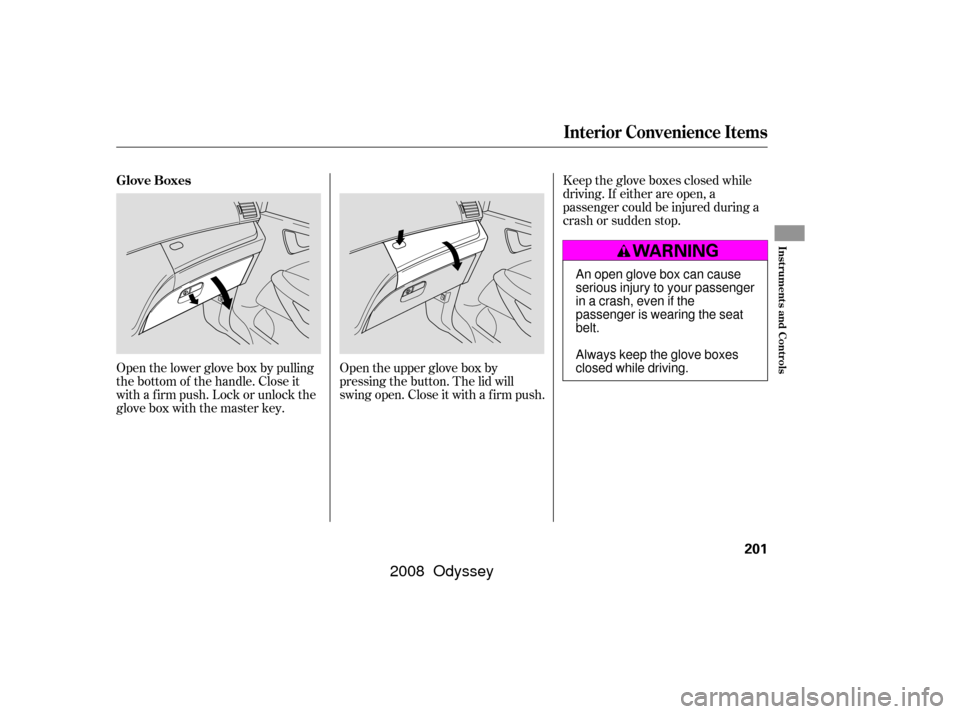
To open: You can open and close the windows
with the key in the driver’s door lock. To open the windows further, turn
andholdthekeyagain(within
10 seconds of step 2).
To close the windows further, turn
andholdthekeyagain(within
10 seconds of step 2).
1.
2. 3.
4.
1.
2. 3.
4.
On EX, EX-L and Touring models
Opening/Closing the Windows
with the Key
Power Windows
188
Open
Close
�����—�����—�����y�������������
�y���
�(�����������y���
�����y
2008 Odyssey
Page 192 of 524
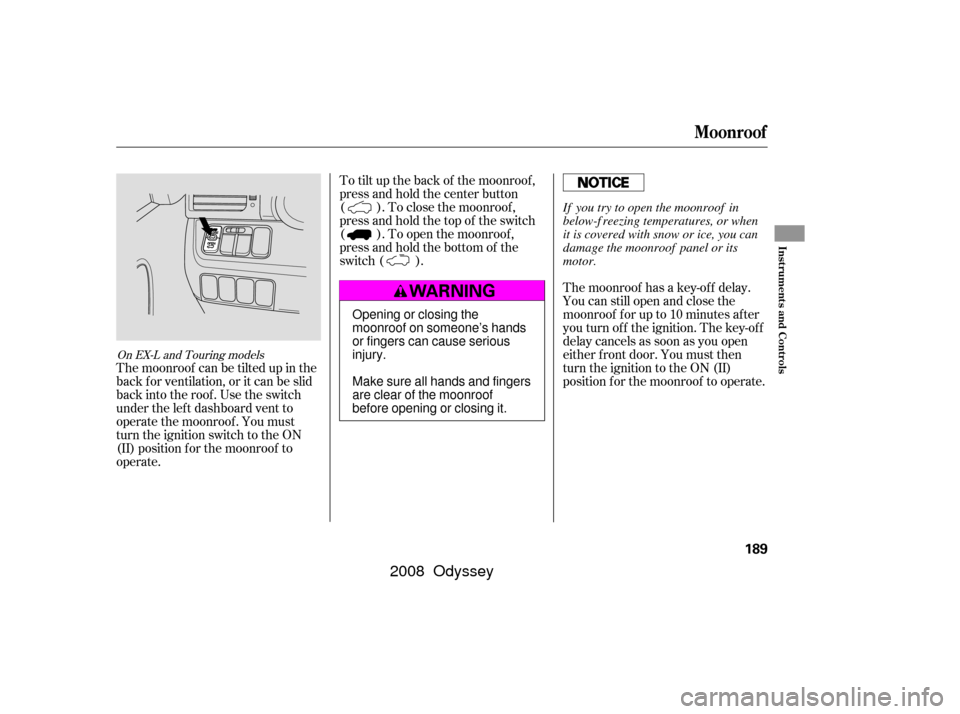
To tilt up the back of the moonroof ,
press and hold the center button
( ). To close the moonroof ,
press and hold the top of the switch
( ). To open the moonroof ,
press and hold the bottom of the
switch ( ).The moonroof has a key-of f delay.
You can still open and close the
moonroof f or up to 10 minutes af ter
you turn of f the ignition. The key-of f
delay cancels as soon as you open
either f ront door. You must then
turn the ignition to the ON (II)
position f or the moonroof to operate.
The moonroof can be tilted up in the
back f or ventilation, or it can be slid
back into the roof. Use the switch
under the lef t dashboard vent to
operate the moonroof . You must
turn the ignition switch to the ON
(II) position f or the moonroof to
operate.
On EX-L and Touring models
Moonroof
Inst rument s and Cont rols
189
Opening or closing the
moonroof on someone’s hands
or fingers can cause serious
injury.
Make sure all hands and fingers
are clear of the moonroof
before opening or closing it. If you try to open the moonroof in
below-f reezing temperatures, or when
it is covered with snow or ice, you can
damage the moonroof panel or its
motor.
�����—�����—�����y���������������y���
�(�����������y���
�����y
2008 Odyssey
Page 204 of 524
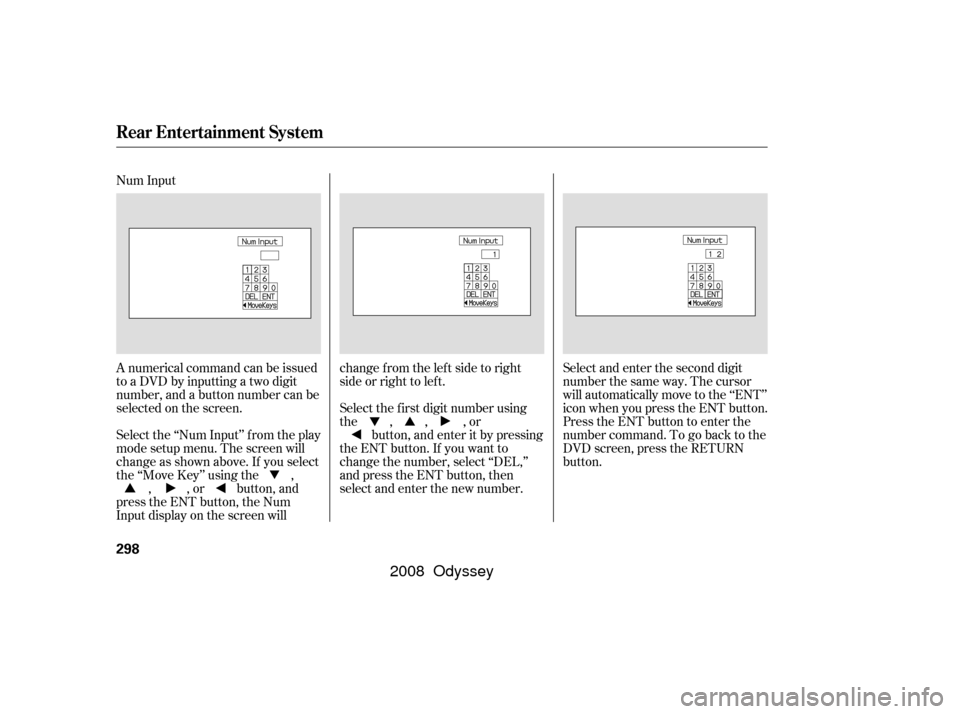
Open the lower glove box by pulling
the bottom of the handle. Close it
with a f irm push. Lock or unlock the
glove box with the master key.Open the upper glove box by
pressing the button. The lid will
swing open. Close it with a f irm push.Keep the glove boxes closed while
driving. If either are open, a
passenger could be injured during a
crash or sudden stop.
Glove Boxes
Interior Convenience Items
Inst rument s and Cont rols
201
An open glove box can cause
serious injury to your passenger
inacrash,evenifthe
passenger is wearing the seat
belt.
Always keep the glove boxes
closed while driving.
�����—�����—�����y��������
������y���
�(�����������y���������y
2008 Odyssey
Page 301 of 524
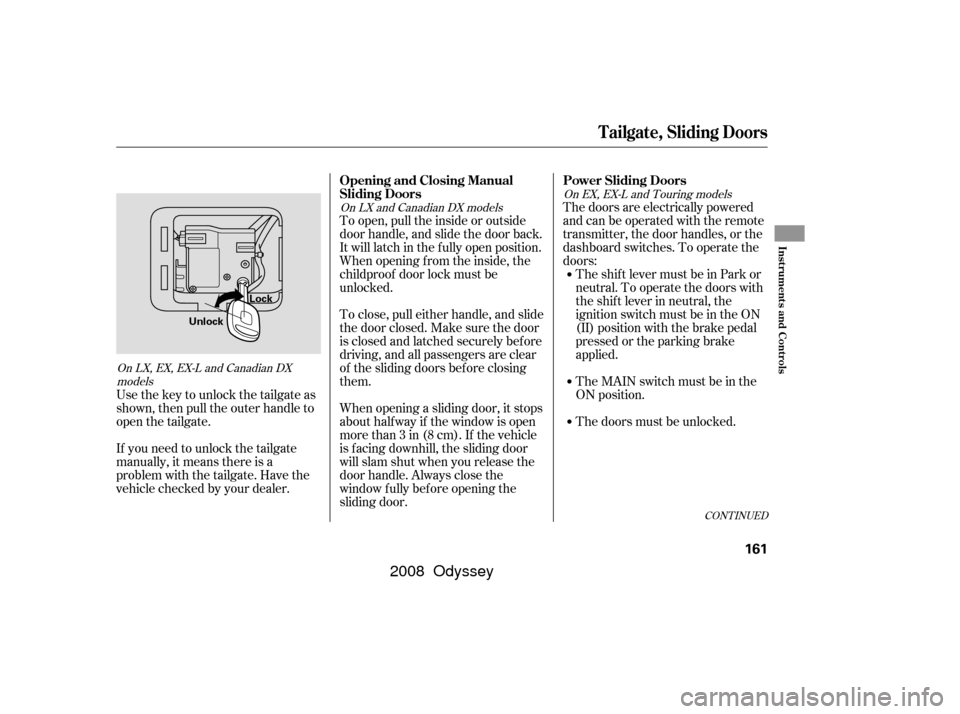
Num Input
A numerical command can be issued
to a DVD by inputting a two digit
number, and a button number can be
selected on the screen.Select and enter the second digit
number the same way. The cursor
will automatically move to the ‘‘ENT’’
icon when you press the ENT button.
Press the ENT button to enter the
number command. To go back to the
DVD screen, press the RETURN
button.
Select the f irst digit number using
the , , , or
button, and enter it by pressing
the ENT button. If you want to
change the number, select ‘‘DEL,’’
and press the ENT button, then
select and enter the new number.
Select the ‘‘Num Input’’ f rom the play
mode setup menu. The screen will
change as shown above. If you select
the ‘‘Move Key’’ using the ,
, , or button, and
press the ENT button, the Num
Input display on the screen will changefromtheleftsidetoright
side or right to lef t.
Rear Entertainment System
298
�����—�����—�����y���������������y���
�(�����������y���������y
2008 Odyssey
Page 321 of 524
Once the security system is set,
opening any door, the tailgate, or the
hood without using the key or the
remote transmitter, will cause it to
alarm. It also alarms if the radio is
removed f rom the dashboard or the
wiring is cut.
The security system helps to protect
your vehicle and valuables f rom thef t.
The horn sounds and a combination
of headlights, parking lights, side
marker lights, and taillights f lashes if
someone attempts to break into your
vehicleorremovetheradio.This
alarm continues f or 2 minutes, then
the system resets. To reset an
alarming system before the 2
minutes have elapsed, unlock the
driver’s door with the key or the
remote transmitter.
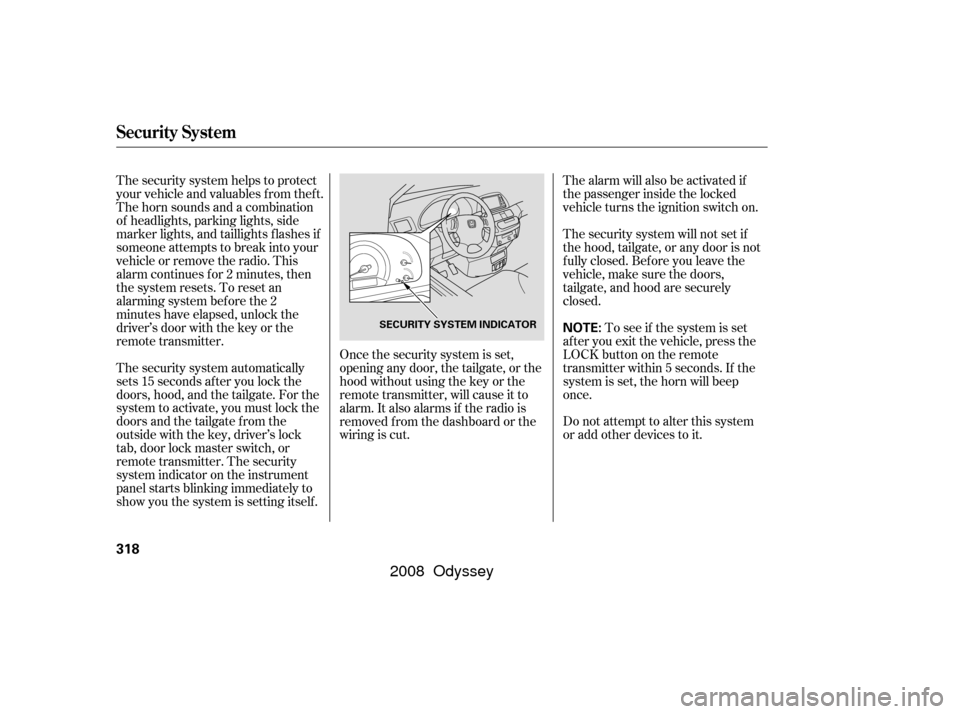
The security system automatically
sets 15 seconds after you lock the
doors, hood, and the tailgate. For the
system to activate, you must lock the
doorsandthetailgatefromthe
outside with the key, driver’s lock
tab, door lock master switch, or
remote transmitter. The security
system indicator on the instrument
panel starts blinking immediately to
show you the system is setting itself . The alarm will also be activated if
the passenger inside the locked
vehicle turns the ignition switch on.
The security system will not set if
the hood, tailgate, or any door is not
f ully closed. Bef ore you leave the
vehicle, make sure the doors,
tailgate, and hood are securely
closed.
To see if the system is set
af ter you exit the vehicle, press the
LOCK button on the remote
transmitter within 5 seconds. If the
system is set, the horn will beep
once.
Do not attempt to alter this system
or add other devices to it.
Security System
318
NOTE:SECURITY SYSTEM INDICATOR
�����—�����—�����y���������������y���
�(�����������y���������y
2008 Odyssey
Page 338 of 524

You can make calls using any phone
number, or by using a name in the
HFL phonebook. You can also redial
the last number called. During a call,
theHFLallowsyoutotalkupto30
minutes af ter you remove the key
f rom the ignition switch. Continuing
a call without running the engine
may discharge and weaken the
vehicle’s battery.Press and release the Talk button.
Af ter the beep, say the number
you want to call. For example, say
‘‘123 456 7891.’’ The HFL response
is ‘‘123 456 7891. Say call, dial, or
continue to add numbers.’’
Press and release the Talk button.
Af ter the beep, say ‘‘Call’’ or ‘‘Dial.’’
The HFL response is ‘‘Calling’’ or
‘‘Dialing.’’ Once connected, you
will hear the person you called
through the audio speakers. To
change the volume, use the audio
system volume knob, or the
steering wheel volume controls.
To end the call, press the Back
button.
With your phone on and the
ignition in the ACCESSORY (I) or
ON (II) position, press and release
the Talk button. After the beep,
say ‘‘Call’’ or ‘‘Dial.’’ The HFL
response is, ‘‘What name or
number would you like to call/
dial?’’ You can also make a call directly
f rom the list shown on the
navigation display.
For more inf ormation on how to
make a call, see page .
2.
4.
1. 3.
338
To make a call using a phone number, do this:
Making a Call
BluetoothHandsFreeL ink
Features
335
�����—�����—�����y���������������y���
�(�����������y���������y
2008 Odyssey
Page 346 of 524
Search Imported Phonebook: This
option allows you to search the
phone numbers stored in the HFL.
When you enter a keyword f or a
person’s name, such as the f irst
name or last name, the system will
f ind the number you want and let
you make calls.
Delete Imported Phonebook: This
option allows you to delete the stored
phonebook f rom the HFL. When you
link your phone to the HFL and
select this option, the system will
automatically delete the phonebook
of the linked phone f rom the HFL
(see page ).HFL does not allow you to pair
your phone if the vehicle is
moving.
Up to six phones can be paired to
the HFL.
For inf ormation on linking to the
HFL, see page .
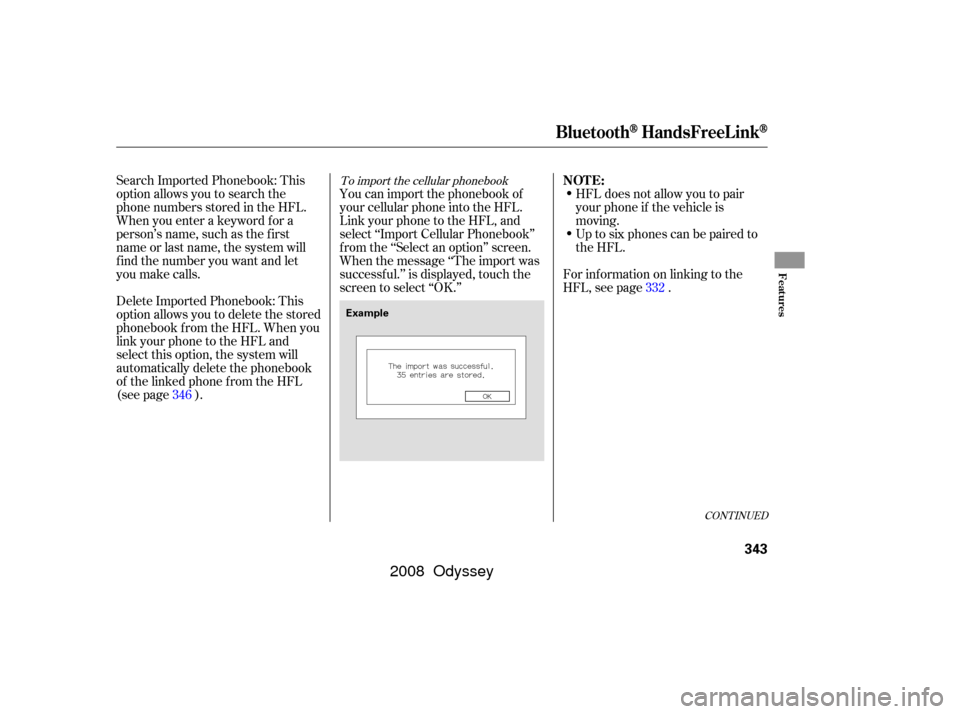
You can import the phonebook of
your cellular phone into the HFL.
Link your phone to the HFL, and
select ‘‘Import Cellular Phonebook’’
f rom the ‘‘Select an option’’ screen.
When the message ‘‘The import was
successf ul.’’ is displayed, touch the
screen to select ‘‘OK.’’
346 332To import the cellular phonebook
CONT INUED
NOT E:
BluetoothHandsFreeL ink
Features
343
Example
�����—�����—�����y���������������y���
�(�����������y���������y
2008 Odyssey