2008 HONDA ODYSSEY set
[x] Cancel search: setPage 2 of 148
2Navigation System
Table of Contents
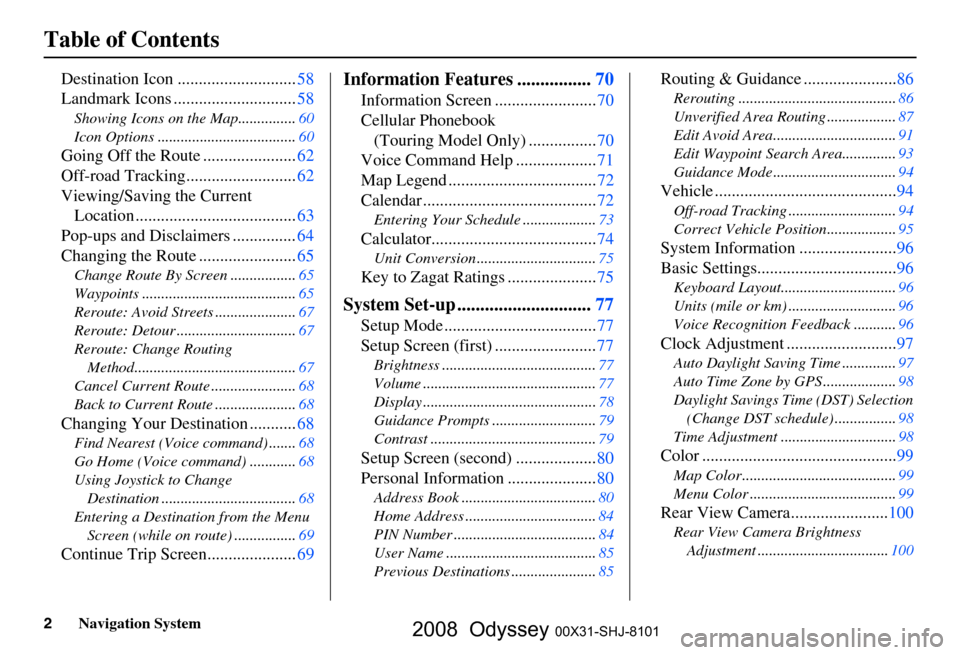
Destination Icon ............................58
Landmark Icons .............................
58
Showing Icons on the Map............... 60
Icon Options ....................................
60
Going Off the Route ......................62
Off-road Tracking..........................
62
Viewing/Saving the Current Location ......................................
63
Pop-ups and Disclaimers ...............
64
Changing the Route .......................
65
Change Route By Screen ................. 65
Waypoints ........................................
65
Reroute: Avoid Streets .....................
67
Reroute: Detour ...............................
67
Reroute: Change Routing Method..........................................
67
Cancel Current Route ......................
68
Back to Current Route .....................
68
Changing Your Destination ...........68
Find Nearest (Voice command) ....... 68
Go Home (Voice command) ............
68
Using Joystick to Change Destination ...................................
68
Entering a Destination from the Menu Screen (while on route) ................
69
Continue Trip Screen.....................69
Information Features ................70
Information Screen ........................ 70
Cellular Phonebook
(Touring Model Only) ................
70
Voice Command Help ...................
71
Map Legend ...................................
72
Calendar .........................................
72
Entering Your Schedule ................... 73
Calculator.......................................74
Unit Conversion ............................... 75
Key to Zagat Ratings .....................75
System Set-up .............................77
Setup Mode .................................... 77
Setup Screen (first) ........................
77
Brightness ........................................ 77
Volume .............................................
77
Display .............................................
78
Guidance Prompts ...........................
79
Contrast ........................................... 79
Setup Screen (second) ...................80
Personal Information .....................
80
Address Book ................................... 80
Home Address ..................................
84
PIN Number .....................................
84
User Name .......................................
85
Previous Destinations ......................
85
Routing & Guidance ......................86
Rerouting ......................................... 86
Unverified Area Routing ..................
87
Edit Avoid Area................................
91
Edit Waypoint Search Area..............
93
Guidance Mode ................................
94
Vehicle ...........................................94
Off-road Tracking............................ 94
Correct Vehicle Position..................
95
System Information .......................96
Basic Settings.................................
96
Keyboard Layout.............................. 96
Units (mile or km) ............................
96
Voice Recognition Feedback ...........
96
Clock Adjustment ..........................97
Auto Daylight Saving Time .............. 97
Auto Time Zone by GPS ...................
98
Daylight Savings Time (DST) Selection
(Change DST schedule) ................
98
Time Adjustment .............................. 98
Color ..............................................99
Map Color ........................................ 99
Menu Color ......................................
99
Rear View Camera.......................100
Rear View Camera Brightness
Adjustment .................................. 100
2008 Odyssey 00X31-SHJ-8101
Page 3 of 148
Navigation System3
Table of Contents
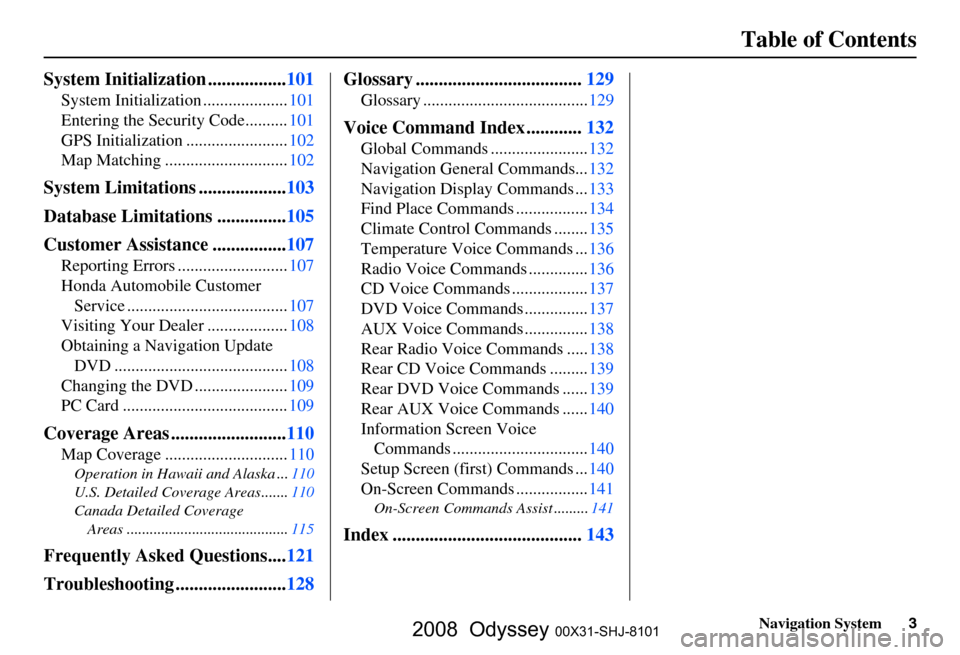
System Initialization ................. 101
System Initialization .................... 101
Entering the Security Code..........
101
GPS Initialization ........................
102
Map Matching .............................
102
System Limitations ...................103
Database Limitations ...............
105
Customer Assistance ................
107
Reporting Errors .......................... 107
Honda Automobile Customer
Service ......................................
107
Visiting Your Dealer ...................
108
Obtaining a Navigation Update DVD .........................................
108
Changing the DVD ......................
109
PC Card .......................................
109
Coverage Areas .........................110
Map Coverage ............................. 110
Operation in Hawaii and Alaska ... 110
U.S. Detailed Coverage Areas.......
110
Canada Detailed Coverage Areas ..........................................
115
Frequently Asked Questions....121
Troubleshooting ........................
128 Glossary .................................... 129
Glossary .......................................
129
Voice Command Index ............132
Global Commands ....................... 132
Navigation General Commands...
132
Navigation Display Commands ...
133
Find Place Commands .................
134
Climate Control Commands ........
135
Temperature Voice Commands ...
136
Radio Voice Commands ..............
136
CD Voice Commands ..................
137
DVD Voice Commands ...............
137
AUX Voice Commands ...............
138
Rear Radio Voice Commands .....
138
Rear CD Voice Commands .........
139
Rear DVD Voice Commands ......
139
Rear AUX Voice Commands ......
140
Information Screen Voice Commands ................................
140
Setup Screen (first) Commands ...
140
On-Screen Commands .................
141
On-Screen Commands Assist ......... 141
Index .........................................143
2008 Odyssey 00X31-SHJ-8101
Page 4 of 148
4Navigation System
Introduction
Manual Overview
The manual is divided into the
following sections:
Getting started - A basic introduction that discusses the controls and how to
communicate with the system.
Entering a Destination - How to enter an address or locate a point of interest
(POI).
Driving to your Destination – An explanation of the map features,
guidance, and cautions.
Information Features - Cellular Phonebook*, Voice Command Help,
Map Legend, Calendar, Calculator,
and Key to Zagat Ratings.
* Available only for the Touring model.
System Set-up - How to set up and tailor the system for your personal
use and use the Address Book. The back of this manual contains:
Map Coverage (page
110)
Frequently Asked Questions (FAQs) (page
121)
Troubleshooting Guide (page 128 )
Glossary of Terms (page
129)
Voice Command List (page 132)
System Overview
Your navigation system is a highly
sophisticated location system with voice
control that uses satellites and a map
database to show you where you are and
to help guide you to a desired
destination.
The navigation system receives signals
from the global positioning system
(GPS), a network of 24 satellites in orbit
around the earth. By receiving signals
from several of these satellites, the
navigation system can determine the
latitude, longitude, and elevation of
your vehicle. In a ddition, a gyroscopic
yaw sensor and a vehicle speed sensor
in your vehicle k eep track of the
direction and speed of travel at all times.
The navigation system applies this
location, direction, and speed
information to the maps and calculates a
route to the destination you enter. As
you drive to that des tination, the system
provides map and voice guidance.
2008 Odyssey 00X31-SHJ-8101
Page 8 of 148
8Navigation System
User Agreement
In using this DVD “Satellite Linked
Navigation System” (the “DVD”),
which includes HONDA MOTOR CO.,
LTD. software, ALPINE
ELECTRONICS, INC. software,
NAVTEQ database contents, INFO
USA CORPORATION database,
ZAGAT SURVEY database contents,
and ZENRIN CO. database contents
(hereinafter referred to as “Licensors”),
you are bound by the terms and
conditions set forth below.
By using your copy of the DVD, you
have expressed your Agreement to the
terms and conditions of this Agreement.
You should, therefore, make sure that
you read and understand the following
provisions. If for any reason you do not
wish to be bound by the terms of this
Agreement, please return the DVD to
your dealer. The DVD may not be copied,
duplicated, or otherwise modified, in
whole or in part, without the express
written permission of the Licensors.
The DVD may not be transferred or sublicensed to any third party for
profit, rent or loan, or licensed for
reuse in any manner.
The DVD may not be decompiled, reverse engineered or otherwise
disassembled, in whole or in part.
The DVD may not be used in a network or by any other manner of
simultaneous use in multiple systems.
The DVD is intended solely for personal use (or internal use where
the end-user is a business) by the
consumer. The DVD is not to be used
for commercial purposes. The Licensors do not guarantee to the
customer that the functions included
in the DVD meet the specific
objectives of the user.
Licensor shall not be responsible for any damages caused by the use of the
DVD to the actual user or to any third
party.
The warranty on the DVD shall not extend to an exchange or refund due
to misspelling, omission of letters, or
any other cosmetic discrepancy in the
contents of the DVD.
The right to use the DVD shall expire either when the user destroys the
DVD or software, or when any of the
terms of this Agreement are violated
and the Licensors exercise the option
to revoke the license to use the DVD
or software.
2008 Odyssey 00X31-SHJ-8101
Page 9 of 148

Navigation System9
User Agreement
The terms and conditions hereof
apply to all subsequent users and
owners as well as to the original
purchaser.
The logos of oil companies, hotels, and convenience stor es are displayed
for your information and
convenience, and in no way implies
any sponsorship, approval or
endorsement of these companies, or
their products. The logos are
trademarks of their respective
owners. The user shall indemnify and save
harmless the Licensors, and their
officers, employees and agents, from
and against any claim, demand or
action, irrespective of the nature of the
cause of the claim, demand or action,
alleging loss, costs, expense, damages
or injuries (including injuries resulting
in death) arising out of the use or
possession of the DVD or software.
Use, duplication, or disclosure of this
DVD by or on behalf of the United
States government is subject to
“Restricted Rights” as set forth at FAR
52.227-14, -19 or DFARS 252.227-
7013, as applicable. Manufacturers are
the Licensors, including HONDA
MOTOR CO., LTD., 2-1-1 Minami
Aoyama Minato-Ku Tokyo 107-8556
JAPAN., Alpine Electronics, Inc., 20-1
Yoshima Kogyodanchi, Iwaki,
Fukushima 970-1192 JAPAN.,
NAVTEQ Corporation, 222
Merchandise Mart, Suite 900, Chicago,
IL, 60654, INFO USA
CORPORATION, 5711 South 86th
Circle, Omaha, NE 68127.,
Zagat Survey, LLC, 4 Columbus Circle,
New York, NY, 10019., and ZENRIN
CO., LTD., 1-1-1 Muromachi,
Kokurakita-ku, Kitakyushu, Fukuoka
803-8630, JAPAN.
2008 Odyssey 00X31-SHJ-8101
Page 10 of 148

10Navigation System
Getting Started
System Controls
ENT
CANCELMAP
GUIDE
MENU
INFO
AUDIO
SETUPOPEN/CLOSEZOOM
Joystick/ENT button
MAP/GUIDE button
CANCEL button Screen
MENU button
INFO button
AUDIO button
OPEN/CLOSE
button
CLOCK
SETUP button
ZOOM buttons
MAP/GUIDE
button
Displays the map. When on a route,
switches between the map and
guidance screens. See page
20 or 52.
CANCEL button
Cancels the current screen and returns to
the previous screen display.
NOTE:
the NAVI BACK button performs the
same basic function.
Joystick/ENT button
Moves left, right, up and down, to move
the highlighting around the display, to
scroll through lists, or to look around a
displayed map. After making a selection
in a menu or list, push in on the joystick
to enter the selectio n into the system.
In almost all cases, you can enter a
selection into the sy stem by using the
voice control system, highlighting the
item and pushing in on the joystick, or
by touching the appropriate item you
wish to select.
2008 Odyssey 00X31-SHJ-8101
Page 11 of 148

Navigation System11
Getting Started
ZOOM (IN)/ (OUT) buttons
Press ZOOM to zoom in (to show
more detail), or ZOOM to zoom out
(to show more area and less detail)
while a map screen is displayed.
ZOOM IN reduces the scale (showing
less area with greater detail). ZOOM
OUT increases the scale (showing more
area with less detail). See page
56.
MENU button
Displays the Enter destination by
screen. When on a route, displays the
Change route by screen. See page
23.
INFO button
Displays the screen for selecting
Cellular Phonebook *, Voice
Command Help , Map Legend ,
Calendar , Calculator , and Key to
Zagat Ratings . See page
70 .
* Available only for the Touring model.
AUDIO button
Press to display the audio screen.
For information on audio system
features, see the Audio section of the
Owner’s manual. SETUP
button
Displays the Setup screens to change
and update informa tion in the system.
See page
77 .
OPEN/CLOSE button
Tilts the screen down to access the CD
changer.
CLOCK
Both the screen clock* and this console
clock are controlled by the Navigation
system and automatically compensate
for daylight savings and time zone
changes during vehicle operation. They
can be adjusted in Setup mode. See
page
97 .
* For the screen clock, see page
18.
Screen
All selections and instructions are
displayed on the screen. In addition, the
display is a “touch screen” – you can
enter information into the system by
touching the images (icons) on the
screen with your finger.For example, if you need to enter a
street name, a keyboard will be
displayed. You can type in the street
name by saying or selecting the
individual character
s on the screen.
Clean the screen with a soft damp cloth.
You may use a mild cleanser intended
for use on liquid crystal displays
(LCDs). Harsher chemicals may
damage the screen.
NOTE:
Whenever you shift to R (reverse), the
rear view is shown on the navigation
system screen. See page
100.
2008 Odyssey 00X31-SHJ-8101
Page 14 of 148

14Navigation System
Getting Started
When you speak a command, the system
generally either repeats the command as
a confirmation or asks you for further
information. If you do not wish to hear
this feedback, you can turn it off.
However, hearing the feedback will
familiarize you with the way the system
expects commands to be phrased. See
the Voice Recognition Feedback
setting in Setup.
If you hear a prompt such as “Please use
the touch screen to...” or “Please choose
an area with the joystick,” the system is
asking for input that cannot be
performed using the voice control
system.Improving Voice Recognition
To achieve optimum voice recognition,
when using either the Navigation or
Bluetooth® HandsFreeLink® voice
control system, the following guidelines
should be followed:
NOTE:
Make sure the correct screen is
displayed for the voice command that
you are using. See Voice Command
Index on page
132 .
Adjust the air flow from both the dashboard and side vents so they do
not blow against the microphone on
the ceiling. Place your hand over the
microphone; if you feel any airflow,
adjust the vents.
Lower the A/C fan speed during voice recognition operation.
Close the windows and the sunroof.
After pressing and releasing the NAVI TALK button, wait for the
beep, then give a voice command.
Give a voice command in a clear, natural speaking voice without
pausing between words. If the system cannot recognize your
command because of background
noise, speak louder.
If more than one person is speaking at the same time, the system may
misinterpret your command.
If you are still having trouble with the voice control system, refer to Voice
Command Help on the
Information screen.
2008 Odyssey 00X31-SHJ-8101