2008 FORD TAURUS horn
[x] Cancel search: hornPage 120 of 320
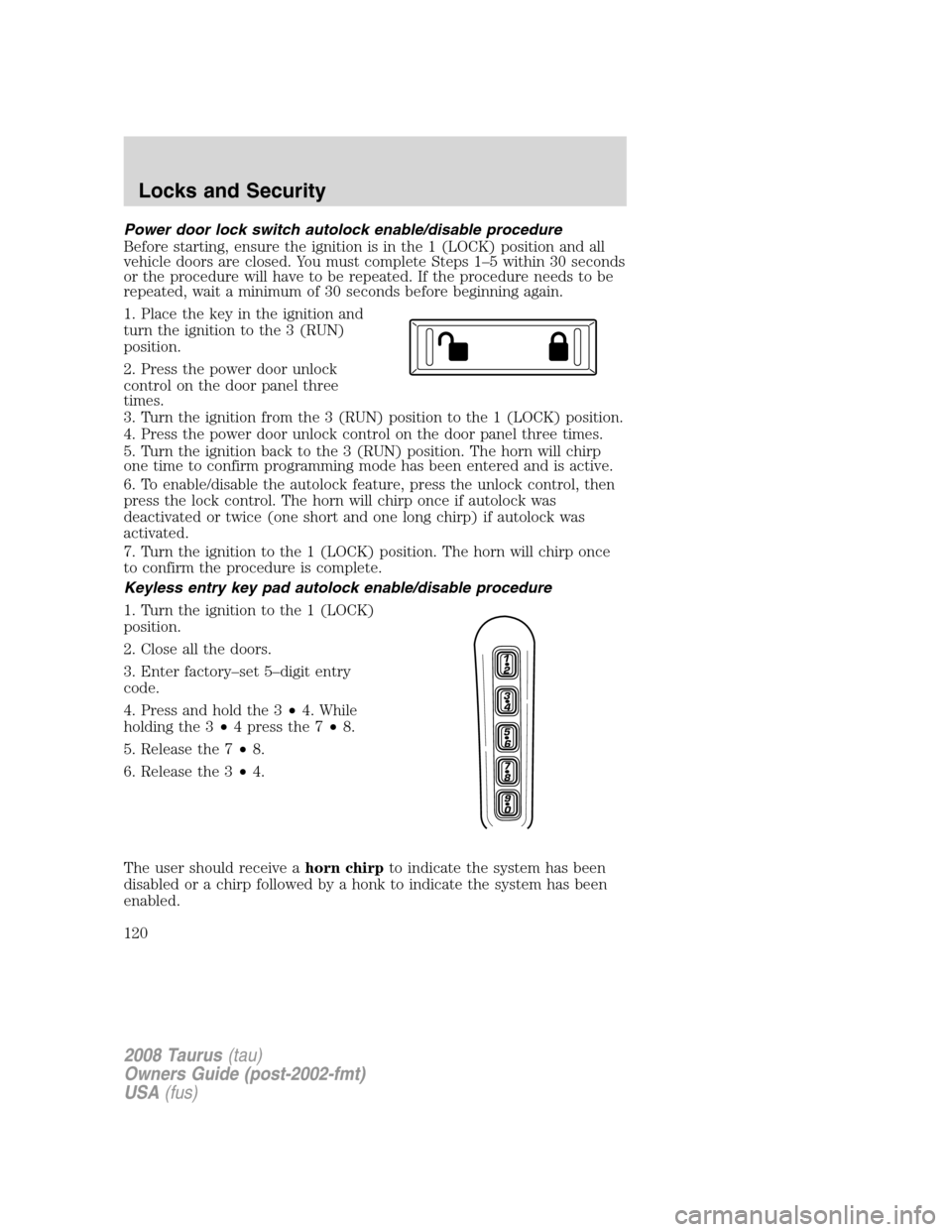
Power door lock switch autolock enable/disable procedure
Before starting, ensure the ignition is in the 1 (LOCK) position and all
vehicle doors are closed. You must complete Steps 1–5 within 30 seconds
or the procedure will have to be repeated. If the procedure needs to be
repeated, wait a minimum of 30 seconds before beginning again.
1. Place the key in the ignition and
turn the ignition to the 3 (RUN)
position.
2. Press the power door unlock
control on the door panel three
times.
3. Turn the ignition from the 3 (RUN) position to the 1 (LOCK) position.
4. Press the power door unlock control on the door panel three times.
5. Turn the ignition back to the 3 (RUN) position. The horn will chirp
one time to confirm programming mode has been entered and is active.
6. To enable/disable the autolock feature, press the unlock control, then
press the lock control. The horn will chirp once if autolock was
deactivated or twice (one short and one long chirp) if autolock was
activated.
7. Turn the ignition to the 1 (LOCK) position. The horn will chirp once
to confirm the procedure is complete.
Keyless entry key pad autolock enable/disable procedure
1. Turn the ignition to the 1 (LOCK)
position.
2. Close all the doors.
3. Enter factory–set 5–digit entry
code.
4. Press and hold the 3•4. While
holding the 3•4 press the 7•8.
5. Release the 7•8.
6. Release the 3•4.
The user should receive ahorn chirpto indicate the system has been
disabled or a chirp followed by a honk to indicate the system has been
enabled.
2008 Taurus(tau)
Owners Guide (post-2002-fmt)
USA(fus)
Locks and Security
120
Page 121 of 320
Autounlock feature
The autounlock feature will unlock all the doors when:
•the ignition is in the 3 (RUN) position, all the doors are closed, and
the vehicle has been in motion at a speed greater than 12 mph
(20 km/h);
•the vehicle has then come to a stop and the ignition is turned to the
1 (LOCK) or 2 (ACC) position; and
•the driver door is opened within 10 minutes of the ignition being
transitioned to the 1 (LOCK) or 2 (ACC) position.
Note:The doors will not autounlock if the vehicle has been
electronically locked before the driver door is opened.
Deactivating/activating autounlock feature
Your vehicle comes with the autounlock features activated; there are four
methods to enable/disable this feature:
•Through your authorized dealer,
•by using a power door unlock/lock sequence,
•using a keypad procedure, or
•or by using the instrument cluster message center. Refer toMessage
centerin theDriver Controlschapter.
Note:The autounlock feature can be activated/deactivated
independently of the autolock feature.
Power door lock switch autounlock enable/disable procedure
Before starting, ensure the ignition is in the 1 (LOCK) position and all
vehicle doors are closed. You must complete Steps 1–5 within 30 seconds
or the procedure will have to be repeated. If the procedure needs to be
repeated, wait a minimum of 30 seconds before beginning again.
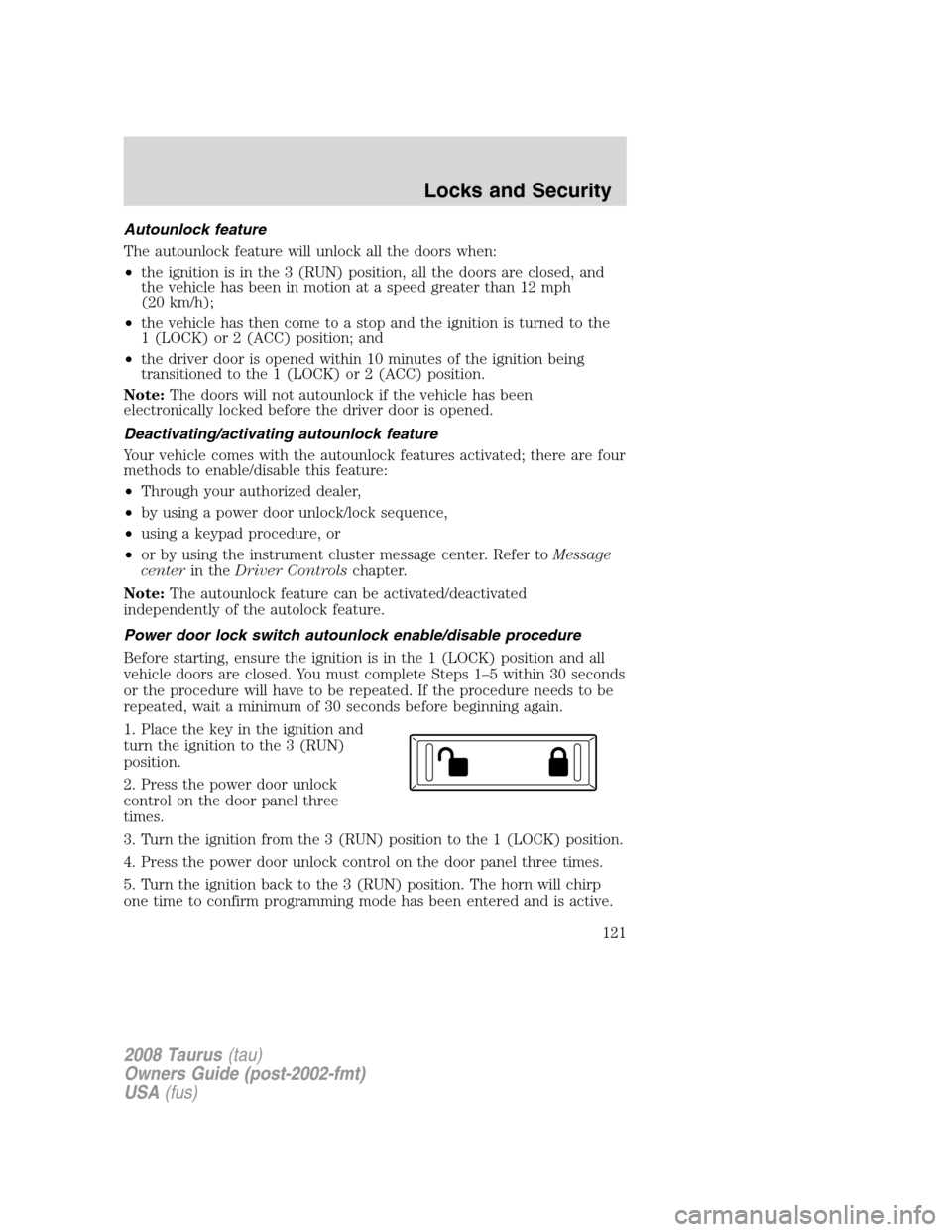
1. Place the key in the ignition and
turn the ignition to the 3 (RUN)
position.
2. Press the power door unlock
control on the door panel three
times.
3. Turn the ignition from the 3 (RUN) position to the 1 (LOCK) position.
4. Press the power door unlock control on the door panel three times.
5. Turn the ignition back to the 3 (RUN) position. The horn will chirp
one time to confirm programming mode has been entered and is active.
2008 Taurus(tau)
Owners Guide (post-2002-fmt)
USA(fus)
Locks and Security
121
Page 122 of 320
6. To enable/disable the autounlock feature, press the lock control, then
press the unlock control. The horn will chirp once if autounlock was
deactivated or twice (one short and one long chirp) if autounlock was
activated.
7. Turn the ignition to the 1 (LOCK) position. The horn will chirp once
to confirm the procedure is complete.
Keyless entry key pad autounlock enable/disable procedure
1. Turn the ignition to the 1 (LOCK)
position.
2. Close all the doors.
3. Enter factory–set 5–digit entry
code.
4. Press and hold the 3•4. While
holding the 3•4, press and release
the 7•8. While still holding the
3•4, press and release the 7•8a
second time.
5. Release the 3•4.
The user should receive ahorn chirpto indicate the system has been
disabled or a chirp followed by a honk to indicate the system has been
enabled.
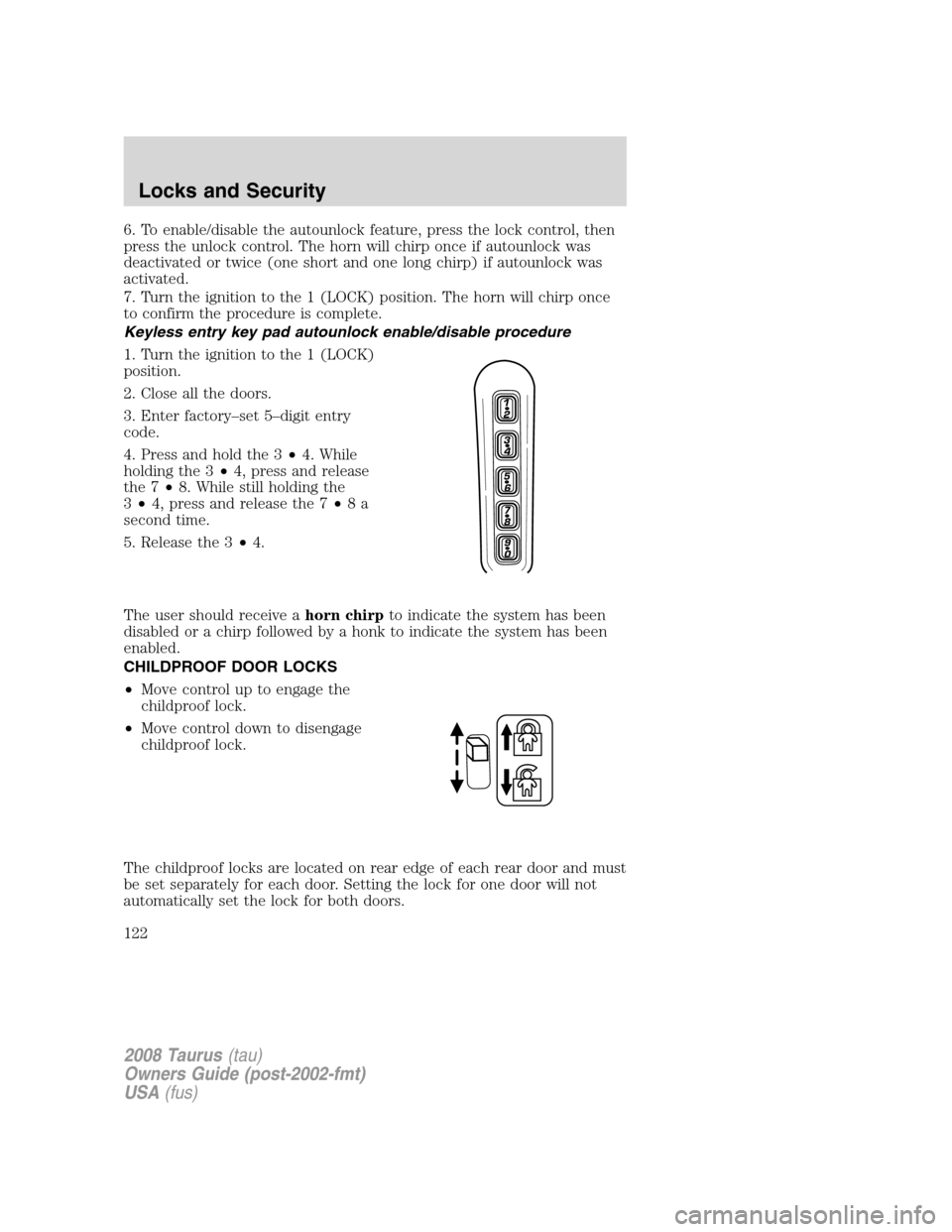
CHILDPROOF DOOR LOCKS
•Move control up to engage the
childproof lock.
•Move control down to disengage
childproof lock.
The childproof locks are located on rear edge of each rear door and must
be set separately for each door. Setting the lock for one door will not
automatically set the lock for both doors.
2008 Taurus(tau)
Owners Guide (post-2002-fmt)
USA(fus)
Locks and Security
122
Page 125 of 320
If there are problems with the remote entry system, make sure to take
ALL Integrated Keyhead Transmitterswith you to the authorized
dealer in order to aid in troubleshooting the problem.
Unlocking the doors/two stage unlock
1. Pressand release to unlock the driver’s door.Note:The interior
lamps will illuminate.
2.
Pressand release again within three seconds to unlock all the doors.
The remote entry system activates the illuminated entry feature; this
feature turns on the lamps for 25 seconds or until the ignition is turned
to the 3 (RUN) position.
The inside lights will not turn off if:
•they have been turned on using the dimmer control or
•any door is open.
The battery saver feature will turn off the interior lamps 10 minutes after
the ignition is turned to the 1 (LOCK) position.
Two stage unlocking may be disabled or re-enabled by simultaneously
pressing the
andcontrols on the IKT for four seconds (disabling
two stage unlock allows all vehicle doors to unlock simultaneously). The
turn lamps will flash twice to indicate that two-stage unlock was enabled
or disabled.
Locking the doors
1. Pressand release to lock all the doors. The turn lamps will flash.
2. Press
and release again within three seconds to confirm that all
the doors are closed.Note:The doors will lock again, the horn will chirp
and the turn lamps will flash once if all the doors are closed.
Note:If any door is not closed, the horn will chirp twice and the lamps
will not flash.
Car finder
Press
twice within 3 seconds. The horn will chirp and the turn lamps
will flash. It is recommended that this method be used to locate your
vehicle, rather than using the panic alarm.
2008 Taurus(tau)
Owners Guide (post-2002-fmt)
USA(fus)
Locks and Security
125
Page 126 of 320

Sounding a panic alarm
Press and hold
for 1.5 seconds to activate the alarm. The horn will
sound and the turn lamps will flash for a maximum of 3 minutes. The
alarm can be deactivated with a short press and release of
,by
turning the ignition to RUN, or by allowing the alarm to time out after
3 minutes.
Note:The panic alarm will only operate when the ignition is in the
1 (LOCK) position.
Opening the trunk
Presstwice within 3 seconds to open the trunk.
•Ensure that the trunk is closed and latched before driving your
vehicle. Failure to properly latch the trunk may cause objects to fall
out or block the driver’s rear view.
Memory seat feature (if equipped)
The Integrated Keyhead Transmitter allows you to recall the memory
seat/mirror feature.
Press
to automatically move the seat/mirror to the desired memory
position.Note:The seat will not travel to its final position if the key is
not in the ignition and the easy entry feature is enabled.
Activating the memory feature
To activate this feature:
1. Position the seat and mirrors to the desired positions.
2. Press the SET control on the
driver’s door panel.
3. Within 5 five seconds, press the
lock or unlock control on the
Integrated keyhead Transmitter and
then press the 1 or 2 control on the
driver’s door panel which you would
like to associate with the seat and
Driver 1 or Driver 2 positions.
4. Repeat this procedure for another
Integrated Keyhead Transmitter if desired.
2008 Taurus(tau)
Owners Guide (post-2002-fmt)
USA(fus)
Locks and Security
126
Page 129 of 320
Note:On some vehicles, the perimeter lamps illuminated entry feature
will not activate in daylight conditions.
Deactivating/activating perimeter lamps illuminated entry
You may enable/disable this feature by having your vehicle serviced by
your authorized dealer.
You may also perform the following power door lock sequence to
enable/disable the perimeter lamps feature.Note:Before starting, ensure
the ignition is in the 1 (LOCK) position and all vehicle doors are closed.
You must complete Steps 1–5 within 30 seconds or the procedure will
have to be repeated. If the procedure needs to be repeated, wait a
minimum of 30 seconds before beginning again.
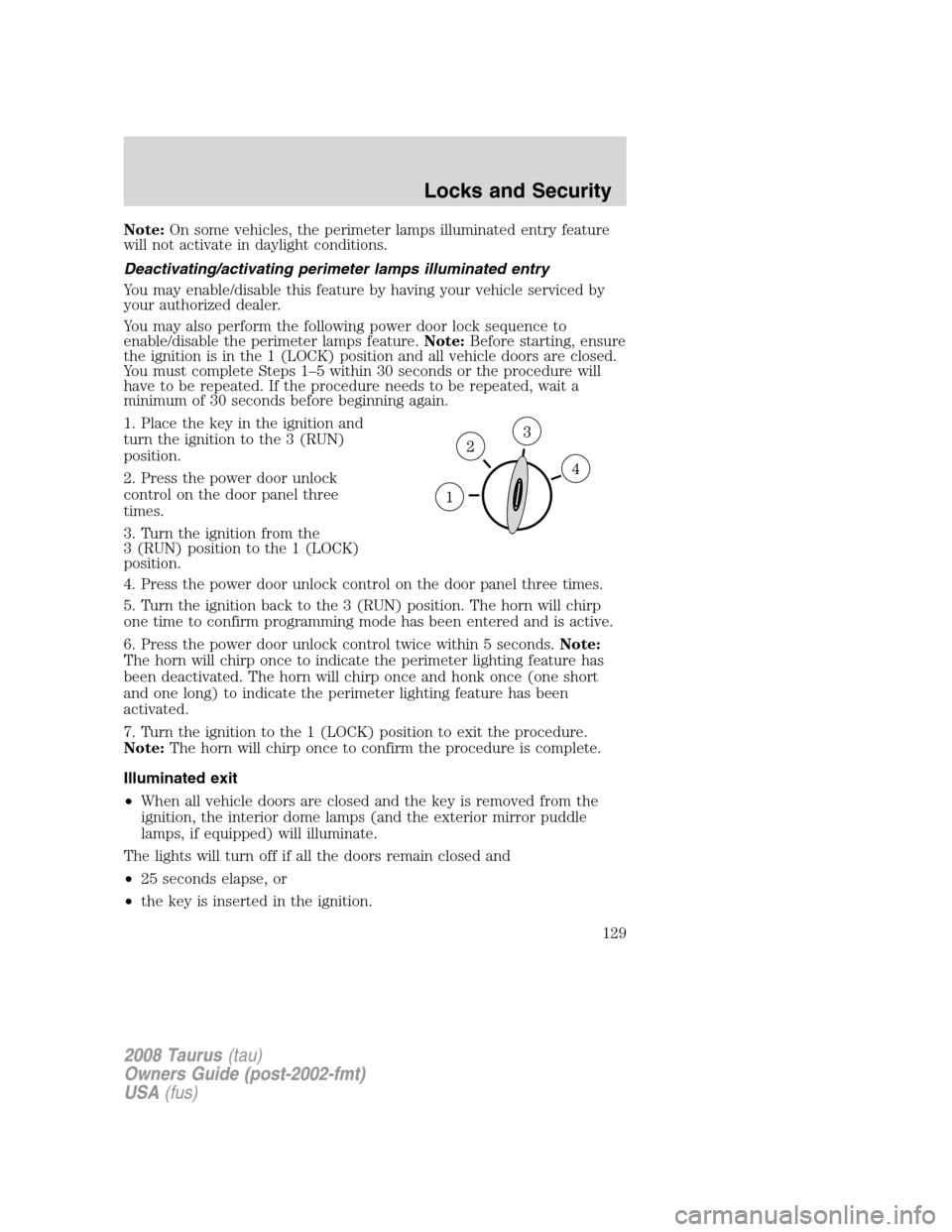
1. Place the key in the ignition and
turn the ignition to the 3 (RUN)
position.
2. Press the power door unlock
control on the door panel three
times.
3. Turn the ignition from the
3 (RUN) position to the 1 (LOCK)
position.
4. Press the power door unlock control on the door panel three times.
5. Turn the ignition back to the 3 (RUN) position. The horn will chirp
one time to confirm programming mode has been entered and is active.
6. Press the power door unlock control twice within 5 seconds.Note:
The horn will chirp once to indicate the perimeter lighting feature has
been deactivated. The horn will chirp once and honk once (one short
and one long) to indicate the perimeter lighting feature has been
activated.
7. Turn the ignition to the 1 (LOCK) position to exit the procedure.
Note:The horn will chirp once to confirm the procedure is complete.
Illuminated exit
•When all vehicle doors are closed and the key is removed from the
ignition, the interior dome lamps (and the exterior mirror puddle
lamps, if equipped) will illuminate.
The lights will turn off if all the doors remain closed and
•25 seconds elapse, or
•the key is inserted in the ignition.
2008 Taurus(tau)
Owners Guide (post-2002-fmt)
USA(fus)
Locks and Security
129
Page 135 of 320
6. Turn the ignition to the 1 (LOCK) position and remove the second
previously programmedcoded keyfrom the ignition.
7. Within twenty seconds of turning the ignition to the 1 (LOCK)
position and removing the previously programmedcoded key,insert the
new unprogrammed key (new key/valet key) into the ignition.
8. Turn the ignition from the 1 (LOCK) position to the 3 (RUN) position.
Keep the ignition in the 3 (RUN) position for at least six seconds.
9. Remove the newly programmedcoded keyfrom the ignition.
If the key has been successfully programmed it will start the vehicle’s
engine and will operate the remote entry system (if the new key is an
Integrated Keyhead Transmitter). The theft indicator light will illuminate
for three seconds and then go out to indicate successful programming.
If the key was not successfully programmed, it will not start your
vehicle’s engine and/or will not operate the remote entry features. The
theft indicator light may flash on and off. Wait 20 seconds and you may
repeat Steps 1 through 8. If failure repeats, bring your vehicle to your
authorized dealer to have the new key(s) programmed.
To program additional new unprogrammed key(s), wait twenty seconds
and then repeat this procedure from Step 1.
PERIMETER ALARM SYSTEM (IF EQUIPPED)
The perimeter anti-theft system will help protect your vehicle from
unauthorized entry.
If there is any potential perimeter anti-theft problem with your vehicle,
ensureALL Integrated Keyhead Transmittersare brought to the
authorized dealer to aid in troubleshooting.
Arming the system
When armed, this system will respond if unauthorized entry is
attempted. When unauthorized entry occurs, the system will flash the
turn signal lamps and will sound the horn.
The system is ready to arm whenever the key is in the 1(LOCK)
position, or is removed from the ignition. Either of the following actions
will prearm the alarm system:
•Press the
control on the remote entry transmitter portion of your
Integrated Keyhead Transmitter.
When you press the lock control twice within three seconds on the
remote entry transmitter portion of your IKT, the horn will chirp once
2008 Taurus(tau)
Owners Guide (post-2002-fmt)
USA(fus)
Locks and Security
135
Page 136 of 320
to let you know that all doors, the hood and the trunk are closed. If
any of these are not closed, the horn will chirp twice to warn you that
a door, the hood or the trunk is still open.
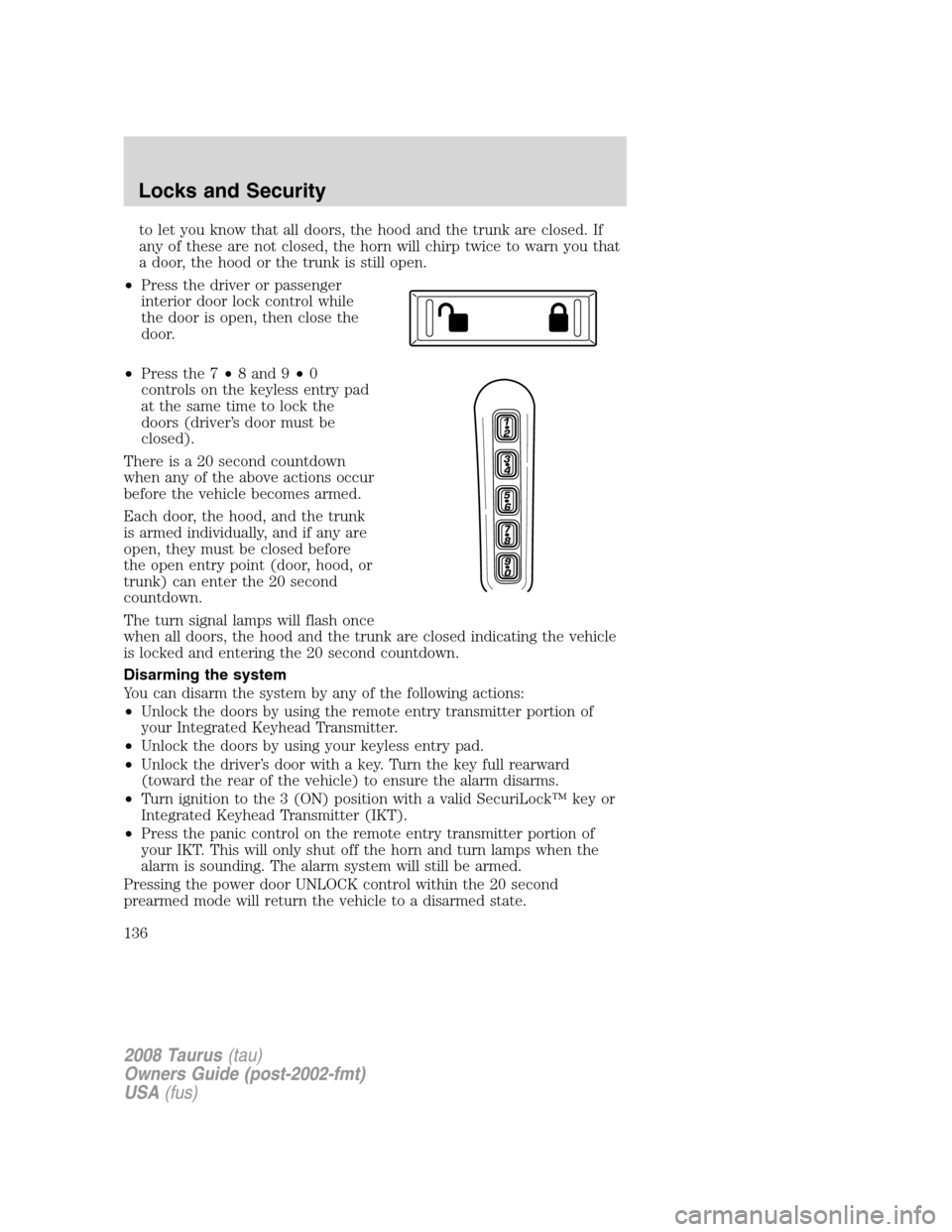
•Press the driver or passenger
interior door lock control while
the door is open, then close the
door.
•Press the 7•8 and 9•0
controls on the keyless entry pad
at the same time to lock the
doors (driver’s door must be
closed).
There is a 20 second countdown
when any of the above actions occur
before the vehicle becomes armed.
Each door, the hood, and the trunk
is armed individually, and if any are
open, they must be closed before
the open entry point (door, hood, or
trunk) can enter the 20 second
countdown.
The turn signal lamps will flash once
when all doors, the hood and the trunk are closed indicating the vehicle
is locked and entering the 20 second countdown.
Disarming the system
You can disarm the system by any of the following actions:
•Unlock the doors by using the remote entry transmitter portion of
your Integrated Keyhead Transmitter.
•Unlock the doors by using your keyless entry pad.
•Unlock the driver’s door with a key. Turn the key full rearward
(toward the rear of the vehicle) to ensure the alarm disarms.
•Turn ignition to the 3 (ON) position with a valid SecuriLock™ key or
Integrated Keyhead Transmitter (IKT).
•Press the panic control on the remote entry transmitter portion of
your IKT. This will only shut off the horn and turn lamps when the
alarm is sounding. The alarm system will still be armed.
Pressing the power door UNLOCK control within the 20 second
prearmed mode will return the vehicle to a disarmed state.
2008 Taurus(tau)
Owners Guide (post-2002-fmt)
USA(fus)
Locks and Security
136