Page 123 of 368
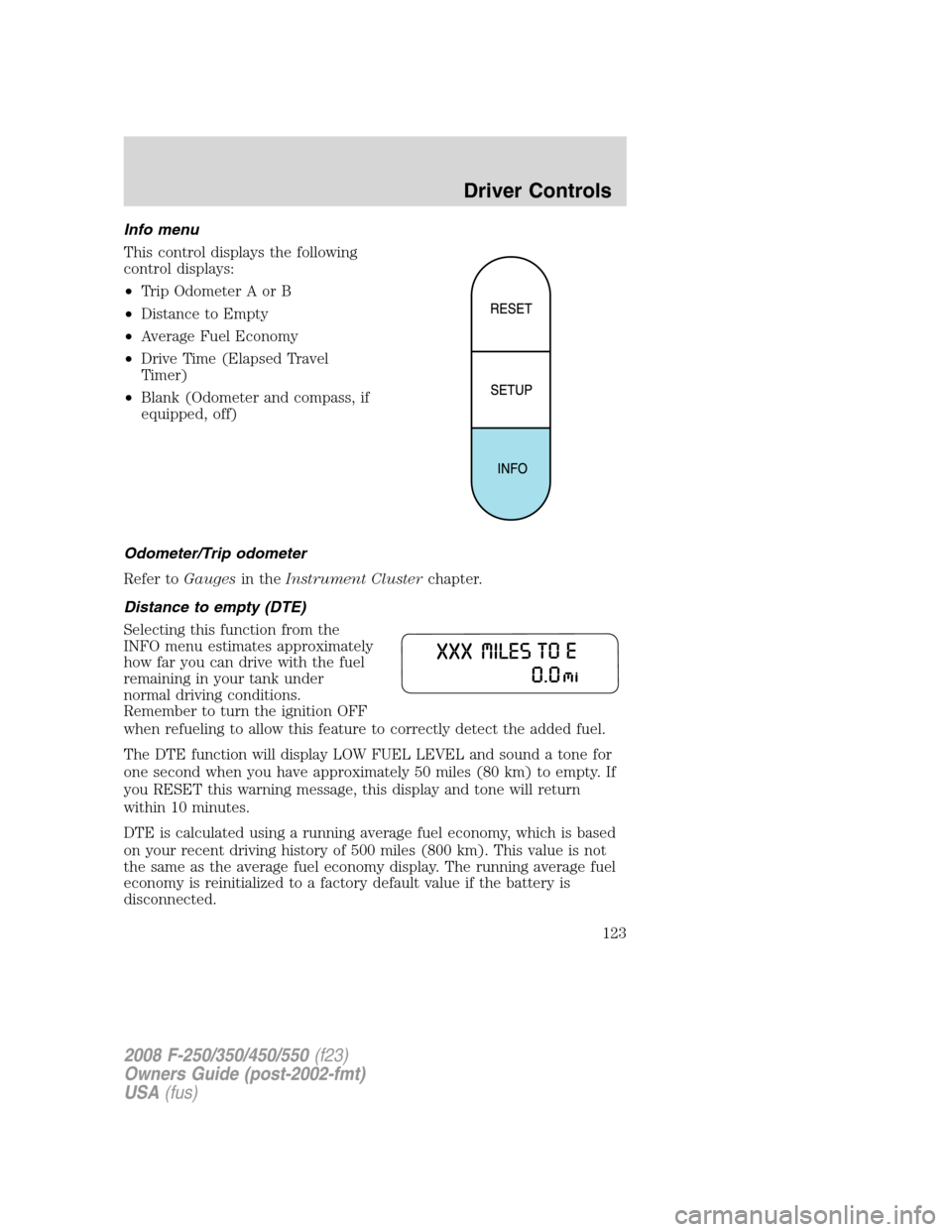
Info menu
This control displays the following
control displays:
•Trip Odometer A or B
•Distance to Empty
•Average Fuel Economy
•Drive Time (Elapsed Travel
Timer)
•Blank (Odometer and compass, if
equipped, off)
Odometer/Trip odometer
Refer toGaugesin theInstrument Clusterchapter.
Distance to empty (DTE)
Selecting this function from the
INFO menu estimates approximately
how far you can drive with the fuel
remaining in your tank under
normal driving conditions.
Remember to turn the ignition OFF
when refueling to allow this feature to correctly detect the added fuel.
The DTE function will display LOW FUEL LEVEL and sound a tone for
one second when you have approximately 50 miles (80 km) to empty. If
you RESET this warning message, this display and tone will return
within 10 minutes.
DTE is calculated using a running average fuel economy, which is based
on your recent driving history of 500 miles (800 km). This value is not
the same as the average fuel economy display. The running average fuel
economy is reinitialized to a factory default value if the battery is
disconnected.
2008 F-250/350/450/550(f23)
Owners Guide (post-2002-fmt)
USA(fus)
Driver Controls
123
Page 126 of 368
3. AIR FILTER (Diesel engine only)
4. DOOR AJAR
5. BRAKE SYSTEM
6. FUEL LEVEL
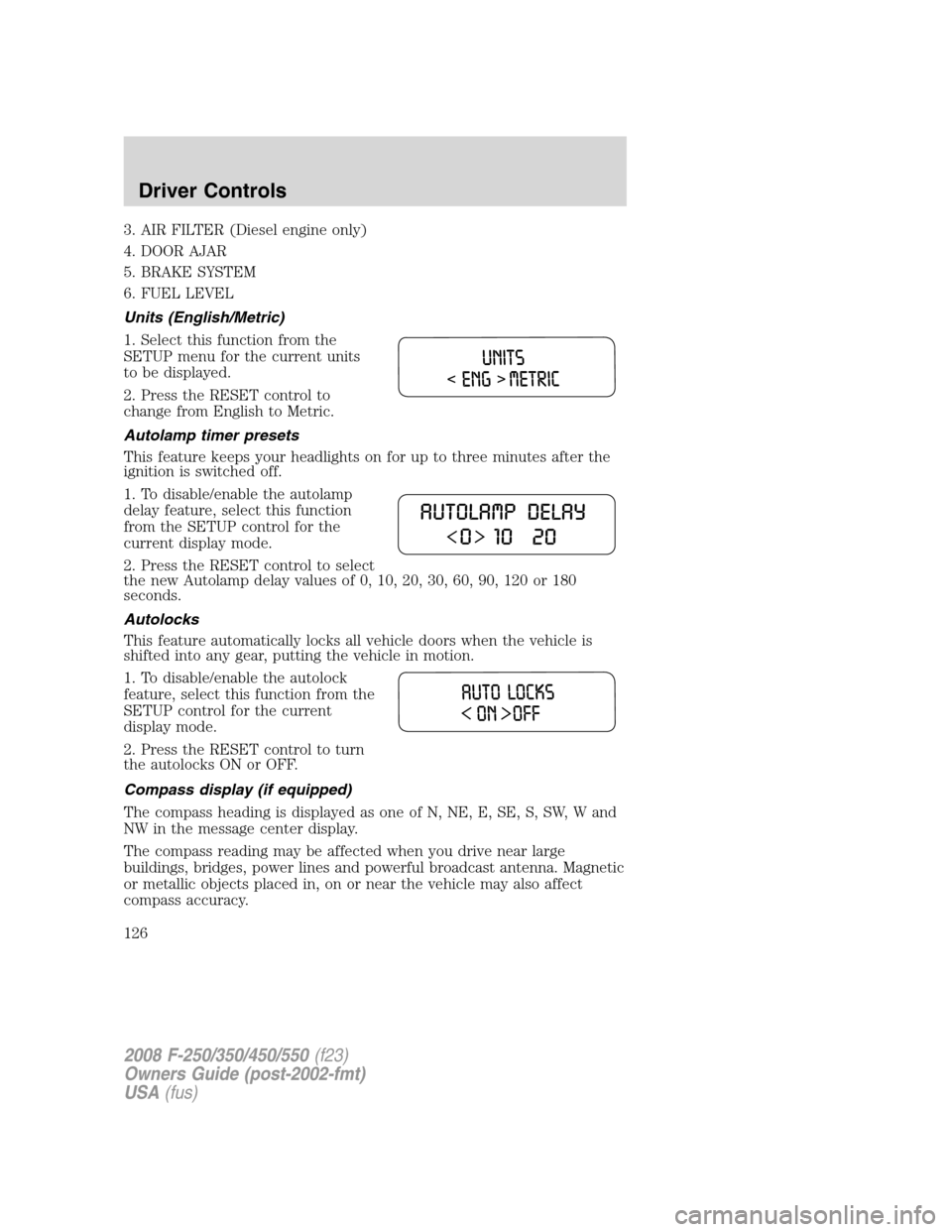
Units (English/Metric)
1. Select this function from the
SETUP menu for the current units
to be displayed.
2. Press the RESET control to
change from English to Metric.
Autolamp timer presets
This feature keeps your headlights on for up to three minutes after the
ignition is switched off.
1. To disable/enable the autolamp
delay feature, select this function
from the SETUP control for the
current display mode.
2. Press the RESET control to select
the new Autolamp delay values of 0, 10, 20, 30, 60, 90, 120 or 180
seconds.
Autolocks
This feature automatically locks all vehicle doors when the vehicle is
shifted into any gear, putting the vehicle in motion.
1. To disable/enable the autolock
feature, select this function from the
SETUP control for the current
display mode.
2. Press the RESET control to turn
the autolocks ON or OFF.
Compass display (if equipped)
The compass heading is displayed as one of N, NE, E, SE, S, SW, W and
NW in the message center display.
The compass reading may be affected when you drive near large
buildings, bridges, power lines and powerful broadcast antenna. Magnetic
or metallic objects placed in, on or near the vehicle may also affect
compass accuracy.
2008 F-250/350/450/550(f23)
Owners Guide (post-2002-fmt)
USA(fus)
Driver Controls
126
Page 127 of 368

Usually, when something affects the compass readings, the compass will
correct itself after a few days of operating your vehicle in normal
conditions. If the compass still appears to be inaccurate, a manual
calibration may be necessary. Refer toCompass zone/calibration
adjustment.
Most geographic areas (zones) have a magnetic north compass point that
varies slightly from the northerly direction on maps. This variation is four
degrees between adjacent zones and will become noticeable as the
vehicle crosses multiple zones. A correct zone setting will eliminate this
error. Refer toCompass zone/calibration adjustment.
Compass zone/calibration adjustment
1. Determine your magnetic zone by
referring to the zone map.
2. Turn ignition to the RUN position.
3. Start the engine.
4. From the SETUP menu, press
and release the RESET control until
the message center display changes
to show the current zone setting
(XX).
5. Press and release the RESET control repeatedly until the correct zone
setting for your geographic location is displayed on the message center.
The range of zone values are from 1 to 15 and “wraps” back to 1.
6. To exit the zone setting mode, and to “lock in” your change:
•press and release the SETUP control or,
•press INFO control to exit or,
•wait 4 seconds and the zone will be “locked in”.
Perform compass calibration in an open area free from steel structures
and high voltage lines. For optimum calibration, turn off all electrical
accessories (heater/air conditioning, wipers, etc.) and make sure all
vehicle doors are shut.
1 2 3
4
5
6 7 8 9 101112 13 14 15
2008 F-250/350/450/550(f23)
Owners Guide (post-2002-fmt)
USA(fus)
Driver Controls
127
Page 129 of 368
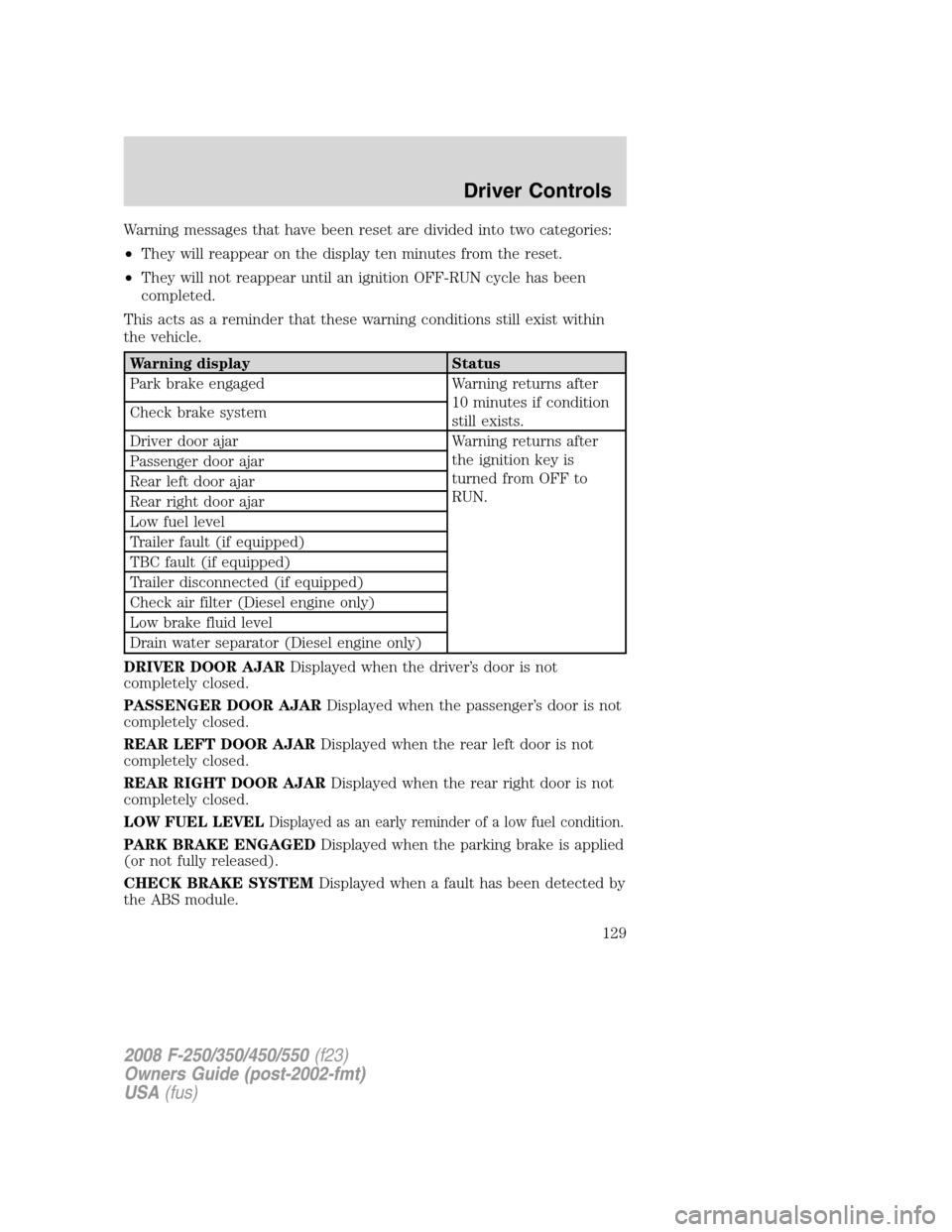
Warning messages that have been reset are divided into two categories:
•They will reappear on the display ten minutes from the reset.
•They will not reappear until an ignition OFF-RUN cycle has been
completed.
This acts as a reminder that these warning conditions still exist within
the vehicle.
Warning display Status
Park brake engaged Warning returns after
10 minutes if condition
still exists. Check brake system
Driver door ajar Warning returns after
the ignition key is
turned from OFF to
RUN. Passenger door ajar
Rear left door ajar
Rear right door ajar
Low fuel level
Trailer fault (if equipped)
TBC fault (if equipped)
Trailer disconnected (if equipped)
Check air filter (Diesel engine only)
Low brake fluid level
Drain water separator (Diesel engine only)
DRIVER DOOR AJARDisplayed when the driver’s door is not
completely closed.
PASSENGER DOOR AJARDisplayed when the passenger’s door is not
completely closed.
REAR LEFT DOOR AJARDisplayed when the rear left door is not
completely closed.
REAR RIGHT DOOR AJARDisplayed when the rear right door is not
completely closed.
LOW FUEL LEVEL
Displayed as an early reminder of a low fuel condition.
PARK BRAKE ENGAGEDDisplayed when the parking brake is applied
(or not fully released).
CHECK BRAKE SYSTEMDisplayed when a fault has been detected by
the ABS module.
2008 F-250/350/450/550(f23)
Owners Guide (post-2002-fmt)
USA(fus)
Driver Controls
129
Page 130 of 368

TRAILER FAULT (if equipped):Displayed if there is a short circuit on
the electric brake output wire or the trailer brakes are drawing too much
current. Refer toIntegrated trailer brake controllerin theTires,
Wheels and Loadingchapter for more information.
TBC FAULT (if equipped):Displayed in response to faults sensed by
the trailer brake controller (TBC). In the event this message is seen,
please take your vehicle to an authorized dealer for diagnosis and repair.
Refer toIntegrated trailer brake controllerin theTires, Wheels and
Loadingchapter for more information.
TRAILER DISCONNECTED (if equipped):Displayed when a trailer
connection becomes disconnected, either intentionally or unintentionally,
and has been sensed during a given ignition cycle. Refer toIntegrated
trailer brake controllerin theTires, Wheels and Loadingchapter for
more information.
CHECK AIR FILTER (Diesel engine only):Refer toInstrument
Clusterin your6.0/6.4 Liter Power Stroke Direct Injection Turbo
Diesel Owner’s Guide Supplement.
LOW BRAKE FLUID LEVELIndicates the brake fluid level is low and
the brake system should be inspected immediately. Refer toBrake fluid
in theMaintenance and Specificationschapter.
DRAIN WATER SEPARATOR (Diesel engine only)Displayed when
the water separator has reached a predetermined capacity and needs to
be drained. Refer to your6.0/6.4 Liter Power Stroke Direct Injection
Turbo Diesel Owner’s Guide Supplementfor more information.
2008 F-250/350/450/550(f23)
Owners Guide (post-2002-fmt)
USA(fus)
Driver Controls
130
Page 131 of 368

TAILGATE LOCK (IF EQUIPPED)
Your vehicle may be equipped with a
tailgate lock designed to help
prevent theft of the tailgate.
•Insert ignition key and turn to the
right to engage lock.
•Turn ignition key to the left to
unlock.
Tailgate removal
Your tailgate is removable to allow
more room for loading.
1. Lower the tailgate.
2. Use a screwdriver to pry the
spring clip (on each connector) past
the head of the support screw.
Disconnect cable.
3. Disconnect the other cable.
4. Lift tailgate to a 45° angle.
5. Lift right side off of its hinge.
6. Lift tailgate back up to within 10° of its closed position while keeping
the right-hand side of the tailgate close to the box.
7. Pull left-hand hinge straight to the right to disengage the left-hand
tailgate hinge socket from the left-hand box pivot post.
8. Lift left side off of its hinge.
To install, follow the removal procedures in reverse order.
2008 F-250/350/450/550(f23)
Owners Guide (post-2002-fmt)
USA(fus)
Driver Controls
131
Page 136 of 368
KEYS
The key operates all locks on your vehicle. You should always carry a
second key with you in a safe place in case you require it in an
emergency.
If your vehicle is equipped with the SecuriLock�Passive Anti-theft
system, your keys are coded to your vehicle; using a non-coded key will
not permit your vehicle to start. If you lose your dealer supplied keys,
replacement keys are available through your authorized dealer.
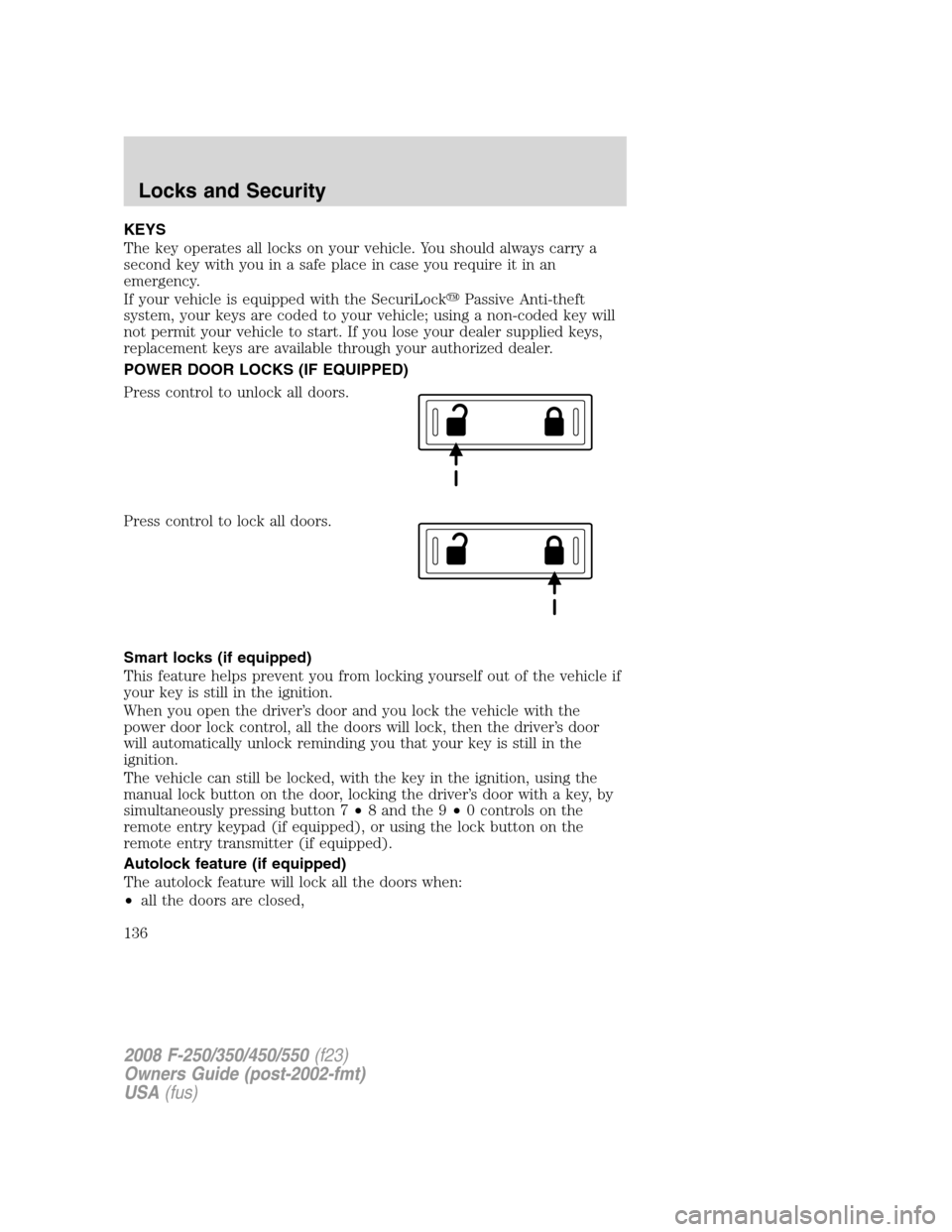
POWER DOOR LOCKS (IF EQUIPPED)
Press control to unlock all doors.
Press control to lock all doors.
Smart locks (if equipped)
This feature helps prevent you from locking yourself out of the vehicle if
your key is still in the ignition.
When you open the driver’s door and you lock the vehicle with the
power door lock control, all the doors will lock, then the driver’s door
will automatically unlock reminding you that your key is still in the
ignition.
The vehicle can still be locked, with the key in the ignition, using the
manual lock button on the door, locking the driver’s door with a key, by
simultaneously pressing button 7•8 and the 9•0 controls on the
remote entry keypad (if equipped), or using the lock button on the
remote entry transmitter (if equipped).
Autolock feature (if equipped)
The autolock feature will lock all the doors when:
•all the doors are closed,
2008 F-250/350/450/550(f23)
Owners Guide (post-2002-fmt)
USA(fus)
Locks and Security
136
Page 137 of 368
•the ignition is in the 3 (ON) position,
•you shift into any gear putting the vehicle in motion, and
•the vehicle attains a speed greater than 12 mph (20 km/h) for greater
than 2 seconds.
The autolock feature repeats when:
•any door is opened then closed while the ignition is in the 3 (ON)
position and the vehicle speed is 9 mph (15 km/h) or lower, and
•the vehicle then attains a speed greater than 12 mph (20 km/h) for
greater than 2 seconds.
Deactivating/activating autolock feature
There are four methods to enable/disable this feature:
•Through your authorized dealer,
•by using a power door unlock/lock procedure,
•using a keypad procedure (if equipped), or
•or by using the instrument cluster message center (if equipped). Refer
toOptional message centerin theDriver controlschapter.
Note:The autolock feature can be activated/deactivated independently
of the autounlock feature.
Power door lock switch autolock enable/disable procedure
Before starting, ensure the ignition is in the 1 (OFF/LOCK) position and
all vehicle doors are closed. You must complete Steps 1–5 within 30
seconds or the procedure will have to be repeated. If the procedure
needs to be repeated, wait a minimum of 30 seconds before beginning
again.
1. Place the key in the ignition and
turn the ignition to the 3 (ON)
position.
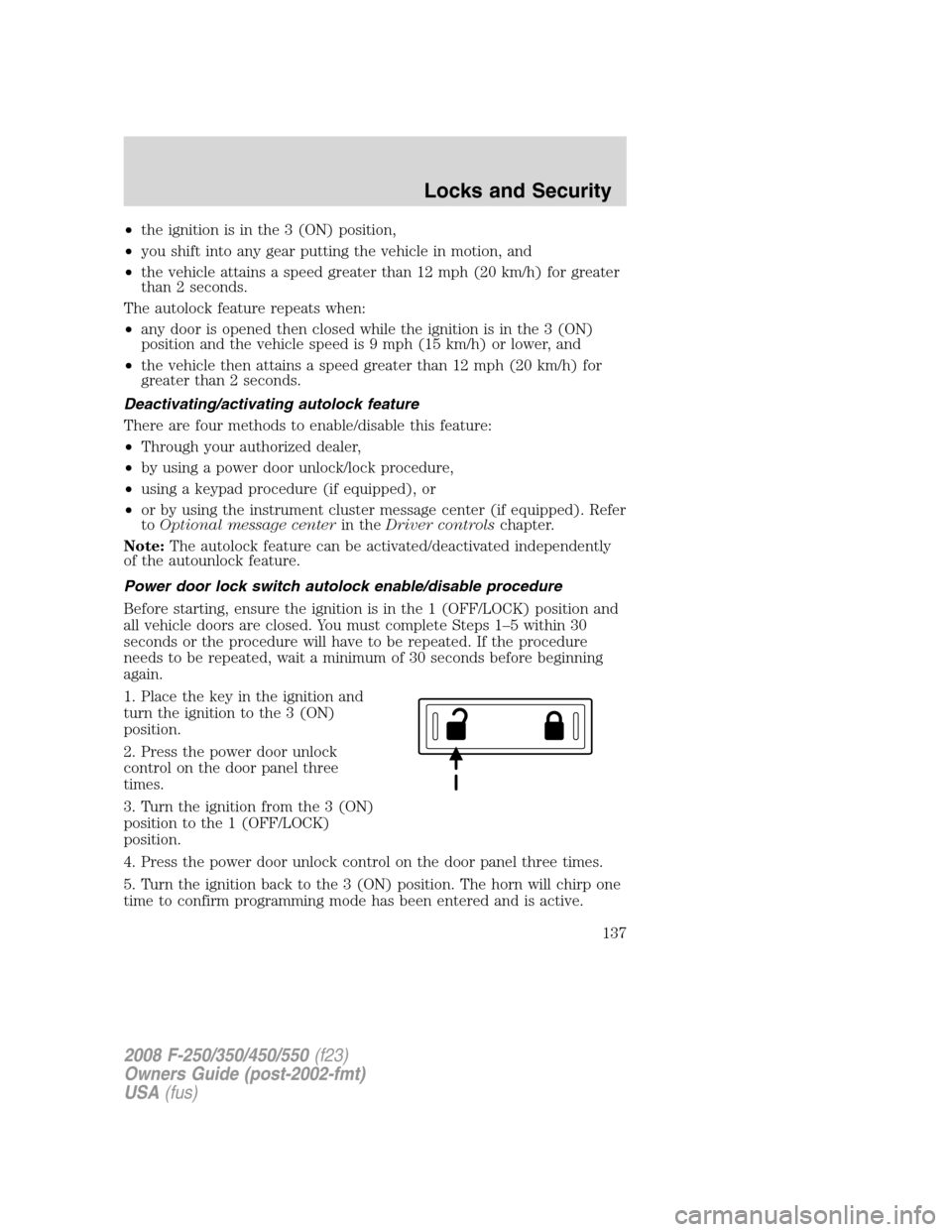
2. Press the power door unlock
control on the door panel three
times.
3. Turn the ignition from the 3 (ON)
position to the 1 (OFF/LOCK)
position.
4. Press the power door unlock control on the door panel three times.
5. Turn the ignition back to the 3 (ON) position. The horn will chirp one
time to confirm programming mode has been entered and is active.
2008 F-250/350/450/550(f23)
Owners Guide (post-2002-fmt)
USA(fus)
Locks and Security
137