Page 116 of 368
CENTER CONSOLE (IF EQUIPPED)
Your vehicle may be equipped with a variety of console features. These
include:
•Utility compartment with
cassette/CD holder
•Coin holder
•Pen holder
•Writing surface
•A power point inside and on the
rear
•Laptop storage
•Hanging file folder supports
•Rear cupholders (Crew Cab only)
Use only soft cups in the cupholder. Hard objects can injure you
in a collision.
STANDARD MESSAGE CENTER
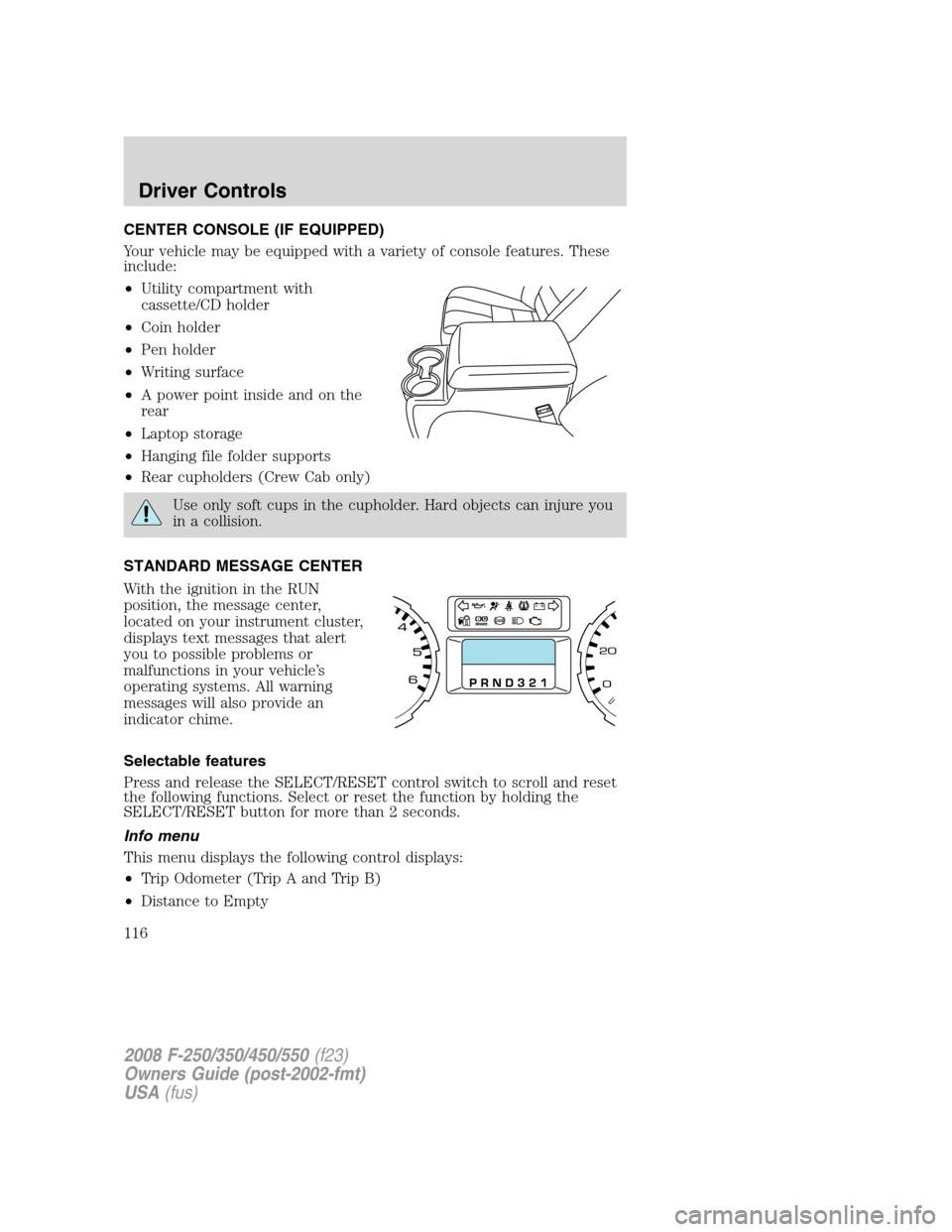
With the ignition in the RUN
position, the message center,
located on your instrument cluster,
displays text messages that alert
you to possible problems or
malfunctions in your vehicle’s
operating systems. All warning
messages will also provide an
indicator chime.
Selectable features
Press and release the SELECT/RESET control switch to scroll and reset
the following functions. Select or reset the function by holding the
SELECT/RESET button for more than 2 seconds.
Info menu
This menu displays the following control displays:
•Trip Odometer (Trip A and Trip B)
•Distance to Empty
2008 F-250/350/450/550(f23)
Owners Guide (post-2002-fmt)
USA(fus)
Driver Controls
116
Page 117 of 368
•Average Fuel Economy
•Setup Menu
•System check
•Blank (Odometer and compass, if equipped, off)
Odometer/Trip odometer
Refer toGaugesin theInstrument Clusterchapter.
Distance to empty (DTE)
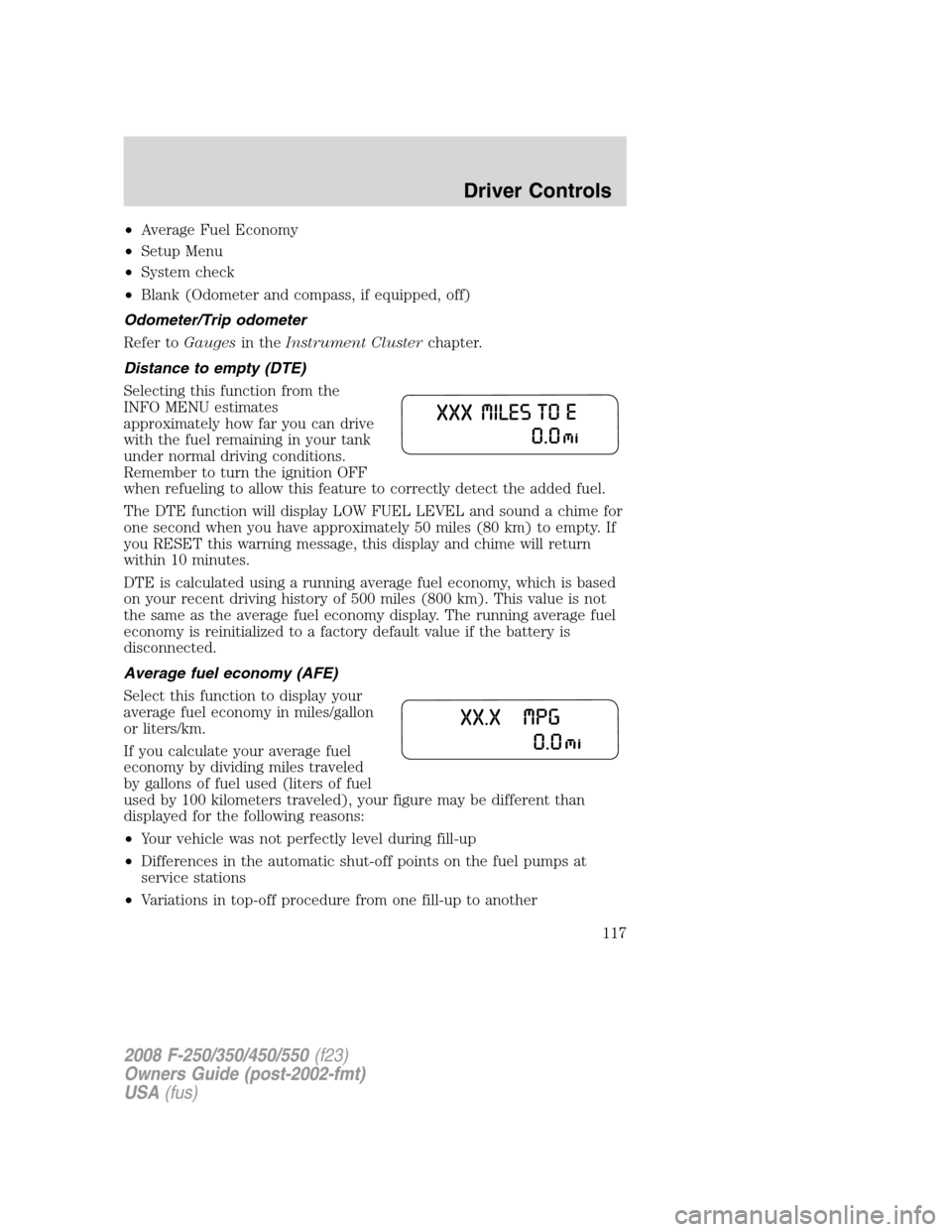
Selecting this function from the
INFO MENU estimates
approximately how far you can drive
with the fuel remaining in your tank
under normal driving conditions.
Remember to turn the ignition OFF
when refueling to allow this feature to correctly detect the added fuel.
The DTE function will display LOW FUEL LEVEL and sound a chime for
one second when you have approximately 50 miles (80 km) to empty. If
you RESET this warning message, this display and chime will return
within 10 minutes.
DTE is calculated using a running average fuel economy, which is based
on your recent driving history of 500 miles (800 km). This value is not
the same as the average fuel economy display. The running average fuel
economy is reinitialized to a factory default value if the battery is
disconnected.
Average fuel economy (AFE)
Select this function to display your
average fuel economy in miles/gallon
or liters/km.
If you calculate your average fuel
economy by dividing miles traveled
by gallons of fuel used (liters of fuel
used by 100 kilometers traveled), your figure may be different than
displayed for the following reasons:
•Your vehicle was not perfectly level during fill-up
•Differences in the automatic shut-off points on the fuel pumps at
service stations
•Variations in top-off procedure from one fill-up to another
2008 F-250/350/450/550(f23)
Owners Guide (post-2002-fmt)
USA(fus)
Driver Controls
117
Page 118 of 368

•Rounding of the displayed values to the nearest 0.1 gallon (liter)
1. Drive the vehicle at least 5 miles (8 km) with the speed control
system engaged to display a stabilized average.
2. Record the highway fuel economy for future reference.
It is important to press the SELECT/RESET control switch (press and
hold for 2 seconds in order to reset the function) after setting the speed
control to get accurate highway fuel economy readings.
Setup menu
Press and hold the SELECT/RESET
control switch to get into the
SETUP MENU sequence from the
INFO MENU for the following
displays:
•Units (English/Metric)
•Language
•Reset to English (if in another language) (see Note below)
Note:When returning to the
SETUP menu and a non-English
language has been selected, HOLD
RESET FOR ENGLISH will be
displayed to change back to English.
Press and hold the SELECT/RESET
control to change back to English.
Units (English/Metric)
1. Select this function from the
SETUP MENU for the current units
to be displayed.
2. Press and hold the
SELECT/RESET control switch to
change from English to Metric.
3. Press the SELECT/RESET control switch for the next SETUP MENU
item or wait for more than 4 seconds to return to the INFO MENU.
2008 F-250/350/450/550(f23)
Owners Guide (post-2002-fmt)
USA(fus)
Driver Controls
118
Page 119 of 368

Language
Note:When entering the SETUP
MENU and a non-English language
has been selected, “PRESS RESET
FOR ENGLISH” will be displayed to
change back to English.
1. Select this function from the SETUP MENU for the current language
to be displayed.
2. Press and hold the SELECT/RESET control to select a new language.
Selectable languages are English, Spanish and French
3. Press the SELECT/RESET control switch for the next SETUP MENU
item or wait for more than 4 seconds to return to the INFO MENU.
System check
Press and hold the SELECT/RESET control switch to select SYSTEM
CHECK when HOLD RESET FOR SYSTEM CHECK is displayed in the
message center. Selecting this function from the INFO MENU causes the
message center to cycle through each of the systems being monitored.
For each of the monitored systems, the message center will indicate
either an OK message or a warning message for two seconds. Pressing
the SELECT/RESET control switch cycles the message center through
each of the systems being monitored.
The sequence of the system check report and how it appears in the
message center is as follows:
1. ENGINE HOURS
2. CHARGING SYSTEM
3. AIR FILTER (Diesel engine only)
4. DOOR AJAR
5. BRAKE SYSTEM
6. FUEL LEVEL
7. TRAILER DISCONNECTED (if equipped)
System warnings
System warnings alert you to possible problems or malfunctions in your
vehicle’s operating systems.
In the event of a multiple warning situation, the message center will cycle
the display to show all warnings by displaying each one for 4 seconds.
2008 F-250/350/450/550(f23)
Owners Guide (post-2002-fmt)
USA(fus)
Driver Controls
119
Page 120 of 368

The message center will display the last selected feature if there are no
more warning messages. This allows you to use the full functionality of
the message center after you acknowledge the warning by pressing the
SELECT/RESET control and clearing the warning message.
Warning messages that have been reset are divided into two categories:
•They will reappear on the display ten minutes from the reset.
•They will not reappear until an ignition OFF-RUN cycle has been
completed.
This acts as a reminder that these warning conditions still exist within
the vehicle.
Warning display Status
Park brake engaged Warning returns after
10 minutes if condition
still exists. Check brake system
Driver door ajar Warning returns after
the ignition key is
turned from OFF to
RUN. Passenger door ajar
Rear left door ajar
Rear right door ajar
Low fuel level
Trailer fault (if equipped)
TBC fault (if equipped)
Trailer disconnected (if equipped)
Check air filter (Diesel engine only)
Low brake fluid level
Drain water separator (Diesel engine only)
DRIVER DOOR AJARDisplayed when the driver’s door is not
completely closed.
PASSENGER DOOR AJARDisplayed when the passenger’s door is not
completely closed.
REAR LEFT DOOR AJARDisplayed when the rear left door is not
completely closed.
REAR RIGHT DOOR AJARDisplayed when the rear right door is not
completely closed.
LOW FUEL LEVEL
Displayed as an early reminder of a low fuel condition.
2008 F-250/350/450/550(f23)
Owners Guide (post-2002-fmt)
USA(fus)
Driver Controls
120
Page 122 of 368
OPTIONAL MESSAGE CENTER (IF EQUIPPED)
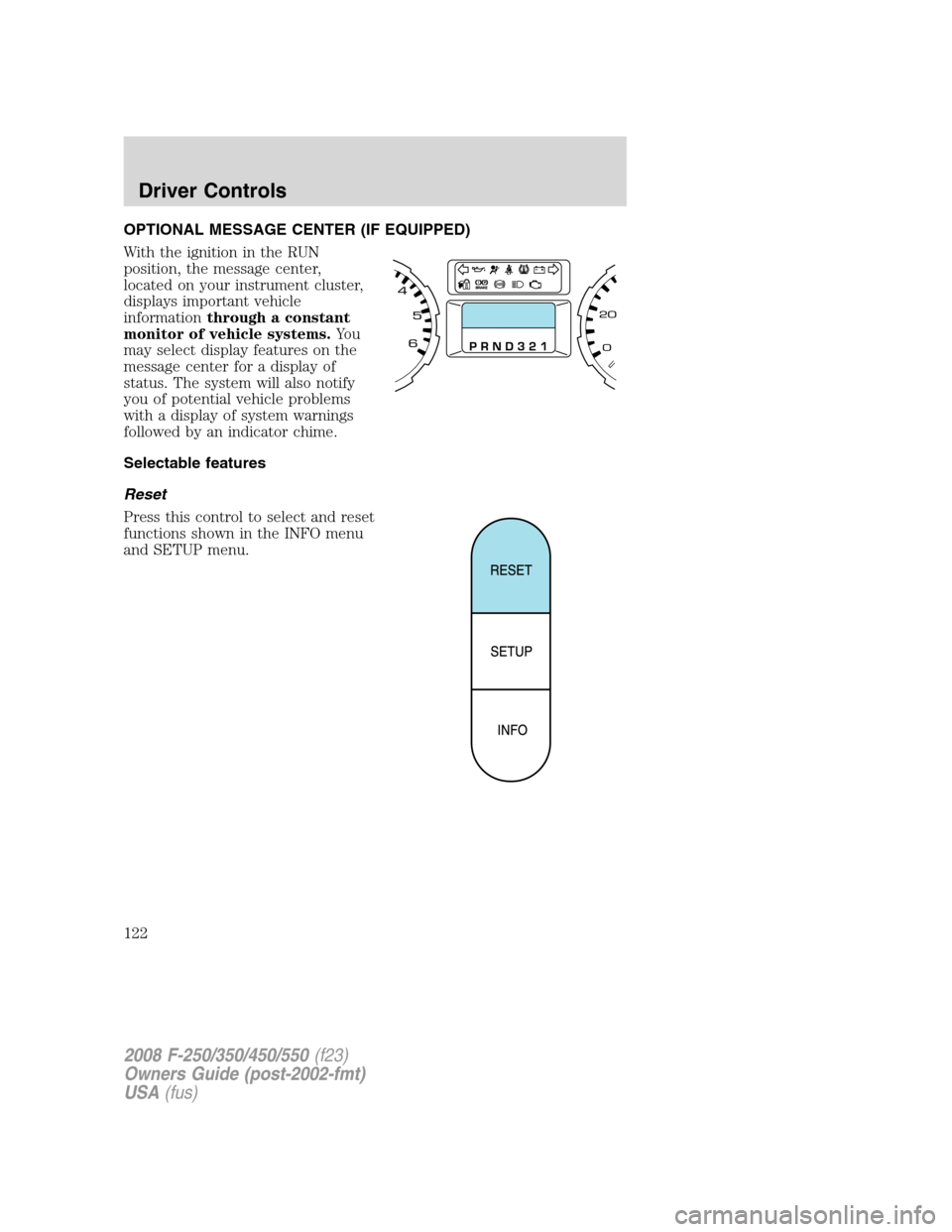
With the ignition in the RUN
position, the message center,
located on your instrument cluster,
displays important vehicle
informationthrough a constant
monitor of vehicle systems.Yo u
may select display features on the
message center for a display of
status. The system will also notify
you of potential vehicle problems
with a display of system warnings
followed by an indicator chime.
Selectable features
Reset
Press this control to select and reset
functions shown in the INFO menu
and SETUP menu.
2008 F-250/350/450/550(f23)
Owners Guide (post-2002-fmt)
USA(fus)
Driver Controls
122
Page 123 of 368
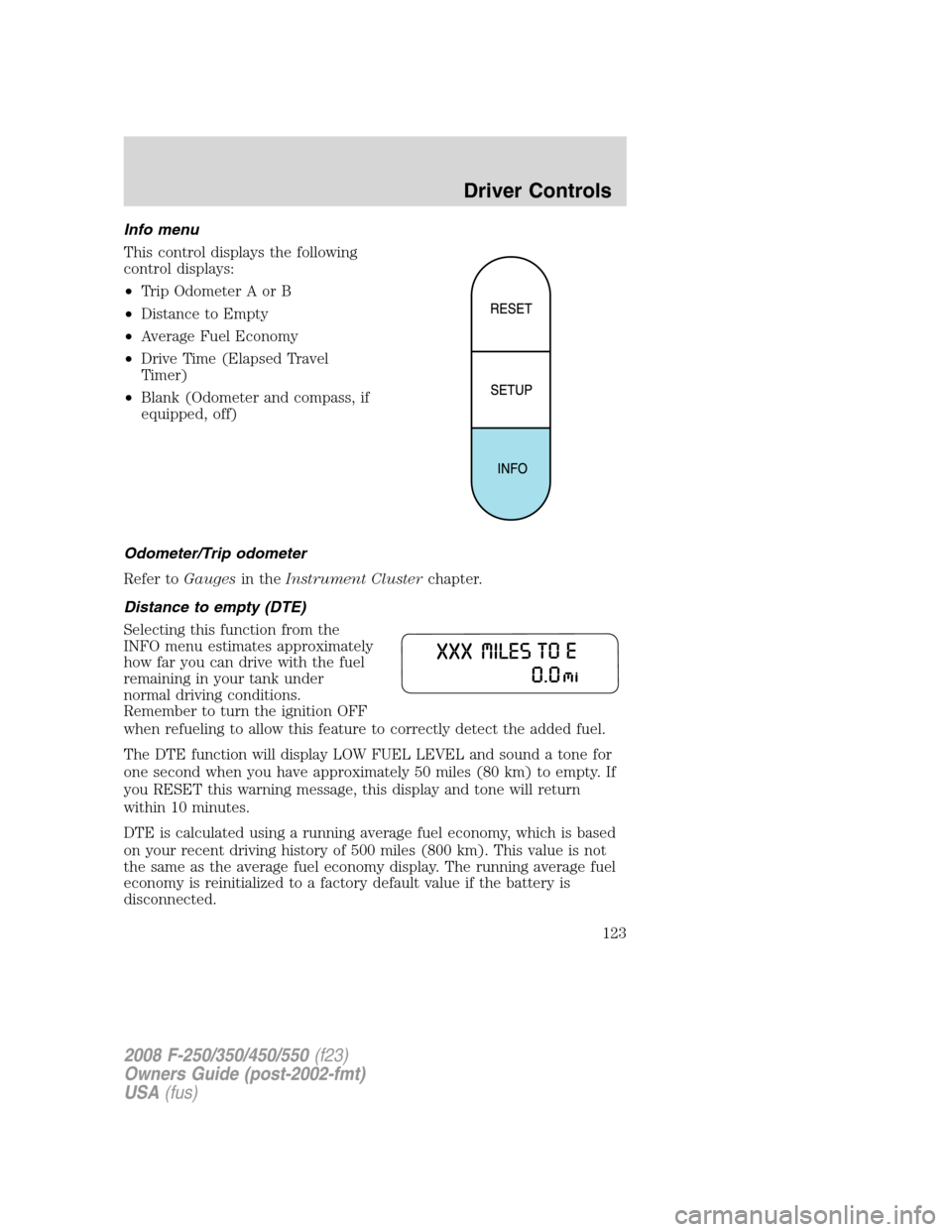
Info menu
This control displays the following
control displays:
•Trip Odometer A or B
•Distance to Empty
•Average Fuel Economy
•Drive Time (Elapsed Travel
Timer)
•Blank (Odometer and compass, if
equipped, off)
Odometer/Trip odometer
Refer toGaugesin theInstrument Clusterchapter.
Distance to empty (DTE)
Selecting this function from the
INFO menu estimates approximately
how far you can drive with the fuel
remaining in your tank under
normal driving conditions.
Remember to turn the ignition OFF
when refueling to allow this feature to correctly detect the added fuel.
The DTE function will display LOW FUEL LEVEL and sound a tone for
one second when you have approximately 50 miles (80 km) to empty. If
you RESET this warning message, this display and tone will return
within 10 minutes.
DTE is calculated using a running average fuel economy, which is based
on your recent driving history of 500 miles (800 km). This value is not
the same as the average fuel economy display. The running average fuel
economy is reinitialized to a factory default value if the battery is
disconnected.
2008 F-250/350/450/550(f23)
Owners Guide (post-2002-fmt)
USA(fus)
Driver Controls
123
Page 124 of 368
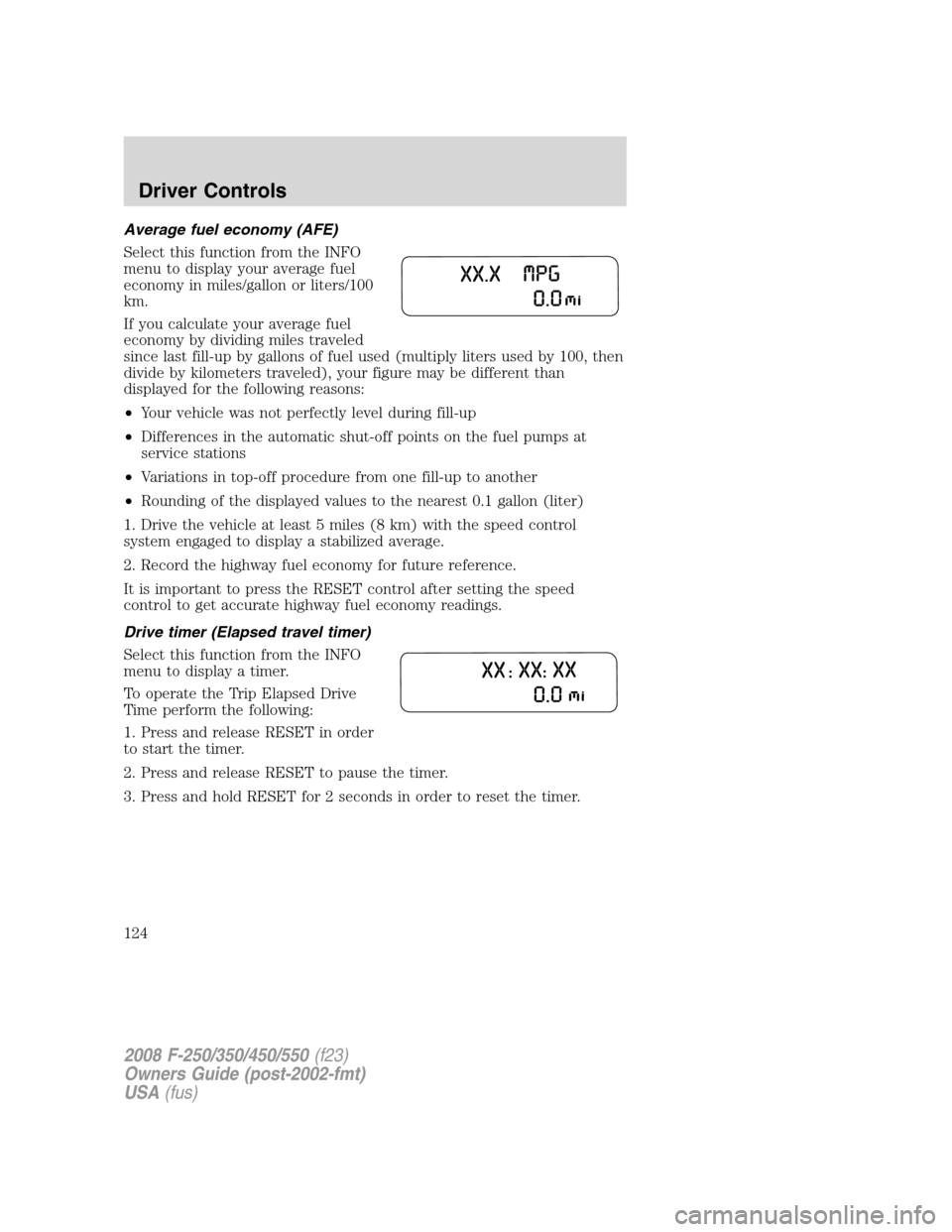
Average fuel economy (AFE)
Select this function from the INFO
menu to display your average fuel
economy in miles/gallon or liters/100
km.
If you calculate your average fuel
economy by dividing miles traveled
since last fill-up by gallons of fuel used (multiply liters used by 100, then
divide by kilometers traveled), your figure may be different than
displayed for the following reasons:
•Your vehicle was not perfectly level during fill-up
•Differences in the automatic shut-off points on the fuel pumps at
service stations
•Variations in top-off procedure from one fill-up to another
•Rounding of the displayed values to the nearest 0.1 gallon (liter)
1. Drive the vehicle at least 5 miles (8 km) with the speed control
system engaged to display a stabilized average.
2. Record the highway fuel economy for future reference.
It is important to press the RESET control after setting the speed
control to get accurate highway fuel economy readings.
Drive timer (Elapsed travel timer)
Select this function from the INFO
menu to display a timer.
To operate the Trip Elapsed Drive
Time perform the following:
1. Press and release RESET in order
to start the timer.
2. Press and release RESET to pause the timer.
3. Press and hold RESET for 2 seconds in order to reset the timer.
2008 F-250/350/450/550(f23)
Owners Guide (post-2002-fmt)
USA(fus)
Driver Controls
124