Page 55 of 280
5. Remove the bulb socket by rotating it counterclockwise, then pulling it
out of the lamp assembly.
6. Pull the bulb straight from the
socket.
Install the new bulb in reverse
order.
Replacing rear sidemarker lamp bulbs
1. Make sure the headlamp switch is
in the OFF position and locate the
sidemarker on the rear bumper
fascia.
2. Install a flathead screwdriver
between the rear of the sidemarker
lens and the bumper fascia.
3. Push the screwdriver to the front
of the vehicle and then slide it towards you to pop out the lens cover.
4. Carefully pull the bulb straight out of socket.
Install the new bulb in reverse order.
2008 05+ Mustang(197)
Owners Guide (post-2002-fmt)
USA(fus)
Lights
55
Page 57 of 280
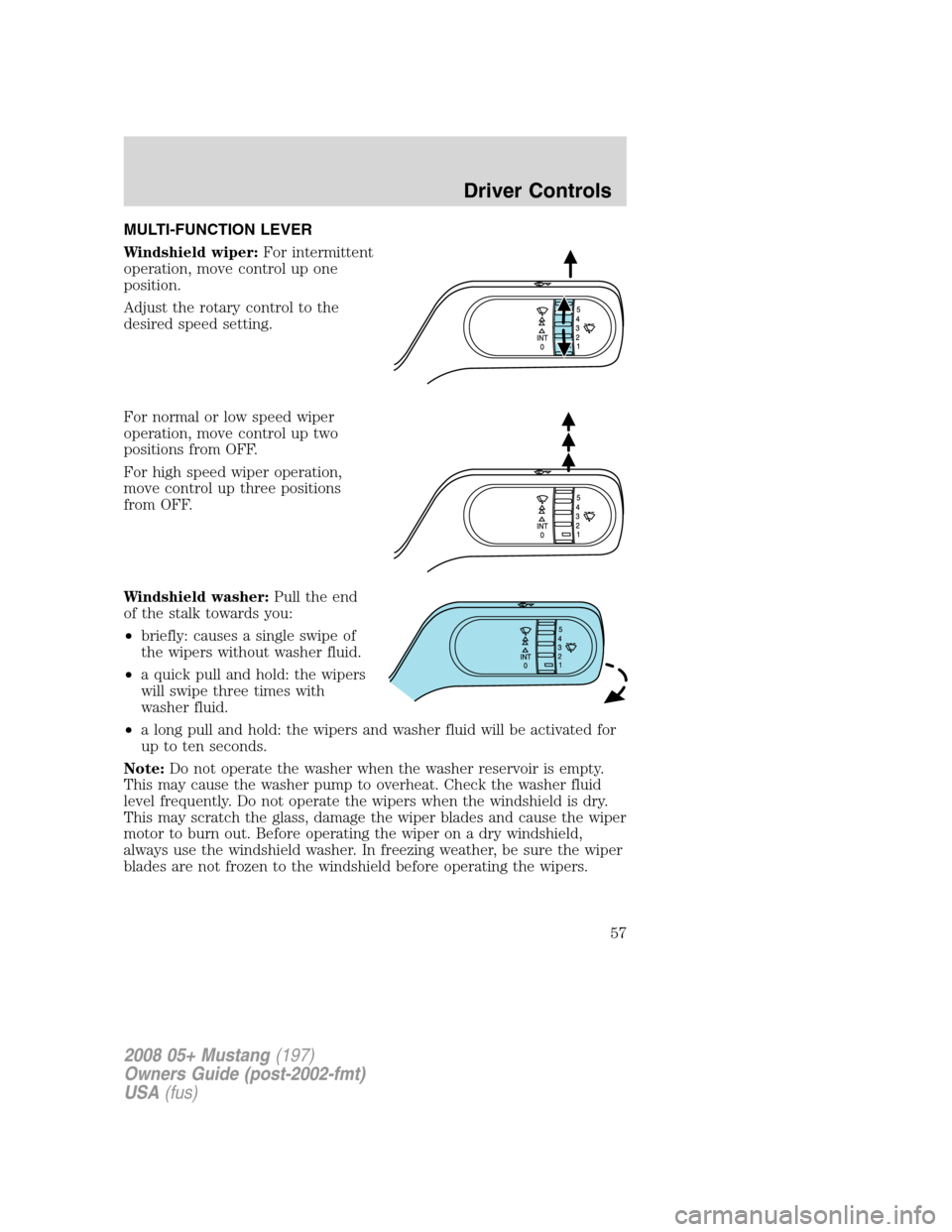
MULTI-FUNCTION LEVER
Windshield wiper:For intermittent
operation, move control up one
position.
Adjust the rotary control to the
desired speed setting.
For normal or low speed wiper
operation, move control up two
positions from OFF.
For high speed wiper operation,
move control up three positions
from OFF.
Windshield washer:Pull the end
of the stalk towards you:
•briefly: causes a single swipe of
the wipers without washer fluid.
•a quick pull and hold: the wipers
will swipe three times with
washer fluid.
•a long pull and hold: the wipers and washer fluid will be activated for
up to ten seconds.
Note:Do not operate the washer when the washer reservoir is empty.
This may cause the washer pump to overheat. Check the washer fluid
level frequently. Do not operate the wipers when the windshield is dry.
This may scratch the glass, damage the wiper blades and cause the wiper
motor to burn out. Before operating the wiper on a dry windshield,
always use the windshield washer. In freezing weather, be sure the wiper
blades are not frozen to the windshield before operating the wipers.
2008 05+ Mustang(197)
Owners Guide (post-2002-fmt)
USA(fus)
Driver Controls
57
Page 66 of 280
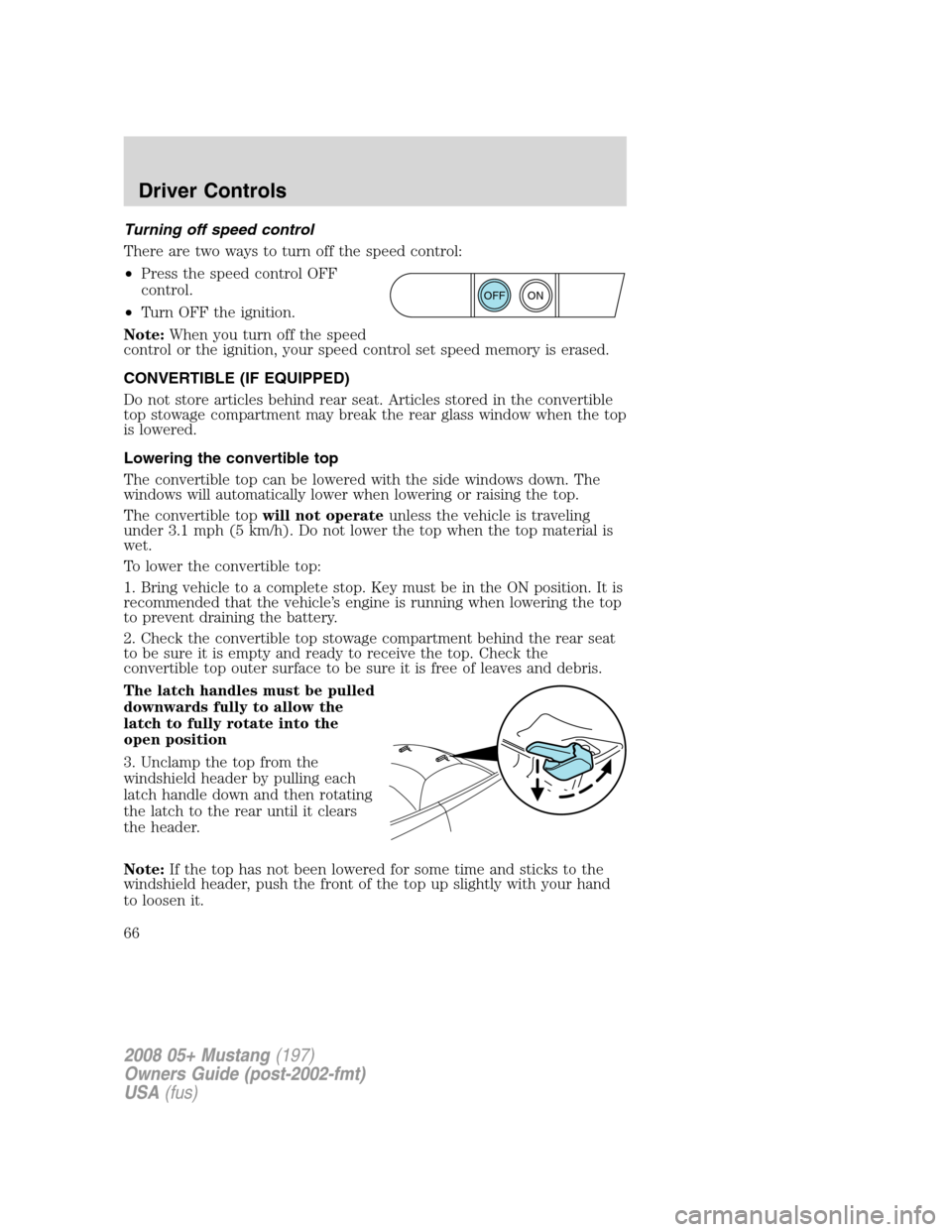
Turning off speed control
There are two ways to turn off the speed control:
•Press the speed control OFF
control.
•Turn OFF the ignition.
Note:When you turn off the speed
control or the ignition, your speed control set speed memory is erased.
CONVERTIBLE (IF EQUIPPED)
Do not store articles behind rear seat. Articles stored in the convertible
top stowage compartment may break the rear glass window when the top
is lowered.
Lowering the convertible top
The convertible top can be lowered with the side windows down. The
windows will automatically lower when lowering or raising the top.
The convertible topwill not operateunless the vehicle is traveling
under 3.1 mph (5 km/h). Do not lower the top when the top material is
wet.
To lower the convertible top:
1. Bring vehicle to a complete stop. Key must be in the ON position. It is
recommended that the vehicle’s engine is running when lowering the top
to prevent draining the battery.
2. Check the convertible top stowage compartment behind the rear seat
to be sure it is empty and ready to receive the top. Check the
convertible top outer surface to be sure it is free of leaves and debris.
The latch handles must be pulled
downwards fully to allow the
latch to fully rotate into the
open position
3. Unclamp the top from the
windshield header by pulling each
latch handle down and then rotating
the latch to the rear until it clears
the header.
Note:If the top has not been lowered for some time and sticks to the
windshield header, push the front of the top up slightly with your hand
to loosen it.
ON
OFF
2008 05+ Mustang(197)
Owners Guide (post-2002-fmt)
USA(fus)
Driver Controls
66
Page 69 of 280

3. Fold the right side inward and secure the boot with the strap.
Stow the boot in the trunk.
Raising the convertible top
The convertible topwill not operateunless the vehicle is traveling
under 3.1 mph (5 km/h).
To raise the convertible top:
1. Bring the vehicle to a complete stop. Key must be in the ON position.
It is recommended that the vehicle’s engine is running when raising the
top to prevent draining the battery.
2. Push the convertible top switch,
holding it until the windows lower
completely and the top unfolds and
moves forward toward the
windshield header.
3. You can release the convertible
top switch to open both latch
handles before the top meets the
windshield header. Make sure the
latch handles are pulled down fully
for hand clearance and are swung to
the fully open position.
Note:If the top has been in the down position for an extended period or
if the temperature is low, the top material may shrink a small amount.
Pulling down on the latch handles and at the center grip in the header
will make it easier to fasten the top.
4. Continue to use the convertible top switch to raise the top until it has
reached the fully closed position flush to the header.
Note:The two pins under the forward edge of the top should seat
themselves in the matching holes in the header.
2008 05+ Mustang(197)
Owners Guide (post-2002-fmt)
USA(fus)
Driver Controls
69
Page 70 of 280
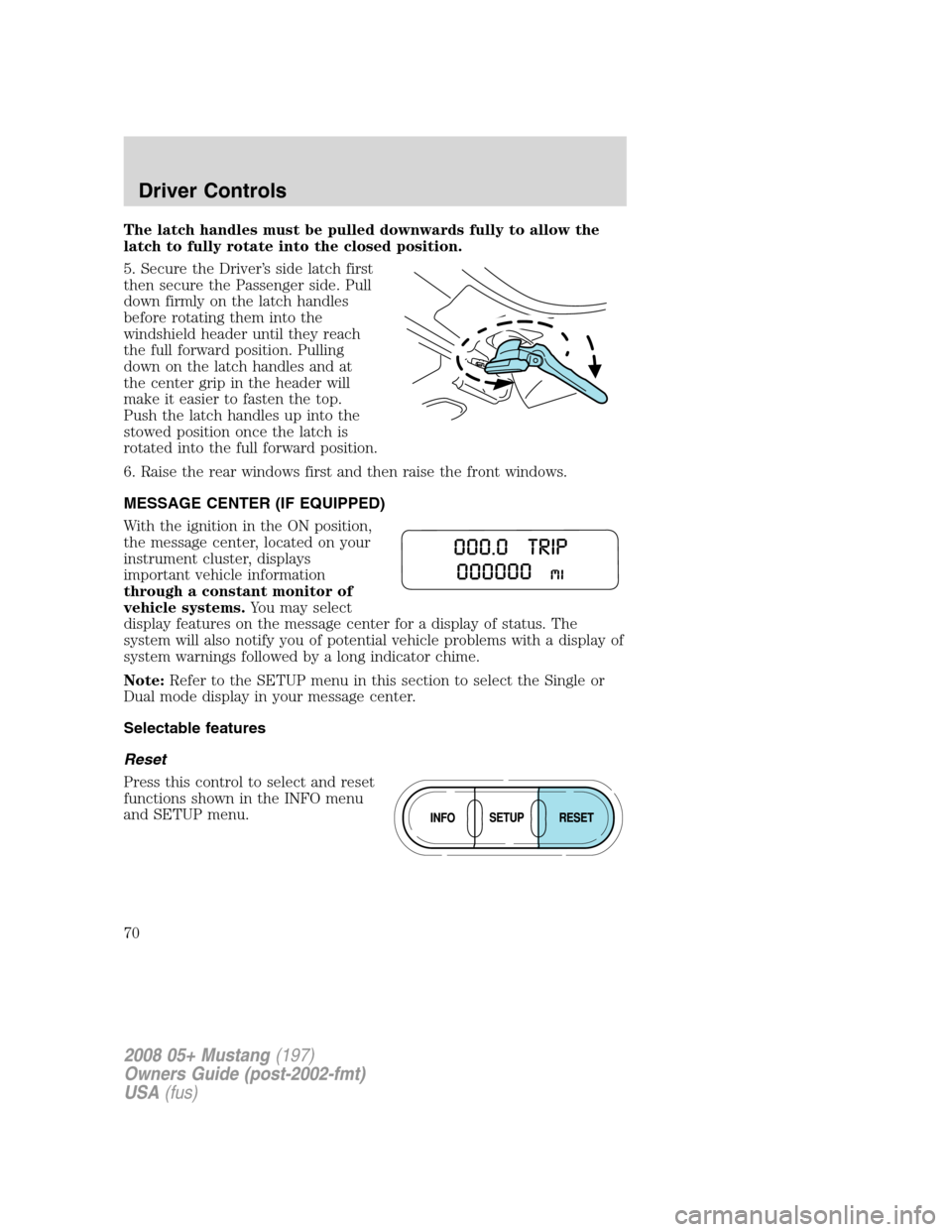
The latch handles must be pulled downwards fully to allow the
latch to fully rotate into the closed position.
5. Secure the Driver’s side latch first
then secure the Passenger side. Pull
down firmly on the latch handles
before rotating them into the
windshield header until they reach
the full forward position. Pulling
down on the latch handles and at
the center grip in the header will
make it easier to fasten the top.
Push the latch handles up into the
stowed position once the latch is
rotated into the full forward position.
6. Raise the rear windows first and then raise the front windows.
MESSAGE CENTER (IF EQUIPPED)
With the ignition in the ON position,
the message center, located on your
instrument cluster, displays
important vehicle information
through a constant monitor of
vehicle systems.You may select
display features on the message center for a display of status. The
system will also notify you of potential vehicle problems with a display of
system warnings followed by a long indicator chime.
Note:Refer to the SETUP menu in this section to select the Single or
Dual mode display in your message center.
Selectable features
Reset
Press this control to select and reset
functions shown in the INFO menu
and SETUP menu.
2008 05+ Mustang(197)
Owners Guide (post-2002-fmt)
USA(fus)
Driver Controls
70
Page 83 of 280
On hot days, the temperature in the trunk or vehicle interior can
rise very quickly. Exposure of people or animals to these high
temperatures for even a short time can cause death or serious
heat-related injuries, including brain damage. Small children are
particularly at risk.
REMOTE ENTRY SYSTEM
This device complies with part 15 of the FCC rules and with RSS-210 of
Industry Canada. Operation is subject to the following two conditions:
(1) This device may not cause harmful interference, and (2) This device
must accept any interference received, including interference that may
cause undesired operation.
Changes or modifications not expressly approved by the party
responsible for compliance could void the user’s authority to
operate the equipment.
The typical operating range for your remote entry transmitter is
approximately 33 feet (10 meters). A decrease in operating range could
be caused by:
•weather conditions,
•nearby radio towers,
•structures around the vehicle, or
•other vehicles parked next to your vehicle.
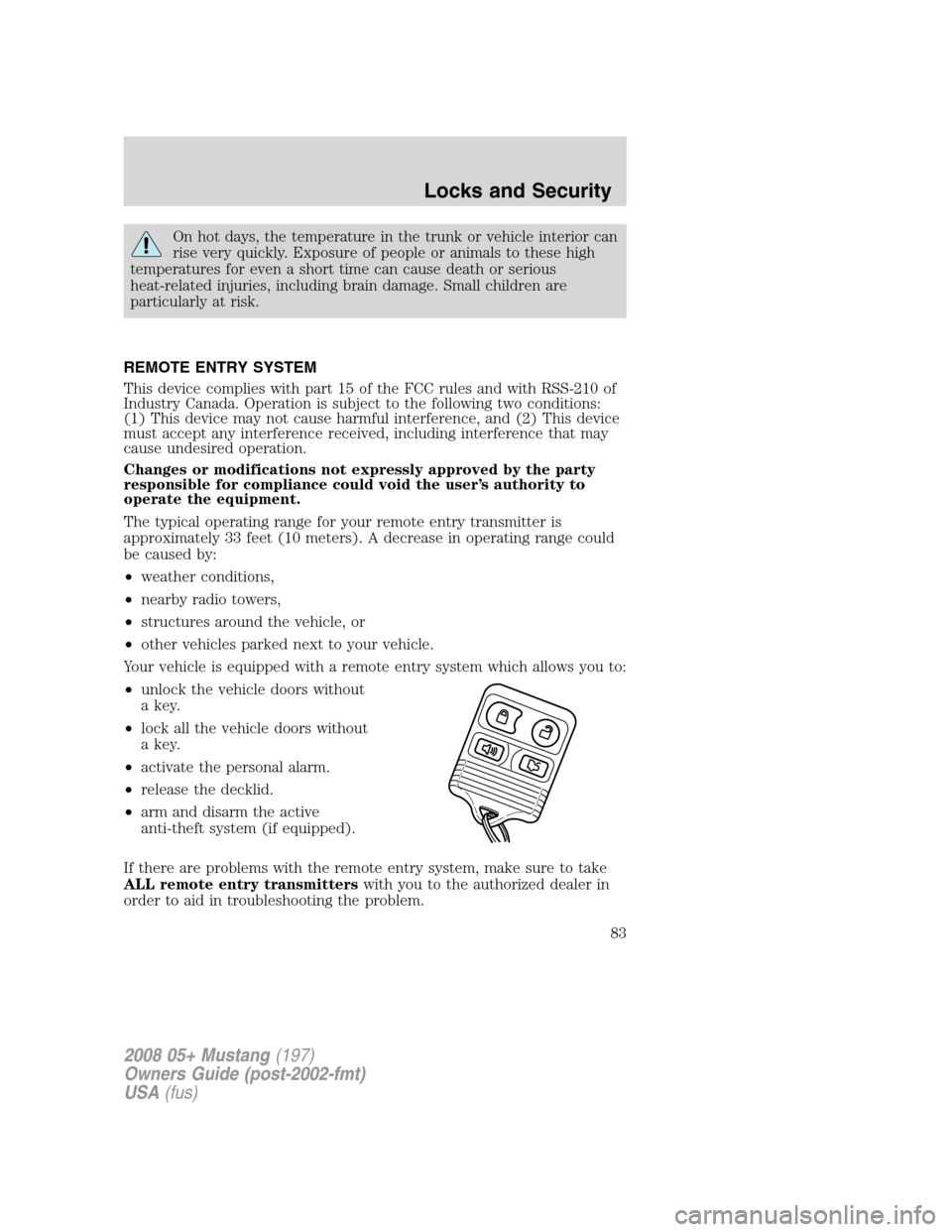
Your vehicle is equipped with a remote entry system which allows you to:
•unlock the vehicle doors without
a key.
•lock all the vehicle doors without
a key.
•activate the personal alarm.
•release the decklid.
•arm and disarm the active
anti-theft system (if equipped).
If there are problems with the remote entry system, make sure to take
ALL remote entry transmitterswith you to the authorized dealer in
order to aid in troubleshooting the problem.
2008 05+ Mustang(197)
Owners Guide (post-2002-fmt)
USA(fus)
Locks and Security
83
Page 90 of 280
Automatic disarming
Switching the ignition to the 3 (ON) position with acoded keydisarms
the vehicle.
•The theft indicator will illuminate
for three seconds and then go
out.
•If the theft indicator stays on for
an extended period of time or flashes rapidly, have the system
serviced by your authorized dealer.
Replacement keys
If your keys are lost or stolen and you don’t have an extra coded key,
you will need to have your vehicle towed to an authorized dealer. The
key codes need to be erased from your vehicle and new coded keys will
need to be programmed.
Replacing coded keys can be very costly. Store an extra programmed key
away from the vehicle in a safe place to help prevent any
inconveniences. Please visit an authorized dealer to purchase additional
spare or replacement keys.
Programming spare keys
You can program your own coded keys to your vehicle. Please read and
understand the entire procedure before you begin.
Tips:
•A maximum of eight keys can be coded to your vehicle.
•Only use SecuriLock™ keys.
•You must have two previously programmed coded keys (keys that
already operate your vehicle’s engine) and the new unprogrammed
key(s) readily accessible.
•If no previously programmed coded keys are available, you must take
your vehicle to your authorized dealer to have the spare key(s)
programmed.
2008 05+ Mustang(197)
Owners Guide (post-2002-fmt)
USA(fus)
Locks and Security
90
Page 91 of 280
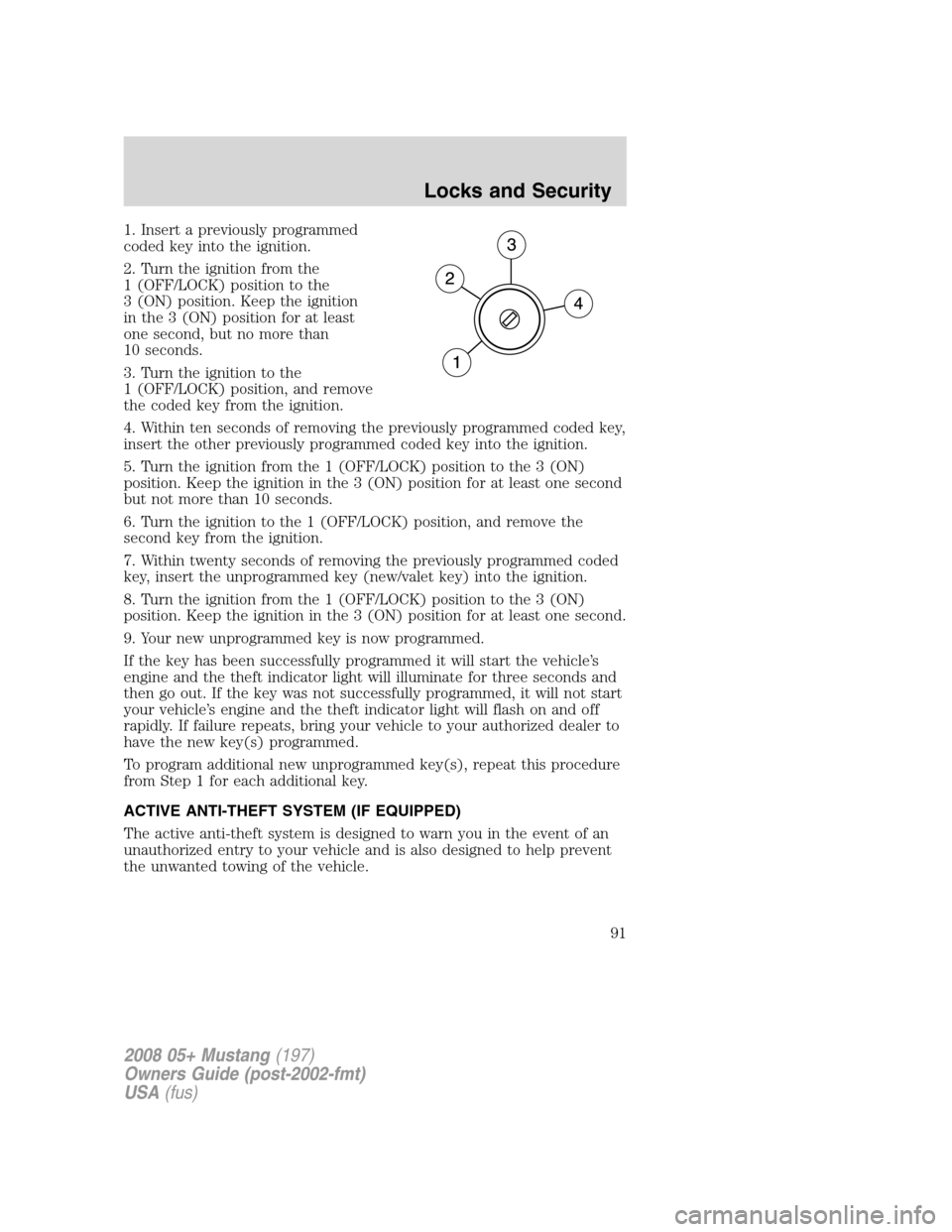
1. Insert a previously programmed
coded key into the ignition.
2. Turn the ignition from the
1 (OFF/LOCK) position to the
3 (ON) position. Keep the ignition
in the 3 (ON) position for at least
one second, but no more than
10 seconds.
3. Turn the ignition to the
1 (OFF/LOCK) position, and remove
the coded key from the ignition.
4. Within ten seconds of removing the previously programmed coded key,
insert the other previously programmed coded key into the ignition.
5. Turn the ignition from the 1 (OFF/LOCK) position to the 3 (ON)
position. Keep the ignition in the 3 (ON) position for at least one second
but not more than 10 seconds.
6. Turn the ignition to the 1 (OFF/LOCK) position, and remove the
second key from the ignition.
7. Within twenty seconds of removing the previously programmed coded
key, insert the unprogrammed key (new/valet key) into the ignition.
8. Turn the ignition from the 1 (OFF/LOCK) position to the 3 (ON)
position. Keep the ignition in the 3 (ON) position for at least one second.
9. Your new unprogrammed key is now programmed.
If the key has been successfully programmed it will start the vehicle’s
engine and the theft indicator light will illuminate for three seconds and
then go out. If the key was not successfully programmed, it will not start
your vehicle’s engine and the theft indicator light will flash on and off
rapidly. If failure repeats, bring your vehicle to your authorized dealer to
have the new key(s) programmed.
To program additional new unprogrammed key(s), repeat this procedure
from Step 1 for each additional key.
ACTIVE ANTI-THEFT SYSTEM (IF EQUIPPED)
The active anti-theft system is designed to warn you in the event of an
unauthorized entry to your vehicle and is also designed to help prevent
the unwanted towing of the vehicle.
2008 05+ Mustang(197)
Owners Guide (post-2002-fmt)
USA(fus)
Locks and Security
91
