2008 FORD MUSTANG ECU
[x] Cancel search: ECUPage 70 of 280
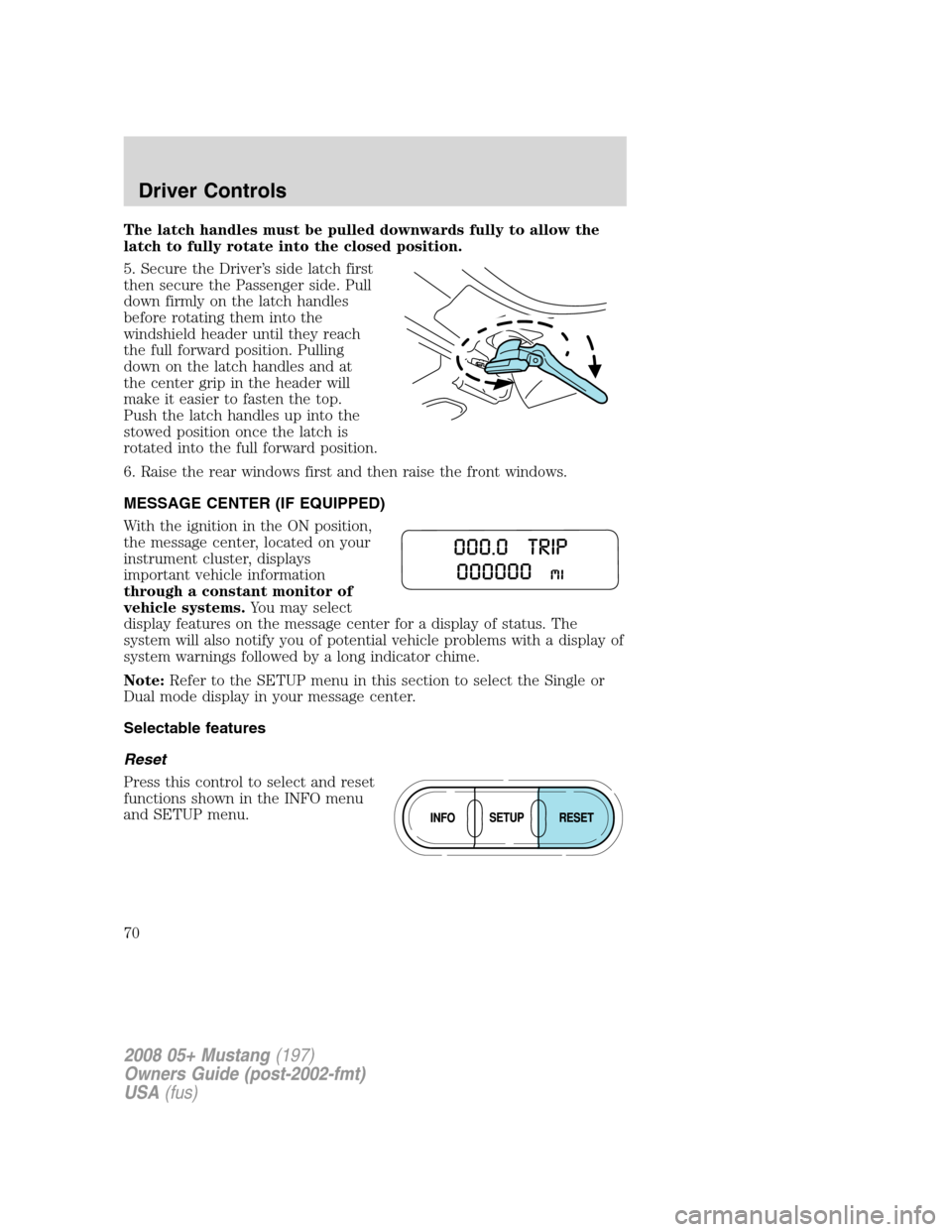
The latch handles must be pulled downwards fully to allow the
latch to fully rotate into the closed position.
5. Secure the Driver’s side latch first
then secure the Passenger side. Pull
down firmly on the latch handles
before rotating them into the
windshield header until they reach
the full forward position. Pulling
down on the latch handles and at
the center grip in the header will
make it easier to fasten the top.
Push the latch handles up into the
stowed position once the latch is
rotated into the full forward position.
6. Raise the rear windows first and then raise the front windows.
MESSAGE CENTER (IF EQUIPPED)
With the ignition in the ON position,
the message center, located on your
instrument cluster, displays
important vehicle information
through a constant monitor of
vehicle systems.You may select
display features on the message center for a display of status. The
system will also notify you of potential vehicle problems with a display of
system warnings followed by a long indicator chime.
Note:Refer to the SETUP menu in this section to select the Single or
Dual mode display in your message center.
Selectable features
Reset
Press this control to select and reset
functions shown in the INFO menu
and SETUP menu.
2008 05+ Mustang(197)
Owners Guide (post-2002-fmt)
USA(fus)
Driver Controls
70
Page 71 of 280
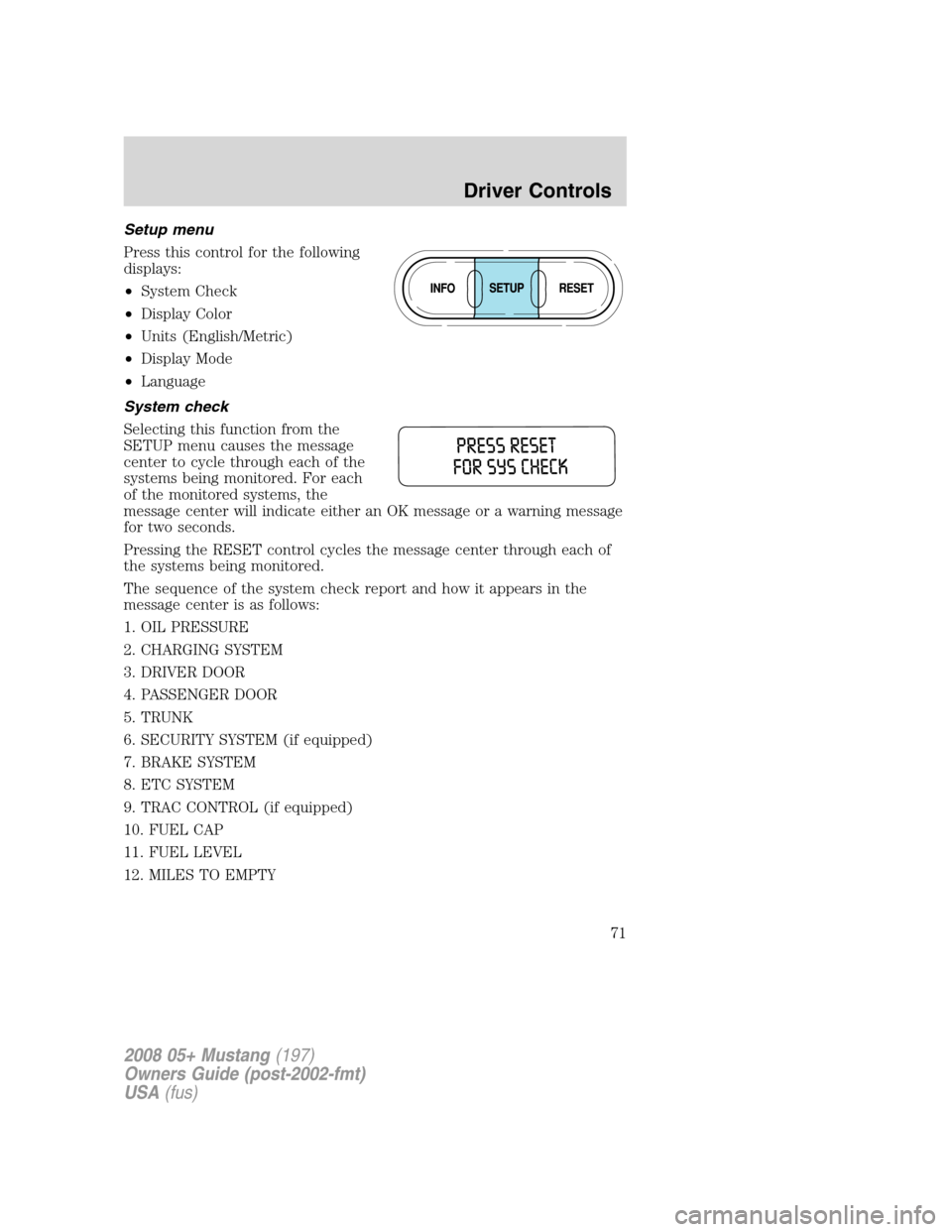
Setup menu
Press this control for the following
displays:
•System Check
•Display Color
•Units (English/Metric)
•Display Mode
•Language
System check
Selecting this function from the
SETUP menu causes the message
center to cycle through each of the
systems being monitored. For each
of the monitored systems, the
message center will indicate either an OK message or a warning message
for two seconds.
Pressing the RESET control cycles the message center through each of
the systems being monitored.
The sequence of the system check report and how it appears in the
message center is as follows:
1. OIL PRESSURE
2. CHARGING SYSTEM
3. DRIVER DOOR
4. PASSENGER DOOR
5. TRUNK
6. SECURITY SYSTEM (if equipped)
7. BRAKE SYSTEM
8. ETC SYSTEM
9. TRAC CONTROL (if equipped)
10. FUEL CAP
11. FUEL LEVEL
12. MILES TO EMPTY
2008 05+ Mustang(197)
Owners Guide (post-2002-fmt)
USA(fus)
Driver Controls
71
Page 77 of 280

Warning display Status
Check brake system Warning returns after the ignition key
is turned from OFF to ON.
Low tire pressure
Tire pressure monitor fault
Tire pressure sensor fault
Security event occurred
Low brake fluid level
DRIVER’S DOOR AJAR.Displayed when the driver’s door is not
completely closed.
PASSENGER DOOR AJAR.Displayed when the passenger side door is
not completely closed.
LOW OIL PRESSURE.Displayed when the engine oil pressure is low. If
this warning message is displayed, check the level of the engine oil.
Refer toEngine oilin theMaintenance and Specificationschapter for
information about adding engine oil. If the oil level is OK and this
warning persists, shut down the engine immediately and contact your
authorized dealer for service.
CHECK CHARGING SYSTEM.Displayed when the electrical system is
not maintaining proper voltage. If you are operating electrical accessories
when the engine is idling at a low speed, turn off as many of the
electrical loads as soon as possible. If the warning stays on or comes on
when the engine is operating at normal speeds, have the electrical
system checked as soon as possible.
CHECK TRACTION CONTROL™.Displayed when the Traction
Control™ system is not operating properly. If this message is displayed
on the message center the Traction Control™ system will be partially
operable. If this warning stays on, contact your authorized dealer for
service as soon as possible. For further information, refer toTraction
control™in theDrivingchapter.
CHECK FUEL CAP.Displayed when the fuel filler cap is not properly
installed. Check the fuel filler cap for proper installation. Refer toFuel
filler capunder theFuel Information sectionin theMaintenance and
Specificationschapter.
LOW FUEL LEVEL.Displayed as an early reminder of a low fuel
condition.
CHECK BRAKE SYSTEM.Displayed when the braking system is not
operating properly. If the warning stays on or continues to come on,
contact your authorized dealer as soon as possible.
2008 05+ Mustang(197)
Owners Guide (post-2002-fmt)
USA(fus)
Driver Controls
77
Page 78 of 280

LOW TIRE PRESSURE.Displayed when one or more tires on your
vehicle have low tire pressure. Refer toInflating Your Tiresin the
Tires, Wheels and Loadingchapter.
TIRE PRESSURE MONITOR FAULT.Displayed when the Tire
Pressure Monitoring System is malfunctioning. If the warning stays on or
continues to come on, have the system inspected by your authorized
dealer.
TIRE PRESSURE SENSOR FAULT.Displayed when a tire pressure
sensor is malfunctioning, or your spare tire is in use. For more
information on how the system operates under these conditions, refer to
Understanding Your Tire Pressure Monitoring Systemin theTires,
Wheels and Loadingchapter. If the warning stays on or continues to
come on, have the system inspected by your authorized dealer
SECURITY EVENT OCCURRED (if equipped).Displayed when the
active anti-theft system (if equipped) was activated since the prior
ignition cycle.
LOW BRAKE FLUID LEVEL.Indicates the brake fluid level is low and
the brake system should be inspected immediately. Refer toBrake fluid
reservoirin theMaintenance and Specificationschapter.
POSITIVE RETENTION FLOOR MAT (IF EQUIPPED)
Do not install additional floor mats on top of the factory installed
floor mats as they may interfere with the accelerator or the
brake pedals.
Position the floor mat so that the
eyelet is over the pointed end of the
retention post and rotate forward to
lock in. Make sure that the mat does
not interfere with the operation of
the accelerator or the brake pedal.
To remove the floor mat, reverse the
installation procedure.
2008 05+ Mustang(197)
Owners Guide (post-2002-fmt)
USA(fus)
Driver Controls
78
Page 79 of 280
KEYS
One key operates all the locks and starts the vehicle. Always carry a
spare key with you in case of an emergency.
Your keys are programmed to your vehicle; using a non-programmed key
will not permit your vehicle to start. If you lose your authorized dealer
supplied keys, replacement keys are available through your authorized
dealer. Refer to theSecuriLock™ passive anti-theft systemsection
later in this chapter for more information.
POWER DOOR LOCKS
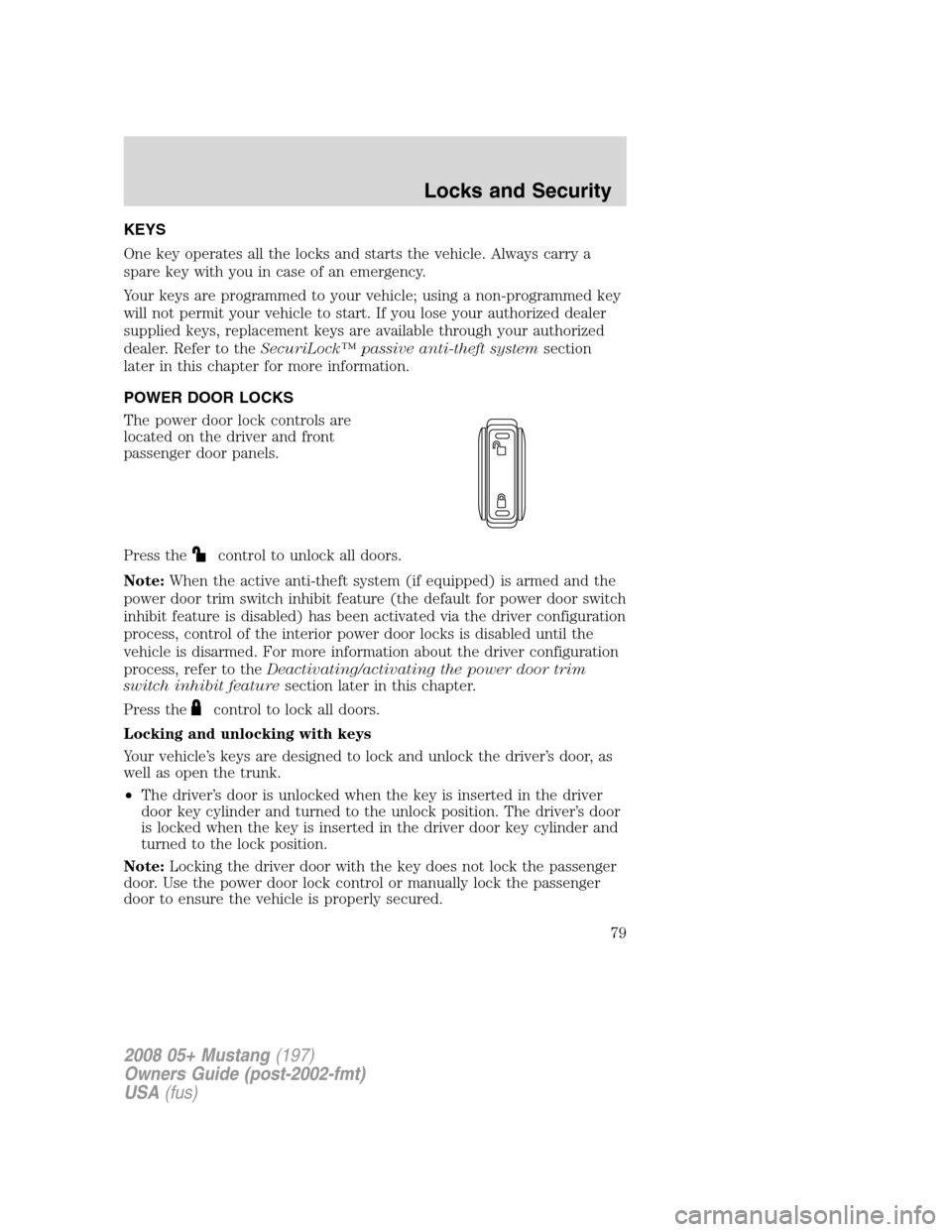
The power door lock controls are
located on the driver and front
passenger door panels.
Press the
control to unlock all doors.
Note:When the active anti-theft system (if equipped) is armed and the
power door trim switch inhibit feature (the default for power door switch
inhibit feature is disabled) has been activated via the driver configuration
process, control of the interior power door locks is disabled until the
vehicle is disarmed. For more information about the driver configuration
process, refer to theDeactivating/activating the power door trim
switch inhibit featuresection later in this chapter.
Press the
control to lock all doors.
Locking and unlocking with keys
Your vehicle’s keys are designed to lock and unlock the driver’s door, as
well as open the trunk.
•The driver’s door is unlocked when the key is inserted in the driver
door key cylinder and turned to the unlock position. The driver’s door
is locked when the key is inserted in the driver door key cylinder and
turned to the lock position.
Note:Locking the driver door with the key does not lock the passenger
door. Use the power door lock control or manually lock the passenger
door to ensure the vehicle is properly secured.
2008 05+ Mustang(197)
Owners Guide (post-2002-fmt)
USA(fus)
Locks and Security
79
Page 80 of 280
Smart locks
This feature helps prevent you from locking yourself out of the vehicle if
your key is still in the ignition.
When you open the driver’s door and you lock the vehicle with the
power door lock control, all the doors will lock, then the driver’s door
will automatically unlock reminding you that your key is still in the
ignition.
The vehicle can still be locked, with the key in the ignition, using the
manual lock button on the door, locking the driver’s door with a key or
using the lock button on the remote entry transmitter.
Power door trim switch inhibit (if equipped)
This feature disables the power door lock controls if all the doors are
locked and the active anti-theft system (if equipped) becomes armed.
For more information concerning the active anti-theft system, refer to
Active anti-theft system (if equipped)later in this chapter.
Once the power door trim switches are disabled, they can only become
active when a valid electronic unlock event (i.e., using the remote entry
transmitter) occurs.
Deactivating/activating the power door trim switch inhibit feature
Before following the procedure, make sure that the ignition is in the
1 (OFF/LOCK) position and all vehicle doors are closed.
You must complete Steps 1-7 within 30 seconds or the procedure will
have to be repeated. If the procedure needs to be repeated, you must
wait 30 seconds.
1. Turn the ignition to the 3 (ON) position.
2. Press the power door unlock control three times.
3. Turn the ignition from the 3 (ON) to the 1 (OFF/LOCK) position.
4. Press the power door unlock control three times.
5. Turn the ignition back to the 3 (ON) position. The horn will chirp.
6. Press the lock control two times. The horn will chirp once if power
door trim switch inhibit was deactivated or twice (one short and one
long chirp) if the feature was activated.
7. Turn the ignition to the 1 (OFF/LOCK) position. The horn will chirp
once to confirm the procedure is complete.
2008 05+ Mustang(197)
Owners Guide (post-2002-fmt)
USA(fus)
Locks and Security
80
Page 81 of 280
Autolock (if equipped)
On vehicles equipped with an automatic transmission, this feature
automatically locks all vehicle doors when:
•all doors are closed,
•the ignition is in the 3 (ON) position,
•the brake is pressed before reaching 5 mph (8 km/h), and
•the vehicle increases to more than 5 mph (8 km/h).
Relock
The autolock feature repeats when:
•an “autolock” occurrence has already taken place,
•the brake is depressed while vehicle speed is less than 5 mph
(8 km/h),
•any vehicle door is opened and then all doors become closed again,
and
•the vehicle increases to more than 5 mph (8 km/h).
Deactivating/activating the autolock feature
Before following the procedure, make sure that the ignition is in the
1 (OFF/LOCK) position and all vehicle doors are closed.
You must complete Steps 1-7 within 30 seconds or the procedure will
have to be repeated. If the procedure needs to be repeated, you must
wait 30 seconds.
1. Turn the ignition to the 3 (ON) position.
2. Press the power door unlock control three times.
3. Turn the ignition from the 3 (ON) to the 1 (OFF/LOCK) position.
4. Press the power door unlock control three times.
5. Turn the ignition back to the 3 (ON) position. The horn will chirp.
6. Press the unlock control, then press the lock control. The horn will
chirp once if autolock was deactivated or twice (one short and one long
chirp) if autolock was activated.
7. Turn the ignition to the 1 (OFF/LOCK) position. The horn will chirp
once to confirm the procedure is complete.
2008 05+ Mustang(197)
Owners Guide (post-2002-fmt)
USA(fus)
Locks and Security
81
Page 82 of 280
INTERIOR LUGGAGE COMPARTMENT RELEASE
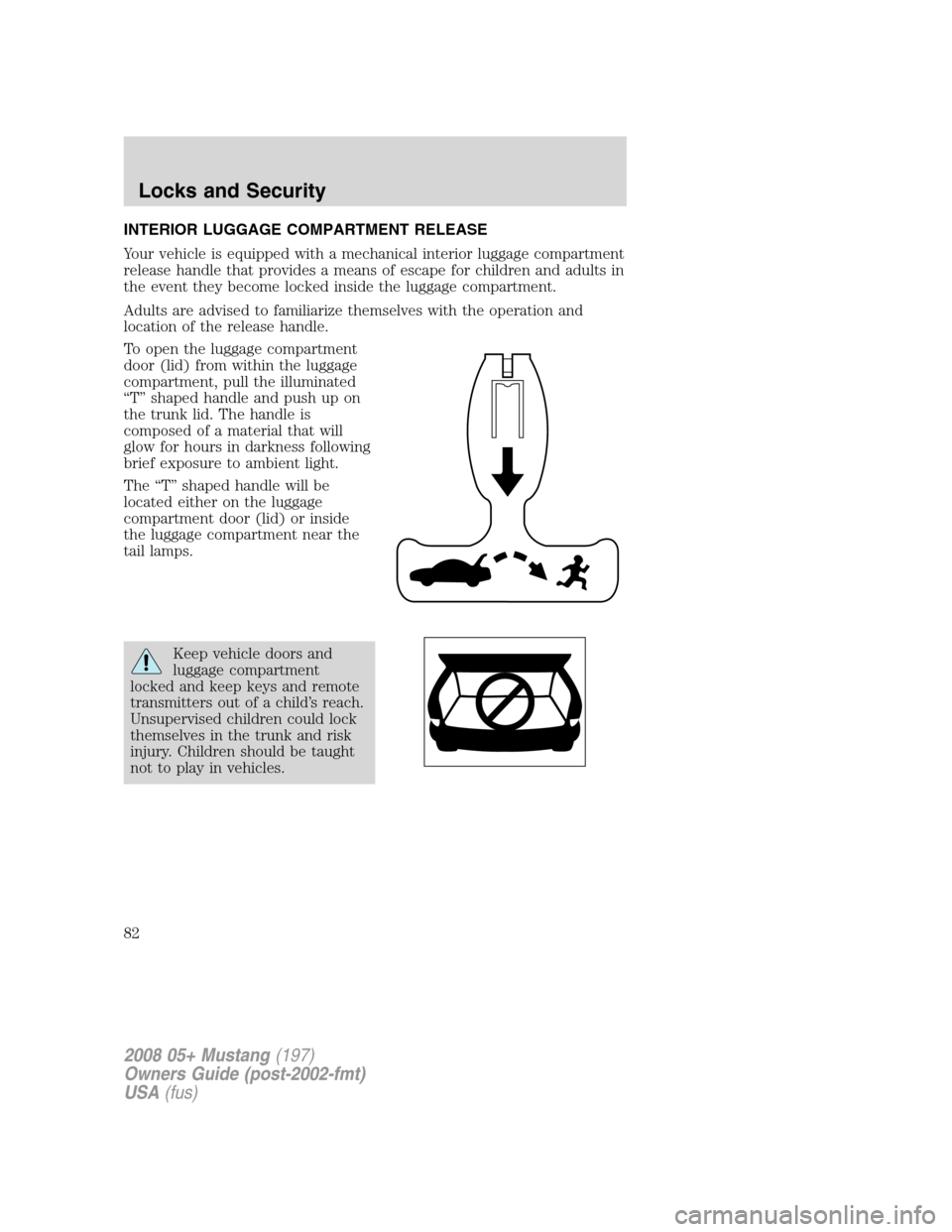
Your vehicle is equipped with a mechanical interior luggage compartment
release handle that provides a means of escape for children and adults in
the event they become locked inside the luggage compartment.
Adults are advised to familiarize themselves with the operation and
location of the release handle.
To open the luggage compartment
door (lid) from within the luggage
compartment, pull the illuminated
“T” shaped handle and push up on
the trunk lid. The handle is
composed of a material that will
glow for hours in darkness following
brief exposure to ambient light.
The “T” shaped handle will be
located either on the luggage
compartment door (lid) or inside
the luggage compartment near the
tail lamps.
Keep vehicle doors and
luggage compartment
locked and keep keys and remote
transmitters out of a child’s reach.
Unsupervised children could lock
themselves in the trunk and risk
injury. Children should be taught
not to play in vehicles.
2008 05+ Mustang(197)
Owners Guide (post-2002-fmt)
USA(fus)
Locks and Security
82