2008 FORD MUSTANG ECO mode
[x] Cancel search: ECO modePage 37 of 280
CD player care:
Do:
•Handle discs by their edges only. Never touch the playing surface.
•Inspect discs before playing. Clean only with an approved CD cleaner
and wipe from the center out.
Don’t:
•Expose discs to direct sunlight or heat sources for extended periods
of time.
•Insert more than one disc into each slot of the CD changer magazine.
•Clean using a circular motion.
CD units are designed to play commercially pressed 4.75 in
(12 cm) audio compact discs only. Due to technical
incompatibility, certain recordable and re-recordable compact
discs may not function correctly when used in Ford CD players.
Irregular shaped CDs, CDs with a scratch protection film
attached, and CDs with homemade paper (adhesive) labels should
not be inserted into the CD player. The label may peel and cause
the CD to become jammed. It is recommended that homemade
CDs be identified with permanent felt tip marker rather than
adhesive labels. Ball point pens may damage CDs. Please contact
your authorized dealer for further information.
Audio system warranty and service:
Refer to theWarranty Guidefor audio system warranty information. If
service is necessary, see your dealer or qualified technician.
MP3 track and folder structure
Your MP3 system recognizes MP3 individual tracks and folder structure
as follows:
•There are two different modes for MP3 disc playback: MP3 track mode
(system default) and MP3 folder mode.
•MP3 track mode ignores any folder structure present on the MP3 disc.
The player sequentially numbers each MP3 track on the disc (denoted
by the .mp3 file extension) from T001 to a maximum of T255. (The
maximum will vary depending on the amount of data.)
•MP3 folder mode represents a folder structure consisting of one level
of folders. The CD player sequentially numbers all MP3 tracks on the
disc (denoted by the .mp3 extension) and all folders containing MP3
files, from 01–01 to 99–99. The first two digits denote the folder
number and the last two digits denote the track number within that
folder.
2008 05+ Mustang(197)
Owners Guide (post-2002-fmt)
USA(fus)
Entertainment Systems
37
Page 42 of 280
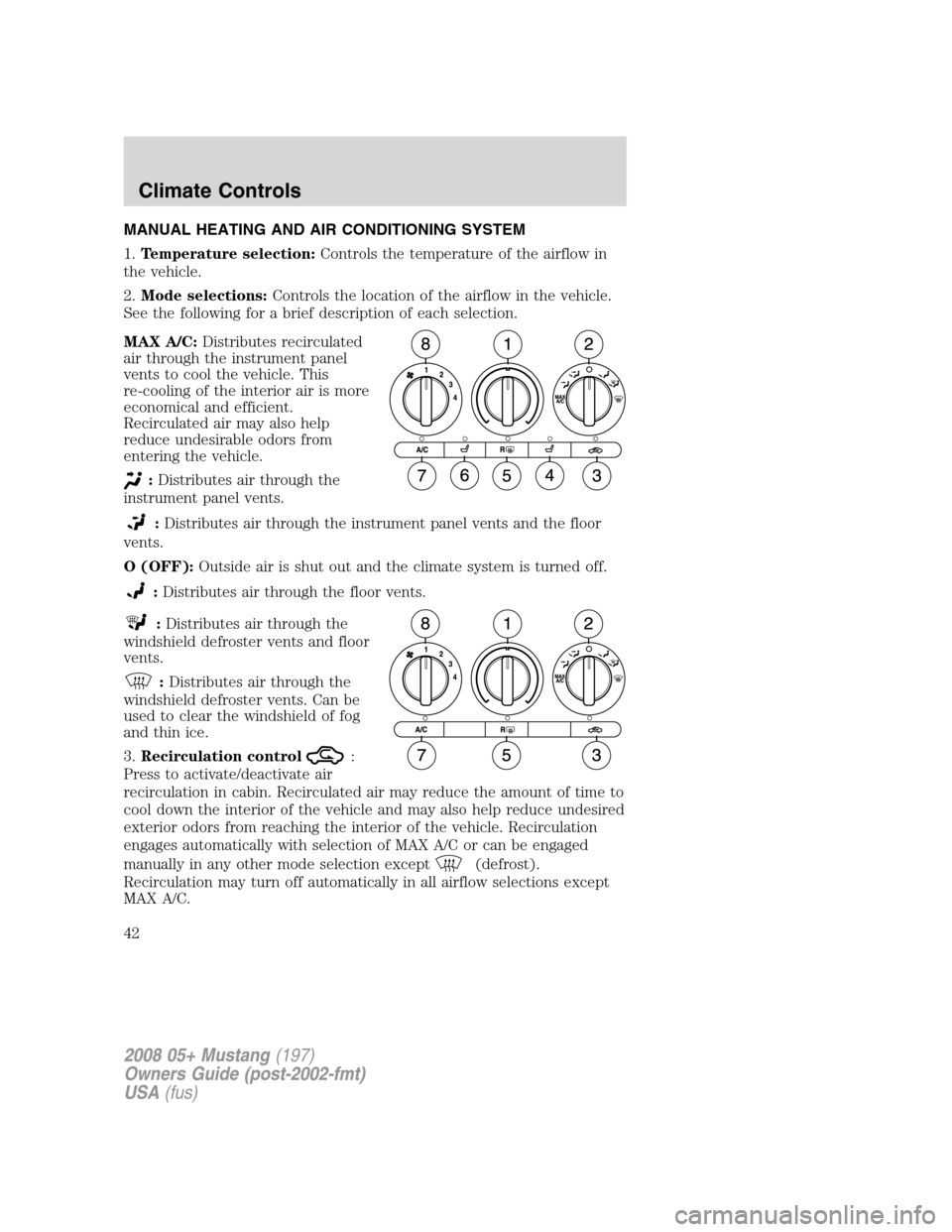
MANUAL HEATING AND AIR CONDITIONING SYSTEM
1.Temperature selection:Controls the temperature of the airflow in
the vehicle.
2.Mode selections:Controls the location of the airflow in the vehicle.
See the following for a brief description of each selection.
MAX A/C:Distributes recirculated
air through the instrument panel
vents to cool the vehicle. This
re-cooling of the interior air is more
economical and efficient.
Recirculated air may also help
reduce undesirable odors from
entering the vehicle.
:Distributes air through the
instrument panel vents.
:Distributes air through the instrument panel vents and the floor
vents.
O (OFF):Outside air is shut out and the climate system is turned off.
:Distributes air through the floor vents.
:Distributes air through the
windshield defroster vents and floor
vents.
:Distributes air through the
windshield defroster vents. Can be
used to clear the windshield of fog
and thin ice.
3.Recirculation control
:
Press to activate/deactivate air
recirculation in cabin. Recirculated air may reduce the amount of time to
cool down the interior of the vehicle and may also help reduce undesired
exterior odors from reaching the interior of the vehicle. Recirculation
engages automatically with selection of MAX A/C or can be engaged
manually in any other mode selection except
(defrost).
Recirculation may turn off automatically in all airflow selections except
MAX A/C.
2008 05+ Mustang(197)
Owners Guide (post-2002-fmt)
USA(fus)
Climate Controls
42
Page 63 of 280
If highly magnetized items (such as magnetic mount antennas) are
placed very near the compass the display will change to “C”. If a “C” is
displayed, remove the source of magnetic interference and re-calibrate
compass, refer toCompass calibration adjustment.
Most geographic areas (zones) have a magnetic north compass point that
varies slightly from the northerly direction on maps. A correct zone setting
will eliminate this error. You MUST set the mirror to the proper zone to get
an accurate compass reading, refer toCompass zone adjustment.
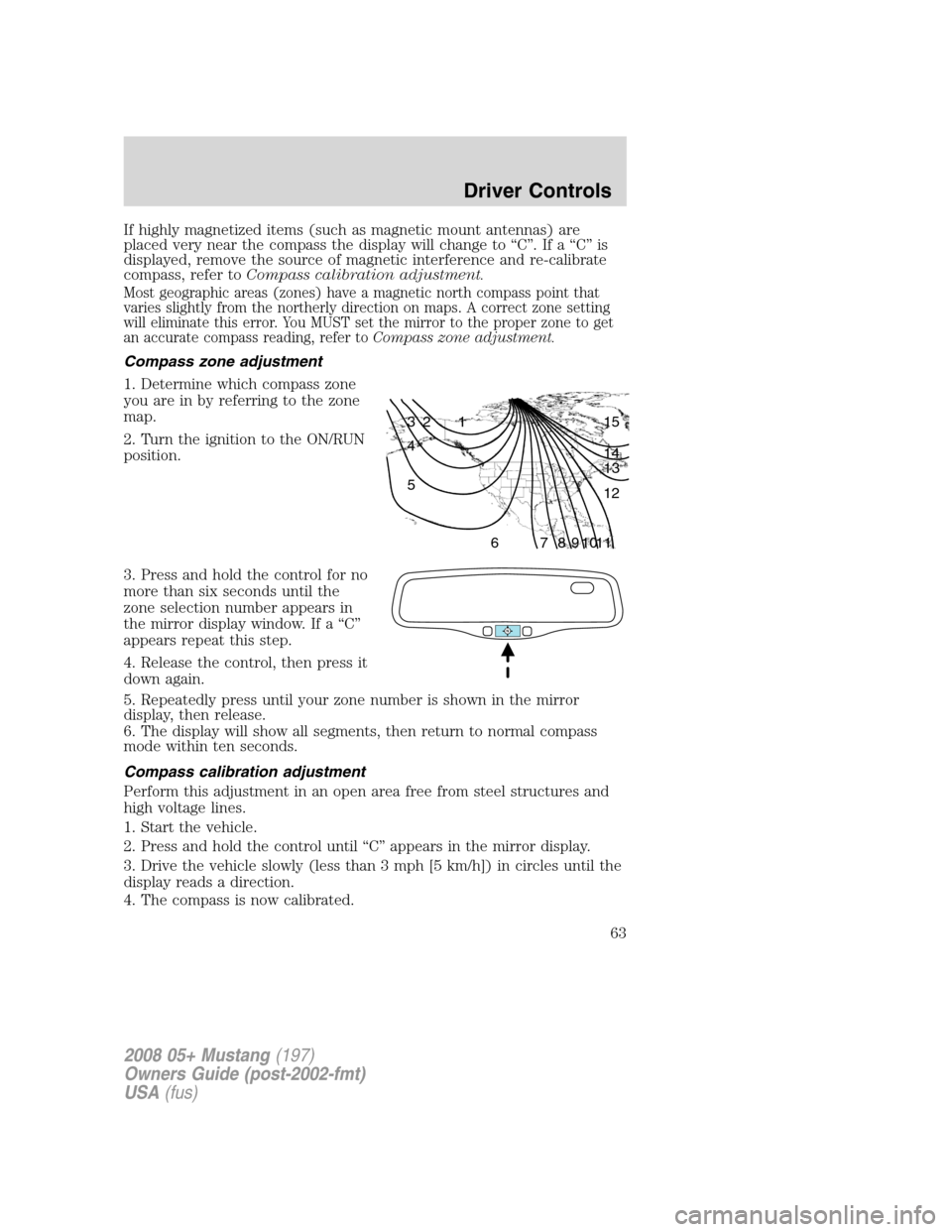
Compass zone adjustment
1. Determine which compass zone
you are in by referring to the zone
map.
2. Turn the ignition to the ON/RUN
position.
3. Press and hold the control for no
more than six seconds until the
zone selection number appears in
the mirror display window. If a “C”
appears repeat this step.
4. Release the control, then press it
down again.
5. Repeatedly press until your zone number is shown in the mirror
display, then release.
6. The display will show all segments, then return to normal compass
mode within ten seconds.
Compass calibration adjustment
Perform this adjustment in an open area free from steel structures and
high voltage lines.
1. Start the vehicle.
2. Press and hold the control until “C” appears in the mirror display.
3. Drive the vehicle slowly (less than 3 mph [5 km/h]) in circles until the
display reads a direction.
4. The compass is now calibrated.
1 2 3
4
5
6 7 8 9 101112 13 14 15
2008 05+ Mustang(197)
Owners Guide (post-2002-fmt)
USA(fus)
Driver Controls
63
Page 71 of 280
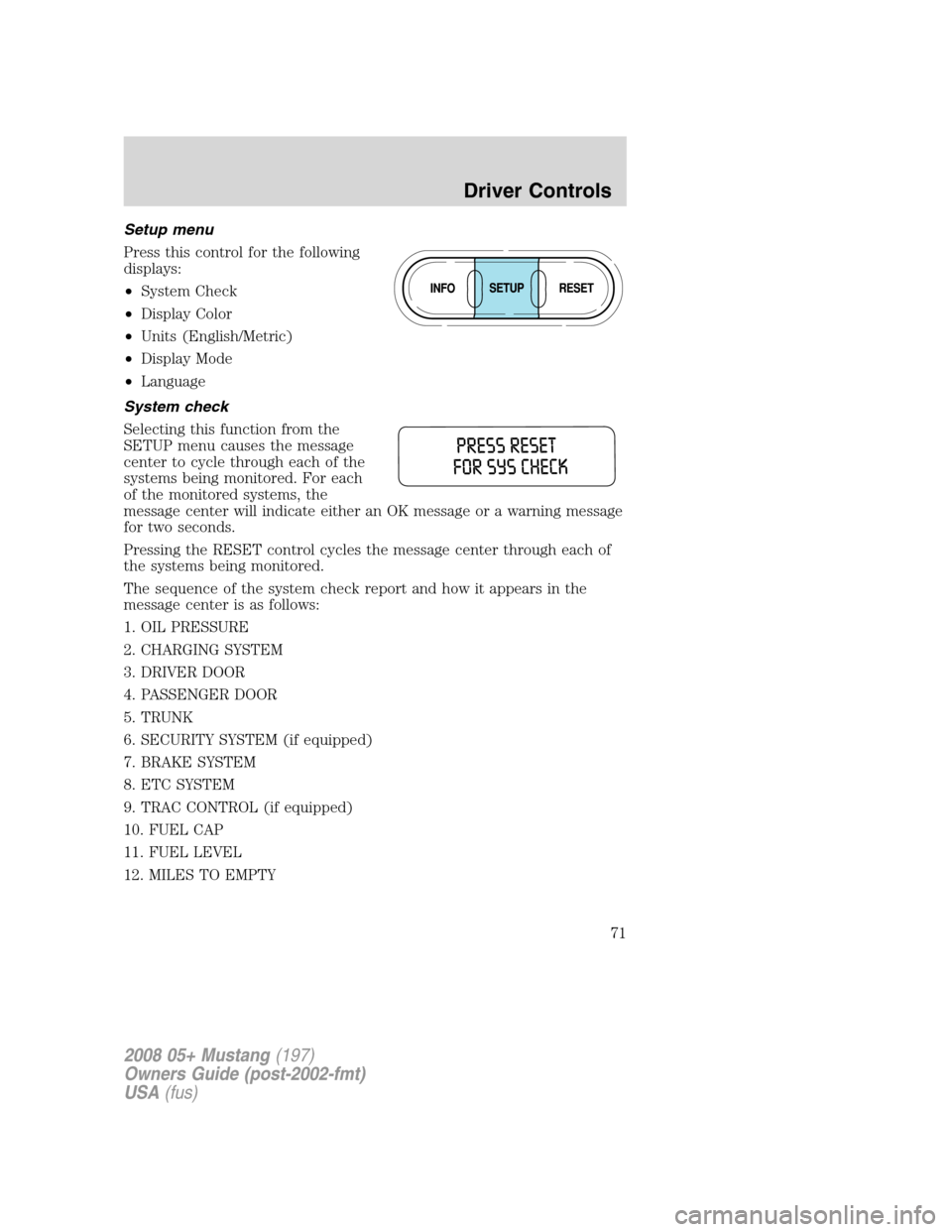
Setup menu
Press this control for the following
displays:
•System Check
•Display Color
•Units (English/Metric)
•Display Mode
•Language
System check
Selecting this function from the
SETUP menu causes the message
center to cycle through each of the
systems being monitored. For each
of the monitored systems, the
message center will indicate either an OK message or a warning message
for two seconds.
Pressing the RESET control cycles the message center through each of
the systems being monitored.
The sequence of the system check report and how it appears in the
message center is as follows:
1. OIL PRESSURE
2. CHARGING SYSTEM
3. DRIVER DOOR
4. PASSENGER DOOR
5. TRUNK
6. SECURITY SYSTEM (if equipped)
7. BRAKE SYSTEM
8. ETC SYSTEM
9. TRAC CONTROL (if equipped)
10. FUEL CAP
11. FUEL LEVEL
12. MILES TO EMPTY
2008 05+ Mustang(197)
Owners Guide (post-2002-fmt)
USA(fus)
Driver Controls
71
Page 72 of 280
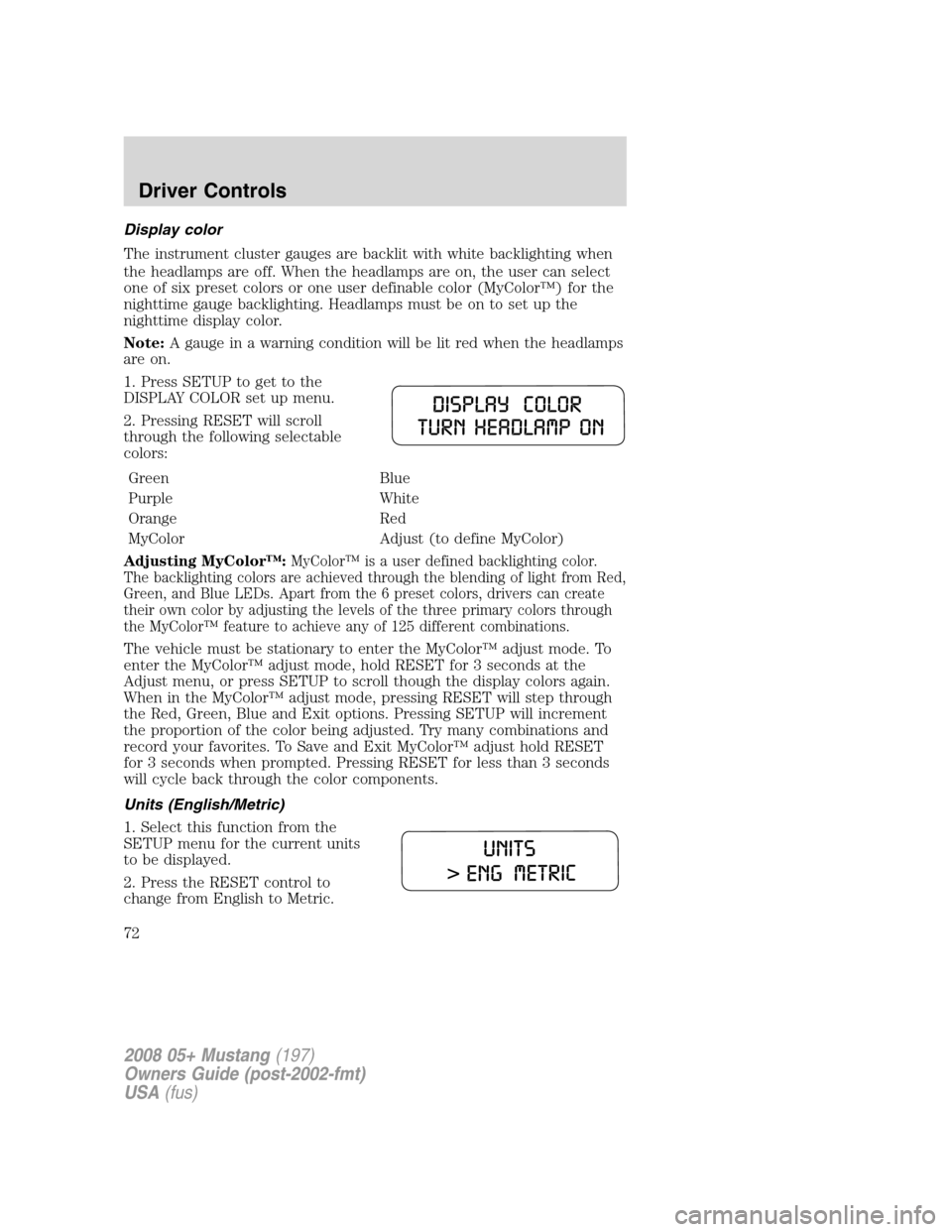
Display color
The instrument cluster gauges are backlit with white backlighting when
the headlamps are off. When the headlamps are on, the user can select
one of six preset colors or one user definable color (MyColor™) for the
nighttime gauge backlighting. Headlamps must be on to set up the
nighttime display color.
Note:A gauge in a warning condition will be lit red when the headlamps
are on.
1. Press SETUP to get to the
DISPLAY COLOR set up menu.
2. Pressing RESET will scroll
through the following selectable
colors:
Green Blue
Purple White
Orange Red
MyColor Adjust (to define MyColor)
Adjusting MyColor™:
MyColor™ is a user defined backlighting color.
The backlighting colors are achieved through the blending of light from Red,
Green, and Blue LEDs. Apart from the 6 preset colors, drivers can create
their own color by adjusting the levels of the three primary colors through
the MyColor™ feature to achieve any of 125 different combinations.
The vehicle must be stationary to enter the MyColor™ adjust mode. To
enter the MyColor™ adjust mode, hold RESET for 3 seconds at the
Adjust menu, or press SETUP to scroll though the display colors again.
When in the MyColor™ adjust mode, pressing RESET will step through
the Red, Green, Blue and Exit options. Pressing SETUP will increment
the proportion of the color being adjusted. Try many combinations and
record your favorites. To Save and Exit MyColor™ adjust hold RESET
for 3 seconds when prompted. Pressing RESET for less than 3 seconds
will cycle back through the color components.
Units (English/Metric)
1. Select this function from the
SETUP menu for the current units
to be displayed.
2. Press the RESET control to
change from English to Metric.
2008 05+ Mustang(197)
Owners Guide (post-2002-fmt)
USA(fus)
Driver Controls
72
Page 73 of 280
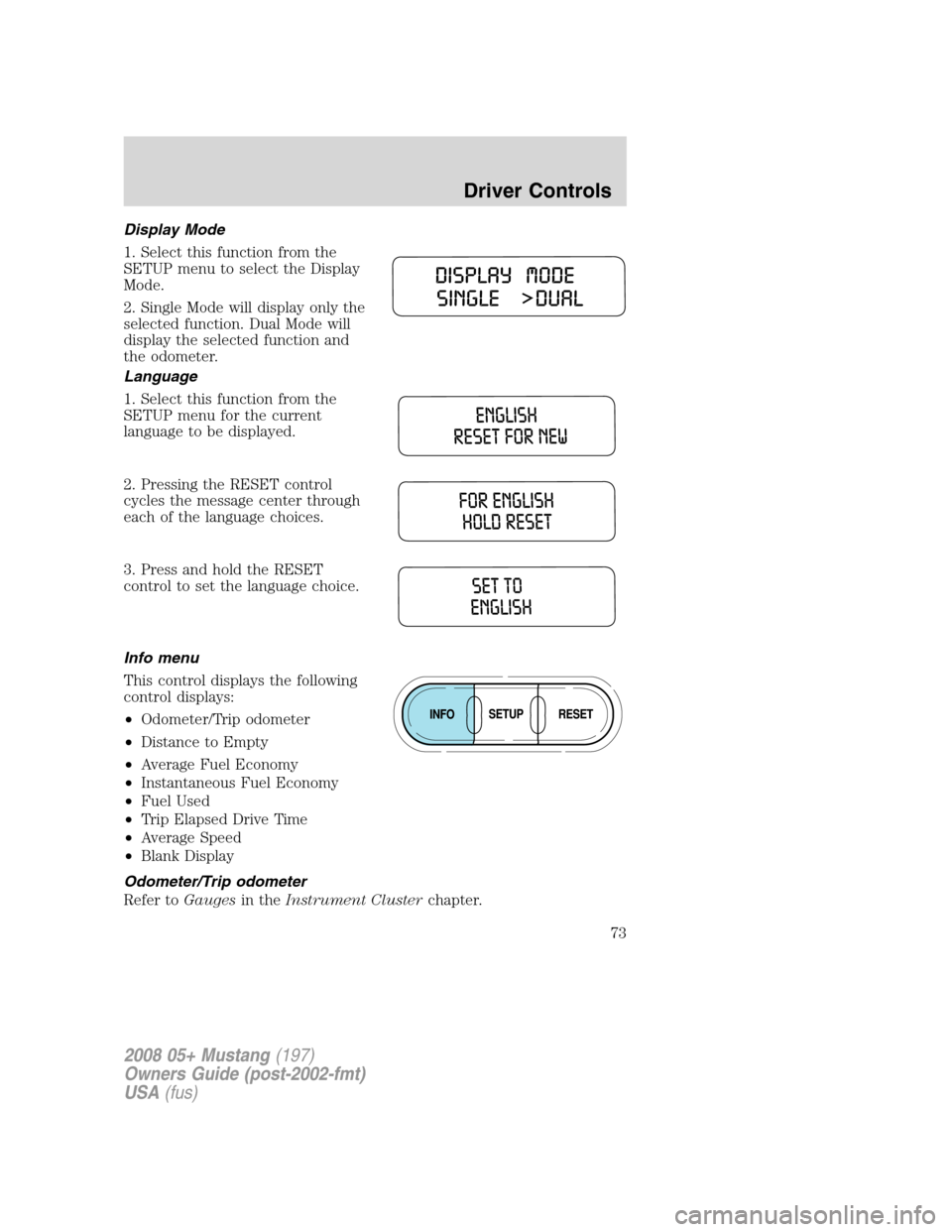
Display Mode
1. Select this function from the
SETUP menu to select the Display
Mode.
2. Single Mode will display only the
selected function. Dual Mode will
display the selected function and
the odometer.
Language
1. Select this function from the
SETUP menu for the current
language to be displayed.
2. Pressing the RESET control
cycles the message center through
each of the language choices.
3. Press and hold the RESET
control to set the language choice.
Info menu
This control displays the following
control displays:
•Odometer/Trip odometer
•Distance to Empty
•Average Fuel Economy
•Instantaneous Fuel Economy
•Fuel Used
•Trip Elapsed Drive Time
•Average Speed
•Blank Display
Odometer/Trip odometer
Refer toGaugesin theInstrument Clusterchapter.
2008 05+ Mustang(197)
Owners Guide (post-2002-fmt)
USA(fus)
Driver Controls
73
Page 74 of 280
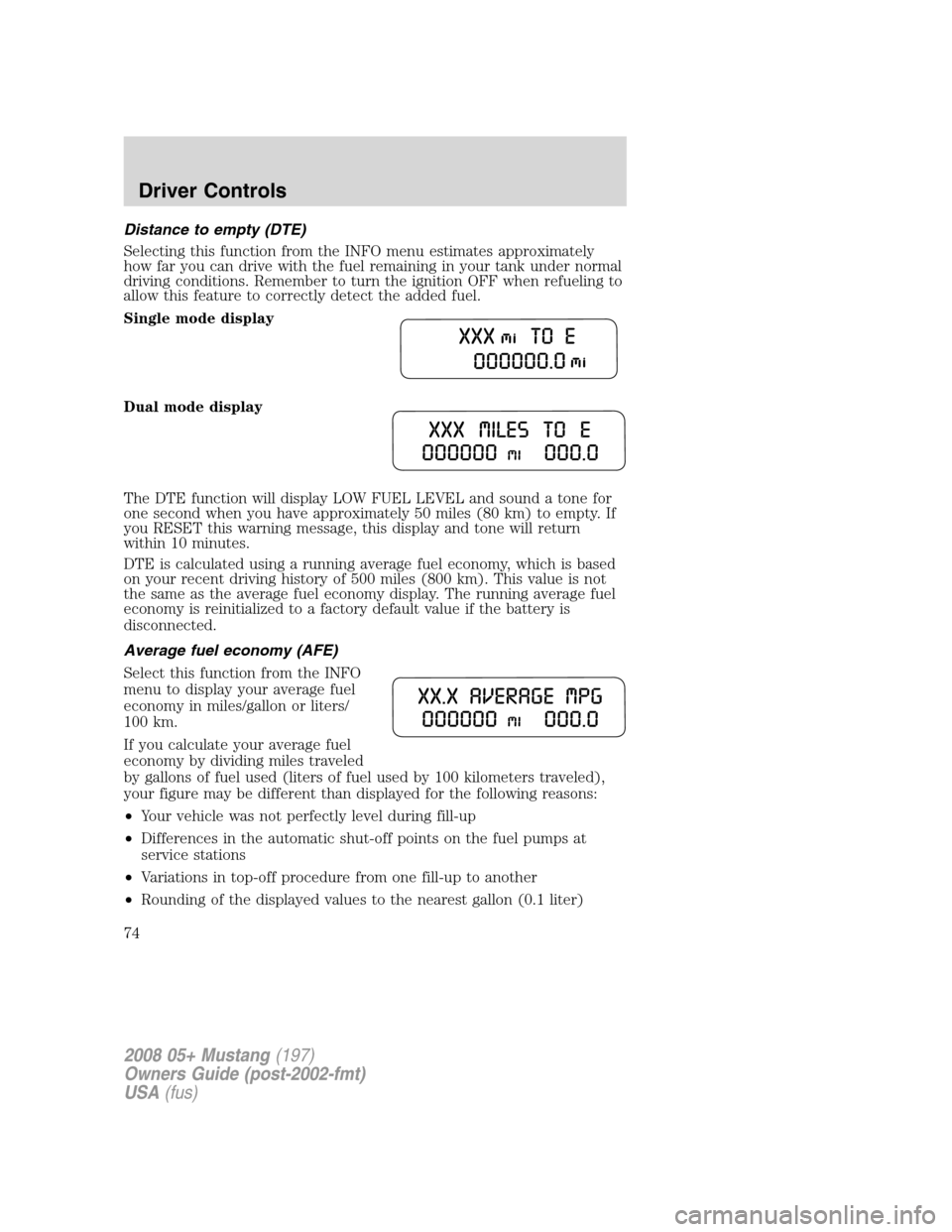
Distance to empty (DTE)
Selecting this function from the INFO menu estimates approximately
how far you can drive with the fuel remaining in your tank under normal
driving conditions. Remember to turn the ignition OFF when refueling to
allow this feature to correctly detect the added fuel.
Single mode display
Dual mode display
The DTE function will display LOW FUEL LEVEL and sound a tone for
one second when you have approximately 50 miles (80 km) to empty. If
you RESET this warning message, this display and tone will return
within 10 minutes.
DTE is calculated using a running average fuel economy, which is based
on your recent driving history of 500 miles (800 km). This value is not
the same as the average fuel economy display. The running average fuel
economy is reinitialized to a factory default value if the battery is
disconnected.
Average fuel economy (AFE)
Select this function from the INFO
menu to display your average fuel
economy in miles/gallon or liters/
100 km.
If you calculate your average fuel
economy by dividing miles traveled
by gallons of fuel used (liters of fuel used by 100 kilometers traveled),
your figure may be different than displayed for the following reasons:
•Your vehicle was not perfectly level during fill-up
•Differences in the automatic shut-off points on the fuel pumps at
service stations
•Variations in top-off procedure from one fill-up to another
•Rounding of the displayed values to the nearest gallon (0.1 liter)
2008 05+ Mustang(197)
Owners Guide (post-2002-fmt)
USA(fus)
Driver Controls
74
Page 75 of 280
1. Drive the vehicle at least 5 miles (8 km) with the speed control
system engaged to display a stabilized average.
2. Record the highway fuel economy for future reference.
It is important to press the RESET control after setting the speed
control to get accurate highway fuel economy readings.
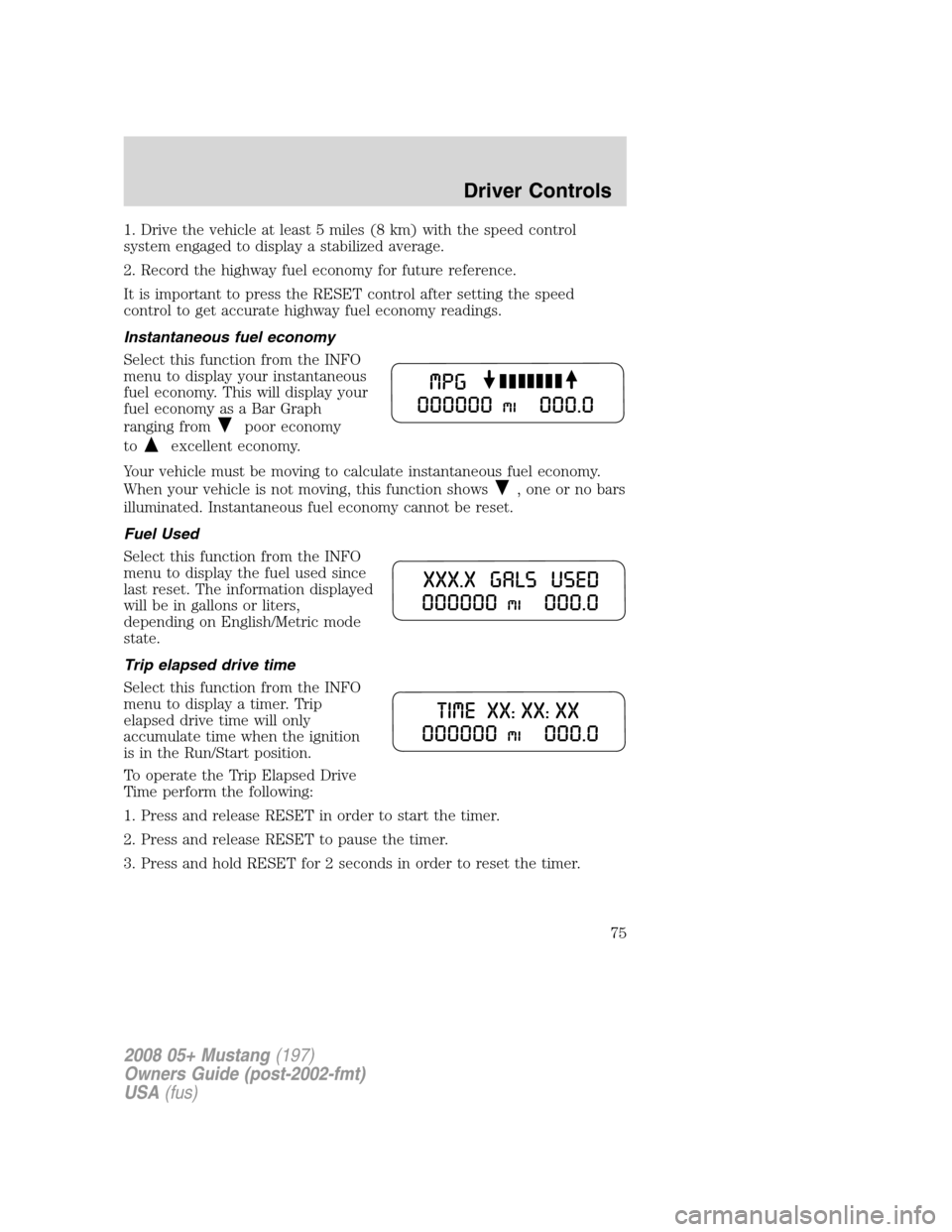
Instantaneous fuel economy
Select this function from the INFO
menu to display your instantaneous
fuel economy. This will display your
fuel economy as a Bar Graph
ranging from
poor economy
to
excellent economy.
Your vehicle must be moving to calculate instantaneous fuel economy.
When your vehicle is not moving, this function shows
, one or no bars
illuminated. Instantaneous fuel economy cannot be reset.
Fuel Used
Select this function from the INFO
menu to display the fuel used since
last reset. The information displayed
will be in gallons or liters,
depending on English/Metric mode
state.
Trip elapsed drive time
Select this function from the INFO
menu to display a timer. Trip
elapsed drive time will only
accumulate time when the ignition
is in the Run/Start position.
To operate the Trip Elapsed Drive
Time perform the following:
1. Press and release RESET in order to start the timer.
2. Press and release RESET to pause the timer.
3. Press and hold RESET for 2 seconds in order to reset the timer.
2008 05+ Mustang(197)
Owners Guide (post-2002-fmt)
USA(fus)
Driver Controls
75