2008 FORD F150 lock
[x] Cancel search: lockPage 38 of 400
•DELETE ALL SONGS:Press OK to delete all song’s from the
system’s memory. The display will read ARE YOU SURE ? Press OK to
confirm deletion of all saved songs and the display will read ALL
DELETED.
Note:If there are no songs presently saved, the display will read NO
SONGS.
•ENABLE ALERTS / DISABLE ALERTS:Press OK to enable/disable
the satellite alert status which alerts you when your selected songs are
playing on a satellite radio channel. (The system default is disabled.)
SONG ALERTS ENABLED/DISABLED will appear in the display. The
menu listing will display the opposite state. For example, if you have
chosen to enable the song alerts, the menu listing will read DISABLE
as the alerts are currently on, so your other option is to turn them off.
Satellite radio is available only with a valid SIRIUS radio
subscription. Check with your authorized dealer for availability.
Setting the clock:Press until SELECT HOUR or SELECT MINUTES is
displayed. Press
//SEEKto adjust the hours/minutes.
AUTOSET:Press MENU until the display reads AUTOSET. Autoset
allows you to set the strongest local radio stations without losing your
original manually set preset stations for AM/FM1/FM2.
Use
//SEEK, SEEKto turn on/off.
When the six strongest stations are filled, the station stored in preset 1
will begin playing. If there are less than six strong stations, the system
will store the last one in the remaining presets.
RBDS: Available only in FM mode. This feature allows you to search
RBDS-equipped stations for a certain category of music format:
CLASSIC, COUNTRY, INFORM, JAZZ/RB, ROCK, etc.
To activate,press MENU repeatedly until RBDS (ON/OFF) appears in
the display. Use
//SEEKto toggle RBDS ON/OFF. When
RBDS is OFF, you will not be able to search for RBDS equipped stations
or view the station name or type.
To search for specific RBDS music categories:When the desired
category appears in the display, press
/to find the desired type,
then press and release
SEEK, SEEKor press and hold SCAN to
begin the search.
To view the station name or type:When the desired category appears
in the display, press TEXT/SCAN to toggle between displaying the station
type (COUNTRY, ROCK, etc.) or the station name (WYCD, WXYZ, etc.).
2008 F-150(f12)
Owners Guide (post-2002-fmt)
USA(fus)
Entertainment Systems
38
Page 40 of 400
Use//SEEK, SEEKto toggle ON/OFF. When COMPRESS
is ON, the system will bring soft and loud CD passages together for a
more consistent listening level.
Single Play/Dual Play:If Single Play is ON, press
/for Dual Play.
FES(FULL/LOCKED): Your vehicle is equipped with a Family
Entertaiment DVD system. For further information on the DVD system,
refer toFamily entertainment DVD systemlater in this section.
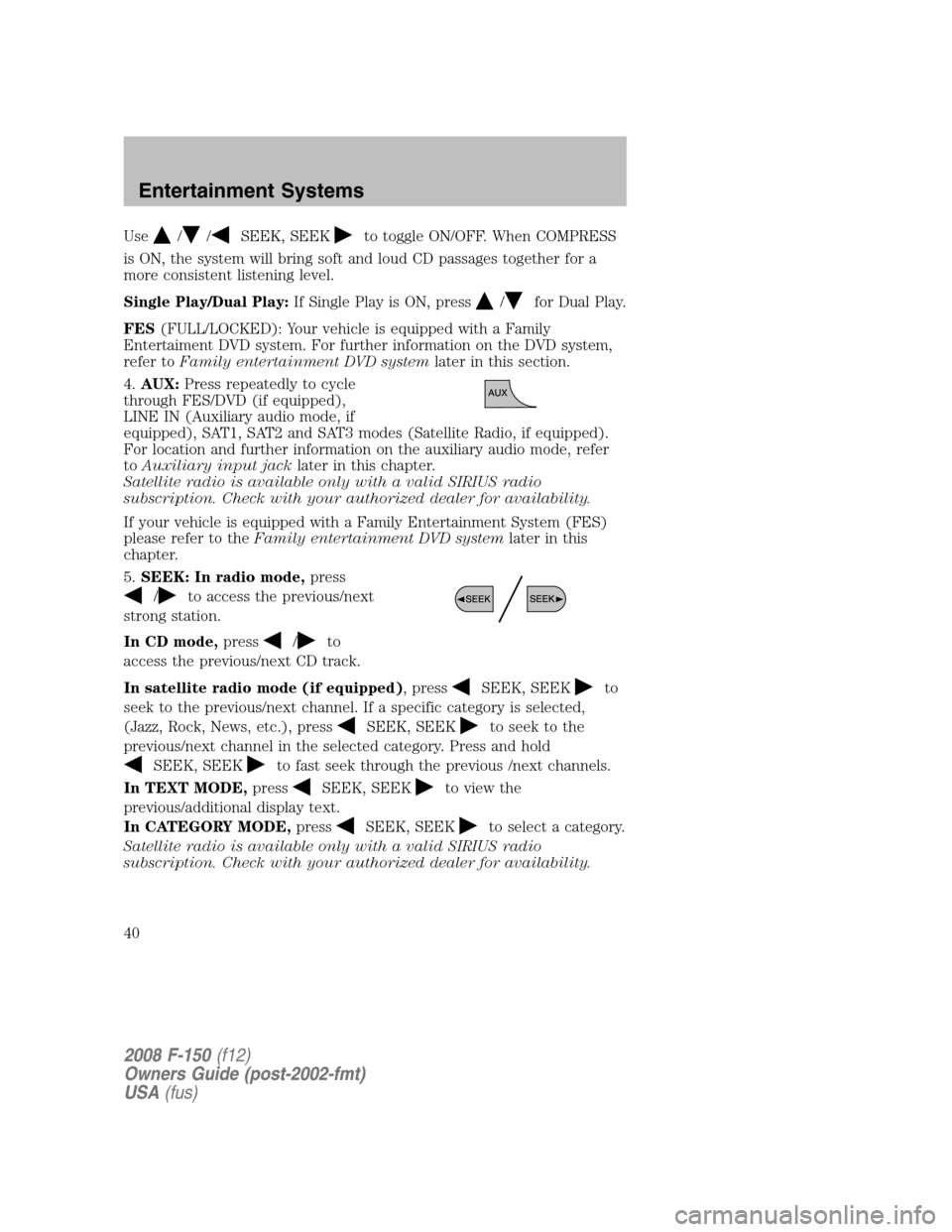
4.AUX:Press repeatedly to cycle
through FES/DVD (if equipped),
LINE IN (Auxiliary audio mode, if
equipped), SAT1, SAT2 and SAT3 modes (Satellite Radio, if equipped).
For location and further information on the auxiliary audio mode, refer
toAuxiliary input jacklater in this chapter.
Satellite radio is available only with a valid SIRIUS radio
subscription. Check with your authorized dealer for availability.
If your vehicle is equipped with a Family Entertainment System (FES)
please refer to theFamily entertainment DVD systemlater in this
chapter.
5.SEEK: In radio mode,press
/to access the previous/next
strong station.
In CD mode,press
/to
access the previous/next CD track.
In satellite radio mode (if equipped), press
SEEK, SEEKto
seek to the previous/next channel. If a specific category is selected,
(Jazz, Rock, News, etc.), press
SEEK, SEEKto seek to the
previous/next channel in the selected category. Press and hold
SEEK, SEEKto fast seek through the previous /next channels.
In TEXT MODE,press
SEEK, SEEKto view the
previous/additional display text.
In CATEGORY MODE,press
SEEK, SEEKto select a category.
Satellite radio is available only with a valid SIRIUS radio
subscription. Check with your authorized dealer for availability.
2008 F-150(f12)
Owners Guide (post-2002-fmt)
USA(fus)
Entertainment Systems
40
Page 51 of 400
Radio Display Condition Action Required
NO TEXT Song title information
not available.Song title information
not available at this
time on this channel.
The system is working
properly.
NO TEXT Category information
not available.Category information
not available at this
time on this channel.
The system is working
properly.
NO SIGNAL Loss of signal from
the SIRIUS satellite or
SIRIUS tower to the
vehicle antenna.You are in a location
that is blocking the
SIRIUS signal (i.e.,
tunnel, under an
overpass, dense foliage,
etc). The system is
working properly. When
you move into an open
area, the signal should
return.
UPDATING Update of channel
programming in
progress.No action required. The
process may take up to
three minutes.
CALL SIRIUS
1–888–539–7474Satellite service has
been deactivated by
SIRIUS Satellite
Radio.Call SIRIUS at
1–888–539–7474 to
re-activate or resolve
subscription issues.
FAMILY ENTERTAINMENT DVD SYSTEM (IF EQUIPPED)
Driving while distracted can result in loss of vehicle control,
accident and injury. Ford strongly recommends that drivers use
extreme caution when using any device that may take their focus off
the road. The drivers primary responsibility is the safe operation of
their vehicle. Only use cell phones and other devices not essential to
the driving task when it is safe to do so.
2008 F-150(f12)
Owners Guide (post-2002-fmt)
USA(fus)
Entertainment Systems
51
Page 75 of 400
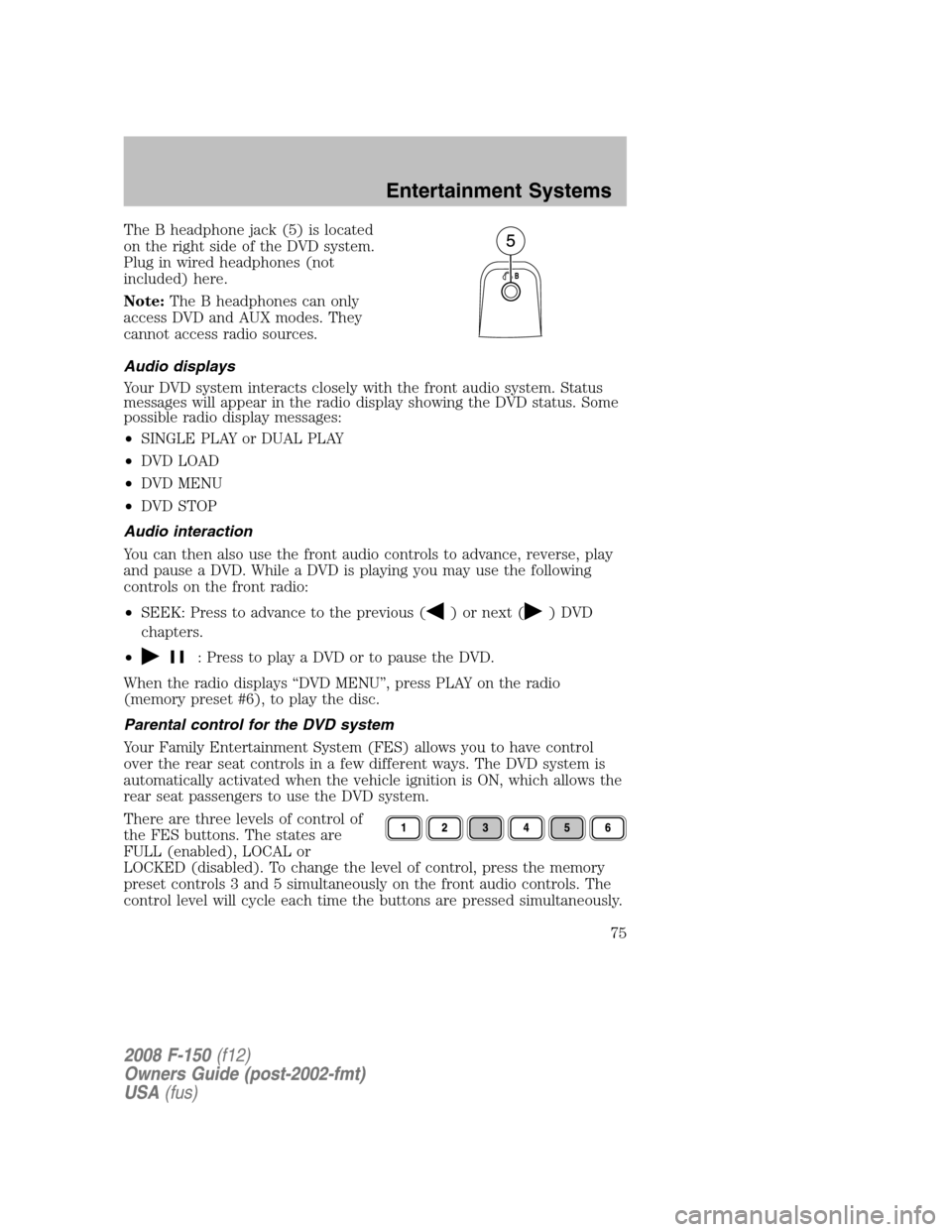
The B headphone jack (5) is located
on the right side of the DVD system.
Plug in wired headphones (not
included) here.
Note:The B headphones can only
access DVD and AUX modes. They
cannot access radio sources.
Audio displays
Your DVD system interacts closely with the front audio system. Status
messages will appear in the radio display showing the DVD status. Some
possible radio display messages:
•SINGLE PLAY or DUAL PLAY
•DVD LOAD
•DVD MENU
•DVD STOP
Audio interaction
You can then also use the front audio controls to advance, reverse, play
and pause a DVD. While a DVD is playing you may use the following
controls on the front radio:
•SEEK: Press to advance to the previous (
) or next () DVD
chapters.
•
: Press to play a DVD or to pause the DVD.
When the radio displays “DVD MENU”, press PLAY on the radio
(memory preset #6), to play the disc.
Parental control for the DVD system
Your Family Entertainment System (FES) allows you to have control
over the rear seat controls in a few different ways. The DVD system is
automatically activated when the vehicle ignition is ON, which allows the
rear seat passengers to use the DVD system.
There are three levels of control of
the FES buttons. The states are
FULL (enabled), LOCAL or
LOCKED (disabled). To change the level of control, press the memory
preset controls 3 and 5 simultaneously on the front audio controls. The
control level will cycle each time the buttons are pressed simultaneously.
2008 F-150(f12)
Owners Guide (post-2002-fmt)
USA(fus)
Entertainment Systems
75
Page 76 of 400
The three states are described as:
FULL(enabled): The FES has control over the primary (speaker) and
secondary (headphone) audio sources.
LOCAL: The FES has control over the secondary source (headphones)
only. The radio will ignore button presses that affect the primary
(speaker) audio source.
LOCKED(disabled): The FES buttons are locked and all FES button
presses are ignored by the radio and the FES except for load and eject.
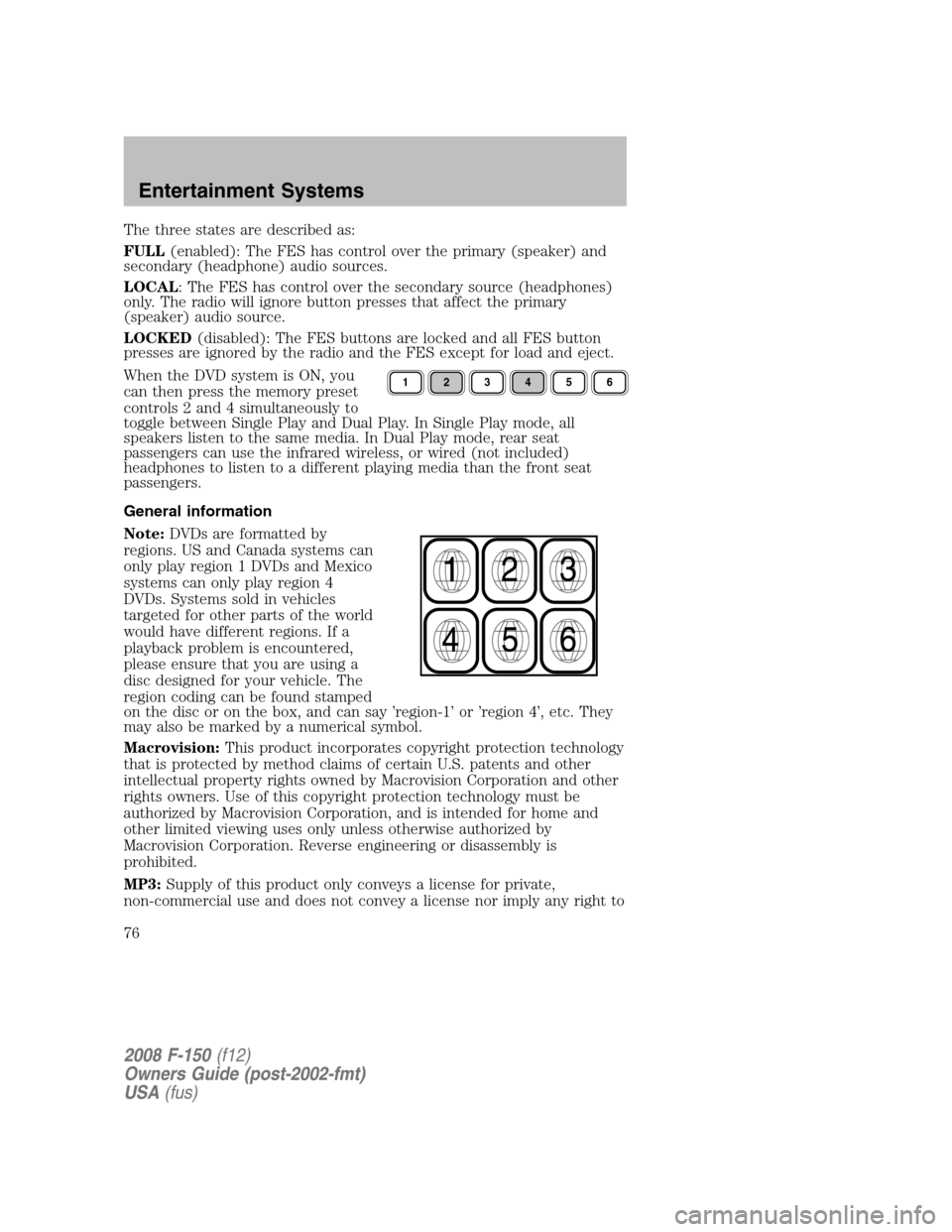
When the DVD system is ON, you
can then press the memory preset
controls 2 and 4 simultaneously to
toggle between Single Play and Dual Play. In Single Play mode, all
speakers listen to the same media. In Dual Play mode, rear seat
passengers can use the infrared wireless, or wired (not included)
headphones to listen to a different playing media than the front seat
passengers.
General information
Note:DVDs are formatted by
regions. US and Canada systems can
only play region 1 DVDs and Mexico
systems can only play region 4
DVDs. Systems sold in vehicles
targeted for other parts of the world
would have different regions. If a
playback problem is encountered,
please ensure that you are using a
disc designed for your vehicle. The
region coding can be found stamped
on the disc or on the box, and can say ’region-1’ or ’region 4’, etc. They
may also be marked by a numerical symbol.
Macrovision:This product incorporates copyright protection technology
that is protected by method claims of certain U.S. patents and other
intellectual property rights owned by Macrovision Corporation and other
rights owners. Use of this copyright protection technology must be
authorized by Macrovision Corporation, and is intended for home and
other limited viewing uses only unless otherwise authorized by
Macrovision Corporation. Reverse engineering or disassembly is
prohibited.
MP3:Supply of this product only conveys a license for private,
non-commercial use and does not convey a license nor imply any right to
123456
2008 F-150(f12)
Owners Guide (post-2002-fmt)
USA(fus)
Entertainment Systems
76
Page 91 of 400

HEADLAMP CONTROL
Rotate the headlamp control
clockwise to the first position
to
turn on the parking lamps. Rotate
clockwise to the second
position
to also turn on the
headlamps.
Autolamp control (if equipped)
The autolamp system provides light
sensitive automatic on-off control of
the exterior lights normally
controlled by the headlamp control.
The autolamp system also keeps the
lights on for approximately
20 seconds or, on vehicles equipped
with a message center, you can
select a delay from 0–180 seconds,
after the ignition switch is turned to
OFF.
•To turn autolamps on, rotate the control counterclockwise to
.
•To turn autolamps off, rotate the control clockwise to
.
If your vehicle is not equipped with a message center, then the auto
lamps can be programmed manually by:
1. Start with the ignition in OFF and the autolamps
selected.
2. Turn off the autolamps by turning the headlamp switch to
.
3. Turn the ignition to ON.
4. Turn the ignition to OFF.
5. Select the autolamps by turning the headlamp switch to
.
Steps 2 through 5 must be performed within a 10 second period. At
this point, the headlamps and park lamps will turn on.
6. Deselect the autolamps after the desired autolamp delay time
(maximum of 3 minutes).
At this point, the headlamps and park lamps will turn off.
2008 F-150(f12)
Owners Guide (post-2002-fmt)
USA(fus)
Lights
91
Page 94 of 400

Vertical aim adjustment
1. Park the vehicle directly in front of a wall or screen on a level surface,
approximately 25 feet (7.6 meters) away.
•(1) 8 feet (2.4 meters)
•(2) Center height of lamp to
ground
•(3) 25 feet (7.6 meters)
•(4) Horizontal reference line
2. Measure the height from the
center of your headlamp (indicated
by a 3.0 mm circle on the lens) to
the ground and mark an 8 foot
(2.4 meter) horizontal reference line
on the vertical wall or screen at this height (a piece of masking tape
works well).
3. Turn on the low beam headlamps to illuminate the wall or screen and
open the hood. Cover one of the headlamps so no light hits the wall.
4. On the wall or screen you will
observe a light pattern with a
distinct horizontal edge towards the
right. If this edge is not at the
horizontal reference line, the beam will need to be adjusted so the edge
is at the same height as the horizontal reference line.
5. Locate the vertical adjuster on
each headlamp, then usea4mm
socket/wrench to turn the adjuster
either counterclockwise (to adjust
down) or clockwise (to adjust up)
aligning the upper edge of the light
pattern up to the horizontal line.
6. HORIZONTAL AIM IS NOT
REQUIRED FOR THIS VEHICLE
AND IS NON-ADJUSTABLE.
7. Repeat Steps 3–5 for the other headlamp.
8. Close the hood and turn off the lamps.
2008 F-150(f12)
Owners Guide (post-2002-fmt)
USA(fus)
Lights
94
Page 98 of 400

Replacing headlamp bulbs
1. Make sure that the headlamp control is in the OFF position and open
the hood.
2. At the top and inboard side of the
headlamp, peel the protective cover
back from the lower screws and
loosen the three retaining screws.
3. Once the three retaining screws
have been removed, disengage the
tab at the top center of the
headlamp assembly by lifting it up.
4. Slide headlamp assembly forward
disconnecting the snap attachment
at the fender and disconnect the electrical connector from the bulb by
pulling rearward.
5. Remove the bulb by turning it
counterclockwise, then pull it
straight out.
Handle a halogen headlamp bulb carefully and keep out of
children’s reach. Grasp the bulb only by its plastic base and do
not touch the glass. The oil from your hand could cause the bulb to
break the next time the headlamps are operated.
Install the new bulb in reverse order.
2008 F-150(f12)
Owners Guide (post-2002-fmt)
USA(fus)
Lights
98