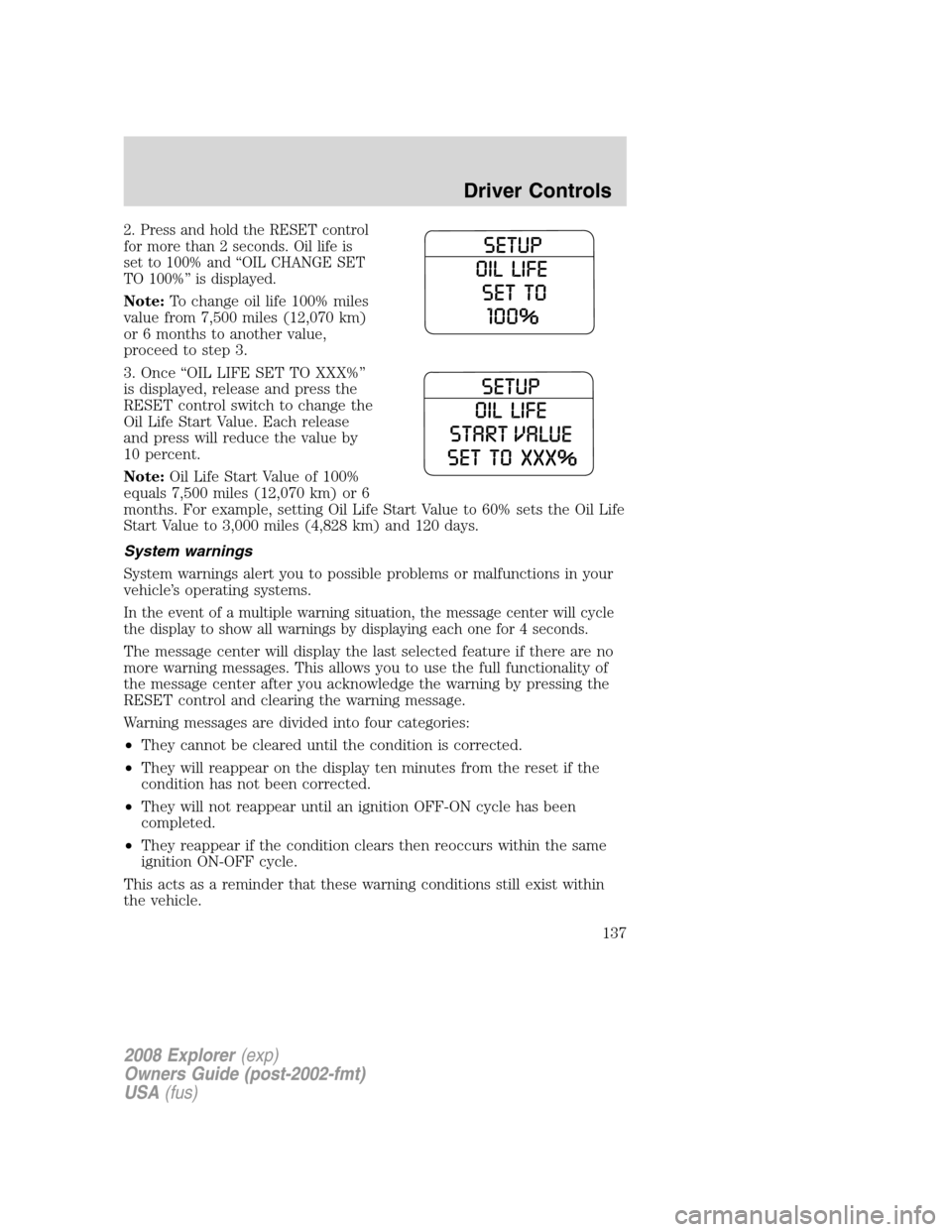
2. Press and hold the RESET control
for more than 2 seconds. Oil life is
set to 100% and “OIL CHANGE SET
TO 100%” is displayed.
Note:To change oil life 100% miles
value from 7,500 miles (12,070 km)
or 6 months to another value,
proceed to step 3.
3. Once “OIL LIFE SET TO XXX%”
is displayed, release and press the
RESET control switch to change the
Oil Life Start Value. Each release
and press will reduce the value by
10 percent.
Note:Oil Life Start Value of 100%
equals 7,500 miles (12,070 km) or 6
months. For example, setting Oil Life Start Value to 60% sets the Oil Life
Start Value to 3,000 miles (4,828 km) and 120 days.
System warnings
System warnings alert you to possible problems or malfunctions in your
vehicle’s operating systems.
In the event of a multiple warning situation, the message center will cycle
the display to show all warnings by displaying each one for 4 seconds.
The message center will display the last selected feature if there are no
more warning messages. This allows you to use the full functionality of
the message center after you acknowledge the warning by pressing the
RESET control and clearing the warning message.
Warning messages are divided into four categories:
•They cannot be cleared until the condition is corrected.
•They will reappear on the display ten minutes from the reset if the
condition has not been corrected.
•They will not reappear until an ignition OFF-ON cycle has been
completed.
•They reappear if the condition clears then reoccurs within the same
ignition ON-OFF cycle.
This acts as a reminder that these warning conditions still exist within
the vehicle.
2008 Explorer(exp)
Owners Guide (post-2002-fmt)
USA(fus)
Driver Controls
137
Warning display Status
Door ajar Warning cannot be reset
Fuel level low Warning returns after 10 minutes
Park brake engaged
Check brake system
Check park aid (if equipped) Warning returns only after the ignition
key is turned from OFF to ON.
Brake fluid level low
Check headlamp
Check highbeam lamp
Check turn lamp
Washer fluid level low
Oil change required
Engine oil change soon
Liftgate/glass ajar Warning returns after the condition
has cleared then reoccurs within the
same ignition ON-OFF cycle. Clear objects by pass seat
Check charging system
Low tire pressure
Tire monitor fault
Tire sensor fault
For 4x4 low stop vehicle (if
equipped)Temporary alert
For 4x4 low shift to N (if
equipped)
To exit 4x4 low stop vehicle (if
equipped)
To exit 4x4 low shift to N (if
equipped)
DOOR AJAR.Displayed when a door is not completely closed.
CLEAR OBJECTS BY PASS SEAT.Displayed when objects are by the
passenger seat. After the objects are moved away from the seat, if the
warning stays on or continues to come on contact your authorized
dealer.
CHECK CHARGING SYSTEM.Displayed when the electrical system is
not maintaining proper voltage. If you are operating electrical accessories
when the engine is idling at a low speed, turn off as many of the
2008 Explorer(exp)
Owners Guide (post-2002-fmt)
USA(fus)
Driver Controls
138