Page 76 of 280
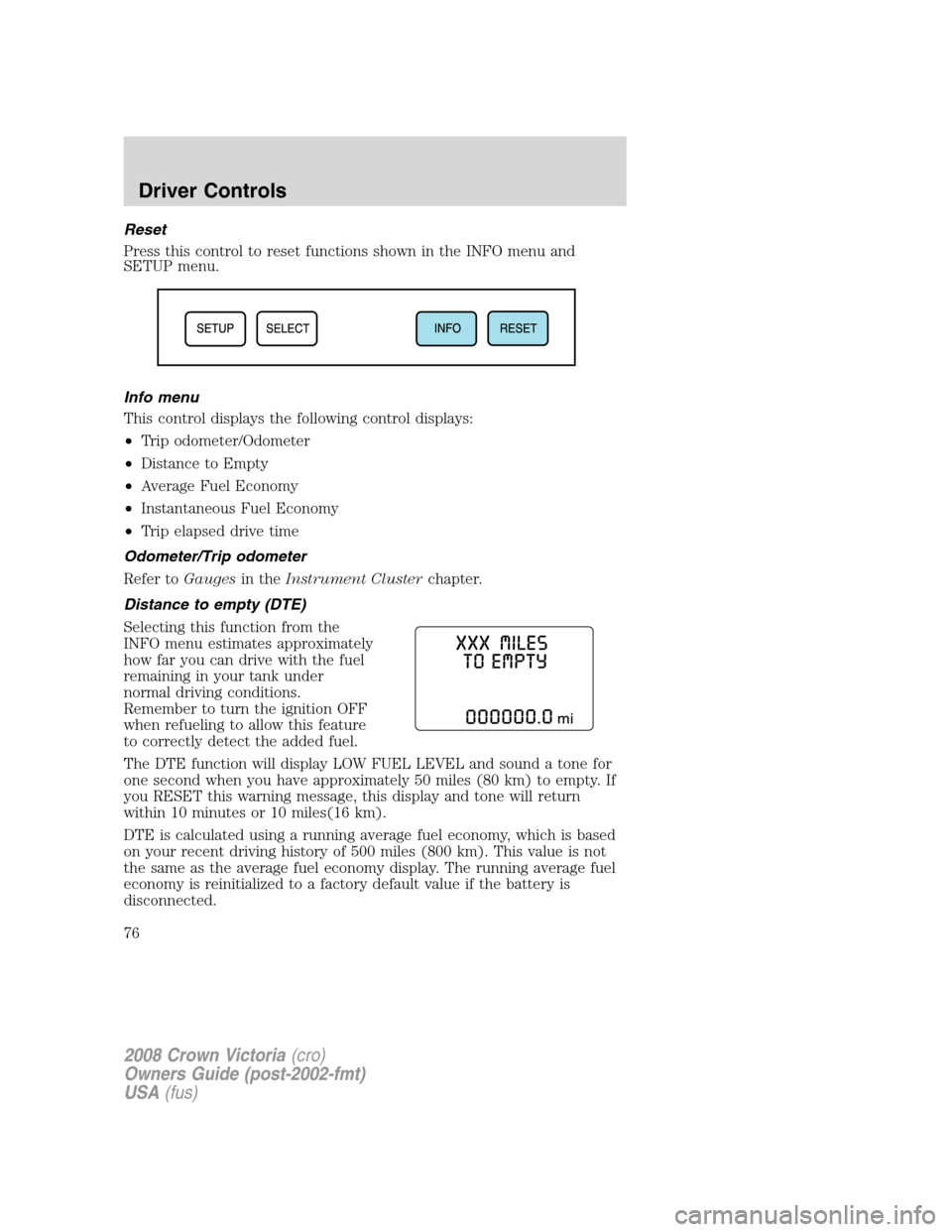
Reset
Press this control to reset functions shown in the INFO menu and
SETUP menu.
Info menu
This control displays the following control displays:
•Trip odometer/Odometer
•Distance to Empty
•Average Fuel Economy
•Instantaneous Fuel Economy
•Trip elapsed drive time
Odometer/Trip odometer
Refer toGaugesin theInstrument Clusterchapter.
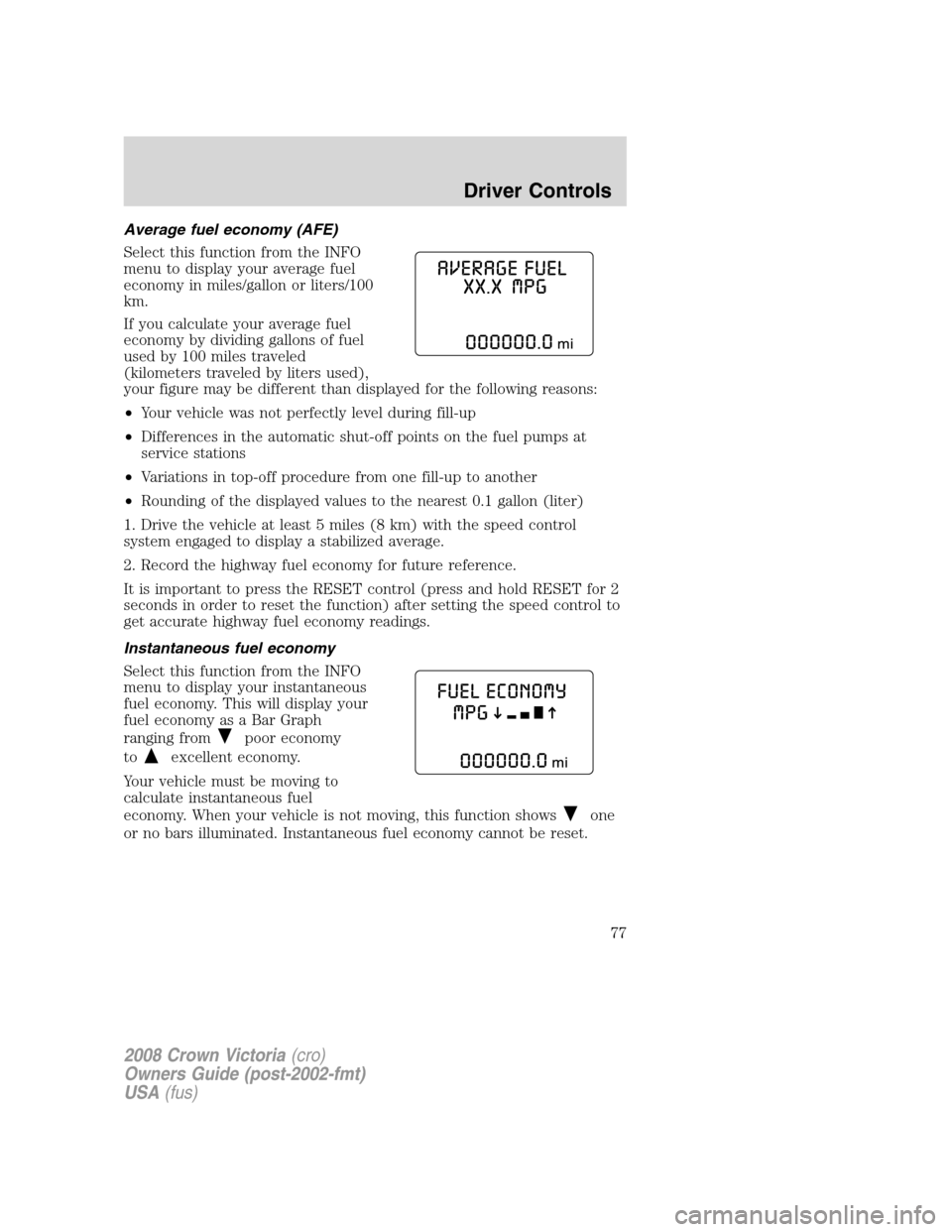
Distance to empty (DTE)
Selecting this function from the
INFO menu estimates approximately
how far you can drive with the fuel
remaining in your tank under
normal driving conditions.
Remember to turn the ignition OFF
when refueling to allow this feature
to correctly detect the added fuel.
The DTE function will display LOW FUEL LEVEL and sound a tone for
one second when you have approximately 50 miles (80 km) to empty. If
you RESET this warning message, this display and tone will return
within 10 minutes or 10 miles(16 km).
DTE is calculated using a running average fuel economy, which is based
on your recent driving history of 500 miles (800 km). This value is not
the same as the average fuel economy display. The running average fuel
economy is reinitialized to a factory default value if the battery is
disconnected.
2008 Crown Victoria(cro)
Owners Guide (post-2002-fmt)
USA(fus)
Driver Controls
76
Page 77 of 280
Average fuel economy (AFE)
Select this function from the INFO
menu to display your average fuel
economy in miles/gallon or liters/100
km.
If you calculate your average fuel
economy by dividing gallons of fuel
used by 100 miles traveled
(kilometers traveled by liters used),
your figure may be different than displayed for the following reasons:
•Your vehicle was not perfectly level during fill-up
•Differences in the automatic shut-off points on the fuel pumps at
service stations
•Variations in top-off procedure from one fill-up to another
•Rounding of the displayed values to the nearest 0.1 gallon (liter)
1. Drive the vehicle at least 5 miles (8 km) with the speed control
system engaged to display a stabilized average.
2. Record the highway fuel economy for future reference.
It is important to press the RESET control (press and hold RESET for 2
seconds in order to reset the function) after setting the speed control to
get accurate highway fuel economy readings.
Instantaneous fuel economy
Select this function from the INFO
menu to display your instantaneous
fuel economy. This will display your
fuel economy as a Bar Graph
ranging from
poor economy
to
excellent economy.
Your vehicle must be moving to
calculate instantaneous fuel
economy. When your vehicle is not moving, this function shows
one
or no bars illuminated. Instantaneous fuel economy cannot be reset.
2008 Crown Victoria(cro)
Owners Guide (post-2002-fmt)
USA(fus)
Driver Controls
77
Page 78 of 280
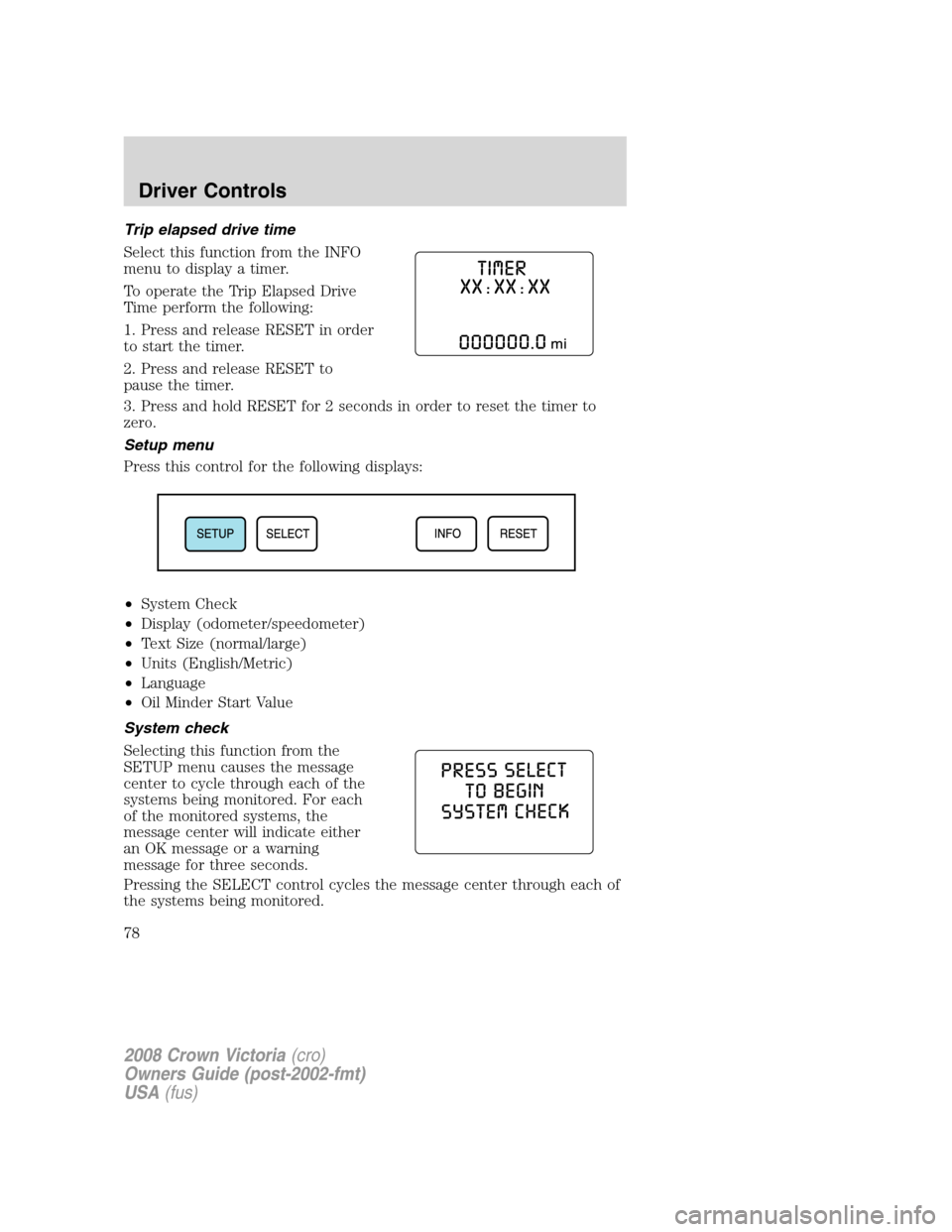
Trip elapsed drive time
Select this function from the INFO
menu to display a timer.
To operate the Trip Elapsed Drive
Time perform the following:
1. Press and release RESET in order
to start the timer.
2. Press and release RESET to
pause the timer.
3. Press and hold RESET for 2 seconds in order to reset the timer to
zero.
Setup menu
Press this control for the following displays:
•System Check
•Display (odometer/speedometer)
•Text Size (normal/large)
•Units (English/Metric)
•Language
•Oil Minder Start Value
System check
Selecting this function from the
SETUP menu causes the message
center to cycle through each of the
systems being monitored. For each
of the monitored systems, the
message center will indicate either
an OK message or a warning
message for three seconds.
Pressing the SELECT control cycles the message center through each of
the systems being monitored.
2008 Crown Victoria(cro)
Owners Guide (post-2002-fmt)
USA(fus)
Driver Controls
78
Page 79 of 280
The sequence of the system check report and how it appears in the
message center is as follows:
1. OIL LIFE
— PRESS RESET IF NEW OIL
2. WASHER FLUID
3. AIR SUSPENSION (if equipped))
4. RECONFIGURABLE TELLTALES
—OK
— FAILED RED
— FAILED AMBER
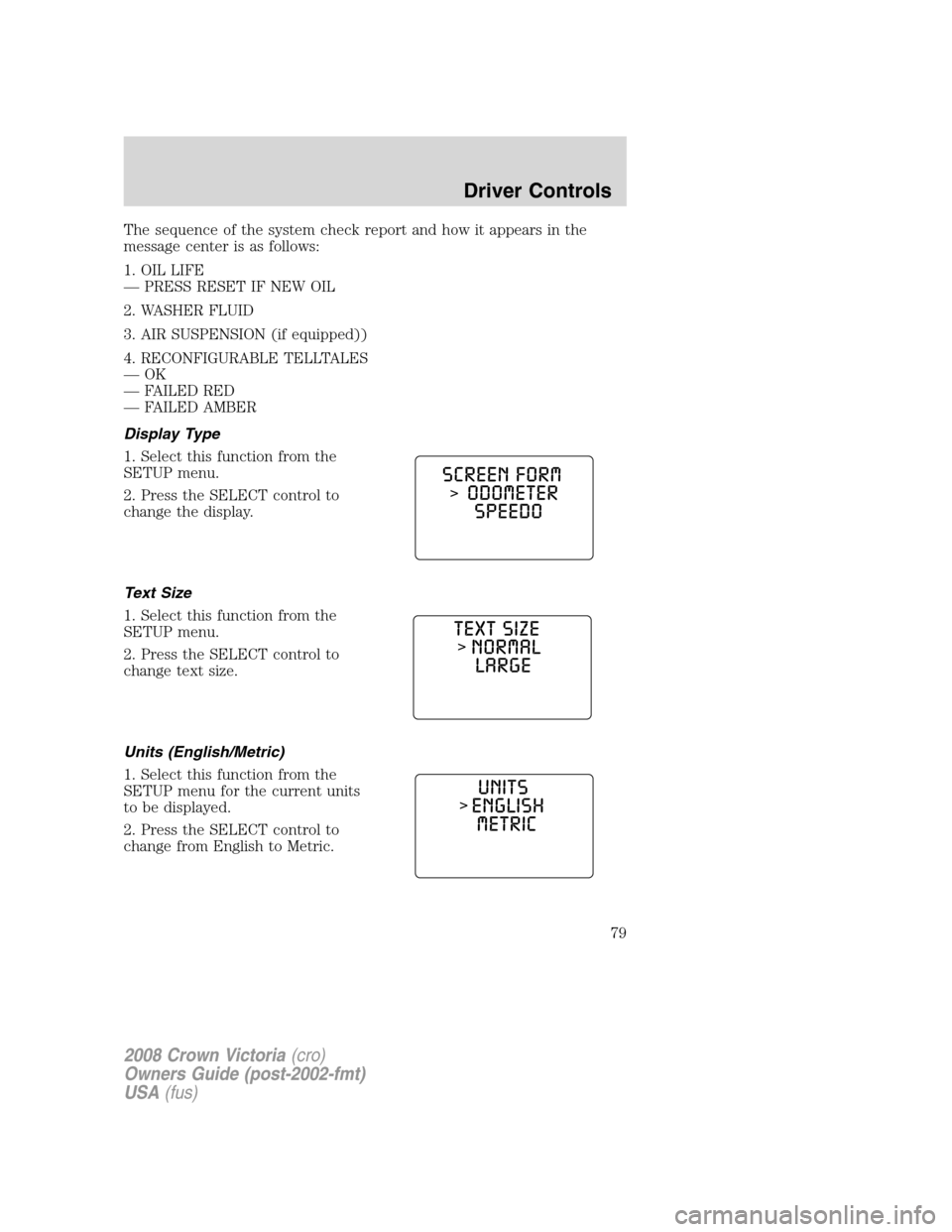
Display Type
1. Select this function from the
SETUP menu.
2. Press the SELECT control to
change the display.
Text Size
1. Select this function from the
SETUP menu.
2. Press the SELECT control to
change text size.
Units (English/Metric)
1. Select this function from the
SETUP menu for the current units
to be displayed.
2. Press the SELECT control to
change from English to Metric.
2008 Crown Victoria(cro)
Owners Guide (post-2002-fmt)
USA(fus)
Driver Controls
79
Page 80 of 280
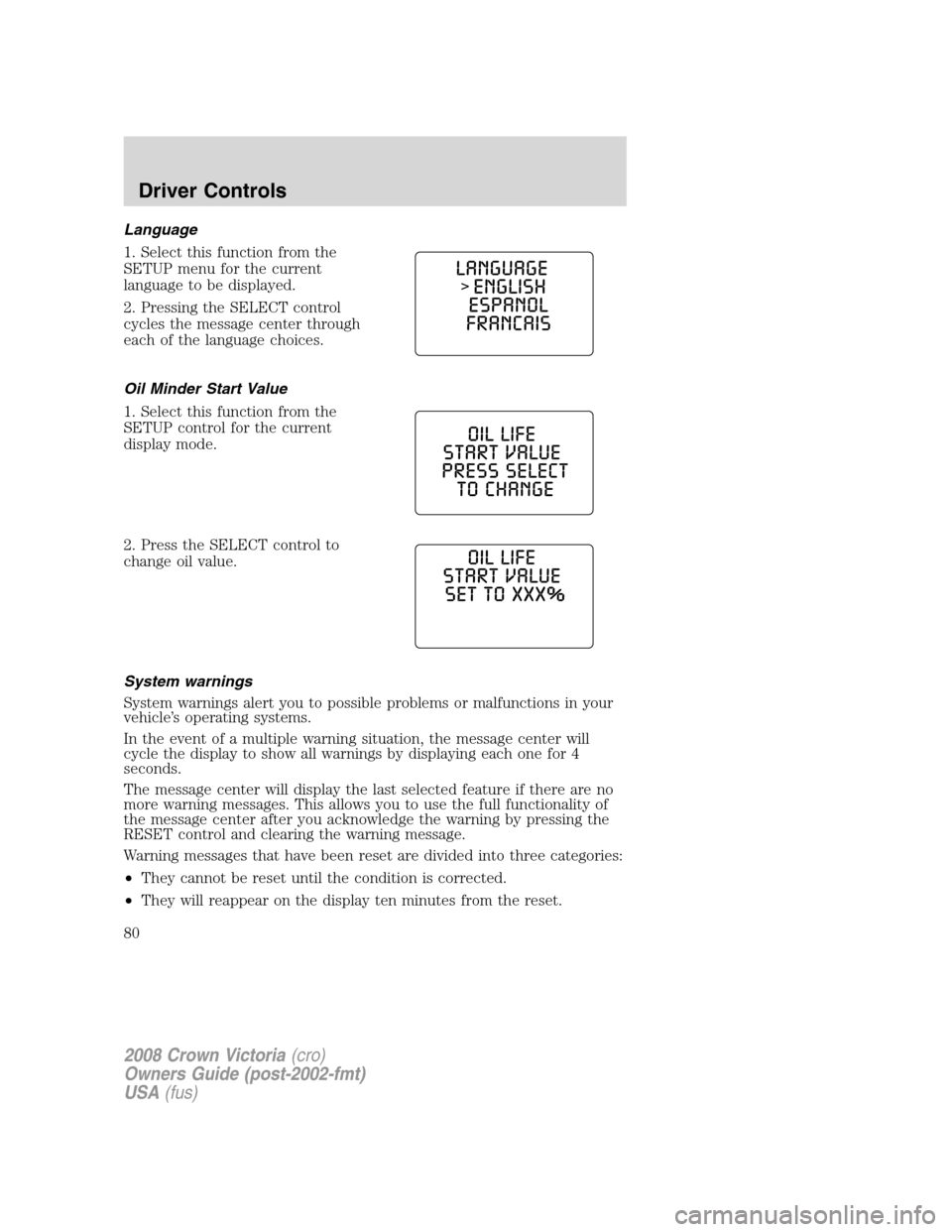
Language
1. Select this function from the
SETUP menu for the current
language to be displayed.
2. Pressing the SELECT control
cycles the message center through
each of the language choices.
Oil Minder Start Value
1. Select this function from the
SETUP control for the current
display mode.
2. Press the SELECT control to
change oil value.
System warnings
System warnings alert you to possible problems or malfunctions in your
vehicle’s operating systems.
In the event of a multiple warning situation, the message center will
cycle the display to show all warnings by displaying each one for 4
seconds.
The message center will display the last selected feature if there are no
more warning messages. This allows you to use the full functionality of
the message center after you acknowledge the warning by pressing the
RESET control and clearing the warning message.
Warning messages that have been reset are divided into three categories:
•They cannot be reset until the condition is corrected.
•They will reappear on the display ten minutes from the reset.
2008 Crown Victoria(cro)
Owners Guide (post-2002-fmt)
USA(fus)
Driver Controls
80
Page 81 of 280
•They will not reappear until an ignition OFF-ON cycle has been
completed.
This acts as a reminder that these warning conditions still exist within
the vehicle.
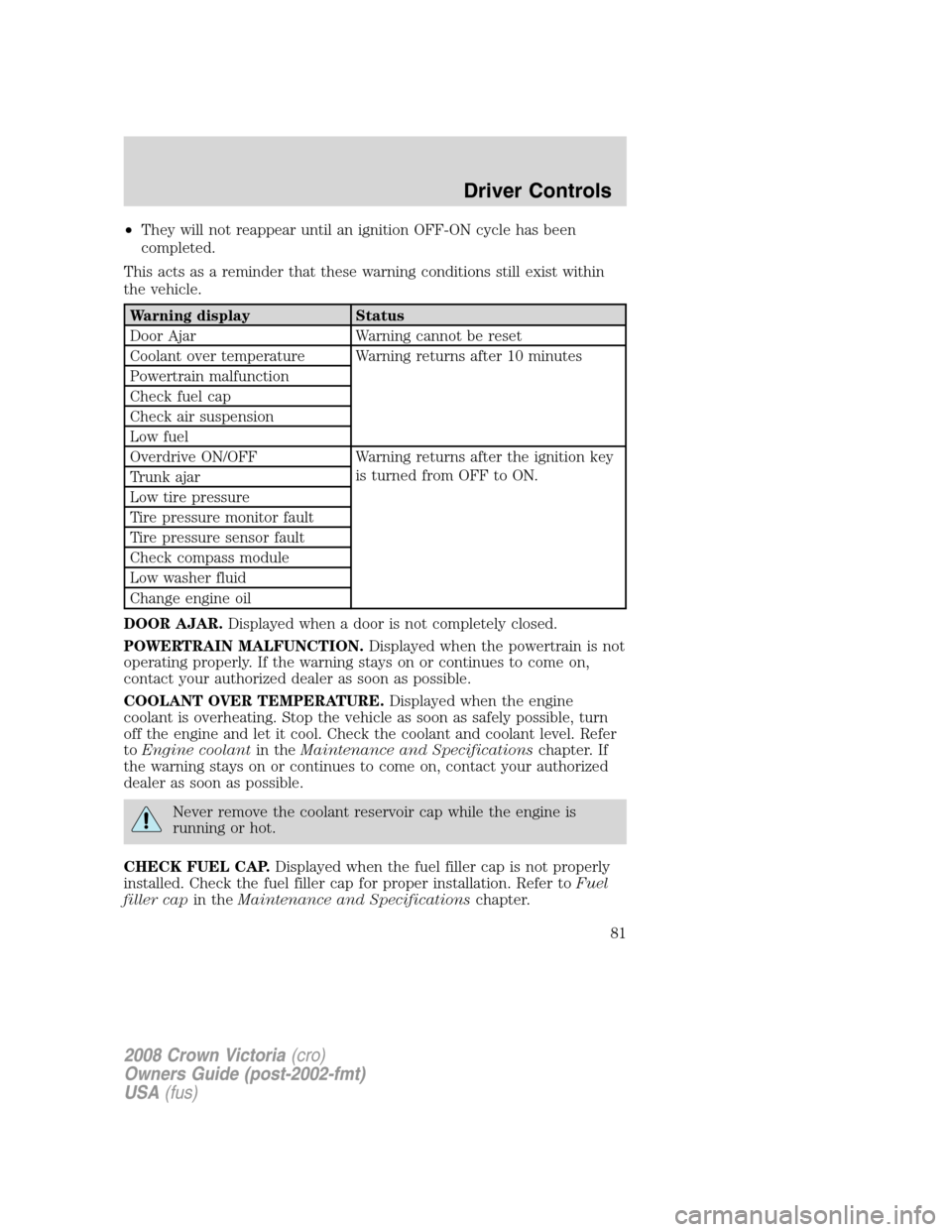
Warning display Status
Door Ajar Warning cannot be reset
Coolant over temperature Warning returns after 10 minutes
Powertrain malfunction
Check fuel cap
Check air suspension
Low fuel
Overdrive ON/OFF Warning returns after the ignition key
is turned from OFF to ON.
Trunk ajar
Low tire pressure
Tire pressure monitor fault
Tire pressure sensor fault
Check compass module
Low washer fluid
Change engine oil
DOOR AJAR.Displayed when a door is not completely closed.
POWERTRAIN MALFUNCTION.Displayed when the powertrain is not
operating properly. If the warning stays on or continues to come on,
contact your authorized dealer as soon as possible.
COOLANT OVER TEMPERATURE.Displayed when the engine
coolant is overheating. Stop the vehicle as soon as safely possible, turn
off the engine and let it cool. Check the coolant and coolant level. Refer
toEngine coolantin theMaintenance and Specificationschapter. If
the warning stays on or continues to come on, contact your authorized
dealer as soon as possible.
Never remove the coolant reservoir cap while the engine is
running or hot.
CHECK FUEL CAP.Displayed when the fuel filler cap is not properly
installed. Check the fuel filler cap for proper installation. Refer toFuel
filler capin theMaintenance and Specificationschapter.
2008 Crown Victoria(cro)
Owners Guide (post-2002-fmt)
USA(fus)
Driver Controls
81
Page 82 of 280
CHECK AIR SUSPENSION.Displayed when the air suspension system
is not operating properly. If this message is displayed while driving, pull
off the road as soon as safely possible. For more information, refer toAir
suspensionin theDrivingchapter.
LOW FUEL.Displayed as an early reminder of a low fuel condition.
Warning message can be reset by pressing the RESET button, but will
return after 10 minutes. If any other button is pressed besides RESET,
the message ’’PRESS RESET TO CLEAR’’ will appear in the Message
Center. Once this message disappears (after approximately 2 seconds),
press RESET to clear the warning.
TRUNK AJAR.Displayed when the trunk is not completely closed.
OVERDRIVE ON/OFF.Displayed when the overdrive is enabled or
disabled.
LOW TIRE PRESSURE.Displayed when one or more tires on your
vehicle have low tire pressure. Refer toInflating Your Tiresin the
Tires, Wheels and Loadingchapter.
TIRE PRESSURE MONITOR FAULT.Displayed when the Tire
Pressure Monitoring System is malfunctioning. If the warning stays on or
continues to come on, have the system inspected by your authorized
dealer.
TIRE PRESSURE SENSOR FAULT.Displayed when a tire pressure
sensor is malfunctioning, or your spare tire is in use (Note: this includes
the use of the optional full-sized matching spare tire and wheel). For
more information on how the system operates under these conditions,
refer toUnderstanding Your Tire Pressure Monitoring Systemin the
Tires, Wheels and Loadingchapter. If the warning stays on or
continues to come on, have the system inspected by your authorized
dealer.
CHECK COMPASS MODULE.Displayed when the compass is not
operating properly. If the warning stays on or continues to come on,
contact your authorized dealer as soon as possible.
LOW WASHER FLUID.Indicates the washer fluid reservoir is less than
one quarter full. Check the washer fluid level. Refer toWindshield
washer fluidin theMaintenance and Specificationschapter.
CHANGE ENGINE OIL.Displayed when the engine oil life remaining is
5 percent or less. When oil life left is between 5% and 0%, the CHANGE
OIL SOON message will be displayed. When oil life left reaches 0%, the
OIL CHANGE REQUIRED message will be displayed.
An oil change is required whenever indicated by the message center and
according to the recommended maintenance schedule. USE ONLY
RECOMMENDED ENGINE OILS.
2008 Crown Victoria(cro)
Owners Guide (post-2002-fmt)
USA(fus)
Driver Controls
82
Page 83 of 280
To reset the oil monitoring system to 100% after each oil change
[approximately 7,500 miles (12,070 km) or 6 months] perform the
following:
1. Press and hold the RESET
control for 2 seconds and release.
Oil life is set to 100% and “OIL LIFE
XXX% HOLD RESET IF NEW OIL”
is displayed.
2. Press and hold the RESET
control for 3 seconds and release.
Oil life is set to 100% and “OIL LIFE
START VALUE SET TO XXX%” is
displayed.
POSITIVE RETENTION FLOOR MAT
Do not install additional floor mats on top of the factory installed
floor mats as they may interfere with the accelerator or the
brake pedals.
Position the driver floor mat so that
the eyelet is over the pointed end of
the retention post and rotate
forward to lock in. Make sure that
the mat does not interfere with the
operation of the accelerator or the
brake pedal. To remove the floor
mat, reverse the installation
procedure.
2008 Crown Victoria(cro)
Owners Guide (post-2002-fmt)
USA(fus)
Driver Controls
83
![FORD CROWN VICTORIA 2008 2.G Owners Manual To reset the oil monitoring system to 100% after each oil change
[approximately 7,500 miles (12,070 km) or 6 months] perform the
following:
1. Press and hold the RESET
control for 2 seconds and releas](/manual-img/11/4784/w960_4784-82.png "FORD CROWN VICTORIA 2008 2.G Owners Manual To reset the oil monitoring system to 100% after each oil change
[approximately 7,500 miles (12,070 km) or 6 months] perform the
following:
1. Press and hold the RESET
control for 2 seconds and releas")