Page 11 of 280
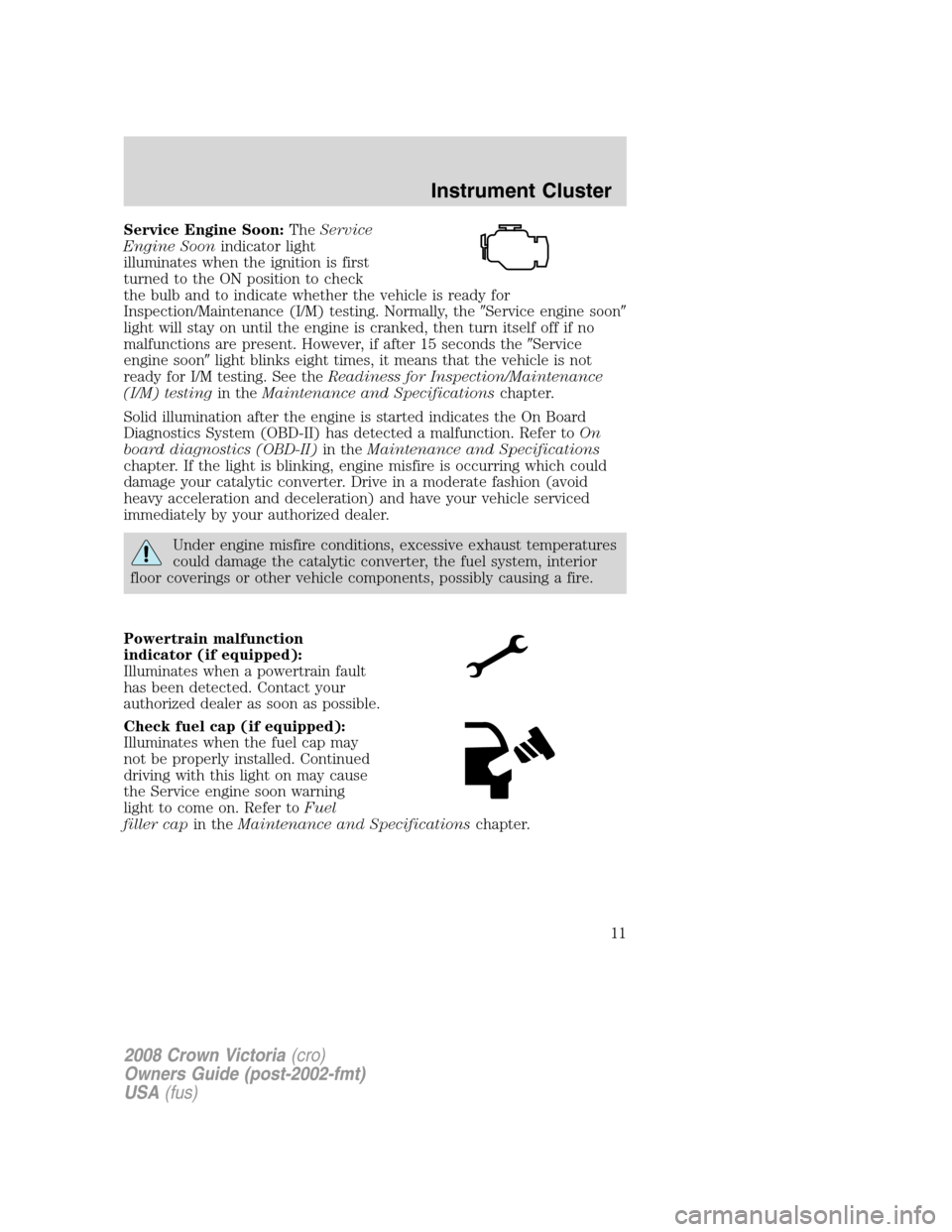
Service Engine Soon:TheService
Engine Soonindicator light
illuminates when the ignition is first
turned to the ON position to check
the bulb and to indicate whether the vehicle is ready for
Inspection/Maintenance (I/M) testing. Normally, the�Service engine soon�
light will stay on until the engine is cranked, then turn itself off if no
malfunctions are present. However, if after 15 seconds the�Service
engine soon�light blinks eight times, it means that the vehicle is not
ready for I/M testing. See theReadiness for Inspection/Maintenance
(I/M) testingin theMaintenance and Specificationschapter.
Solid illumination after the engine is started indicates the On Board
Diagnostics System (OBD-II) has detected a malfunction. Refer toOn
board diagnostics (OBD-II)in theMaintenance and Specifications
chapter. If the light is blinking, engine misfire is occurring which could
damage your catalytic converter. Drive in a moderate fashion (avoid
heavy acceleration and deceleration) and have your vehicle serviced
immediately by your authorized dealer.
Under engine misfire conditions, excessive exhaust temperatures
could damage the catalytic converter, the fuel system, interior
floor coverings or other vehicle components, possibly causing a fire.
Powertrain malfunction
indicator (if equipped):
Illuminates when a powertrain fault
has been detected. Contact your
authorized dealer as soon as possible.
Check fuel cap (if equipped):
Illuminates when the fuel cap may
not be properly installed. Continued
driving with this light on may cause
the Service engine soon warning
light to come on. Refer toFuel
filler capin theMaintenance and Specificationschapter.
2008 Crown Victoria(cro)
Owners Guide (post-2002-fmt)
USA(fus)
Instrument Cluster
11
Page 12 of 280
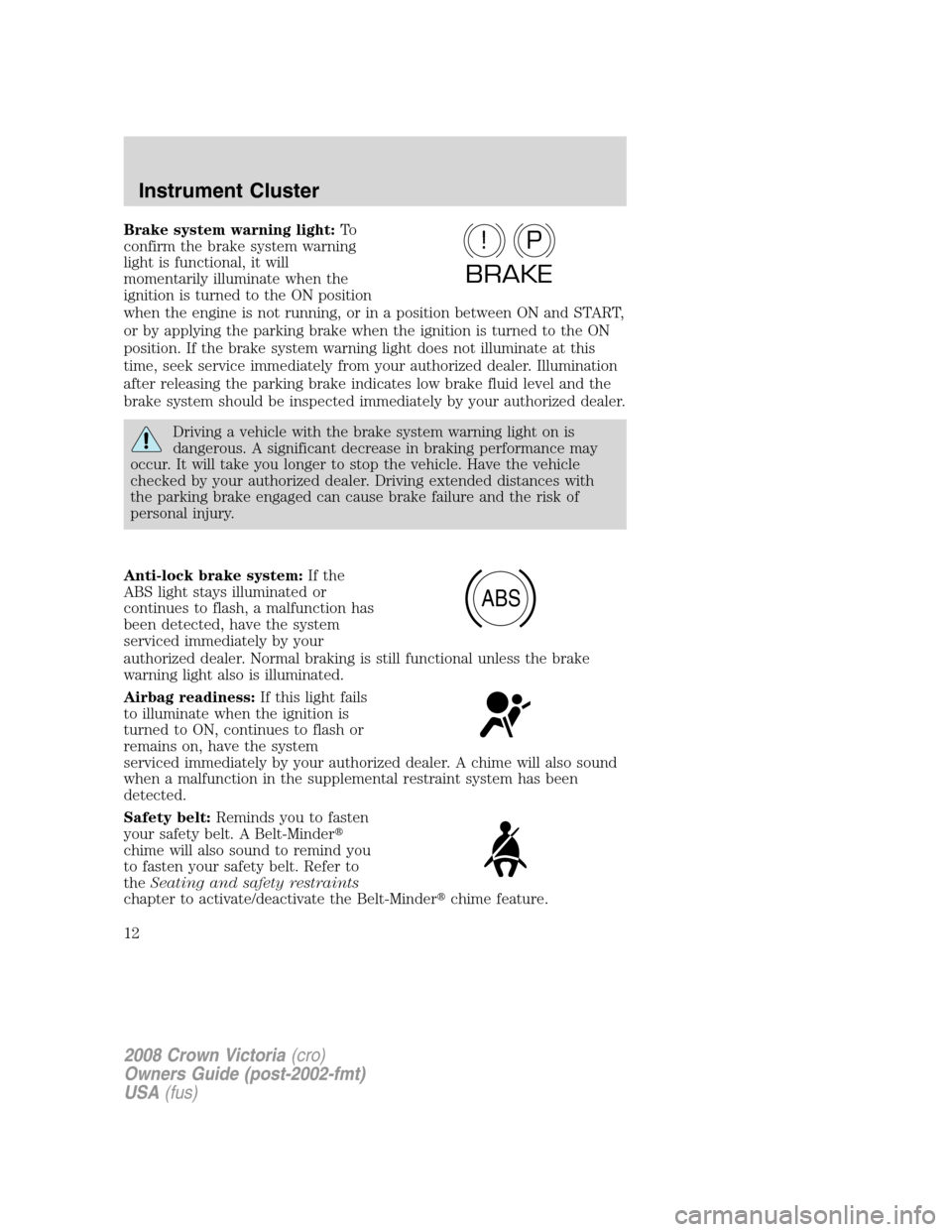
Brake system warning light:To
confirm the brake system warning
light is functional, it will
momentarily illuminate when the
ignition is turned to the ON position
when the engine is not running, or in a position between ON and START,
or by applying the parking brake when the ignition is turned to the ON
position. If the brake system warning light does not illuminate at this
time, seek service immediately from your authorized dealer. Illumination
after releasing the parking brake indicates low brake fluid level and the
brake system should be inspected immediately by your authorized dealer.
Driving a vehicle with the brake system warning light on is
dangerous. A significant decrease in braking performance may
occur. It will take you longer to stop the vehicle. Have the vehicle
checked by your authorized dealer. Driving extended distances with
the parking brake engaged can cause brake failure and the risk of
personal injury.
Anti-lock brake system:If the
ABS light stays illuminated or
continues to flash, a malfunction has
been detected, have the system
serviced immediately by your
authorized dealer. Normal braking is still functional unless the brake
warning light also is illuminated.
Airbag readiness:If this light fails
to illuminate when the ignition is
turned to ON, continues to flash or
remains on, have the system
serviced immediately by your authorized dealer. A chime will also sound
when a malfunction in the supplemental restraint system has been
detected.
Safety belt:Reminds you to fasten
your safety belt. A Belt-Minder�
chime will also sound to remind you
to fasten your safety belt. Refer to
theSeating and safety restraints
chapter to activate/deactivate the Belt-Minder�chime feature.
P!
BRAKE
ABS
2008 Crown Victoria(cro)
Owners Guide (post-2002-fmt)
USA(fus)
Instrument Cluster
12
Page 13 of 280
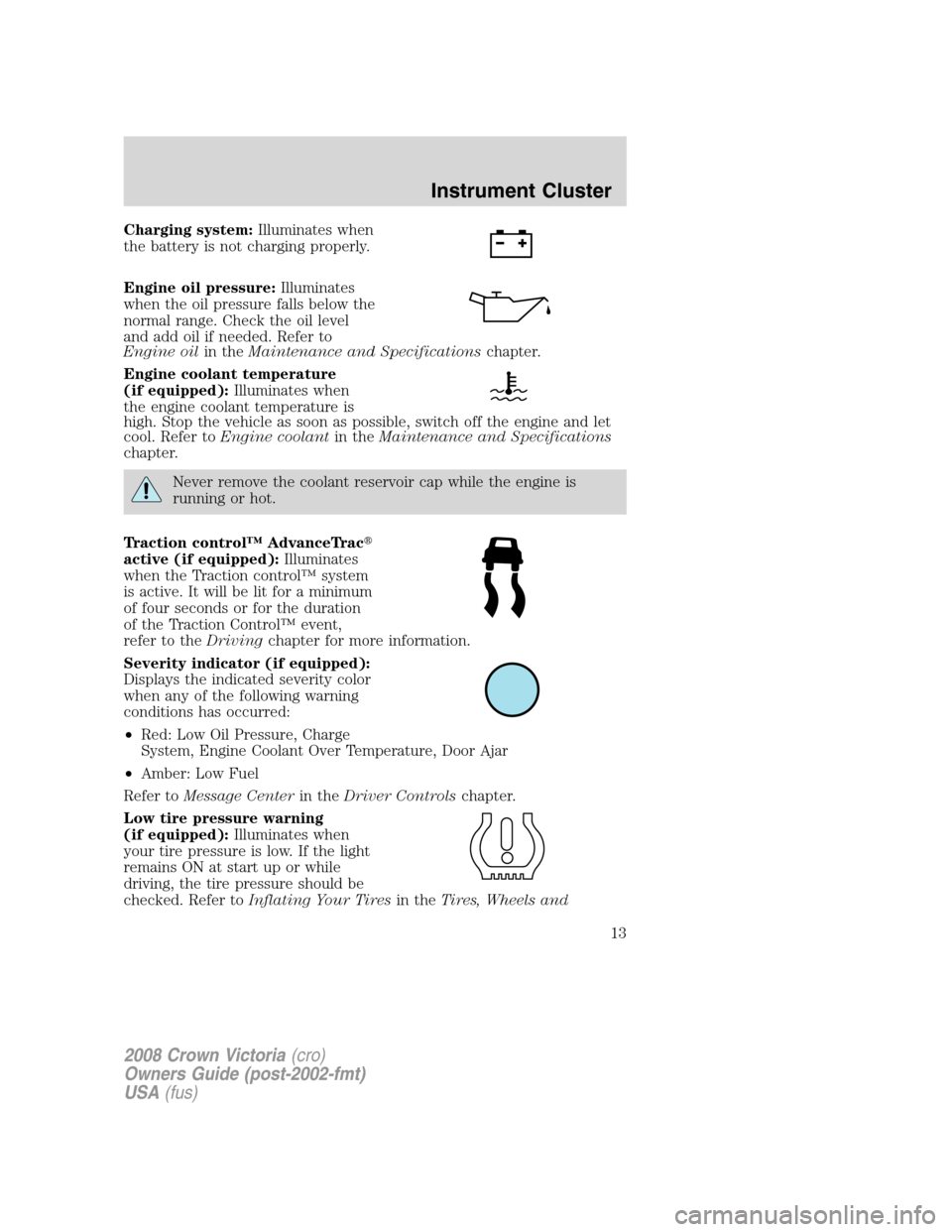
Charging system:Illuminates when
the battery is not charging properly.
Engine oil pressure:Illuminates
when the oil pressure falls below the
normal range. Check the oil level
and add oil if needed. Refer to
Engine oilin theMaintenance and Specificationschapter.
Engine coolant temperature
(if equipped):Illuminates when
the engine coolant temperature is
high. Stop the vehicle as soon as possible, switch off the engine and let
cool. Refer toEngine coolantin theMaintenance and Specifications
chapter.
Never remove the coolant reservoir cap while the engine is
running or hot.
Traction control™ AdvanceTrac�
active (if equipped):Illuminates
when the Traction control™ system
is active. It will be lit for a minimum
of four seconds or for the duration
of the Traction Control™ event,
refer to theDrivingchapter for more information.
Severity indicator (if equipped):
Displays the indicated severity color
when any of the following warning
conditions has occurred:
•Red: Low Oil Pressure, Charge
System, Engine Coolant Over Temperature, Door Ajar
•Amber: Low Fuel
Refer toMessage Centerin theDriver Controlschapter.
Low tire pressure warning
(if equipped):Illuminates when
your tire pressure is low. If the light
remains ON at start up or while
driving, the tire pressure should be
checked. Refer toInflating Your Tiresin theTires, Wheels and
2008 Crown Victoria(cro)
Owners Guide (post-2002-fmt)
USA(fus)
Instrument Cluster
13
Page 15 of 280
High beams:Illuminates when the
high beam headlamps are turned on.
Headlamps on warning chime:Sounds when the headlamps or parking
lamps are on, the ignition is off (the key is not in the ignition) and the
driver’s door is opened.
Key-in-ignition warning chime:Sounds when the key is left in the
ignition in the OFF/LOCK or ACCESSORY position and the driver’s door
is opened.
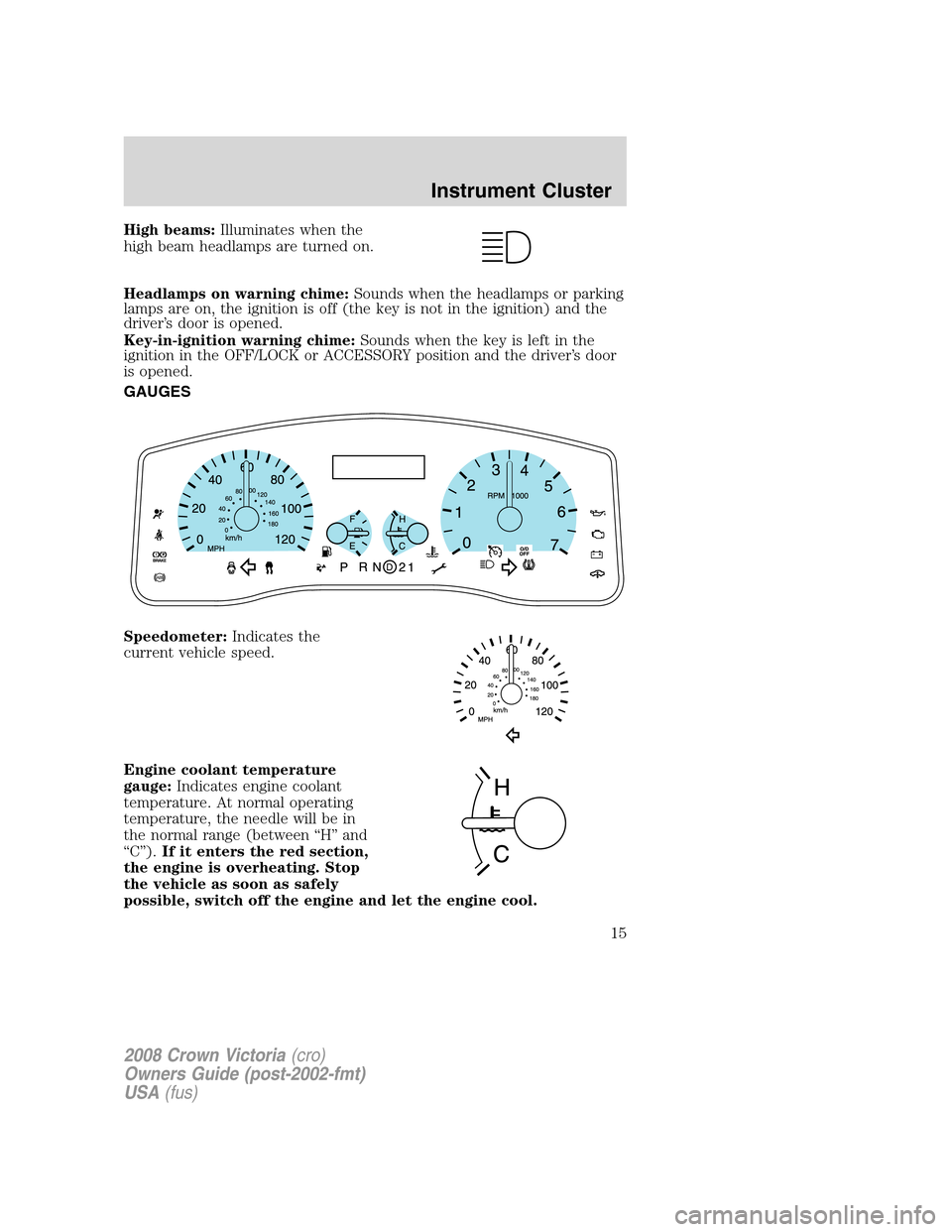
GAUGES
Speedometer:Indicates the
current vehicle speed.
Engine coolant temperature
gauge:Indicates engine coolant
temperature. At normal operating
temperature, the needle will be in
the normal range (between “H” and
“C”).If it enters the red section,
the engine is overheating. Stop
the vehicle as soon as safely
possible, switch off the engine and let the engine cool.
2008 Crown Victoria(cro)
Owners Guide (post-2002-fmt)
USA(fus)
Instrument Cluster
15
Page 75 of 280
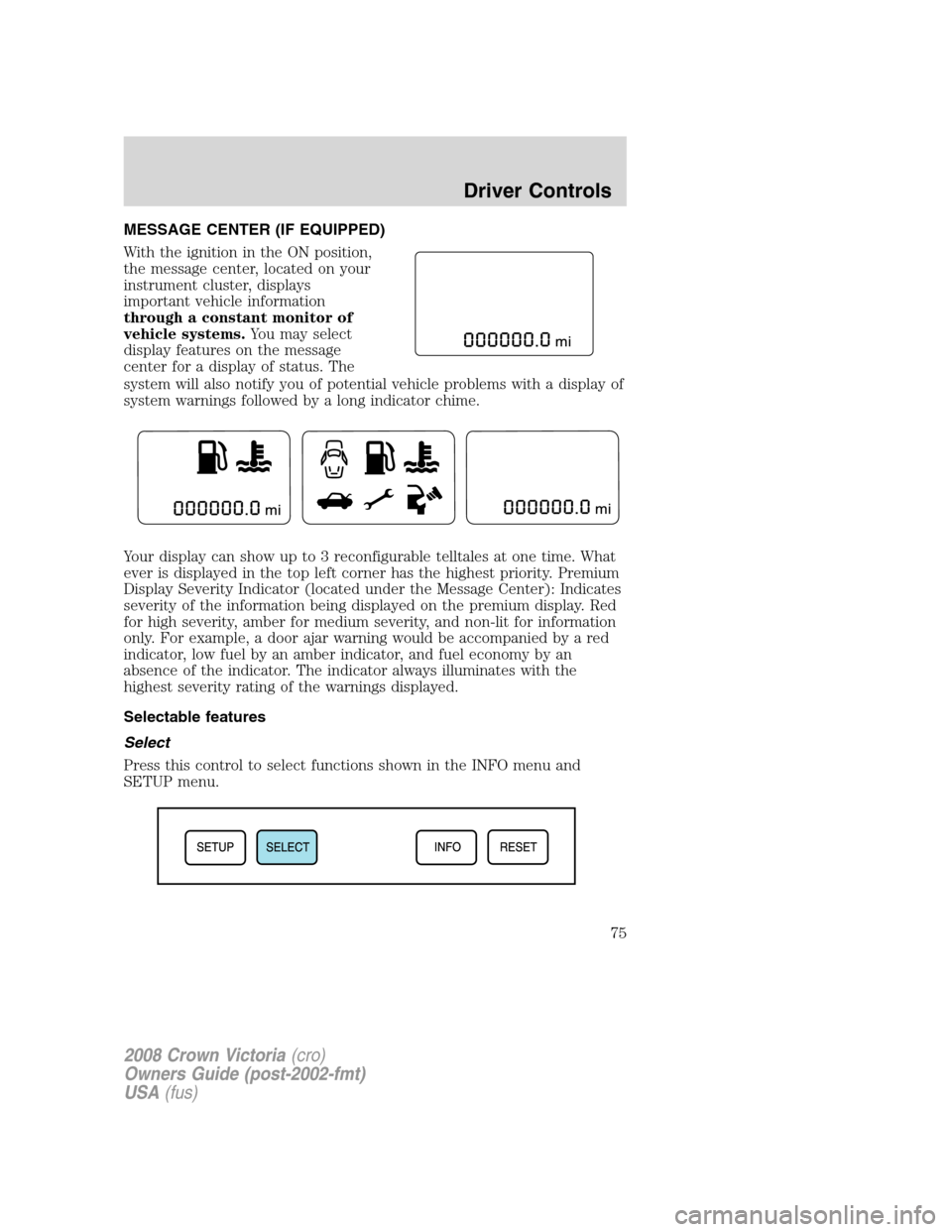
MESSAGE CENTER (IF EQUIPPED)
With the ignition in the ON position,
the message center, located on your
instrument cluster, displays
important vehicle information
through a constant monitor of
vehicle systems.You may select
display features on the message
center for a display of status. The
system will also notify you of potential vehicle problems with a display of
system warnings followed by a long indicator chime.
Your display can show up to 3 reconfigurable telltales at one time. What
ever is displayed in the top left corner has the highest priority. Premium
Display Severity Indicator (located under the Message Center): Indicates
severity of the information being displayed on the premium display. Red
for high severity, amber for medium severity, and non-lit for information
only. For example, a door ajar warning would be accompanied by a red
indicator, low fuel by an amber indicator, and fuel economy by an
absence of the indicator. The indicator always illuminates with the
highest severity rating of the warnings displayed.
Selectable features
Select
Press this control to select functions shown in the INFO menu and
SETUP menu.
2008 Crown Victoria(cro)
Owners Guide (post-2002-fmt)
USA(fus)
Driver Controls
75
Page 76 of 280
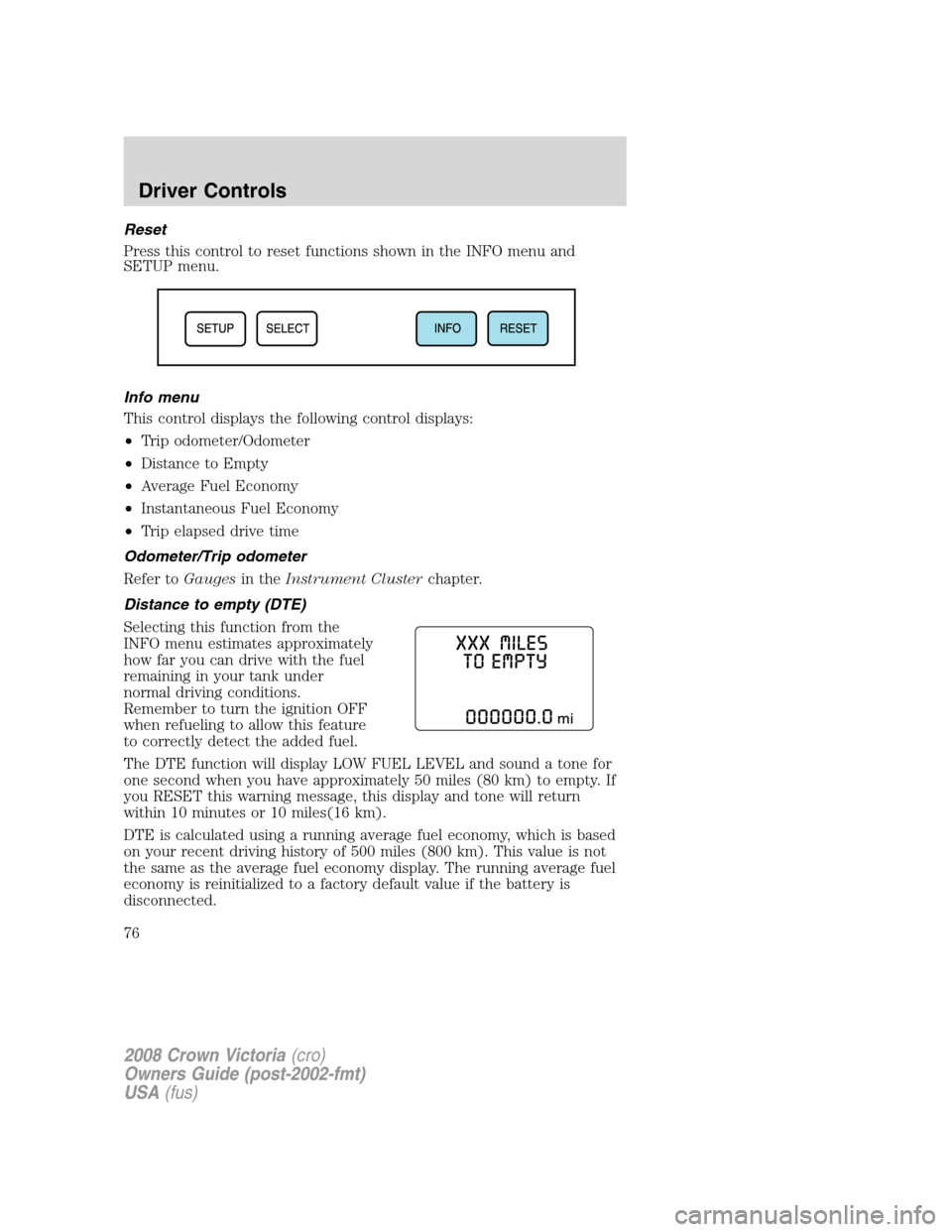
Reset
Press this control to reset functions shown in the INFO menu and
SETUP menu.
Info menu
This control displays the following control displays:
•Trip odometer/Odometer
•Distance to Empty
•Average Fuel Economy
•Instantaneous Fuel Economy
•Trip elapsed drive time
Odometer/Trip odometer
Refer toGaugesin theInstrument Clusterchapter.
Distance to empty (DTE)
Selecting this function from the
INFO menu estimates approximately
how far you can drive with the fuel
remaining in your tank under
normal driving conditions.
Remember to turn the ignition OFF
when refueling to allow this feature
to correctly detect the added fuel.
The DTE function will display LOW FUEL LEVEL and sound a tone for
one second when you have approximately 50 miles (80 km) to empty. If
you RESET this warning message, this display and tone will return
within 10 minutes or 10 miles(16 km).
DTE is calculated using a running average fuel economy, which is based
on your recent driving history of 500 miles (800 km). This value is not
the same as the average fuel economy display. The running average fuel
economy is reinitialized to a factory default value if the battery is
disconnected.
2008 Crown Victoria(cro)
Owners Guide (post-2002-fmt)
USA(fus)
Driver Controls
76
Page 78 of 280
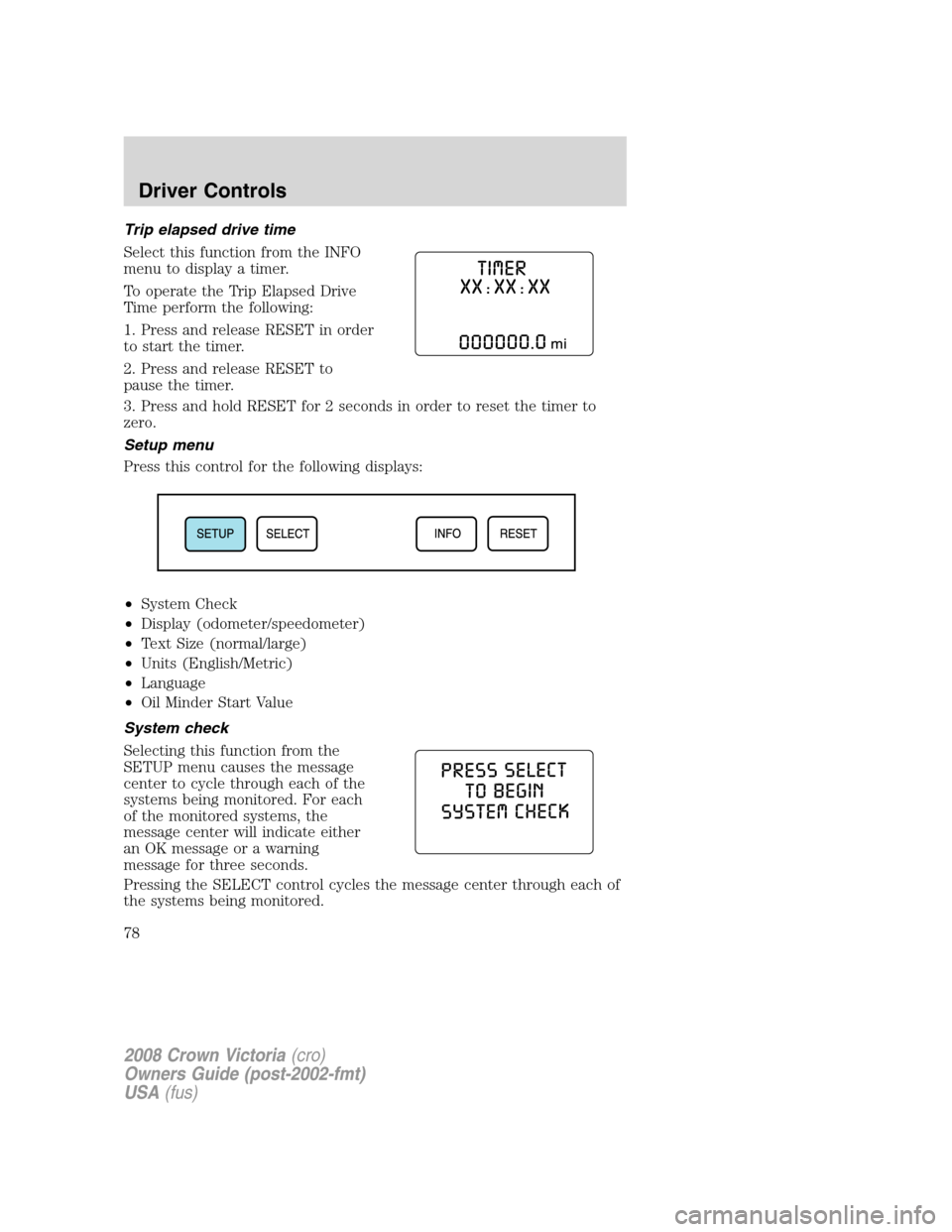
Trip elapsed drive time
Select this function from the INFO
menu to display a timer.
To operate the Trip Elapsed Drive
Time perform the following:
1. Press and release RESET in order
to start the timer.
2. Press and release RESET to
pause the timer.
3. Press and hold RESET for 2 seconds in order to reset the timer to
zero.
Setup menu
Press this control for the following displays:
•System Check
•Display (odometer/speedometer)
•Text Size (normal/large)
•Units (English/Metric)
•Language
•Oil Minder Start Value
System check
Selecting this function from the
SETUP menu causes the message
center to cycle through each of the
systems being monitored. For each
of the monitored systems, the
message center will indicate either
an OK message or a warning
message for three seconds.
Pressing the SELECT control cycles the message center through each of
the systems being monitored.
2008 Crown Victoria(cro)
Owners Guide (post-2002-fmt)
USA(fus)
Driver Controls
78
Page 80 of 280
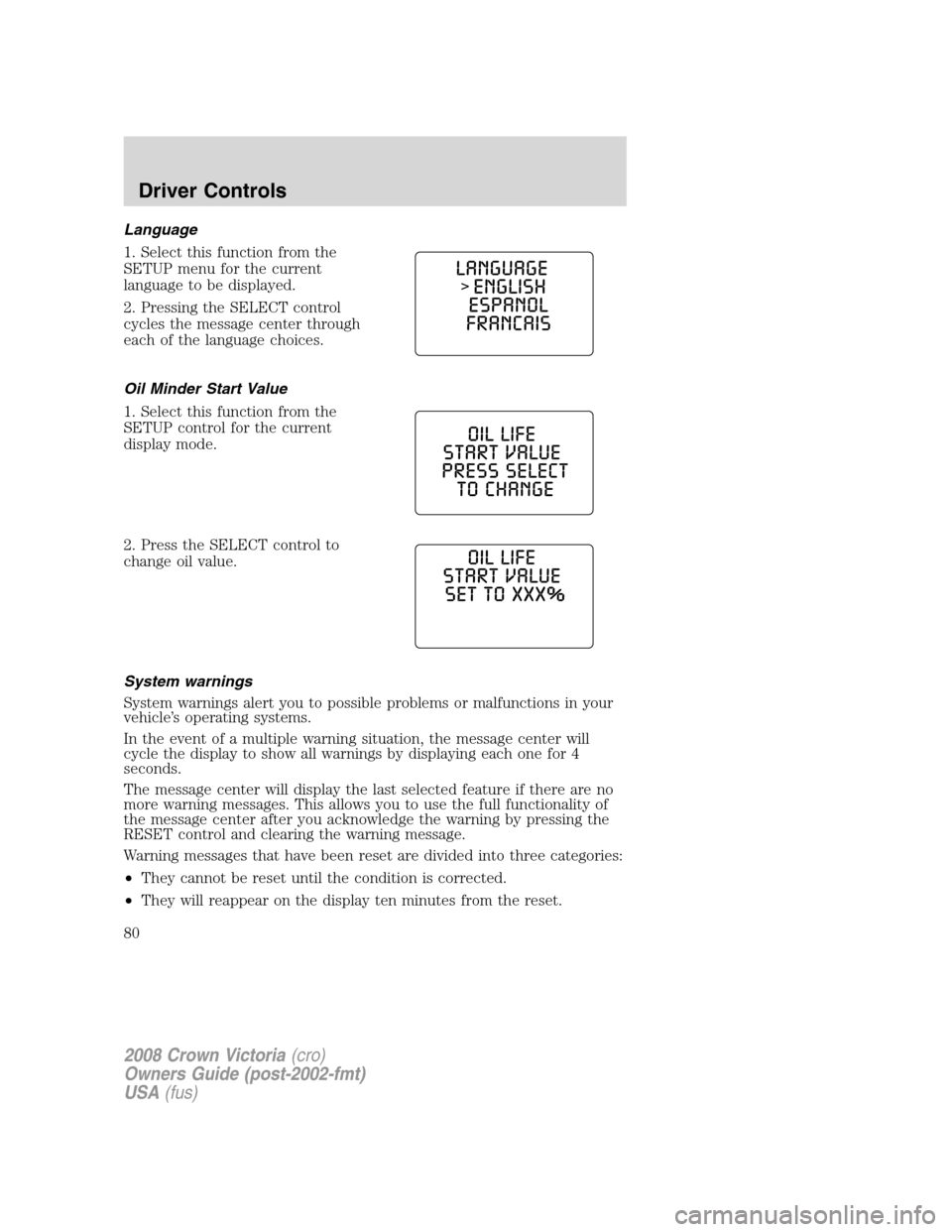
Language
1. Select this function from the
SETUP menu for the current
language to be displayed.
2. Pressing the SELECT control
cycles the message center through
each of the language choices.
Oil Minder Start Value
1. Select this function from the
SETUP control for the current
display mode.
2. Press the SELECT control to
change oil value.
System warnings
System warnings alert you to possible problems or malfunctions in your
vehicle’s operating systems.
In the event of a multiple warning situation, the message center will
cycle the display to show all warnings by displaying each one for 4
seconds.
The message center will display the last selected feature if there are no
more warning messages. This allows you to use the full functionality of
the message center after you acknowledge the warning by pressing the
RESET control and clearing the warning message.
Warning messages that have been reset are divided into three categories:
•They cannot be reset until the condition is corrected.
•They will reappear on the display ten minutes from the reset.
2008 Crown Victoria(cro)
Owners Guide (post-2002-fmt)
USA(fus)
Driver Controls
80