Page 231 of 527
Fast Forward (FF)
Press the FF button up momentarily to advance the tape
in the direction that it is playing. The tape will advance
until the button is pressed again or the end of the tape is
reached. At the end of the tape, the tape will play in the
opposite direction.
Rewind (RW)
Press the RW button momentarily to reverse the tape
direction. The tape will reverse until the button is pressed
again or until the end of the tape is reached. At the end of
the tape, the tape will play in the opposite direction.
Tape Eject
Press this button and the cassette will disen-
gage and eject from the radio.
SCAN Button
Press this button to play 10 seconds of each selection.
Press the SCAN button a second time to cancel the
feature.
Changing Tape Direction
If you wish to change the direction of tape travel (side
being played), press Preset 6. The lighted arrow in the
display window will show the new direction.
Metal Tape Selection
If a standard metal tape is inserted into the player, the
player will automatically select the correct equalization.
Pinch Roller Release
If ignition power or the radio ON/OFF switch is turned
off, the pinch roller will automatically retract to protect
the tape from any damage. When power is restored to the
tape player, the pinch roller will automatically reengage
and the tape will resume play.
UNDERSTANDING YOUR INSTRUMENT PANEL 229
4
Page 232 of 527
Noise Reduction
The Dolby Noise Reduction System* is on whenever the
tape player is on, but may be switched off.
To turn off the Dolby Noise Reduction System: Press
Preset 1 after you insert the tape. The NR light in the
display will go off when the Dolby System is off.
* ºDolbyº noise reduction is manufactured under license
from Dolby Laboratories Licensing Corporation. Dolby
and the double-D symbol are trademarks of Dolby Labo-
ratories Licensing Corporation.
Operating Instructions - (CD Mode for CD Audio
Play)
NOTE:The ignition switch must be in the ON or ACC
position to operate the radio.NOTE:This Radio is capable of playing compact discs
(CD), recordable compact discs (CD-R), rewritable com-
pact discs (CD-RW) compact discs with MP3 tracks and
multisession compact discs with CD and MP3 tracks and
WMA.
Inserting Compact Disc(s)
CAUTION!
This CD player will accept 4 3/4 inch (12 cm) discs
only. The use of other sized discs may damage the
CD player mechanism.
You may eject a disc with the radio OFF.
230 UNDERSTANDING YOUR INSTRUMENT PANEL
Page 246 of 527
Press and release the SCAN button (if equipped) to
automatically change channels every seven seconds. The
radio will pause on each channel for seven seconds
before moving on to the next channel. The word9SCAN9
will appear in the display between each channel change.
Press the SCAN button a second time to stop the search.
NOTE:Channels that may contain objectionable content
can be blocked. Contact Sirius Customer Care at 888-539-
7474 to discuss options for channel blocking or unblock-
ing. Please have your ESN/SID information available.
Storing And Selecting Preset Channels
In addition to the 12 AM and 12 FM preset stations, you
may also commit 12 satellite stations to pushbutton
memory. These satellite channel preset stations will not
erase any AM or FM preset memory stations. Follow the
memory preset procedures that apply to your radio.
Using The PTY (Program Type) Button Ð If
Equipped
Follow the PTY button instructions that apply to your
radio.
PTY Button SCAN
When the desired program type is obtained, press the
SCAN button within five seconds. The radio will play
seven seconds of the selected channel before moving to
the next channel of the selected program type. Press the
SCAN button a second time to stop the search.
NOTE:Pressing the SEEK or SCAN button, while
performing a music type scan, will change the channel by
one and stop the search. Pressing a preset memory button
during a music type scan will call up the memory
channel and stop the search.
244 UNDERSTANDING YOUR INSTRUMENT PANEL
Page 267 of 527
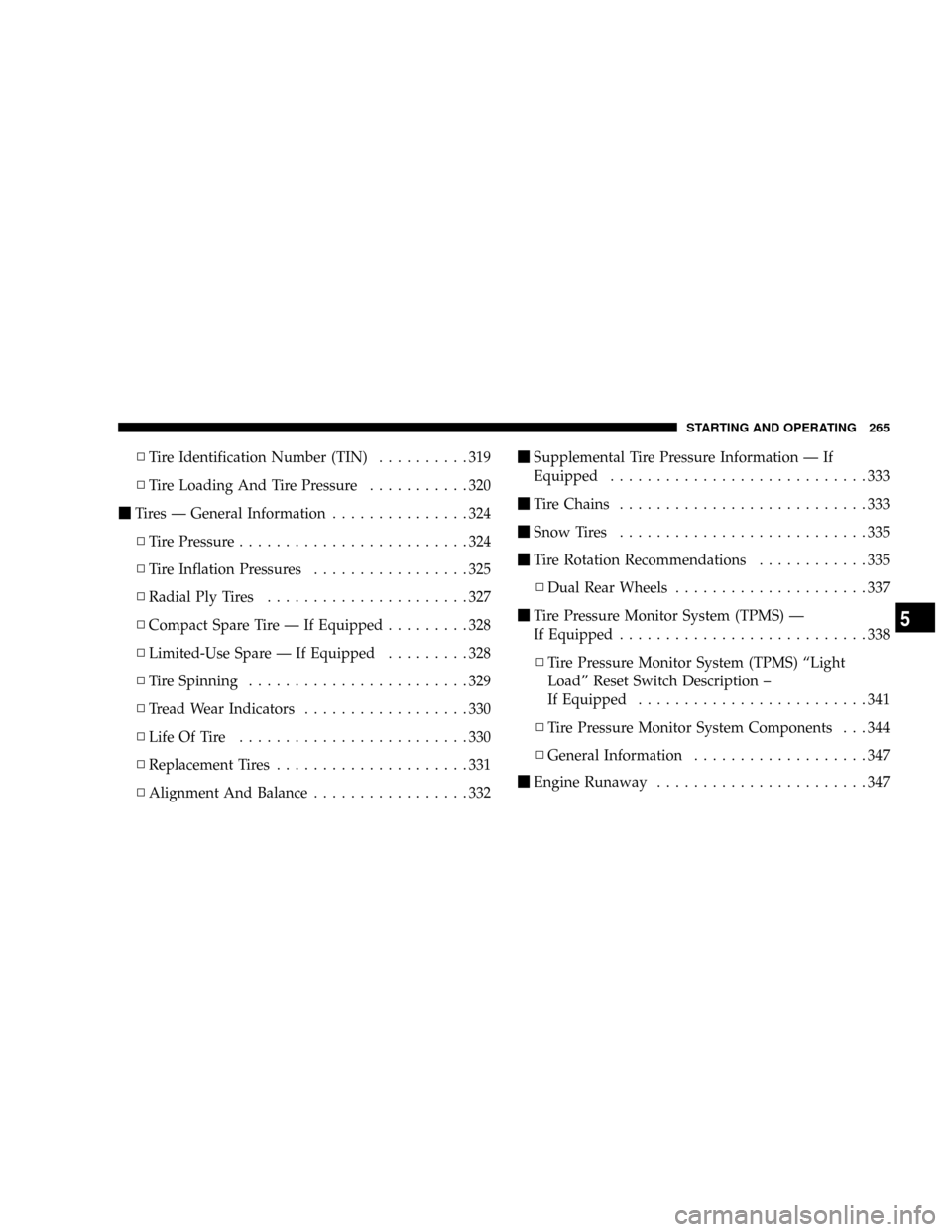
NTire Identification Number (TIN)..........319
NTire Loading And Tire Pressure...........320
mTires Ð General Information...............324
NTire Pressure.........................324
NTire Inflation Pressures.................325
NRadial Ply Tires......................327
NCompact Spare Tire Ð If Equipped.........328
NLimited-Use Spare Ð If Equipped.........328
NTire Spinning........................329
NTread Wear Indicators..................330
NLife Of Tire.........................330
NReplacement Tires.....................331
NAlignment And Balance.................332mSupplemental Tire Pressure Information Ð If
Equipped............................333
mTire Chains...........................333
mSnow Tires...........................335
mTire Rotation Recommendations............335
NDual Rear Wheels.....................337
mTire Pressure Monitor System (TPMS) Ð
If Equipped...........................338
NTire Pressure Monitor System (TPMS) ªLight
Loadº Reset Switch Description ±
If Equipped.........................341
NTire Pressure Monitor System Components . . . 344
NGeneral Information...................347
mEngine Runaway.......................347
STARTING AND OPERATING 265
5
Page 273 of 527
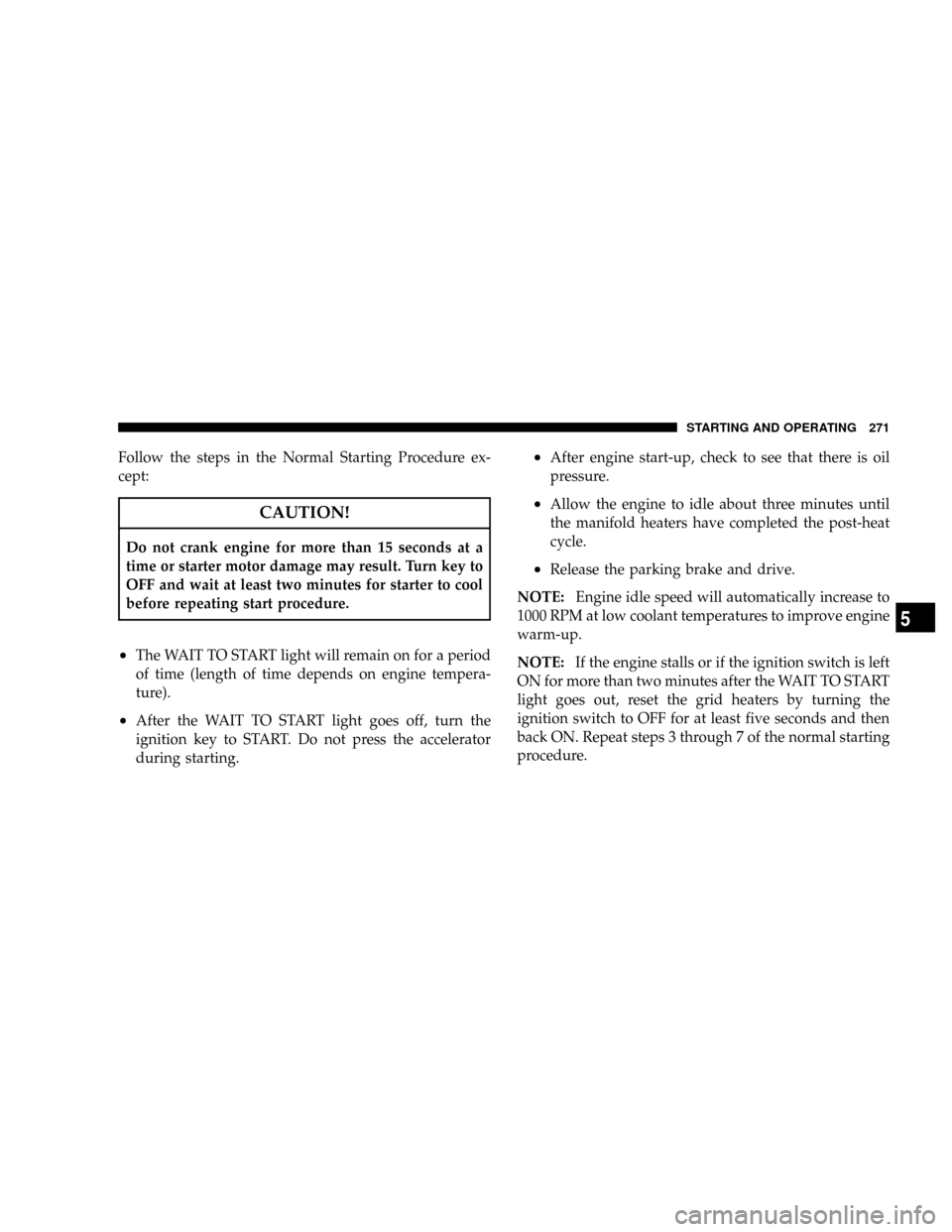
Follow the steps in the Normal Starting Procedure ex-
cept:
CAUTION!
Do not crank engine for more than 15 seconds at a
time or starter motor damage may result. Turn key to
OFF and wait at least two minutes for starter to cool
before repeating start procedure.
²The WAIT TO START light will remain on for a period
of time (length of time depends on engine tempera-
ture).
²After the WAIT TO START light goes off, turn the
ignition key to START. Do not press the accelerator
during starting.
²After engine start-up, check to see that there is oil
pressure.
²Allow the engine to idle about three minutes until
the manifold heaters have completed the post-heat
cycle.
²Release the parking brake and drive.
NOTE:Engine idle speed will automatically increase to
1000 RPM at low coolant temperatures to improve engine
warm-up.
NOTE:If the engine stalls or if the ignition switch is left
ON for more than two minutes after the WAIT TO START
light goes out, reset the grid heaters by turning the
ignition switch to OFF for at least five seconds and then
back ON. Repeat steps 3 through 7 of the normal starting
procedure.
STARTING AND OPERATING 271
5
Page 340 of 527
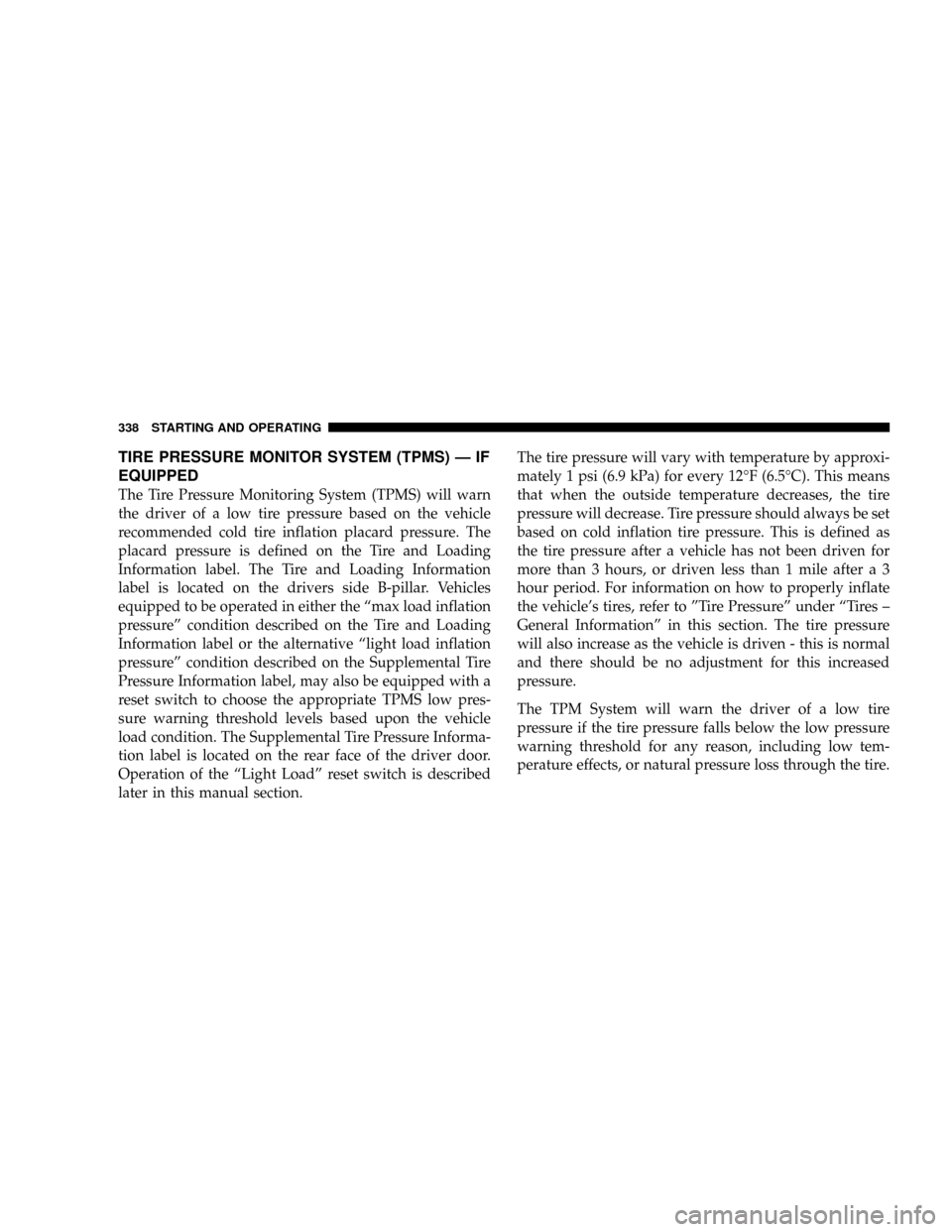
TIRE PRESSURE MONITOR SYSTEM (TPMS) Ð IF
EQUIPPED
The Tire Pressure Monitoring System (TPMS) will warn
the driver of a low tire pressure based on the vehicle
recommended cold tire inflation placard pressure. The
placard pressure is defined on the Tire and Loading
Information label. The Tire and Loading Information
label is located on the drivers side B-pillar. Vehicles
equipped to be operated in either the ªmax load inflation
pressureº condition described on the Tire and Loading
Information label or the alternative ªlight load inflation
pressureº condition described on the Supplemental Tire
Pressure Information label, may also be equipped with a
reset switch to choose the appropriate TPMS low pres-
sure warning threshold levels based upon the vehicle
load condition. The Supplemental Tire Pressure Informa-
tion label is located on the rear face of the driver door.
Operation of the ªLight Loadº reset switch is described
later in this manual section.The tire pressure will vary with temperature by approxi-
mately 1 psi (6.9 kPa) for every 12ÉF (6.5ÉC). This means
that when the outside temperature decreases, the tire
pressure will decrease. Tire pressure should always be set
based on cold inflation tire pressure. This is defined as
the tire pressure after a vehicle has not been driven for
more than 3 hours, or driven less than 1 mile after a 3
hour period. For information on how to properly inflate
the vehicle's tires, refer to ºTire Pressureº under ªTires ±
General Informationº in this section. The tire pressure
will also increase as the vehicle is driven - this is normal
and there should be no adjustment for this increased
pressure.
The TPM System will warn the driver of a low tire
pressure if the tire pressure falls below the low pressure
warning threshold for any reason, including low tem-
perature effects, or natural pressure loss through the tire.
338 STARTING AND OPERATING
Page 343 of 527
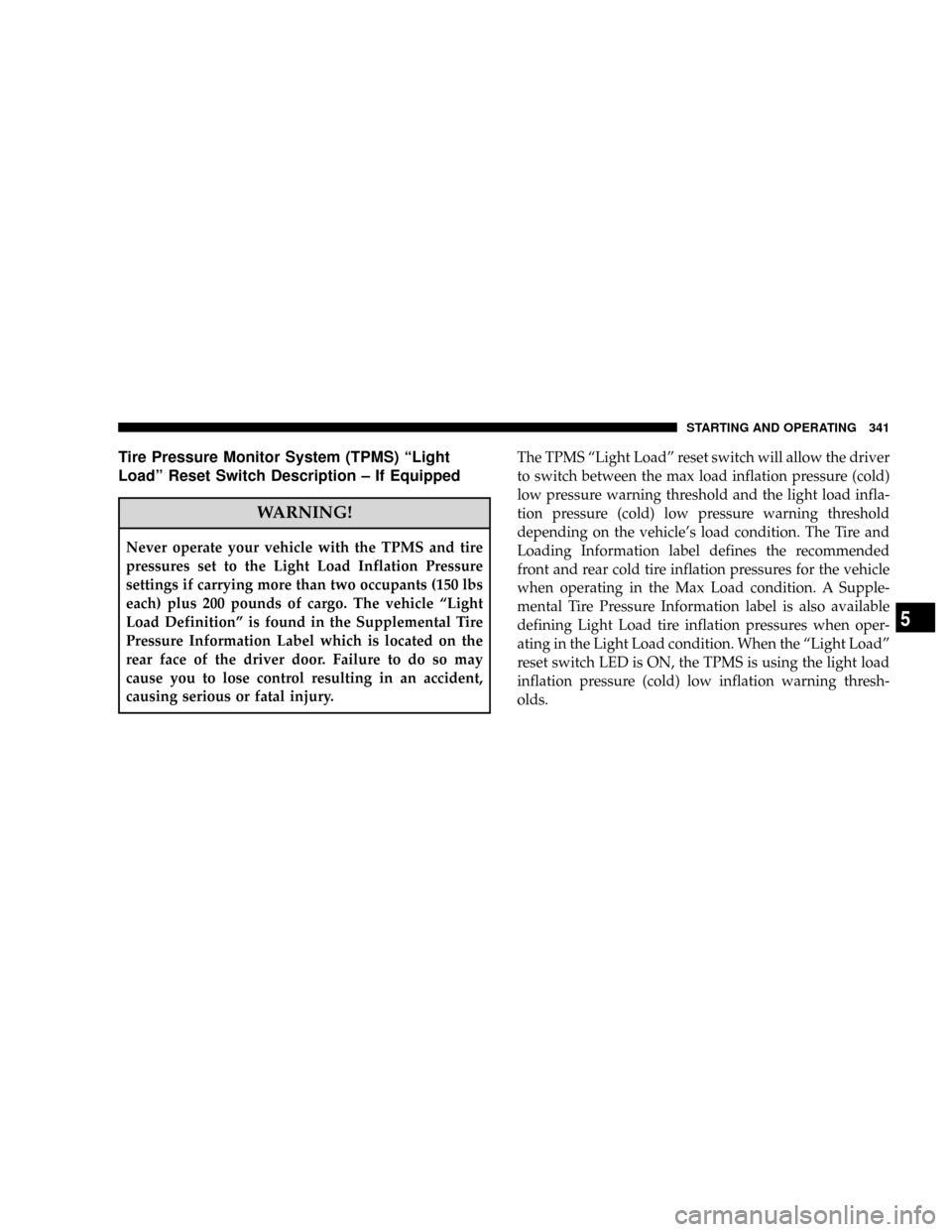
Tire Pressure Monitor System (TPMS) ªLight
Loadº Reset Switch Description ± If Equipped
WARNING!
Never operate your vehicle with the TPMS and tire
pressures set to the Light Load Inflation Pressure
settings if carrying more than two occupants (150 lbs
each) plus 200 pounds of cargo. The vehicle ªLight
Load Definitionº is found in the Supplemental Tire
Pressure Information Label which is located on the
rear face of the driver door. Failure to do so may
cause you to lose control resulting in an accident,
causing serious or fatal injury.The TPMS ªLight Loadº reset switch will allow the driver
to switch between the max load inflation pressure (cold)
low pressure warning threshold and the light load infla-
tion pressure (cold) low pressure warning threshold
depending on the vehicle's load condition. The Tire and
Loading Information label defines the recommended
front and rear cold tire inflation pressures for the vehicle
when operating in the Max Load condition. A Supple-
mental Tire Pressure Information label is also available
defining Light Load tire inflation pressures when oper-
ating in the Light Load condition. When the ªLight Loadº
reset switch LED is ON, the TPMS is using the light load
inflation pressure (cold) low inflation warning thresh-
olds.
STARTING AND OPERATING 341
5
Page 344 of 527
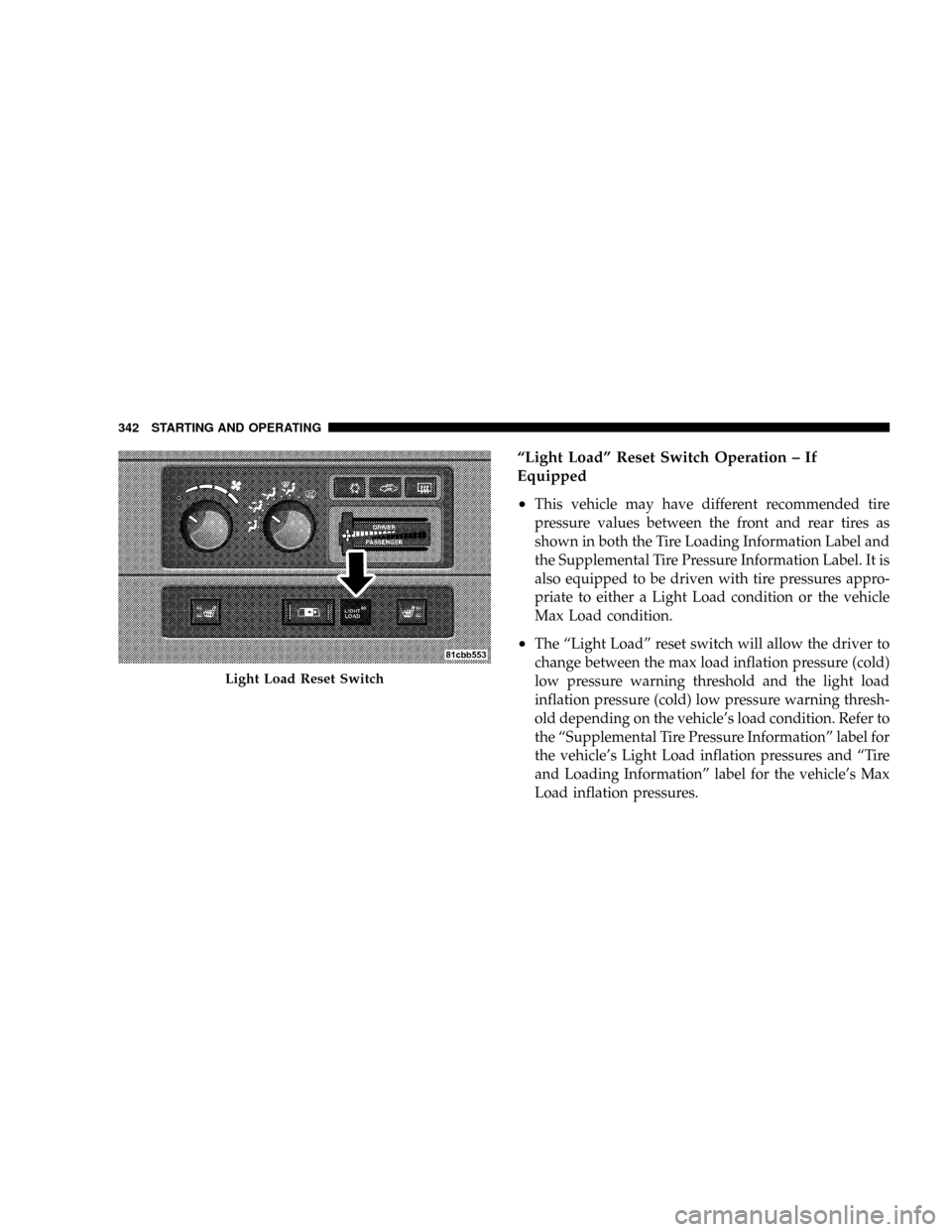
ªLight Loadº Reset Switch Operation ± If
Equipped
²
This vehicle may have different recommended tire
pressure values between the front and rear tires as
shown in both the Tire Loading Information Label and
the Supplemental Tire Pressure Information Label. It is
also equipped to be driven with tire pressures appro-
priate to either a Light Load condition or the vehicle
Max Load condition.
²The ªLight Loadº reset switch will allow the driver to
change between the max load inflation pressure (cold)
low pressure warning threshold and the light load
inflation pressure (cold) low pressure warning thresh-
old depending on the vehicle's load condition. Refer to
the ªSupplemental Tire Pressure Informationº label for
the vehicle's Light Load inflation pressures and ªTire
and Loading Informationº label for the vehicle's Max
Load inflation pressures.
Light Load Reset Switch
342 STARTING AND OPERATING