Page 243 of 527

3. To decrease the clock by one hour, use the Select
Encoder to highlight the ª-º sign. Press ENTER. Press
ENTER again to decrease the clock by another hour.
4. To increase the clock by minutes, make sure ªMIN +º
is highlighted and press ENTER. Press ENTER again to
increase the clock by another minute.
5. To decrease the clock by minutes, use the Select
Encoder to highlight the ª-ª sign. Press ENTER. Press
ENTER again to decrease the clock by another minute.
6. Select ªDONEº to exit from the clock setting mode.
Press ENTER to save your changes. If you press CAN-
CEL or NAV then your changes will not be saved.VIDEO ENTERTAINMENT SYSTEM (SALES CODE
XRV) Ð IF EQUIPPED
The optional Video Entertainment SystemŸ (VESŸ)
consists of a DVD player and LCD (liquid crystal display)
screen, a battery-powered remote control, and two head-
sets. The system is located in the headliner behind the
front row seat. Refer to your VESŸ User's Manual for
detailed operating instructions.
SATELLITE RADIO Ð IF EQUIPPED
Satellite radio uses direct satellite to receiver broadcast-
ing technology to provide clear digital sound, coast to
coast. The subscription service provider is SiriusŸ Satel-
lite Radio. This service offers over 130 channels of music,
sports, news, entertainment, and programming for chil-
dren, directly from its satellites and broadcasting studios.
NOTE:Sirius service is not available in Hawaii and has
limited coverage in Alaska.
UNDERSTANDING YOUR INSTRUMENT PANEL 241
4
Page 249 of 527

Tape Player
Pressing the top of the switch once will go to the next
selection on the cassette. Pressing the bottom of the
switch once will go to the beginning of the current
selection or to the beginning of the previous selection if it
is within the first five seconds of the current selection.
If you press the switch up or down twice it plays the
second selection; three times, it will play the third, etc.
The button in the center of the left-hand switch has no
function in this mode.
CD Player
Pressing the top of the switch once will go to the next
track on the CD. Pressing the bottom of the switch once
will go to the beginning of the current track or to the
beginning of the previous track if it is within one second
after the current track; begins to play.If you press the switch up or down twice it plays the
second track, three times, it will play the third, etc.
The button in the center of the left-hand switch has no
function in this mode.
CASSETTE TAPE AND PLAYER MAINTENANCE
To keep the cassette tapes and player in good condition,
take the following precautions:
1. Do not use cassette tapes longer than C-90; otherwise,
sound quality and tape durability will be greatly dimin-
ished.
2. Keep the cassette tape in its case to protect from
slackness and dust when it is not in use.
3. Keep the cassette tape away from direct sunlight, heat
and magnetic fields such as the radio speakers.
4. Before inserting a tape, make sure that the label is
adhering flatly to the cassette.
UNDERSTANDING YOUR INSTRUMENT PANEL 247
4
Page 250 of 527

5. A loose tape should be corrected before use. To rewind
a loose tape, insert the eraser end of a pencil into the tape
drive gear and twist the pencil in the required direction.
Maintain your cassette tape player. The head and capstan
shaft in the cassette player can pick up dirt or tape
deposits each time a cassette is played. The result of
deposits on the capstan shaft may cause the tape to wrap
around and become lodged in the tape transport. The
other adverse condition is low or ªmuddyº sound from
one or both channels, as if the treble tone control were
turned all the way down. To prevent this, you should
periodically clean the head with a commercially available
wet cleaning cassette.
As preventive maintenance, clean the head about every
30 hours of use. If you wait until the head becomes very
dirty (noticeably poor sound), it may not be possible to
remove all deposits with a simple wet cleaning cassette.COMPACT DISC MAINTENANCE
To keep the compact discs in good condition, take the
following precautions:
1. Handle the disc by its edge; avoid touching the
surface.
2. If the disc is stained, clean the surface with a soft cloth,
wiping from center to edge.
3. Do not apply paper or tape to the disc; avoid scratch-
ing the disc.
4. Do not use solvents such as benzene, thinner, cleaners,
or antistatic sprays.
5. Store the disc in its case after playing.
6. Do not expose the disc to direct sunlight.
7. Do not store the disc where temperatures may become
too high.
248 UNDERSTANDING YOUR INSTRUMENT PANEL
Page 254 of 527
Air Conditioning and Heating Ð If Equipped
Air Conditioning Operation
To turn on the Air Conditioning, set the fan
control at any speed and press the snowflake
button located at the right of the control panel.
Conditioned air will be directed through theoutlets selected by the mode control. A light in the
snowflake button shows that the air conditioning is on.
Press the button a second time to turn the air condition-
ing off.
Slight changes in engine speed or power may be noticed
when the air conditioning compressor is on. This is a
normal occurrence as the compressor will cycle on and
off to maintain comfort and increase fuel economy.
The mode control (at the right of the
control panel) can be set in any of the
following positions:
Air Conditioning And Heating
252 UNDERSTANDING YOUR INSTRUMENT PANEL
Page 258 of 527

Air Conditioning and Heating Operation
To turn on the Air Conditioning, set the fan control at any
speed and press the snowflake button located on the
control panel. Conditioned air will be directed through
the outlets selected by the mode control. A light in the
snowflake button shows that the air conditioning is on.
Press the button a second time to turn the air condition-
ing off.
A/C Pushbutton
With the fan control in the ON posi-
tion, pushing the A/C button turns on
the air conditioning compressor. An
indicator light on the button shows
that the Air Conditioning compressor
is on. Conditioned air is now directed
through the mode outlets selected.
Pushing the button a second time turns the compressor
OFF.
Recirculation Pushbutton
Pushing the Recirculation button al-
lows interior air to recirculate continu-
ously in any position except defrost
and defrost/floor mode for rapid cool
down of the interior. See ªFast
Cooldownº later in this section.
Mode Control
The mode control allows you to
choose from several patterns of air
distribution.
256 UNDERSTANDING YOUR INSTRUMENT PANEL
Page 263 of 527

Summer Operation
Air conditioned vehicles must be protected with a high
quality antifreeze coolant during summer to provide
proper corrosion protection and to raise the boiling point
of the coolant for protection against overheating. A 50 %
concentration is recommended. For proper coolant type,
refer to ªRecommended Fluids and Genuine Partsº in
Section 7.
When using the air conditioner in extremely heavy traffic
in hot weather, especially when towing a trailer, addi-
tional engine cooling may be required. If this situation is
encountered, operate the transmission in a lower gear to
increase engine RPM, coolant flow and fan speed. When
stopped in heavy traffic, it may be necessary to shift into
NEUTRAL and depress the accelerator slightly for fast
idle operation to increase coolant flow and fan speed.NOTE:On models equipped with Diesel engines, the
idle speed will automatically increase to 1000 rpm at
elevated coolant temperatures to improve engine cooling.
Your air conditioning system is also equipped with an
automatic recirculation system. When the system senses
a heavy load or high heat conditions, it may use partial
Recirculation A/C mode to provide additional comfort.
Winter Operation
When operating the system during the Winter months,
make sure the air intake, located directly in front of the
windshield, is free of ice, slush, snow, or other obstruc-
tions.
UNDERSTANDING YOUR INSTRUMENT PANEL 261
4
Page 266 of 527

mManual Transmission....................291
NShifting............................291
NDownshifting........................293
NReverse Shifting......................294
mFour±Wheel Drive Operation Ð If Equipped . . . 294
NManually Shifted Transfer Case Operating
Information/Precautions................294
NShifting Procedure - Manually Shifted Transfer
Case..............................297
NTransfer Case Reminder Light............298
NElectronically Shifted Transfer Case Operating
Information/Precautions (4 Position Switch) Ð
If Equipped.........................299
NShifting Procedure Ð Electronically Shifted
Transfer Case........................303mLimited-Slip Differential Ð If Equipped.......306
mDriving On Slippery Surfaces..............307
mDriving Through Water..................307
NFlowing/Rising Water..................307
NShallow Standing Water.................308
mDriving Off-Road.......................309
mParking Brake.........................310
mBrake System..........................312
NBrake Noise.........................312
NFour-Wheel Anti-Lock Brake System........313
mPower Steering........................315
mTire Safety Information...................316
NTire Markings........................316
264 STARTING AND OPERATING
Page 267 of 527
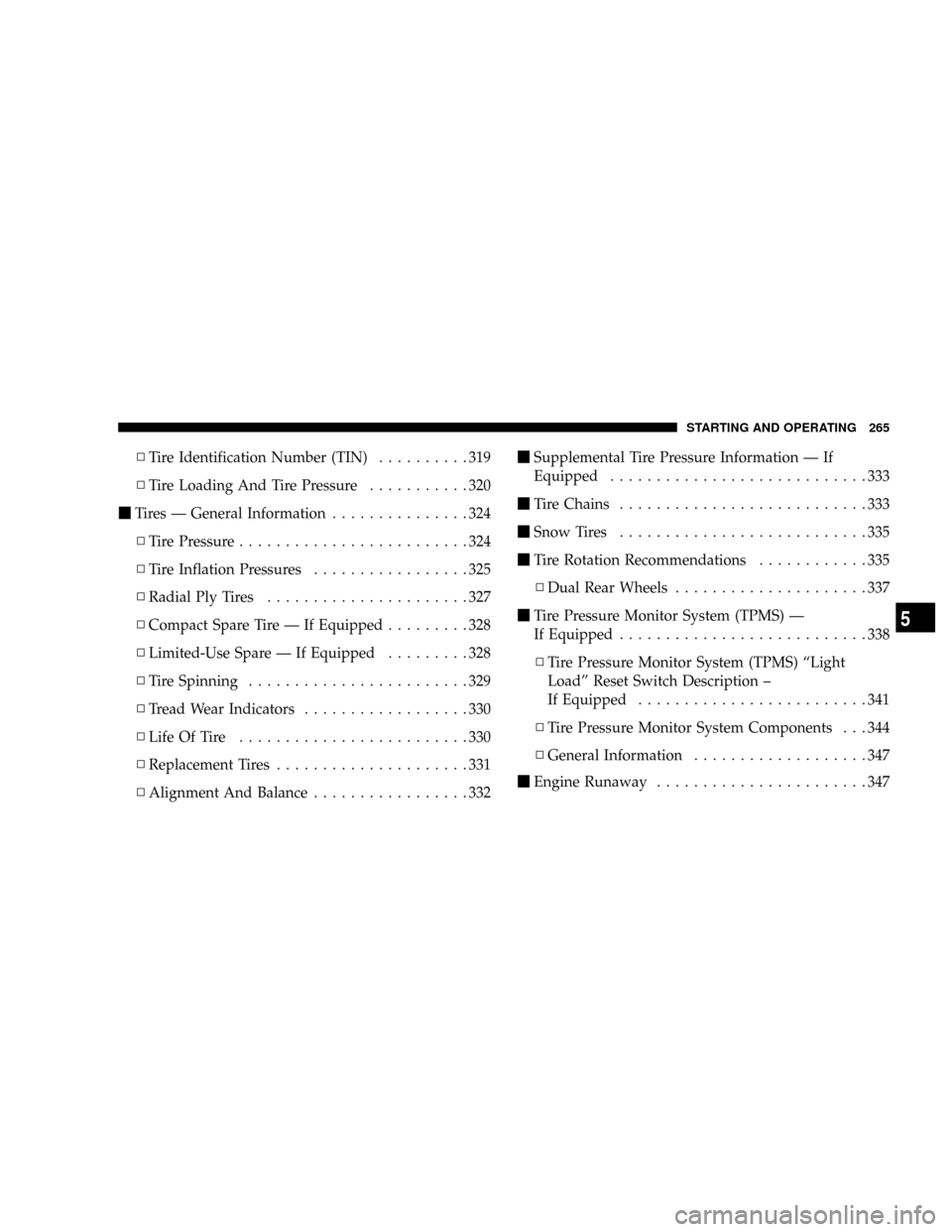
NTire Identification Number (TIN)..........319
NTire Loading And Tire Pressure...........320
mTires Ð General Information...............324
NTire Pressure.........................324
NTire Inflation Pressures.................325
NRadial Ply Tires......................327
NCompact Spare Tire Ð If Equipped.........328
NLimited-Use Spare Ð If Equipped.........328
NTire Spinning........................329
NTread Wear Indicators..................330
NLife Of Tire.........................330
NReplacement Tires.....................331
NAlignment And Balance.................332mSupplemental Tire Pressure Information Ð If
Equipped............................333
mTire Chains...........................333
mSnow Tires...........................335
mTire Rotation Recommendations............335
NDual Rear Wheels.....................337
mTire Pressure Monitor System (TPMS) Ð
If Equipped...........................338
NTire Pressure Monitor System (TPMS) ªLight
Loadº Reset Switch Description ±
If Equipped.........................341
NTire Pressure Monitor System Components . . . 344
NGeneral Information...................347
mEngine Runaway.......................347
STARTING AND OPERATING 265
5
