2008 Citroen JUMPER DAG service
[x] Cancel search: servicePage 18 of 163
21
2
READY TO SET OFF
ELECTRONIC IMMOBILISER
All of the keys contain an electronic
immobiliser device.
This device locks the engine supply system.
It is activated automatically when the key is
removed from the ignition. Operating the remote control, even when it
is in your pocket, may result in involuntary
unlocking of the doors.
However, if none of the doors is opened
within approximately thirty seconds following
unlocking, the doors relock automatically.
The simultaneous use of other high
frequency equipment (mobile telephones,
domestic alarms…), may interfere with the
operation of the remote control temporarily.
The remote control does not operate while
the key is in the ignition, even if the ignition
is off, except for reinitialisation.
Good practice
Make a careful note of the number of the
keys. If they are lost, your CITROËN dealer
will be able to carry out his work more
quickly and effectively if you give him this
number and the confidential card.
Do not make any modifications to the
electronic immobiliser system. This warning light is switched off
after the ignition is switched on
and the key has been recognised,
the engine can be started.
If the key is not recognised, the engine
cannot be started. Use another key and
have the faulty key checked by a CITROËN
dealer.
Driving with the doors locked may
make access to the passenger
compartment by the emergency services
more difficult in an emergency.
As a safety precaution (with children on
board), remove the key from the ignition when
leaving the vehicle, even for a short time.
After the ignition is switched on, a dialogue
is established between the key and the
electronic immobiliser system.
When purchasing a second-hand vehicle:
- ensure that you are given the confidential card,
- have the keys memorised by a CITROËN dealer to ensure that the keys
in your possession are the only ones
which can start the vehicle.
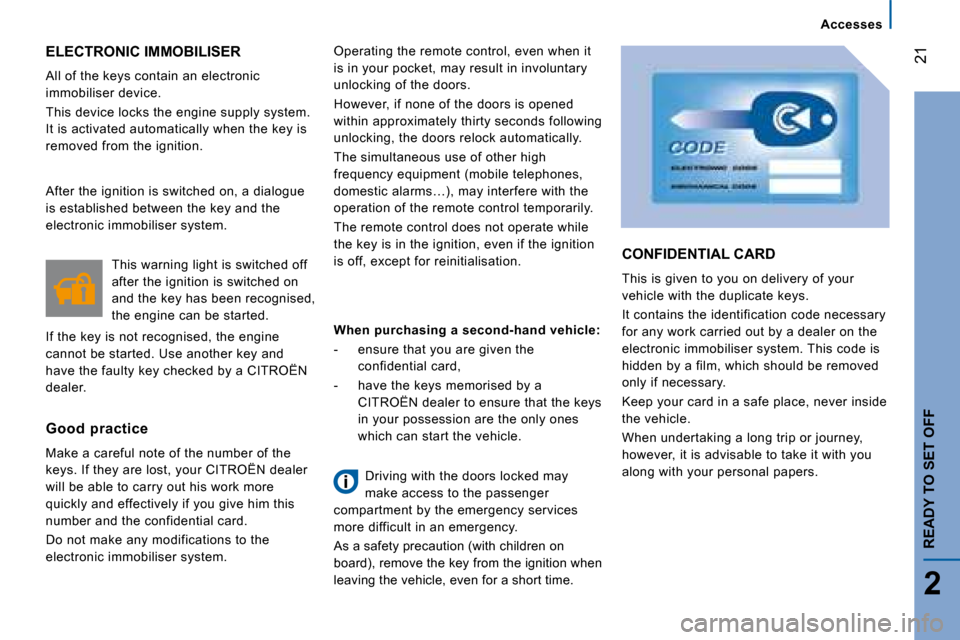
CONFIDENTIAL CARD
This is given to you on delivery of your
vehicle with the duplicate keys.
It contains the identification code necessary
for any work carried out by a dealer on the
electronic immobiliser system. This code is
hidden by a film, which should be removed
only if necessary.
Keep your card in a safe place, never inside
the vehicle.
When undertaking a long trip or journey,
however, it is advisable to take it with you
along with your personal papers. Accesses
Page 22 of 163
25
2
READY TO SET OFF
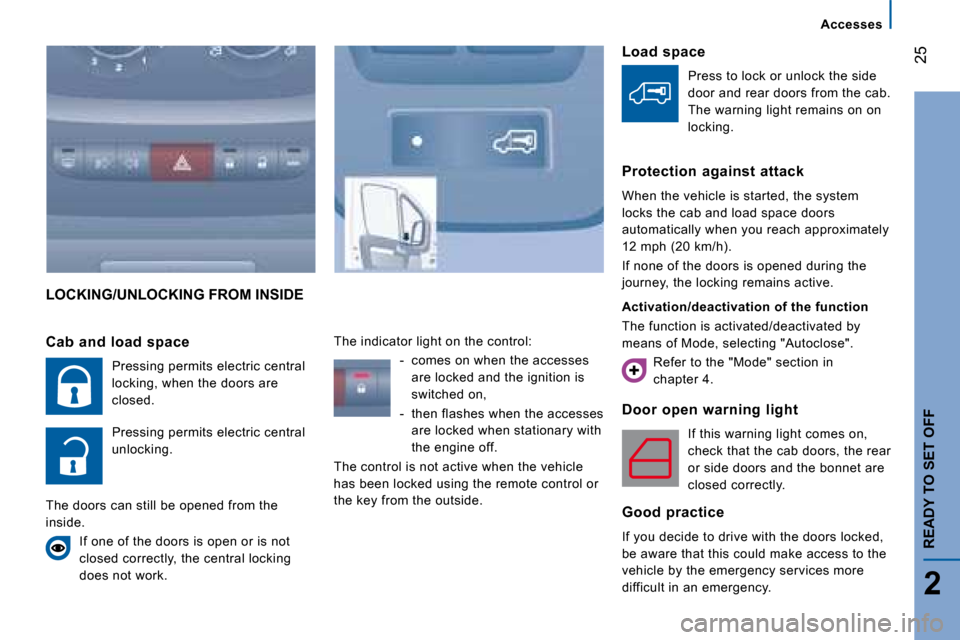
LOCKING/UNLOCKING FROM INSIDE
Door open warning light If this warning light comes on,
check that the cab doors, the rear
or side doors and the bonnet are
closed correctly.
Good practice
If you decide to drive with the doors locked,
be aware that this could make access to the
vehicle by the emergency services more
difficult in an emergency.
Cab and load space
Pressing permits electric central
locking, when the doors are
closed.
Pressing permits electric central
unlocking.
The doors can still be opened from the
inside. If one of the doors is open or is not
closed correctly, the central locking
does not work. The indicator light on the control:
- comes on when the accesses are locked and the ignition is
switched on,
- then flashes when the accesses are locked when stationary with
the engine off.
The control is not active when the vehicle
has been locked using the remote control or
the key from the outside. Load space
Press to lock or unlock the side
door and rear doors from the cab.
The warning light remains on on
locking.
Protection against attack
When the vehicle is started, the system
locks the cab and load space doors
automatically when you reach approximately
12 mph (20 km/h).
If none of the doors is opened during the
journey, the locking remains active.
Activation/deactivation of the function
The function is activated/deactivated by
means of Mode, selecting "Autoclose". Refer to the "Mode" section in
chapter 4. Accesses
Page 23 of 163

2
134
26
Instruments and controls
INSTRUMENT PANEL
1. Distance recorder in kilometres/miles.
2. Display.
3. Dials and gauges.
4. Rev counter.
INSTRUMENTS AND CONTROLS
Instrument panel display 1
- Time,
- Kilometres/Miles travelled,
- Range,
- Consumption,
- Average speed,
- Headlamp beam height,
- Programmable overspeed warning via
MODE,
- Service indicator. Instrument panel display 2
- Time,
- Date,
- Exterior temperature,
- Kilometres/Miles travelled,
- Range,
- Consumption,
- Average speed,
- Headlamp beam height,
- Programmable overspeed warning via
MODE,
- Service indicator,
- Warning messages displayed in the top section,
- Radio (frequency of the current station).
Page 24 of 163

27
2
READY TO SET OFF
Instruments and controls
WARNING LIGHTS
Each time the engine is started: a series of warning lights comes on applying a self-checking test. T hey switch off almost
immediately. When the engine is running: the warnin g light becomes a warning sign if it remains on continuously or flashes. This
initial warning may be accompanied by an audible si gnal and a message on the display. "Do not ignore these warnings."
Warning light is indicates Solution - action
Service on temporarily. minor faults. Contact a CITRO
ËN dealer.
continuously on,
accompanied by
a message on
the display. major faults.
Make a note of the warning message and contact a
CITROËN dealer.
Handbrake-
Brake fluid level on.
that the handbrake is applied or
has not been released correctly. Releasing the handbrake switches off the warning l
ight.
on. that the fluid level is too low. Top up wi th a fluid recommended by CITROËN .
continuously on,
even though the
level is correct.
Stop immediately, park, switch off the ignition and
contact a CITROËN dealer.
+ Electronic brake
force distribution on. an electronic brake force
distribution fault. Stop immediately. Consult a CITROËN dealer.
Low coolant
level
on. that the fluid level is too low. Park and switch off the ignition. Allow to cool.
Refer to
the "Levels" section of chapter 7. Consult a CITRO ËN
dealer.
Page 25 of 163

28
Instruments and controls
Warning light is Solution - action Solution - action
Coolant
temperature on with the
needle in the red
zone.
an abnormal increase.
Park and switch off the ignition, allow the circui
t to cool.
Visually check the level.
on H in the red
zone. a coolant temperature. Refer to the "Levels" section of chapter 7. Consu
lt a
CITROËN dealer.
Engine oil
pressure on while driving. that the pressure is too low.
Park and switch off the ignition, allow the lubric
ation
circuit to cool in order to check its level. Refer to the
"Levels" section of chapter 7.
continuously on,
even though the
level is correct. a major fault. Consult a CITROËN dealer.
flashing, for a
few seconds,
with a message
on the display. that a service will soon be due.
Refer to the list of checks in the servicing boo
klet then
carry out the CITROËN service.
Battery charge on. a fault in the charging circuit.
Check the battery terminals… Refer to the "Battery
"
section of chapter 8.
continuously on,
in spite of the
checks. a circuit fault, an ignition or
injection malfunction.
Consult a CITROËN dealer.
Door or bonnet
open detection on.
that a door or the bonnet is not
closed correctly. Check that the cab doors, the rear and side doors
and
the bonnet are closed.
accompanied by
a message on
the display.
Page 30 of 163

33
2
READY TO SET OFF
Instruments and controls
Display displays indicates Solution - action
Temperature/Ice the ice warning,
the temperature
flashing
accompanied by
a message on
the display. weather conditions which could
result in ice on the road.
Be particularly vigilant and do not brake sharply.
Refer
to the "Driving Safety" section of chapter 5".
Date 11:00:00 a setting: of
the Date. of the
Time. a configuration via the MODE
menu.
Refer to the "Mode" section of chapter 4.
Headlamp beam
height a headlamp
height setting. A position from 0 to
3 depending on the load carried Adjust using the control on the fascia panel.
Refer to the "Steering wheel controls" section of
chapter 3.
Service spanner a service
spanner which
remains lit. that a service will soon be due.
Refer to the list of checks in the servicing boo
klet. Have
the service carried out by a CITROËN dealer.
Page 31 of 163

33
2
READY TO SET OFF
Instruments and controls
Display displays indicates Solution - action
Temperature/Ice the ice warning,
the temperature
flashing
accompanied by
a message on
the display. weather conditions which could
result in ice on the road.
Be particularly vigilant and do not brake sharply.
Refer
to the "Driving Safety" section of chapter 5".
Date 11:00:00 a setting: of
the Date. of the
Time. a configuration via the MODE
menu.
Refer to the "Mode" section of chapter 4.
Headlamp beam
height a headlamp
height setting. A position from 0 to
3 depending on the load carried Adjust using the control on the fascia panel.
Refer to the "Steering wheel controls" section of
chapter 3.
Service spanner a service
spanner which
remains lit. that a service will soon be due.
Refer to the list of checks in the servicing boo
klet. Have
the service carried out by a CITROËN dealer.
Page 33 of 163
35
2
READY TO SET OFF
Instruments and controls
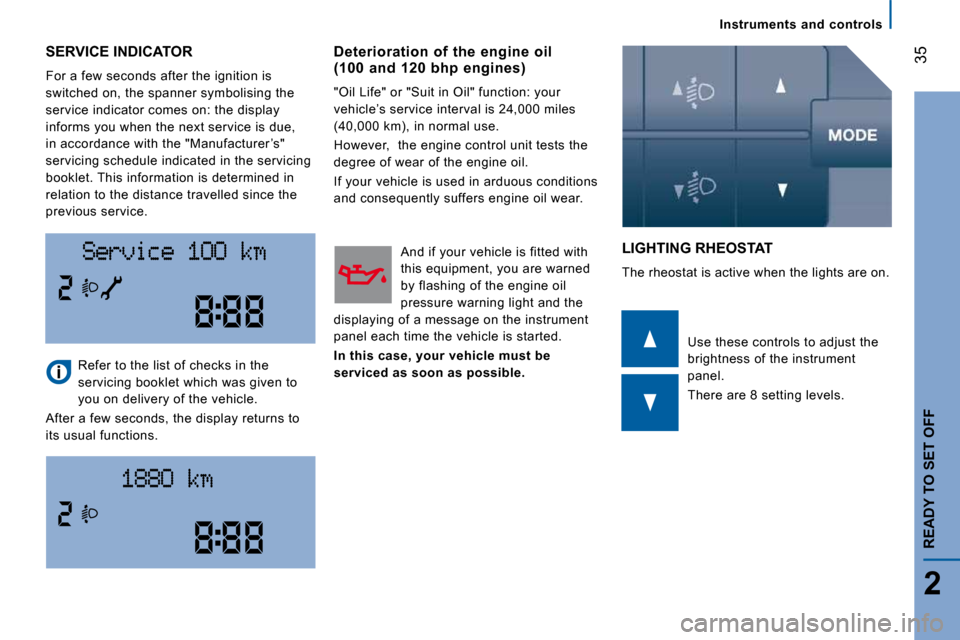
SERVICE INDICATOR
For a few seconds after the ignition is
switched on, the spanner symbolising the
service indicator comes on: the display
informs you when the next service is due,
in accordance with the "Manufacturer ’s"
servicing schedule indicated in the servicing
booklet. This information is determined in
relation to the distance travelled since the
previous service.
LIGHTING RHEOSTAT
The rheostat is active when the lights are on.
Refer to the list of checks in the
servicing booklet which was given to
you on delivery of the vehicle.
After a few seconds, the display returns to
its usual functions. Use these controls to adjust the
brightness of the instrument
panel.
There are 8 setting levels.
Deterioration of the engine oil (100 and 120 bhp engines)
"Oil Life" or "Suit in Oil" function: your
vehicle’s service interval is 24,000 miles
(40,000 km), in normal use.
However, the engine control unit tests the
degree of wear of the engine oil.
If your vehicle is used in arduous conditions
and consequently suffers engine oil wear.
And if your vehicle is fitted with
this equipment, you are warned
by flashing of the engine oil
pressure warning light and the
displaying of a message on the instrument
panel each time the vehicle is started.
In this case, your vehicle must be
serviced as soon as possible.