Page 20 of 519

If the alarm system is armed and the battery becomes
disconnected the system will remain armed when the
battery is reconnected. The exterior lights will flash, the
horn will sound, and the ignition will not start the
vehicle. If this occurs, disarm the system.
Tamper Alert
If something has triggered the system in your absence,
the horn will sound three times when you disarm the
system. Check the vehicle for tampering.
ILLUMINATED ENTRY SYSTEM
The courtesy lights will turn on when you use the
Remote Keyless Entry (RKE) transmitter or open any
door.
This feature also turns on the approach lighting in the
outside mirrors (if so equipped). For details, refer to
“Outside Mirrors with Turn Signal & Approach Light-
ing” under “Mirrors” in Section 3 of this manual.The lights will fade to off after about 30 seconds or they
will immediately fade to off once the ignition switch is
turned ON from the LOCK position.
NOTE:
•None of the courtesy lights will operate if the dimmer
control is in the “defeat” position (extreme downward
position), unless the overhead map/reading lights are
turned on manually.
REMOTE KEYLESS ENTRY
This system allows you to lock or unlock the doors, open
the trunk, or activate the panic alarm from distances up
to about 35 feet (11 meters) using a hand held radio
transmitter. The transmitter need not be pointed at the
vehicle to activate the system.
NOTE:Inserting the Fob with Integrated Key into the
ignition switch disables all buttons on that transmitter;
however, the buttons on the remaining transmitters will
20 THINGS TO KNOW BEFORE STARTING YOUR VEHICLE
Page 58 of 519
Air Bag System Components
The airbag system consists of the following:
•Occupant Restraint Controller (ORC)
•Side Remote Acceleration Sensors (if equipped)
•Airbag Warning Light
•Driver Airbag
•Front Passenger Airbag
•Supplemental Side Curtain Airbags above Side Win-
dows (if equipped)
•Supplemental Front-Seat-Mounted Side Airbags (if
equipped)
•Steering Wheel and Column
•Instrument Panel
•Interconnecting Wiring
•Seat Belt Reminder Light
•Knee Impact Bolsters
•Front Acceleration Sensors
•Driver and Front Passenger Seat Belt Pretensioners
How The Airbag System Works
•
TheOccupant Restraint Controller (ORC)determines
if a frontal collision is severe enough to require the
airbags to inflate. The front airbag inflators are de-
signed to provide different rates of airbag inflation
from direction provided by the ORC. The ORC will not
detect roll over.
58 THINGS TO KNOW BEFORE STARTING YOUR VEHICLE
Page 81 of 519
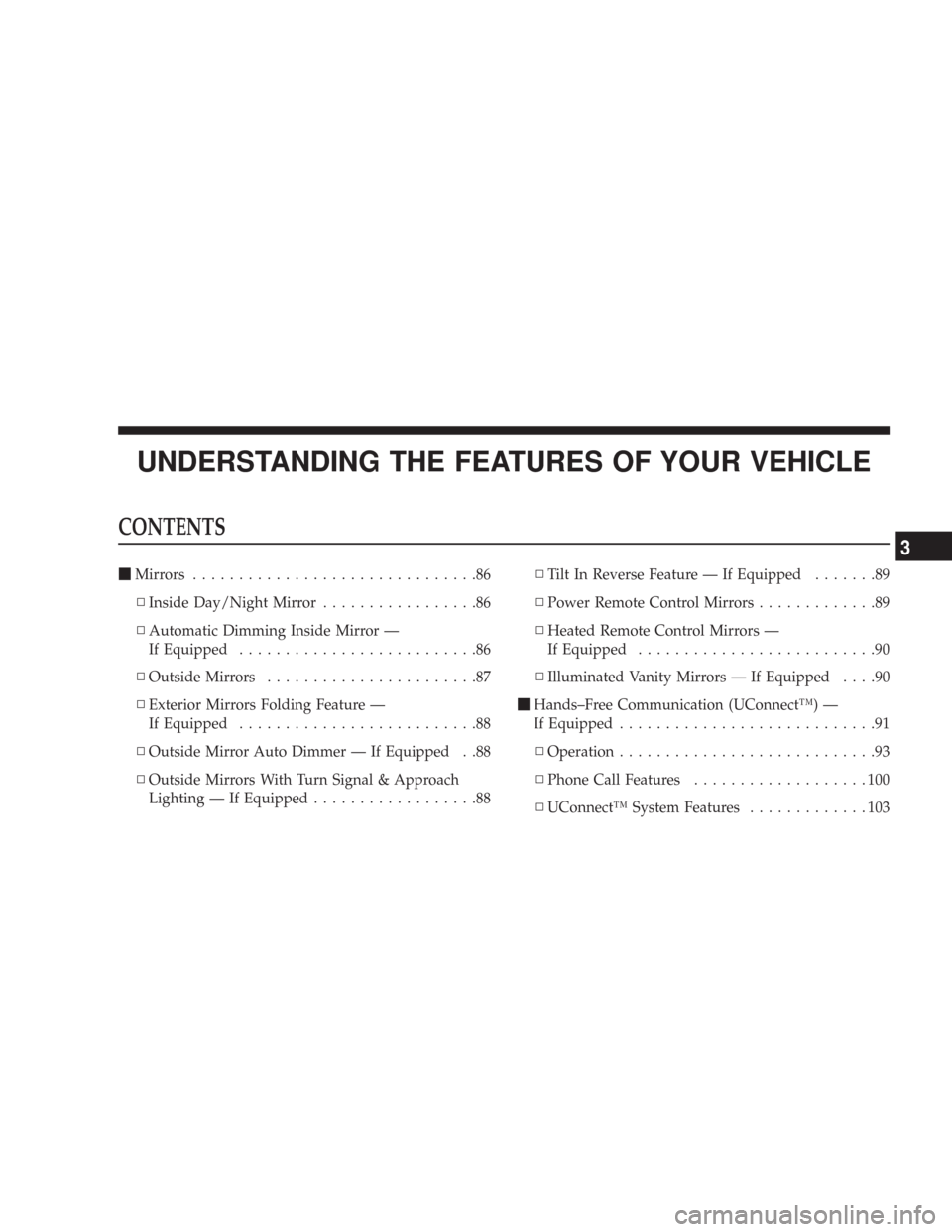
UNDERSTANDING THE FEATURES OF YOUR VEHICLE
CONTENTS
�Mirrors...............................86
▫Inside Day/Night Mirror.................86
▫Automatic Dimming Inside Mirror —
If Equipped..........................86
▫Outside Mirrors.......................87
▫Exterior Mirrors Folding Feature —
If Equipped..........................88
▫Outside Mirror Auto Dimmer — If Equipped . .88
▫Outside Mirrors With Turn Signal & Approach
Lighting — If Equipped..................88▫Tilt In Reverse Feature — If Equipped.......89
▫Power Remote Control Mirrors.............89
▫Heated Remote Control Mirrors —
If Equipped..........................90
▫Illuminated Vanity Mirrors — If Equipped....90
�Hands–Free Communication (UConnect™) —
If Equipped............................91
▫Operation............................93
▫Phone Call Features...................100
▫UConnect™ System Features.............103
3
Page 89 of 519

Tilt in Reverse Feature — If Equipped
The�Tilt in Reverse�feature tilts the outside rearview
mirrors downward when the ignition switch is to the ON
position and the transmission is in the “R” (Reverse)
position. This feature provides the driver with a better
view of the ground and vehicle in the area of the rear tires
when backing up. The mirrors will move back to their
previous position when the transmission is shifted out of
“R” (Reverse).
The�Tilt in Reverse�feature can be enabled or disabled
through the Electronic Vehicle Information Center (EVIC)
— if equipped. For details, refer to “Personal Settings
(Customer Programmable Features)” under “Electronic
Vehicle Information Center (EVIC)” in Section 4 of this
manual.
Power Remote Control Mirrors
The power mirror switch is located on the driver’s door
trim panel next to the power door lock switch. A rotary
knob selects the left mirror, right mirror, or off position.
After selecting a mirror, move the knob in the same
direction you want the mirror to move. Use the center off
position to guard against accidentally moving a mirror
position.
UNDERSTANDING THE FEATURES OF YOUR VEHICLE 89
3
Page 90 of 519
NOTE:For vehicles equipped with Driver Memory
Seat, you can use your Remote Keyless Entry (RKE)
transmitter or the memory switch on the driver’s door
panel to return the power mirrors to pre-programmed
positions. Refer to “Driver Memory Seat” in this section
for details.
Heated Remote Control Mirrors — If Equipped
These mirrors are heated to melt frost or ice. This feature
is activated whenever you turn on the Rear Window
Defrost.
Illuminated Vanity Mirrors — If Equipped
An illuminated vanity mirror is on the sun visor. To use
the mirror, rotate the sun visor downward and swing the
mirror cover upward. The light turns on automatically.
Closing the mirror cover turns off the lights.
Power Mirror Control
90 UNDERSTANDING THE FEATURES OF YOUR VEHICLE
Page 136 of 519

Highbeam/Lowbeam Select Switch
Push the Multi-Function Lever away from you to switch
the headlights to HIGH beam. Pull the Lever towards
you to switch the headlights back to LOW beam.
Flash to Pass
You can signal another vehicle with your headlights by
lightly pulling the Multi-Function Lever toward you.
This will cause the headlights to turn on at high beam
and remain on until the lever is released.
Overhead Console Map/Reading Lights
These lights are mounted between the sun visors on the
overhead console. Each light is turned ON by pressing
the lens. Press the lens a second time to turn OFF the
light. These lights also turn on when a door is opened, or
when the unlock button on the remote keyless entry
transmitter is pressed, or when the dimmer control is
turned fully upward, past the second detent.
Interior Lights
The interior lights come on when a door is opened.
To protect the battery, the interior lights will turn off
automatically 10 minutes after the ignition switch is
moved to the LOCK position. This will occur if the
interior lights were switched on manually or are on
Overhead Console
136 UNDERSTANDING THE FEATURES OF YOUR VEHICLE
Page 146 of 519
To tilt the steering column, move the lever up or down as
desired. To lengthen or shorten the steering column, pull
the lever toward you or push the lever away from you as
desired.NOTE:For vehicles equipped with Driver Memory
Seat, you can use your remote keyless entry transmitter
or the memory switch on the driver’s door panel to
return the tilt/telescopic steering column to pre-
programmed positions. Refer to “Driver Memory Seat”
in this section for details.
WARNING!
Moving the steering column while the vehicle is
moving is dangerous. Without a stable steering col-
umn, you could lose control of the vehicle and have
an accident. Adjust the column only while the ve-
hicle is stopped.
Power Tilt/Telescoping Steering
146 UNDERSTANDING THE FEATURES OF YOUR VEHICLE
Page 148 of 519

•The pedals can be adjusted while driving.
•The pedalscannotbe adjusted when the vehicle is in R
(Reverse) or when the Speed Control is ON. One of the
following messages will display in the Electronic Ve-
hicle Information Center (EVIC) — if equipped if a
pedal adjustment is attempted when the system is
locked out: “Adjustable Pedal Disabled — Cruise
Control Engaged” or “Adjustable Pedal Disabled —
Vehicle In Reverse.”
NOTE:For vehicles equipped with Driver Memory
Seat, you can use your remote keyless entry transmitter
or the memory switch on the driver’s door panel to
return the adjustable pedals to pre-programmed posi-
tions. Refer to “Driver Memory Seat” in this section for
details.
CAUTION!
Do not place any article under the adjustable pedals
or impede its ability to move as it may cause damage
to the pedal controls. Pedal travel may become lim-
ited if movement is stopped by an obstruction in the
adjustable pedal’s path.
ELECTRONIC SPEED CONTROL
When engaged, this device takes over the accelerator
operation at speeds greater than 25 mph (40 km/h).
148 UNDERSTANDING THE FEATURES OF YOUR VEHICLE