2008 CHEVROLET TRAIL BLAZER stop start
[x] Cancel search: stop startPage 115 of 472
Automatic Dimming Mirror Operation
The automatic dimming mirror function is turned
on automatically each time the ignition is started. To
operate the automatic dimming mirror, do the following:
1. Make sure the green indicator light, located to
the left of the on/off button, is lit. If it’s not, press
and hold the on/off button until the green light
comes on, indicating that the mirror is in automatic
dimming mode.
2. Turn off the automatic dimming mirror function by
pressing and holding the on/off button until the
green indicator light turns off.
Temperature Display
The temperature can be displayed by pressing the TEMP
button. Pressing the TEMP button once briey, will toggle
the temperature reading on and off. To alternate the
temperature reading between Fahrenheit and Celsius,
press and hold the TEMP button until the display blinks
F and C. Press and release the TEMP button to toggle
between the Fahrenheit and Celsius readings. After
approximately four seconds of inactivity, the display will
stop blinking and display the last selection made.
If an abnormal reading is displayed, for an extended
period of time, please consult your dealer. Under certain
circumstances, a delay in updating the temperature is
normal.
Compass Operation
Press the COMP button once briey to turn the compass
on or off.
When the ignition and the compass feature are on, the
compass will show two character boxes for
approximately two seconds. After two seconds, the
mirror will display the compass heading.
Compass Calibration
The compass may need calibration if one of the
following occurs:
If CAL is displayed while driving in the vehicle.
After approximately ve seconds, the display does
not show a compass heading (N for North, for
example), there may be a strong magnetic eld
interfering with the compass. Such interference may
be caused by a magnetic antenna mount, magnetic
note pad holder or a similar magnetic item.
The compass does not display the correct heading
and the compass zone variance is set correctly.
In order to calibrate, CAL must be displayed in the
mirror compass windows. If CAL is not displayed, press
and hold the COMP button until CAL is displayed.
The compass can be calibrated by driving the vehicle in
circles at 5 mph (8 km/h) or less until the display
reads a direction.
2-43
Page 139 of 472
Windshield Wipers
8(Mist):Turn the band to mist, for a single wiping
cycle. Hold it there until the wipers start. Then let go.
The wipers will stop after one wipe. If more wipes
are needed, hold the band on mist longer.
9(Off):Move the band to off, to stop the wipers.
N(Windshield Wipers):Turn the band to control the
windshield wipers.
The wiper speed can be set for a long or short delay
between wipes. This can be very useful in light rain
or snow. Turn the band to choose the delay time.
The closer to the top of the lever, the shorter the delay.
For steady wiping at low speed, turn the band away
from you to the rst solid band past the delay settings.
For high-speed wiping, turn the band further, to the
second solid band past the delay settings. To stop the
wipers, move the band to off.
Be sure to clear ice and snow from the wiper blades
before using them. If they are frozen to the windshield,
carefully loosen or thaw them. If the blades do become
worn or damaged, get new blades or blade inserts.
Windshield Washer
L(Windshield Washer):To spray washer uid on
the windshield, press the windshield washer paddle.
The wipers will clear the window and then either stop or
return to your preset speed.
{CAUTION:
In freezing weather, do not use your washer
until the windshield is warmed. Otherwise the
washer uid can form ice on the windshield,
blocking your vision.
3-9
Page 169 of 472
CAUTION: (Continued)
to an accident. If the light is still on after you
have pulled off the road and stopped carefully,
have the vehicle towed for service.
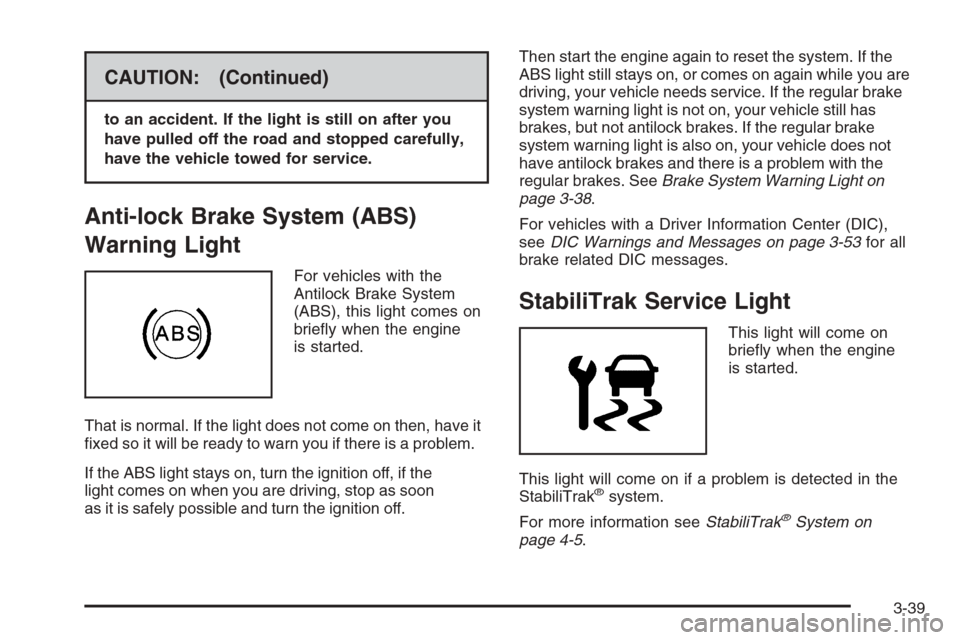
Anti-lock Brake System (ABS)
Warning Light
For vehicles with the
Antilock Brake System
(ABS), this light comes on
briey when the engine
is started.
That is normal. If the light does not come on then, have it
xed so it will be ready to warn you if there is a problem.
If the ABS light stays on, turn the ignition off, if the
light comes on when you are driving, stop as soon
as it is safely possible and turn the ignition off.Then start the engine again to reset the system. If the
ABS light still stays on, or comes on again while you are
driving, your vehicle needs service. If the regular brake
system warning light is not on, your vehicle still has
brakes, but not antilock brakes. If the regular brake
system warning light is also on, your vehicle does not
have antilock brakes and there is a problem with the
regular brakes. SeeBrake System Warning Light on
page 3-38.
For vehicles with a Driver Information Center (DIC),
seeDIC Warnings and Messages on page 3-53for all
brake related DIC messages.
StabiliTrak Service Light
This light will come on
briey when the engine
is started.
This light will come on if a problem is detected in the
StabiliTrak
®system.
For more information seeStabiliTrak
®System on
page 4-5.
3-39
Page 170 of 472
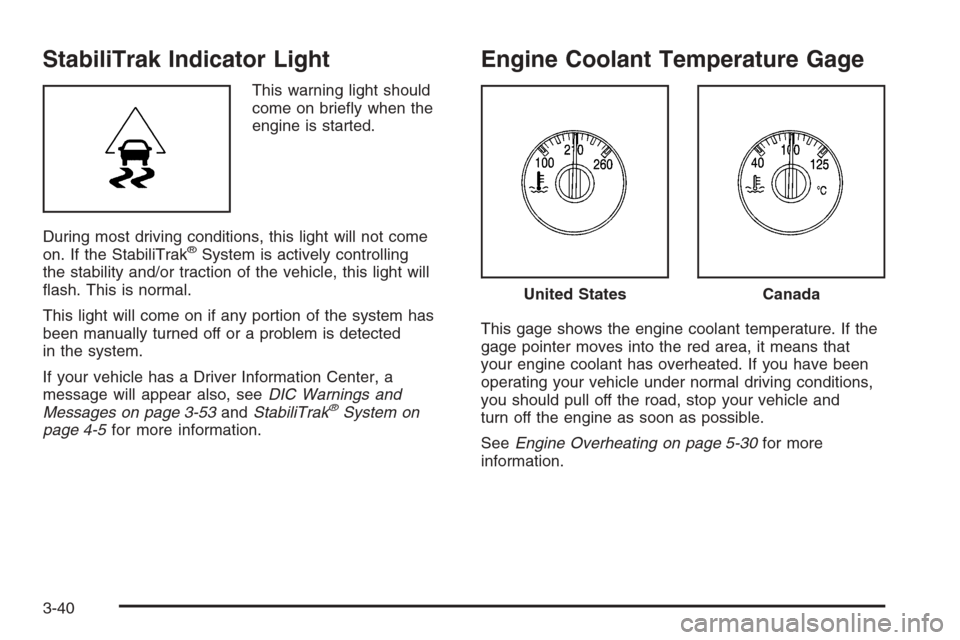
StabiliTrak Indicator Light
This warning light should
come on briey when the
engine is started.
During most driving conditions, this light will not come
on. If the StabiliTrak
®System is actively controlling
the stability and/or traction of the vehicle, this light will
ash. This is normal.
This light will come on if any portion of the system has
been manually turned off or a problem is detected
in the system.
If your vehicle has a Driver Information Center, a
message will appear also, seeDIC Warnings and
Messages on page 3-53andStabiliTrak
®System on
page 4-5for more information.
Engine Coolant Temperature Gage
This gage shows the engine coolant temperature. If the
gage pointer moves into the red area, it means that
your engine coolant has overheated. If you have been
operating your vehicle under normal driving conditions,
you should pull off the road, stop your vehicle and
turn off the engine as soon as possible.
SeeEngine Overheating on page 5-30for more
information.
United StatesCanada
3-40
Page 171 of 472
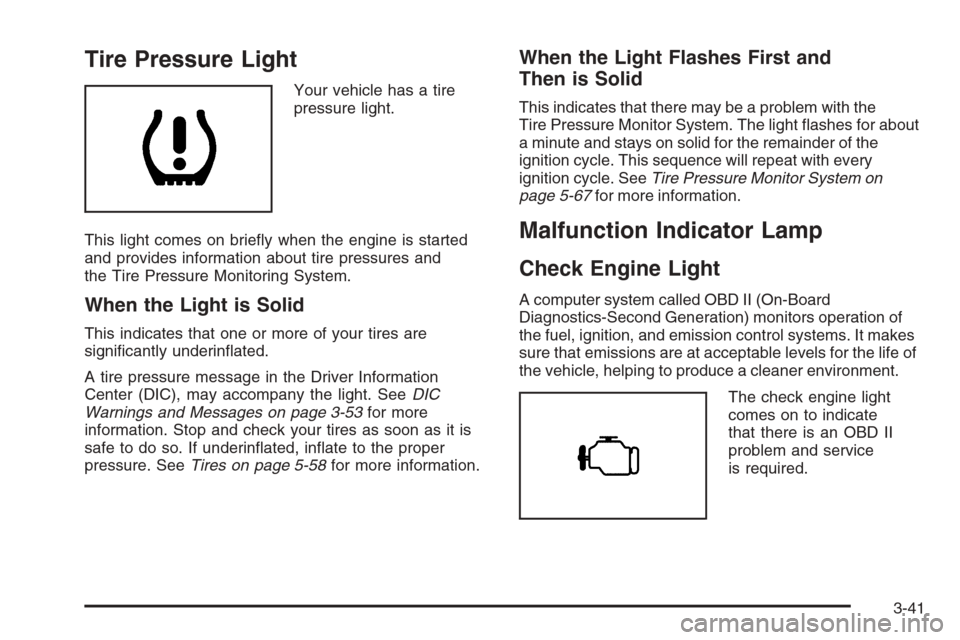
Tire Pressure Light
Your vehicle has a tire
pressure light.
This light comes on briey when the engine is started
and provides information about tire pressures and
the Tire Pressure Monitoring System.
When the Light is Solid
This indicates that one or more of your tires are
signicantly underinated.
A tire pressure message in the Driver Information
Center (DIC), may accompany the light. SeeDIC
Warnings and Messages on page 3-53for more
information. Stop and check your tires as soon as it is
safe to do so. If underinated, inate to the proper
pressure. SeeTires on page 5-58for more information.
When the Light Flashes First and
Then is Solid
This indicates that there may be a problem with the
Tire Pressure Monitor System. The light ashes for about
a minute and stays on solid for the remainder of the
ignition cycle. This sequence will repeat with every
ignition cycle. SeeTire Pressure Monitor System on
page 5-67for more information.
Malfunction Indicator Lamp
Check Engine Light
A computer system called OBD II (On-Board
Diagnostics-Second Generation) monitors operation of
the fuel, ignition, and emission control systems. It makes
sure that emissions are at acceptable levels for the life of
the vehicle, helping to produce a cleaner environment.
The check engine light
comes on to indicate
that there is an OBD II
problem and service
is required.
3-41
Page 173 of 472
If the light stops ashing and remains on steady,
see “If the Light Is On Steady” following.
If the light continues to ash, when it is safe to do so,
stop the vehicle. Find a safe place to park the vehicle.
Turn the ignition off, wait at least 10 seconds, and restart
the engine. If the light remains on steady, see “If the
Light Is On Steady” following. If the light is still ashing,
follow the previous steps and see your dealer/retailer
for service as soon as possible.
If the Light Is On Steady
You might be able to correct the emission system
malfunction by considering the following:
Did you recently put fuel into your vehicle?
If so, reinstall the fuel cap, making sure to fully
install the cap. SeeFilling the Tank on page 5-8.
The diagnostic system can determine if the fuel cap has
been left off or improperly installed. A loose or missing
fuel cap allows fuel to evaporate into the atmosphere.
A few driving trips with the cap properly installed should
turn the light off.Did you just drive through a deep puddle of water?
If so, your vehicle’s electrical system might be wet.
The condition is usually corrected when the electrical
system dries out. A few driving trips should turn the
light off.
Have you recently changed brands of fuel?
If so, be sure to fuel your vehicle with quality fuel.
SeeGasoline Octane on page 5-5. Poor fuel quality
causes the engine not to run as efficiently as
designed. You might notice this as stalling after
start-up, stalling when you put the vehicle into gear,
misring, hesitation on acceleration, or stumbling
on acceleration — these conditions might go away once
the engine is warmed up. This will be detected by the
system and cause the light to turn on.
If you experience one or more of these conditions,
change the fuel brand you use. It will require at least
one full tank of the proper fuel to turn the light off.
If none of the above steps have made the light turn off,
your dealer/retailer can check the vehicle. Your
dealer/retailer has the proper test equipment and
diagnostic tools to x any mechanical or electrical
problems that might have developed.
3-43
Page 181 of 472
You can also reset the TRIP A or TRIP B while they are
displayed by pressing the reset stem on the cluster.
If you press and hold the reset stem or the select button
for more than four seconds, the display will show the
distance traveled since the last ignition cycle for TRIP A
or TRIP B.
Tire Pressures:Press the trip information button until
TIRE PRESSURES appears on the display. This mode
shows the tire pressure in pounds per square inch
(psi) or kilopascals (kPa). Press the select button to
scroll through the following information:
LF TIRE shows the tire pressure for the front
driver’s side tire.
RF TIRE shows the tire pressure for the front
passenger’s side tire.
LR TIRE shows the tire pressure for the rear
driver’s side tire.
RR TIRE shows the tire pressure for the rear
passenger’s side tire.Timer:The DIC can be used as a timer. Press the
select button while TIMER is displayed to start the timer.
The display will show the amount of time that has
passed since the timer was last reset, not including time
the ignition is off. Time will continue to be counted as
long as the ignition is on, even if another display is being
shown on the DIC. The timer will record up to 99 hours,
59 minutes and 59 seconds (99:59:59) after which
the display will roll back to zero.
To stop the counting of time, press the select button
briey while TIMER is displayed.
To reset the timer to zero, press and hold the select
button while TIMER is displayed.
3-51
Page 185 of 472
LEFT REAR DOOR AJAR
This message displays and a chime sounds if the driver
side rear door is not fully closed. Stop and turn off
the vehicle, check the door for obstructions, and close
the door again. Check to see if the message still
appears on the DIC.
OIL PRESSURE LOW/STOP ENGINE
Notice:If you drive your vehicle while the engine
oil pressure is low, severe engine damage may
occur. If a low oil pressure warning appears on the
Driver Information Center (DIC), stop the vehicle
as soon as possible. Do not drive the vehicle until
the cause of the low oil pressure is corrected.
SeeEngine Oil on page 5-17for more information.
This message displays if low oil pressure levels
occur. Stop the vehicle as soon as safely possible and
do not operate it until the cause of the low oil pressure
has been corrected. Check the oil as soon as possible
and have your vehicle serviced by your dealer/retailer.
SeeEngine Oil on page 5-17.
PASSENGER DOOR AJAR
This message displays and a chime sounds if the
passenger door is not fully closed. Stop and turn off the
vehicle, check the door for obstructions, and close the
door again. Check to see if the message still appears on
the DIC.
REAR ACCESS OPEN
This message displays and a chime sounds if the liftgate
or liftglass is open while the ignition is in ON/RUN.
Turn off the vehicle and check the liftgate and liftglass.
SeeLiftgate/Liftglass on page 2-11. Restart the vehicle
and check for the message on the DIC display.
RIGHT REAR DOOR AJAR
This message displays and a chime sounds if the
passenger side rear door is not fully closed. Stop and
turn off the vehicle, check the door for obstructions, and
close the door again. Check to see if the message
still appears on the DIC.
SERVICE AIR BAG
This message displays if there is a problem with the
airbag system. Have your dealer/retailer inspect
the system for problems. SeeAirbag Readiness Light
on page 3-34andAirbag System on page 1-51for more
information.
SERVICE BRAKE SYSTEM
This message displays if a problem occurs with the
brake system. If this message appears, stop as soon as
possible and turn off the vehicle. Restart the vehicle
and check for the message on the DIC display. If the
message is still displayed, or appears again when
you begin driving, the brake system needs service.
See your dealer/retailer.
3-55