2008 CHEVROLET SILVERADO lights
[x] Cancel search: lightsPage 214 of 596
Warning Lights, Gages, and
Indicators
This part describes the warning lights and gages on
your vehicle. The pictures help to locate them.
Warning lights and gages can signal that something is
wrong before it becomes serious enough to cause
an expensive repair or replacement. Paying attention to
the warning lights and gages could also save you or
others from injury.
Warning lights come on when there may be or is a
problem with one of your vehicle’s functions. As the
details show on the next few pages, some warning lights
come on briey when you start the engine just to let you
know they are working. If you are familiar with this
section, you should not be alarmed when this happens.Gages can indicate when there may be or is a problem
with one of your vehicle’s functions. Often gages and
warning lights work together to let you know when there
is a problem with your vehicle.
When one of the warning lights comes on and stays on
as you are driving, or when one of the gages shows
there may be a problem, check the section that tells you
what to do about it. Please follow this manual’s
advice. Waiting to do repairs can be costly and even
dangerous. So please get to know your vehicle’s
warning lights and gages. They can be a big help.
Your vehicle also has a Driver Information Center (DIC)
that works along with warning lights and gages.
SeeDIC Warnings and Messages on page 3-66for
more information.
3-36
Page 217 of 596
Safety Belt Reminders
Safety Belt Reminder Light
When the engine is started, a chime will sound for
several seconds to remind people to buckle their safety
belts. The driver safety belt light will also come on
and stay on for several seconds, then it will ash for
several more. You should buckle your seat belt.
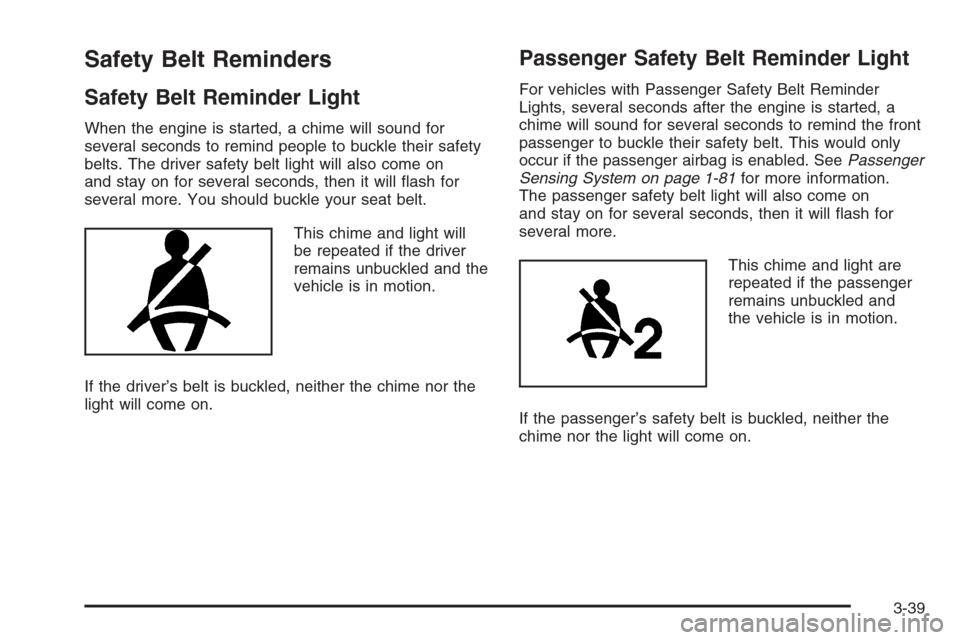
This chime and light will
be repeated if the driver
remains unbuckled and the
vehicle is in motion.
If the driver’s belt is buckled, neither the chime nor the
light will come on.
Passenger Safety Belt Reminder Light
For vehicles with Passenger Safety Belt Reminder
Lights, several seconds after the engine is started, a
chime will sound for several seconds to remind the front
passenger to buckle their safety belt. This would only
occur if the passenger airbag is enabled. SeePassenger
Sensing System on page 1-81for more information.
The passenger safety belt light will also come on
and stay on for several seconds, then it will ash for
several more.
This chime and light are
repeated if the passenger
remains unbuckled and
the vehicle is in motion.
If the passenger’s safety belt is buckled, neither the
chime nor the light will come on.
3-39
Page 220 of 596
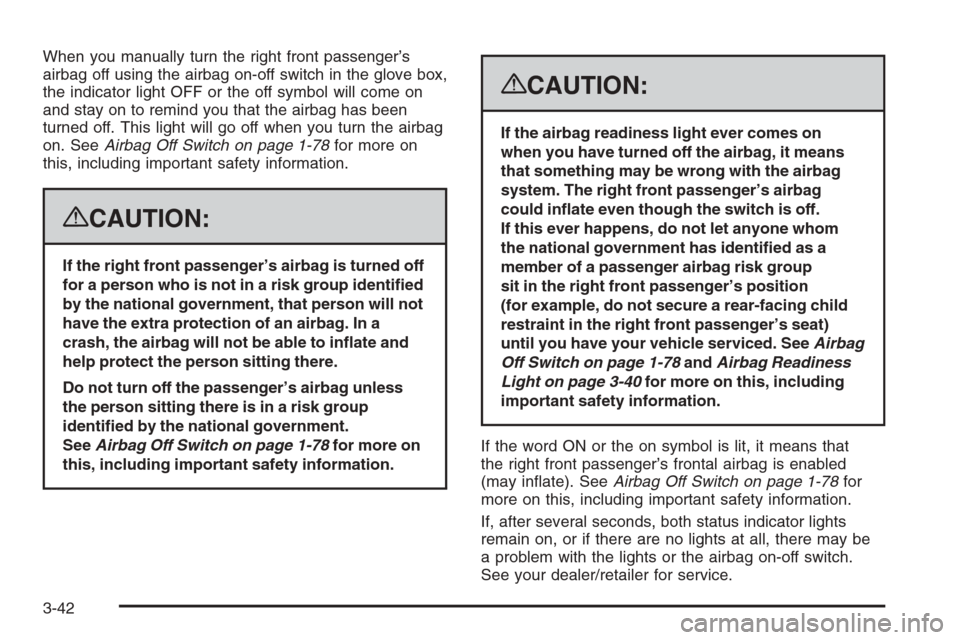
When you manually turn the right front passenger’s
airbag off using the airbag on-off switch in the glove box,
the indicator light OFF or the off symbol will come on
and stay on to remind you that the airbag has been
turned off. This light will go off when you turn the airbag
on. SeeAirbag Off Switch on page 1-78for more on
this, including important safety information.
{CAUTION:
If the right front passenger’s airbag is turned off
for a person who is not in a risk group identied
by the national government, that person will not
have the extra protection of an airbag. In a
crash, the airbag will not be able to inate and
help protect the person sitting there.
Do not turn off the passenger’s airbag unless
the person sitting there is in a risk group
identied by the national government.
SeeAirbag Off Switch on page 1-78for more on
this, including important safety information.
{CAUTION:
If the airbag readiness light ever comes on
when you have turned off the airbag, it means
that something may be wrong with the airbag
system. The right front passenger’s airbag
could inate even though the switch is off.
If this ever happens, do not let anyone whom
the national government has identied as a
member of a passenger airbag risk group
sit in the right front passenger’s position
(for example, do not secure a rear-facing child
restraint in the right front passenger’s seat)
until you have your vehicle serviced. SeeAirbag
Off Switch on page 1-78andAirbag Readiness
Light on page 3-40for more on this, including
important safety information.
If the word ON or the on symbol is lit, it means that
the right front passenger’s frontal airbag is enabled
(may inate). SeeAirbag Off Switch on page 1-78for
more on this, including important safety information.
If, after several seconds, both status indicator lights
remain on, or if there are no lights at all, there may be
a problem with the lights or the airbag on-off switch.
See your dealer/retailer for service.
3-42
Page 222 of 596
{CAUTION:
Even though the passenger sensing system is
designed to turn off the right front passenger’s
frontal airbag if the system detects a rear-facing
child restraint, no system is fail-safe, and no
one can guarantee that an airbag will not deploy
under some unusual circumstance, even
though it is turned off. We recommend that
rear-facing child restraints be secured in the
rear seat, even if the airbag is off.
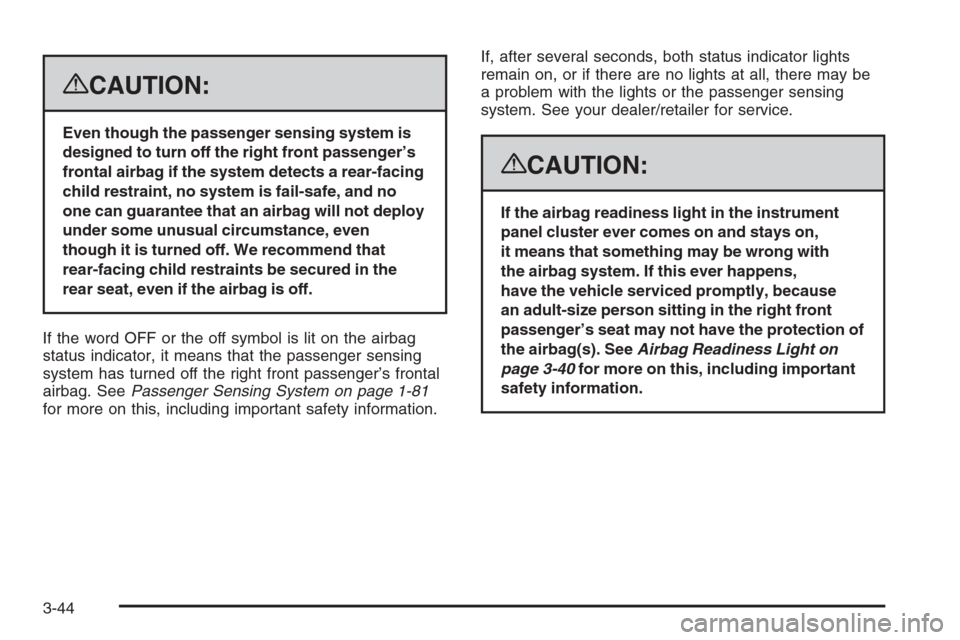
If the word OFF or the off symbol is lit on the airbag
status indicator, it means that the passenger sensing
system has turned off the right front passenger’s frontal
airbag. SeePassenger Sensing System on page 1-81
for more on this, including important safety information.If, after several seconds, both status indicator lights
remain on, or if there are no lights at all, there may be
a problem with the lights or the passenger sensing
system. See your dealer/retailer for service.
{CAUTION:
If the airbag readiness light in the instrument
panel cluster ever comes on and stays on,
it means that something may be wrong with
the airbag system. If this ever happens,
have the vehicle serviced promptly, because
an adult-size person sitting in the right front
passenger’s seat may not have the protection of
the airbag(s). SeeAirbag Readiness Light on
page 3-40for more on this, including important
safety information.
3-44
Page 256 of 596
AUTO DOOR UNLOCK
This feature allows you to select whether or not to turn
off the automatic door unlocking feature. It also
allows you to select which doors and when the doors
will automatically unlock. SeeProgrammable Automatic
Door Locks on page 2-11for more information.
Press the customization button until AUTO DOOR
UNLOCK appears on the DIC display. Press the
set/reset button once to access the settings for this
feature. Then press the customization button to scroll
through the following settings:
OFF:None of the doors will automatically unlock.
DRIVER AT KEY OUT:Only the driver’s door will
unlock when the key is taken out of the ignition.
DRIVER IN PARK:Only the driver’s door will unlock
when the vehicle is shifted into PARK (P).
ALL AT KEY OUT:All of the doors will unlock when
the key is taken out of the ignition.
ALL IN PARK (default):All of the doors will unlock
when the vehicle is shifted into PARK (P).
NO CHANGE:No change will be made to this feature.
The current setting will remain.
To select a setting, press the set/reset button while the
desired setting is displayed on the DIC.
REMOTE DOOR LOCK
This feature allows you to select the type of feedback
you will receive when locking the vehicle with the
Remote Keyless Entry (RKE) transmitter. You will not
receive feedback when locking the vehicle with the RKE
transmitter if the doors are open. SeeRemote Keyless
Entry (RKE) System Operation on page 2-5for more
information.
Press the customization button until REMOTE DOOR
LOCK appears on the DIC display. Press the set/reset
button once to access the settings for this feature.
Then press the customization button to scroll through
the following settings:
OFF:There will be no feedback when you press the
lock button on the RKE transmitter.
LIGHTS ONLY:The exterior lamps will ash when you
press the lock button on the RKE transmitter.
HORN ONLY:The horn will sound on the second press
of the lock button on the RKE transmitter.
HORN & LIGHTS (default):The exterior lamps will ash
when you press the lock button on the RKE transmitter,
and the horn will sound when the lock button is pressed
again within ve seconds of the previous command.
NO CHANGE:No change will be made to this feature.
The current setting will remain.
To select a setting, press the set/reset button while the
desired setting is displayed on the DIC.
3-78
Page 257 of 596
REMOTE DOOR UNLOCK
This feature allows you to select the type of feedback
you will receive when unlocking the vehicle with
the Remote Keyless Entry (RKE) transmitter. You will
not receive feedback when unlocking the vehicle
with the RKE transmitter if the doors are open.
SeeRemote Keyless Entry (RKE) System Operation
on page 2-5for more information.
Press the customization button until REMOTE DOOR
UNLOCK appears on the DIC display. Press the
set/reset button once to access the settings for this
feature. Then press the customization button to scroll
through the following settings:
LIGHTS OFF:The exterior lamps will not ash when
you press the unlock button on the RKE transmitter.
LIGHTS ON (default):The exterior lamps will ash
when you press the unlock button on the RKE
transmitter.
NO CHANGE:No change will be made to this feature.
The current setting will remain.
To select a setting, press the set/reset button while the
desired setting is displayed on the DIC.
DELAY DOOR LOCK
On vehicles with a crew cab, this feature allows you to
select whether or not the locking of the vehicle’s
doors will be delayed. When locking the doors with
the power door lock switch and a door is open,
this feature will delay locking the doors until ve seconds
after the last door is closed. You will hear three chimes
to signal that the delayed locking feature is in use.
The key must be out of the ignition for this feature to
work. You can temporarily override delayed locking
by pressing the power door lock switch twice or the
lock button on the RKE transmitter twice. SeeDelayed
Locking on page 2-11for more information.
Press the customization button until DELAY DOOR
LOCK appears on the DIC display. Press the set/reset
button once to access the settings for this feature.
Then press the customization button to scroll through
the following settings:
OFF:There will be no delayed locking of the
vehicle’s doors.
ON (default):The doors will not lock until ve seconds
after the last door is closed.
NO CHANGE:No change will be made to this feature.
The current setting will remain.
To select a setting, press the set/reset button while the
desired setting is displayed on the DIC.
3-79
Page 258 of 596
EXIT LIGHTING
This feature allows you to select the amount of time you
want the exterior lamps to remain on when it is dark
enough outside. This happens after the key is turned
from ON/RUN to LOCK/OFF.
Press the customization button until EXIT LIGHTING
appears on the DIC display. Press the set/reset button
once to access the settings for this feature. Then press
the customization button to scroll through the following
settings:
OFF:The exterior lamps will not turn on.
30 SECONDS (default):The exterior lamps will stay on
for 30 seconds.
1 MINUTE:The exterior lamps will stay on for
one minute.
2 MINUTES:The exterior lamps will stay on for
two minutes.
NO CHANGE:No change will be made to this feature.
The current setting will remain.
To select a setting, press the set/reset button while the
desired setting is displayed on the DIC.
APPROACH LIGHTING
This feature allows you to select whether or not to have
the exterior lights turn on briey during low light periods
after unlocking the vehicle using the Remote Keyless
Entry (RKE) transmitter.
Press the customization button until APPROACH
LIGHTING appears on the DIC display. Press the
set/reset button once to access the settings for
this feature. Then press the customization button to
scroll through the following settings:
OFF:The exterior lights will not turn on when you
unlock the vehicle with the RKE transmitter.
ON (default):If it is dark enough outside, the exterior
lights will turn on briey when you unlock the vehicle
with the RKE transmitter.
The lights will remain on for 20 seconds or until the
lock button on the RKE transmitter is pressed, or the
vehicle is no longer off. SeeRemote Keyless Entry (RKE)
System Operation on page 2-5for more information.
NO CHANGE:No change will be made to this feature.
The current setting will remain.
To select a setting, press the set/reset button while the
desired setting is displayed on the DIC.
3-80
Page 316 of 596
Avoid needless heavy braking. Some people drive in
spurts — heavy acceleration followed by heavy
braking — rather than keeping pace with traffic. This is a
mistake. The brakes might not have time to cool between
hard stops. The brakes will wear out much faster if you do
a lot of heavy braking. If you keep pace with the traffic
and allow realistic following distances, you will eliminate a
lot of unnecessary braking. That means better braking
and longer brake life.
If your vehicle’s engine ever stops while you are driving,
brake normally but do not pump the brakes. If you do,
the pedal could get harder to push down. If the
engine stops, you will still have some power brake
assist. But you will use it when you brake. Once the
power assist is used up, it can take longer to stop and
the brake pedal will be harder to push.
Adding non-dealer/non-retailer accessories can affect
your vehicle’s performance. SeeAccessories and
Modifications on page 5-4.Antilock Brake System (ABS)
Your vehicle has the Antilock Brake System (ABS),
an advanced electronic braking system that will
help prevent a braking skid.
When you start the engine and begin to drive away,
ABS will check itself. You might hear a momentary
motor or clicking noise while this test is going on.
This is normal.
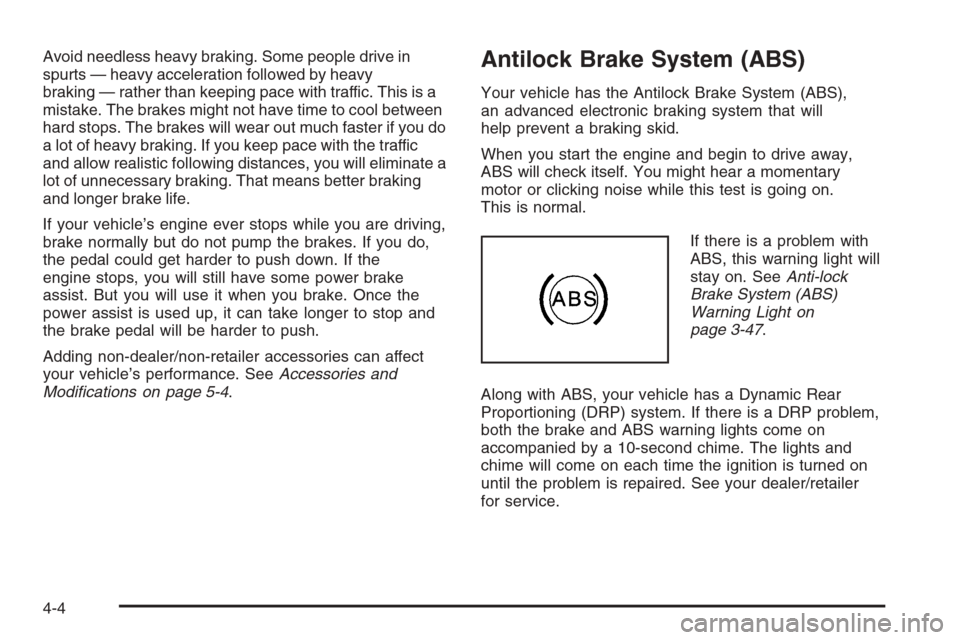
If there is a problem with
ABS, this warning light will
stay on. SeeAnti-lock
Brake System (ABS)
Warning Light on
page 3-47.
Along with ABS, your vehicle has a Dynamic Rear
Proportioning (DRP) system. If there is a DRP problem,
both the brake and ABS warning lights come on
accompanied by a 10-second chime. The lights and
chime will come on each time the ignition is turned on
until the problem is repaired. See your dealer/retailer
for service.
4-4