Page 27 of 392
Settings menu Function
Units Set the units in which temperature, fuel consumption, and distances should be displayed (for example, whether to show distance driven in miles or kilometers).
Alt. speed dis. Activate/deactivate alternative speed display (mph or km/h).
Service Display service messages or reset service interval display.
Factory setting Resets the functions in the Settings menu back to the factory settings.
Convenience submenu
Page 28 of 392

Convenience menu Function
All
Manual unlocking/locking: All windows open or close when the key is held in the unlocking or locking position. Keyless Access: All windows close when the locking sensor on the door handle is pressed and held.
Driver
Manual unlocking: The driver window opens when the key is held in the unlocking position. Manual locking: All windows close when the key is held in the locking position. Keyless Access: All windows close when the locking sensor on the door handle is pressed and held.
Back The display switches back to the Convenience menu.
Mirror down Tilts passenger mirror down when backing up so you can see the curb Feature only available on vehicles equipped with memory seats.
Mirror adjust
IndividuallyBoth outside mirrors are adjusted separately.
Both mirrorsThe front passenger outside mirror is adjusted at the same time as the driver outside mirror.
Back The display returns to the Convenience menu.
Factory setting The display switches back to the Convenience menu.
Back The display switches back to the Settings menu.
Lights & Vision submenu
Lights & Vision menu Function
Coming Home Set how long the headlights and inside lights stay on after locking or unlocking the vehicle. Features can also be switched on or off Leaving Home
Conv. turn sig. Enable / disable lane change flash (convenience turn signal). When the feature is enabled, the turn signal flashes at least 3 times when the turn signal is tapped
Factory setting Resets the functions in the Lights & Vision submenu back to the factory settings.
Back The display switches back to the Settings menu.
Page 113 of 392
“Coming home” Action
Switch off: – Automatically after delay period is over. – Automatically, if a vehicle door or the luggage compartment lid is still open about 30 seconds after activation. – Turn light switch to O position. – Switch the ignition on.
“Leaving home” Action
Switch on: – Unlock the vehicle if the light switch is in the AUT O position and the low-light sensor registers darkness.
Switch off: – Automatically after preset delay period is over. – Lock the vehicle. – Turn the light switch to the O position. – Switch the ignition on.
The delay period can be adjusted and the function can be switched on and off in the Lights & Vision menu, Volkswagen Information System.
If the “Coming home” feature is switched on and the driver door is opened, no warning chime will sound to alert you that the lights are still on.
Instrument panel lighting
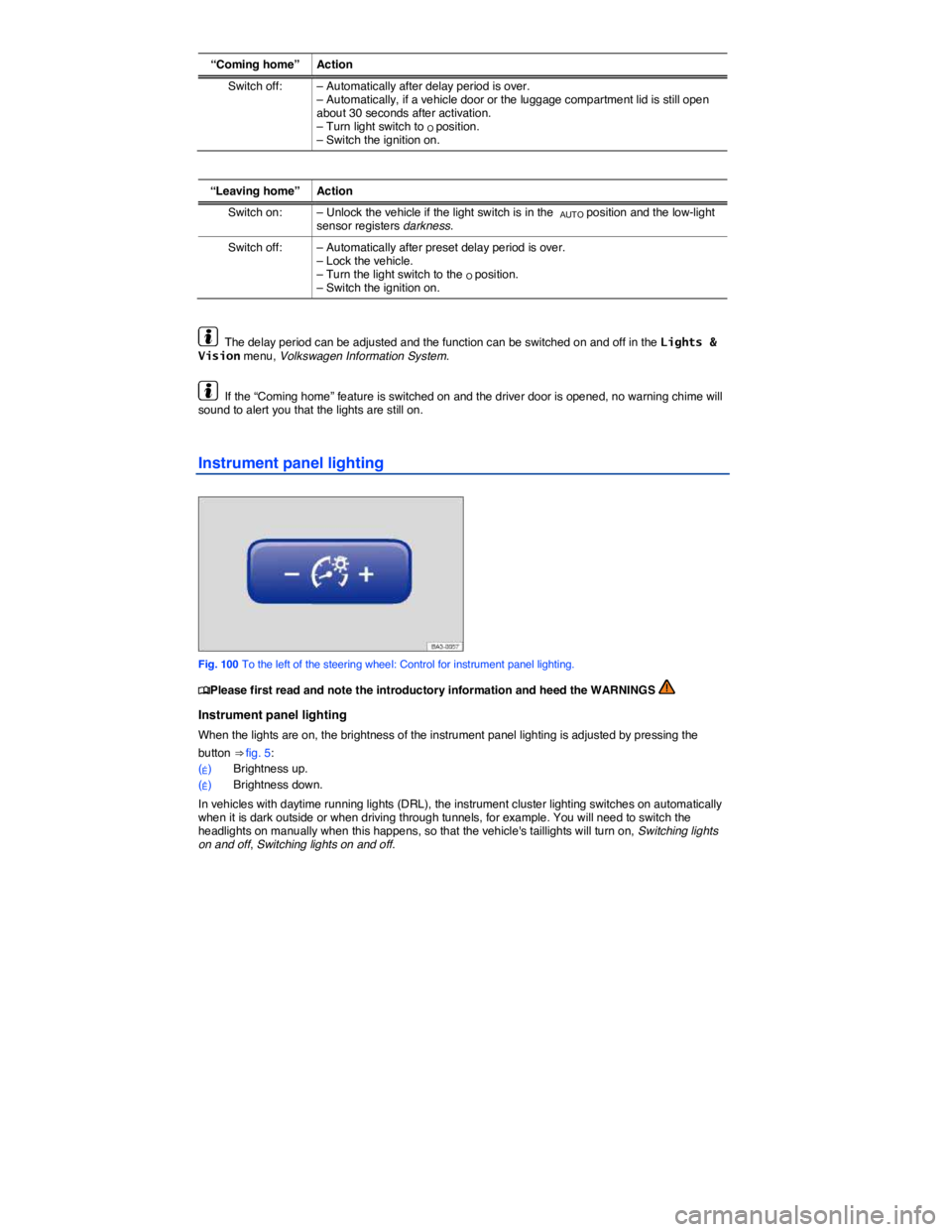
Fig. 100 To the left of the steering wheel: Control for instrument panel lighting.
Page 249 of 392
In order to Operation
Deactivate display by driving forward: Drive forward faster than about 10 mph (16 km/h).
Screen
Function buttons on the screen ⇒ fig. 167:
(1) Display or hide the menu bar.
(2) Turn off the rearview camera screen.
(3) Turn off the sound.
(4) Adjust display: brightness, contrast, color (for vehicles with navigation unit).
Special considerations
1) Do not use Rear Assist in the following situations:
– When an incorrect or unclear image is displayed, such as when there is poor visibility or the lens is dirty.
– If the area behind the vehicle cannot be seen clearly or completely.
– If the rear of the vehicle is heavily loaded.
– When the luggage compartment lid is open.
– If the driver is not familiar with the system.
– If the position or angle of the camera has changed, such as after a rear-end collision. Have the system checked by an authorized Volkswagen dealer or an authorized Volkswagen Service Facility.
2) Examples of optical distortion by the camera
The Rear Assist camera displays only two-dimensional images. Recesses and protruding objects on the ground or protruding parts on other vehicles are difficult or impossible to identify due to the lack of depth of field.
Objects or another vehicle may seem closer or farther away on the screen than they really are:
– When driving from a level surface onto an upward or downward slope.
– When driving up or down a slope onto a level surface.
– If the rear of the vehicle is heavily loaded.
– When approaching protruding objects. These objects can disappear from the field of view when backing up.
Cleaning the camera lens
Keep the camera lens clean and free of snow and ice:
x Engage the parking brake.
x Wet the camera lens with a commercially available alcohol-based glass cleaner and clean with a
dry cloth ⇒ .
x Remove snow with a brush.
x Remove ice with deicer spray ⇒ .