Page 29 of 38
80C-29
AFTER REPAIRCarry out another fault finding check on the system.
Clear the fault memory.
Deal with any other faults.
V2 MR-372-J84-80C000$080.mif
80C
Program No.: V010
Vdiag No.: 05
ET001COMPUTER CALIBRATIONNot completed
Completed
NOTESThere must be no present or stored faults.
Special notes: The vehicle must be stationary, parked on a level surface with a driver
behind the wheel and the fuel tank full.
Not completedStatus ET001 must indicate not done if the computer has not yet been calibrated
and the vehicle reference heights have not been programmed.
If status ET001 remains stuck on the "not done" status, run the full fault finding procedure
because a component may be defective.
CompletedStatus ET001 must indicate Done if the computer has been calibrated and the vehicle
reference heights have been programmed.
This is normal operation status.
LAD_V05_ET001
XENON BULBS
Fault finding – Interpretation of statuses
Page 30 of 38
80C-30V2 MR-372-J84-80C000$090.mif
80C
Program No.: V010
Vdiag No.: 05
Tool parameter Diagnostic tool title
PR017Front height
PR018Rear height
PR019Vehicle speed
PR020Actuator positions
PR032Front reference height
PR033Rear reference height
XENON BULBS
Fault finding – Parameter summary table
Page 31 of 38
80C-31V2 MR-372-J84-80C000$100.mif
80C
Program No.: V010
Vdiag No.: 05
AFTER REPAIRCarry out another fault finding check on the system.
Clear the fault memory.
Deal with any other faults.
PR017
AND
PR018FRONT HEIGHT
REAR HEIGHT
NOTESThere must be no present or stored faults.
Carry out fault finding only if the values of this parameter are inconsistent.
If the values indicated by the vehicle do not match those of the conformity check, see faults DF008 Front height
sensor circuit and DF009 Rear height sensor circuit, and follow the fault finding procedure.
LAD_V05_PR017 / LAD_V05_PR018
XENON BULBS
Fault finding – Interpretation of parameters
Page 33 of 38
80C-33
AFTER REPAIRCarry out another fault finding check on the system.
Clear the fault memory.
Deal with any other faults.
V2 MR-372-J84-80C000$100.mif
XENON BULBS
Fault finding – Interpretation of parameters80C
Program No.: V010
Vdiag No.: 05
IMPORTANT
Even though a height sensor or actuator is defective, the value of parameter PR020 will always be determined by the
computer.
Parameter PR020 will therefore always be within a range of allowed values even if a component is defective.
PR020ACTUATOR POSITIONS
NOTESThere must be no present or stored faults.
Carry out fault finding only if the values of this parameter are inconsistent.
If the values indicated by the vehicle do not match those of the conformity check, see fault DF018, Actuators,
and follow the fault finding procedure.
To find out if an actuator is malfunctioning, see command AC012 Check actuator high and low position.
LAD_V05_PR020
Page 34 of 38
80C-34V2 MR-372-J84-80C000$110.mif
80C
Program No.: V010
Vdiag No.: 05
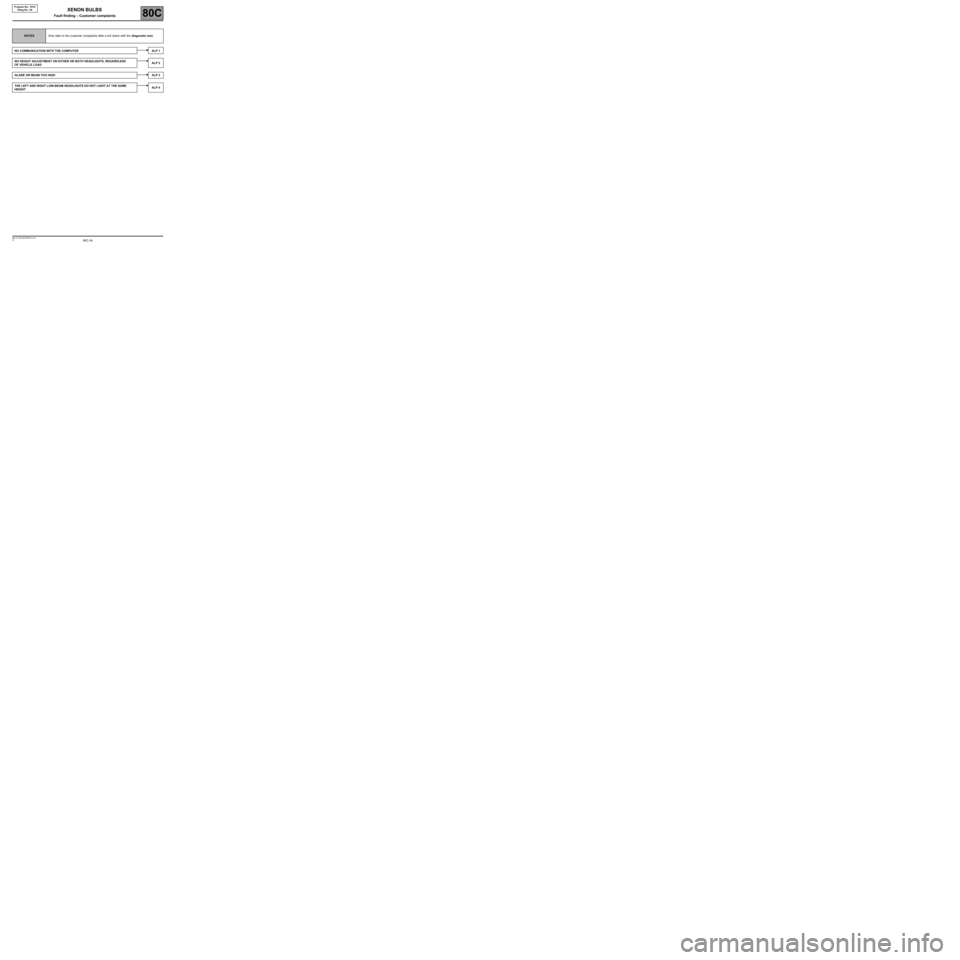
NOTESOnly refer to the customer complaints after a full check with the diagnostic tool.
NO COMMUNICATION WITH THE COMPUTER ALP 1
NO HEIGHT ADJUSTMENT ON EITHER OR BOTH HEADLIGHTS, REGARDLESS
OF VEHICLE LOADALP 2
GLARE OR BEAM TOO HIGHALP 3
THE LEFT AND RIGHT LOW-BEAM HEADLIGHTS DO NOT LIGHT AT THE SAME
HEIGHTALP 4
XENON BULBS
Fault finding – Customer complaints
Page 36 of 38

80C-36
AFTER REPAIRPerform a check using the diagnostic tool.
Deal with any faults found.
V2 MR-372-J84-80C000$120.mif
XENON BULBS
Fault finding – Fault finding charts80C
Program No.: V010
Vdiag No.: 05
ALP 2No correction of the height of the one or both headlights
whatever the vehicle load
NOTESOnly refer to this customer complaint after a complete check with the diagnostic tool.
Confirm that initialisation is performed when the dipped headlights are switched on.
If it is not, the actuators or a circuit component may be defective.
Check the condition of fuse F1K (5A) located in the vehicle's glovebox.
Repair if necessary.
Run command AC012 Check actuator high and low position to find out which headlight is faulty.
Check for mechanical blockage of the headlight (ball joint popped out, reflector stuck, actuator seized).
Make sure that the sensors are properly positioned and mounted on the body, and check the condition
of the linkage.
If all the checks described above fail to solve the fault, replace the faulty adjustment motor(s).
LAD_V05_ALP2
Page 37 of 38

80C-37V2 MR-372-J84-80C000$120.mif
XENON BULBS
Fault finding – Fault finding charts80C
Program No.: V010
Vdiag No.: 05
ALP 3Glare, or beam too high
NOTESOnly refer to this customer complaint after a complete check with the diagnostic tool.
Check that headlights are mounted correctly.
Check that the right-hand and left-hand headlights light at the same level.
If the headlights differ in height, adjust the headlights manually.
Check the condition of system mechanical components (sensor mounting, links).
Check whether the initial front and rear heights PR032 Reference front height and PR033 Reference rear
height are similar.
If there is a major difference between these two parameters, perform a computer calibration (CF001 Computer
calibration described in the Configurations and Programming section).
Run actuator command AC012 Check actuator high and low position.
If the light beam moves: adjust the headlights manually.
If the light beam does not move:
Check that the adjustment motors are actuated when the command is run (motor noise + vibration).
If the motors are actuated but the beam does not move, check the condition of the adjustment motor/headlight
coupling rods. Replace the faulty headlight(s).
LAD_V05_ALP3
AFTER REPAIRPerform a check using the diagnostic tool.
Deal with any faults found.
Page 38 of 38

80C-38V2 MR-372-J84-80C000$120.mif
XENON BULBS
Fault finding – Fault finding charts80C
Program No.: V010
Vdiag No.: 05
ALP 4The left-hand and right-hand dipped headlight beams do not light at the same
height
NOTESOnly refer to this customer complaint after a complete check with the diagnostic tool.
Check that headlights are mounted correctly.
Check that the right-hand and left-hand headlights light at the same level.
If the headlights differ in height, adjust the headlights manually.
Check the condition of system mechanical components (sensor mounting, links).
Check whether the initial front and rear heights PR032 Reference front height and PR033 Reference rear
height are similar.
If there is a major difference between these two parameters, perform a computer calibration (CF001 Computer
calibration described in the Configurations and Programming section).
Run actuator command AC012 Check actuator high and low position.
If the light beam moves: adjust the headlights manually.
If the light beam does not move:
Check that the adjustment motors are actuated when the command is run (motor noise + vibration).
If the motors are actuated but the beam does not move, check the condition of the adjustment motor/headlight
coupling rods. Replace the faulty headlight(s).
LAD_V05_ALP4
AFTER REPAIRPerform a check using the diagnostic tool.
Deal with any faults found.