2007 PONTIAC TORRENT traction control
[x] Cancel search: traction controlPage 218 of 490

Audio System(s)
Determine which radio your vehicle has and then
read the pages following to familiarize yourself
with its features.
Driving without distraction is a necessity for a
safer driving experience. SeeDefensive Driving on
page 290. By taking a few moments to read this
manual and get familiar with your vehicle’s
audio system, you can use it with less effort, as
well as take advantage of its features. While your
vehicle is parked, set up your audio system by
presetting your favorite radio stations, setting the
tone and adjusting the speakers. Then, when
driving conditions permit, you can tune to
your favorite stations using the presets and
steering wheel controls if the vehicle has them.{CAUTION:
This system provides you with a far greater
access to audio stations and song listings.
Giving extended attention to entertainment
tasks while driving can cause a crash and
you or others can be injured or killed.
Always keep your eyes on the road and
your mind on the drive — avoid engaging
in extended searching while driving.
Keeping your mind on the drive is important for
safe driving. For more information, seeDefensive
Driving on page 290.
218
Page 219 of 490

Here are some ways in which you can help avoid
distraction while driving.
While your vehicle is parked:
Familiarize yourself with all of its controls.
Familiarize yourself with its operation.
Set up your audio system by presetting your
favorite radio stations, setting the tone, and
adjusting the speakers. Then, when driving
conditions permit, you can tune to your favorite
radio stations using the presets and steering
wheel controls if the vehicle has them.Notice:Before adding any sound equipment to
your vehicle, such as an audio system, CD
player, CB radio, mobile telephone, or two-way
radio, make sure that it can be added by
checking with your dealer. Also, check federal
rules covering mobile radio and telephone
units. If sound equipment can be added, it is
very important to do it properly. Added sound
equipment may interfere with the operation of
your vehicle’s engine, radio, or other systems,
and even damage them. Your vehicle’s systems
may interfere with the operation of sound
equipment that has been added.
Your vehicle has a feature called Retained
Accessory Power (RAP). With RAP, the audio
system can be played even after the ignition is
turned off. SeeRetained Accessory Power (RAP)
on page 116for more information.
219
Page 274 of 490

Navigation/Radio System
Your vehicle may have a navigation radio system.
The navigation system has built-in features
intended to minimize driver distraction. Technology
alone, no matter how advanced, can never
replace your own judgment. See the Navigation
System manual for some tips to help you
reduce distractions while driving.
Rear Seat Entertainment System
Your vehicle may have a DVD Rear Seat
Entertainment (RSE) system. The RSE system
works with the vehicle’s audio system. The
DVD player is part of the front radio. The RSE
system includes a radio with a DVD player, a video
display screen, audio/video jacks, two wireless
headphones, and a remote control. SeeRadio with
CD and DVD on page 239for more information
on the vehicle’s audio/DVD system.
Before You Drive
The RSE is designed for rear seat passengers
only. The driver cannot safely view the video
screen while driving and should not try to do so.
In severe or extreme weather conditions the RSE
system may or may not work until the temperature
is within the operating range. The operating range
for the RSE system is above−4°F (−20°C) or below
140°F (60°C). If the temperature of your vehicle is
outside of this range, heat or cool the vehicle until
the temperature is within the operating range of the
RSE system.
Parental Control
The Rear Seat Entertainment System may have a
Parental Control feature, depending on which
radio you have. The Parental Control feature will
turn off the video screen and disable all button
operations from the remote control. This feature
can also be used to gain the attention of the
rear passengers that are using headphones.
274
Page 289 of 490
Your Driving, the Road, and Your
Vehicle..................................................... 290
Defensive Driving...................................... 290
Drunken Driving........................................ 291
Control of a Vehicle.................................. 294
Braking...................................................... 294
Anti-Lock Brake System (ABS).................. 295
Braking in Emergencies............................. 297
Traction Control System (TCS).................. 297
StabiliTrak
®System................................... 298
All-Wheel Drive (AWD) System.................. 299
Steering.................................................... 300
Off-Road Recovery.................................... 303
Passing..................................................... 303
Loss of Control.......................................... 305
Driving at Night......................................... 306Driving in Rain and on Wet Roads............ 308
City Driving............................................... 311
Freeway Driving........................................ 312
Before Leaving on a Long Trip.................. 313
Highway Hypnosis..................................... 314
Hill and Mountain Roads........................... 314
Winter Driving........................................... 316
If Your Vehicle is Stuck in Sand, Mud,
Ice, or Snow.......................................... 320
Rocking Your Vehicle to Get It Out........... 321
Loading Your Vehicle................................ 321
Towing........................................................ 326
Towing Your Vehicle ................................. 326
Recreational Vehicle Towing...................... 326
Towing a Trailer........................................ 328
Section 4 Driving Your Vehicle
289
Page 294 of 490
Control of a Vehicle
You have three systems that make your vehicle go
where you want it to go. They are the brakes, the
steering, and the accelerator. All three systems
have to do their work at the places where the tires
meet the road.
Sometimes, as when you are driving on snow or
ice, it is easy to ask more of those control systems
than the tires and road can provide. That means
you can lose control of your vehicle. SeeTraction
Control System (TCS) on page 297.
Adding non-GM accessories can affect your
vehicle’s performance. SeeAccessories and
Modications on page 339.
Braking
SeeBrake System Warning Light on page 180.
Braking action involves perception time and
reaction time.
First, you have to decide to push on the brake
pedal. That is perception time. Then you have to
bring up your foot and do it. That is reaction time.
Average reaction time is about three-fourths of a
second. But that is only an average. It might be less
with one driver and as long as two or three seconds
or more with another. Age, physical condition,
alertness, coordination, and eyesight all play a part.
So do alcohol, drugs, and frustration. But even in
three-fourths of a second, a vehicle moving at
60 mph (100 km/h) travels 66 feet (20 m). That
could be a lot of distance in an emergency, so
keeping enough space between your vehicle and
others is important.
And, of course, actual stopping distances vary
greatly with the surface of the road, whether it is
pavement or gravel; the condition of the road,
whether it is wet, dry, or icy; tire tread; the
condition of the brakes; the weight of the vehicle;
and the amount of brake force applied.
294
Page 297 of 490
Remember: ABS does not change the time you
need to get your foot up to the brake pedal
or always decrease stopping distance. If you get
too close to the vehicle in front of you, you will not
have time to apply your brakes if that vehicle
suddenly slows or stops. Always leave enough
room up ahead to stop, even though you
have ABS.
Using ABS
Do not pump the brakes. Just hold the brake pedal
down rmly and let anti-lock work for you. You may
hear the anti-lock pump or motor operate, and feel
the brake pedal pulsate, but this is normal.
Braking in Emergencies
With ABS, you can steer and brake at the same
time. In many emergencies, steering can help you
more than even the very best braking.
Traction Control System (TCS)
Your vehicle has a traction control system that
limits wheel spin. This is especially useful in
slippery road conditions. The system operates only
if it senses that one or more of the wheels are
spinning or beginning to lose traction. When this
happens, the system works the brakes and
reduces engine power to limit wheel spin.
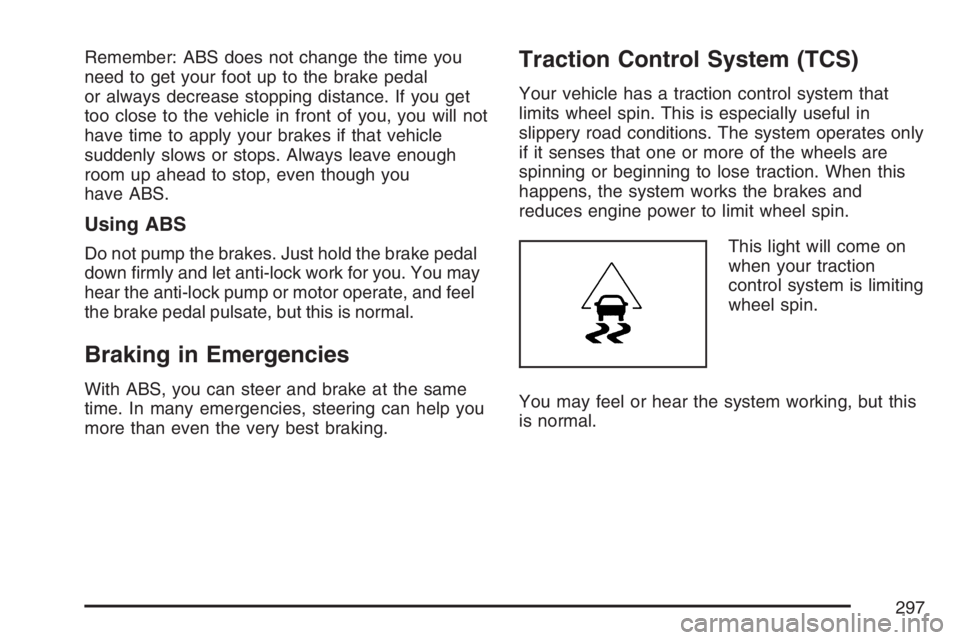
This light will come on
when your traction
control system is limiting
wheel spin.
You may feel or hear the system working, but this
is normal.
297
Page 298 of 490
The traction control system automatically comes
on whenever you start your vehicle. To limit wheel
spin, especially in slippery road conditions, you
should always leave the system on. But you
can turn the traction control system off if you ever
need to. You should turn the system off if your
vehicle ever gets stuck in sand, mud, ice or snow
and rocking the vehicle is required. SeeRocking
Your Vehicle to Get It Out on page 321.
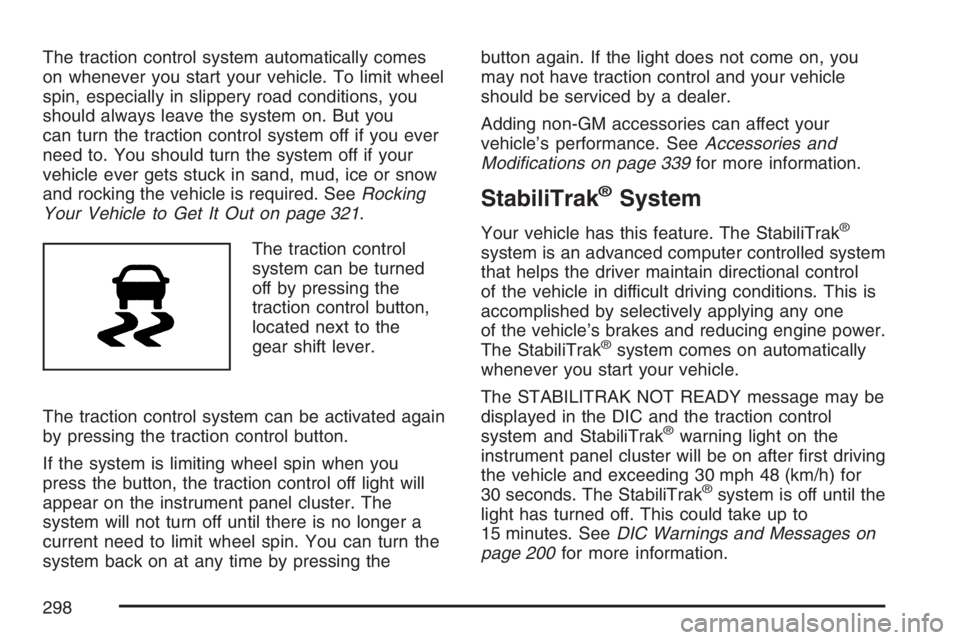
The traction control
system can be turned
off by pressing the
traction control button,
located next to the
gear shift lever.
The traction control system can be activated again
by pressing the traction control button.
If the system is limiting wheel spin when you
press the button, the traction control off light will
appear on the instrument panel cluster. The
system will not turn off until there is no longer a
current need to limit wheel spin. You can turn the
system back on at any time by pressing thebutton again. If the light does not come on, you
may not have traction control and your vehicle
should be serviced by a dealer.
Adding non-GM accessories can affect your
vehicle’s performance. SeeAccessories and
Modications on page 339for more information.
StabiliTrak®System
Your vehicle has this feature. The StabiliTrak®
system is an advanced computer controlled system
that helps the driver maintain directional control
of the vehicle in difficult driving conditions. This is
accomplished by selectively applying any one
of the vehicle’s brakes and reducing engine power.
The StabiliTrak
®system comes on automatically
whenever you start your vehicle.
The STABILITRAK NOT READY message may be
displayed in the DIC and the traction control
system and StabiliTrak
®warning light on the
instrument panel cluster will be on after rst driving
the vehicle and exceeding 30 mph 48 (km/h) for
30 seconds. The StabiliTrak
®system is off until the
light has turned off. This could take up to
15 minutes. SeeDIC Warnings and Messages on
page 200for more information.
298
Page 299 of 490
The traction control system and StabiliTrak®
warning light on the instrument panel cluster will
ash when the system is operating. You may also
feel or hear the system working. This is normal.
StabiliTrak
®can be turned off using the traction
control button. To disable StabiliTrak®, press and
hold the traction control button for ve seconds.
StabiliTrak
®can be activated again by pressing the
traction control button.
The SERVICE STABILITRAK message will be
displayed and the traction control system
and StabiliTrak
®warning light on the instrument
panel cluster will come on if there is a problem with
the system. When this light and the SERVICE
STABILITRAK message are on, the system is not
operational. Adjust your driving accordingly.
All-Wheel Drive (AWD) System
If your vehicle has all-wheel drive (AWD), the AWD
system operates automatically without any action
required by the driver. If the front drive wheels
begin to slip, the rear wheels will automatically
begin to drive the vehicle as required. Torque is
also applied to the rear wheels during launches.
There may be a slight engagement noise during
hard use but this is normal.
This light is located on
the instrument panel
cluster.
This light and the SERVICE ALL WHEEL DRIVE
message in the DIC will come on and stay on
to indicate there may be a problem with the drive
system and service is required.
SeeService All-Wheel Drive Light on page 191
andDIC Warnings and Messages on page 200for
more information.
299