2007 NISSAN QUEST ECO mode
[x] Cancel search: ECO modePage 131 of 384

3. Using both hands, simultaneously press and
hold both the HomeLinkTbutton you want to
program and the hand-held transmitter but-
ton.
DO NOT release the buttons until step 4 has
been completed.4. Hold down both buttons until the indicator
light on the HomeLinkTflashes, changing
from a “slow blink” to a “rapidly flashing
blink”. This could take up to 90 seconds.
When the indicator light flashes rapidly, both
buttons may be released. The rapidly flash-
ing light indicates successful programming.
To activate the garage door or other pro-
grammed device, press and hold the pro-
grammed HomeLinkTbutton — releasing
when the device begins to activate.
5. If the indicator light on the HomeLinkTblinks
rapidly for 2 seconds and then turns solid,
HomeLinkThas picked up a “rolling code”
garage door opener signal. You will need to
proceed with the next steps to train the
HomeLinkTto complete the programming
which may require a ladder and another per-
son for convenience.
6. Press and release the “smart” or “learn” pro-
gram button located on the garage door
opener’s motor to activate the “training
mode”. This button is usually located near
the antenna wire that hangs down from the
motor. If the wire originates from under a
light lens, you will need to remove the lens to
access the program button.NOTE:
Once you have pressed and released the
program button on the garage door open-
er’s motor and the “training light” is lit, you
have 30 seconds in which to perform step 7.
Use the help of a second person for conve-
nience to assist when performing this step.
7. Within 30 seconds of pressing and releas-
ing the garage door opener program button,
quickly and firmly press and release the
HomeLinkTbutton you’ve just programmed.
Press and release the HomeLinkTbutton up
to 3 times to complete the training.
8. Your HomeLinkTbutton should now be pro-
grammed. (To program the remaining
HomeLinkTbuttons for additional door or
gate openers, follow steps 2-8 only.)
NOTE:
Do not repeat step 1 unless you want to
“clear” all previously programmed
HomeLinkTbuttons.
If you have any questions or are having difficulty
programming your HomeLinkTbuttons, refer to
the HomeLinkTweb site at: www.homelink.com
or call 1-800-355-3515.
WIC0987
Instruments and controls2-47
ZREVIEW COPYÐ2007 Quest(van)
Owners ManualÐUSA_English(nna)
02/27/06Ðdebbie
X
Page 141 of 384
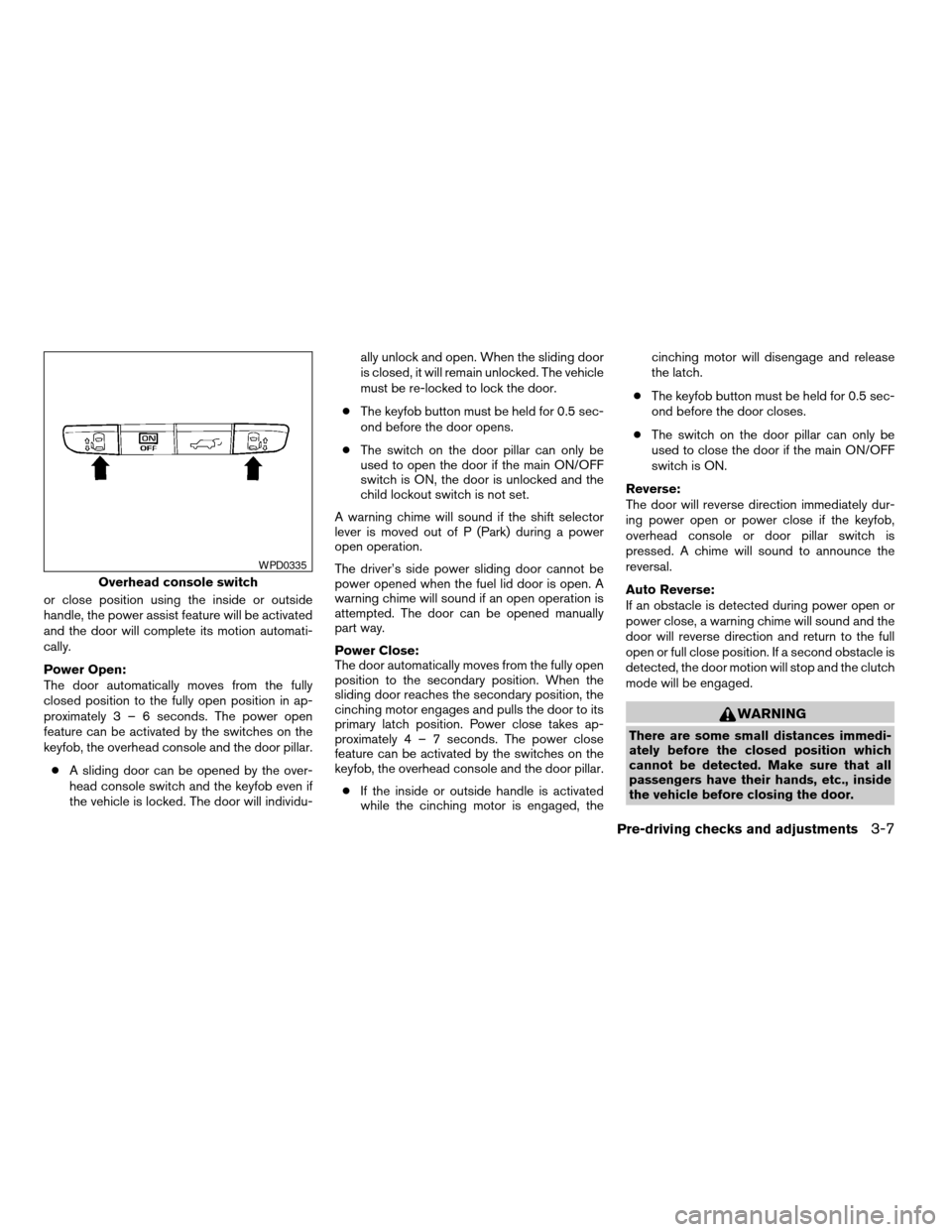
or close position using the inside or outside
handle, the power assist feature will be activated
and the door will complete its motion automati-
cally.
Power Open:
The door automatically moves from the fully
closed position to the fully open position in ap-
proximately3–6seconds. The power open
feature can be activated by the switches on the
keyfob, the overhead console and the door pillar.
cA sliding door can be opened by the over-
head console switch and the keyfob even if
the vehicle is locked. The door will individu-ally unlock and open. When the sliding door
is closed, it will remain unlocked. The vehicle
must be re-locked to lock the door.
cThe keyfob button must be held for 0.5 sec-
ond before the door opens.
cThe switch on the door pillar can only be
used to open the door if the main ON/OFF
switch is ON, the door is unlocked and the
child lockout switch is not set.
A warning chime will sound if the shift selector
lever is moved out of P (Park) during a power
open operation.
The driver’s side power sliding door cannot be
power opened when the fuel lid door is open. A
warning chime will sound if an open operation is
attempted. The door can be opened manually
part way.
Power Close:
The door automatically moves from the fully open
position to the secondary position. When the
sliding door reaches the secondary position, the
cinching motor engages and pulls the door to its
primary latch position. Power close takes ap-
proximately4–7seconds. The power close
feature can be activated by the switches on the
keyfob, the overhead console and the door pillar.
cIf the inside or outside handle is activated
while the cinching motor is engaged, thecinching motor will disengage and release
the latch.
cThe keyfob button must be held for 0.5 sec-
ond before the door closes.
cThe switch on the door pillar can only be
used to close the door if the main ON/OFF
switch is ON.
Reverse:
The door will reverse direction immediately dur-
ing power open or power close if the keyfob,
overhead console or door pillar switch is
pressed. A chime will sound to announce the
reversal.
Auto Reverse:
If an obstacle is detected during power open or
power close, a warning chime will sound and the
door will reverse direction and return to the full
open or full close position. If a second obstacle is
detected, the door motion will stop and the clutch
mode will be engaged.
WARNING
There are some small distances immedi-
ately before the closed position which
cannot be detected. Make sure that all
passengers have their hands, etc., inside
the vehicle before closing the door.
Overhead console switch
WPD0335
Pre-driving checks and adjustments3-7
ZREVIEW COPYÐ2007 Quest(van)
Owners ManualÐUSA_English(nna)
02/27/06Ðdebbie
X
Page 142 of 384

Clutch Mode:
To help prevent unexpected slams due to gravity,
the clutch mode is engaged intermittently for
approximately5–8seconds when power open
or close is interrupted due to multiple obstacles,
low battery voltage or the main ON/OFF switch
turned to OFF. The door must then be opened or
closed manually.Restarting the power sliding door
Some power sliding door functions will become
disabled after the battery terminal is discon-
nected and/or the electrical supply is interrupted.
The following procedure must be used to restart
each power sliding door so that all functions are
enabled.
1. Turn the main on/off switch to OFF.
2. Manually open the power sliding door to its
fully open position.
3. Turn the main on/off switch to ON.
4. Press and hold the power sliding door
switch on the overhead console until the
door closes.
5. Release the switch.
6. Press and hold the power sliding door
switch on the overhead console until the
door opens as far as it can.
7. Release the switch.
8. Press and hold the power sliding door
switch on the overhead console until the
door closes.
9. Release the switch.The power sliding door should now work prop-
erly.
NOTE:
The restarting procedure must be com-
pleted for both the left-hand and right-
hand power sliding doors (if so equipped) .
3-8Pre-driving checks and adjustments
ZREVIEW COPYÐ2007 Quest(van)
Owners ManualÐUSA_English(nna)
02/27/06Ðdebbie
X
Page 144 of 384
CAUTION
Listed below are conditions or occur-
rences which will damage the keyfob:
cDo not allow the keyfob to become wet.
cDo not drop the keyfob.
cDo not strike the keyfob sharply against
another object.
cDo not place the keyfob for an extended
period in an area where temperatures
exceed 140°F (60°C) .
If a keyfob is lost or stolen, NISSAN rec-
ommends erasing the ID code of that key-
fob. This will prevent the keyfob from un-
authorized use to unlock the vehicle. For
information regarding the erasing proce-
dure, please contact a NISSAN dealer.
HOW TO USE REMOTE KEYLESS
ENTRY SYSTEM
Locking doors
1. Close all windows.
2. Remove the key from the ignition switch.
3. Close the hood and all doors.
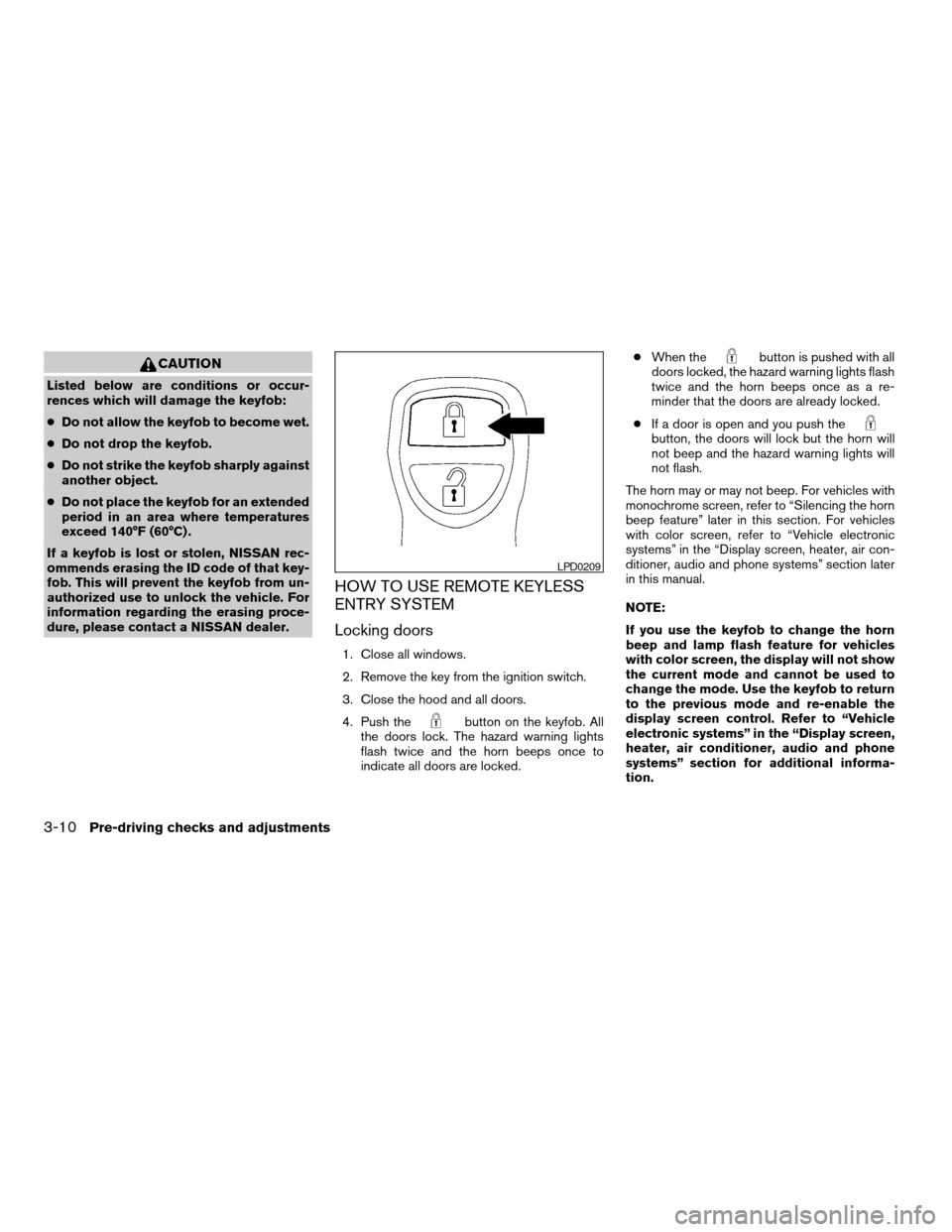
4. Push the
button on the keyfob. All
the doors lock. The hazard warning lights
flash twice and the horn beeps once to
indicate all doors are locked.cWhen the
button is pushed with all
doors locked, the hazard warning lights flash
twice and the horn beeps once as a re-
minder that the doors are already locked.
cIf a door is open and you push the
button, the doors will lock but the horn will
not beep and the hazard warning lights will
not flash.
The horn may or may not beep. For vehicles with
monochrome screen, refer to “Silencing the horn
beep feature” later in this section. For vehicles
with color screen, refer to “Vehicle electronic
systems” in the “Display screen, heater, air con-
ditioner, audio and phone systems” section later
in this manual.
NOTE:
If you use the keyfob to change the horn
beep and lamp flash feature for vehicles
with color screen, the display will not show
the current mode and cannot be used to
change the mode. Use the keyfob to return
to the previous mode and re-enable the
display screen control. Refer to “Vehicle
electronic systems” in the “Display screen,
heater, air conditioner, audio and phone
systems” section for additional informa-
tion.
LPD0209
3-10Pre-driving checks and adjustments
ZREVIEW COPYÐ2007 Quest(van)
Owners ManualÐUSA_English(nna)
02/27/06Ðdebbie
X
Page 147 of 384

Silencing the horn beep feature
If desired, the horn beep feature can be deacti-
vated using the keyfob.NOTE:
If you use the keyfob to change the horn
beep and lamp flash feature for vehicles
with color screen, the display will not show
the current mode and cannot be used to
change the mode. Use the keyfob to return
to the previous mode and re-enable the
display screen control. Refer to “Vehicle
electronic systems” in the “Display screen,
heater, air conditioner, audio and phone
systems” section for additional informa-
tion.
To deactivate:Press and hold the
andbuttonsfor at least 2 seconds.
The hazard warning lights will flash three times to
confirm that the horn beep feature has been
deactivated.
To activate:Press and hold the
andbuttonsfor at least 2 seconds
once more.
The hazard warning lights will flash once and the
horn will sound once to confirm that the horn
beep feature has been reactivated.
Deactivating the horn beep feature does not si-
lence the horn if the alarm is triggered.
Using the interior lights
Push thebutton on the keyfob once to turn
on the interior lights and puddle lamps (if so
equipped) .
For additional information, refer to “Lights on
demand switch” in the “Instruments and controls”
section earlier in this manual.
LPD0262
Pre-driving checks and adjustments3-13
ZREVIEW COPYÐ2007 Quest(van)
Owners ManualÐUSA_English(nna)
02/27/06Ðdebbie
X
Page 151 of 384
Reverse:
The power lift gate will reverse direction immedi-
ately during power open or power close if the
keyfob, overhead console or rear pillar switch is
pressed. A chime will sound to announce the
reversal.
Auto Reverse:
If an obstacle is detected during power open or
power close, a warning chime will sound and the
lift gate will reverse direction and return to the full
open or full close position. If a second obstacle is
detected, the lift gate motion will stop and the
drive motor will disengage. The lift gate will enter
manual mode.
A pinch strip is mounted on each side of the lift
gate. If an obstacle is detected by a pinch strip
during power close, the lift gate will reverse di-
rection and return to the full open position.
NOTE:
If the pinch strip is damaged or removed,
the power close function will not operate.WARNING
There are some small distances immedi-
ately before the closed position which
cannot be detected. Make sure that all
passengers have their hands, etc., inside
the vehicle before closing the lift gate.
Manual Mode:
If power operation is not available, the lift gate
may be operated manually. Power operation may
not be available if the main ON/OFF switch is in
the OFF position, if multiple obstacles have been
detected in a single power cycle, or if battery
voltage is low.
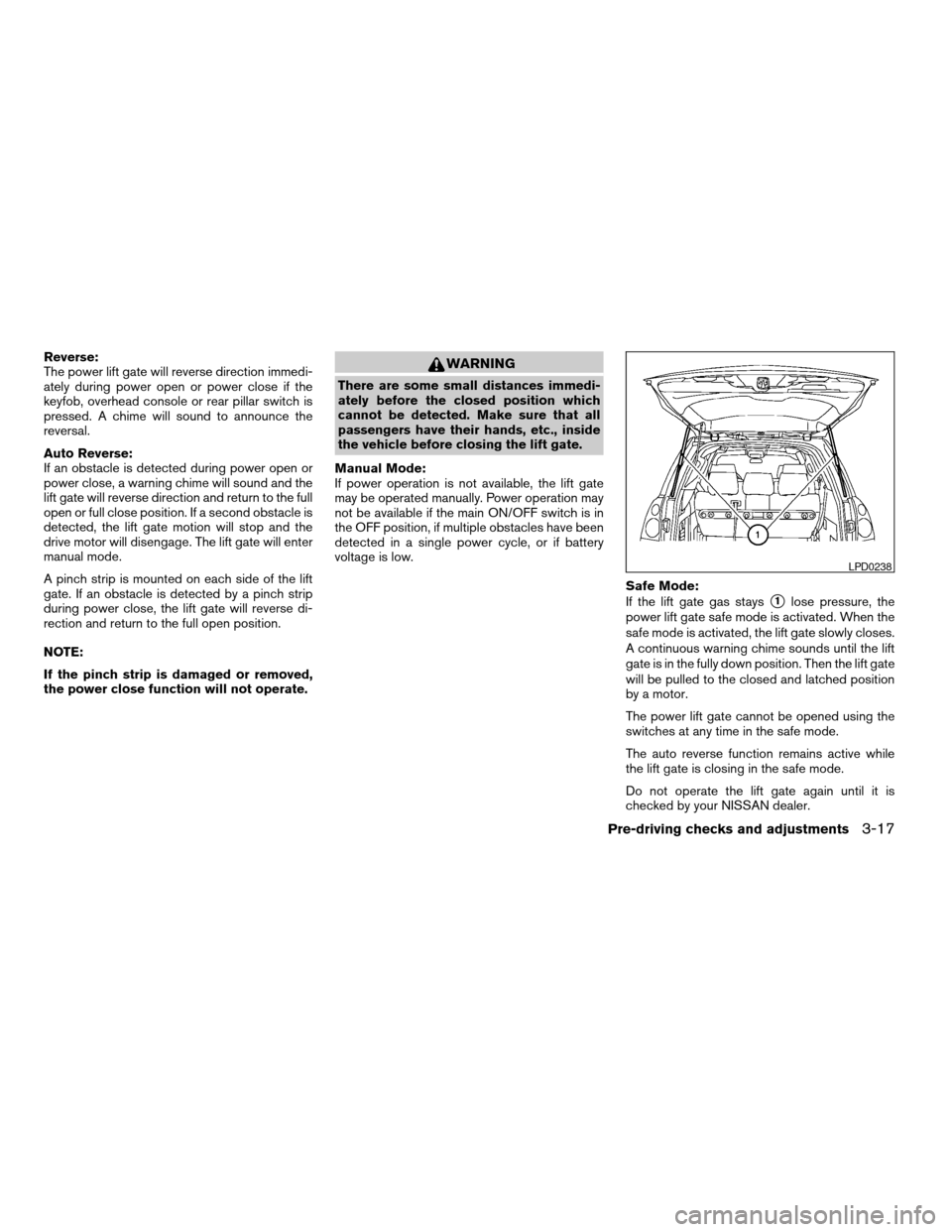
Safe Mode:
If the lift gate gas stays
s1lose pressure, the
power lift gate safe mode is activated. When the
safe mode is activated, the lift gate slowly closes.
A continuous warning chime sounds until the lift
gate is in the fully down position. Then the lift gate
will be pulled to the closed and latched position
by a motor.
The power lift gate cannot be opened using the
switches at any time in the safe mode.
The auto reverse function remains active while
the lift gate is closing in the safe mode.
Do not operate the lift gate again until it is
checked by your NISSAN dealer.
LPD0238
Pre-driving checks and adjustments3-17
ZREVIEW COPYÐ2007 Quest(van)
Owners ManualÐUSA_English(nna)
02/27/06Ðdebbie
X
Page 167 of 384

Reference symbols:
TRIP button — This is a button on the control
panel. By pressing this button you can select the
item or perform this action.
HOW TO USE THE TRIP BUTTON
When the TRIP button is pressed, the following
modes will display on the screen.
Dist. to Empty!Average Speed!Fuel
Economy!Tire Pressure!Audio or OFF!
Dist. to Empty
Distance to empty (MI or km)
The Distance To Empty (DTE) mode provides you
with an estimation of the distance that can be
driven before refueling. The DTE is constantly
calculated based on the amount of fuel in the fuel
tank and the actual fuel consumption. The display
is updated every 30 seconds. When the fuel level
is low, the DTE display will change to (*) .
NOTE:
cIf the amount of fuel added while the ignition
switch is OFF is small, the display just before
the ignition switch is turned OFF may con-
tinue to be displayed.cWhen driving uphill or rounding curves, the
fuel in the tank shifts, which may momentarily
change the display.
LHA0617
Display screen, heater, air conditioner, audio and phone systems4-3
ZREVIEW COPYÐ2007 Quest(van)
Owners ManualÐUSA_English(nna)
02/27/06Ðdebbie
X
Page 168 of 384

Average speed (MPH or km/h)
The Average Speed mode shows the average
speed since the last reset. To calculate the aver-
age speed, driving distance is divided by driving
time.
For approximately the first 30 seconds after a
reset or reconnecting the battery cables, the
display will show (*) .
Resetting average speed
The average speed calculation can be reset to 0.
Press the TRIP button for more than approxi-
mately 2 seconds.
Fuel economy (MPG or L/100 km)
The Fuel Economy mode shows the average fuel
economy since the last reset.
For approximately the first 30 seconds and 1/3
mile (500 m) after a reset or connecting the
battery cables, the display will show (*) .
Resetting fuel economy
The fuel economy calculation can be reset to 0.
Press the TRIP button for more than approxi-
mately 2 seconds.
Tire pressure information
Pressure indication in **psi on the screen indi-
cates that the pressure is being measured. After
a few driving trips, the pressure for each tire will
be displayed randomly.
The order of the tire pressure figures displayed
on the screen does not correspond with the
actual order of the tire position.
Tire pressure rises and falls depending on the
heat caused by the vehicle’s operation and the
outside temperature.
LHA0618LHA0619LHA0620
4-4Display screen, heater, air conditioner, audio and phone systems
ZREVIEW COPYÐ2007 Quest(van)
Owners ManualÐUSA_English(nna)
02/27/06Ðdebbie
X