2007 NISSAN ALTIMA warning
[x] Cancel search: warningPage 104 of 344
SEATBACK POCKETS
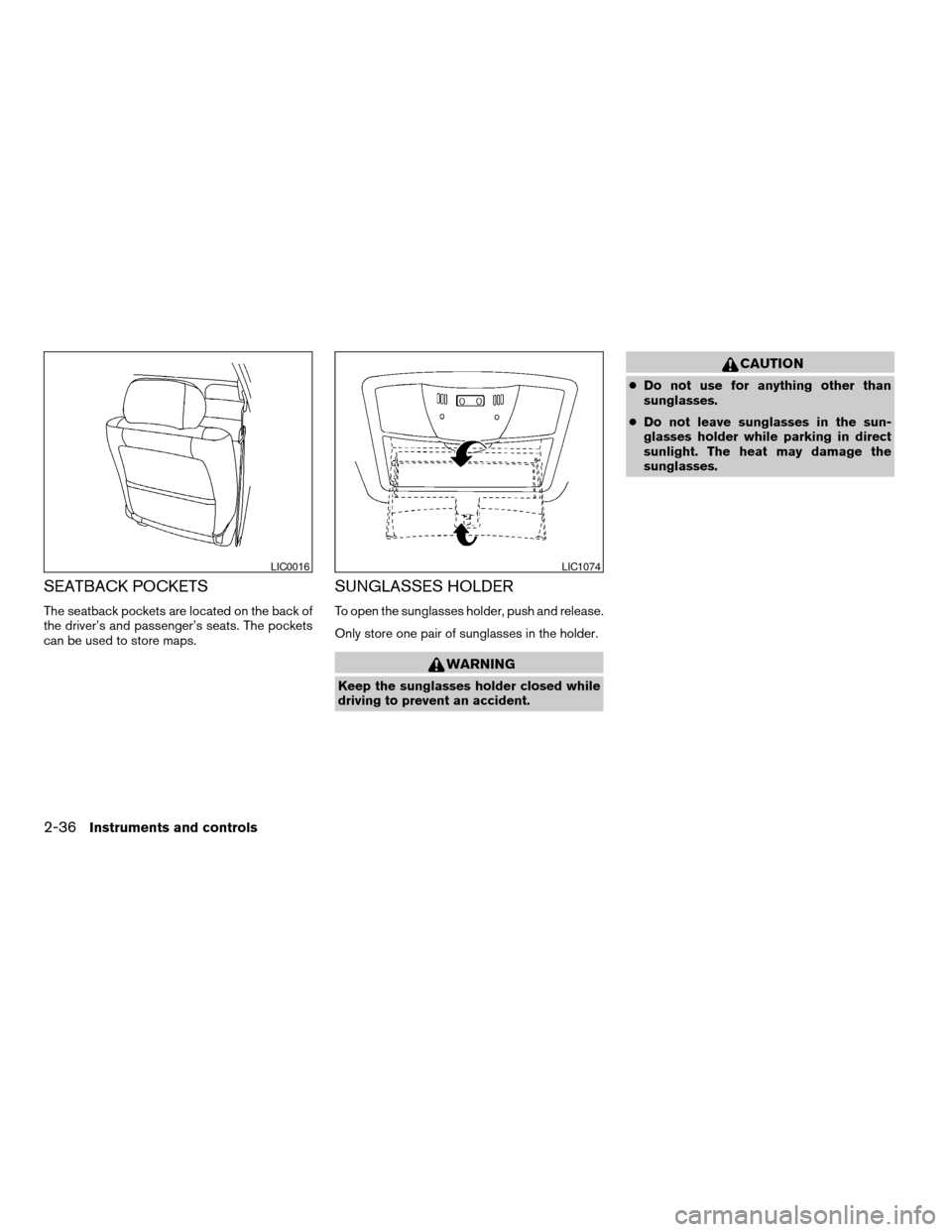
The seatback pockets are located on the back of
the driver’s and passenger’s seats. The pockets
can be used to store maps.
SUNGLASSES HOLDER
To open the sunglasses holder, push and release.
Only store one pair of sunglasses in the holder.
WARNING
Keep the sunglasses holder closed while
driving to prevent an accident.
CAUTION
cDo not use for anything other than
sunglasses.
cDo not leave sunglasses in the sun-
glasses holder while parking in direct
sunlight. The heat may damage the
sunglasses.
LIC0016LIC1074
2-36Instruments and controls
ZREVIEW COPYÐ2007 Altima(alt)
Owners ManualÐUSA_English(nna)
10/26/06Ðdebbie
X
Page 106 of 344
GLOVE BOX
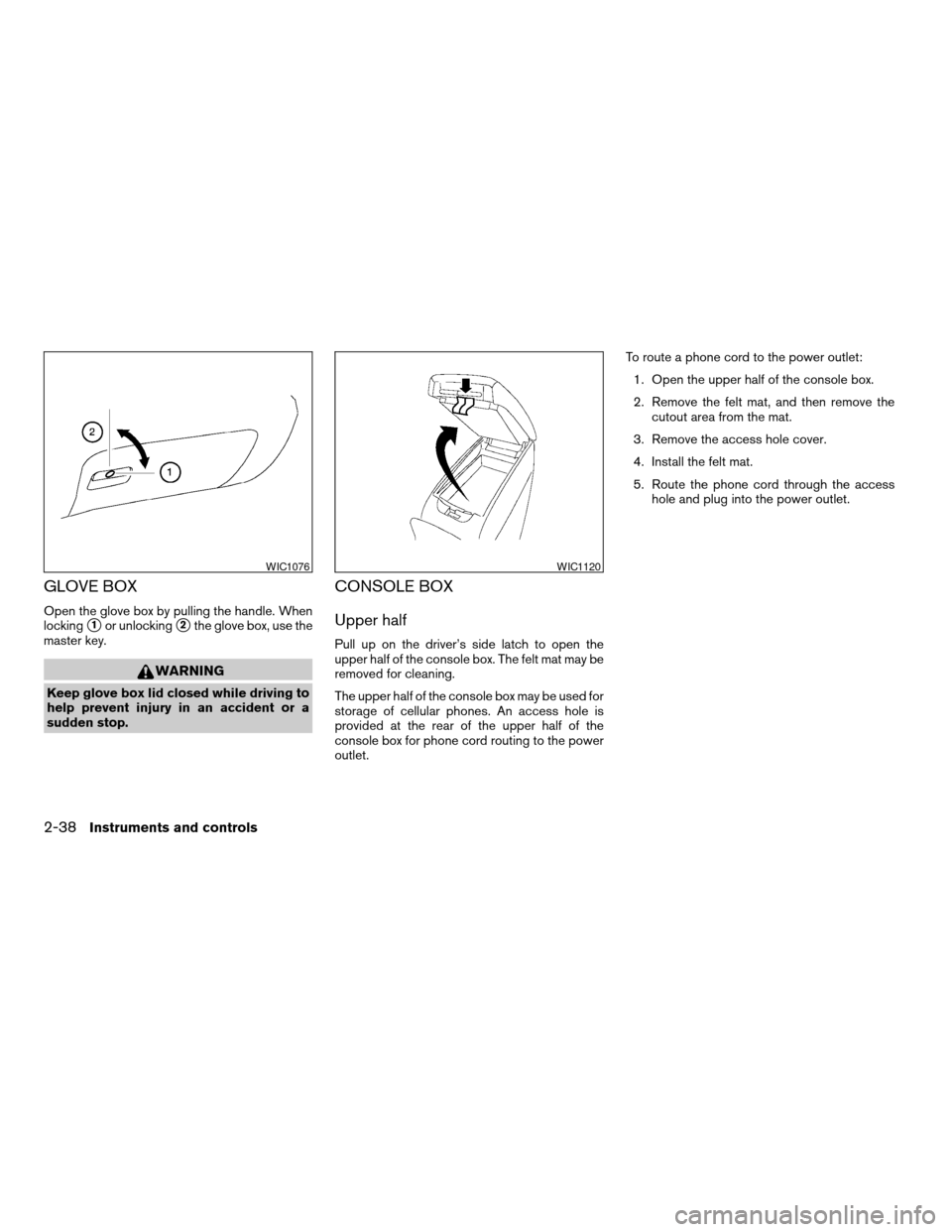
Open the glove box by pulling the handle. When
locking
s1or unlockings2the glove box, use the
master key.
WARNING
Keep glove box lid closed while driving to
help prevent injury in an accident or a
sudden stop.
CONSOLE BOX
Upper half
Pull up on the driver’s side latch to open the
upper half of the console box. The felt mat may be
removed for cleaning.
The upper half of the console box may be used for
storage of cellular phones. An access hole is
provided at the rear of the upper half of the
console box for phone cord routing to the power
outlet.To route a phone cord to the power outlet:
1. Open the upper half of the console box.
2. Remove the felt mat, and then remove the
cutout area from the mat.
3. Remove the access hole cover.
4. Install the felt mat.
5. Route the phone cord through the access
hole and plug into the power outlet.
WIC1076WIC1120
2-38Instruments and controls
ZREVIEW COPYÐ2007 Altima(alt)
Owners ManualÐUSA_English(nna)
10/26/06Ðdebbie
X
Page 108 of 344
GROCERY HOOKS (if so equipped)
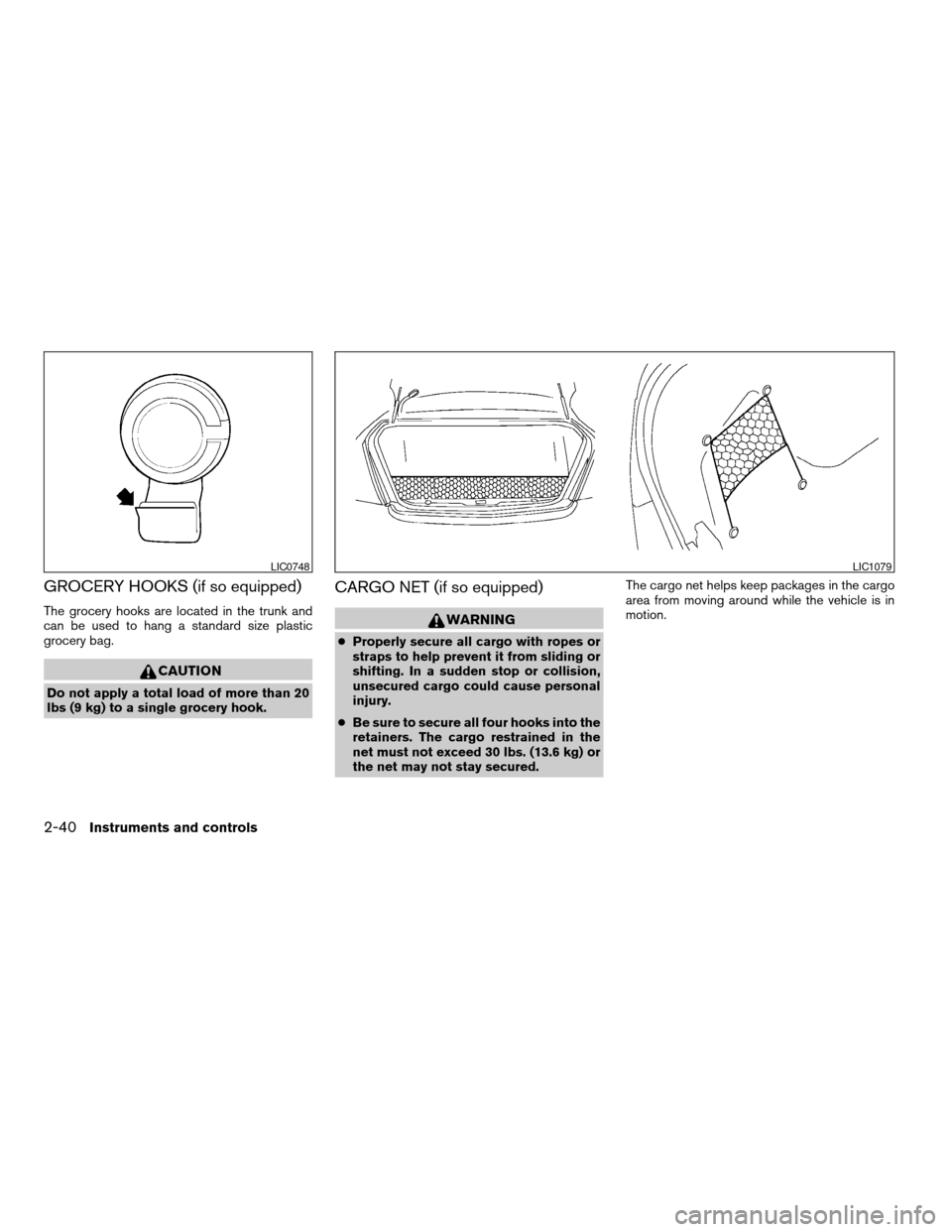
The grocery hooks are located in the trunk and
can be used to hang a standard size plastic
grocery bag.
CAUTION
Do not apply a total load of more than 20
lbs (9 kg) to a single grocery hook.
CARGO NET (if so equipped)
WARNING
cProperly secure all cargo with ropes or
straps to help prevent it from sliding or
shifting. In a sudden stop or collision,
unsecured cargo could cause personal
injury.
cBe sure to secure all four hooks into the
retainers. The cargo restrained in the
net must not exceed 30 lbs. (13.6 kg) or
the net may not stay secured.The cargo net helps keep packages in the cargo
area from moving around while the vehicle is in
motion.
LIC0748LIC1079
2-40Instruments and controls
ZREVIEW COPYÐ2007 Altima(alt)
Owners ManualÐUSA_English(nna)
10/26/06Ðdebbie
X
Page 109 of 344
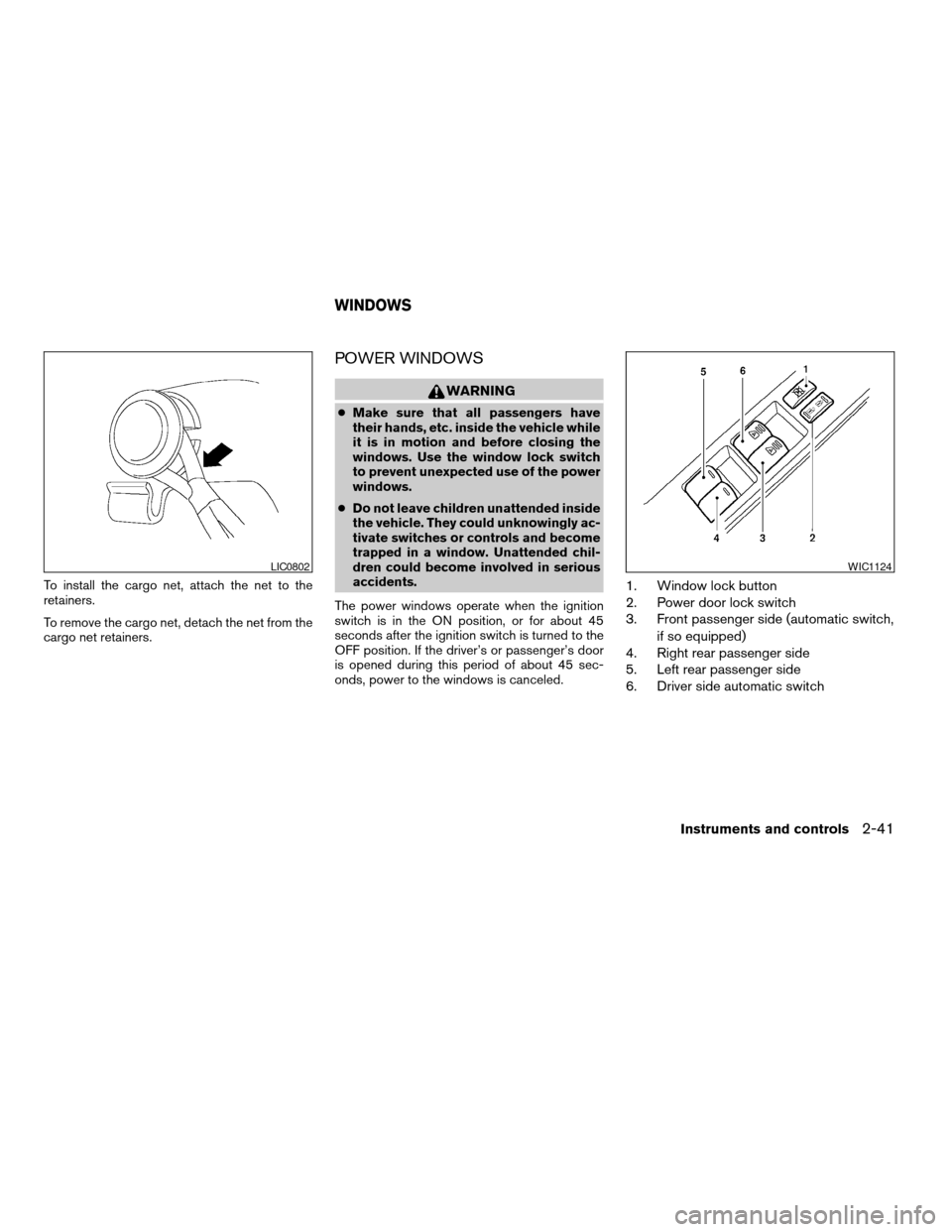
To install the cargo net, attach the net to the
retainers.
To remove the cargo net, detach the net from the
cargo net retainers.
POWER WINDOWS
WARNING
cMake sure that all passengers have
their hands, etc. inside the vehicle while
it is in motion and before closing the
windows. Use the window lock switch
to prevent unexpected use of the power
windows.
cDo not leave children unattended inside
the vehicle. They could unknowingly ac-
tivate switches or controls and become
trapped in a window. Unattended chil-
dren could become involved in serious
accidents.
The power windows operate when the ignition
switch is in the ON position, or for about 45
seconds after the ignition switch is turned to the
OFF position. If the driver’s or passenger’s door
is opened during this period of about 45 sec-
onds, power to the windows is canceled.
1. Window lock button
2. Power door lock switch
3. Front passenger side (automatic switch,
if so equipped)
4. Right rear passenger side
5. Left rear passenger side
6. Driver side automatic switch
LIC0802WIC1124
WINDOWS
Instruments and controls2-41
ZREVIEW COPYÐ2007 Altima(alt)
Owners ManualÐUSA_English(nna)
10/26/06Ðdebbie
X
Page 111 of 344
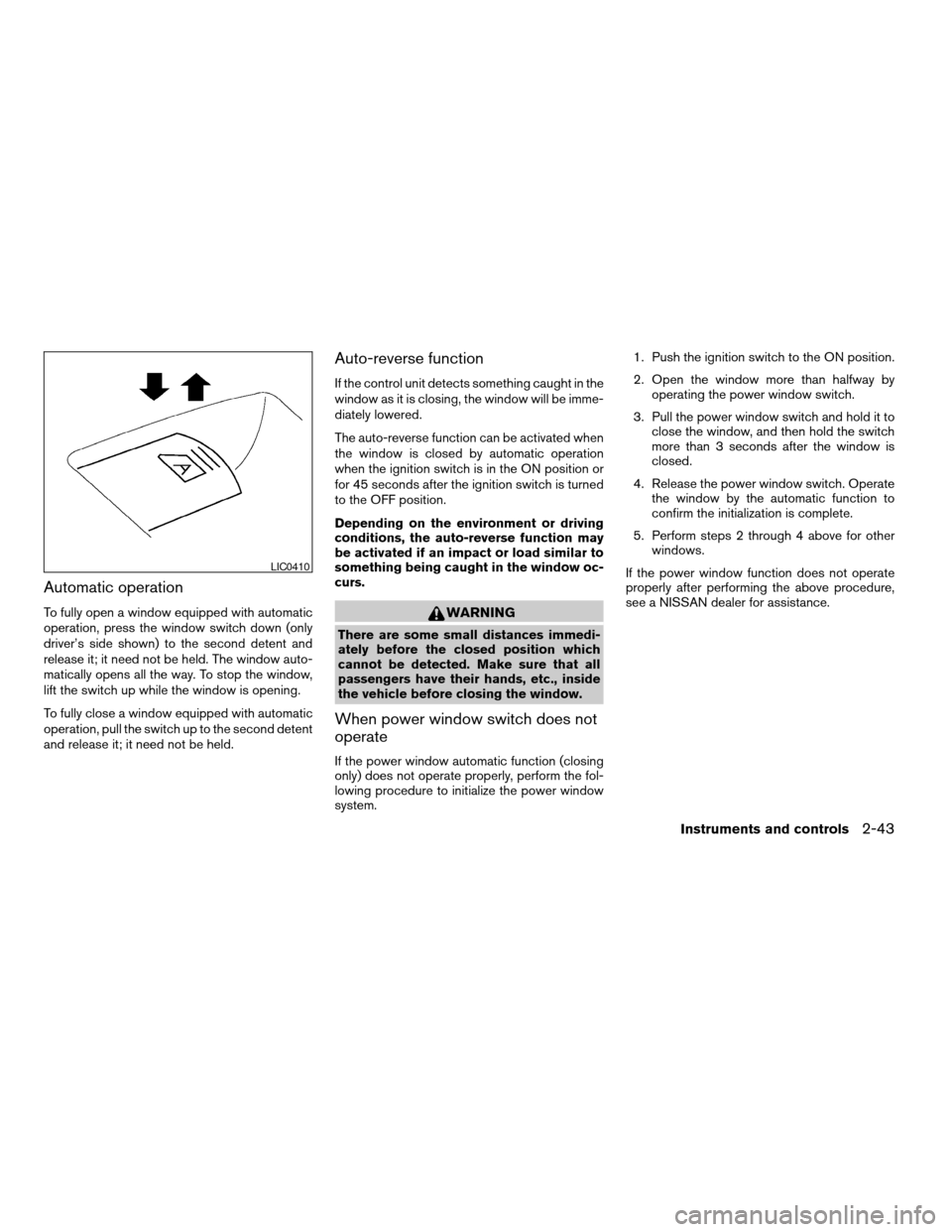
Automatic operation
To fully open a window equipped with automatic
operation, press the window switch down (only
driver’s side shown) to the second detent and
release it; it need not be held. The window auto-
matically opens all the way. To stop the window,
lift the switch up while the window is opening.
To fully close a window equipped with automatic
operation, pull the switch up to the second detent
and release it; it need not be held.
Auto-reverse function
If the control unit detects something caught in the
window as it is closing, the window will be imme-
diately lowered.
The auto-reverse function can be activated when
the window is closed by automatic operation
when the ignition switch is in the ON position or
for 45 seconds after the ignition switch is turned
to the OFF position.
Depending on the environment or driving
conditions, the auto-reverse function may
be activated if an impact or load similar to
something being caught in the window oc-
curs.
WARNING
There are some small distances immedi-
ately before the closed position which
cannot be detected. Make sure that all
passengers have their hands, etc., inside
the vehicle before closing the window.
When power window switch does not
operate
If the power window automatic function (closing
only) does not operate properly, perform the fol-
lowing procedure to initialize the power window
system.1. Push the ignition switch to the ON position.
2. Open the window more than halfway by
operating the power window switch.
3. Pull the power window switch and hold it to
close the window, and then hold the switch
more than 3 seconds after the window is
closed.
4. Release the power window switch. Operate
the window by the automatic function to
confirm the initialization is complete.
5. Perform steps 2 through 4 above for other
windows.
If the power window function does not operate
properly after performing the above procedure,
see a NISSAN dealer for assistance.
LIC0410
Instruments and controls2-43
ZREVIEW COPYÐ2007 Altima(alt)
Owners ManualÐUSA_English(nna)
10/26/06Ðdebbie
X
Page 112 of 344
AUTOMATIC SUNROOF
The sunroof will only operate when the ignition
switch is in the ON position. The automatic sun-
roof is operational for about 45 seconds, even if
the ignition switch is turned to the ACC or OFF
position. If the driver’s door or the front passen-
ger’s door is opened during this period of about
45 seconds, power to the sunroof is canceled.
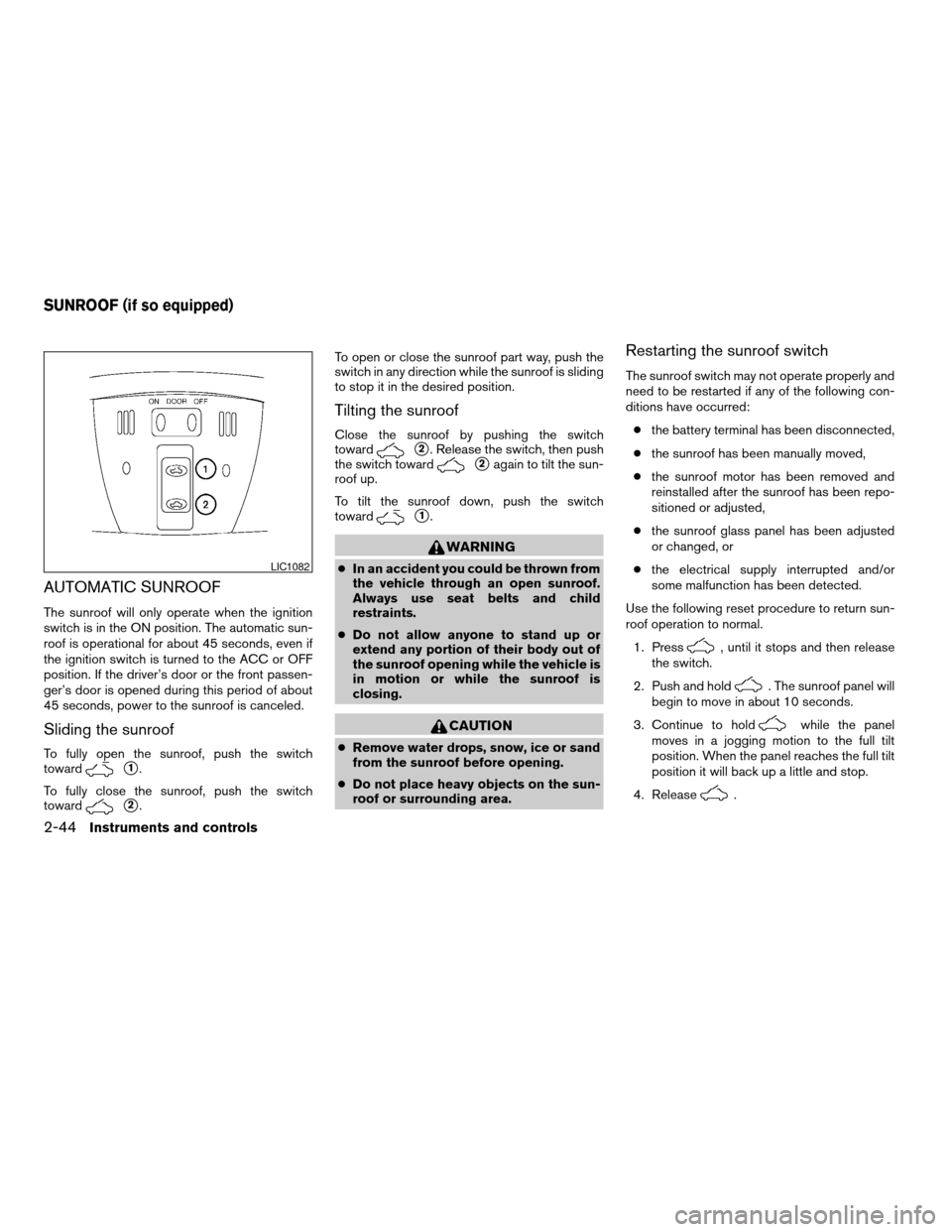
Sliding the sunroof
To fully open the sunroof, push the switch
toward
s1.
To fully close the sunroof, push the switch
toward
s2.To open or close the sunroof part way, push the
switch in any direction while the sunroof is sliding
to stop it in the desired position.
Tilting the sunroof
Close the sunroof by pushing the switch
toward
s2. Release the switch, then push
the switch toward
s2again to tilt the sun-
roof up.
To tilt the sunroof down, push the switch
toward
s1.
WARNING
cIn an accident you could be thrown from
the vehicle through an open sunroof.
Always use seat belts and child
restraints.
cDo not allow anyone to stand up or
extend any portion of their body out of
the sunroof opening while the vehicle is
in motion or while the sunroof is
closing.
CAUTION
cRemove water drops, snow, ice or sand
from the sunroof before opening.
cDo not place heavy objects on the sun-
roof or surrounding area.
Restarting the sunroof switch
The sunroof switch may not operate properly and
need to be restarted if any of the following con-
ditions have occurred:
cthe battery terminal has been disconnected,
cthe sunroof has been manually moved,
cthe sunroof motor has been removed and
reinstalled after the sunroof has been repo-
sitioned or adjusted,
cthe sunroof glass panel has been adjusted
or changed, or
cthe electrical supply interrupted and/or
some malfunction has been detected.
Use the following reset procedure to return sun-
roof operation to normal.
1. Press
, until it stops and then release
the switch.
2. Push and hold
. The sunroof panel will
begin to move in about 10 seconds.
3. Continue to hold
while the panel
moves in a jogging motion to the full tilt
position. When the panel reaches the full tilt
position it will back up a little and stop.
4. Release
.
LIC1082
SUNROOF (if so equipped)
2-44Instruments and controls
ZREVIEW COPYÐ2007 Altima(alt)
Owners ManualÐUSA_English(nna)
10/26/06Ðdebbie
X
Page 115 of 344
The HomeLinkTUniversal Transceiver provides a
convenient way to consolidate the functions of up
to three individual hand-held transmitters into
one built-in device.
HomeLinkTUniversal Transceiver:
cWill operate most Radio Frequency (RF)
devices such as garage doors, gates, home
and office lighting, entry door locks and se-
curity systems.
cIs powered by your vehicle’s battery. No
separate batteries are required. If the vehi-
cle’s battery is discharged or is discon-
nected, HomeLinkTwill retain all program-
ming.
Once the HomeLinkTUniversal Transceiver
is programmed, retain the original trans-
mitter for future programming procedures
(Example: new vehicle purchases) . Upon
sale of the vehicle, the programmed
HomeLinkTUniversal Transceiver buttons
should be erased for security purposes. For
additional information refer to “Program-
ming HomeLinkT” later in this section.WARNING
cDo not use the HomeLinkTUniversal
Transceiver with any garage door
opener that lacks safety stop and re-
verse features as required by federal
safety standards. (These standards be-
came effective for opener models
manufactured after April 1, 1982) . A ga-
rage door opener which cannot detect
an object in the path of a closing garage
door and then automatically stop and
reverse, does not meet current federal
safety standards. Using a garage door
opener without these features in-
creases the risk of serious injury or
death.
cDuring the programming procedure
your garage door or security gate will
open and close (if the transmitter is
within range) . Make sure that people or
objects are clear of the garage door,
gate, etc. that you are programming.
cYour vehicle’s engine should be turned
off while programming the HomeLinkT
Universal Transceiver.
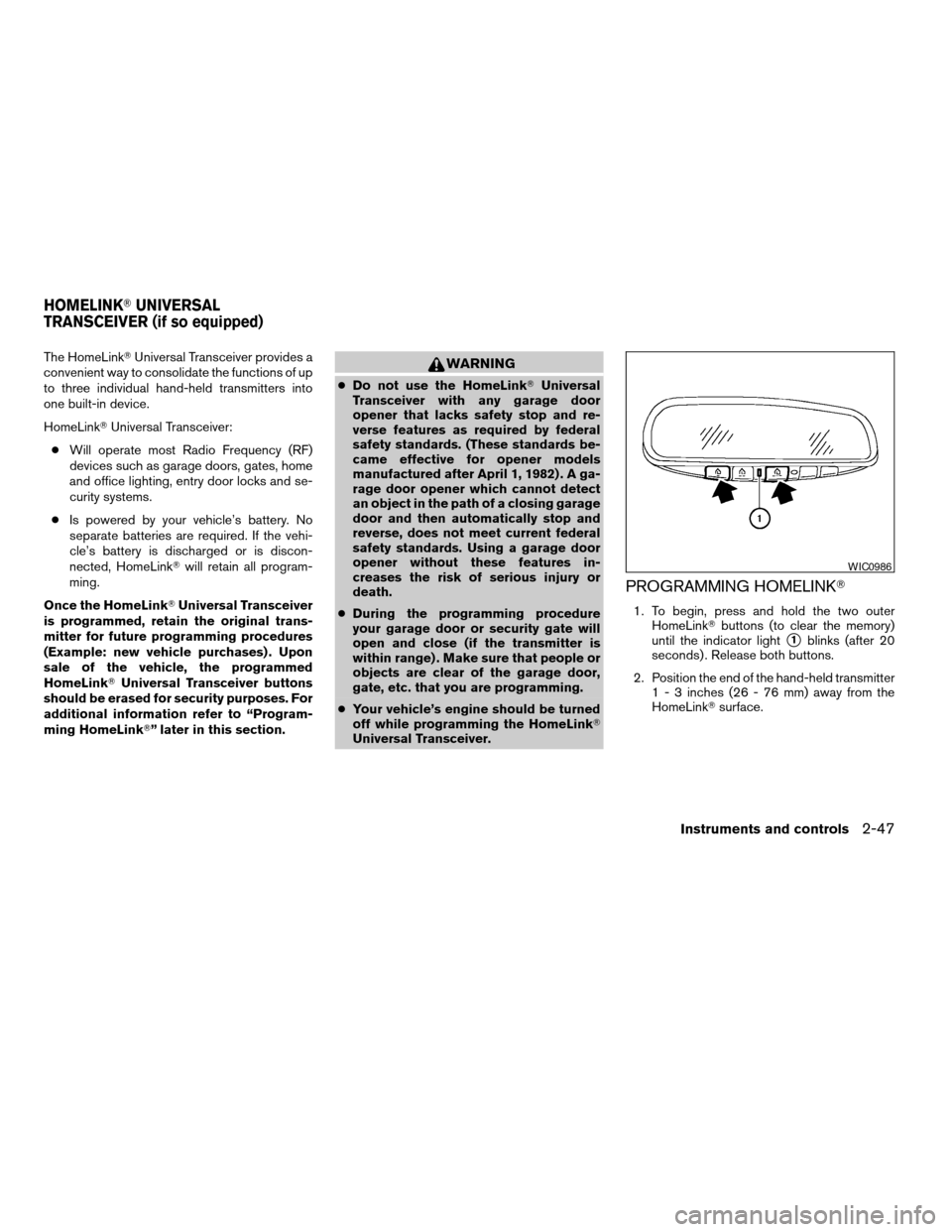
PROGRAMMING HOMELINKT
1. To begin, press and hold the two outer
HomeLinkTbuttons (to clear the memory)
until the indicator light
s1blinks (after 20
seconds) . Release both buttons.
2. Position the end of the hand-held transmitter
1 - 3 inches (26 - 76 mm) away from the
HomeLinkTsurface.
WIC0986
HOMELINKTUNIVERSAL
TRANSCEIVER (if so equipped)
Instruments and controls2-47
ZREVIEW COPYÐ2007 Altima(alt)
Owners ManualÐUSA_English(nna)
10/26/06Ðdebbie
X
Page 119 of 344

3 Pre-driving checks and adjustments
Keys .............................................3-2
Intelligent Keys.................................3-2
Doors............................................3-3
Locking with key................................3-4
Locking with inside lock knob....................3-4
Locking with power door lock switch.............3-5
Child safety rear door lock.......................3-5
Intelligent Key system..............................3-6
Operating range................................3-8
Door locks/unlocks precaution...................3-8
Intelligent Key operation.........................3-9
How to use the remote keyless entry
function......................................3-12
Warning signals...............................3-15
Troubleshooting guide.........................3-15
Hood...........................................3-17Trunk lid.........................................3-17
Opener operation..............................3-17
Interior trunk lid release........................3-18
Fuel-filler door...................................3-19
Opener operation..............................3-19
Fuel-filler cap.................................3-19
Tilting telescopic steering column..................3-21
Tilt operation..................................3-21
Telescopic operation...........................3-21
Sun visors.......................................3-21
Vanity mirrors.................................3-22
Mirrors..........................................3-22
Rearview mirror (if so equipped).................3-22
Automatic anti-glare rearview mirror
(if so equipped)...............................3-23
Outside mirrors...............................3-23
ZREVIEW COPYÐ2007 Altima(alt)
Owners ManualÐUSA_English(nna)
10/26/06Ðdebbie
X