Page 304 of 705
303 Controls in detail
Locking and unlocking
Starter switch positions
Seats
Steering wheel
Mirrors
Memory function
Fastening the seat belts
Lighting
Windshield wipers
Power windowsDriving and parking
Automatic transmission
Instrument cluster
Driving systems
Automatic climate control
Trunk
Power tilt/sliding sunroof
Panorama roof with power
tilt/sliding panel*
Loading and storing
Useful features
Page 343 of 705
342 Controls in detailLighting
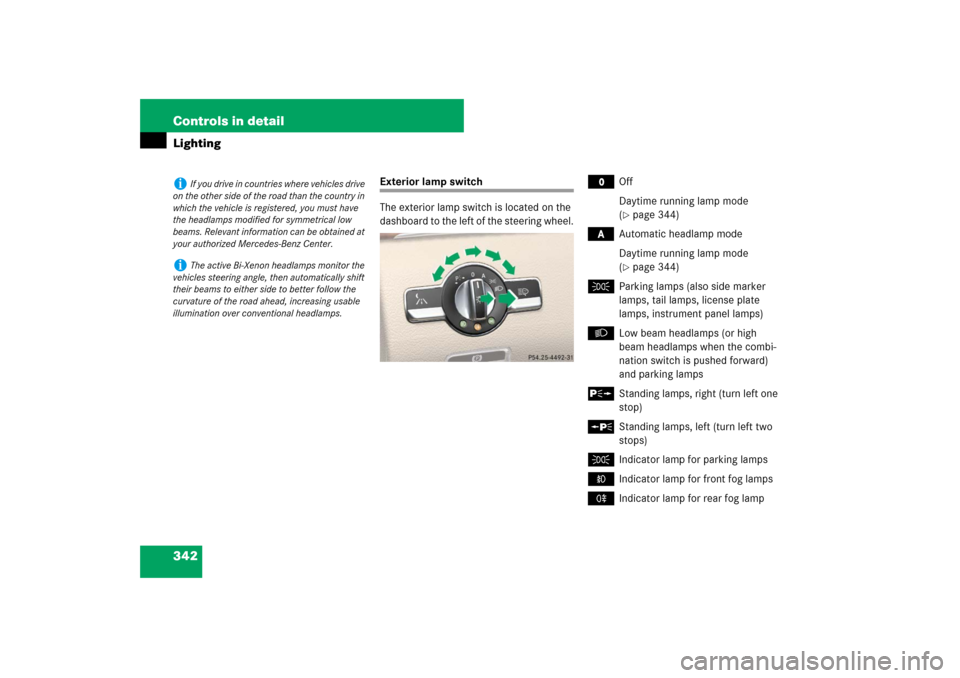
Exterior lamp switch
The exterior lamp switch is located on the
dashboard to the left of the steering wheel.
M
Off
Daytime running lamp mode
(�page 344)
*
Automatic headlamp mode
Daytime running lamp mode
(�page 344)
C
Parking lamps (also side marker
lamps, tail lamps, license plate
lamps, instrument panel lamps)
B
Low beam headlamps (or high
beam headlamps when the combi-
nation switch is pushed forward)
and parking lamps
ˆ
Standing lamps, right (turn left one
stop)
‚
Standing lamps, left (turn left two
stops)
C
Indicator lamp for parking lamps
‡
Indicator lamp for front fog lamps
†
Indicator lamp for rear fog lamp
i
If you drive in countries where vehicles drive
on the other side of the road than the country in
which the vehicle is registered, you must have
the headlamps modified for symmetrical low
beams. Relevant information can be obtained at
your authorized Mercedes-Benz Center.
i
The active Bi-Xenon headlamps monitor the
vehicles steering angle, then automatically shift
their beams to either side to better follow the
curvature of the road ahead, increasing usable
illumination over conventional headlamps.
Page 403 of 705
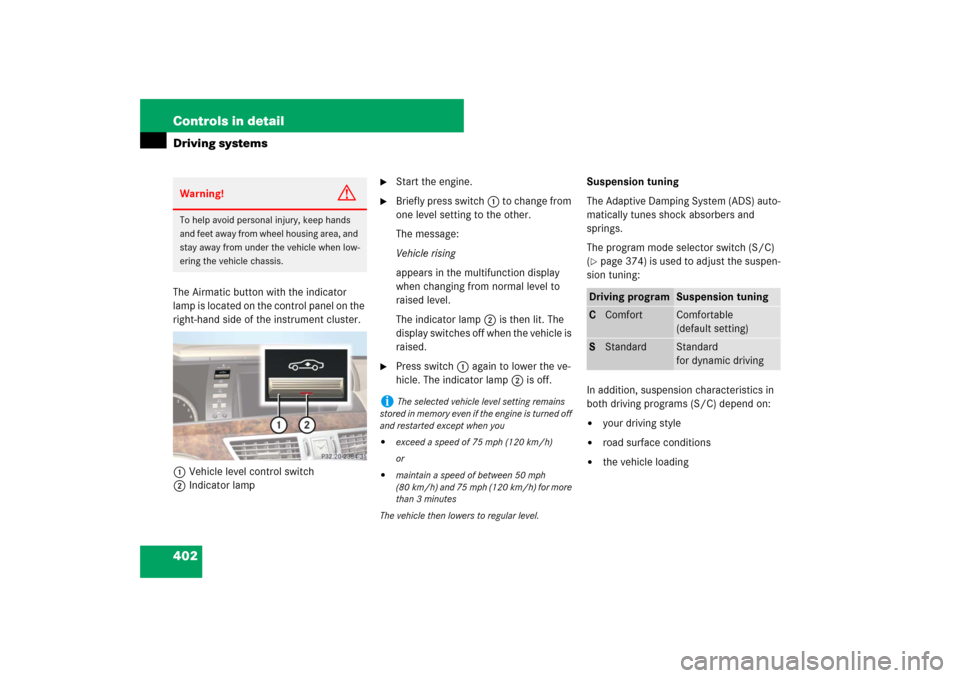
402 Controls in detailDriving systemsThe Airmatic button with the indicator
lamp is located on the control panel on the
right-hand side of the instrument cluster.
1Vehicle level control switch
2Indicator lamp
�
Start the engine.
�
Briefly press switch1 to change from
one level setting to the other.
The message:
Vehicle rising
appears in the multifunction display
when changing from normal level to
raised level.
The indicator lamp2 is then lit. The
display switches off when the vehicle is
raised.
�
Press switch1 again to lower the ve-
hicle. The indicator lamp2 is off.Suspension tuning
The Adaptive Damping System (ADS) auto-
matically tunes shock absorbers and
springs.
The program mode selector switch (S/C)
(
�page 374) is used to adjust the suspen-
sion tuning:
In addition, suspension characteristics in
both driving programs (S/C) depend on:
�
your driving style
�
road surface conditions
�
the vehicle loading
Warning!
G
To help avoid personal injury, keep hands
and feet away from wheel housing area, and
stay away from under the vehicle when low-
ering the vehicle chassis.
i
The selected vehicle level setting remains
stored in memory even if the engine is turned off
and restarted except when you
�
exceed a speed of 75 mph (120 km/h)
or
�
maintain a speed of between 50 mph
(80 km/h) and 75 mph (120 km/h) for more
than 3 minutes
The vehicle then lowers to regular level.
Driving program
Suspension tuning
CComfort
Comfortable
(default setting)
SStandard
Standard
for dynamic driving
Page 405 of 705
404 Controls in detailDriving systemsThe ABC level control switch with the indi-
cator lamp is located on the control panel
on the right-hand side of the instrument
cluster.
1Vehicle level control switch
2Indicator lampSelecting a higher level
�
Start the engine.
If indicator lamp2 is off:
�
Press switch1.
Indicator lamp2 comes on. The vehi-
cle is raised to a higher level.
Selecting a normal level
�
Start the engine.
If indicator lamp2 is on:
�
Press switch1.
Indicator lamp2 goes out. The vehicle
is adjusted to a normal level.Suspension tuning
The program mode selector switch (C/S)
(
�page 374) is used to adjust the suspen-
sion tuning:
In addition, suspension characteristics in
both driving programs (S/C) depend on:
�
your driving style
�
road surface conditions
�
the vehicle loading
Driving program
Suspension tuning
CComfort
Comfortable
(default setting)
SStandard
Standard
for dynamic driving
Page 409 of 705
408 Controls in detailDriving systemsSwitching Parktronic system on/off
The Parktronic system can be switched off
manually.
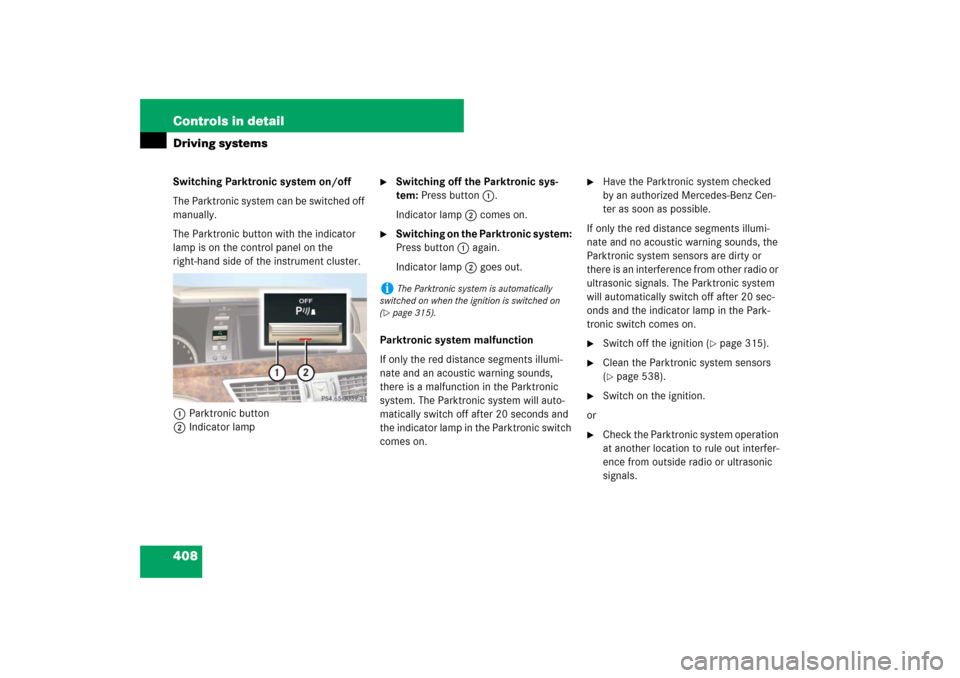
The Parktronic button with the indicator
lamp is on the control panel on the
right-hand side of the instrument cluster.
1Parktronic button
2Indicator lamp
�
Switching off the Parktronic sys-
tem: Press button 1.
Indicator lamp 2 comes on.
�
Switching on the Parktronic system:
Press button 1 again.
Indicator lamp 2 goes out.
Parktronic system malfunction
If only the red distance segments illumi-
nate and an acoustic warning sounds,
there is a malfunction in the Parktronic
system. The Parktronic system will auto-
matically switch off after 20 seconds and
the indicator lamp in the Parktronic switch
comes on.
�
Have the Parktronic system checked
by an authorized Mercedes-Benz Cen-
ter as soon as possible.
If only the red distance segments illumi-
nate and no acoustic warning sounds, the
Parktronic system sensors are dirty or
there is an interference from other radio or
ultrasonic signals. The Parktronic system
will automatically switch off after 20 sec-
onds and the indicator lamp in the Park-
tronic switch comes on.
�
Switch off the ignition (
�page 315).
�
Clean the Parktronic system sensors
(�page 538).
�
Switch on the ignition.
or
�
Check the Parktronic system operation
at another location to rule out interfer-
ence from outside radio or ultrasonic
signals.
i
The Parktronic system is automatically
switched on when the ignition is switched on
(
�page 315).
Page 413 of 705
412 Controls in detailDriving systemsCollision warning
Park Assist can detect obstacles from a
considerable distance. If you drive in re-
verse towards an obstacle, you will hear a
warning tone. You must then brake in or-
der to avoid a collision. The warning tone
for a collision will not sound when the vehi-
cle is at a standstill very close to the obsta-
cle. In this case, you will hear a
corresponding tone for the warning indica-
tor in the rear area.Switching Park Assist system on/off
The Park Assist system can be switched off
manually.
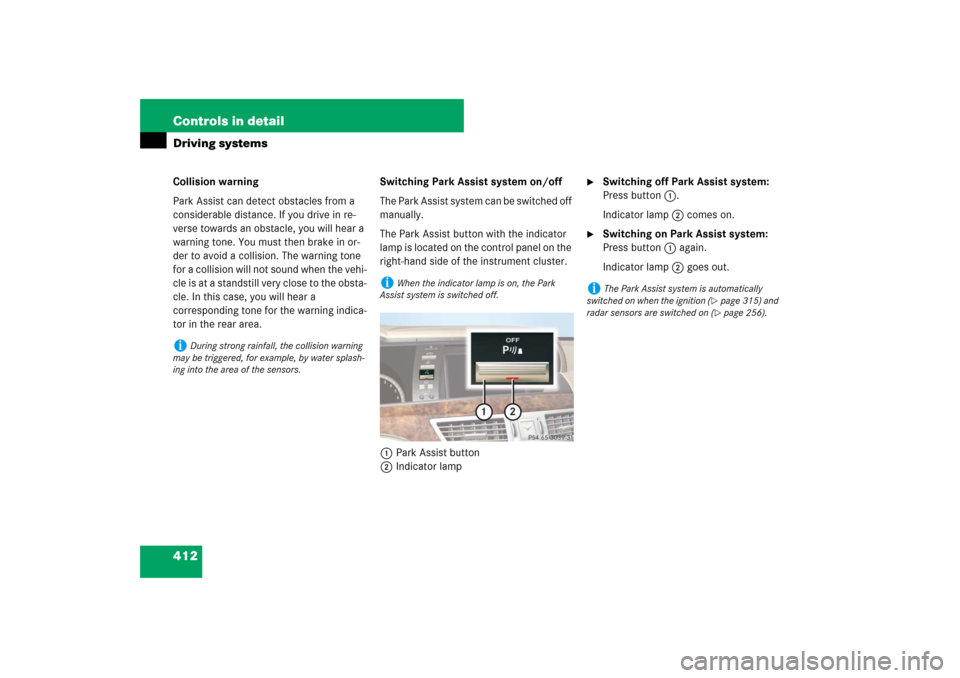
The Park Assist button with the indicator
lamp is located on the control panel on the
right-hand side of the instrument cluster.
1Park Assist button
2Indicator lamp
�
Switching off Park Assist system:
Press button 1.
Indicator lamp 2 comes on.
�
Switching on Park Assist system:
Press button 1 again.
Indicator lamp 2 goes out.
i
During strong rainfall, the collision warning
may be triggered, for example, by water splash-
ing into the area of the sensors.
i
When the indicator lamp is on, the Park
Assist system is switched off.
i
The Park Assist system is automatically
switched on when the ignition (
�page 315) and
radar sensors are switched on (�page 256).