Page 92 of 320

Erasing HomeLink�buttons
To erase the three programmed
buttons (individual buttons cannot
be erased):
•Press and hold the two outer
HomeLink�buttons until the
indicator light begins to
flash-after 20 seconds. Release
both buttons. Do not hold for
longer that 30 seconds.
HomeLink�is now in the train (or
learning) mode and can be programmed at any time beginning with Step
2inthe“Programming”section.
Reprogramming a single HomeLink�button
To program a device to HomeLink�using a HomeLink�button previously
trained, follow these steps:
1. Press and hold the desired HomeLink�button.Do NOTrelease the
button.
2. The indicator light will begin to flash after 20 seconds. Without
releasing the HomeLink�button, follow Step 2 in the “Programming”
section.
For questions or comments, contact HomeLink�atwww.homelink.com
or1–800–355–3515.
MESSAGE CENTER
With the ignition in the RUN
position, the message center,
located on your instrument cluster,
displays important vehicle
informationthrough a constant
monitor of vehicle systems.Yo u
may select display features on the message center for a display of status.
The system will also notify you of potential vehicle problems with a
display of system warnings followed by a long indicator chime.
2007 MKX(mkx)
Owners Guide (post-2002-fmt)
USA(fus)
Driver Controls
92
Page 94 of 320
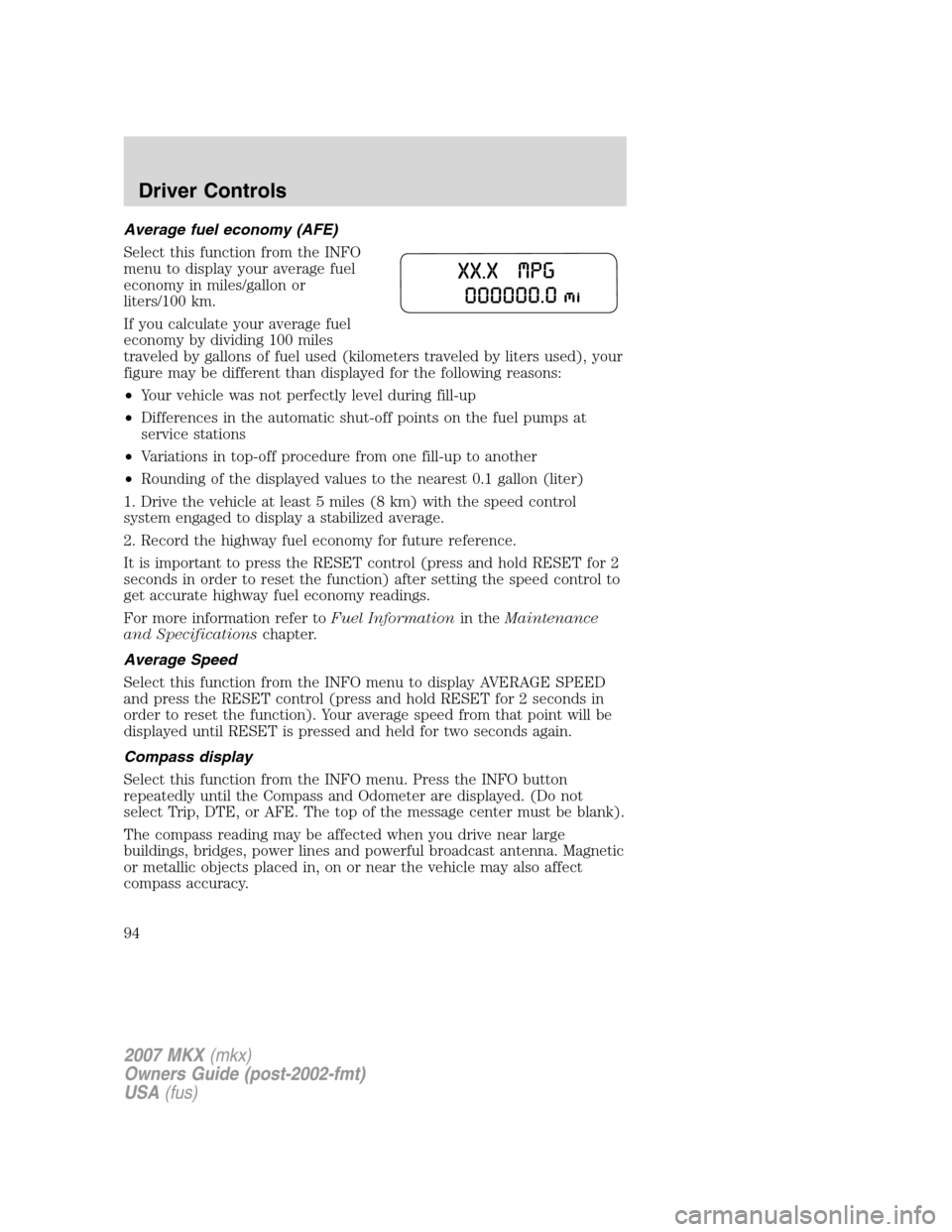
Average fuel economy (AFE)
Select this function from the INFO
menu to display your average fuel
economy in miles/gallon or
liters/100 km.
If you calculate your average fuel
economy by dividing 100 miles
traveled by gallons of fuel used (kilometers traveled by liters used), your
figure may be different than displayed for the following reasons:
•Your vehicle was not perfectly level during fill-up
•Differences in the automatic shut-off points on the fuel pumps at
service stations
•Variations in top-off procedure from one fill-up to another
•Rounding of the displayed values to the nearest 0.1 gallon (liter)
1. Drive the vehicle at least 5 miles (8 km) with the speed control
system engaged to display a stabilized average.
2. Record the highway fuel economy for future reference.
It is important to press the RESET control (press and hold RESET for 2
seconds in order to reset the function) after setting the speed control to
get accurate highway fuel economy readings.
For more information refer toFuel Informationin theMaintenance
and Specificationschapter.
Average Speed
Select this function from the INFO menu to display AVERAGE SPEED
and press the RESET control (press and hold RESET for 2 seconds in
order to reset the function). Your average speed from that point will be
displayed until RESET is pressed and held for two seconds again.
Compass display
Select this function from the INFO menu. Press the INFO button
repeatedly until the Compass and Odometer are displayed. (Do not
select Trip, DTE, or AFE. The top of the message center must be blank).
The compass reading may be affected when you drive near large
buildings, bridges, power lines and powerful broadcast antenna. Magnetic
or metallic objects placed in, on or near the vehicle may also affect
compass accuracy.
2007 MKX(mkx)
Owners Guide (post-2002-fmt)
USA(fus)
Driver Controls
94
Page 95 of 320

Usually, when something affects the compass readings, the compass will
correct itself after a few days of operating your vehicle in normal
conditions. If the compass still appears to be inaccurate, a manual
calibration may be necessary. Refer toCompass zone/calibration
adjustment.
Most geographic areas (zones) have a magnetic north compass point that
varies slightly from the northerly direction on maps. This variation is four
degrees between adjacent zones and will become noticeable as the
vehicle crosses multiple zones. A correct zone setting will eliminate this
error. Refer toCompass zone/calibration adjustment.
Compass zone/calibration adjustment
Perform this adjustment in an open area free from steel structures and
high voltage lines.
For optimum calibration, turn off all electrical accessories (heater/air
conditioning, wipers, etc.) and make sure all vehicle doors are shut.
1. Turn ignition to the RUN position.
2. Start the engine.
3. Press the INFO button repeatedly until the Compass and Odometer
are displayed. (Do not select Trip, DTE, or AFE. The top of the message
center must be blank).
Note:If the compass displays�CAL 000000.0 mi�instead of heading
information, the compass will need to be calibrated. Slowly drive the
vehicle in a circle (less than 3 mph [5 km/h]) until the�CAL�indicator
changes to display compass heading. This may take up to 3 circles to
complete calibration.
4. Determine your magnetic zone by
referring to the zone map.
1 2 3
4
5
6 7 8 9 101112 13 14 15
2007 MKX(mkx)
Owners Guide (post-2002-fmt)
USA(fus)
Driver Controls
95
Page 96 of 320
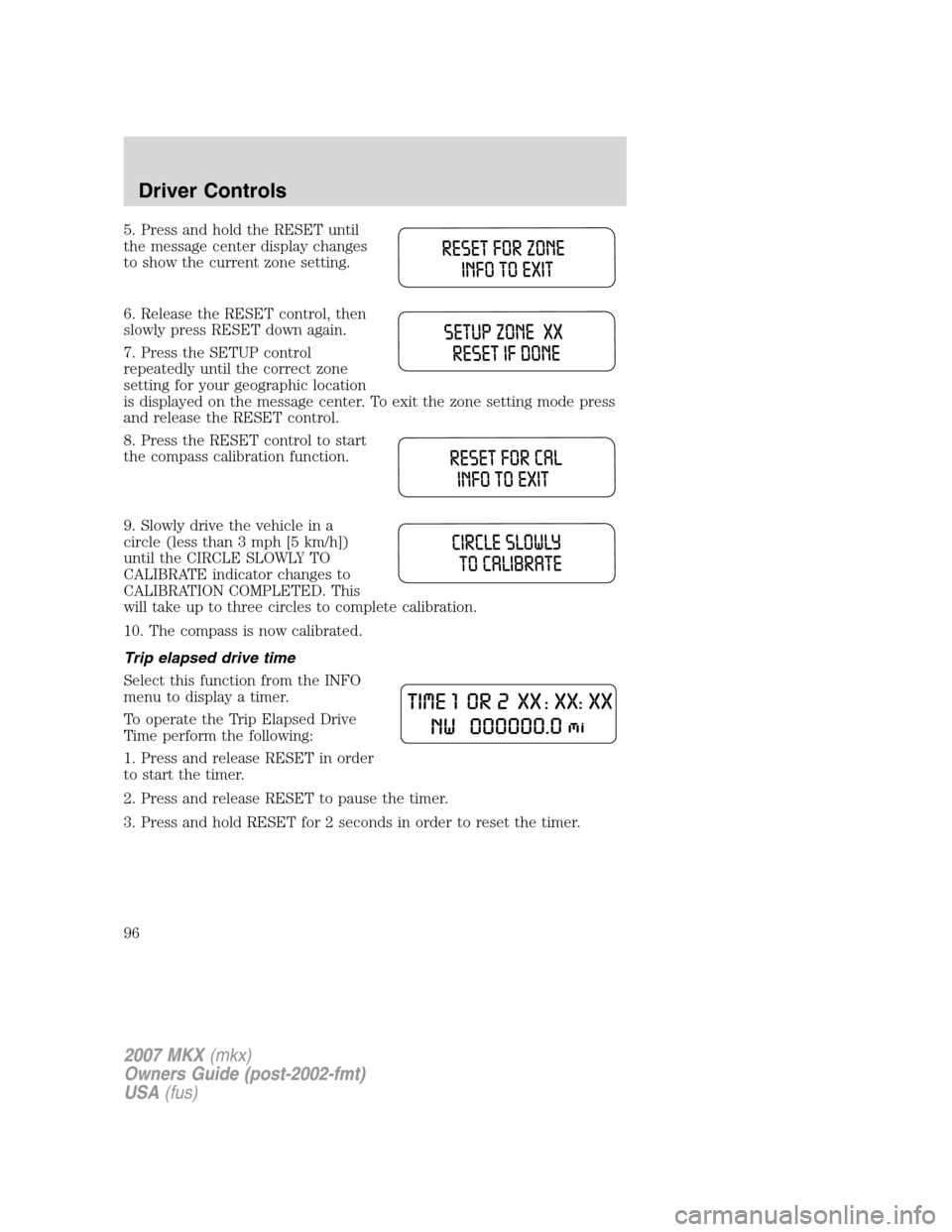
5. Press and hold the RESET until
the message center display changes
to show the current zone setting.
6. Release the RESET control, then
slowly press RESET down again.
7. Press the SETUP control
repeatedly until the correct zone
setting for your geographic location
is displayed on the message center. To exit the zone setting mode press
and release the RESET control.
8. Press the RESET control to start
the compass calibration function.
9. Slowly drive the vehicle in a
circle (less than 3 mph [5 km/h])
until the CIRCLE SLOWLY TO
CALIBRATE indicator changes to
CALIBRATION COMPLETED. This
will take up to three circles to complete calibration.
10. The compass is now calibrated.
Trip elapsed drive time
Select this function from the INFO
menu to display a timer.
To operate the Trip Elapsed Drive
Time perform the following:
1. Press and release RESET in order
to start the timer.
2. Press and release RESET to pause the timer.
3. Press and hold RESET for 2 seconds in order to reset the timer.
2007 MKX(mkx)
Owners Guide (post-2002-fmt)
USA(fus)
Driver Controls
96
Page 97 of 320
Setup menu
Press this control for the following
displays:
•System Check
•Units (English/Metric)
•Autolamp
•Autolock
•Autounlock
•Power Liftgate (if equipped)
•Easy entry/exit seat (if equipped)
•Reverse sensing system (Park Assist) (if equipped)
•Language
System check
Selecting this function from the
SETUP menu causes the message
center to cycle through each of the
systems being monitored. For each
of the monitored systems, the
message center will indicate either an OK message or a warning message
for two to four seconds.
Pressing the RESET control cycles the message center through each of
the systems being monitored.
The sequence of the system check report is as follows:
1. DOORS CLOSED
2. ENGINE TEMPERATURE
3. OIL PRESSURE
4. BRAKE FLUID LEVEL
5. WASHER FLUID LEVEL
6. FUEL LEVEL
7. DISTANCE TO EMPTY
2007 MKX(mkx)
Owners Guide (post-2002-fmt)
USA(fus)
Driver Controls
97
Page 100 of 320

2. Pressing the RESET control
cycles the message center through
each of the language choices.
Selectable languages are English, Spanish and French.
3. Press and hold the RESET
control for 2 seconds to set the
language choice.
System warnings
System warnings alert you to possible problems or malfunctions in your
vehicle’s operating systems.
In the event of a multiple warning situation, the message center will
cycle the display to show all warnings by displaying each one for several
seconds.
The message center will display the last selected feature if there are no
more warning messages. This allows you to use the full functionality of
the message center after you acknowledge the warning by pressing the
RESET control and clearing the warning message.
Warning messages that have been reset are divided into three categories:
•They will not disappear until a condition is changed.
•They will reappear on the display ten minutes from the reset.
•They will not reappear until an ignition LOCK/OFF-ON cycle has been
completed.
This acts as a reminder that these warning conditions still exist within
the vehicle.
Warnings Status
Driver door ajar Warning cannot be reset (PLEASE
CLOSE DOOR) will be displayed
Passenger door ajar
Rear left door ajar
Rear right door ajar
Park brake engaged RELEASE PARK BRAKE will be
displayed
2007 MKX(mkx)
Owners Guide (post-2002-fmt)
USA(fus)
Driver Controls
100
Page 104 of 320

The Power Liftgate feature can be
enabled or disabled using the
Message Center. With the control in
the OFF position, power operation
is disabled from the liftgate handle
button and from the rear cargo area button. The integrated keyhead
transmitter and instrument panel switch will operate the liftgate
regardless of the position state of the Message Center. Refer to the
Message Centersection in this chapter.
To power open or close the
liftgate from the Instrument
panel:
Press the button, located to the left
of the steering column, once to
power open or close the liftgate.
To power open or close the
liftgate with the integrated
keyhead transmitter:
Press
twice within 3 seconds to
power open or close the liftgate.
Refer toRemote Entry Systemin
theLocks and securitychapter.
To power close the liftgate with
the rear cargo area control
button:
Press and release the control on the
left rear quarter panel to close the
liftgate.
Note:The rear cargo area control
button is disabled when the liftgate
is latched.
2007 MKX(mkx)
Owners Guide (post-2002-fmt)
USA(fus)
Driver Controls
104
Page 105 of 320

Warning, keep clear of the liftgate when activating the rear
switch.
Note:The liftgate movement direction can be reversed with a second
press of the instrument panel, or the rear cargo area control button, or a
second double press of the integrated keyhead transmitter button.
To power open the liftgate with
outside liftgate control button:
1. To open, unlock the liftgate with
the integrated keyhead transmitter
or power door unlock control.
2. Push the control button located
above the liftgate outside handle to
unlatch and power open the liftgate.
Note:For the best performance
allow the power system to open the
liftgate after pushing the control. Manually pushing or pulling the liftgate
may activate the system’s obstacle detection feature and stop the power
system.
To manually operate the liftgate:
1. Disable the liftgate power function. Refer to theMessage Centerin
this chapter.
2. Open and close the liftgate as you would a standard liftgate. Refer to
theManual liftgatein this chapter.
Note:In case of operation in extreme cold -40° F (-40° C), or on
extreme inclines, manual operation of the liftgate is suggested.
Obstacle detection
The power liftgate system is equipped with an obstacle detection feature.
If the power liftgate is closing, the system will reverse to full open when
it detects an obstacle. A chime will sound 3 times when an obstacle is
detected as the liftgate begins to reopen. Once the obstacle is removed,
the liftgate can be closed under power.
If the power liftgate is opening, the system will stop and a chime will
sound 3 times when an obstacle is detected. Once the obstacle is
removed, the liftgate can again be operated normally.
2007 MKX(mkx)
Owners Guide (post-2002-fmt)
USA(fus)
Driver Controls
105