2007 KIA Sedona ignition
[x] Cancel search: ignitionPage 234 of 344
3 225
Features of your vehicle
✽
✽NOTICEYou must repeatedly push any button to
move through several items. Pressing
and holding any button will not advance
the cursor beyond the position just
moved. Press ENTER to select the desired menu
choice.11. SourcePress the SOURCE button to switch from
the RSE’s internal DVD player to an
external device such as a VCR or video
game. The sound and images from the
external source will be presented
through the RSE.
Pressing the SRC button will switch
between the following RSE states:
Playback state - will play DVDs, VCDs
and CDs
Auxiliary (AUX) state - will play video
games and other external devices When an external source is selected, the
RSE’s internal DVD player turns off.
Press the SRC button to switch back
from the external source to the internal
DVD player.
If a disc is present in the DVD player, the
disc will begin to play. If another source
has been detected, such as a VCR or
video game, the RSE will enter the AUX
mode automatically and shall remain so
until a disc is inserted or until the PLAY/
SRC button is pressed on the RSE’s front
panel or on the remote control. If the
vehicle ignition is on but the player isn't
being used, the display will power off.
The DVD mechanism will be in sleep
mode, but the main RSE's controller will
stay up to accept commands from the
front panel controls or the remote control.
✽ ✽
NOTICEThe external device must be correctly
connected to the RSE in order to play
properly.
12. AngleSome DVDs offer different scene angles.
If available on the DVD, the ANGLE but-
ton will show you the other available
scene angles. If angle scenes are not
available, then “Invalid icon[ :
]” will be
displayed. Pressing the ANGLE button
during CD play will do nothing.13. SubscriptThe SUBSC button allows you to display
or remove language subtitles. If no lan-
guage subtitles are available, the display
will show an invalid icon[ :
]. Pressing the
SUBSC button during CD play will do
nothing.14. LanguagePressing the LANG button will allow you
to select your preferred language, if avail-
able. Select the language and then press
enter. If no other languages are available,
the display will show an invalid icon[ :
].
Pressing the LANG button during CD
play will do nothing.
Page 237 of 344
Features of your vehicle228
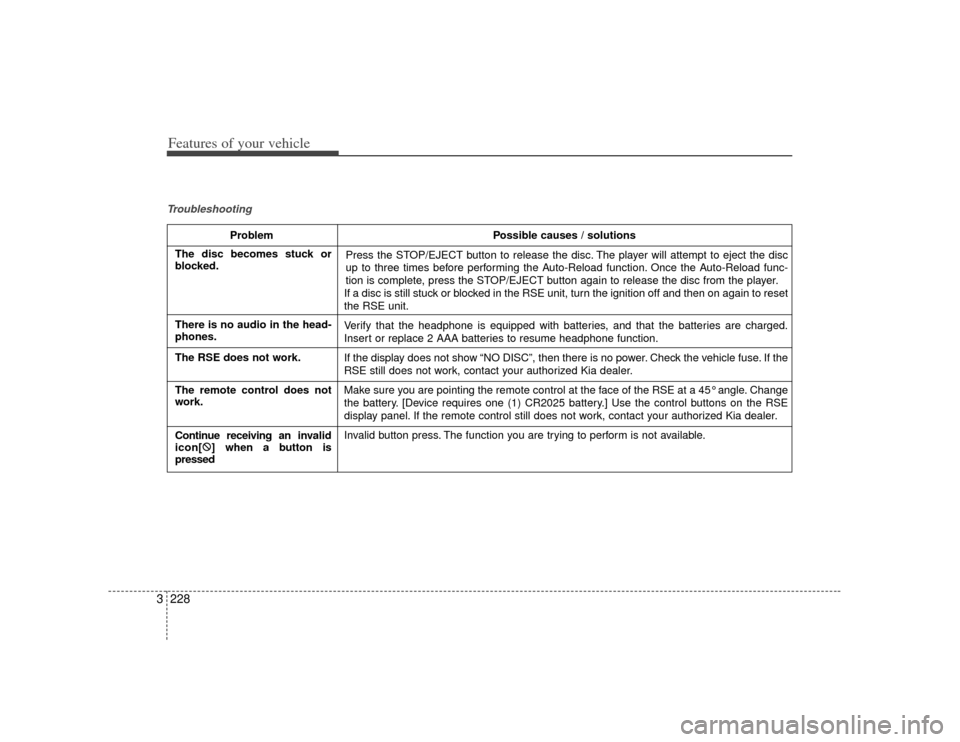
3Troubleshooting
Problem Possible causes / solutions
Press the STOP/EJECT button to release the disc. The player will attempt to eject the disc
up to three times before performing the Auto-Reload function. Once the Auto-Reload func-
tion is complete, press the STOP/EJECT button again to release the disc from the player.
If a disc is still stuck or blocked in the RSE unit, turn the ignition off and then on again to reset
the RSE unit.
Verify that the headphone is equipped with batteries, and that the batteries are charged.
Insert or replace 2 AAA batteries to resume headphone function.
If the display does not show “NO DISC”, then there is no power. Check the vehicle fuse. If the
RSE still does not work, contact your authorized Kia dealer.
Make sure you are pointing the remote control at the face of the RSE at a 45° angle. Change
the battery. [Device requires one (1) CR2025 battery.] Use the control buttons on the RSE
display panel. If the remote control still does not work, contact your authorized Kia dealer.
Invalid button press. The function you are trying to perform is not available.
The disc becomes stuck or
blocked.
There is no audio in the head-
phones.
The RSE does not work.
The remote control does not
work.
Continue receiving an inv alid
icon[ :
] when a button is
pressed
Page 239 of 344

Driving your vehicle24Before entering vehicle:• Be sure that all windows, outside mir-ror(s), and outside lights are clean.
Check the condition of the tires.
Check under the vehicle for any sign of leaks.
Be sure there are no obstacles behind you if you intend to back up.Necessary inspections Fluid levels, such as engine oil, engine
coolant, brake fluid, and washer fluid
should be checked on a regular basis,
with the exact interval depending on the
fluid. Further details are provided in
Section 6, Maintenance.
Before starting Close and lock all doors.
Position the seat so that all controls areeasily reached.
Adjust the inside and outside rearview mirrors.
Be sure that all lights work.
Check all gauges.
Check the operation of warning lights when the ignition switch is turned to
the ON position.
Release the parking brake and make sure the brake warning light goes out.
For safe operation, be sure you are famil-
iar with your vehicle and its equipment.
BEFORE DRIVING
WARNING
- Driving under
the influence of alcohol or
drugs
Drinking and driving is dangerous.
Drunk driving is the number one
contributor to the highway death
toll each year. Even a small amount
of alcohol will affect your reflexes,
perceptions and judgement. Driving
while under the influence of drugs
is as dangerous or more dangerous
than driving drunk.
You are much more likely to have a
serious accident if you drink or take
drugs and drive.
If you are drinking or taking drugs,
don’t drive. Do not ride with a driv-
er who has been drinking or taking
drugs. Choose a designated driver
or call a cab.
Page 240 of 344
43
Driving your vehicle
Illuminated ignition switch Whenever front door is opened, the igni-
tion switch will be illuminated for your
convenience, provided the ignition switch
is not in the ON position. The light will go
off immediately when the ignition switch
is turned on or go off after about 10 sec-
onds when the door is closed.
Ignition switch and anti-theft
steering column lock Ignition switch positionLOCKThe steering wheel locks to protect
against theft. The ignition key can be
removed only in the LOCK position.
When turning the ignition switch to the
LOCK position, push the key inward at
the ACC position and turn the key toward
the LOCK position.ACC (Accessory)
The steering wheel is unlocked and elec-
trical accessories are operative.
ON
The warning lights can be checked
before the engine is started. This is the
normal running position after the engine
is started.
Do not leave the ignition switch ON if the
engine is not running to prevent batterydischarge.START
Turn the ignition key to the START posi-
tion to start the engine. The engine will
crank until you release the key; then it
returns to the ON position. The brake
warning lamp can be checked in this
position.✽ ✽ NOTICEIf difficulty is experienced in turning the
ignition key to the START position, turn
the steering wheel right and left to
release the tension and then turn the
key.
KEY POSITIONS
1VQA3017
1VQA3018
Page 241 of 344
Driving your vehicle44
STARTING THE ENGINE 1. Make sure the parking brake isapplied.
2. Place the transaxle shift lever in P (Park). Depress the brake pedal fully.
You can also start the engine whenthe shift lever is in the N (Neutral)position.
3. Turn the ignition switch to START and hold it there until the engine starts (a
maximum of 10 seconds), then
release the key.
4. In extremely cold weather (below -18°C / 0°F) or after the vehicle has
not been operated for several days, let
the engine warm up without depress-
ing the accelerator.Whether the engine is cold or warm, itshould be started without depressing the accelerator.
WARNING -
Ignition key
Never turn the ignition switch to LOCK or ACC while the vehicle is
moving. This would result in loss of
directional control and braking
function, which could cause an
accident.
The anti-theft steering column lock is not a substitute for the parking
brake. Before leaving the driver’s
seat, always make sure the shift
lever is engaged in P (Park) for
automatic transaxle, set the park-
ing brake fully and shut the engine
off. Unexpected and sudden vehi-
cle movement may occur if these
precautions are not taken.
Never reach for the ignition switch, or any other controls through the
steering wheel while the vehicle is
in motion. The presence of your
hand or arm in this area could
cause a loss of vehicle control, an
accident and serious bodily injury
or death.
Do not place any movable objects around the driver’s seat as they
may move while driving, interfere
with the driver and lead to an acci-
dent.
CAUTION
If the engine stalls while you are inmotion, do not attempt to move the shift lever to the P (Park) position. Iftraffic and road conditions permit, you may put the shift lever in the N(Neutral) position while the vehicleis still moving and turn the ignition switch to the START position in anattempt to restart the engine.
CAUTION
Do not engage the starter for morethan 10 seconds. If the engine stalls out or fails to start, wait 5 to 10 sec-onds before re-engaging the starter.Improper use of the starter maydamage it.
WARNING
Always wear appropriate shoes
when operating your vehicle.
Unsuitable shoes (high heels, ski
boots,etc.) may interfere with your
ability to use the brake and acceler-
ator pedal.
Page 246 of 344

49
Driving your vehicle
Moving up a steep grade from a
standing startTo move up a steep grade from a stand-
ing start, depress the brake pedal, shift
the shift lever to D (Drive). Select the
appropriate gear depending on load
weight and steepness of the grade, and
release the parking brake. Depress the
accelerator gradually while releasing the
service brakes.
When accelerating from a stop on a
steep hill, the vehicle may have a ten-
dency to roll backwards. Shifting the
shift lever into 2 (Second Gear) while
in Sports mode will help prevent the
vehicle from rolling backwards.
Shift lock system For your safety, the automatic transaxle
has a shift lock system which prevents
shifting the transaxle out of P (Park)
unless the brake pedal is depressed.
To shift the transaxle out of P (Park):
1. Depress and hold the brake pedal.
2. Start the engine or turn the ignition tothe ON position.
3. Depress the lock release button and move the shift lever.
If the brake pedal is repeatedly
depressed and released with the shift
lever in the P (Park) position, a chattering
noise near the shift lever may be heard.
This is a normal condition.
Shift-lock overrideIf the shift lever should fail to move from
the P (Park) position with the brake pedal
depressed, continue depressing the
brake, then do the following:
1. Carefully remove the cap covering the S/Lock override access hole which is
located on the right side of the shift
lever.
1VQA3026
Page 247 of 344
Driving your vehicle10
42. Insert the screwdriver into the access
hole and press down on the screwdriv-
er. 3. Depress the lock release button and
move the shift lever.
4. Have your vehicle inspected by an authorized Kia dealership immediately.
Ignition key interlock system The ignition key cannot be removed
unless the shift lever is in the P (Park)
position. If the ignition switch is in any
other position, the key cannot be
removed.
1VQA3027
1VQA3028
Page 249 of 344

Driving your vehicle12
4To cancel cruise control, do one
of the following: Press the brake pedal.
Shift into N (Neutral) with an automatic
transaxle.
Press the CANCEL switch located on the steering wheel.
Press the COAST/SET and RES/ ACCEL switches at the same time.Each of these actions will cancel cruisecontrol operation (the SET indicator light in the instrument cluster will go OFF), butit will not turn the system off. If you wishto resume cruise control operation, push the RES/ACCEL switch located on yoursteering wheel. You will return to yourpreviously preset speed.
To turn cruise control off, do one
of the following: Pull the CRUISE ON-OFF button (the CRUISE indicator light in the instru-
ment cluster will go OFF).
Turn the ignition off.Both of these actions cancel cruise con- trol operation. If you want to resumecruise control operation, repeat the stepsprovided in “To Set Cruise ControlSpeed” on the previous page.
To increase cruise control set
speed:Follow either of these procedures:
Push the RES/A CCEL switch and hold
it. Your vehicle will accelerate. Release
the switch at the speed you want.
Push the RES/A CCEL switch and
release it immediately. The cruising
speed will increase by 2.0 km/h (1.2
mph) each time the RES/ACCEL switch
is operated in this manner.
OVQ046004N
OVQ046005N